
Learn Python | PythonBook
Learn Python Tutorials guide
Projetado para iPhone, iPad, iPod touch
R$ 19,90
- Classificação etária9+
- CategoriaEducação
- DesenvolvedorMuhammad Umair
- IdiomasInglês
- Tamanho72,3 MB
Leva à página oficial na App Store
O Download.org não hospeda nenhum arquivo de Learn Python | PythonBook. O botão abre a página do app na App Store, onde Muhammad Umair o publica. Página verificada pela última vez em 17/11/2026.
Capturas de tela

Sobre
O desenvolvedor não forneceu este texto no seu idioma.
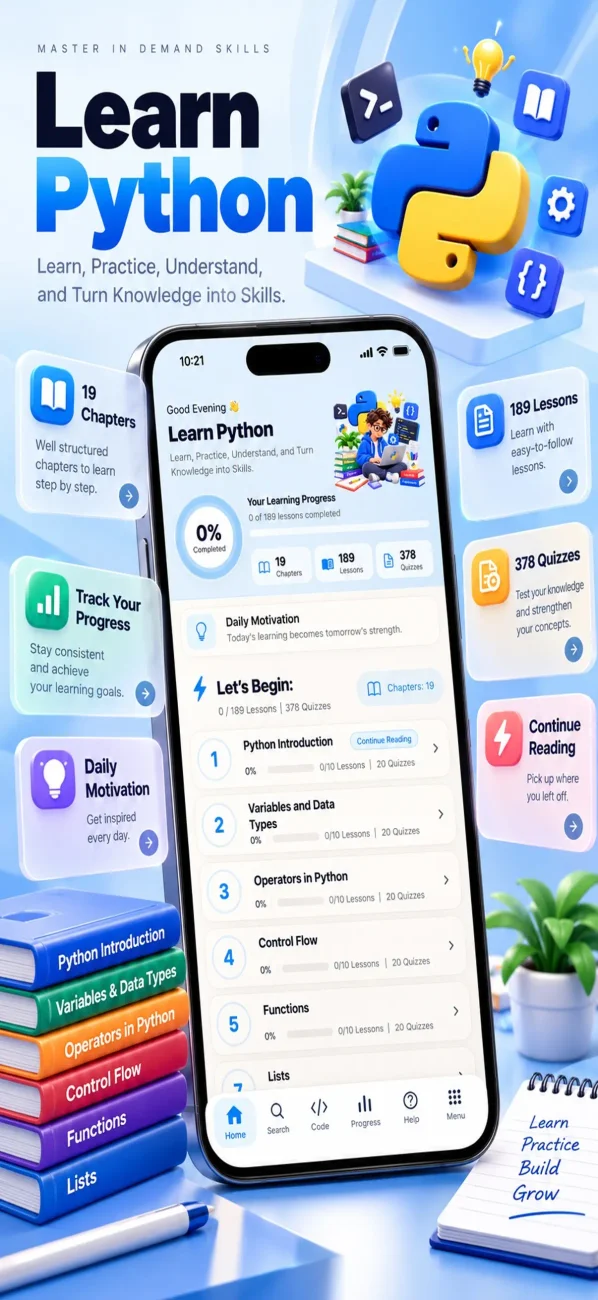
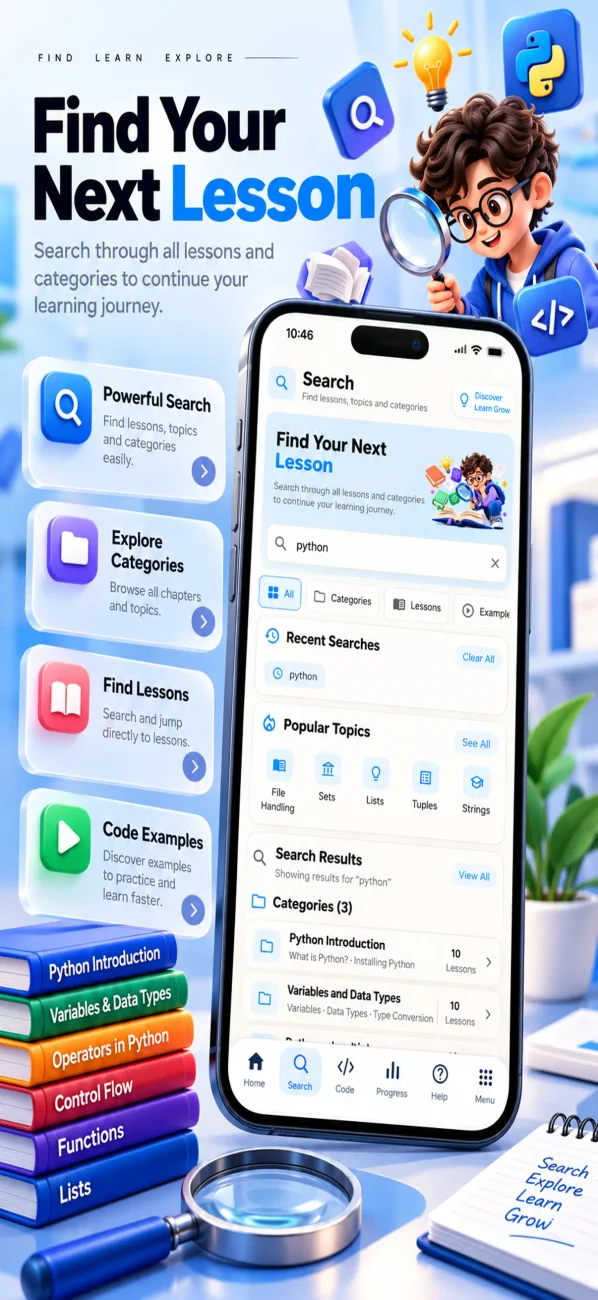
Learn Python at your own pace with structured lessons, quizzes, and tools to keep your learning organized. Explore Python fundamentals, follow your progress, and return to the topics you want to study.
Learn Python brings lessons, quiz questions, notes, and learning progress together in one place. Whether you're opening your first Python lesson or revisiting a topic, you can follow a clear chapter-based learning experience.
EXPLORE PYTHON LESSONS
Start with Python Introduction and work through lessons covering topics shown in the app, including:
• What is Python?
• Installing Python
• Python IDEs
• Hello World Program
• Python File Structure
• Syntax Basics
• Python Comments
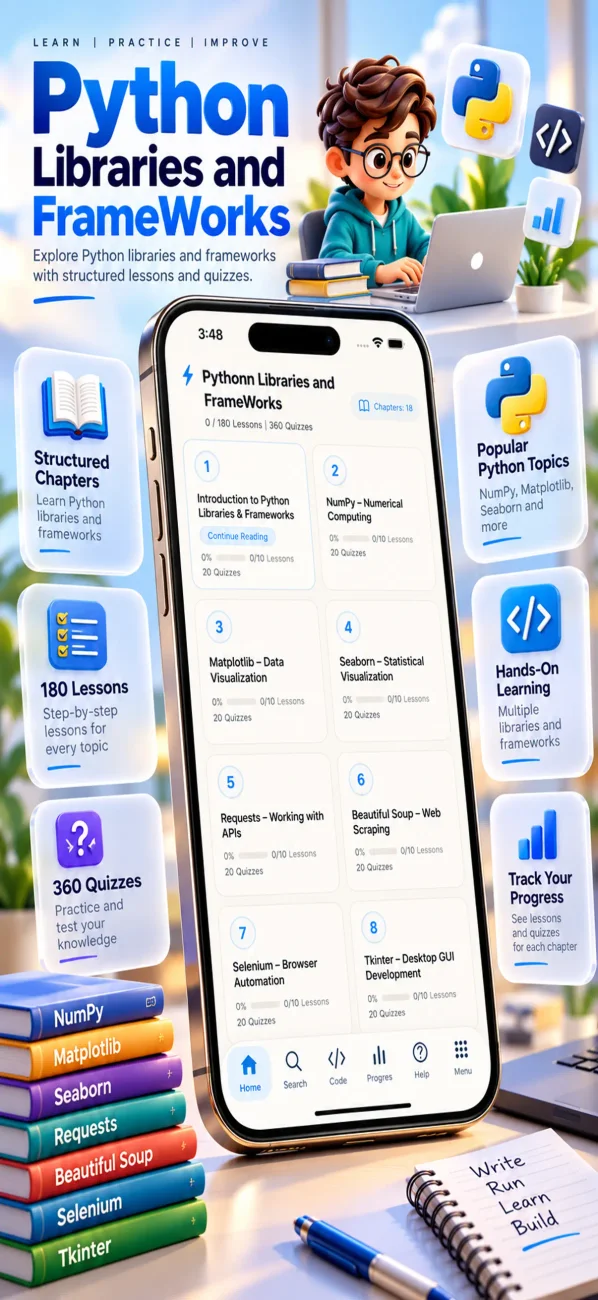
Each lesson is presented within a chapter, with reading-time information and quiz questions. Move through the lesson list in an organized way and revisit individual topics whenever you need to.
PRACTICE WITH QUIZZES
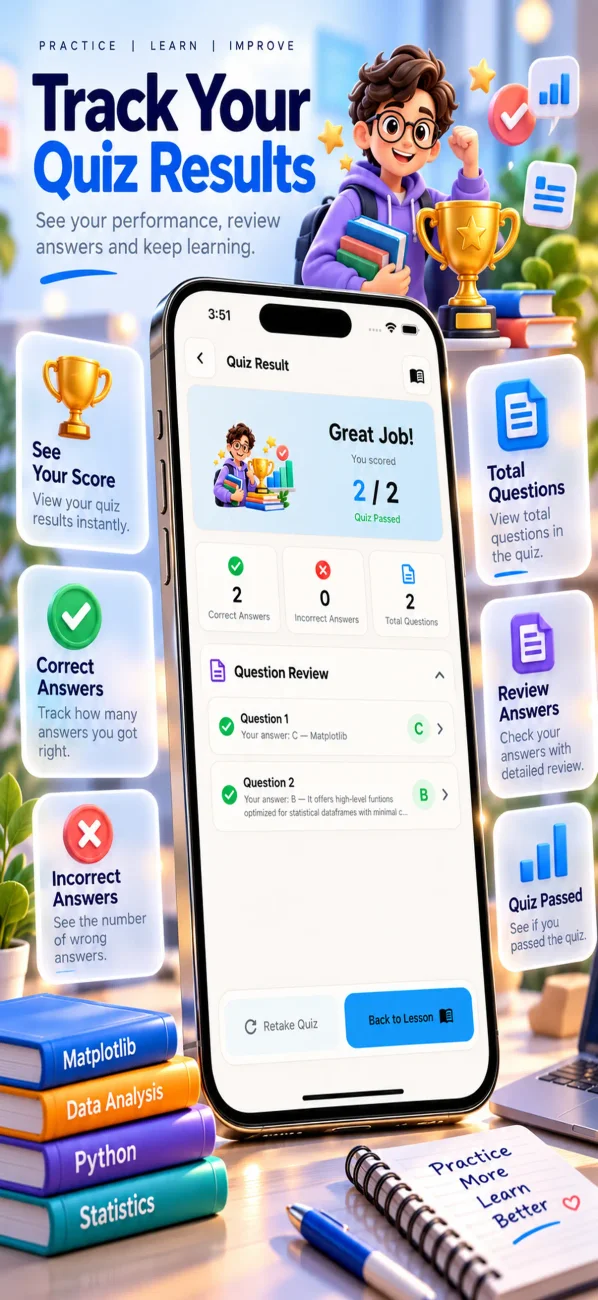
Use the quiz questions associated with lessons to review what you've studied. The chapter overview displays quiz information alongside the lesson count, so you can see the learning material and practice opportunities together.
FOLLOW YOUR LEARNING PROGRESS
See how far you've progressed through a chapter with a completion percentage and progress bar. Lesson cards display individual progress, and completed lessons are clearly marked. A Continue Reading label helps you identify a lesson to return to.
The chapter overview also brings together useful details such as completed lessons, quiz questions, and average reading time. Stay aware of what you've covered and what remains.
KEEP YOUR STUDY MATERIAL ORGANIZED
Take Notes
Keep study notes accessible while working through your learning material.
Bookmarked Lessons
Return to lessons you've saved for later review.
Recent Lessons
Find recently studied lessons from your learning history.
These tools make it easier to pick up where you left off and keep important topics within reach.
EXPLORE THE CODE SECTION
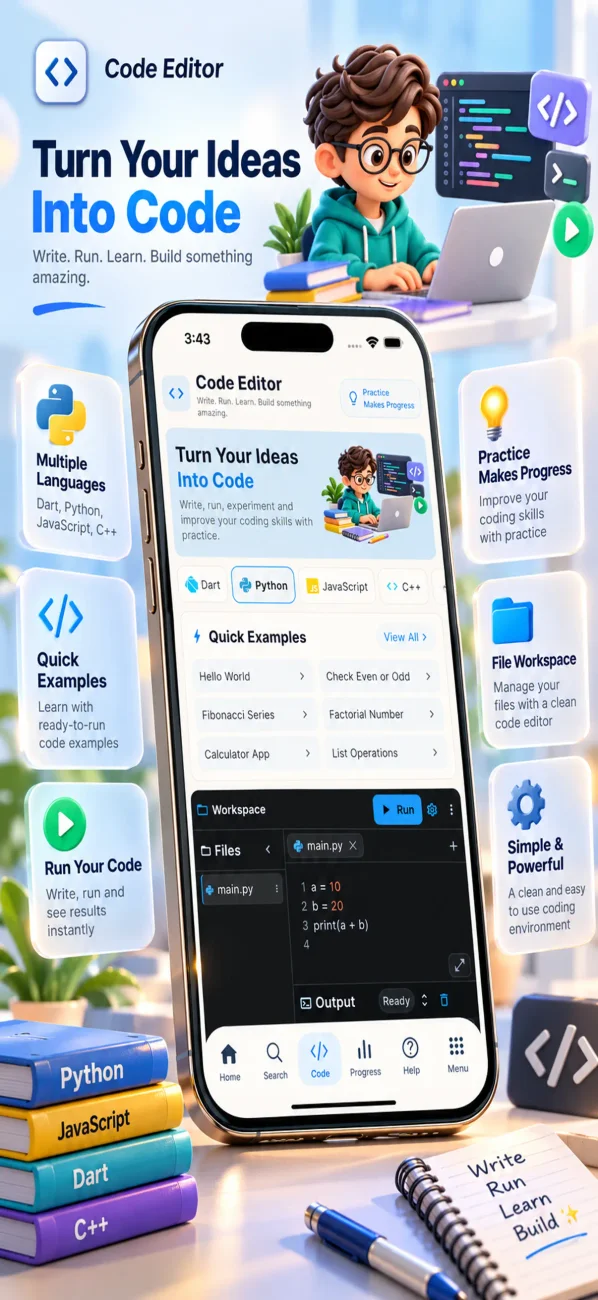
Access the app's Code section from the bottom navigation alongside Home, Search, Progress, Help, and Menu. Keep coding-related learning close to your lessons and study tools.
SET UP YOUR LEARNING EXPERIENCE
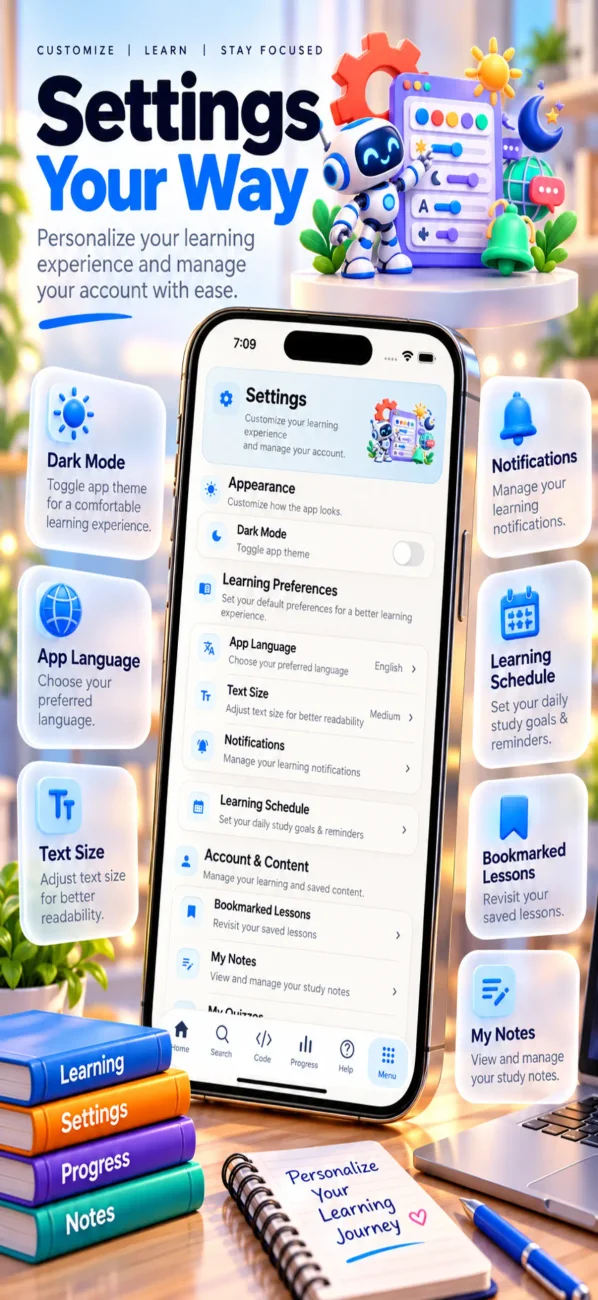
Make the app more comfortable to use with settings visible in the app:
• Dark Mode for changing the appearance
• App Language preferences
• Adjustable Text Size
• Notification settings
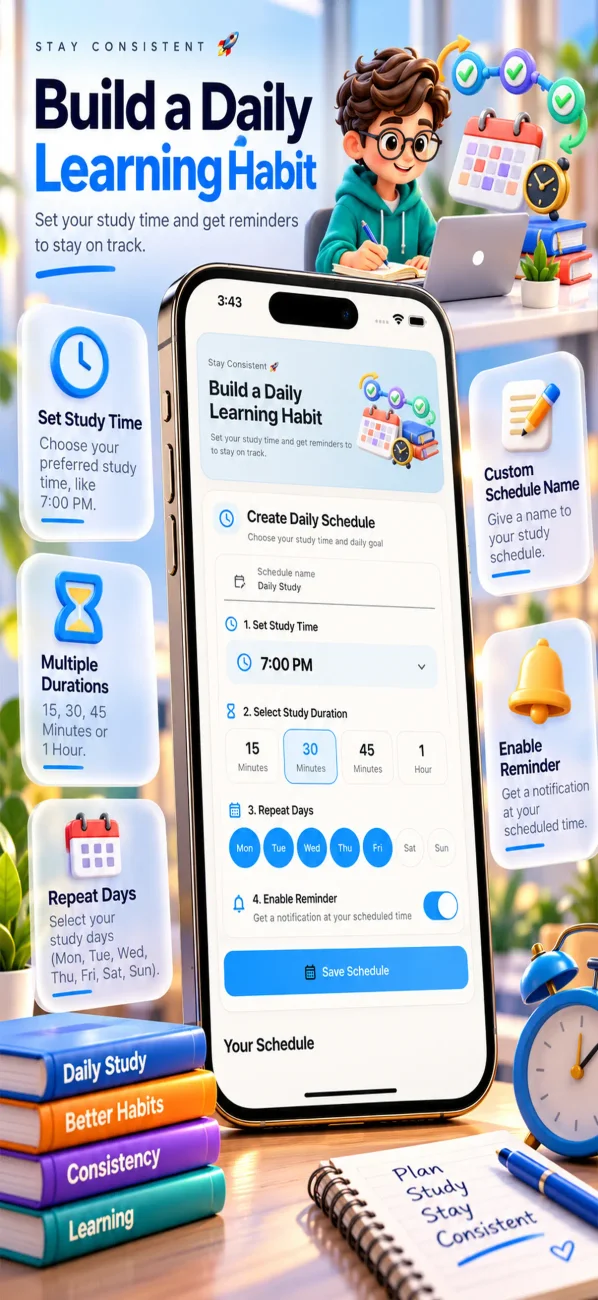
• Learning Schedule for daily study goals and reminders
Choose the preferences that suit your reading and study routine.
LEARN IN A WAY THAT WORKS FOR YOU
Python learning is easier to follow when lessons, practice, and progress are organized in one place. Open a chapter, read a topic, review quiz questions, and track completed lessons as you move forward.
With Learn Python, you can explore introductory Python topics, keep notes, revisit bookmarks, and manage your learning schedule from a single app.
CLEAR CHAPTER OVERVIEWS
Before you open a lesson, the chapter header shows key details: chapter number, reading time, completed lessons, quiz questions, and overall progress. A separate summary highlights lesson and quiz totals and average reading time.
LESSON-BY-LESSON TRACKING
The lesson list keeps reading-time estimates, quiz counts, and progress percentages beside each topic. Completed lessons and lessons marked Continue Reading are easy to distinguish.
STUDY AT YOUR OWN PACE
Choose a lesson, return to bookmarked material, or open your notes while reviewing. Use the learning schedule to set study goals and reminders, and adjust text size or appearance to suit your preferences.
FROM FIRST TOPICS TO REGULAR REVIEW
Begin with introductory topics such as Python installation and your first Hello World program. Continue with file structure, syntax, and comments, then revisit what you've covered through quizzes and progress indicators.
Start exploring Python lessons and make steady progress, one topic at a time.
Novidades
Versão 1.2 · 28/10/2026
Fixed Bugs
Privacidade do app
O que Muhammad Umair declara na App Store sobre como este app lida com os dados.
-
Dados não coletados
O desenvolvedor não coleta nenhum dado deste app.
As práticas de privacidade podem variar, por exemplo, com base nos recursos que você usa ou na sua idade.
Informações
- Vendedor
- Muhammad Umair
- Categoria
- Educação
- Versão
- 1.2
- Atualizado
- 28/10/2026
- Lançamento
- 27/10/2025
- Tamanho
- 72,3 MB
- Requer
- iOS 15.6 ou posterior
- Classificação etária
- 9+
- Preço
- R$ 19,90
- Idiomas
- Inglês
- Copyright
- © Muhammad Umair
Você também pode gostar
-
 Binary World SSCEducação
-
 Learn Mathematics [PRO]Educação
-
 Power Substation 3D SimulatorEducação
-
 iDroidSimEducação
-
 Breakthrough! HiraKataEducação
-
 Math Symbol HelperEducação
-
 BlumotoEducação
-
 Learn Math Fast: Math MastersEducação
-
 Electric Circuits SimulatorEducação
-
 Jogos educativos crianças 3-5Matemática educação infantil