Learn To Write
Learn to write the easy way!
Projetado para iPhone, iPad, iPod touch
R$ 12,90
- Classificação etária4+
- CategoriaEducação
- DesenvolvedorJustin Hackett Productions
- IdiomasInglês
- Tamanho52,3 MB
Leva à página oficial na App Store
O Download.org não hospeda nenhum arquivo de Learn To Write. O botão abre a página do app na App Store, onde Justin Hackett Productions o publica. Página verificada pela última vez em 16/11/2026.
Capturas de tela
Sobre
O desenvolvedor não forneceu este texto no seu idioma.
The app educators choose for classroom use, and the only app that records a child's letter strokes for parents and educators to review.
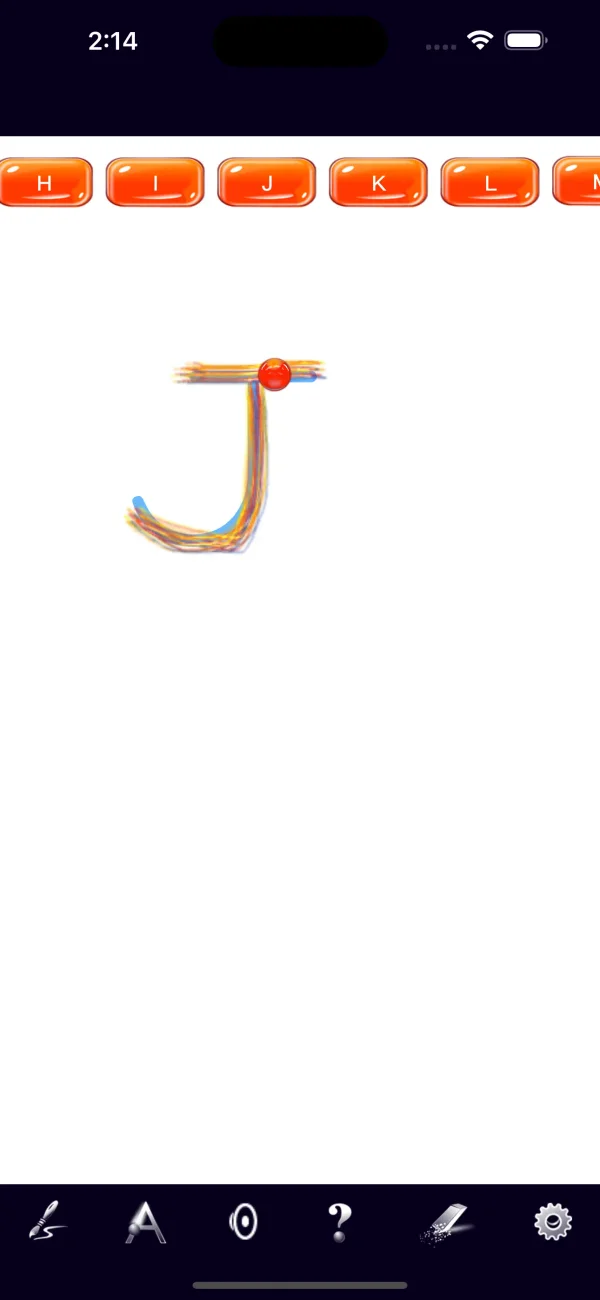
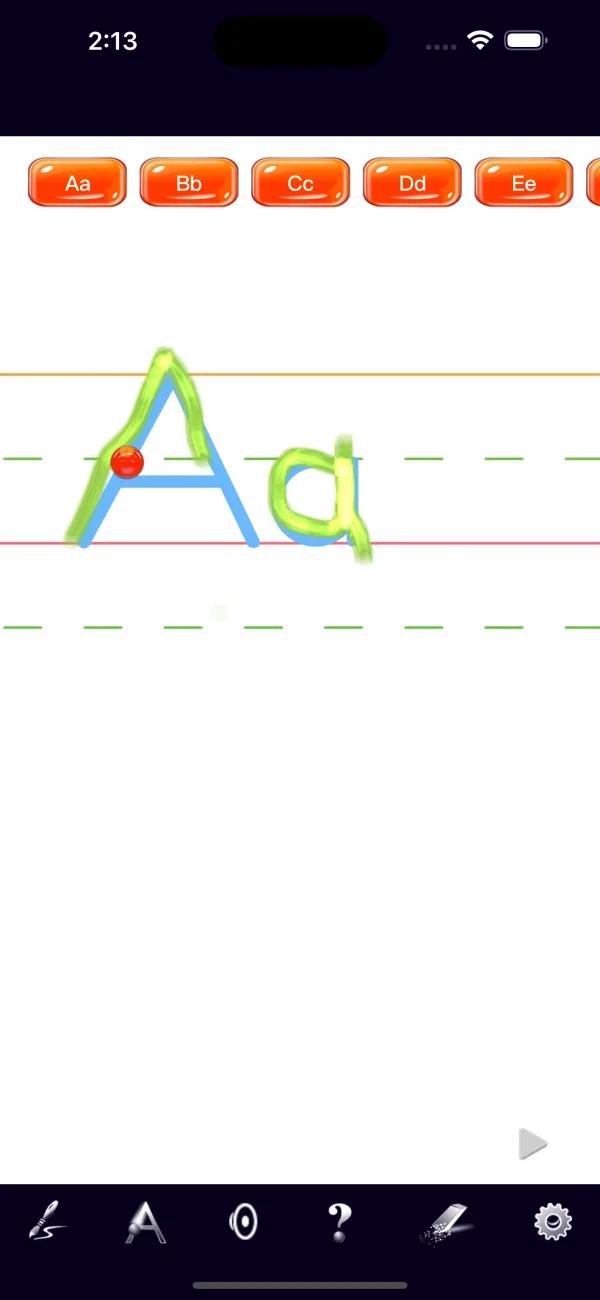
Learn to Write is a fun way for children to learn how to write their letters and numbers, and with the improved playback feature in version 4.1, it's easy for the teacher to make sure they do it correctly. This unique playback function, found in Learn to Write, saves the child's writing so you can play it back in real time to see how the child is forming letters and numbers. Children learn the proper strokes with the help of an adjustable-speed-animated ball that they can follow and write along with. With each selection of a letter or number, an audio file says the letter to aid in memorizing the alphabet. Over a dozen unique pen styles are available for tracing.
Parents enjoy the educational value and entertainment this mess-free learning tool provides (after all, who needs crayon, marker, or pencil stains on the carpet, table, or wall?). Also great for long car trips, doctor's offices, and other waiting times. Write letters and numbers, or draw on the screen, and push the play-back button to see it all in real-time.
Not only is this a great app for teaching children at home, educators are also choosing this app for classroom instruction. You won't find silly cartoon characters and frustrating feedback that tells children they formed letters incorrectly when they failed to trace exactly as outlined. You help children Learn to Write, and then you can review the strokes of every letter formed for further one-on-one instruction.
Recommended for children 2 years and up.
---------
No in-app purchases.
No advertisements, popups, or storing of personal data.
---------
The strokes used in Learn To Write resemble the Zaner-Bloser style, which is also used in Romalda Spalding's The Writing Road to Reading, with the exception that O’s and Q’s are started at the top 12 o’clock position instead of the suggested 2 o’clock position. Not all teachers agree on the proper strokes for some letters. For example, some teachers prefer that the pen or stylus never leave the paper except to cross a t, or dot an i. A person's handwriting often adapts with time to be as efficient as possible, while still maintaining proper form. This application is meant as a guide to children and parents, but your individual curriculum may differ slightly.
Instructions for use:
-Select numbers, or letters in lowercase, uppercase, or mixed case using the segmented control on the settings screen.
-When a letter is selected and the child writes upon the screen, the writing is saved in memory. Pushing the triangle-shaped play button at the bottom of the writing screen plays back the last recorded strokes for each letter. A toolbar button allows the user to erase all of the saved strokes in memory.
-Red number icons on the settings screen give the total number of letter or number recordings.
-The brush button displays a pulldown menu full of usable brush styles. Just touch the brush-style to select it.
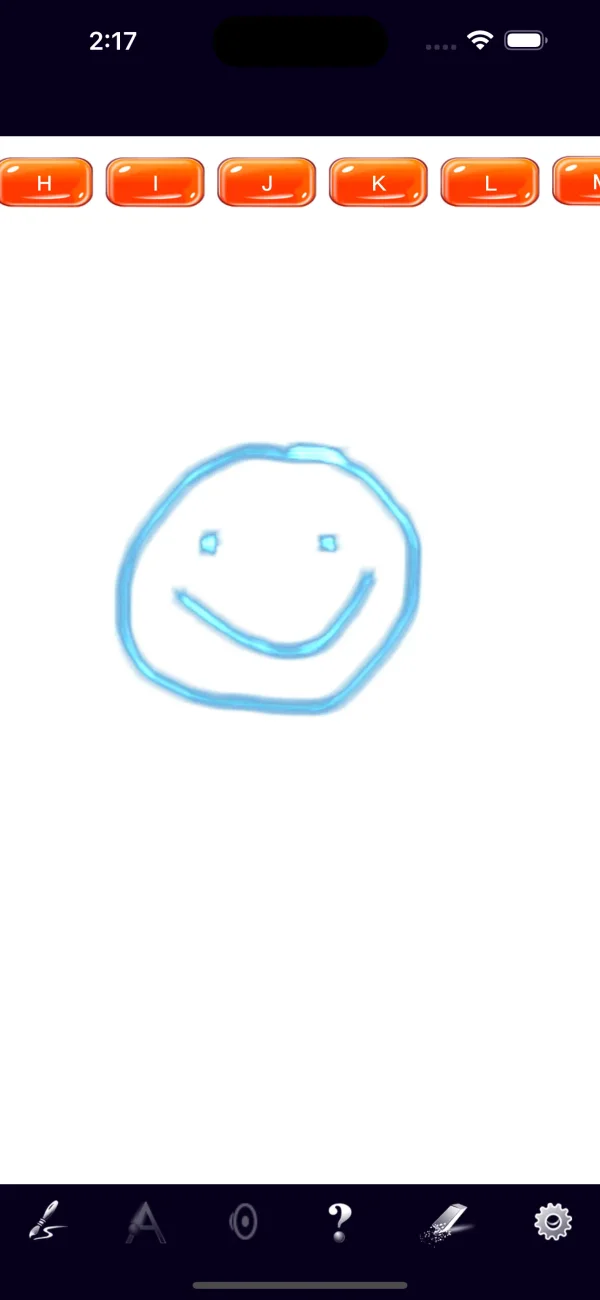
-Letter buttons display the letter on the screen and turn orange when there are saved strokes for the letter. At any time the user can draw using one's finger, just like a real pen and erase the drawing with the erase button on the toolbar.
-The toolbar button with a letter and ball activates the animated red ball, which demonstrates proper letter or number formation.
- Adjust the speed of the ball and volume using the sliders on the settings screen.
-Press the home and power button at the same time to take a snapshot of the screen and save it in the photo archive of the device .
Novidades
Versão 4.3 · 11/01/2024
- Fixed an issue where the ball animation-speed was too fast.
- Fixed an issue on the iPad version that made the brush-size too large when writing.
Privacidade do app
O que Justin Hackett Productions declara na App Store sobre como este app lida com os dados.
-
Dados não coletados
O desenvolvedor não coleta nenhum dado deste app.
As práticas de privacidade podem variar, por exemplo, com base nos recursos que você usa ou na sua idade.
Informações
- Vendedor
- Justin Hackett
- Categoria
- Educação
- Versão
- 4.3
- Atualizado
- 11/01/2024
- Lançamento
- 03/04/2010
- Tamanho
- 52,3 MB
- Requer
- iOS 12.0 ou posterior
- Classificação etária
- 4+
- Preço
- R$ 12,90
- Idiomas
- Inglês
- Copyright
- © 2010 Justin Hackett
Você também pode gostar
-
 Learn American English PremiumEducação
-
 School Fonts - Learn to writeEducação
-
 Phonics ConnectionsEducação
-
 Gold River Calvary ChapelEducação
-
 Letter Grade WritingEducação
-
 Reading Train Full STEAM AheadEducação
-
 ABA Data Collection: RBT & SLPEducação
-
 Learn Norwegian LangEducação
-
 Social ExpressEducação
-
 VocabHero: Learn SpanishSpanish Flashcards & Live Chat