
Libretto: Read & Study
Read, annotate & study with AI
Projetado para iPhone, iPad
Grátis · Compras no app
- Classificação etária4+
- CategoriaEducação
- DesenvolvedorMohammed Elnaggar
- IdiomasInglêse mais 1
- Tamanho56,6 MB
Leva à página oficial na App Store
O Download.org não hospeda nenhum arquivo de Libretto: Read & Study. O botão abre a página do app na App Store, onde Mohammed Elnaggar o publica. Página verificada pela última vez em 24/11/2026.
Capturas de tela

Sobre
O desenvolvedor não forneceu este texto no seu idioma.
Libretto is a calm, secure place to read and study your books, in English or Arabic, on iPad and iPhone.
READ WITHOUT DISTRACTION
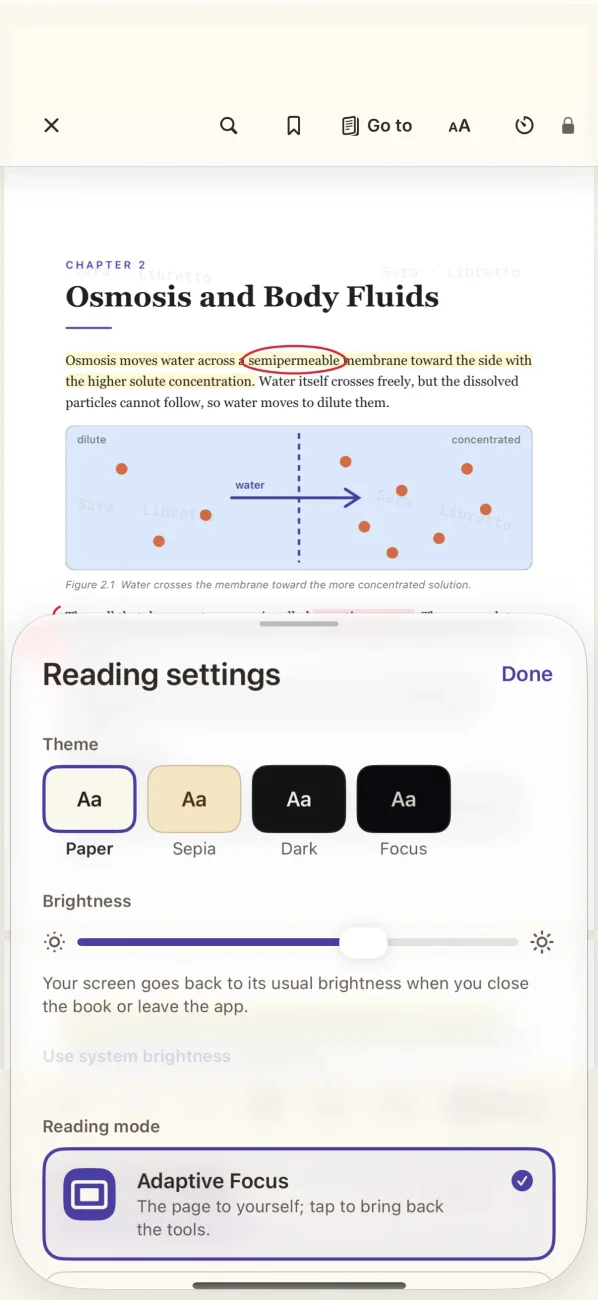
A paper-and-ink reader made for long study sessions. Pick a reading theme, zoom into the fine print, and turn pages your way.
MARK IT UP
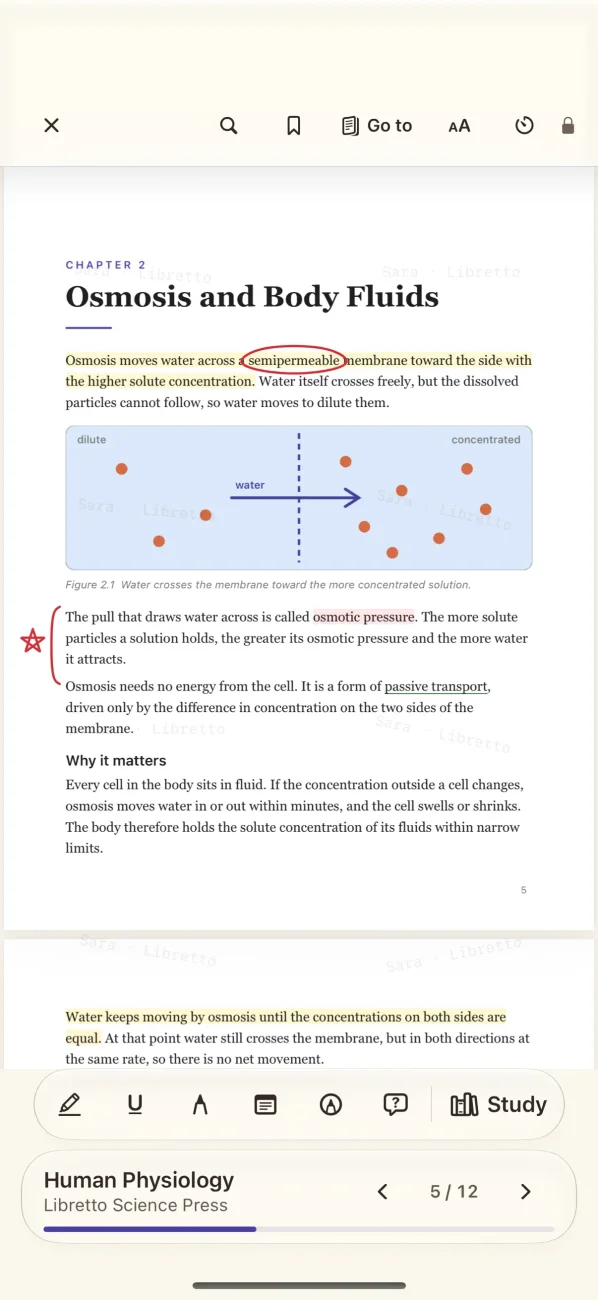
Highlight passages, write in the margins with Apple Pencil, add page notes and voice notes, and bookmark pages. Everything stays organised by book, chapter and page, and syncs across your devices.
STUDY SMARTER
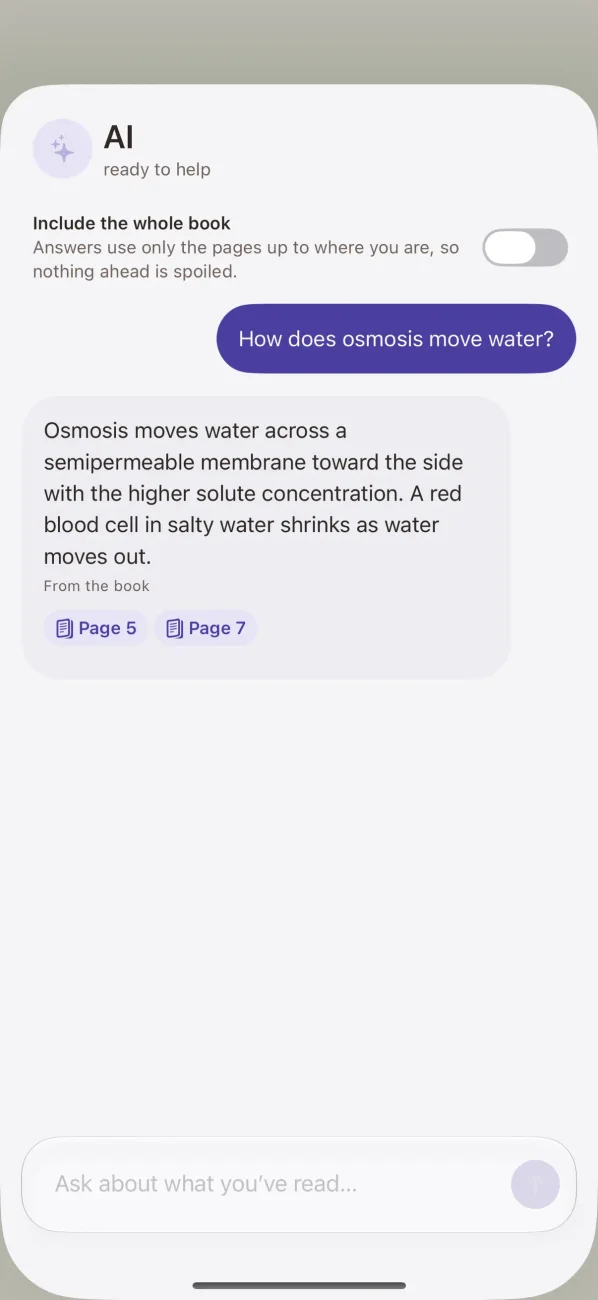
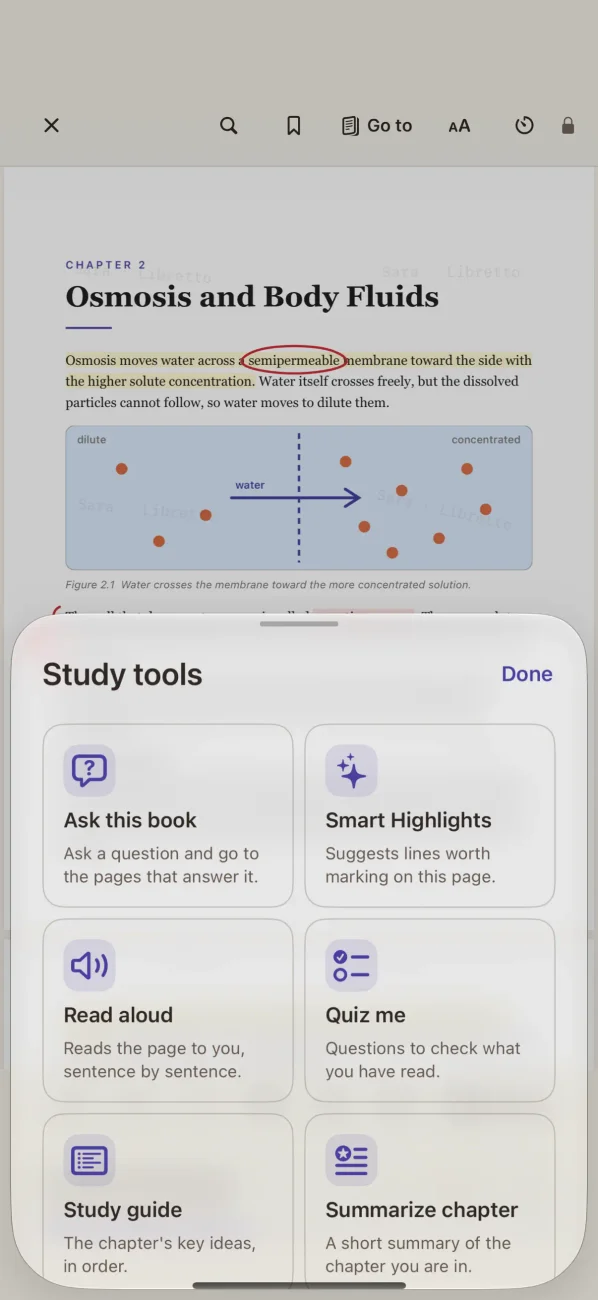
The Study Desk sits beside the page on iPad and under it on iPhone. Ask the assistant about what you are reading, get a chapter summary, simplify a hard paragraph, translate a passage, and turn highlights into flashcards and vocabulary lists.
KEEP THE HABIT
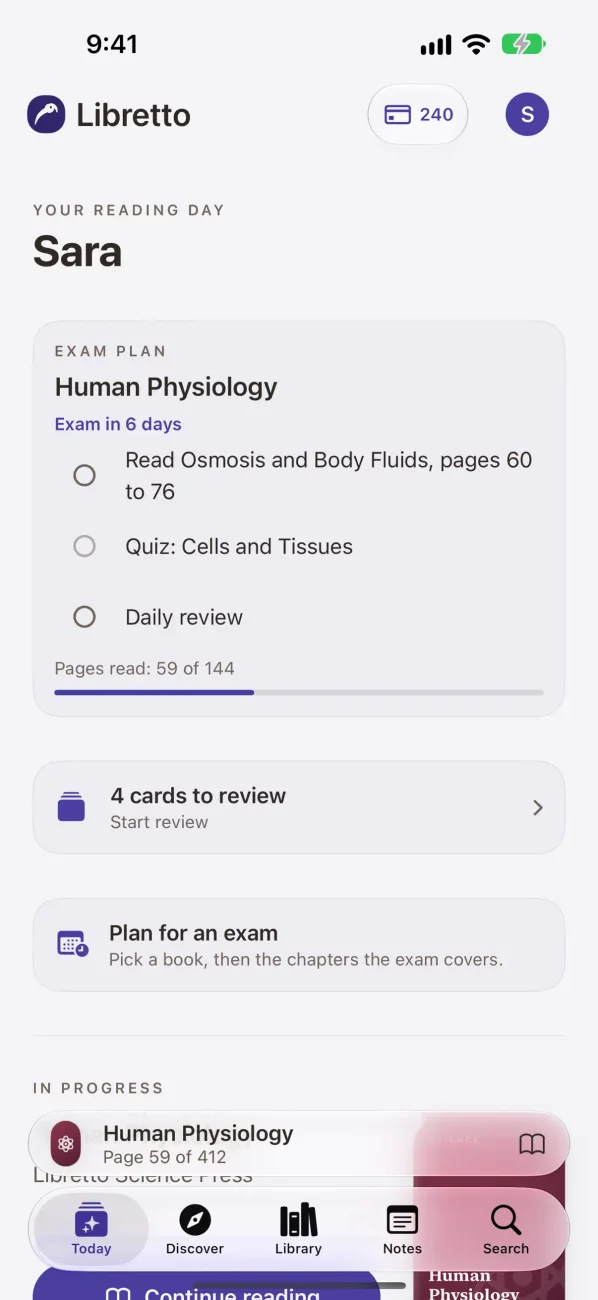
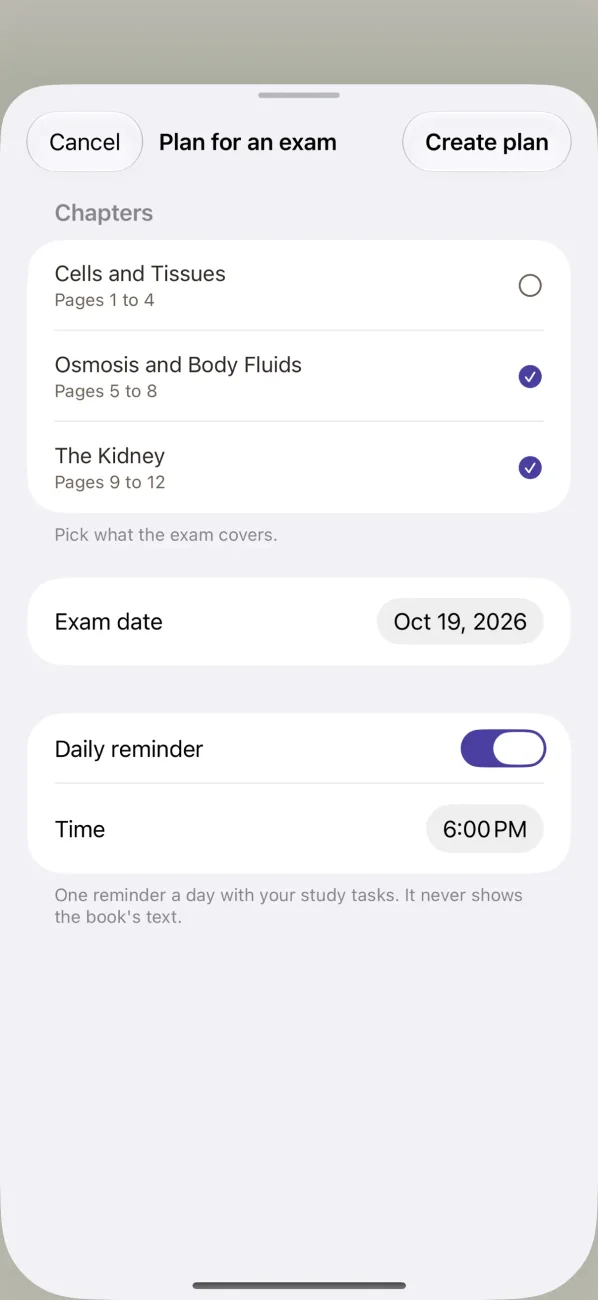
Reading goals, streaks, widgets and a Live Activity keep your progress in view. Join a reading club to read alongside others.
FIND YOUR NEXT BOOK
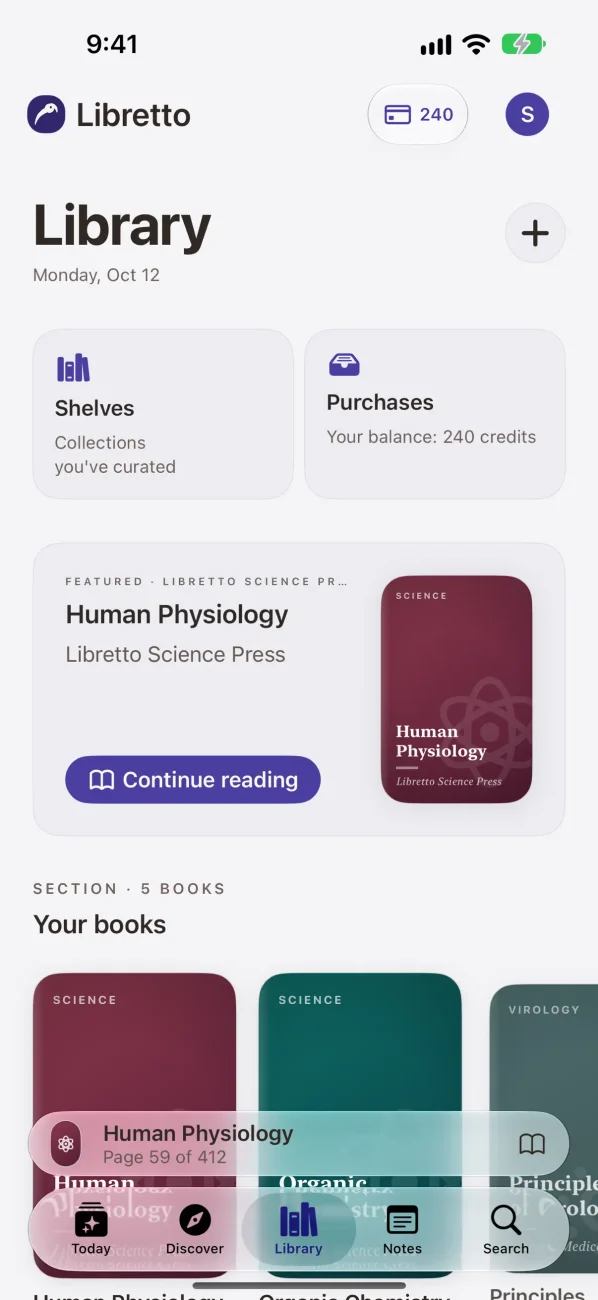
Browse Discover by subject, search the catalogue, read free samples, and explore author pages. Buy books with credits, and your library is ready on every device.
MADE FOR BOTH LANGUAGES
Full English and Arabic, with true right-to-left reading and layout.
MAKE IT YOURS
Five app colour themes, light and dark appearance, and alternate app icons.
PROTECTED BOOKS
Publishers' books are encrypted on your device, carry a personal watermark, and pause when screen recording is detected, so authors can publish with confidence.
Novidades
Versão 1.1.1 · 23/11/2026
A calmer, more natural reader.
• Try before you buy: a free sample now opens in the full reader, with highlights, Pencil, notes, search, read aloud and Ask. Your sample notes stay with the book after you buy it.
• iPad: the page spread fills the screen and the controls step aside while you read.
• Draw with Apple's own tools: pen, colours, eraser and lasso, with your Pencil straight away.
• Highlight, underline and strike text with the system selection; marks follow the line, in Arabic too.
• Notes and text boxes are crisp cards you can press and drag anywhere on the page.
• Restore Original Page clears a page's highlights, ink and notes, with Undo.
• Lock Page keeps the page still while you write.
• App Lock: protect Libretto with Face ID or your passcode, and choose when it locks.
• Profile is your own page, with Settings in two clear groups: Reading & app, and Account & security.
• Contact support from Account & security: your app details go with your message in one step.
• Faster, steadier: the laser dot, zoom, the iPhone tab bar and offline opening are fixed.
Privacidade do app
O que Mohammed Elnaggar declara na App Store sobre como este app lida com os dados.
-
Dados vinculados a você
Podem ser coletados e vinculados à sua identidade.
- Compras
- Informações financeiras
- Informações de contato
- Conteúdo do usuário
- Identificadores
- Dados de uso
- Diagnóstico
- Outros dados
As práticas de privacidade podem variar, por exemplo, com base nos recursos que você usa ou na sua idade.
Informações
- Vendedor
- Mohammed Elnaggar
- Categoria
- Educação
- Versão
- 1.1.1
- Atualizado
- 23/11/2026
- Lançamento
- 06/11/2026
- Tamanho
- 56,6 MB
- Requer
- iOS 17.0 ou posterior
- Classificação etária
- 4+
- Preço
- Grátis
- Compras no app
- Sim
- Idiomas
- Inglês, Árabe
- Copyright
- © 2026 Libretto