- Classificação etária+4
- CategoriaUtilidades
- DesenvolvedorRazvan Ciocanel
- IdiomasInglês
- Tamanho807,0 KB
Leva à página oficial na App Store
O Download.org não hospeda nenhum arquivo de Nodlock. O botão abre a página do app na App Store, onde Razvan Ciocanel o publica. Página verificada pela última vez em 23/11/2026.
Capturas de tela
Sobre
O desenvolvedor não forneceu este texto no seu idioma.
Nodlock lets you answer security prompts on your Mac from your iPhone.
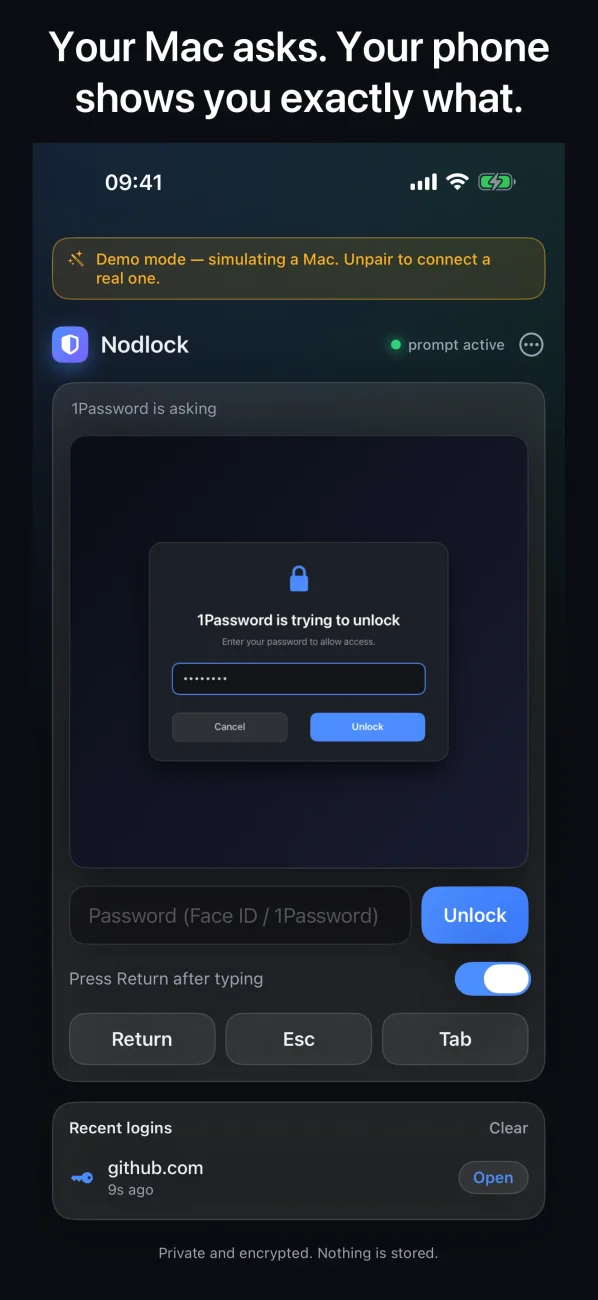
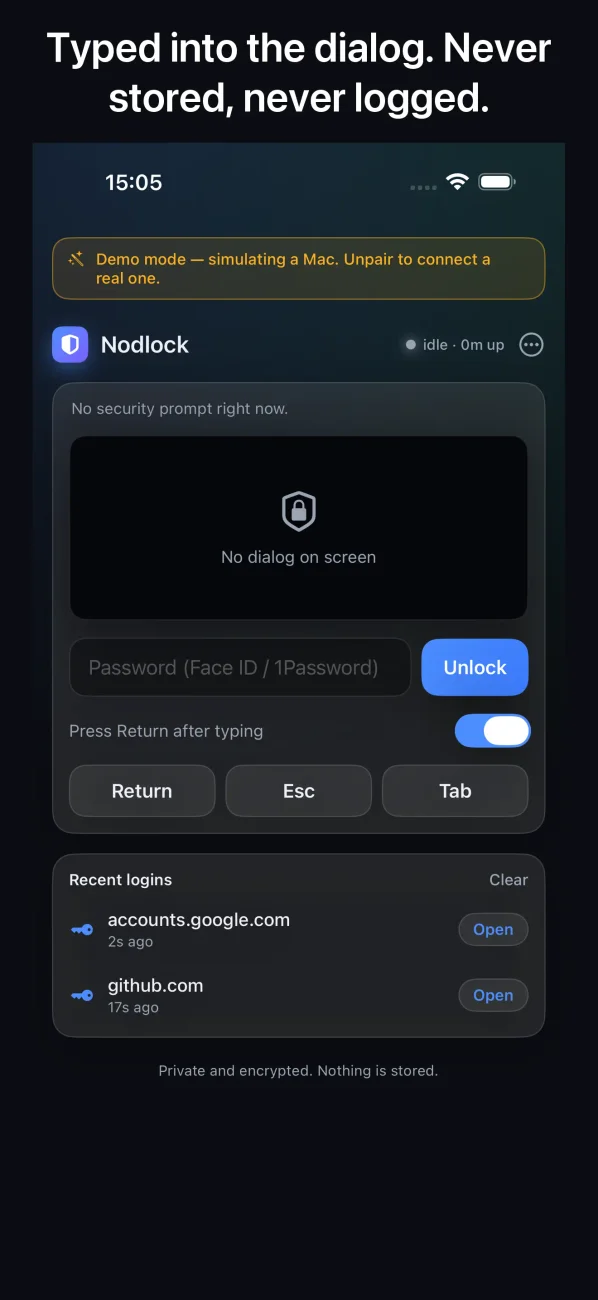
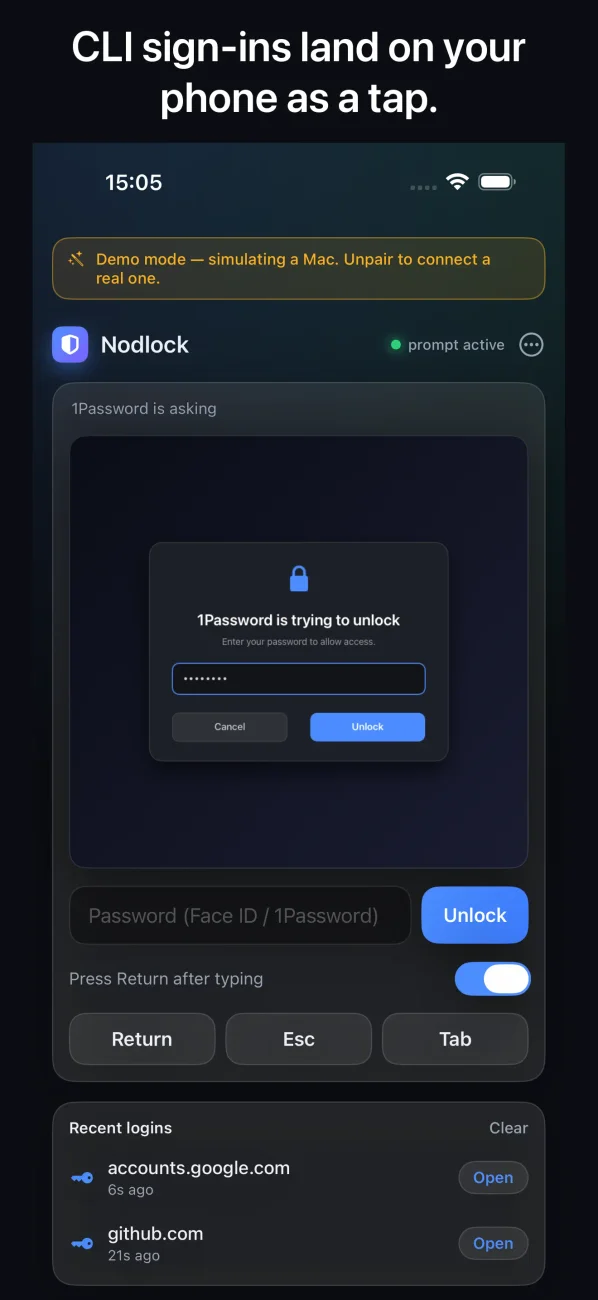
When your Mac shows a 1Password unlock, a macOS password dialog, or a keychain prompt, the Nodlock companion on the Mac takes a screenshot and sends a push to your phone. Open the notification, pass Face ID, look at the prompt, type the password (1Password and iCloud Keychain autofill work), and tap Unlock. The Mac types it into the dialog. Done, from the sofa or from another country.
REQUIRES A MAC COMPANION
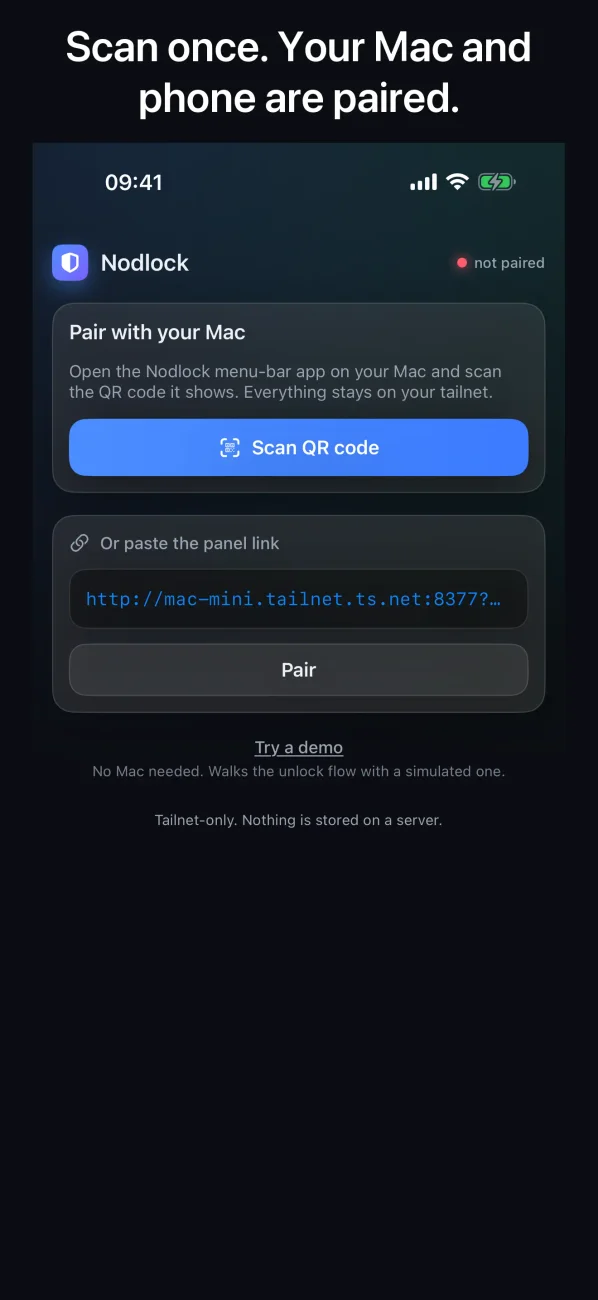
Nodlock is the phone half of a two-part tool. The other half is a free, open-source menu-bar app for macOS 14 or later that you install on your own Mac. Without it, the iOS app has nothing to talk to. A built-in demo mode lets you walk through the whole flow before you install anything on the Mac: tap "Try a demo" on the pairing screen.
WHAT IT DOES
• Detects 1Password, SecurityAgent and keychain prompts on your Mac
• Pushes a notification to your phone the moment a prompt appears
• Shows you a live screenshot so you know exactly what you are approving
• Types the password into the dialog, with Return, Escape and Tab on hand
• Tap anywhere on the screenshot to click that spot on the Mac
• Forwards CLI login links (device codes, OAuth, SSO) to your phone so you can finish sign-ins there
• Keeps a "Recent logins" list of forwarded links
BUILT FOR PEOPLE WHO RUN THINGS ON THEIR MAC
Remote builds, long-running agents, headless Mac minis, a desktop that keeps asking for a password while you are away from the desk. Nodlock turns a blocked job into a ten-second tap on your phone.
PRIVATE BY DESIGN
• No account. No sign-up. Nothing to log into.
• No server run by us. Your phone talks only to your Mac.
• Push notifications carry a title and the name of the prompting app. Never a screenshot, never a password.
• Passwords travel once, get typed once, and are never stored or logged on either device.
• Pairing credentials live in the iOS Keychain.
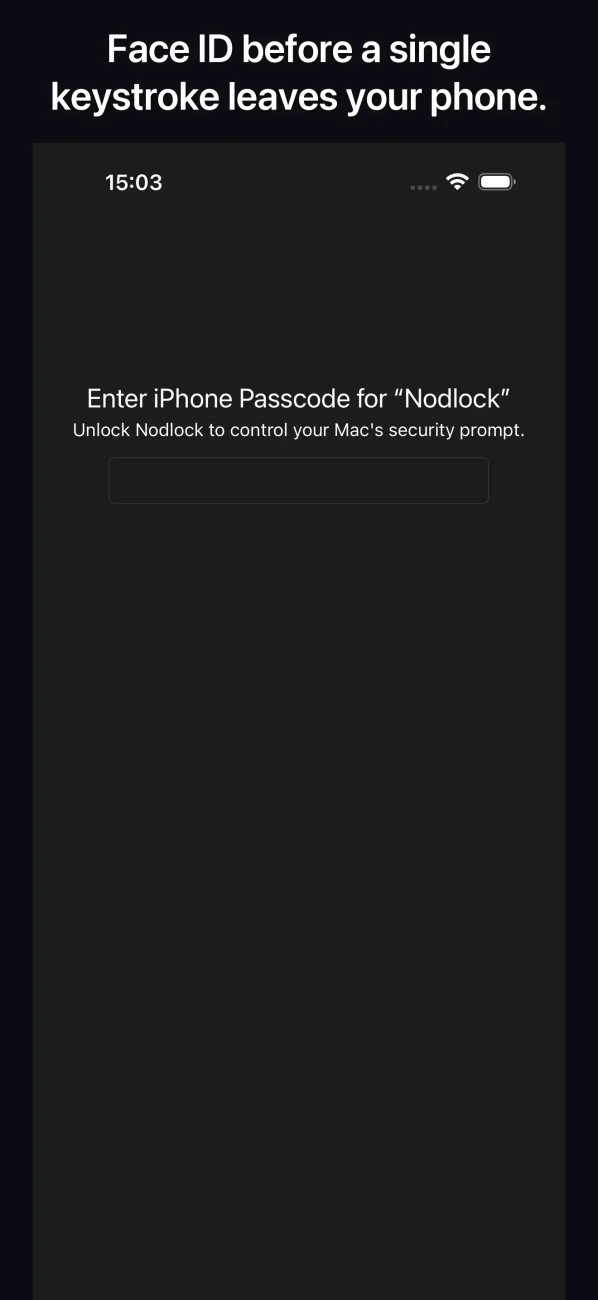
• Face ID gates the unlock screen and re-locks when you switch apps.
• No analytics, no tracking, no third-party SDKs.
HOW THE CONNECTION WORKS
The Mac companion listens only on localhost. You decide how your phone reaches it: over your home network, or through a secure connection of your own for access from anywhere. The Mac shows a QR code; you scan it once and you are paired.
SETUP IN BRIEF
1. Install the companion on your Mac (link on the support page) and grant it Screen Recording and Accessibility.
2. Open Nodlock on your iPhone and scan the pairing QR from the Mac's menu bar.
3. Wait for the next prompt. That is it.
Nodlock is free and open source. The companion's source is published so you can read exactly what runs on your Mac.
Novidades
Versão 1.1 · 12/11/2026
Unlock a locked Mac. When your Mac's screen is locked, Nodlock now says so, and the Unlock button types your Mac login password at the lock screen. After that, the security prompt is a tap away, as before.
Also new: the status chip shows "mac locked", and taps on the screenshot are held back until the Mac is unlocked.
Mac actions. When your Mac companion exposes quick actions, they now show up as buttons under the prompt card. Tap one, confirm, and the Mac runs it.
Privacidade do app
O que Razvan Ciocanel declara na App Store sobre como este app lida com os dados.
-
Dados não coletados
O desenvolvedor não coleta nenhum dado deste app.
As práticas de privacidade podem variar, por exemplo, com base nos recursos que você usa ou na sua idade.
Informações
- Vendedor
- Razvan Ciocanel
- Categoria
- Utilidades
- Versão
- 1.1
- Atualizado
- 12/11/2026
- Lançamento
- 02/09/2026
- Tamanho
- 807,0 KB
- Requer
- iOS 17.0 ou posterior
- Classificação etária
- +4
- Preço
- Grátis
- Idiomas
- Inglês
- Copyright
- © 2026 Razvan Ciocanel
Você também pode gostar
-
 HK Mixed KeyboardUtilidades
-
 Anti Theft Alarm: MoveAlertUtilidades
-
 PulseUnlockUtilidades
-
 stc hubUtilidades
-
 Sill – Mac StreamingUtilidades
-
 ChatX - AI Chat Client TopUtilidades
-
 Switch eShop SaverUtilidades
-
 Aurora Forecast Northern LightUtilidades
-
 Typewise Custom KeyboardUtilidades
-
 aTheftAlarm: Alarme Anti-RouboNão Toque no Meu Celular! Foto