
- Classificação etária4+
- CategoriaProdutividade
- DesenvolvedorYuichiro Momosaki
- IdiomasInglêse mais 1
- Tamanho25,2 MB
Leva à página oficial na App Store
O Download.org não hospeda nenhum arquivo de PaperCode. O botão abre a página do app na App Store, onde Yuichiro Momosaki o publica. Página verificada pela última vez em 16/11/2026.
Capturas de tela


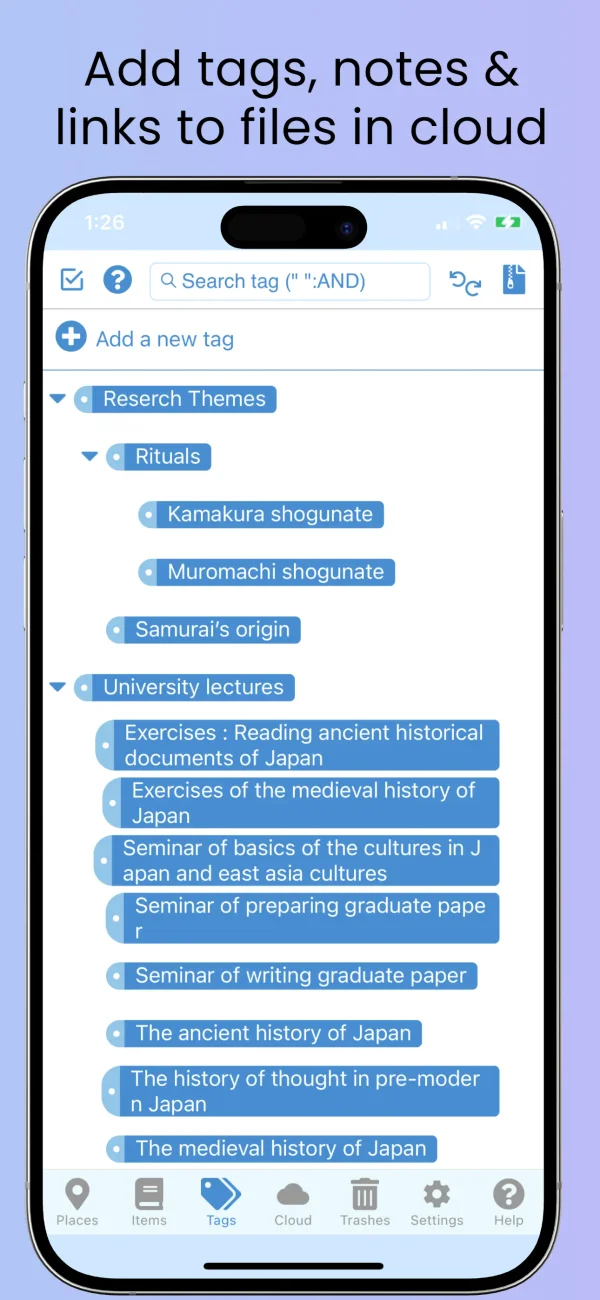
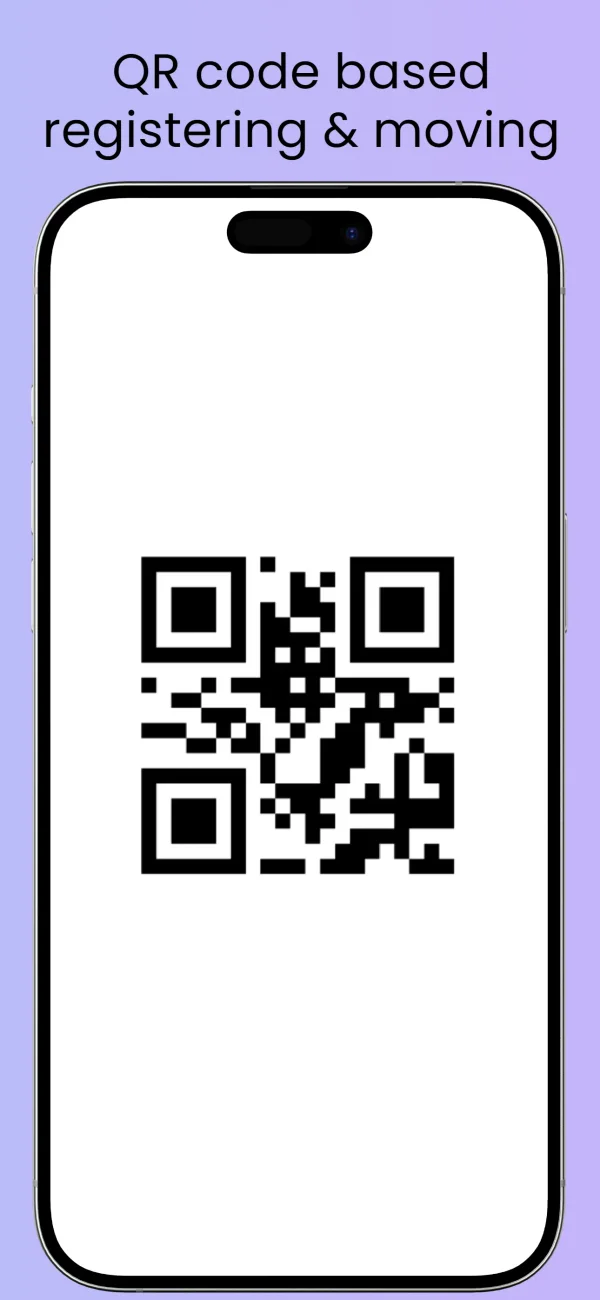
Sobre
O desenvolvedor não forneceu este texto no seu idioma.
What you can do with this app:
[The app remembers where your books/papers are.]
*Manage ITEMS with PLACES where they belong to.
-You can manage ITEMS and PLACES related to Barcodes/QR-codes by scanning codes or printed texts(OCR) using your phone's camera.
-Only you need is minimum effort to add, update and search PLACES and ITEMS.
-You can add and name any PLACES, such as "Bookshelf:A", "Box:B" and "Bed room closet". It is not necessary that PLACES are real physical places. They can be "Borrowed by John Doe", "Papers to copy", "Things to survey" and so on.
-Though this app is designed for management of academic books and treatises(papers), you can also add and name any ITEMS. They can be "Golf shoes", "Water bottles for emergency", "Tax payment documents of 2019", "Buy salt", "Reserve restaurant" and so on.
[Easier is better.]
*Add, move, search, sometimes manage.
With this app, you will:
-Add(register) PLACES.
Add(register) ITEMS and relate them to barcodes/QR-codes.
-When you move an ITEM, scan a barcode/QR-code to update its PLACE to belong to.
-Search an ITEM's name to find out its PLACE.
-You can rename ITEMS and PLACES, update relationship between them and new codes, update their order in the lists at any time.
[No automation, no life.]
*ITEMS and PLACES cooperate with barcodes/QR-codes.
-You can relate ITEMS and PLACES to any barcodes/QR-codes.
-Once you created relationships between ITEMS/PLACES and codes, when you move an ITEM from current PLACE to another PLACE, all you have to do is:
1.Scan the code of the new PLACE using the camera,
2.Scan the code of the ITEM.
That's it. It won't take more than 3 seconds.
-The code will be scanned automatically when your camera focuses it. You don't even need to press the shutter button.
-If the books or papers don't have barcodes/QR-codes, add codes to them. (for example, codes printed directly on the papers using handy printers or codes printed on sticker labels.) Any unique digits or characters will work.
*Automatically collect information.
-Information of books and papers (author, title, publisher, published date) will be collected automatically by searching with keyword(s).
-This app accesses CiNii/CiNiiBooks database OpenSearch service on the web to get the information.
-If you scan a barcode and the code is an ISBN, this app will collect and fill all necessary information automatically. All you need is to tap "OK" button.
-You can search and find books or papers by using keyword(s). Use space for AND search and use slash for OR search. If multiple results hit, you can choose one to add as a new ITEM.
-A particular chapter of a book can be added in the same way as a paper.
*Relate ITEMS and PLACES to barcodes/QR-codes
-Both ITEMS and PLACES can be related to barcode/QR-code.
-You can delete or update(relate again) relationships between codes and ITEMS/PLACES.
*Script(handwriting) recognition
-If you can't use barcodes/QR-codes in some reason, you can try script(handwriting) recognition. It works, but it takes a lot of time and it won't recognize 100% correctly. So I strongly recommend you to use barcodes/QR-codes.
[Nothing is more important than safety.]
*Backup and export your data.
-You can backup your data(ITEMS/PLACES) to a text file (as SQL expressions).
-You can export backup file(s) to external storages/apps/services, such as iPhone's documents folder(which syncs with iCloud), Dropbox app, GoogleDrive app and so on.
[Search and find at once.]
*See all items in the place or search with keyword(s)
-You can see all the ITEMS belonging to particular PLACE.
-You can search an ITEM by keyword(s). AND/OR search is available.
-You can search a PLACE as well. (but only AND search is available.)
Novidades
Versão 5.0.5 · 10/07/2026
- Bug fixes (Failure to add new items)
Privacidade do app
O que Yuichiro Momosaki declara na App Store sobre como este app lida com os dados.
-
Dados não coletados
O desenvolvedor não coleta nenhum dado deste app.
As práticas de privacidade podem variar, por exemplo, com base nos recursos que você usa ou na sua idade.
Informações
- Vendedor
- Yuichiro Momosaki
- Categoria
- Produtividade
- Versão
- 5.0.5
- Atualizado
- 10/07/2026
- Lançamento
- 24/05/2020
- Tamanho
- 25,2 MB
- Requer
- iOS 16.0 ou posterior
- Classificação etária
- 4+
- Preço
- Grátis
- Idiomas
- Inglês, Japonês
- Copyright
- © 2020 Momosaki Yuichiro
Você também pode gostar
-
 VideoVoice to text INGOAMPTProdutividade
-
 Clarity Reader for SafariProdutividade
-
 Vomemo - Voice To MemoProdutividade
-
 Cadence: AI TranscriptionProdutividade
-
 Yojimbo for iPadProdutividade
-
 List Organizer AIProdutividade
-
 Calculator Construction ProProdutividade
-
 SoloWriteProdutividade
-
 PrivScanner: Aula PPT a PDFEscanear apostila OCR a Word
-
 Schichter - Shift calendarProdutividade