- Classificação etária4+
- CategoriaEducação
- DesenvolvedorJonathan Froese
- IdiomasAlemãoe mais 7
- Tamanho11,8 MB
Leva à página oficial na App Store
O Download.org não hospeda nenhum arquivo de PauseInk. O botão abre a página do app na App Store, onde Jonathan Froese o publica. Página verificada pela última vez em 23/11/2026.
Capturas de tela


Sobre
O desenvolvedor não forneceu este texto no seu idioma.
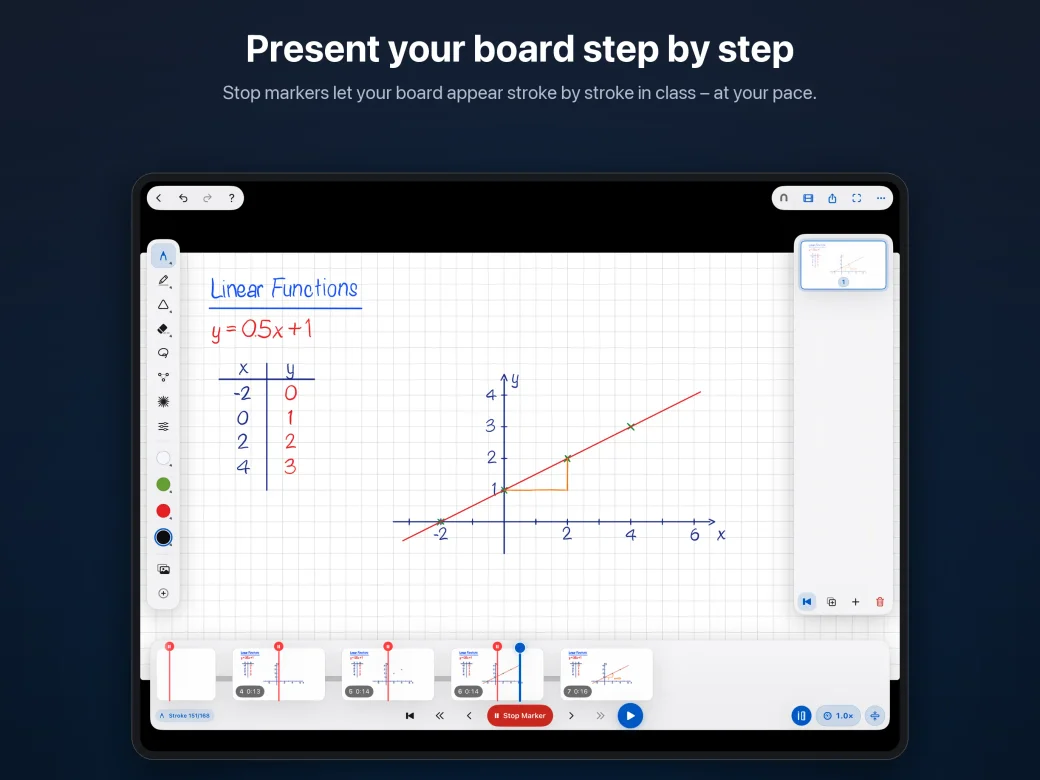
PauseInk turns your iPad into a whiteboard for the classroom. Prepare your board with Apple Pencil, set stop markers and let it appear stroke by stroke in class – at exactly your pace.
HOW IT WORKS
• Prepare: write and draw your board in advance – at home or in a free period.
• Set stop markers: decide where playback pauses.
• Present in class: one tap and the next step appears in front of the class. You can add to it live at any time.
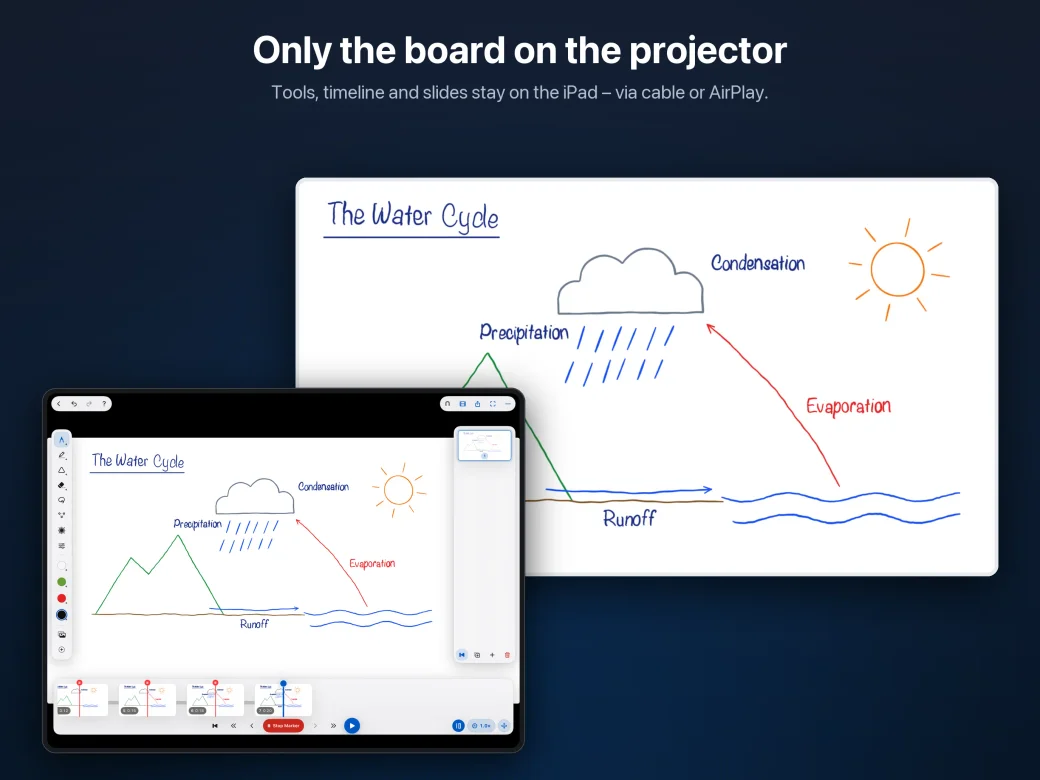
ONLY THE BOARD ON THE PROJECTOR
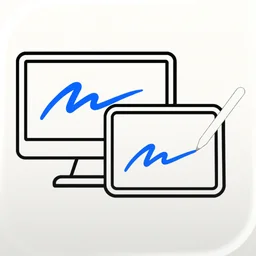
Via cable or AirPlay, the projector shows only the board. Tools, timeline and slides stay on the iPad. An A4 sheet can fill the whole projection – move the visible part right on the iPad.
EXPLAINER VIDEOS IN YOUR VOICE
Record your explanation for each section and set hold times. PauseInk turns it into a video up to 4K with chapters. The set square and compass appear where you used them; on A4 sheets the camera glides calmly along with the strokes.
TOOLS LIKE AT THE BOARD
• Pen, fountain pen, ballpoint pen, pencil and marker – pressure-sensitive
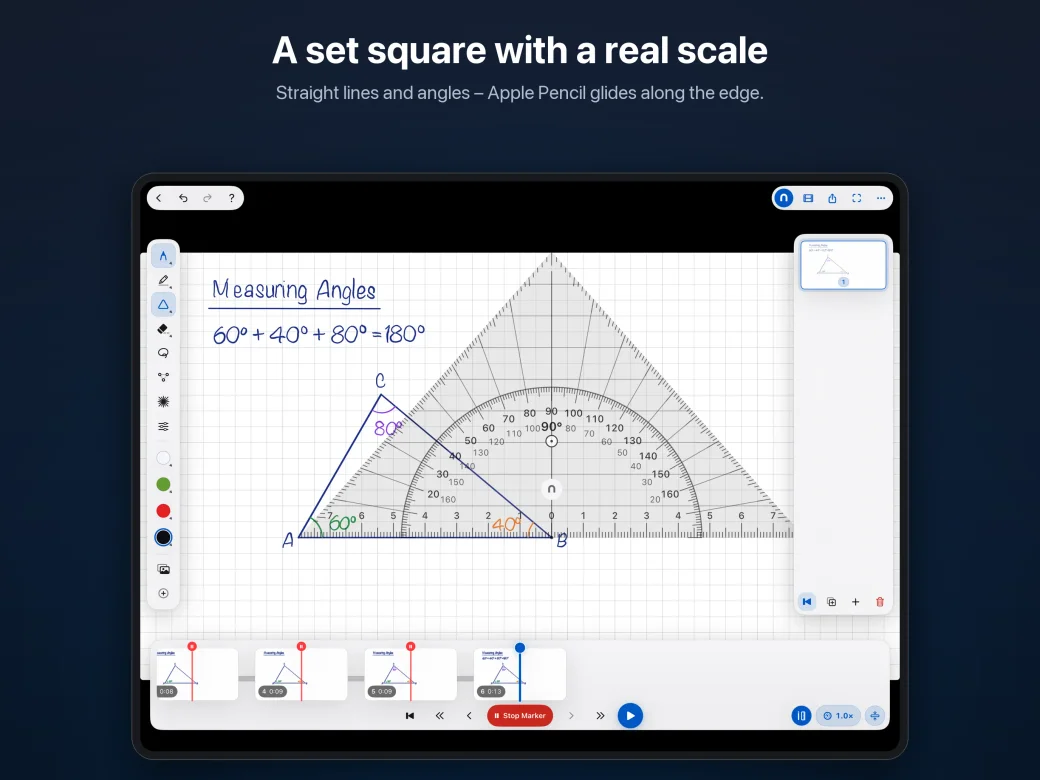
• Set square and compass with centimeter and angle scales
• Shape recognition: draw a line or circle, hold briefly – done
• Lasso to select, move, resize and rotate
• Eraser: trace-free, whole strokes or an area
• Laser pointer that points without drawing
• Backgrounds: grid, fine grid, ruled, dots and staff paper
• Formats for projectors and displays from 4:3 to 21:9, plus A4
PDFs, IMAGES AND WORKSHEETS
Import a PDF as a new board at its original size, or place images and PDF pages on a slide. Export slides as PDF; print A4 boards at their real size – two squares are exactly one centimeter.
YOUR DATA STAYS WITH YOU
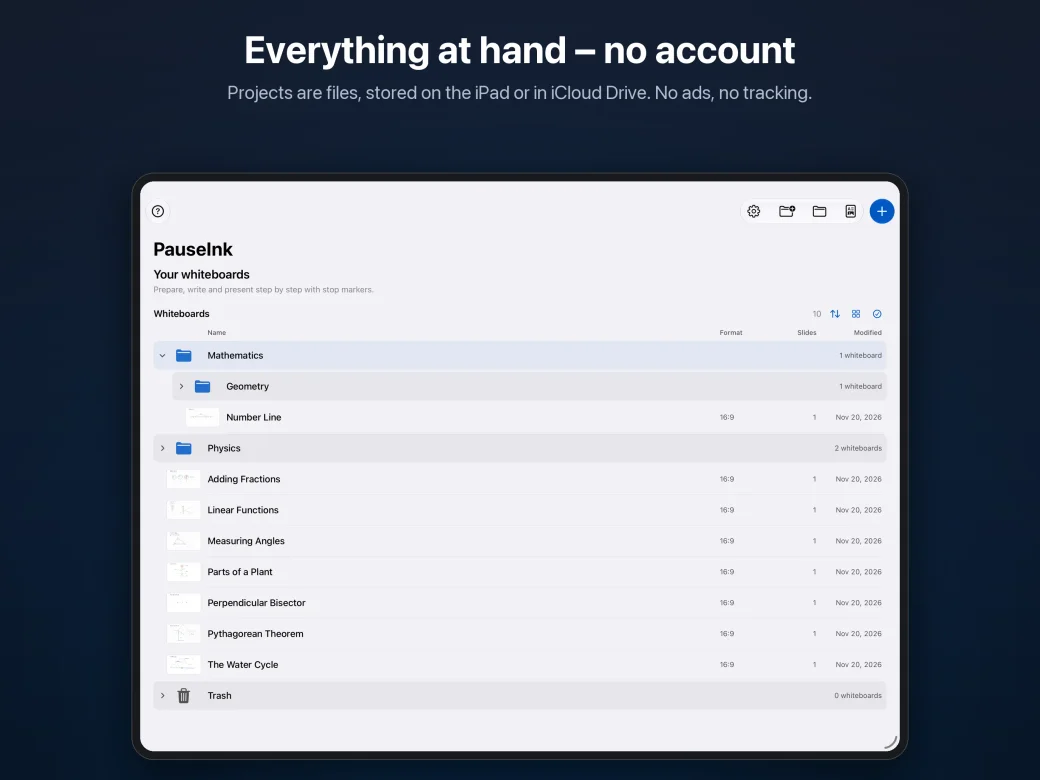
Projects are files – stored on the iPad or in a folder of your choice, such as iCloud Drive. No account, no ads, no tracking.
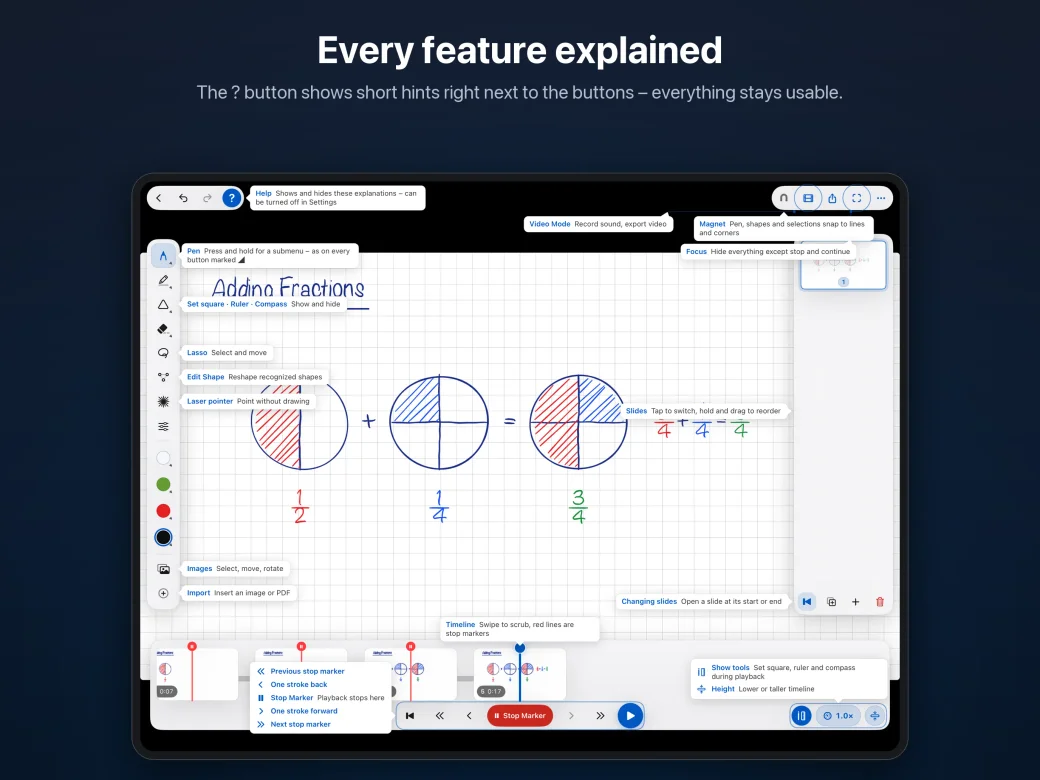
New to PauseInk? The ? button shows short explanations right next to the buttons. Once you know your way around, turn it off in Settings.
Novidades
Versão 1.2.6 · 21/11/2026
Recolor selected strokes afterwards, panels swappable for left-handers, presentation focus, plus improvements.
Privacidade do app
O que Jonathan Froese declara na App Store sobre como este app lida com os dados.
-
Dados não coletados
O desenvolvedor não coleta nenhum dado deste app.
As práticas de privacidade podem variar, por exemplo, com base nos recursos que você usa ou na sua idade.
Informações
- Vendedor
- Jonathan Froese
- Categoria
- Educação
- Versão
- 1.2.6
- Atualizado
- 21/11/2026
- Lançamento
- 25/09/2026
- Tamanho
- 11,8 MB
- Requer
- iOS 17.0 ou posterior
- Classificação etária
- 4+
- Preço
- Grátis
- Idiomas
- Alemão, Dinamarquês, Inglês, Francês, Italiano, Holandês, Polonês, Espanhol
- Copyright
- © 2026 Jonathan Fröse