
PoseTime
Timed Drawing for Artists
Projetado para iPhone, iPad
Grátis · Compras no app
- Classificação etária4+
- CategoriaArtes gráficas e design
- DesenvolvedorMatthew Porreca
- IdiomasInglês
- Tamanho145,0 MB
Leva à página oficial na App Store
O Download.org não hospeda nenhum arquivo de PoseTime. O botão abre a página do app na App Store, onde Matthew Porreca o publica. Página verificada pela última vez em 15/11/2026.
Capturas de tela
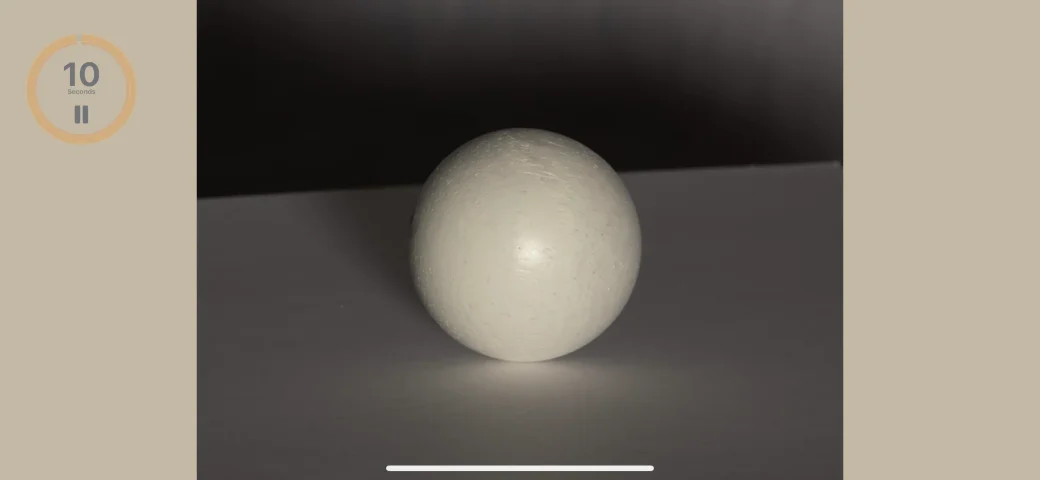
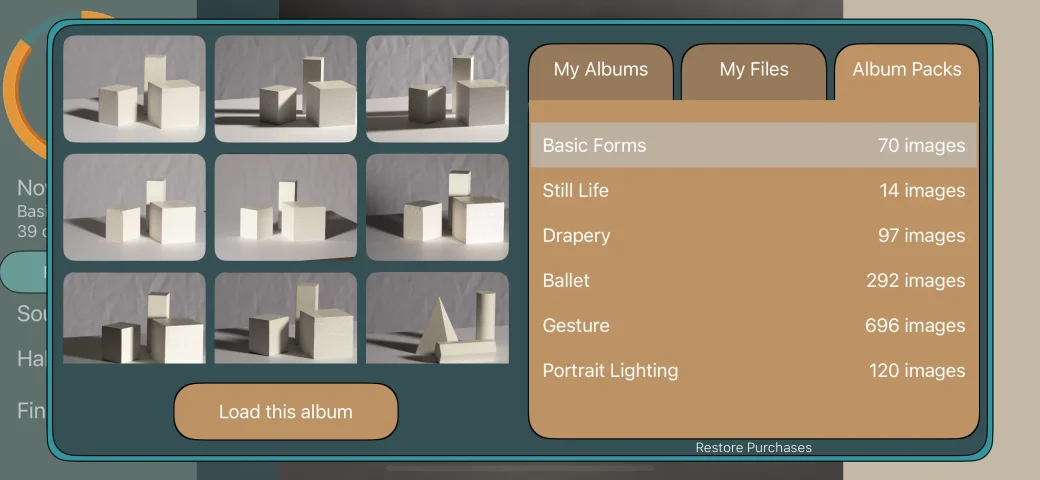
Sobre
O desenvolvedor não forneceu este texto no seu idioma.
Whether you’re sketching quick 10-second gestures or diving into detailed 60-minute studies, this app turns your device into a powerful tool for artistic growth. It’s designed for fine art students, but could be useful for anyone who wants to have images display in a predictable, timed sequence.
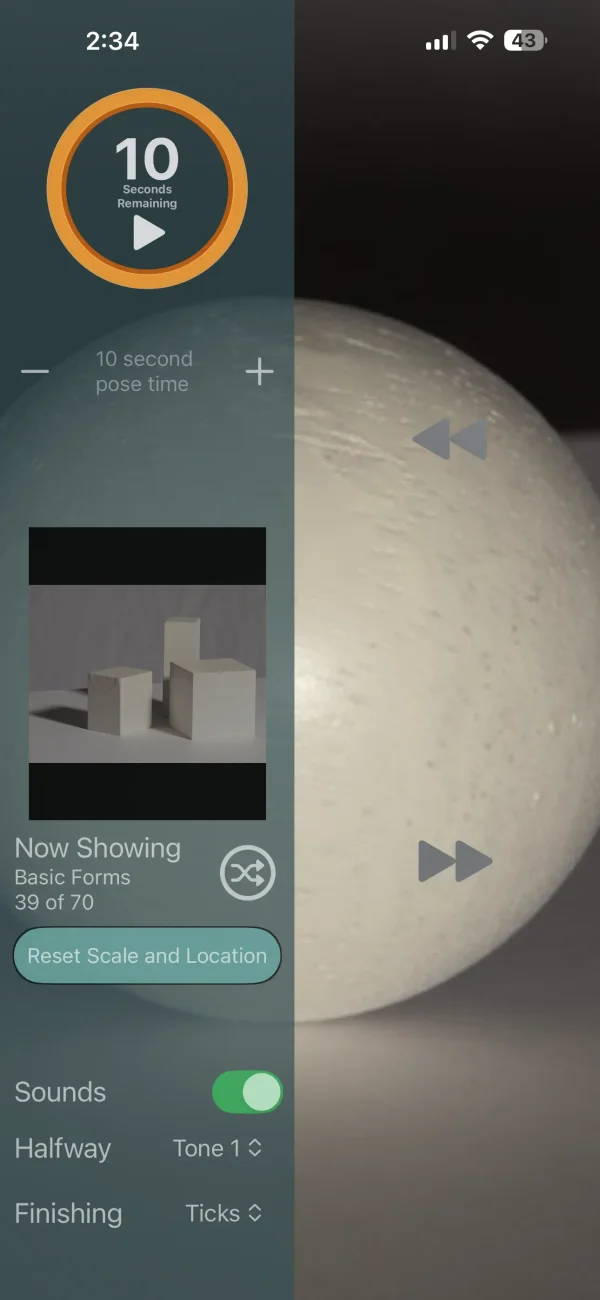
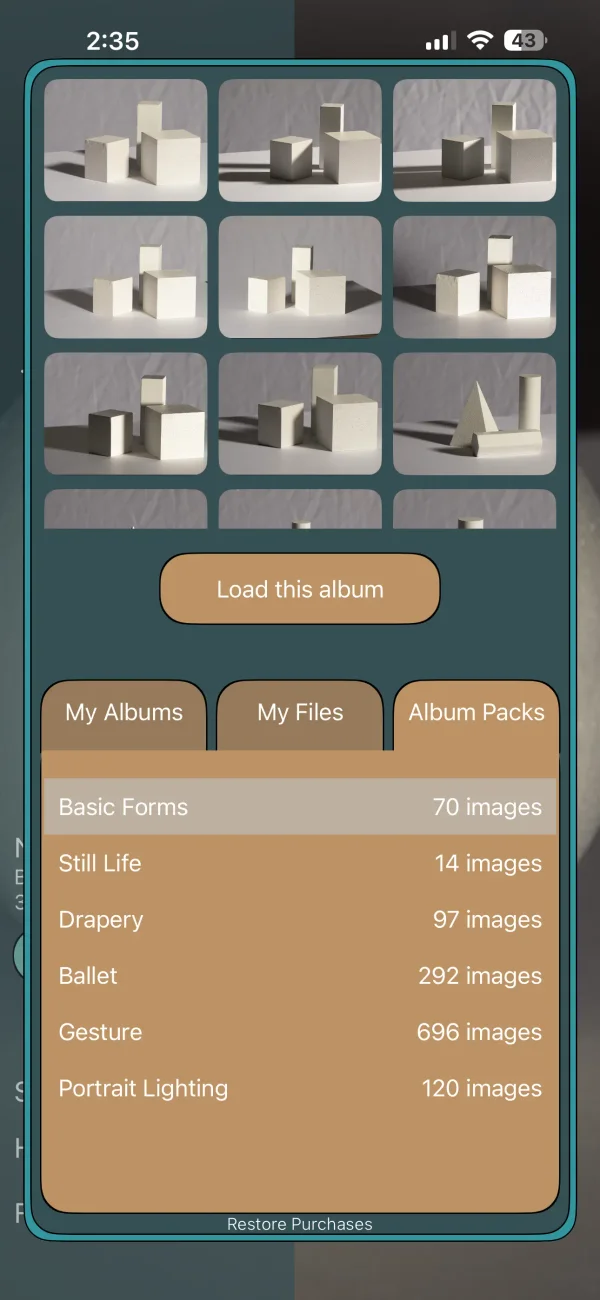
To begin, tap on the box on the left that says “Tap Here To Begin” or the text below it “Now Showing”. This brings up the album view. Select your album, and you can press the Load This Album button to begin with the first photo or select an image from the thumbnails to jump straight to that image. To the right of Now Showing is a button to toggle Shuffled mode on and off.
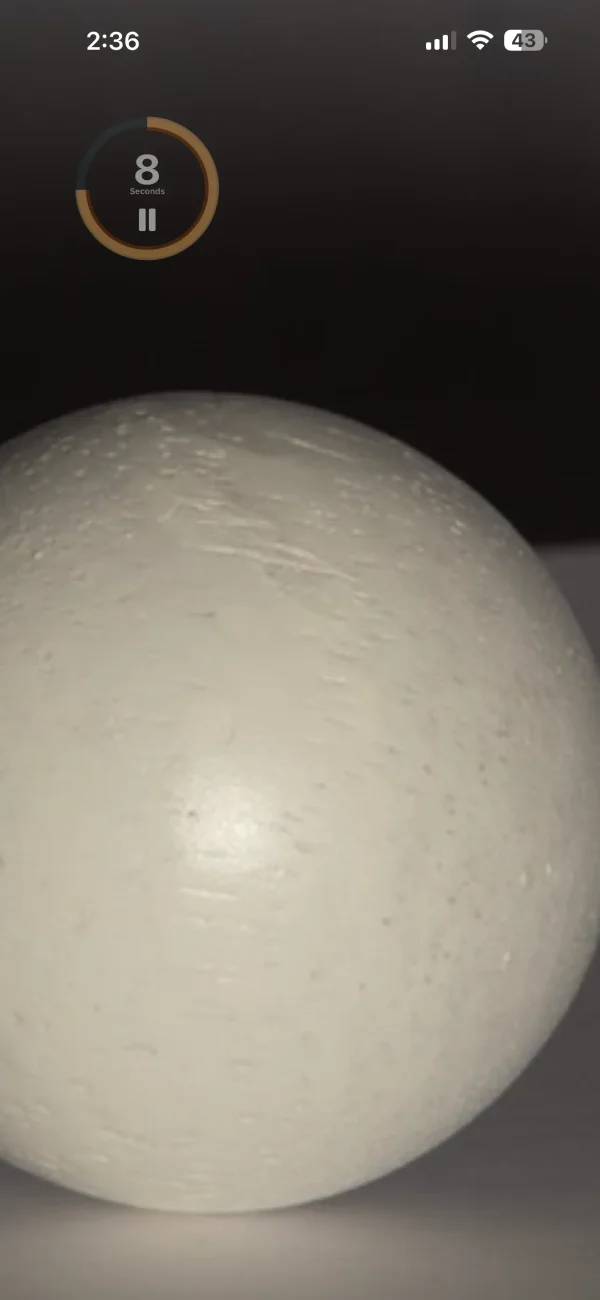
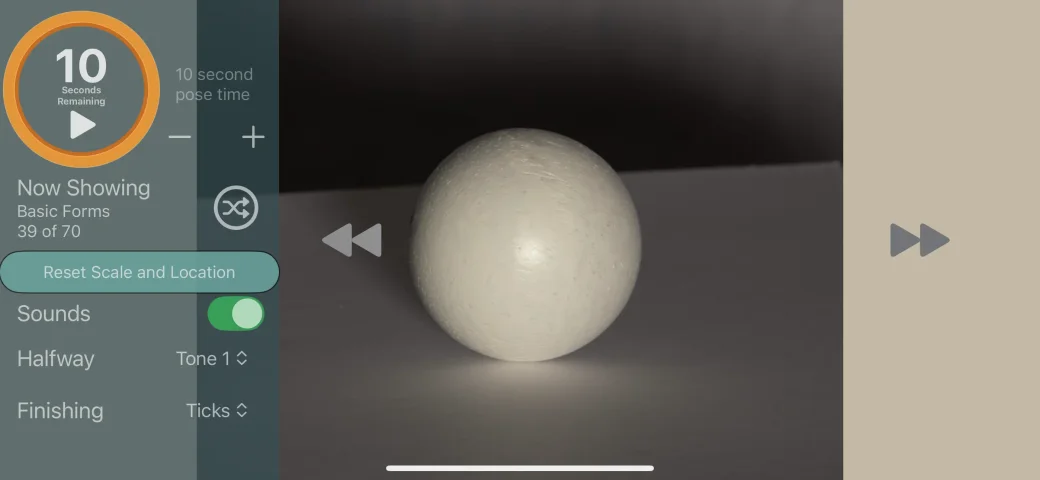
At the top is the timer, with a ‘play’ button. Tapping anywhere on the timer will fade out the sidebar and begin the clock. Tapping the timer again will pause and bring the sidebar back up.
In the free mode the app will load individual albums from your Photos gallery, so you can place your images in an album such as “Active Poses” or something recognizable and it will show up within PoseTime. All of your albums will load. If you buy the Premium license it unlocks the ability to load image files by selecting folders stored on your device or even in the cloud. It will download the cloud files to your device for you if they are not already local.
Halfway through the timer will play a sound, if you have it enabled, to let you know it is halfway through. There is an ending tick sound as well playing at 3, 2, and 1 seconds remaining before the image smoothly transitions to the next image.
There is also a fairly extensive reference Built In Albums library for Premium which includes hundreds of action and passive poses, basic forms, drapery, portraiture, still life.
The timer in the free mode is set to 10 seconds which is perfect for gesture studies. There are buttons to adjust the timer to 1 minute to 60 minutes (with intermediary steps of 2, 5, 10, 15, 20, and 30 minutes) for more advanced timed studies. These are restricted to Premium.
Key Features:
Flexible timer: 10 seconds in the free mode, up to to 60 minutes per image in Premium mode
Custom timer: Select your own times and remove the defaults if you prefer.
Custom image sources: your own photo gallery albums in free mode, or local and cloud files and built-in albums in Premium mode
Ordered or shuffled playback for variety in all modes
Pinch to zoom, drag to move
Audio cues for halfway and near-end alerts with options to select a variety of built in sounds.
Fully supports split-view for use while drawing on the iPad.
Novidades
Versão 1.1 · 01/05/2025
Updated April 30th 2025 - Added custom time options. To remove or add times from the list, first select any image from the album to enable time controls, and then tap on the text that says "10 Seconds pose time" between the - and + buttons. This will bring up a list of all the times, with some basic checking to ensure there aren't duplicates or invalid numbers. You can get rid of the default times entirely if you like, and supply your own. These are saved so will be there each time you load the app.
A bug was discovered during a recent iOS update in which local folders which have been added to the image selection pages no longer function. This is because the local folders are secured with a key and are only accessible by direct user request such as is performed within this app. Once the iOS update came, that key was invalid.
Currently the workaround is to remove and reattach the folders. This is not a great solution but works for the moment. I will get it updated so when you try to access a folder in such as state, rather than exploding the app will instead prompt you to reselect the folder. It's a convoluted mess in that area at the moment, as this was rather tricky to implement as it was. It will get there.
Privacidade do app
O que Matthew Porreca declara na App Store sobre como este app lida com os dados.
-
Dados não coletados
O desenvolvedor não coleta nenhum dado deste app.
As práticas de privacidade podem variar, por exemplo, com base nos recursos que você usa ou na sua idade.
Informações
- Vendedor
- Matthew Porreca
- Categoria
- Artes gráficas e design
- Versão
- 1.1
- Atualizado
- 01/05/2025
- Lançamento
- 26/03/2025
- Tamanho
- 145,0 MB
- Requer
- iOS 16.6 ou posterior
- Classificação etária
- 4+
- Preço
- Grátis
- Compras no app
- Sim
- Idiomas
- Inglês
- Copyright
- © 2025 Matthew Porreca
Você também pode gostar
-
 refs.Artes gráficas e design
-
 Quick Poses: Gesture DrawingArtes gráficas e design
-
 Timed SketchArtes gráficas e design
-
 Drawing PracticeArtes gráficas e design
-
 SPEEDRAWArtes gráficas e design
-
 Value Study: art referenceAnalise luz e sombra
-
 Head Model Stu: Estudo de arteReferência artística da cabeça
-
 Pixquare - Pixel Art Studio#1 pixel art editor
-
 ZBrushImagine, Sculpt, & Paint in 3D
-
 Nomad SculptEsculpir, pintar e criar em 3D