Project Manager - Workflow
ToDo Boards, Tasks & Teams
Projetado para iPhone, iPad
Grátis · Compras no app
- Classificação etária4+
- CategoriaProdutividade
- DesenvolvedorOpticell Limited
- IdiomasInglêse mais 4
- Tamanho19,2 MB
Leva à página oficial na App Store
O Download.org não hospeda nenhum arquivo de Project Manager - Workflow. O botão abre a página do app na App Store, onde Opticell Limited o publica. Página verificada pela última vez em 25/11/2026.
Capturas de tela
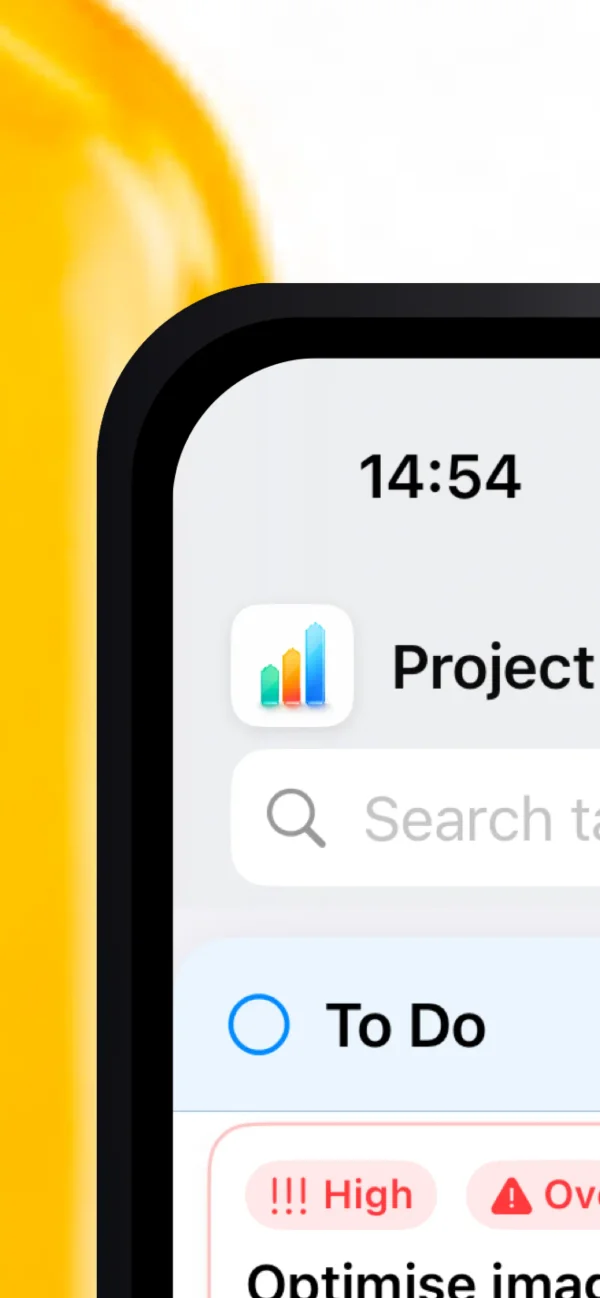

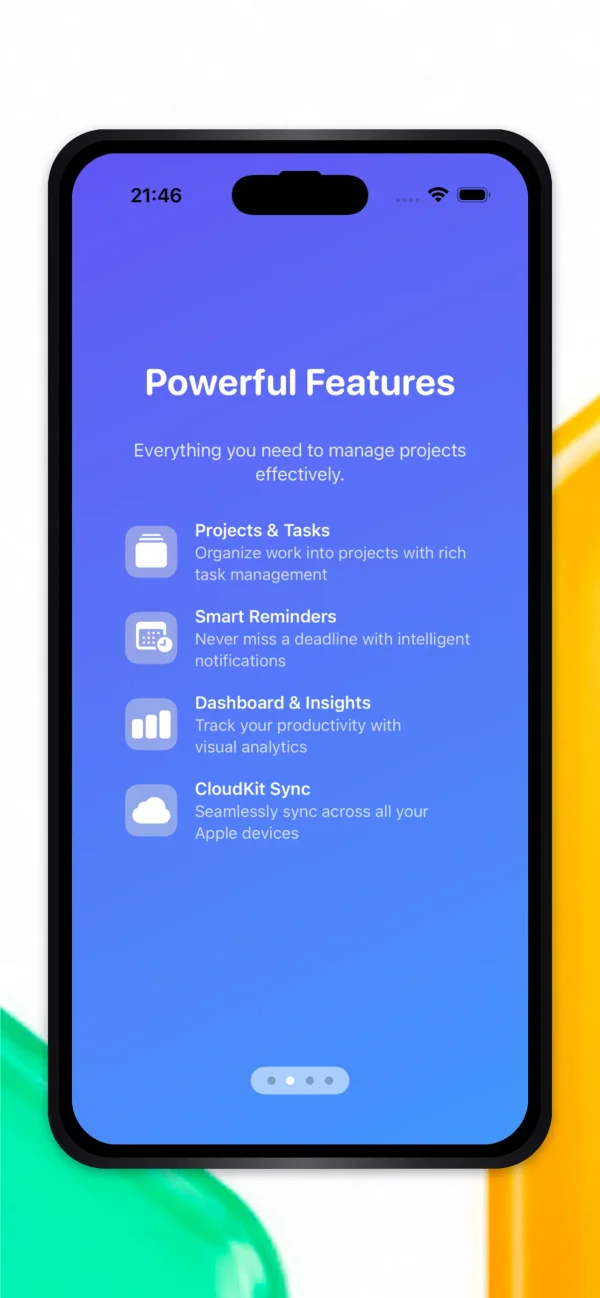
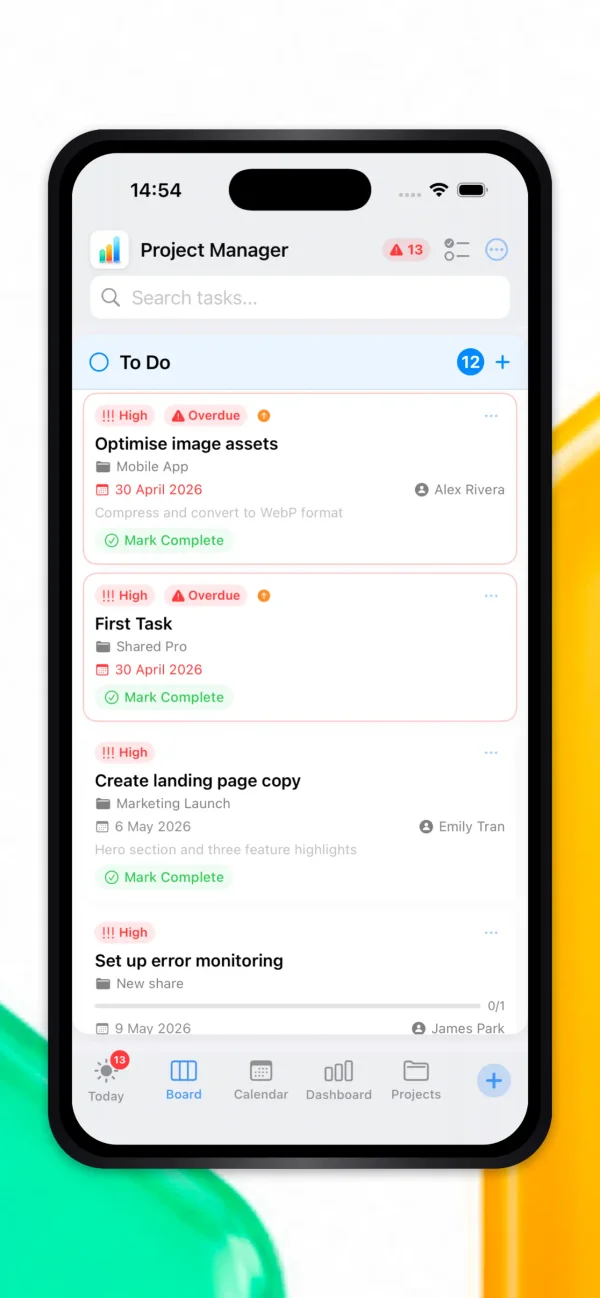
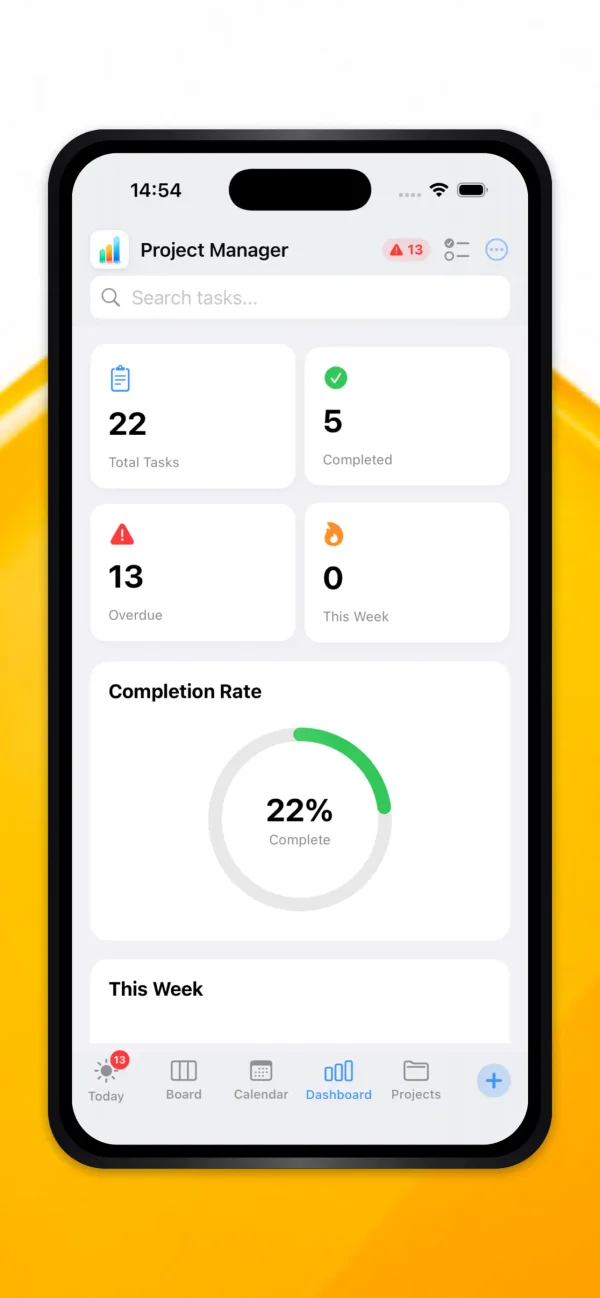
Sobre
O desenvolvedor não forneceu este texto no seu idioma.
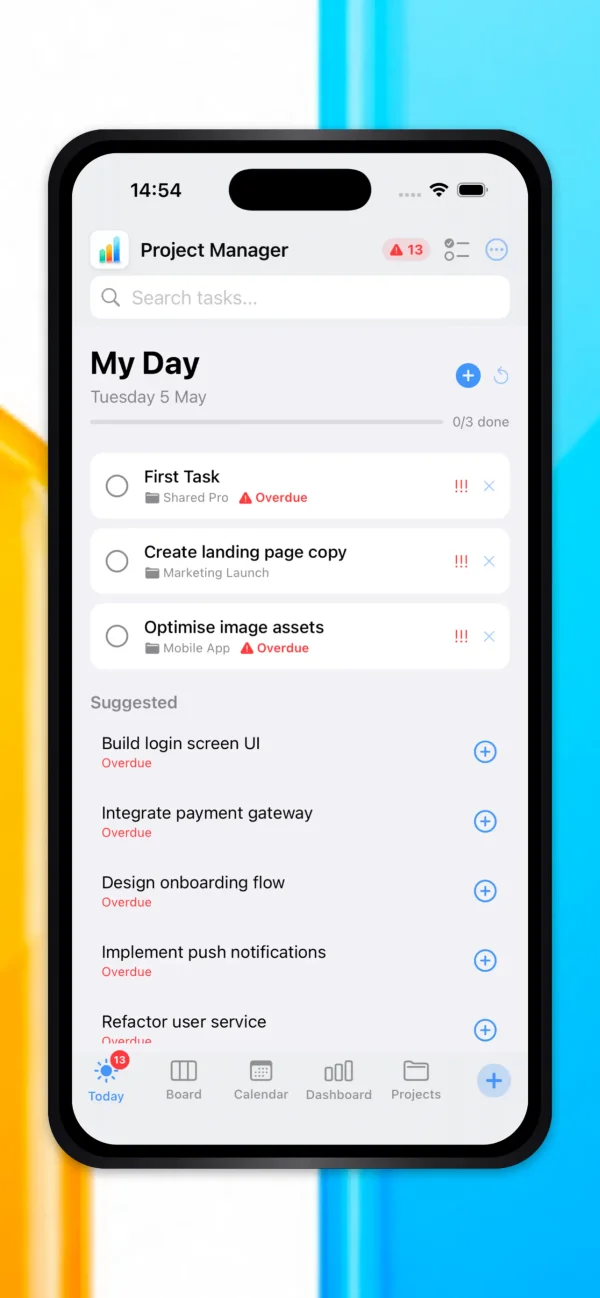
WorkFlow is the privacy-first project manager built natively for iPhone and iPad. Free to try for 7 days - no account, no trackers. Your data lives in your iCloud, never on our servers.
TEN WAYS TO SEE YOUR WORK
Board, Calendar, Gantt, Today, My Day, My Work, Inbox, Dashboard, Documents and Notepad — pick the ones you use, put them on the tab bar in the order you like, and choose which one the app opens on. Tap the Board tab again to page through your columns; tap any other tab again to jump back to the top.
A NOTEPAD THAT TURNS INTO WORK
Jot it down first, sort it out later. Notes capture thoughts, links and shared text the moment they arrive; when one grows up, turn it into a task or a whole project with everything it held. A review sweep walks you through what's waiting.
INBOX: EVERY CONVERSATION, NEWEST FIRST
Every task with a comment thread, unread on top. Tasks with something new to read carry a badge on the board and the Inbox tab counts them. Open the thread and it clears. Comments merge safely across devices — nothing you write gets overwritten by a sync.
WORKS WITH AN AI ASSISTANT
Pair WorkFlow with WorkFlow for Mac and an assistant such as Claude Code can work your tasks: read them, create projects, tick off subtasks and reply in the comments. Assign a task to it or write "@MyBot" in a comment from your phone — the Mac starts a session on its own and the reply comes back as a notification on your iPhone. Only projects you haven't shared are ever in scope. Requires WorkFlow for Mac and your own assistant, sold separately.
COLLABORATE IN REAL TIME
Share any project through iCloud. Invite people by iMessage, email or link. See who's viewing and who's typing, assign with a tap, @mention, react with emoji — and every action in the activity log says who did it.
GANTT AND CALENDAR
Your whole portfolio on a timeline with a Today marker and days-until-due on every project. Two-way sync with Apple Calendar, so a due date changed in either app changes in both.
STAY FOCUSED
A built-in focus timer with 15, 25, 45 and 50-minute presets and auto-cycling breaks; every minute is logged against the task. Time tracking per task. Smart nudges raise a task's priority as its deadline nears. Snooze what can wait.
CAPTURE EVERYTHING
Share a link or text from any app straight into a task. Attach photos, files and voice notes; annotate images in place. Subtasks with their own documents, tags, priorities, recurring tasks, dependencies, and a note pinned to the top of any card.
SMART LISTS
Save any combination of filters as a named list — "Overdue", "This week", "Waiting on me" — one tap away.
MAKE IT YOURS
A gallery of task card styles, custom header and tab layouts, project colours and icons. Import from CSV or Apple Reminders; export CSV or JSON. Siri Shortcuts and actionable notifications. Full VoiceOver support, dark mode and Reduce Motion.
PRIVACY BY DESIGN
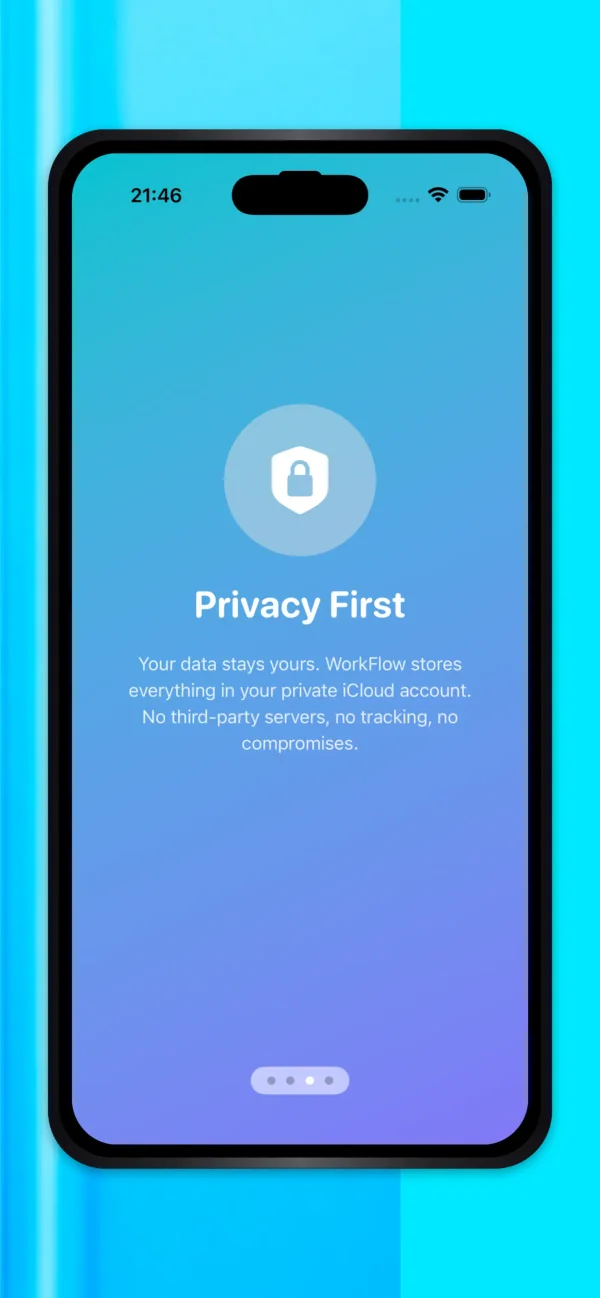
Zero analytics. Zero trackers. Sharing uses Apple's own iCloud sharing, end to end. We can't see your tasks — and we don't want to.
PLANS
WorkFlow is free to download. To create and edit you need a plan: Monthly (£1.99) or Yearly (£14.99), each with the first week free, or Lifetime (£29.99, one payment). Prices vary by country.
Payment is charged to your Apple Account. A subscription renews automatically unless you cancel at least 24 hours before the end of the period. Manage or cancel it in your Apple Account settings.
Terms of Use: https://www.apple.com/legal/internet-services/itunes/dev/stdeula/
Privacy Policy: https://www.opticell-limited.com/workflow-1
Novidades
Versão 6.0 · 24/11/2026
WHAT'S NEW IN THIS VERSION — 6.0
• A faster board: the board no longer rebuilds every card each time something is saved or synced, so it stays responsive with many tasks while iCloud and your assistants are at work.
• React from the Inbox: answer a reply with an emoji without opening the task. Tap the face beside a conversation, or touch and hold it and choose React.
• A shorter Inbox: choose Hide Read Older Than (Settings → Inbox, or the Inbox's filter) to leave out conversations you have read whose last reply is more than a number of days old. Unread ones always show.
• Cards in a list keep their order: tasks with the same due date no longer swap places after a change.
Privacidade do app
O que Opticell Limited declara na App Store sobre como este app lida com os dados.
-
Dados não coletados
O desenvolvedor não coleta nenhum dado deste app.
As práticas de privacidade podem variar, por exemplo, com base nos recursos que você usa ou na sua idade.
Informações
- Vendedor
- Opticell Limited
- Categoria
- Produtividade
- Versão
- 6.0
- Atualizado
- 24/11/2026
- Lançamento
- 01/04/2026
- Tamanho
- 19,2 MB
- Requer
- iOS 17.0 ou posterior
- Classificação etária
- 4+
- Preço
- Grátis
- Compras no app
- Sim
- Idiomas
- Inglês, Francês, Alemão, Japonês, Espanhol
- Copyright
- © 2026 Opticell Ltd.
Você também pode gostar
-
 MindFort: App Blocker & FocusProdutividade
-
 Adios: Bloqueador no SafariBloqueie anúncios e rastreio
-
 Karavan - Project ManagementProdutividade
-
 Receipt to PDF: Expense ReportProdutividade
-
 PDFix-Editor & Document ScanProdutividade
-
 AstolaProdutividade
-
 MapItOutProdutividade
-
 Todolist Tasks: PlanejadorLembrete, tarefas, para fazer
-
 PDF ToolBoxProdutividade
-
 Aixplor - Ai Tools DirectoryProdutividade