Python Starter
Learn Python by writing code
Projetado para iPhone, iPad, Mac
Grátis · Compras no app
- Classificação etária4+
- CategoriaEducação
- DesenvolvedorDozen Network Technology Co., Ltd.
- IdiomasInglêse mais 2
- Tamanho125,9 MB
Leva à página oficial na App Store
O Download.org não hospeda nenhum arquivo de Python Starter. O botão abre a página do app na App Store, onde Dozen Network Technology Co., Ltd. o publica. Página verificada pela última vez em 23/11/2026.
Capturas de tela

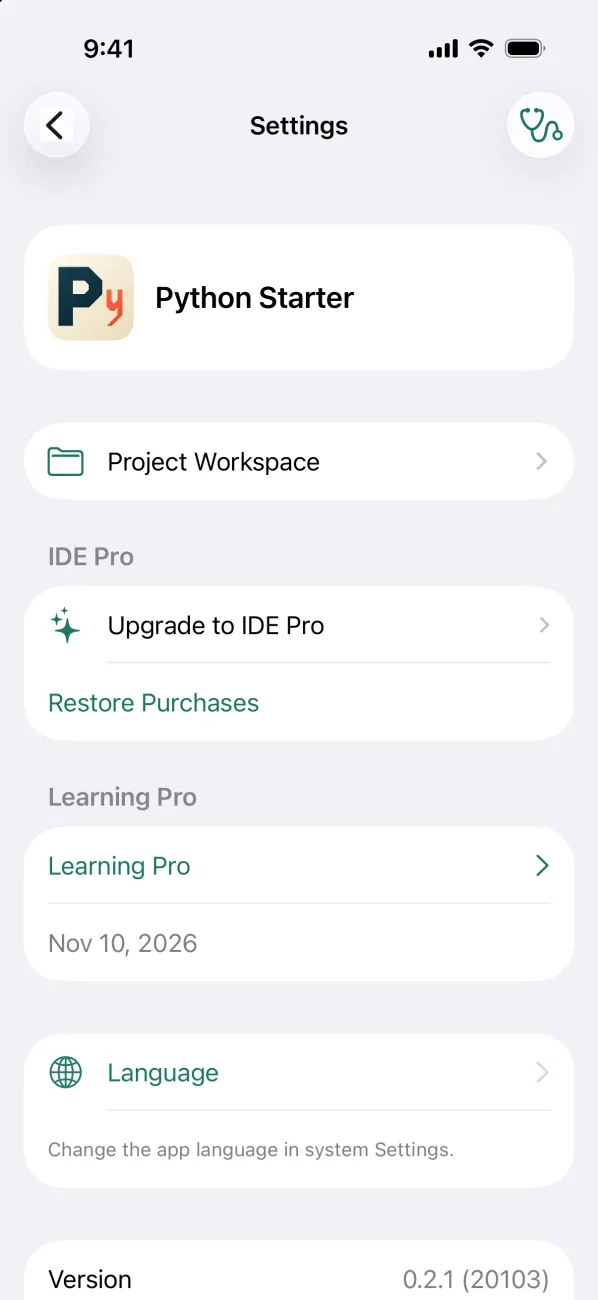
Sobre
O desenvolvedor não forneceu este texto no seu idioma.
Python Starter is a coding and learning environment for people who want to learn Python by writing and running real code. Start with the basics, then explore data processing, databases, scientific computing, and HTTP server development.
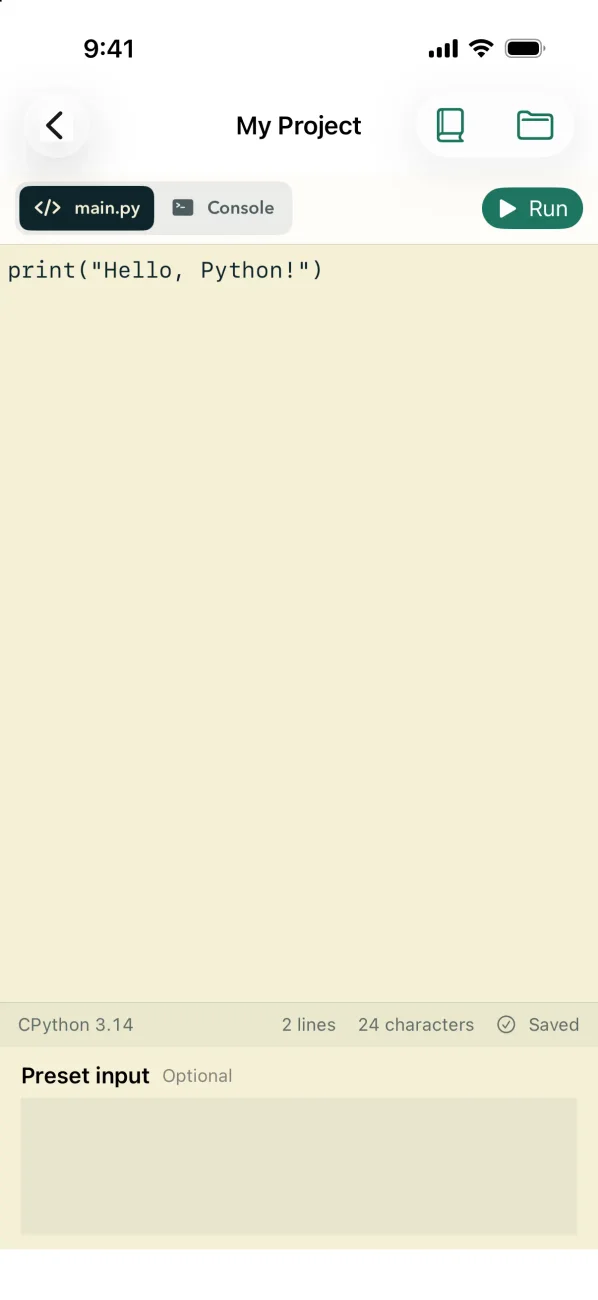
Write Python programs, provide input, and view output and exception tracebacks on iPhone, iPad, and Mac. The app includes CPython 3.14 and runs your code locally on your device, without requiring you to set up a development environment.
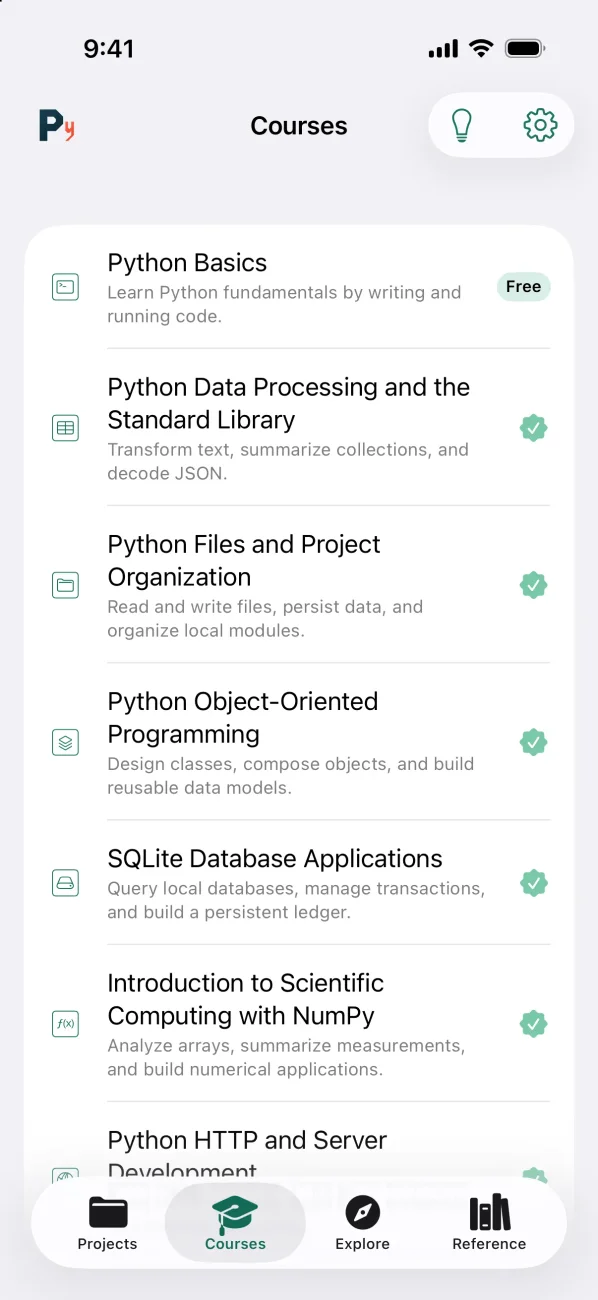
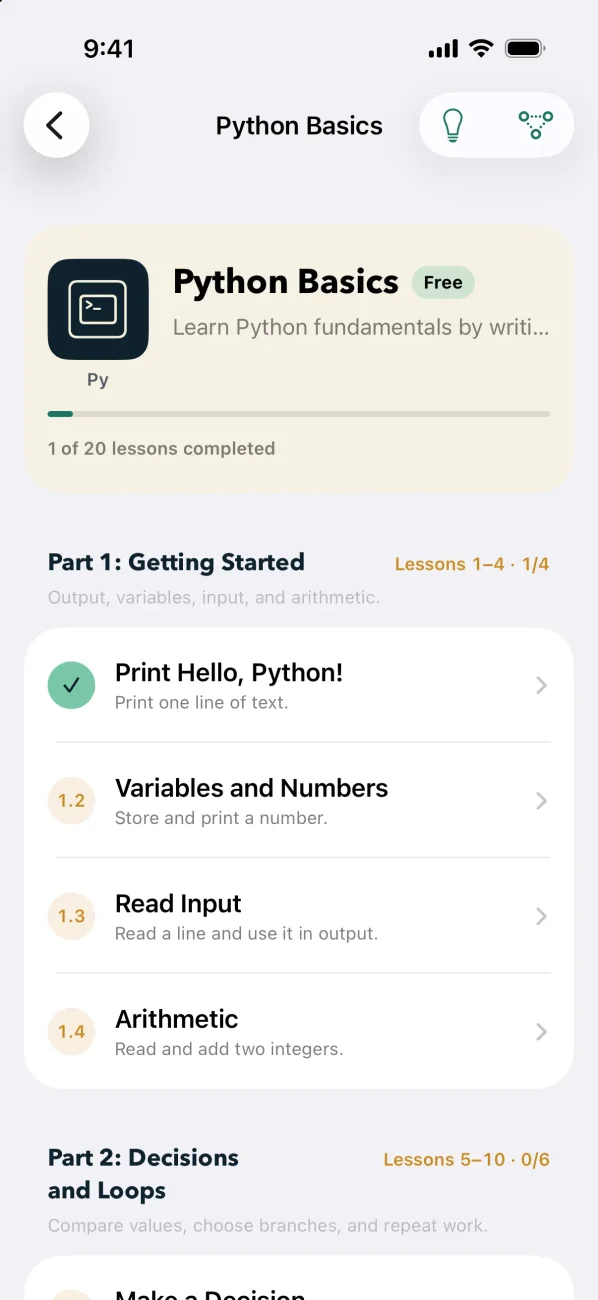
The free Python Basics course includes 20 lessons covering variables, conditions, loops, functions, strings, lists, dictionaries, the standard library, and exception handling, with practical exercises that bring these concepts together.
Learning Pro adds courses covering:
- Python Data Processing and the Standard Library
- Python Files and Project Organization
- Python Object-Oriented Programming
- SQLite Database Applications
- Introduction to Scientific Computing with NumPy
- Python HTTP and Server Development
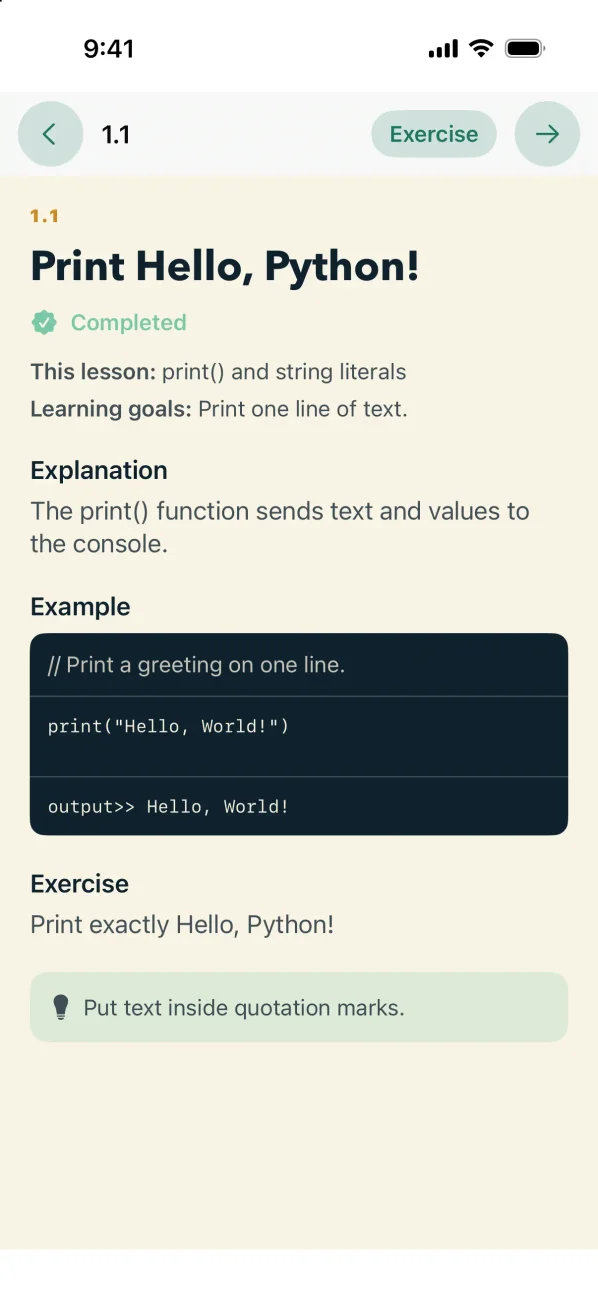
Courses are available in English, Simplified Chinese, and Japanese. Each lesson focuses on clear learning points, with explanations, examples and their input/output, editable exercises, and reference solutions. Exercise checks run locally and show test input, actual output, and check results in the console to help you understand and improve your code.
The HTTP course uses Requests and Flask to connect client requests with server endpoints. Edit client and server code, run the server independently, and check client output against a local server started by the checker. Exercises focused on one side provide read-only code for the other, so you can concentrate on the current topic.
The coding workspace lets you:
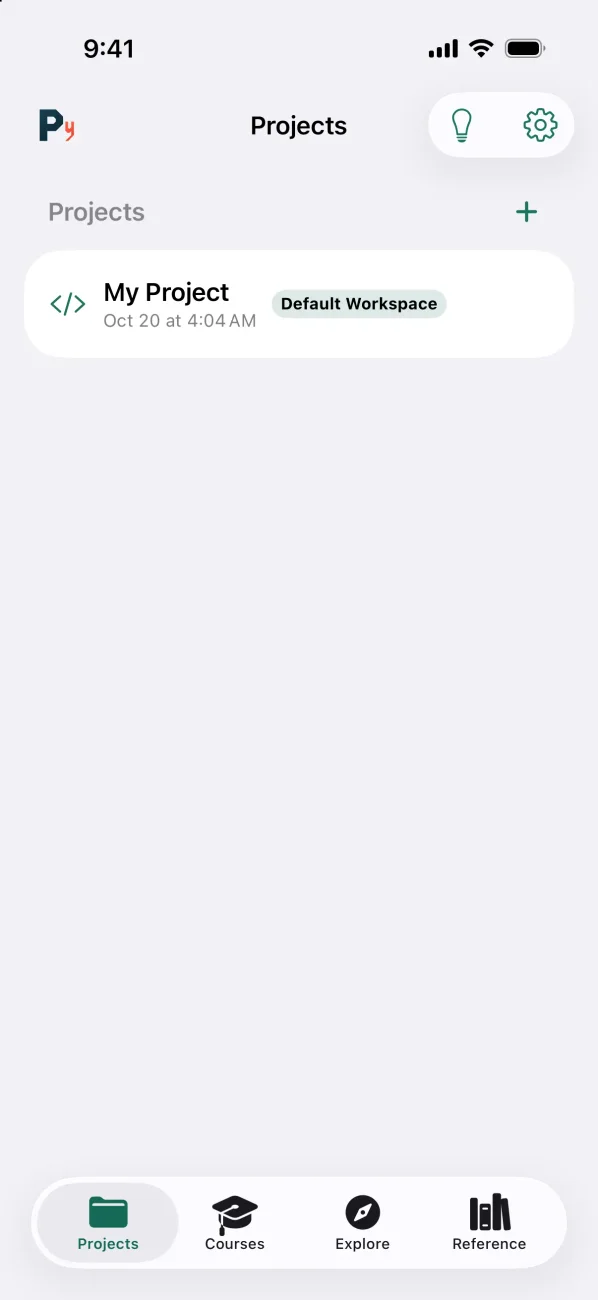
- Create and edit multi-file Python projects
- Run code locally on your device
- Prepare standard input or enter input while a program waits
- View output, errors, and exception tracebacks
- Stop running programs
- Save your code automatically
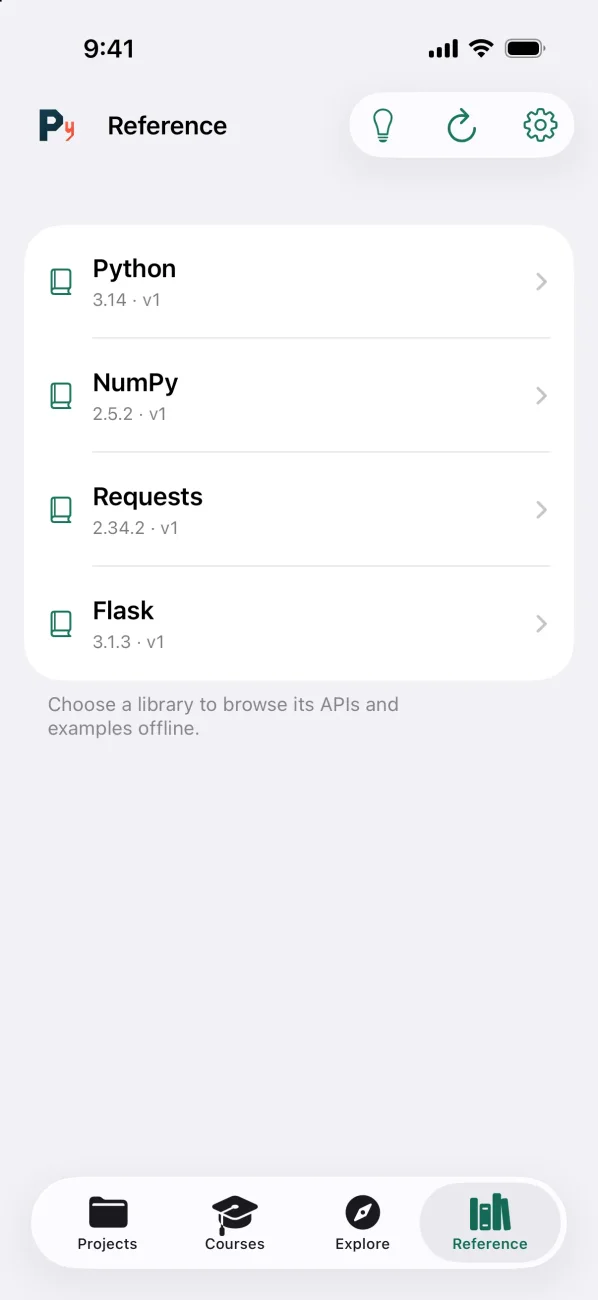
- Browse built-in API quick references and examples for Python, NumPy, Requests, and Flask
- Manage multiple projects with IDE Pro, including duplication, renaming, deletion, and recovery
No account is required, and project code is stored on your device. Code execution does not depend on developer servers. The app does not provide cloud sync or cloud backup. When your code makes network requests, the request data is sent to the servers specified by your code.
Python Starter includes one editable local project for free. IDE Pro is an optional one-time purchase that enables multiple local projects and complete project management features.
Learning Pro is purchased separately from IDE Pro. Choose 1, 3, or 12 months of access to all paid courses available in your region. Learning Pro does not renew automatically.
The app bundles Python’s standard library and libraries including NumPy, Requests, and Flask, with no additional installation required. Python Starter does not provide pip installation or guarantee compatibility with arbitrary third-party native extensions or production projects.
From your first script to multi-file programs, and from data processing to HTTP endpoints, Python Starter helps you build your Python skills through practice.
Novidades
Versão 0.3.0 · 21/11/2026
• Edit Python with syntax highlighting in projects and course exercises. Find and replace text in the current file, and turn on code completion in Settings.
• Organize source files into folders and move modules using the project file tree.
• Export projects as JSON, including Flask server code. Import into your editable workspace for free, or import as a new project with IDE Pro.
• On iPad, open the sidebar over your editor or choose a side-by-side layout in Settings.
Privacidade do app
O que Dozen Network Technology Co., Ltd. declara na App Store sobre como este app lida com os dados.
-
Dados vinculados a você
Podem ser coletados e vinculados à sua identidade.
- Dados de uso
- Diagnóstico
- Outros dados
As práticas de privacidade podem variar, por exemplo, com base nos recursos que você usa ou na sua idade.
Informações
- Vendedor
- Dozen Network Technology Co., Ltd.
- Categoria
- Educação
- Versão
- 0.3.0
- Atualizado
- 21/11/2026
- Lançamento
- 04/09/2026
- Tamanho
- 125,9 MB
- Requer
- iOS 17.0 ou posterior
- Classificação etária
- 4+
- Preço
- Grátis
- Compras no app
- Sim
- Idiomas
- Inglês, Japonês, Chinês simplificado
- Copyright
- © 2026 Dozen Network Technology Co., Ltd.
Você também pode gostar
-
 ML_EngineeringEducação
-
 PyMentoriaEducação
-
 PodPop: inglês com podcastsPodcasts reais, sem dicionário
-
 Moussa MathEducação
-
 NumTestEducação
-
 PyForge: Learn Python CodingEducação
-
 DeVS - AI DiscussionEducação
-
 Python3基礎試験 問題集 一問一答・模試Educação
-
 Seek & Peek: Camera Find GameEducação
-
 Learn Machine Learning & AIEducação