Quiet Write: Markdown Journal
Focus writer, notes & blog
Projetado para iPhone, iPad, Mac
Grátis · Compras no app
- Classificação etária4+
- CategoriaProdutividade
- DesenvolvedorLizzian LLC
- IdiomasInglêse mais 3
- Tamanho7,3 MB
Leva à página oficial na App Store
O Download.org não hospeda nenhum arquivo de Quiet Write: Markdown Journal. O botão abre a página do app na App Store, onde Lizzian LLC o publica. Página verificada pela última vez em 25/11/2026.
Capturas de tela
Sobre
O desenvolvedor não forneceu este texto no seu idioma.
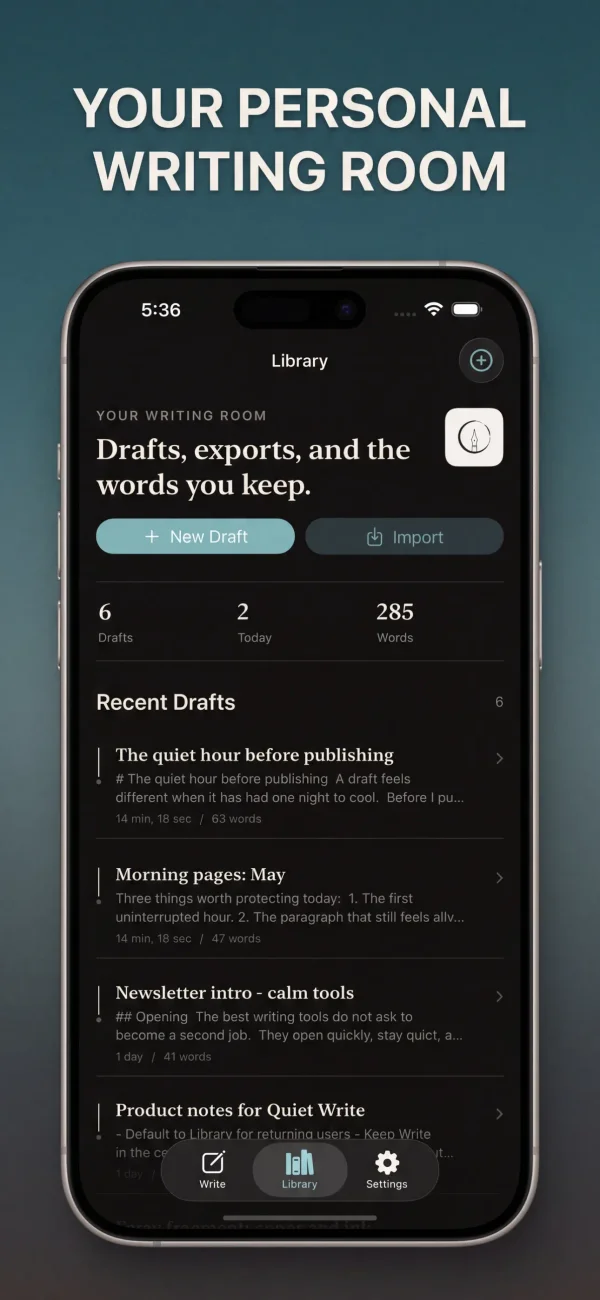
Quiet Write is a calm place to write. Open it and start typing. Your words are plain Markdown files that stay on your device, with no account and no subscription.
WRITE WITHOUT NOISE
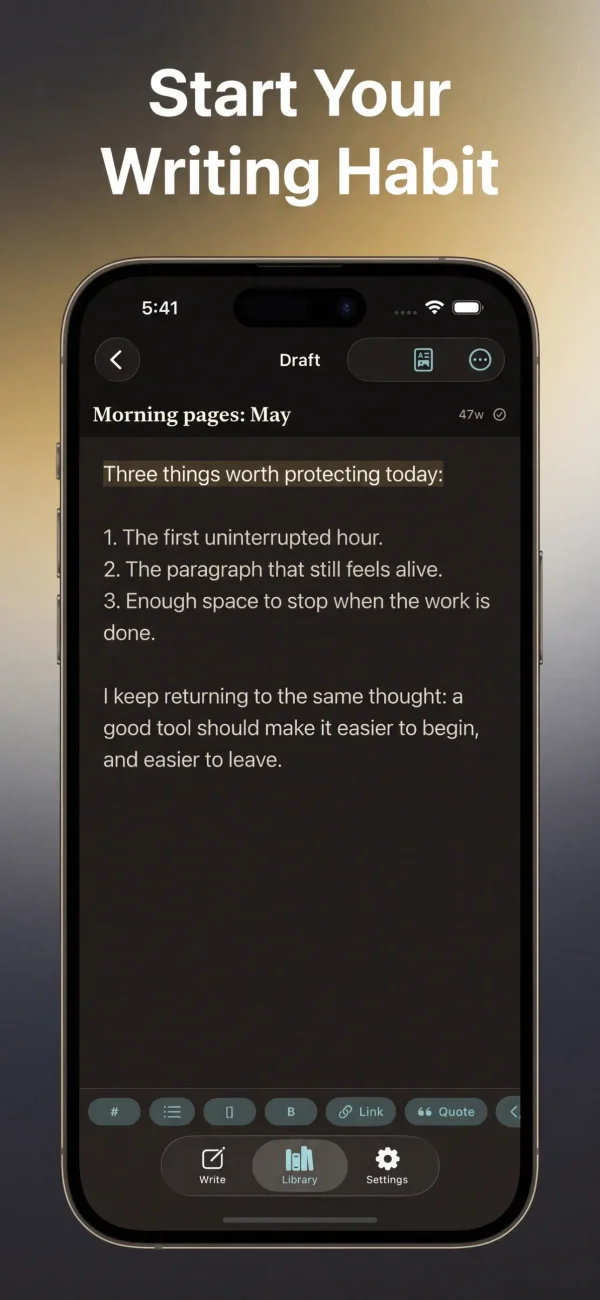
• A clean Markdown editor that styles headings, lists, quotes and links as you type
• Focus mode dims everything except the paragraph you are writing
• Typewriter mode keeps the current line in the middle of the screen
• Preview, outline and word count are one tap away
• Light and dark themes, adjustable text size, line spacing and line width
BUILD A WRITING HABIT
• Today page with a daily word goal, your streak and one tap back into your last draft
• A dated journal entry for each day
• Home Screen and Lock Screen widgets that show today's progress
• Shortcuts actions: New Draft, Today's Writing, Add to Journal
YOUR WORDS STAY YOURS
• Every draft is a .md file that any other app can open
• Import Markdown and text files, and export Markdown at any time
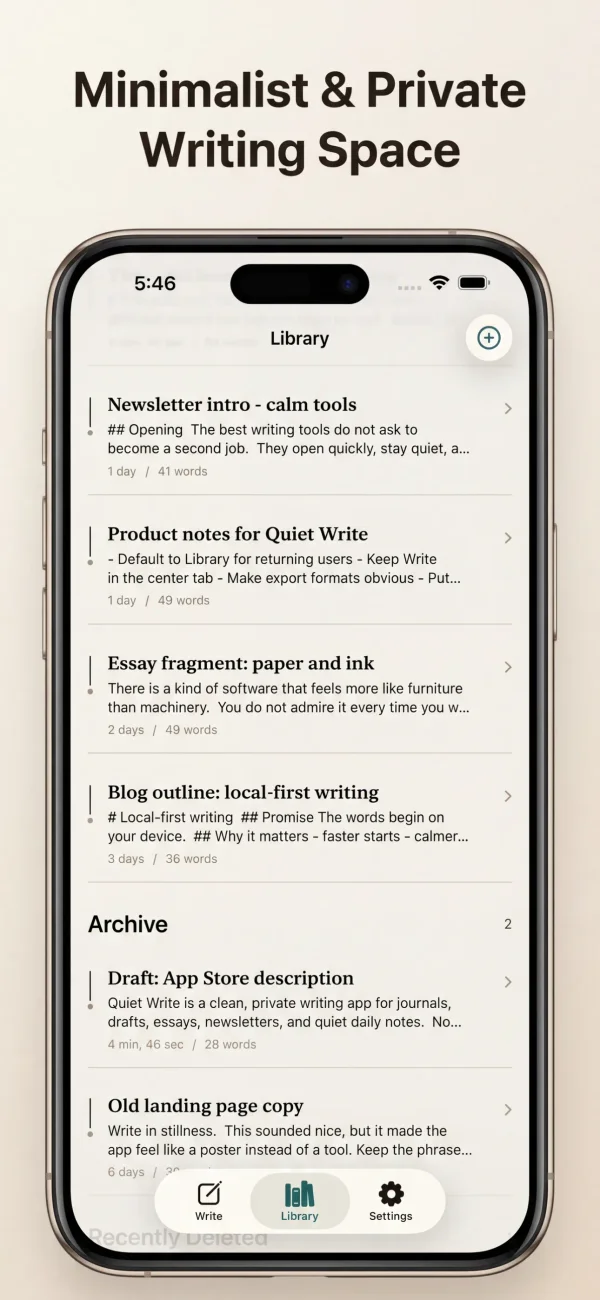
• Version snapshots, an archive, and 30 days of Recently Deleted
• Tags written as #hashtags, and search across everything
• Send text to Quiet Write from any app with the share sheet
QUIET WRITE PRO: ONE PURCHASE, NO SUBSCRIPTION
• Sync through your own iCloud Drive across iPhone, iPad and Mac
• Publish a draft to your own Ghost, WordPress or Micro.blog site
• Export PDF, Word (.docx) and HTML, or copy rich text for newsletters and email
• Style check finds filler words, wordy phrases, repeats and long sentences. It runs on your device and uses no AI
• Full version history and twelve weeks of writing history
• Serif and mono typefaces
• Lock your writing with Face ID, Touch ID or your passcode
PRIVATE BY DESIGN
• No account, no ads, no tracking, no analytics
• Quiet Write has no servers. Sync uses your iCloud, and publishing goes straight from your device to your own blog
• Nothing you write is sent to an AI service
MADE FOR EVERY SCREEN
• iPhone, iPad and Mac, with one purchase for all of them
• Ready for iPhone Duo: fold or unfold and you stay in the same draft, at the same place
• English, Simplified Chinese, Traditional Chinese and Japanese
Writing, goals, streaks, widgets, tags and Markdown export are free for as long as you use the app. If you wrote with Quiet Write 1.0, every Pro feature is unlocked for you at no cost.
Privacy Policy: https://dojoism.com/apps/quiet-write/privacy/
Terms of Use: https://www.apple.com/legal/internet-services/itunes/dev/stdeula/
Novidades
Versão 2.1 · 24/11/2026
Your library, always there
• The library opens quickly, even when iCloud is slow. Drafts that are still downloading appear as they arrive, and a short notice tells you what's going on.
• Fixed an issue that could make the app freeze when opening a draft.
• If iCloud isn't available, Quiet Write uses this device and reconnects by itself.
• Reload Library and Import in Settings. Import many files or a whole folder: nothing is duplicated, and older versions go to Version History.
Your words, safer
• Edits made in other apps (Files, Obsidian, iA Writer) are picked up when you come back, and the previous text is kept in Version History.
• Saving retries by itself and tells you if a draft isn't saved yet.
• Files in more text encodings open correctly.
Writing
• Return continues lists, numbered lists, tasks and quotes. Tab and Shift-Tab indent list lines.
• Find and Replace.
• Long drafts stay smooth while you type.
• Version History shows what changed before you restore.
Library
• Search includes archived drafts.
• Long-press a draft to archive, delete or restore it.
Also
• Appearance: Black Field, White Field, or System.
• Better VoiceOver support.
• On Mac, the lock comes back after five minutes in the background.
Privacidade do app
O que Lizzian LLC declara na App Store sobre como este app lida com os dados.
-
Dados não coletados
O desenvolvedor não coleta nenhum dado deste app.
As práticas de privacidade podem variar, por exemplo, com base nos recursos que você usa ou na sua idade.
Informações
- Vendedor
- Lizzian LLC
- Categoria
- Produtividade
- Versão
- 2.1
- Atualizado
- 24/11/2026
- Lançamento
- 28/05/2026
- Tamanho
- 7,3 MB
- Requer
- iOS 17.0 ou posterior
- Classificação etária
- 4+
- Preço
- Grátis
- Compras no app
- Sim
- Idiomas
- Inglês, Japonês, Chinês simplificado, Chinês tradicional
- Copyright
- ©Lizzian LLC 2026
Você também pode gostar
-
 Better Writing: Second DraftProdutividade
-
 Talelay: Creative WritingProdutividade
-
 Escrever Histórias: ScribeMeContos, poemas e diários
-
 Pomochan: Cute Pomodoro TimerProdutividade
-
 Textn.Produtividade
-
 Freewrite: Minimal NotesProdutividade
-
 Quietleaf: Writing SpaceProdutividade
-
 Free WritingEscreva sem parar e organize
-
 Braid: Novel WritingProdutividade
-
 Tend Photos: Clean With CareProdutividade