- Classificação etária17+
- CategoriaEducação
- Desenvolvedorkoji kamogawa
- IdiomasInglêse mais 1
- Tamanho5,6 MB
Leva à página oficial na App Store
O Download.org não hospeda nenhum arquivo de RST Decoder. O botão abre a página do app na App Store, onde koji kamogawa o publica. Página verificada pela última vez em 17/11/2026.
Capturas de tela

Sobre
O desenvolvedor não forneceu este texto no seu idioma.
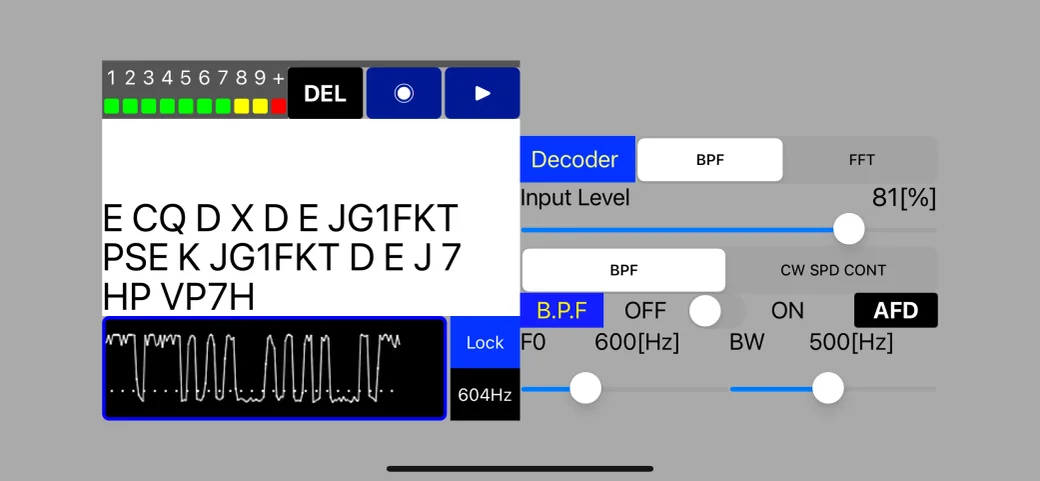
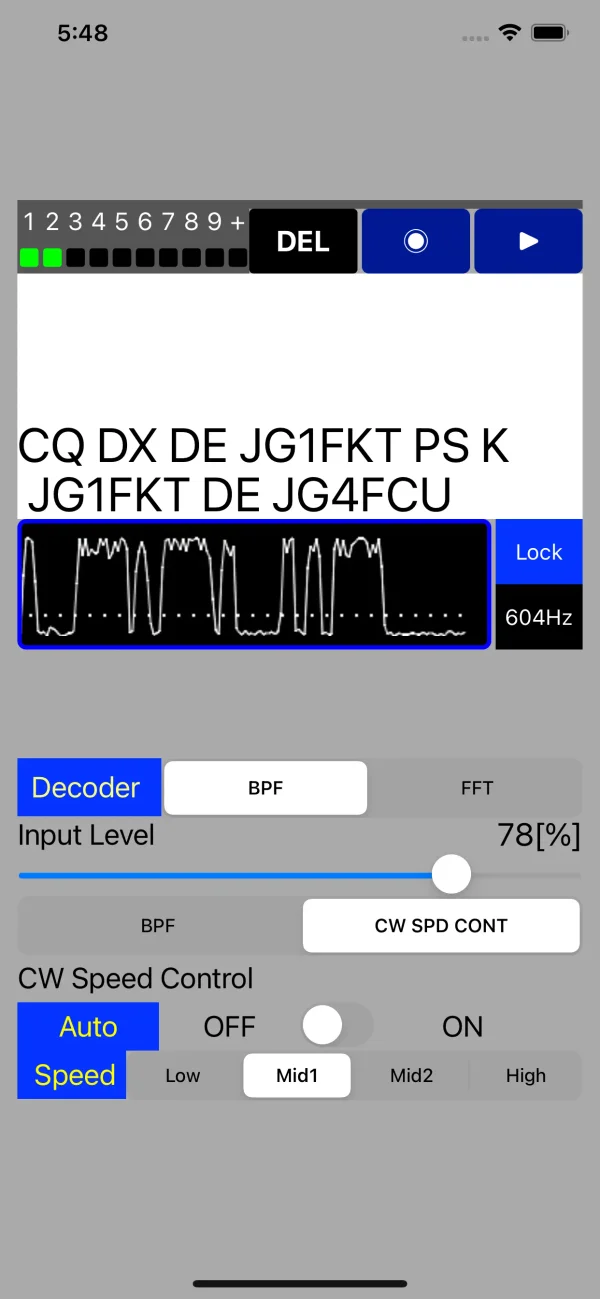
This is an App that decodes Morse code input from the microphone.
It is a Morse practice App that you can use to check if you are keying the correct code.
Signals with good S/N can be decoded correctly, but signals with bad S/N cannot be decoded correctly.
Also, the performance will be degraded for extremely slow or fast signals.
Usually about 5 to 10 characters are required for speed synchronization of Morse Code.
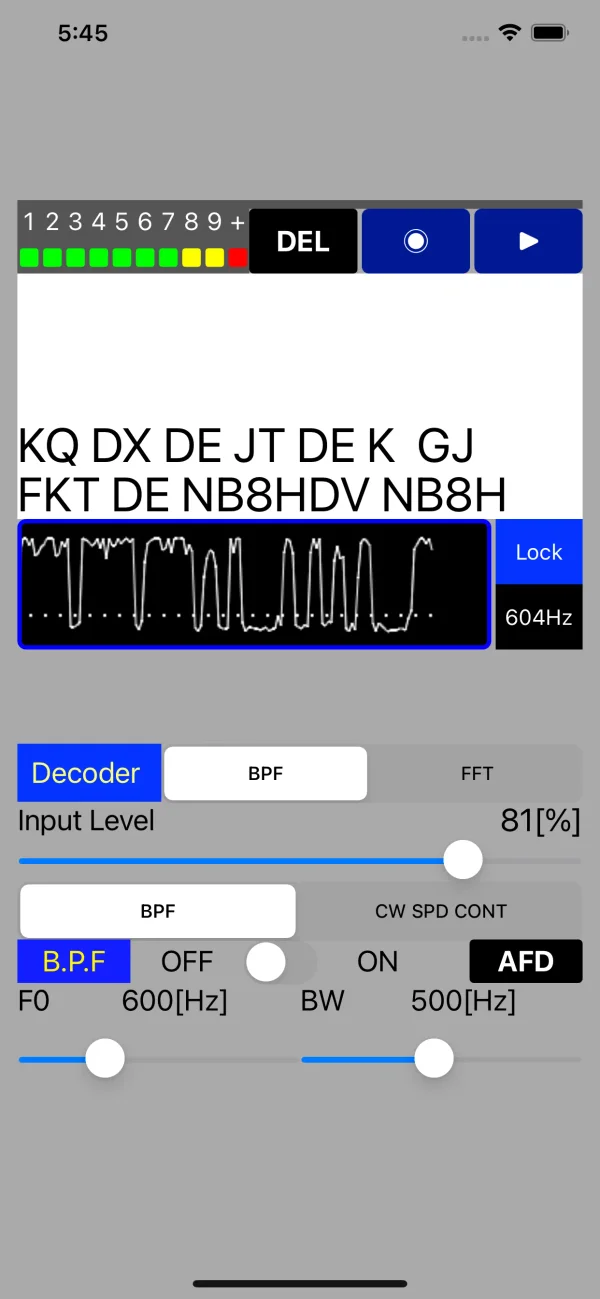
Adjust the input signal so that the peak value changes from level 6 to level 7.
Make fine adjustments to each parameter according to the reception status.
[Additional Functions]
-In addition to the decoder using BPF, a new decoder using FFT has been added so that it can be switched according to the usage.
-AFD (Auto Frequency Detector) function has been added to the decoder using BPF, and BPF can be set automatically by pressing the AFD button.
-The decoder using FFT automatically follows the strongest signal in the band by AFD (Auto Frequency Detector) and AGC (Auto Gain Control). You can also hold the AFD / AGC parameters by pressing the Lock button.
* There will be a time lag of about 1 to 2 seconds for AFD tracking.
[Control parameters]
1. Audio Input Level
2.BPF ON/OFF
3.BPF of Center Frequency
4.BPF of Band Width
5.CW Speed Control ON/OFF
6.CW Speed Control Low, Mid1, Mid2 or High
7.Delete All Decoded Text
8.Realtime CW Signal Display
9.Input signal recording / playback function
*Japanese/KANA text is not supported.
[Note]
Since the signal after BPF is output to the audio output, it can also be used as an AF-CW filter.
[URL of this App working example video]
https://youtu.be/Pwp7W4m-m34
Novidades
Versão 3.5.0 · 30/08/2026
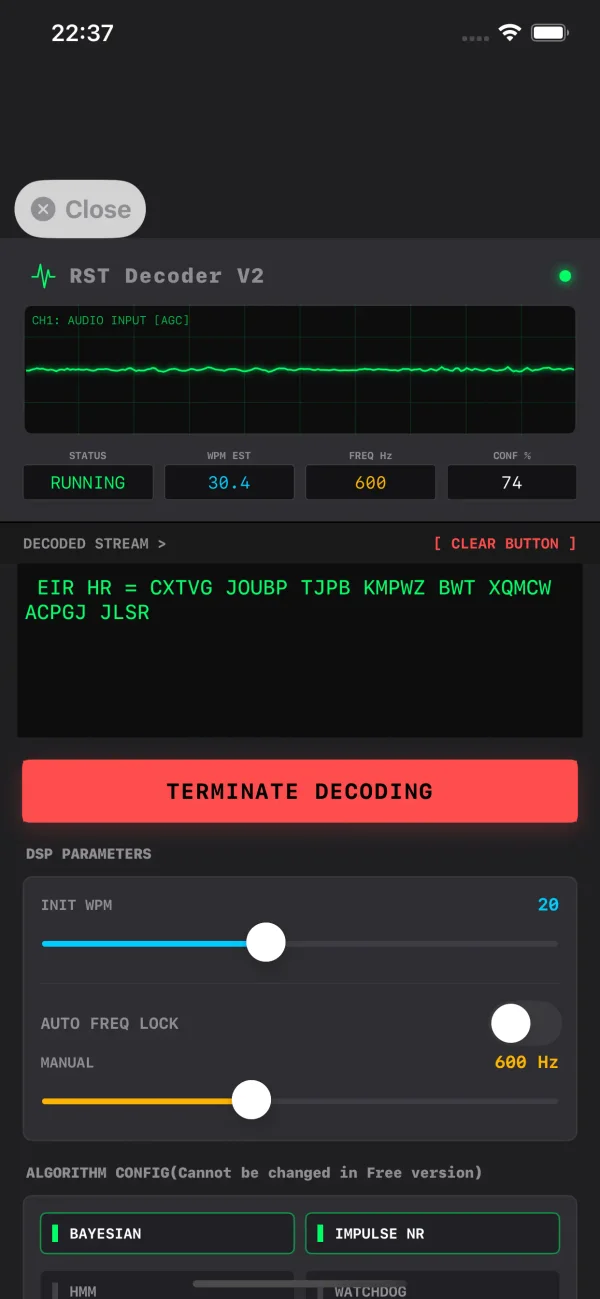
Updated the Morse Decoder Login in old UI.
Privacidade do app
O que koji kamogawa declara na App Store sobre como este app lida com os dados.
-
Dados usados para rastrear você
Podem ser usados para rastrear você em apps e sites de outras empresas.
- Localização
- Identificadores
- Dados de uso
- Diagnóstico
- Outros dados
-
Dados vinculados a você
Podem ser coletados e vinculados à sua identidade.
- Localização
- Identificadores
- Dados de uso
- Diagnóstico
- Outros dados
As práticas de privacidade podem variar, por exemplo, com base nos recursos que você usa ou na sua idade.
Informações
- Vendedor
- koji kamogawa
- Categoria
- Educação
- Versão
- 3.5.0
- Atualizado
- 30/08/2026
- Lançamento
- 21/06/2020
- Tamanho
- 5,6 MB
- Requer
- iOS 17.0 ou posterior
- Classificação etária
- 17+
- Preço
- Grátis
- Idiomas
- Inglês, Japonês
- Copyright
- © 2026, Koji Kamogawa