
Sidrion Pointer: Touchpad
Mouse & keyboard for PC, Mac
Projetado para iPhone, iPad, iPod touch
Grátis
- Classificação etária4+
- CategoriaUtilidades
- DesenvolvedorMD BALEL HUSAIN
- IdiomasInglês
- Tamanho16,4 MB
Leva à página oficial na App Store
O Download.org não hospeda nenhum arquivo de Sidrion Pointer: Touchpad. O botão abre a página do app na App Store, onde MD BALEL HUSAIN o publica. Página verificada pela última vez em 24/11/2026.
Capturas de tela

Sobre
O desenvolvedor não forneceu este texto no seu idioma.
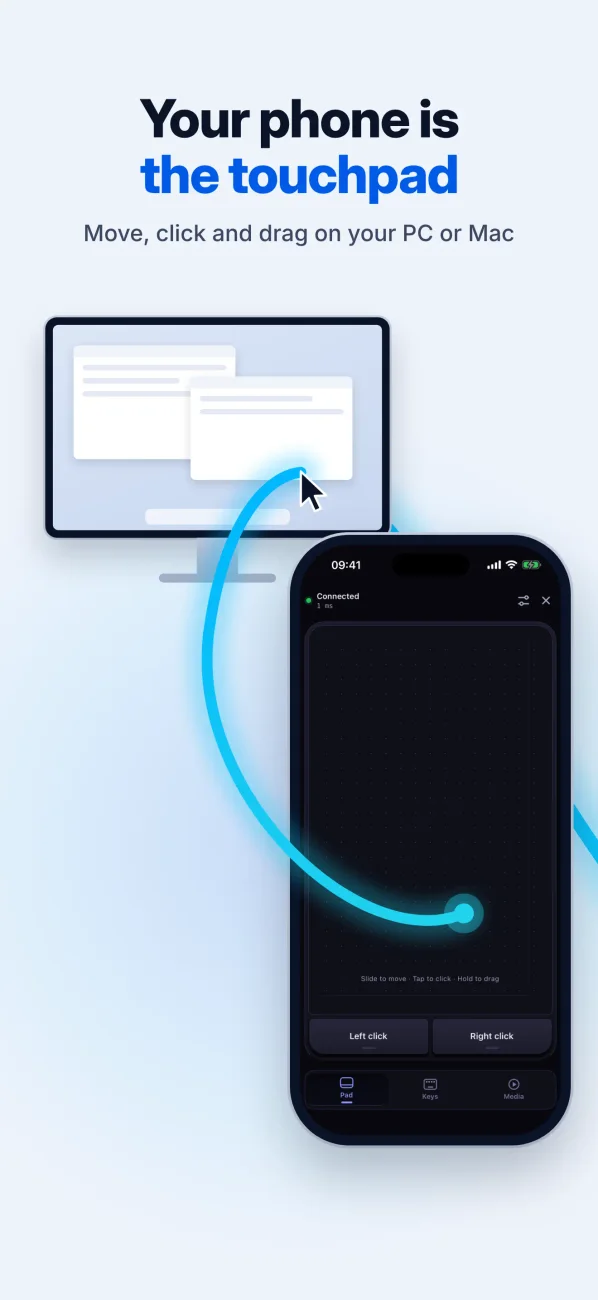
Sidrion Pointer turns your iPhone or iPad into a touchpad, mouse and keyboard for your Windows PC or Mac. Sit back on the sofa, run a presentation from across the room, or keep working when your mouse battery dies.
WHAT YOU CAN DO
• Touchpad: move the pointer, tap to click, hold to drag, and scroll with the edge strips (up and down, and sideways)
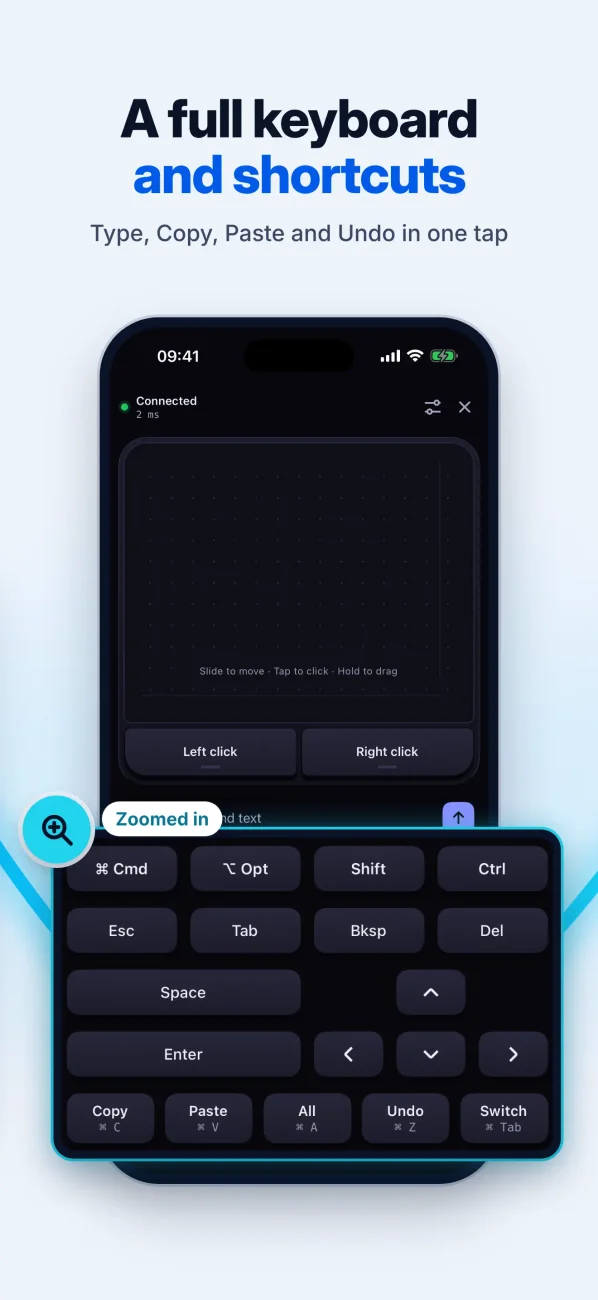
• Keyboard: type straight into any app on your computer, including accents and emoji
• Special keys: Esc, Tab, Ctrl, Alt, Shift, Delete, and the Windows or ⌘ key
• Quick shortcuts: Copy, Paste, Undo, Select all and Switch apps in one tap
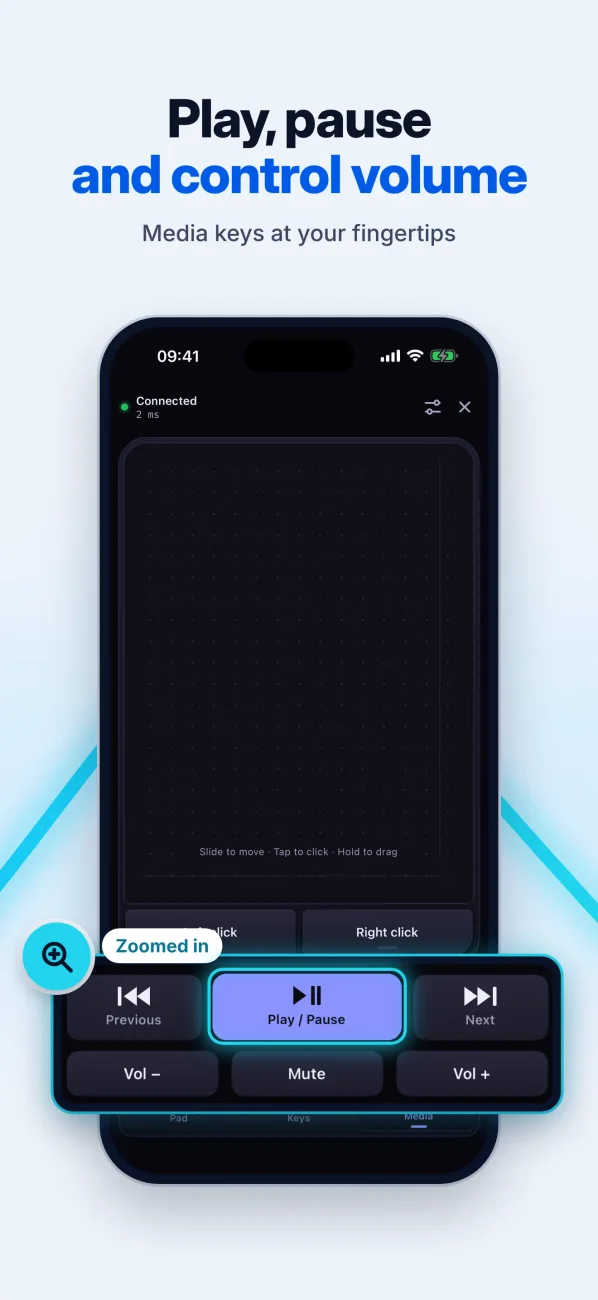
• Media keys: play, pause, skip tracks and change the volume
• Made for iPad: bigger layouts that use the whole screen, with a number pad in landscape
PRIVATE BY DESIGN
• Works over your own Wi-Fi, directly between your device and your computer
• No account, no ads, no tracking and no subscription
• Enter a pairing code once; trusted devices reconnect by themselves
SET UP IN A MINUTE
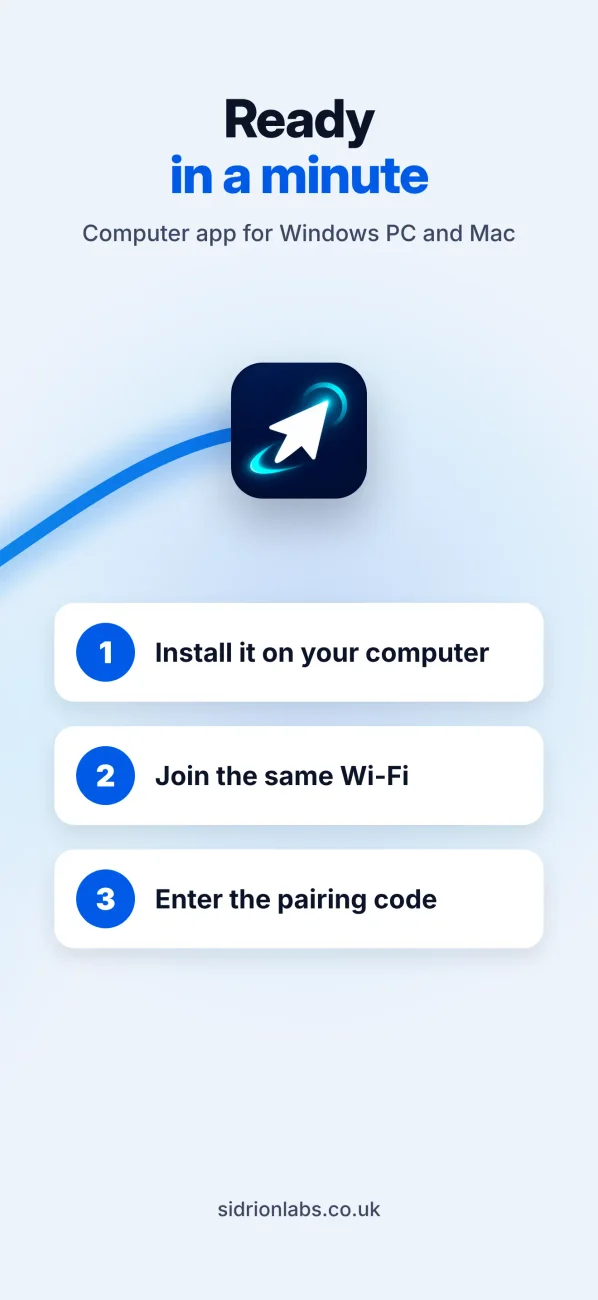
1. Install the free Sidrion Pointer host on your computer: sidrionlabs.co.uk/sidrion-pointer/download
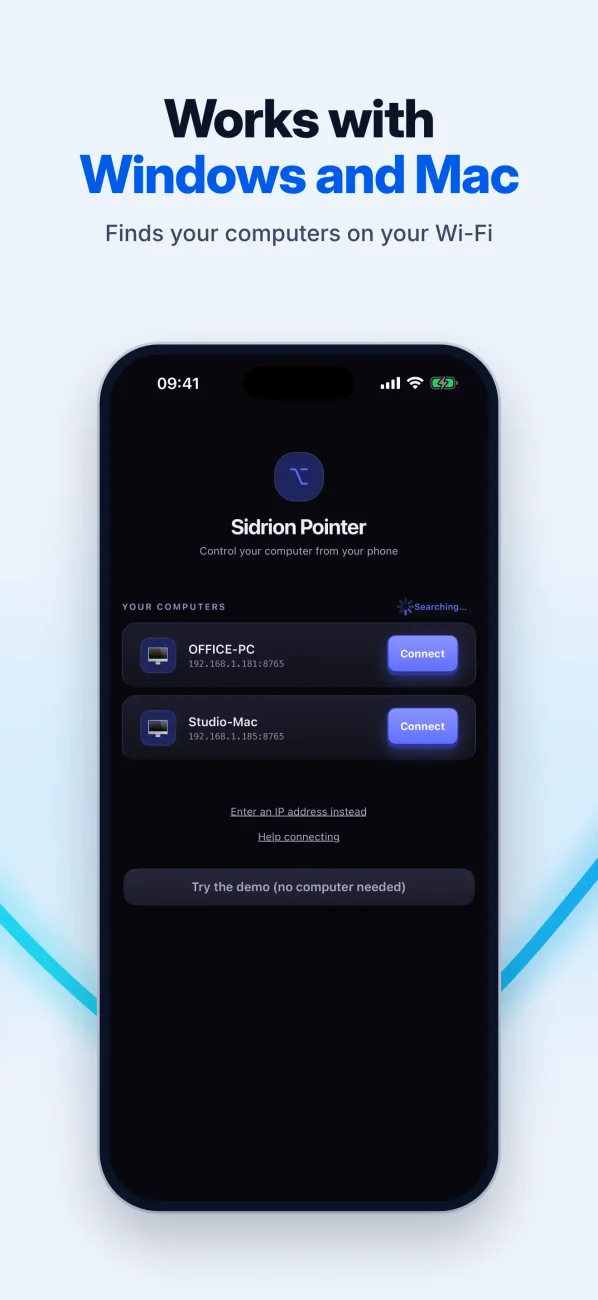
2. Connect your iPhone or iPad and your computer to the same Wi-Fi
3. Open the app, choose your computer, and type the pairing code it shows
After setup, the host lives in the Mac menu bar or the Windows system tray. It checks for its own updates and offers them in one click.
REQUIREMENTS
• iPhone or iPad with iOS 15.1 or later
• Windows 10 or 11 (64-bit), or a Mac with Apple silicon (M1 or later) running macOS 13 or later
• Your device and computer on the same local network
Made by Sidrion Labs. Questions or ideas? Visit sidrionlabs.co.uk/sidrion-pointer/support
Novidades
Versão 1.1.0 · 23/11/2026
A big update:
• A fresh new look
• Layouts made for iPad
• Media keys and sideways scrolling
• Now works with Mac as well as Windows PC
• Faster first connection and clearer pairing messages
• Share Sidrion Pointer with friends from Settings
Media keys and sideways scrolling need the latest computer host (Windows 1.2.0 or Mac 1.0.0). The app tells you if yours is out of date.
Privacidade do app
O que MD BALEL HUSAIN declara na App Store sobre como este app lida com os dados.
-
Dados não coletados
O desenvolvedor não coleta nenhum dado deste app.
As práticas de privacidade podem variar, por exemplo, com base nos recursos que você usa ou na sua idade.
Informações
- Vendedor
- MD BALEL HUSAIN
- Categoria
- Utilidades
- Versão
- 1.1.0
- Atualizado
- 23/11/2026
- Lançamento
- 04/09/2026
- Tamanho
- 16,4 MB
- Requer
- iOS 15.1 ou posterior
- Classificação etária
- 4+
- Preço
- Grátis
- Idiomas
- Inglês
- Copyright
- © 2026 Sidrion Labs
Você também pode gostar
-
 Phone Use RemoteUtilidades
-
 Fantastic MouseUtilidades
-
 QR Toolkit: Scanner, GeneratorUtilidades
-
 CCA RemoteUtilidades
-
 BlePad: BLE RemoteUtilidades
-
 FreeMouse: Trackpad & KeyboardUtilidades
-
 Tappio: Controle de computadorMouse, trackpad e teclado
-
 DexoPadUtilidades
-
 Bluetooth MouseUtilidades
-
 MouseMeUtilidades