
Slidaria
Slideshow, Camera & Editor
Projetado para iPhone, iPad, Mac
Compras no app
- Classificação etária4+
- CategoriaFoto e vídeo
- DesenvolvedorEmanuel Schmacher
- IdiomasInglêse mais 24
- Tamanho19,8 MB
Slidaria pode não estar disponível na App Store no momento
Não foi possível acessar a página da loja na nossa última verificação. O link continua levando à página oficial na App Store.
Capturas de tela

Sobre
O desenvolvedor não forneceu este texto no seu idioma.
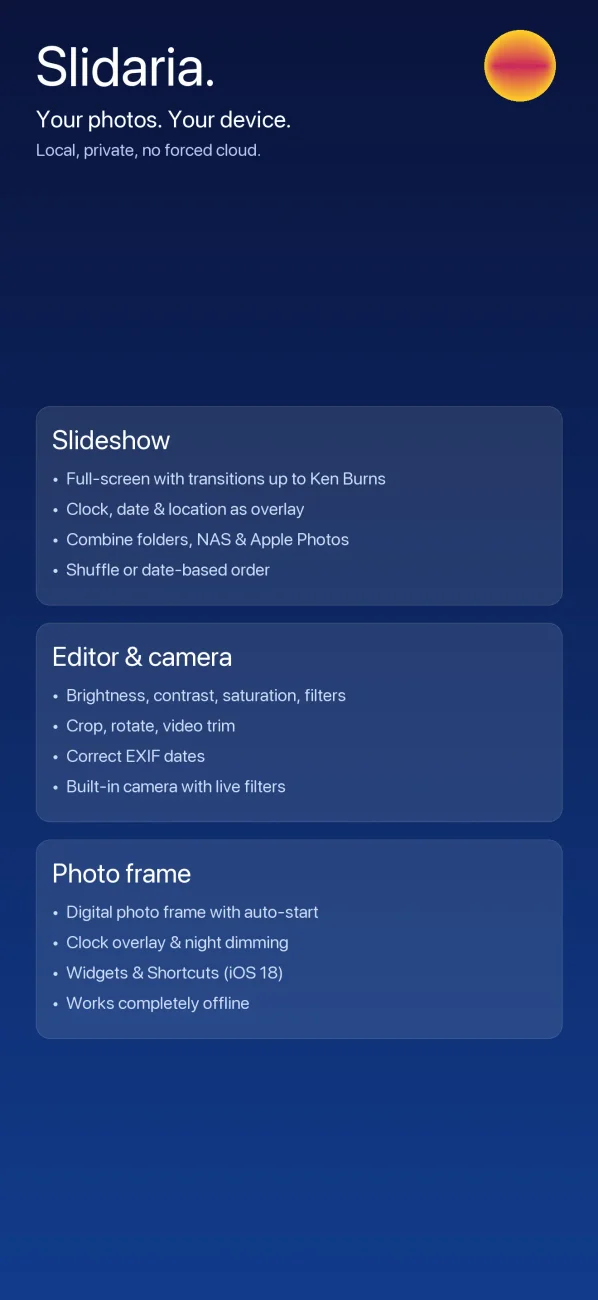
Slidaria is the full-featured, professional app for your photos and videos: slideshow, camera and editor in one. Show your shots as a calm, expressive slideshow or let them play for hours in the digital photo frame. Capture photos and videos with live looks, right up to a pro mode, and edit both directly on your device — then export them in the right format for social media.
PROFESSIONAL SLIDESHOWS
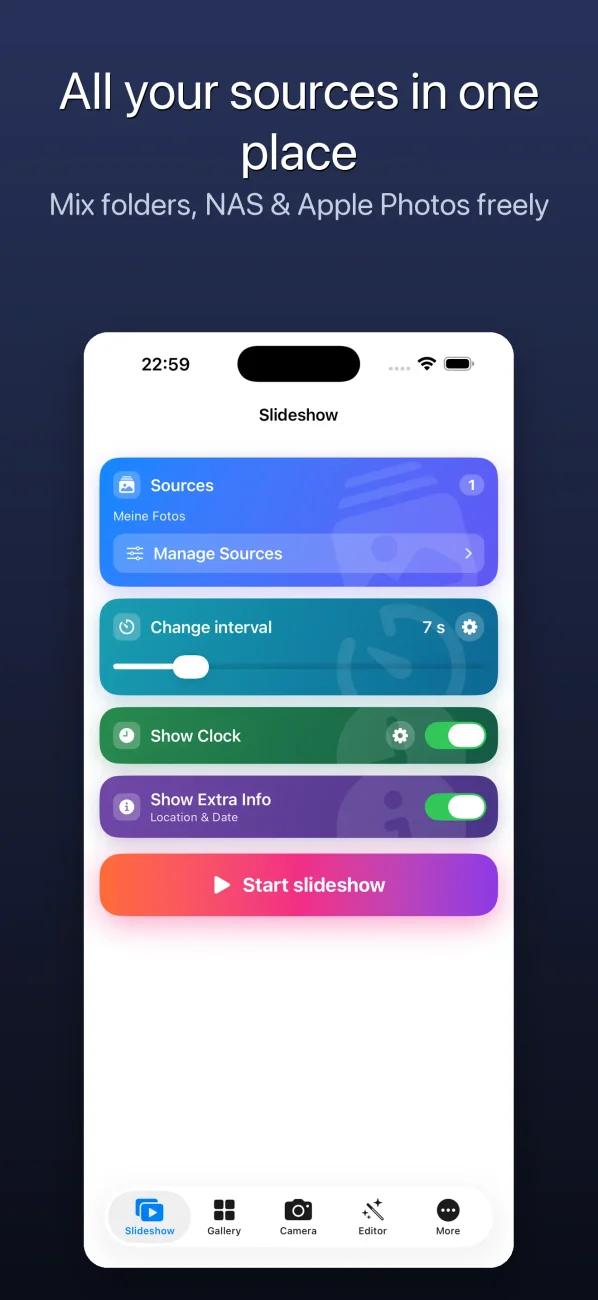
• Sources: Apple Photos with all your albums, your own folders and files — plus Synology Photos and Immich with Pro
• Photos and videos with sound in 4K, 17 transitions, display time from 4 to 7 seconds
• Sort by date taken, by name or at random
• Digital photo frame with clock and night dimming
• With Pro: several sources at once, up to twelve photos side by side, Ken Burns, intervals from 2 to 30 seconds, Live Photos in motion, photo info overlays (date, location, camera data) and background music
A FULL-FEATURED CAMERA
• Six modes: photo, video, portrait, panorama, slow motion and time-lapse (panorama on iPhone, slow motion depending on the device)
• Photos, Live Photos and videos up to 4K at 60 frames per second (depending on the device)
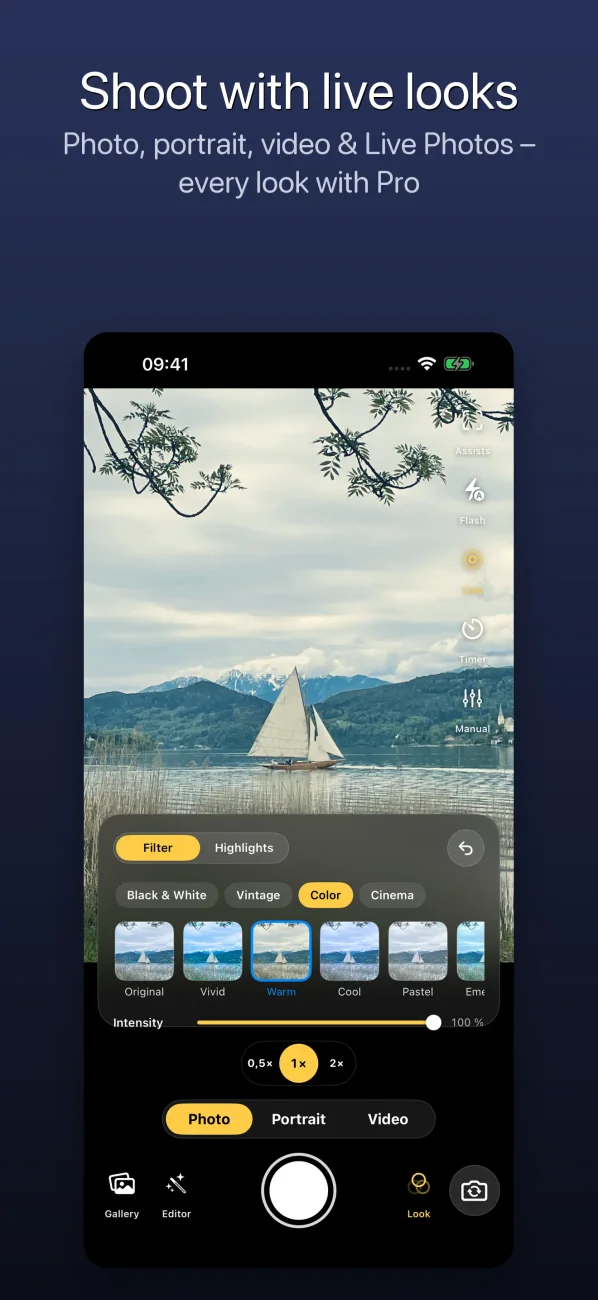
• 27 live looks in four categories, baked into photos and videos — eight of them free
• Timer, volume button as shutter release, zoom levels and tap to focus
• Grid with golden ratio, aspect-ratio frames and a level
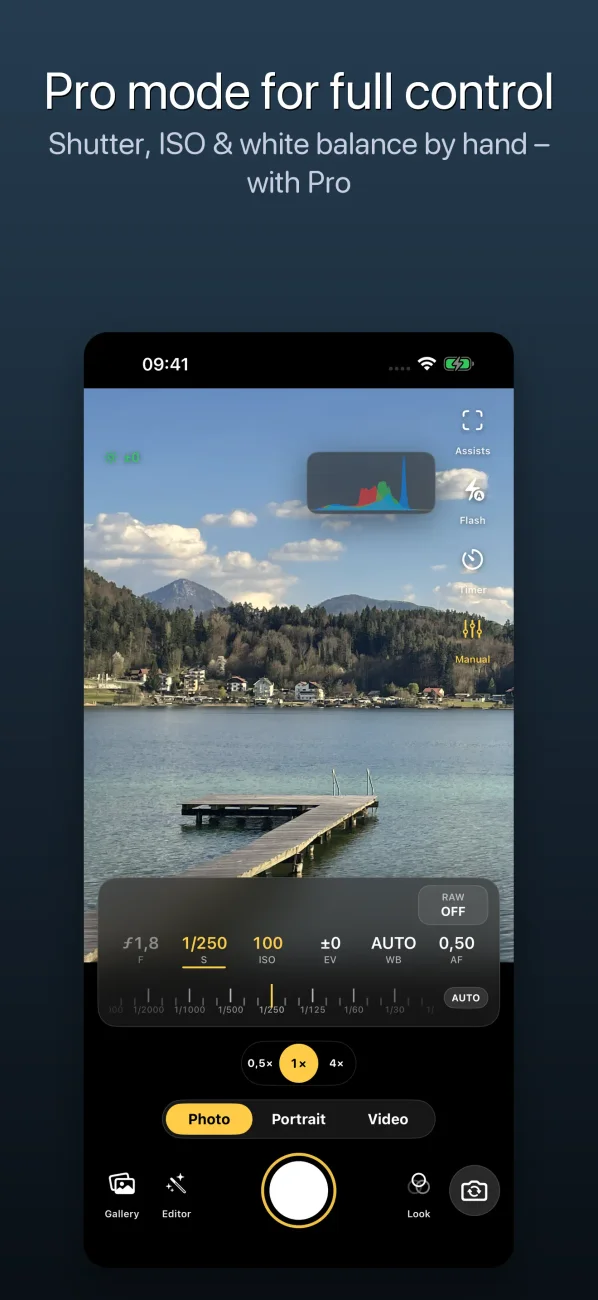
• With Pro (depending on the device): pro mode with manual shutter speed, ISO, white balance and focus, plus RAW, long exposure, histogram, zebra and focus peaking; image controls as you shoot; portrait lighting styles such as studio and stage light; both cameras at once; switching cameras while recording video
EDITOR FOR PHOTOS AND VIDEOS
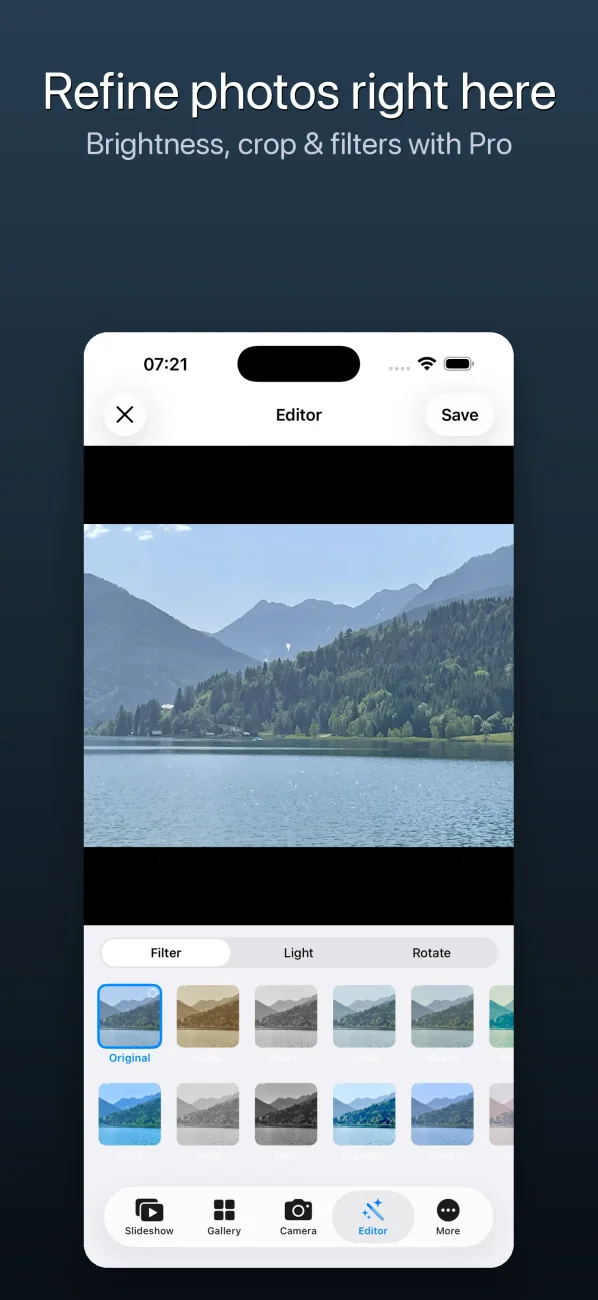
• 18 controls for light, colour and detail, from exposure to vignette, plus automatic correction
• Filter looks with adjustable intensity
• Crop with seven aspect ratios, straighten and rotate
• Draw with pen, marker and eraser; stickers with 100 emoji and 12 shapes
• Change the date and time taken
• Trim and rotate videos
• Three saves are free — with Pro: every look and unlimited saving
FOR SOCIAL MEDIA
• Photos and videos in 30 formats for Instagram, TikTok, YouTube, Facebook, X, Snapchat, Pinterest, LinkedIn, Threads, WhatsApp, Telegram, Vimeo and Bluesky
• Dimensions, frame rate, length and file size to suit each channel; fill the frame or fit it with a blurred border
• Collages of 2 to 9 photos: 24 layouts, 7 formats, and your choice of spacing, corners and background
• Exports and collages are free with the “Made with Slidaria” branding — Pro removes it
THOUGHTFULLY DESIGNED THROUGHOUT
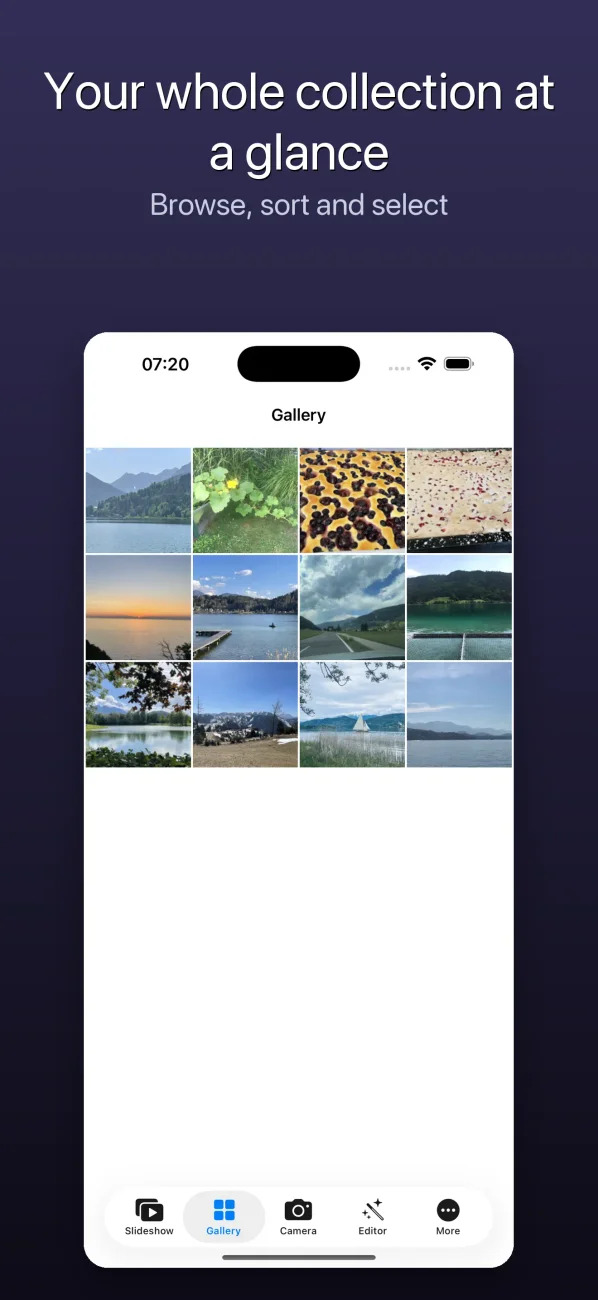
• Gallery: every source in one grid; Live Photos play when you press and hold
• Info panel with date taken, camera, lens, exposure and the location on a map
• Five colour themes (Graphite free, four more with Pro), animated or calm backgrounds — including your own photo
• Slideshow, camera and photo frame also start from Control Centre and the Lock Screen (iOS 18 or later), via Shortcuts and with Siri
PRIVATE ON PRINCIPLE
No account, no tracking, no ads. Slidaria sends no data to servers of its own. Your originals stay untouched unless you edit them yourself. Place names and maps come from Apple’s map service; you can turn off the location display in the slideshow at any time.
PRO — THREE WAYS
Slidaria Pro is available as a yearly subscription with a 3-day free trial, as a monthly subscription (cancel at any time) or as a one-time purchase with no subscription at all. One purchase covers Mac, iPhone, iPad and Apple TV — and up to six people with Family Sharing. Subscriptions renew automatically unless cancelled at least 24 hours before the end of the current period; you can cancel in your Apple Account settings. The one-time purchase does not renew.
TERMS OF USE AND PRIVACY
Terms of Use (Apple Standard EULA): https://www.apple.com/legal/internet-services/itunes/dev/stdeula/
Privacy Policy: https://slidaria.app/en/privacy/
Novidades
Versão 2.1 · 28/11/2026
NEW IN 2.1
• Faster: the slideshow, gallery and photo viewer start and run noticeably more smoothly and use less memory.
• Videos from Synology and Immich: long videos are now streamed and start within a few seconds instead of downloading completely first.
• Export for social media: you now see a preview of the result straight away – with format, crop and branding.
• Feedback: under “Help”, tap “Send Feedback” to write to us directly.
• Fixed: in the camera, the full-size view of a shot rotates to landscape again, and a deleted shot disappears immediately.
Privacidade do app
O que Emanuel Schmacher declara na App Store sobre como este app lida com os dados.
-
Dados não coletados
O desenvolvedor não coleta nenhum dado deste app.
As práticas de privacidade podem variar, por exemplo, com base nos recursos que você usa ou na sua idade.
Informações
- Vendedor
- Emanuel Schmacher
- Categoria
- Foto e vídeo
- Versão
- 2.1
- Atualizado
- 28/11/2026
- Lançamento
- 05/07/2026
- Tamanho
- 19,8 MB
- Requer
- iOS 17.0 ou posterior
- Classificação etária
- 4+
- Compras no app
- Sim
- Idiomas
- Inglês, Árabe, Bulgarian, Croata, Checo, Dinamarquês, Holandês, Estoniano, Finlandês, Francês, Alemão, Grego e mais 13
- Copyright
- © 2026 Emanuel Schmacher e.U.
Você também pode gostar
-
 Rando - Random Photo SlideshowFoto e vídeo
-
 Scenio: Photo & Video ShowFoto e vídeo
-
 SlideStreamFoto e vídeo
-
 PicturePresenterFoto e vídeo
-
 GalleriqueFoto e vídeo
-
 PicFrame MateFoto e vídeo
-
 DawnSlideshowFoto e vídeo
-
 IA de Imagens: ArtDiffusionAnime e Fotos Reais Offline
-
 Storyframe - smart photo frameFoto e vídeo
-
 ClockFire: Porta-RetratoRelógio digital feito de fogo