- Classificação etária4+
- CategoriaFoto e vídeo
- DesenvolvedorJason Hawkins
- IdiomasInglês
- Tamanho24,3 MB
Leva à página oficial na App Store
O Download.org não hospeda nenhum arquivo de Small Key. O botão abre a página do app na App Store, onde Jason Hawkins o publica. Página verificada pela última vez em 17/11/2026.
Capturas de tela

Sobre
O desenvolvedor não forneceu este texto no seu idioma.
Small Key turns your iPhone or iPad into a portable key light, perfect for lighting your face on a video call, filling in shadows for a photo, or bringing a little warmth to a room.
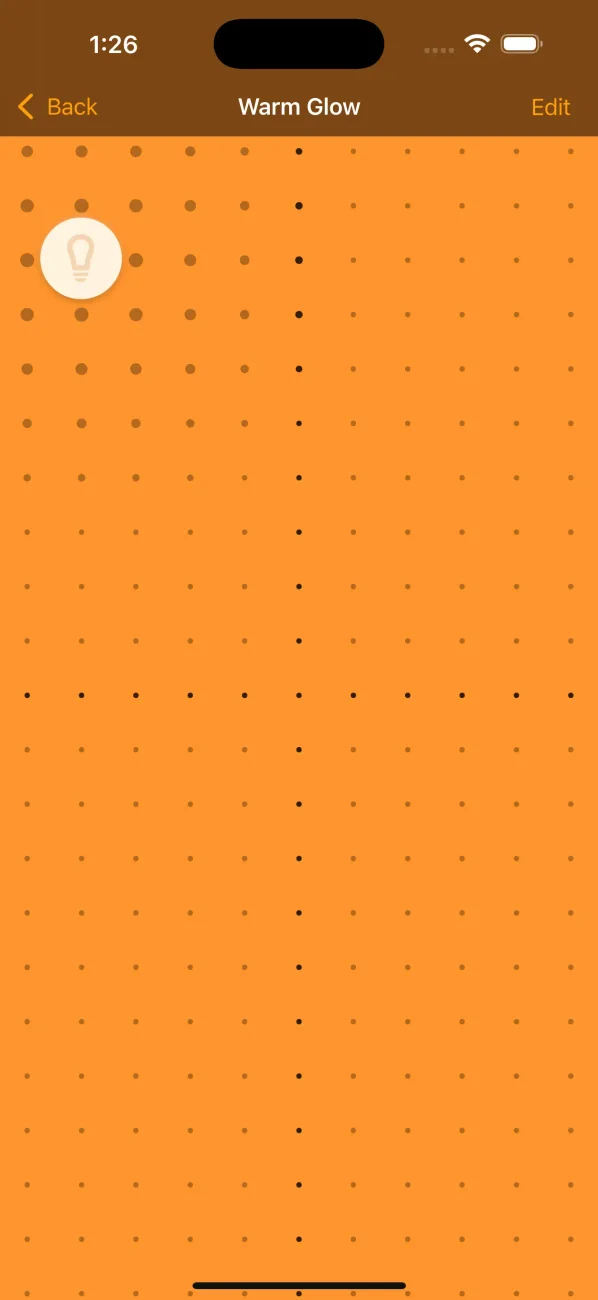
Drag anywhere on the screen to set the light. Move side to side to choose a color temperature, from a warm candle glow to cool daylight, and up and down to set the brightness. A glowing indicator follows your finger, and the whole screen becomes the light. Small Key sets your device's actual screen brightness, so you get all the light your display can give.
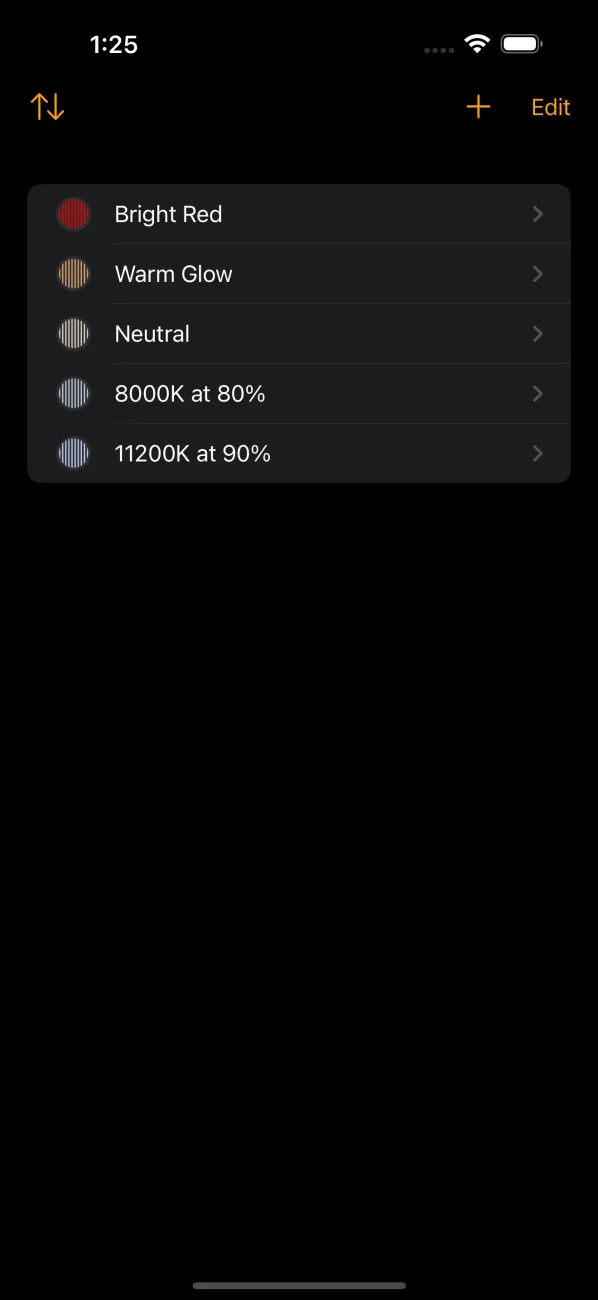
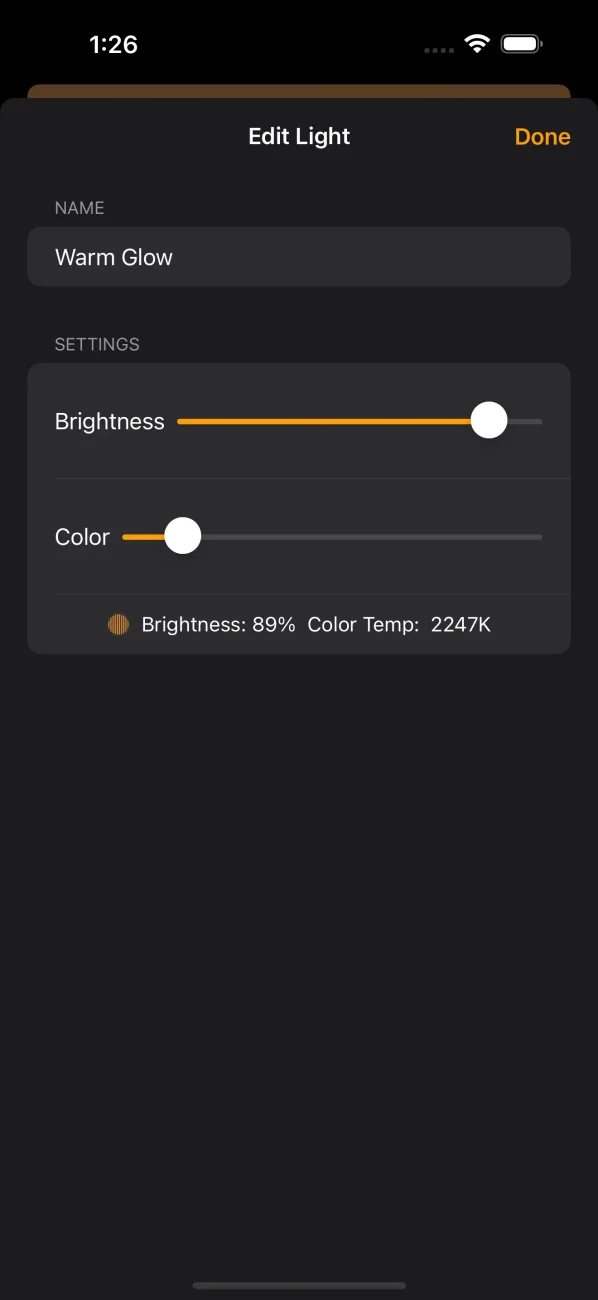
Save your favorite lights as presets, give them names, and sort them by name, date, brightness, or color. Fine-tune any light with sliders, or snap to common settings with one tap: 0%, 25%, 50%, 75% or 100% brightness, and 1,500K, 3,200K, 5,600K or 10,000K color temperature. Your lights sync through iCloud, so they're ready on all your devices.
When you switch to another app or go to the Home Screen, Small Key puts your screen back to the brightness it had before.
Novidades
Versão 1.1.0 · 22/10/2026
- The drag indicator now trails a smooth, glowing comet tail that follows tight turns and fades away fluidly when you lift your finger. The puck stretches as you move it and gently settles when you let go.
- Quick presets allow you to snap to 0%, 25%, 50%, 75% or 100% brightness, or to 1,500K, 3,200K, 5,600K or 10,000K, right from Edit Light.
- Brightness restores when you leave. Switching apps or going to the Home Screen puts your screen back to the brightness it had before Small Key changed it. You can turn this off in Settings.
- New Settings screen can be opened from the gear in the sidebar, or choose Settings… (⌘,) from the menu bar on Mac and iPad.
- Small Key now shares anonymous information about which features are used, never your light names or anything that identifies you. You can turn this off in Settings.
- The proximity grid now springs back into place when you lift your finger instead of snapping off.
- Reduce Motion support. The trail is hidden when Reduce Motion is turned on.
- New app icon with support for light, dark, and tinted variants.
- Quick delete from the sidebar. Long-press or right-click any saved light to delete it.
- Better Mac layout. Create and sort controls moved to the bottom of the sidebar, with a cleaner sort menu.
- Brightness and color temperature now adjust continuously, without the stray increment marks.
- Fixes: The light indicator no longer appears in the top-left corner at launch, a light's brightness comes back when you return to the app, the Welcome screen layout is corrected, and "Edit Light" no longer gets stuck in the title bar on Mac.
- General speed and responsiveness improvements throughout the app.
Privacidade do app
O que Jason Hawkins declara na App Store sobre como este app lida com os dados.
-
Dados não vinculados a você
Podem ser coletados, mas não são vinculados à sua identidade.
- Dados de uso
- Diagnóstico
As práticas de privacidade podem variar, por exemplo, com base nos recursos que você usa ou na sua idade.
Informações
- Vendedor
- Jason Hawkins
- Categoria
- Foto e vídeo
- Versão
- 1.1.0
- Atualizado
- 22/10/2026
- Lançamento
- 03/03/2025
- Tamanho
- 24,3 MB
- Requer
- iOS 17.0 ou posterior
- Classificação etária
- 4+
- Preço
- R$ 29,90
- Idiomas
- Inglês
- Copyright
- © 2026 Jason Hawkins