- Classificação etária17+
- CategoriaEstilo de vida
- DesenvolvedorCERTENTIC GmbH
- IdiomasAlemãoe mais 2
- Tamanho21,0 MB
Tecum pode não estar disponível na App Store no momento
Não foi possível acessar a página da loja na nossa última verificação. O link continua levando à página oficial na App Store.
Capturas de tela

Sobre
O desenvolvedor não forneceu este texto no seu idioma.
Tecum – Help from people you trust
With Tecum you can ask family, friends and other people you trust for help using your Apple Watch or your iPhone. All your contact persons are notified at the same time. You can see who is taking care of it – and who can't help right now.
At home or on the go: Tecum connects you with people you can rely on.
HOW TECUM WORKS
If you need help:
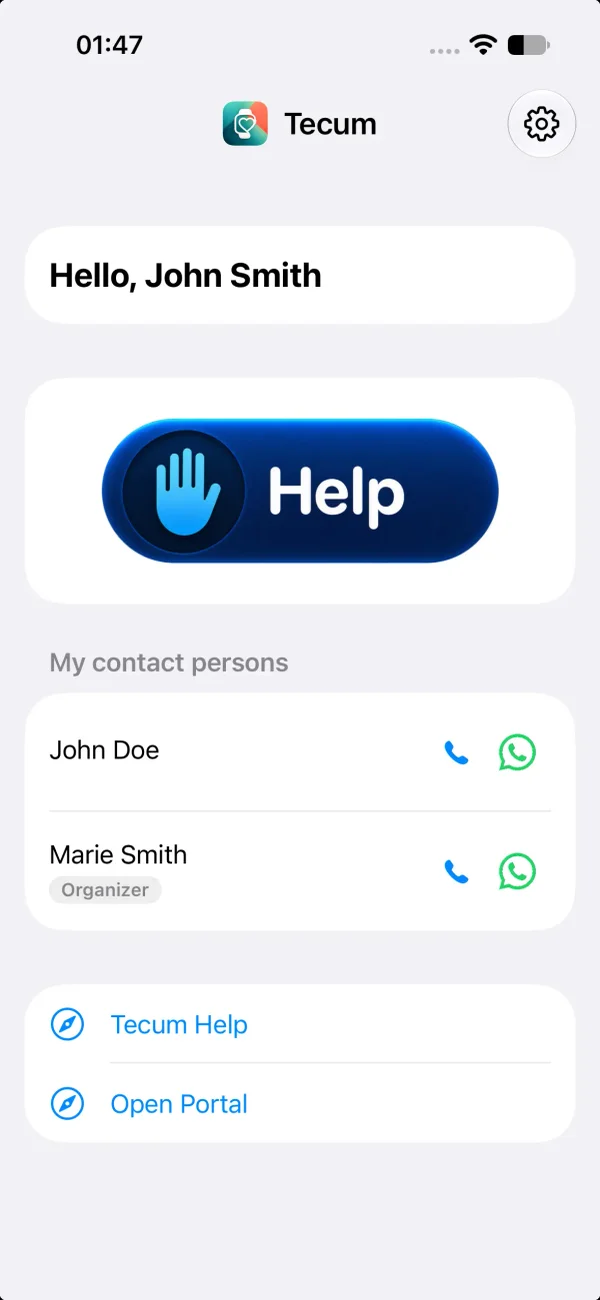
• Call for Help: Tap "Call for Help" and confirm your call for help – in the app on your iPhone or Apple Watch, and on the Apple Watch also via the complication on your watch face.
• Fall detection: If it is turned on and your Apple Watch detects a fall, Tecum informs your contact persons if you ask for help or don't respond. If you say you are fine, nobody is notified.
• Share location: If you allow it, Tecum sends your location together with the call for help.
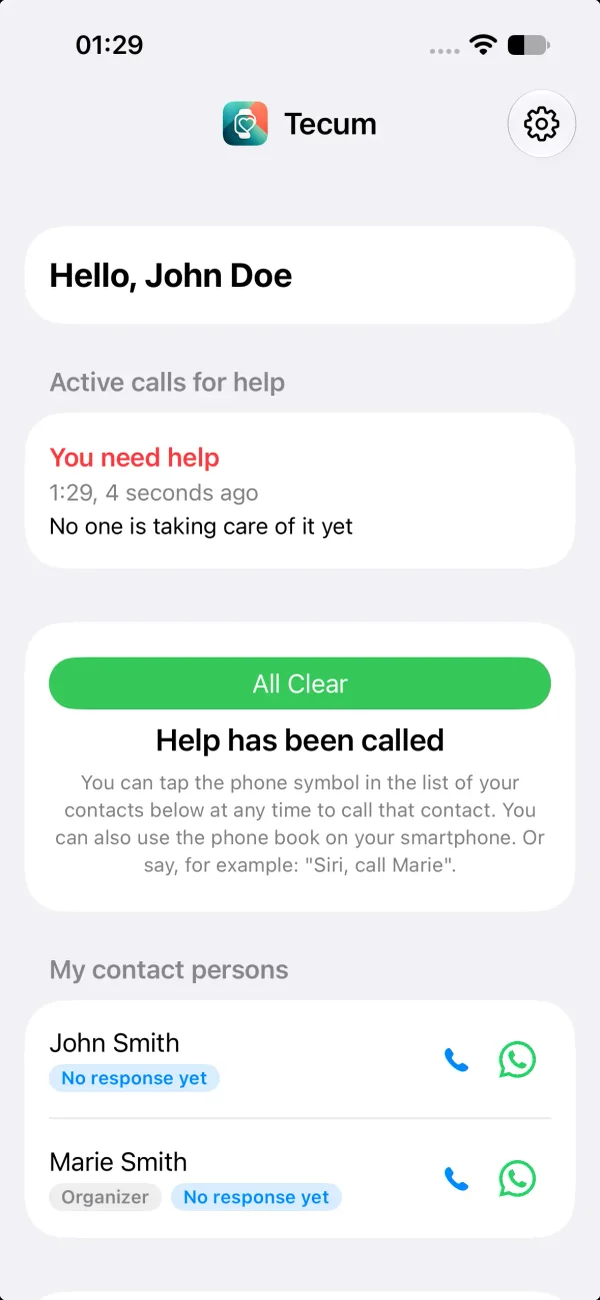
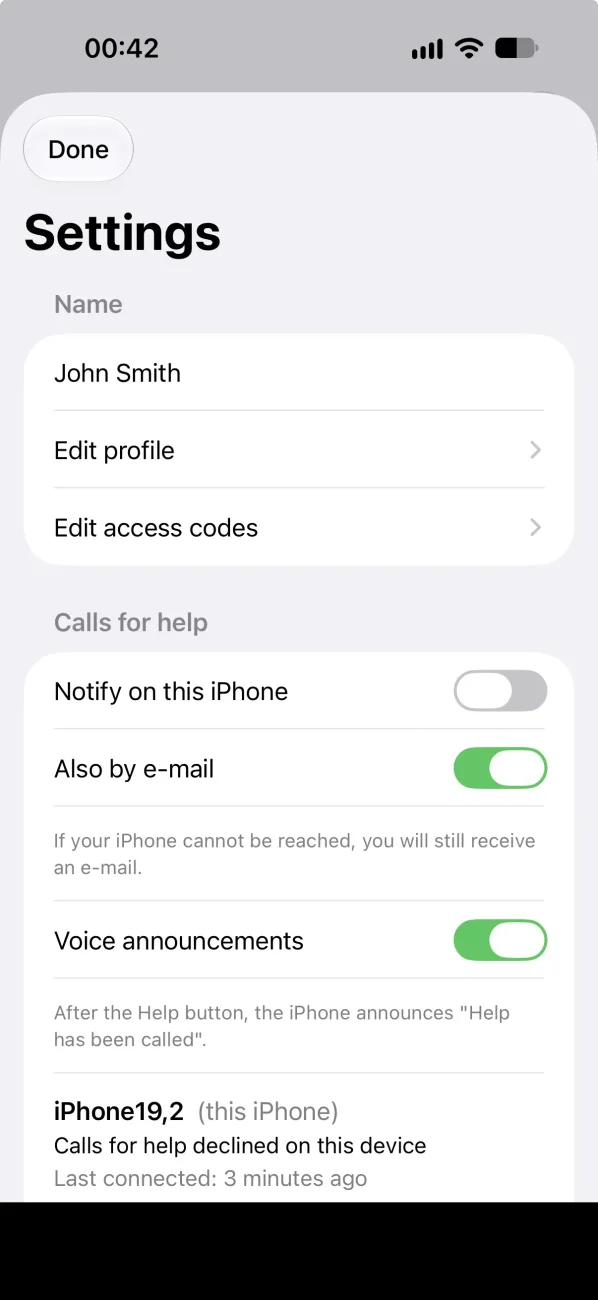
• Stay informed: Your Apple Watch and the Tecum app on your iPhone show you who is taking care of it. You also hear a spoken announcement.
• All Clear: With "All Clear" you can withdraw your call for help.
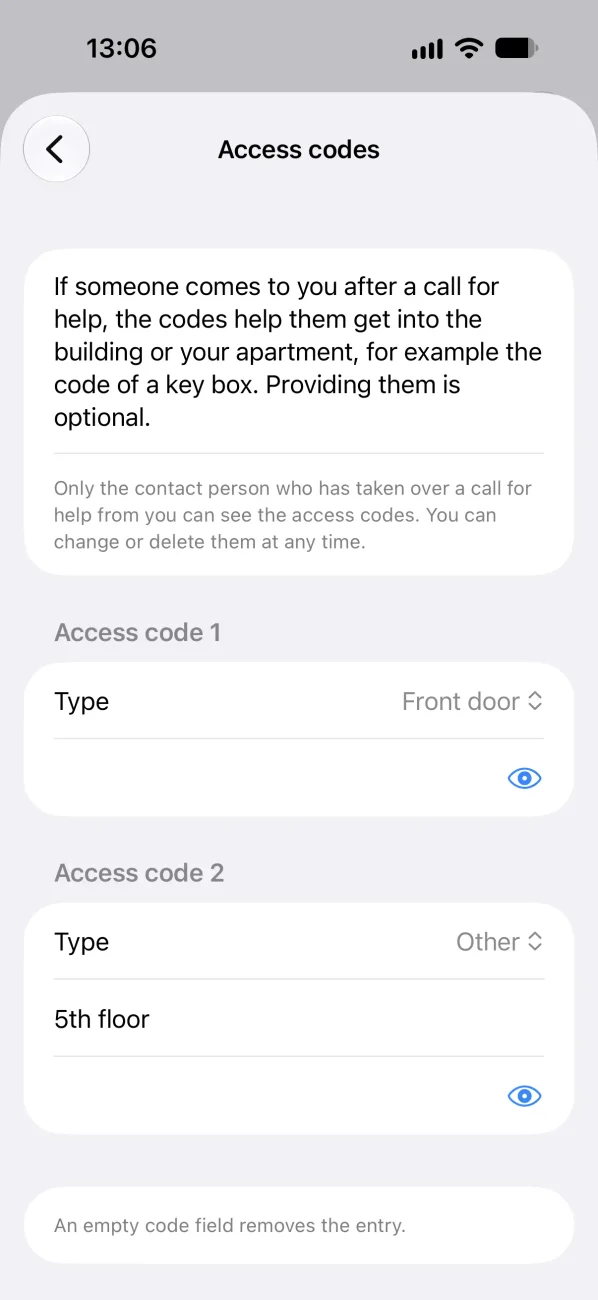
• Access codes: You can store access codes for your home (e.g. key box or electronic lock) for your contact persons. The contact person who agrees to help you can view them.
As a contact person:
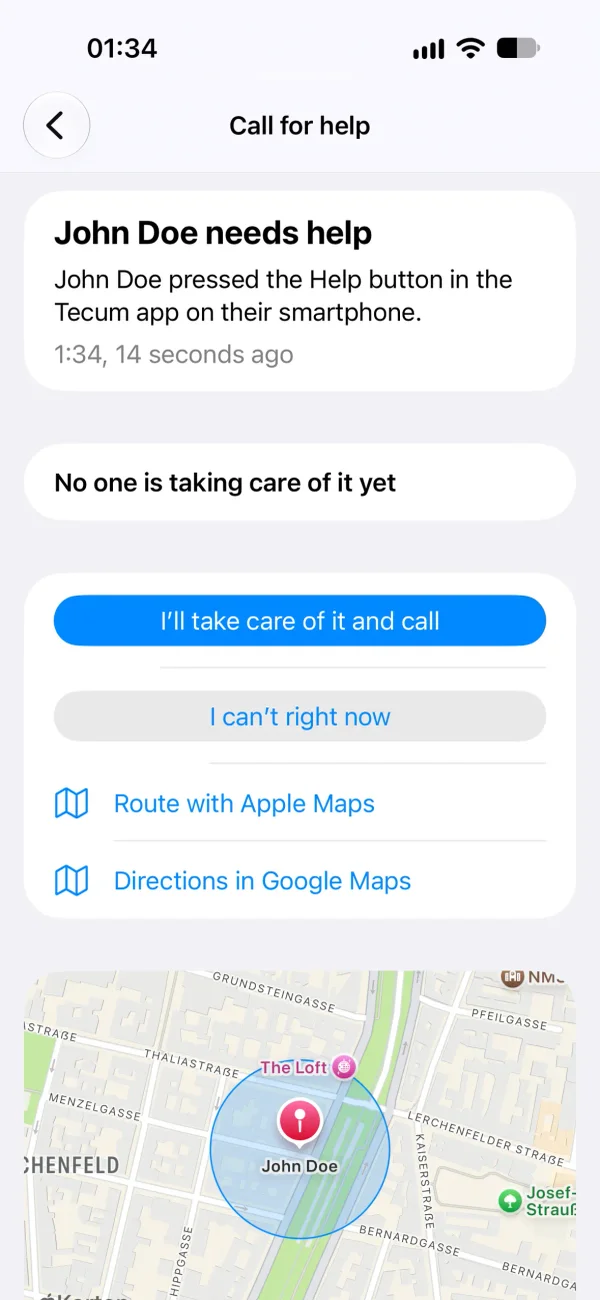
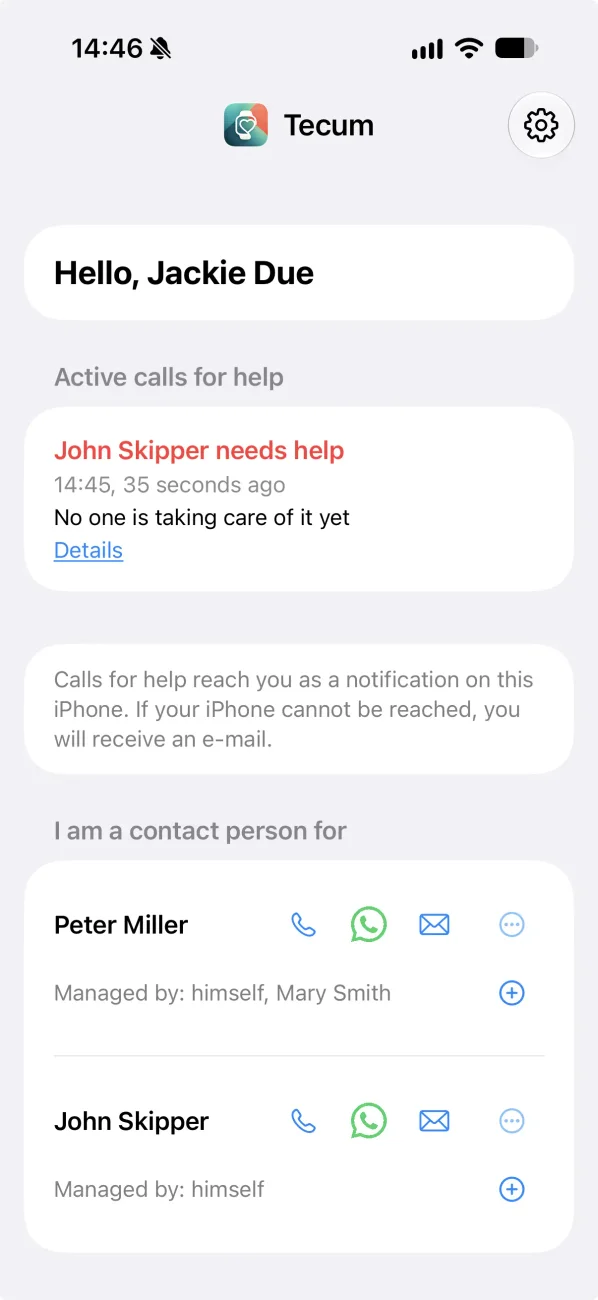
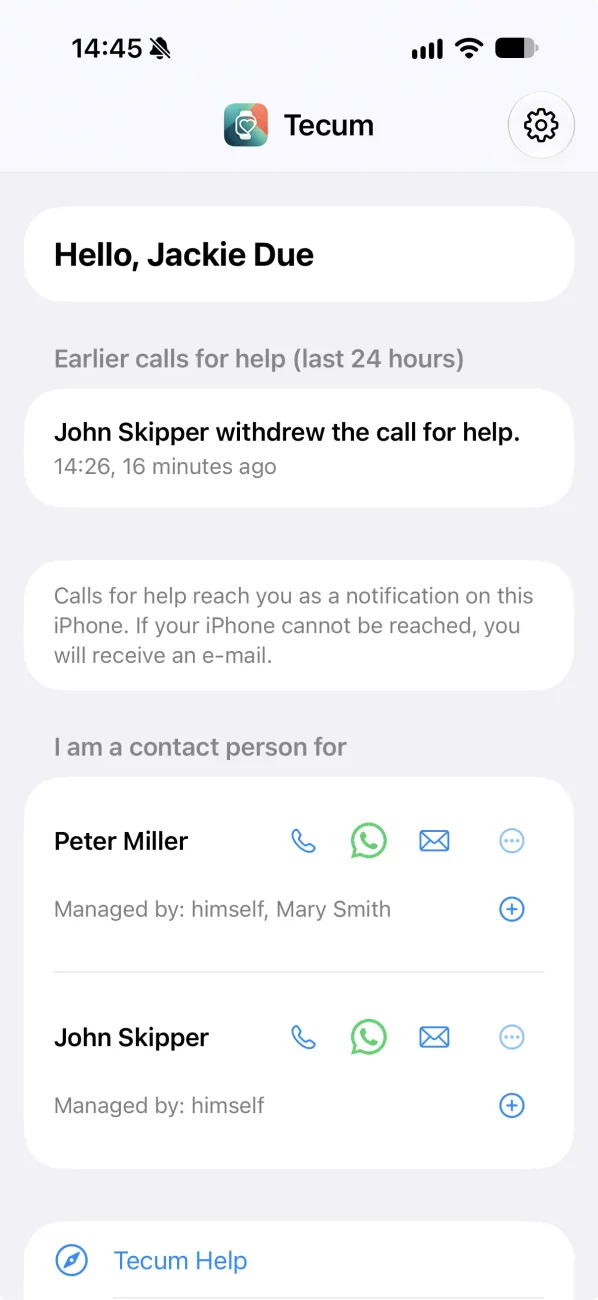
• Get notified: You are informed when someone needs your help – on your iPhone or directly on your Apple Watch.
• Take over: With "I’ll take care of it and call" you take over the call for help and can call the person directly. The other contact persons see that someone is taking care of it.
• See location: If the person calling for help has shared their location, you can see where they are and view the route.
• Decline: If you can't help right now, choose "I can't right now". That way the others know.
Also directly on the Apple Watch
Contact persons can receive calls for help directly on their Apple Watch. With cellular, this also works when the iPhone isn't nearby.
Anyone who doesn't want to install an app receives calls for help by email and responds via a link.
EASY TO SET UP
In the Tecum portal at app.tecumwatch.com, an organizer sets up Tecum for you and invites your contact persons by email. All invited people decide for themselves whether they want to become a contact person.
If you use an Apple Watch, you pair it with Tecum using a connection code.
PRIVACY – TRUST MATTERS TO US
Trust is essential for a service like Tecum – and we take your privacy seriously.
Nobody becomes a contact person without explicitly agreeing.
Nobody enters your mobile number for you: you provide it yourself after your invitation.
Your location is only transmitted with a call for help, and only with your permission.
We store all personal data in encrypted form and carry out regular security audits.
You can delete your user account at any time.
REQUIREMENTS
• For people who ask for help: an Apple Watch. Fall detection is available on models that support it. Alternatively, an iPhone alone is enough. We recommend an Apple Watch, though, because an iPhone isn't always within reach, while an Apple Watch is usually worn.
• For contact persons: a smartphone. Calls for help can optionally also be received directly on the Apple Watch.
• Internet connection: Calls for help are sent and received over the internet.
IMPORTANT
Tecum is not a medical device and not a professional emergency service. Tecum does not replace Emergency SOS on your Apple Watch or public emergency services (e.g. 112 in the EU or 144 for ambulance services in Austria and Switzerland).
Tecum is free as part of the introductory offer.
Tecum by CERTENTIC
Novidades
Versão 1.0.5 · 26/11/2026
iPhone
• Withdrawn calls for help are shown for 4 hours below the help button
• An older take-over is no longer shown when a newer call exists
• The note about a taken-over test call is hidden after 1 hour
• When you sign in, iOS offers the code from your e-mail
Apple Watch
• New pairing: step by step, with "Back" and help
• After a take-over the watch returns to the start after 10 seconds
Privacidade do app
O que CERTENTIC GmbH declara na App Store sobre como este app lida com os dados.
-
Dados vinculados a você
Podem ser coletados e vinculados à sua identidade.
- Saúde e fitness
- Localização
- Informações de contato
- Identificadores
- Dados de uso
- Diagnóstico
As práticas de privacidade podem variar, por exemplo, com base nos recursos que você usa ou na sua idade.
Informações
- Vendedor
- CERTENTIC GmbH
- Categoria
- Estilo de vida
- Versão
- 1.0.5
- Atualizado
- 26/11/2026
- Lançamento
- 08/11/2026
- Tamanho
- 21,0 MB
- Requer
- iOS 17.0 ou posterior
- Classificação etária
- 17+
- Idiomas
- Alemão, Inglês, Francês
- Copyright
- © 2026 CERTENTIC GmbH