TickCanvas
Photo Widgets & Time Posters
Projetado para iPhone, iPad
Grátis · Compras no app
- Classificação etária4+
- CategoriaUtilidades
- Desenvolvedor祖刚 宋
- IdiomasInglêse mais 1
- Tamanho52,1 MB
Leva à página oficial na App Store
O Download.org não hospeda nenhum arquivo de TickCanvas. O botão abre a página do app na App Store, onde 祖刚 宋 o publica. Página verificada pela última vez em 18/11/2026.
Capturas de tela
Sobre
O desenvolvedor não forneceu este texto no seu idioma.
Doodle Clock - Turn Photos Into Living Clocks
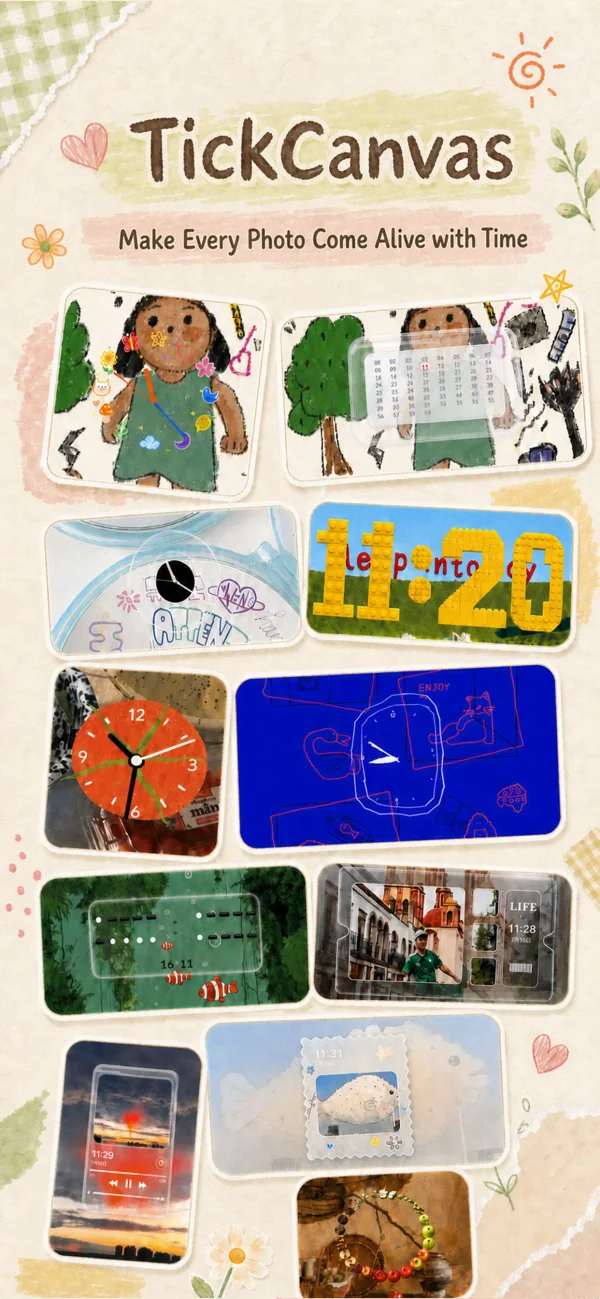
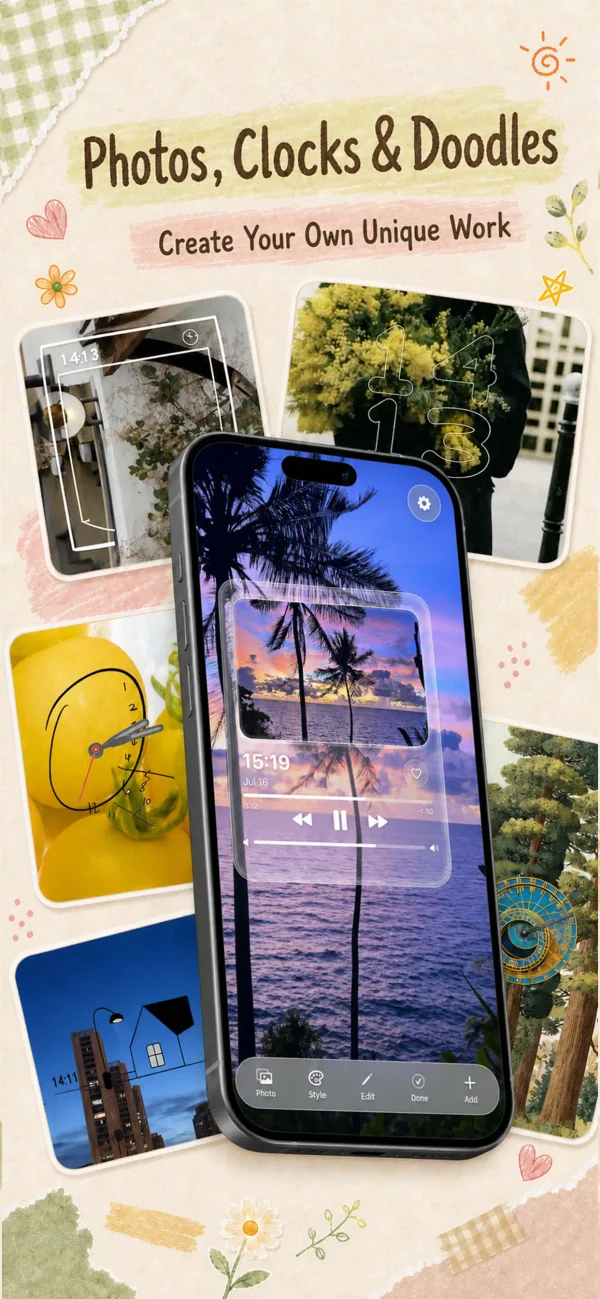
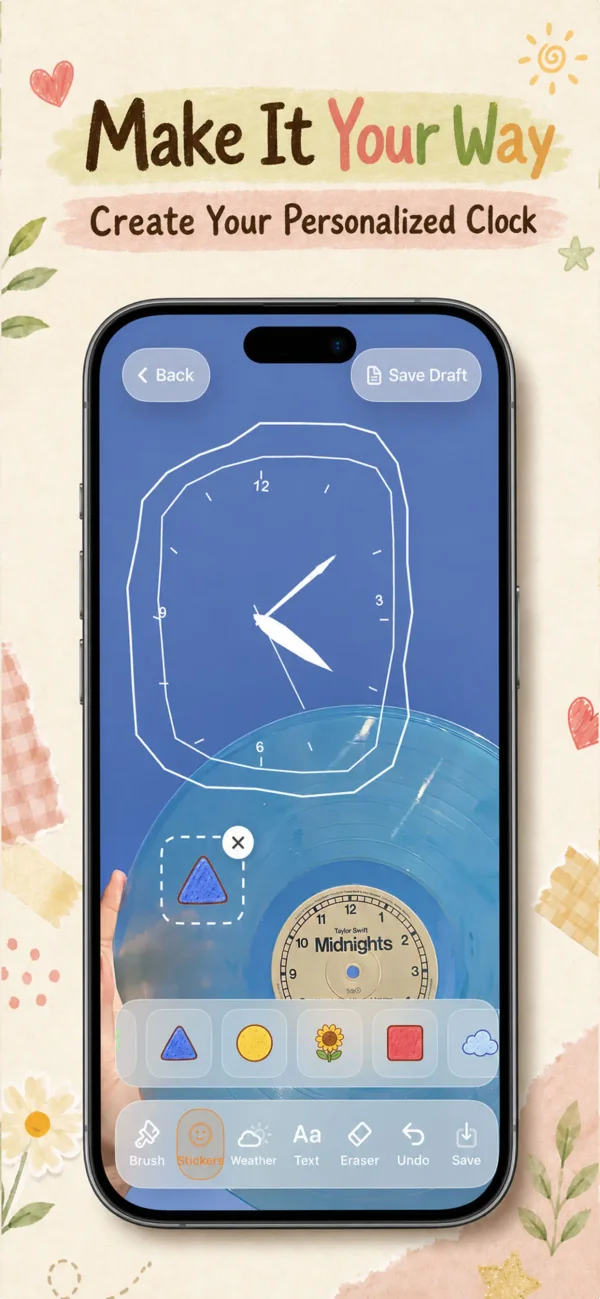
Doodle Clock combines real time, photos and personal creation. Choose a photo background and clock style, then add doodles, stickers, text, notes, weather and a soft ticking sound to create full-screen desk clocks, photo clocks, time posters and iPhone Home Screen widgets.
Time is more than numbers. Trips, birthdays, anniversaries, study goals and everyday moments can be connected with live time, or fixed to a custom time that matters to you. Export HD images or animated works for wallpapers, lock screens, desktop styling and sharing.
Use it for photo widgets, time posters, anniversary images, study check-ins, travel memories, focus sessions, city time zones and social posts.
Core features:
• Creative clock styles: record, digital, line-art, astronomical, hourglass, traffic light, Morse code, dot matrix, frame styles and more.
• Photo backgrounds: turn pictures from your library into full-screen digital clocks, clock wallpapers, lock screen images and visual time pieces.
• Doodles, stickers and text: draw freely, add elements, then adjust position, size and angle.
• Quick notes: write up to 100 characters for quotes, study goals, temporary info, to-dos or reminders.
• Custom time: show live time or set a specific time for a birthday, trip, anniversary or other moment.
• Ticking sound: manually turn on a soft tick once per second for study, writing, reading and focus. It stops when you exit, lock the screen or move the app to the background.
• Time zones and time conversion: view local time in different countries and cities, useful for travel, business trips and studying abroad.
• Local weather: add local weather to your clock design. The weather component requires a separate unlock.
• Export: save the background, clock layer and DIY edits together as HD images or animated works.
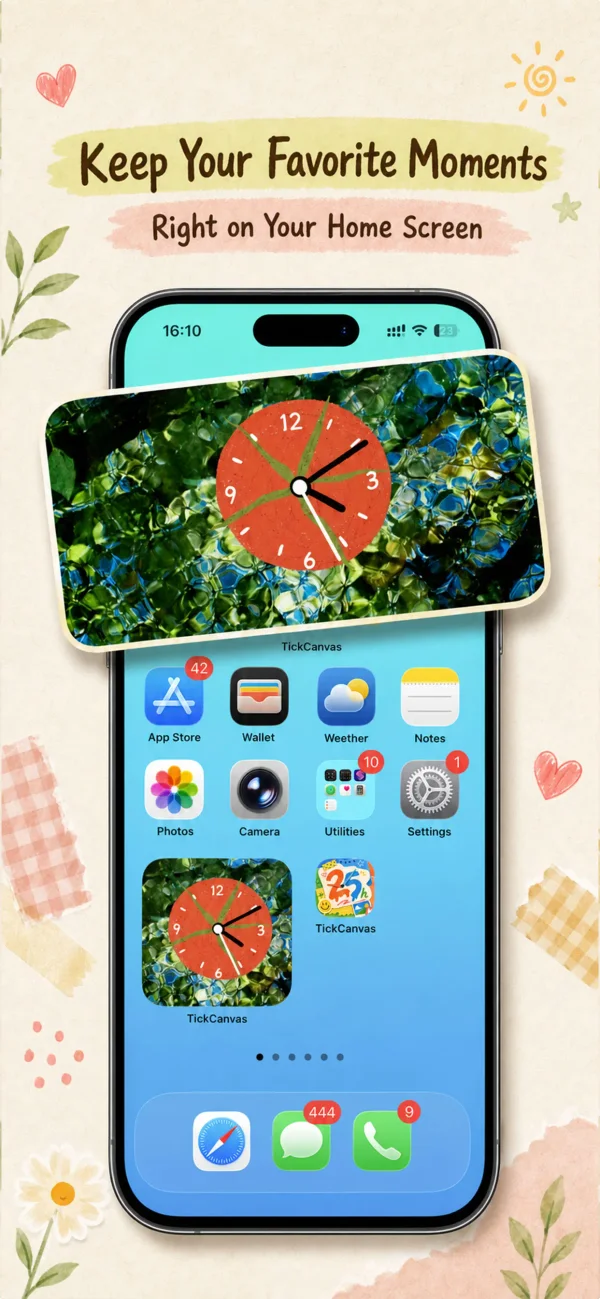
• iPhone widgets: add live clock designs to your Home Screen and refresh your style anytime.
Membership benefits:
• Member templates and clock styles
• Unlimited background replacement
• One-tap template reset
• Future member-only benefits
Benefits are subject to the in-app subscription page.
In-App Purchases:
Sticker Pack 1 unlocks all stickers in Sticker Pack 1. Some sticker packs are one-time purchases and do not renew automatically.
Weather Component unlocks local weather and is a one-time purchase that does not renew automatically.
Subscription Information:
Doodle Clock offers weekly, monthly and yearly auto-renewable subscriptions. Actual prices, periods and offers are shown on the purchase page.
• Payment: Your Apple ID account will be charged after purchase confirmation.
• Renewal: The subscription renews automatically unless auto-renewal is turned off at least 24 hours before the current period ends.
• Billing: Apple will charge your Apple ID account within 24 hours before the current period ends.
• Manage Subscription: Manage or cancel anytime in Settings > Apple ID > Subscriptions.
• Offers: Trial or promotion details are shown on the purchase page when available.
• Terms of Use: https://qiuma111.github.io/DoodleClock-Policy/terms.html
• Privacy Policy: https://qiuma111.github.io/DoodleClock-Policy/privacy.html
• Apple EULA: https://www.apple.com/legal/internet-services/itunes/dev/stdeula/
Privacy & Safety:
• Local storage: Imported photos, doodles, text, stickers, notes, weather settings and exports are stored locally by default.
• No account required: Main features work without registration or login.
• No ads: No third-party ads are integrated.
• No tracking: Doodle Clock does not track users across apps or websites.
• Photo permissions: Used only when you choose photos or save works.
• Ticking sound: Local audio only; no microphone permission is needed. It stops when you exit, lock the screen or move the app to the background.
• Purchase flow: Purchases, subscriptions, restore purchases and offer codes use Apple's StoreKit and App Store account system.
Contact: 474018707@qq.com
Novidades
Versão 1.5.2 · 24/07/2026
Added new clock styles, including Formula and Text, plus a new Pomodoro Timer.
Privacidade do app
O que 祖刚 宋 declara na App Store sobre como este app lida com os dados.
-
Dados não coletados
O desenvolvedor não coleta nenhum dado deste app.
As práticas de privacidade podem variar, por exemplo, com base nos recursos que você usa ou na sua idade.
Informações
- Vendedor
- Xiamen Huli District Daerhan E-commerce Studio (Individually Owned Business)
- Categoria
- Utilidades
- Versão
- 1.5.2
- Atualizado
- 24/07/2026
- Lançamento
- 23/06/2026
- Tamanho
- 52,1 MB
- Requer
- iOS 17.0 ou posterior
- Classificação etária
- 4+
- Preço
- Grátis
- Compras no app
- Sim
- Idiomas
- Inglês, Chinês simplificado
- Copyright
- © 2026 Daerhan
Você também pode gostar
-
 Clockffiti: relógio à mãoRelógio, widgets e Pomodoro
-
 PhotoClock ProUtilidades
-
 InterviewPA-AI interview toolUtilidades
-
 JiaClockUtilidades
-
 不摸鱼 - 轻松有趣的工作时间管理助手Utilidades
-
 Gaber: Flash Sale ClockUtilidades
-
 萌电谷MoepadUtilidades
-
 CyberPhotosUtilidades
-
 Flying ChalkLousa de giz para Pencil
-
 轻松扫描-高清手机扫描仪 & 图片转文字Utilidades