- Classificação etária4+
- CategoriaProdutividade
- DesenvolvedorVisometry GmbH
- IdiomasInglêse mais 15
- Tamanho424,1 MB
Leva à página oficial na App Store
O Download.org não hospeda nenhum arquivo de Twyn View. O botão abre a página do app na App Store, onde Visometry GmbH o publica. Página verificada pela última vez em 28/11/2026.
Capturas de tela


Sobre
O desenvolvedor não forneceu este texto no seu idioma.
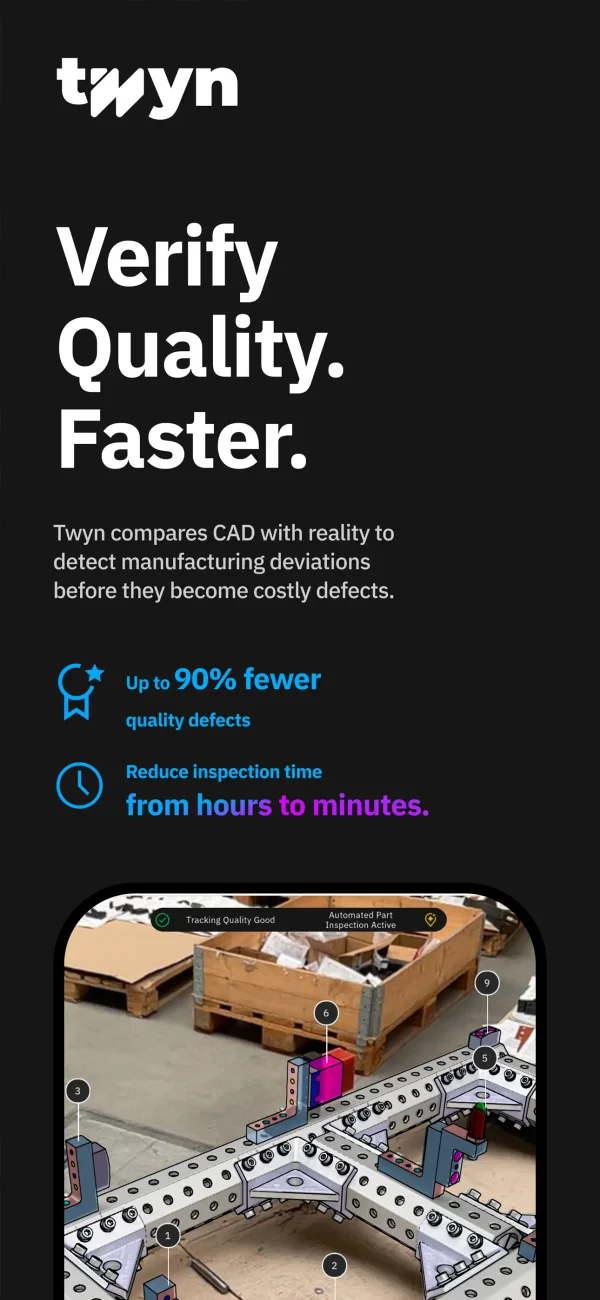
Get Quality right, faster:
Twyn is changing the way how parts, components and assemblies are controlled for quality and suitability, addressing industry’s needs to find errors fast, to avoid down times, to reduce scrap and rework and to cut follow-up costs in manufacturing and service.
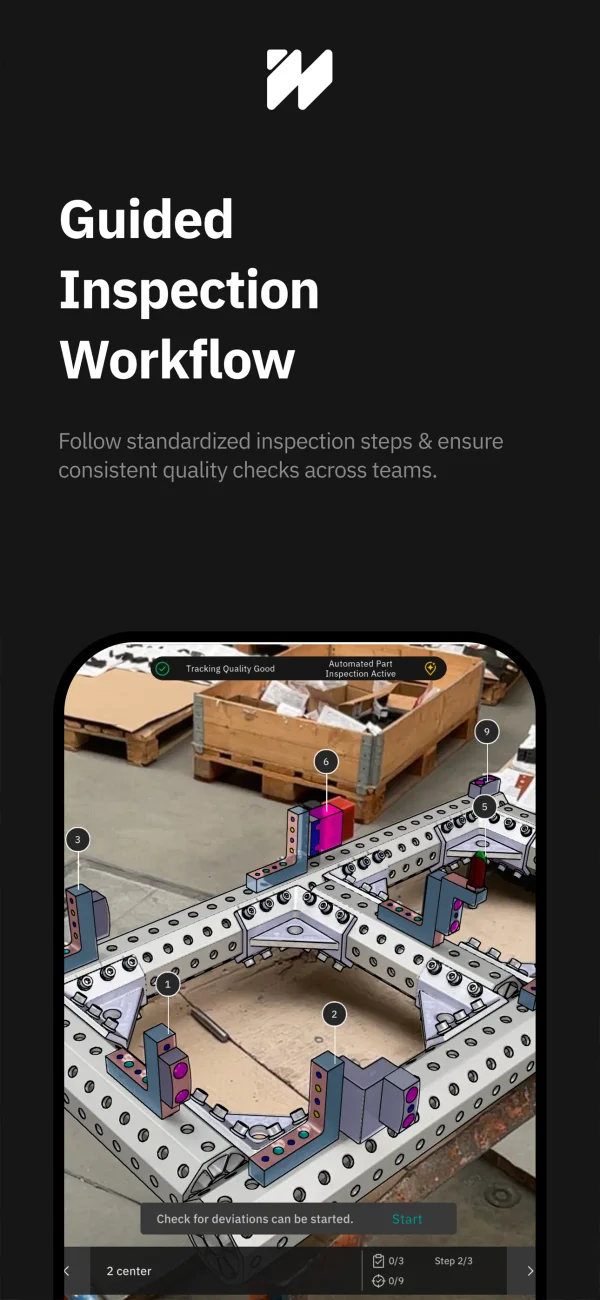
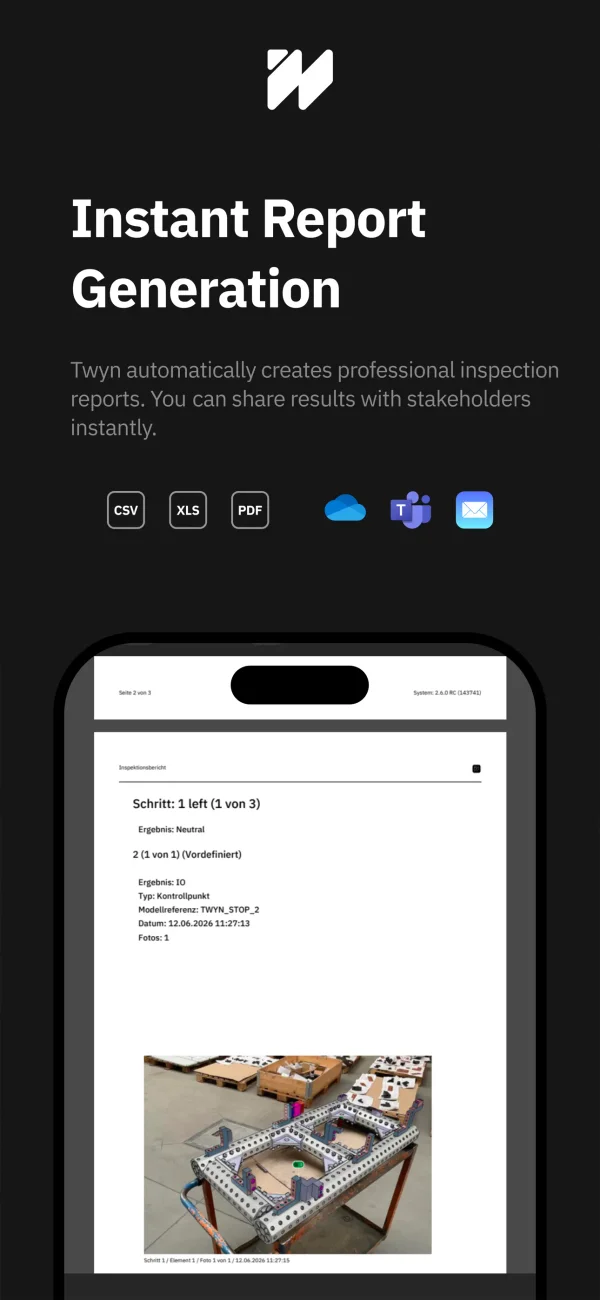
Along with Twyn Studio you are able to create inspection process definitions within minutes from complex CAD files and transfer them to your iPad. Inspect with your device and create automatized reports instantly.
Novidades
Versão 2.7.0 · 27/11/2026
Inspection Quick Start
- Open inspection projects directly by scanning a QR code or using a Quick Start Link.
- Download and open projects in one step when they are not yet available on the device.
- Launch inspections directly from third-party systems using deep links.
- Switch between projects during an active inspection, with a confirmation showing the current session's progress before discarding it.
- Receive clear guidance if a project cannot be opened or downloaded.
- The code scanner is now available as a tile on the dashboard for easier access.
Assisted Presence Check
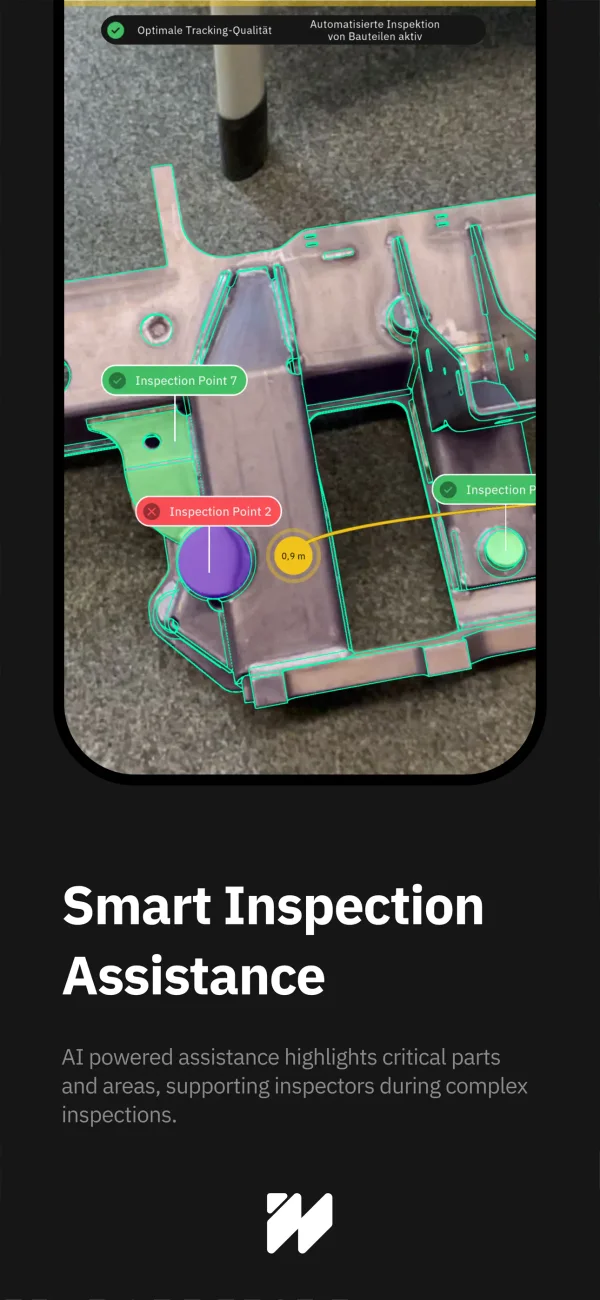
- Verify the presence of structural elements with Assisted Presence Check (formerly Automated Part Inspection), now also supporting AI-powered Fastener Presence Check (Beta).
- Detect supported fasteners such as weld studs, pins, bolts, and mounting bosses in real time with the new Fastener Presence Check powered by AI (Beta).
- Identify inspection points supported by Assisted Presence Check through blue highlighting in annotations, the step list, and the model list.
- Follow inspection progress with clearer status indicators and simplified controls.
- Automatically pause assisted inspections when tracking becomes unreliable.
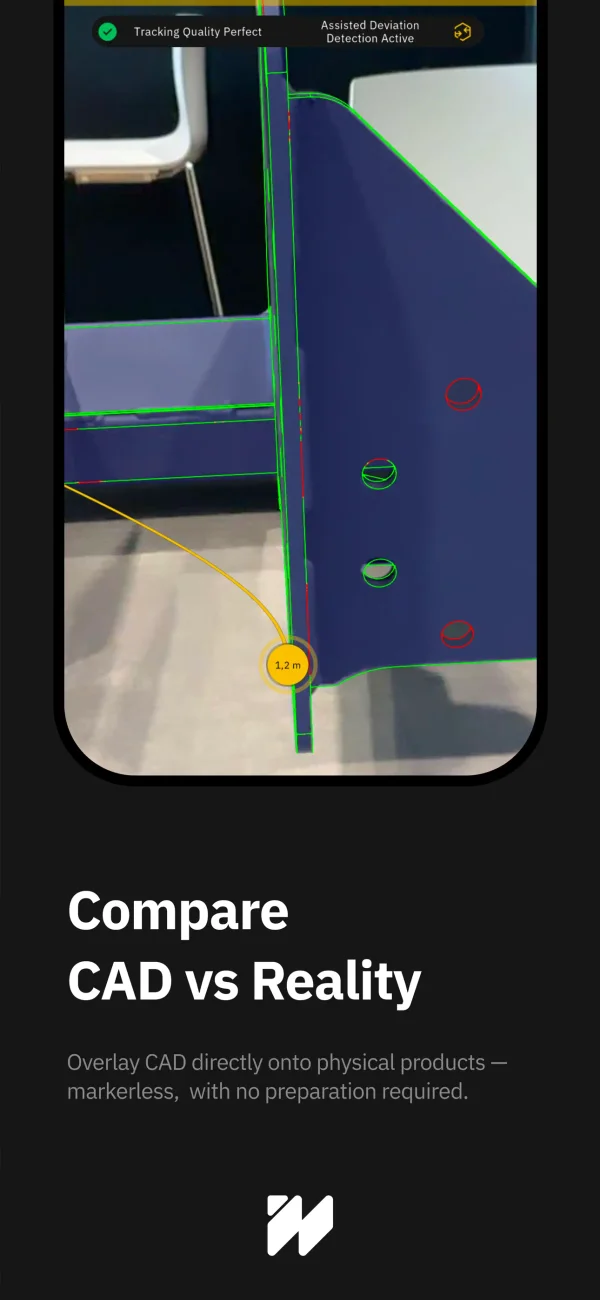
Assisted Deviation Detection
- Detect deviations faster with significantly improved performance, especially on large and complex objects.
- Receive measurement feedback more quickly with smoother visualization.
- Disable measurement smoothing when needed.
Improved Inspection Experience
- Focus on remaining tasks with adaptive annotation filtering that collapses completed inspection points.
- Save inspection sessions faster with project names automatically suggested as session names.
- Check when a project was last modified in the authoring system directly from the project overview.
- Display original CAD colors automatically when starting an inspection, if configured.
- Use Deviation Characteristics with any inspection classification.
- Switch between metric and imperial units for measurements and navigation guidance.
Reporting
- Generate and preview inspection reports faster, especially for larger projects.
- Create more consistent inspection reports across platforms.
- Include higher-resolution observation screenshots for clearer documentation.
- Identify whether inspection results were classified manually or through Assisted Presence Check.
Licensing
- Automatically request an available floating license seat when accessing a licensed feature.
- Apply license changes without manually re-entering the license key.
Usability & Workflow Improvements
- Improved positioning of the horizontal 2D clipping tool when side panels are open.
- Access product updates directly from the dashboard through the new What's New entry.
- German inspection classifications now use OK and NOK instead of IO and NIO, including in inspection reports.
Stability & Quality Improvements
- Various bug fixes and usability improvements across inspection workflows, reporting, and visualization.
Compatibility
- The minimum supported iOS version has been raised to iOS 17.6.
Privacidade do app
O que Visometry GmbH declara na App Store sobre como este app lida com os dados.
-
Dados não coletados
O desenvolvedor não coleta nenhum dado deste app.
As práticas de privacidade podem variar, por exemplo, com base nos recursos que você usa ou na sua idade.
Informações
- Vendedor
- Visometry GmbH
- Categoria
- Produtividade
- Versão
- 2.7.0
- Atualizado
- 27/11/2026
- Lançamento
- 02/09/2021
- Tamanho
- 424,1 MB
- Requer
- iOS 17.6 ou posterior
- Classificação etária
- 4+
- Preço
- Grátis
- Idiomas
- Inglês, Checo, Holandês, Francês, Alemão, Húngaro, Italiano, Japonês, Coreano, Polonês, Português, Chinês simplificado e mais 4
- Copyright
- © 2026, Visometry GmbH