Web Clipper Plus
Web Page to Local or PDF
Projetado para iPhone, iPad, iPod touch
R$ 24,90
- Classificação etária4+
- CategoriaUtilidades
- DesenvolvedorHeng Jia Liang
- IdiomasInglês
- Tamanho9,7 MB
Leva à página oficial na App Store
O Download.org não hospeda nenhum arquivo de Web Clipper Plus. O botão abre a página do app na App Store, onde Heng Jia Liang o publica. Página verificada pela última vez em 18/11/2026.
Capturas de tela
Sobre
O desenvolvedor não forneceu este texto no seu idioma.
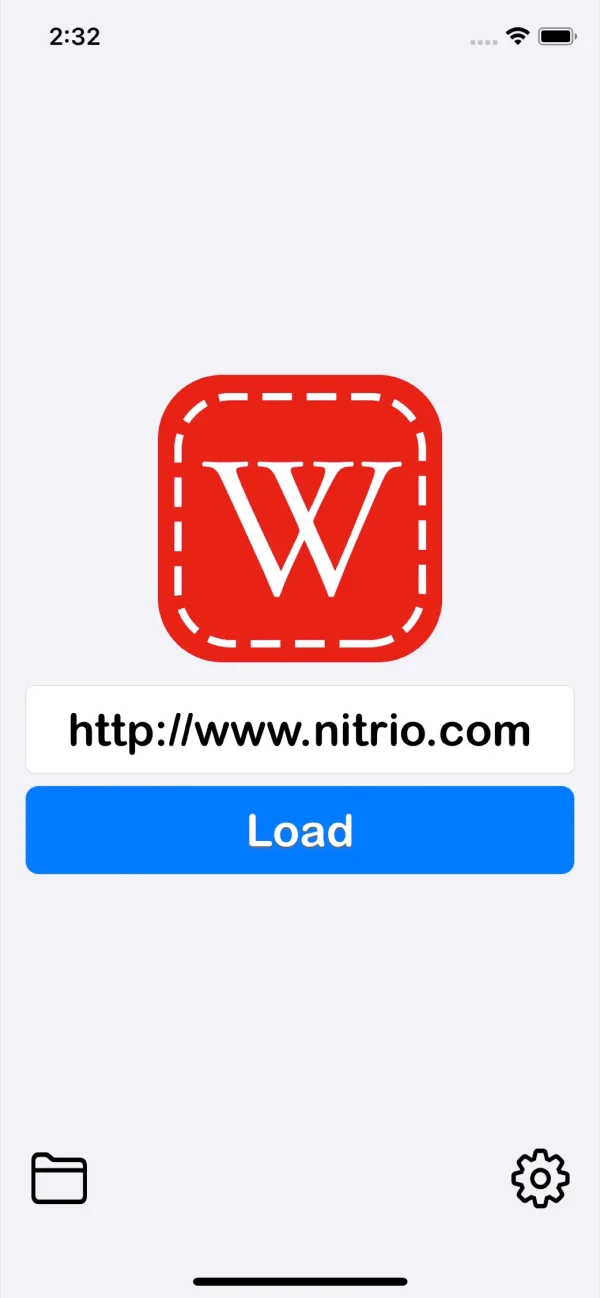
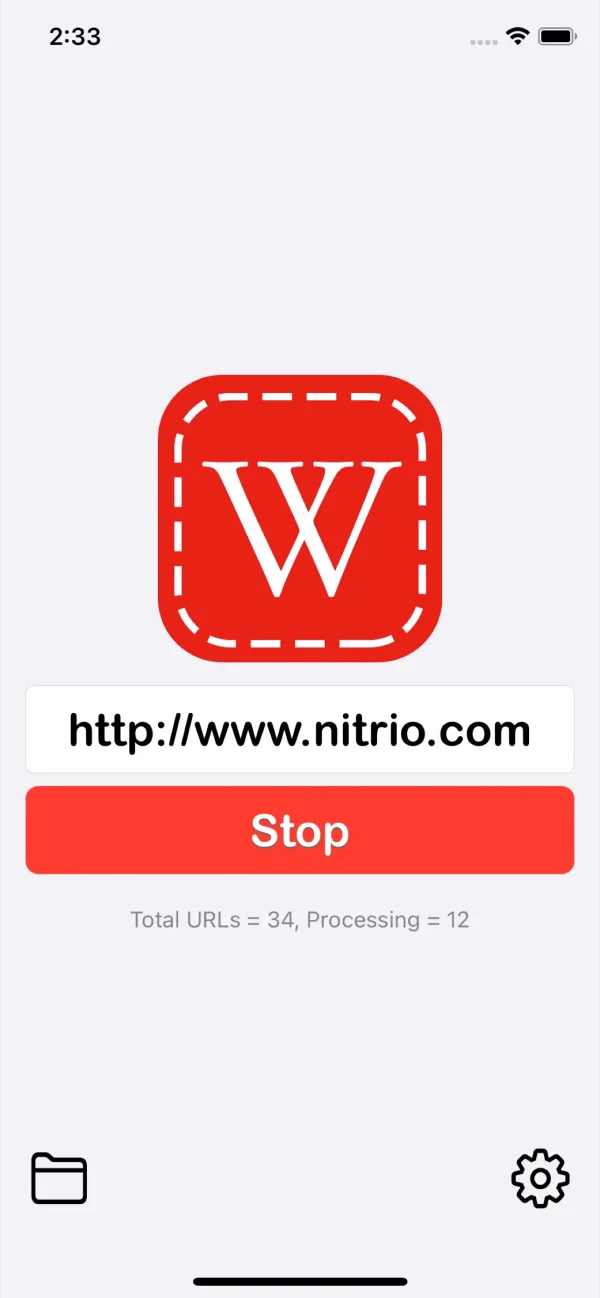
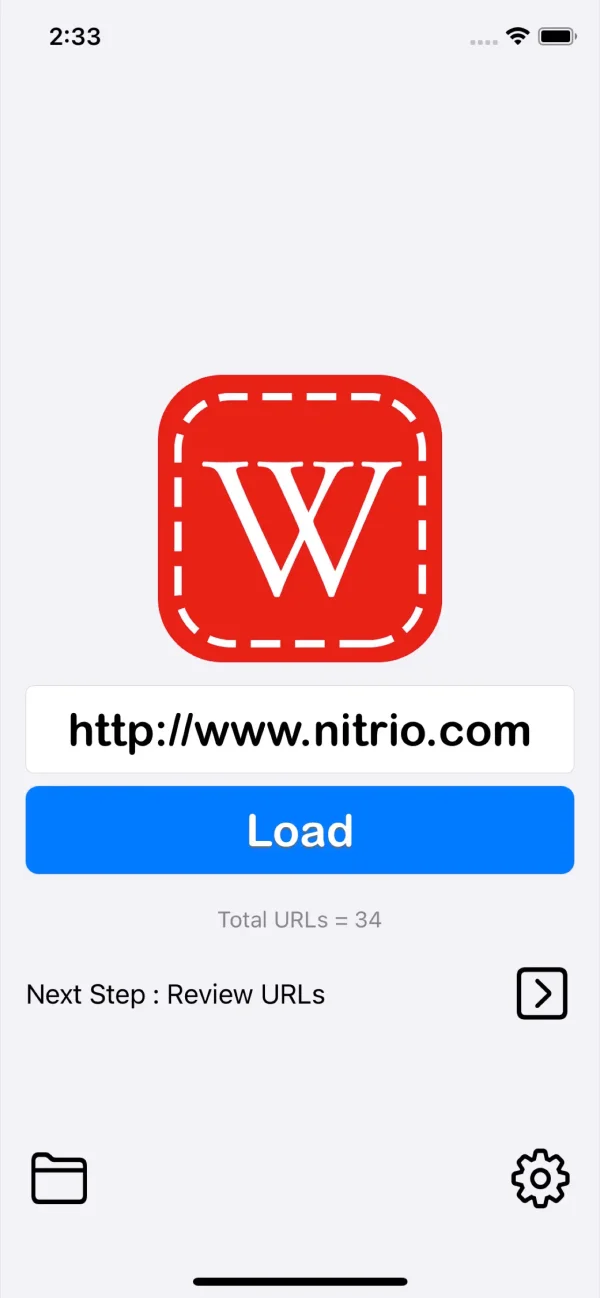
Web Clipper is a simple app that lets you capture full-page articles, web pages, and images from any website. Just enter the website URL and tap Load—the app will crawl all the pages on that site. You can review the URLs before the deep crawl begins, and choose whether to grab all the images from each page.
Features:
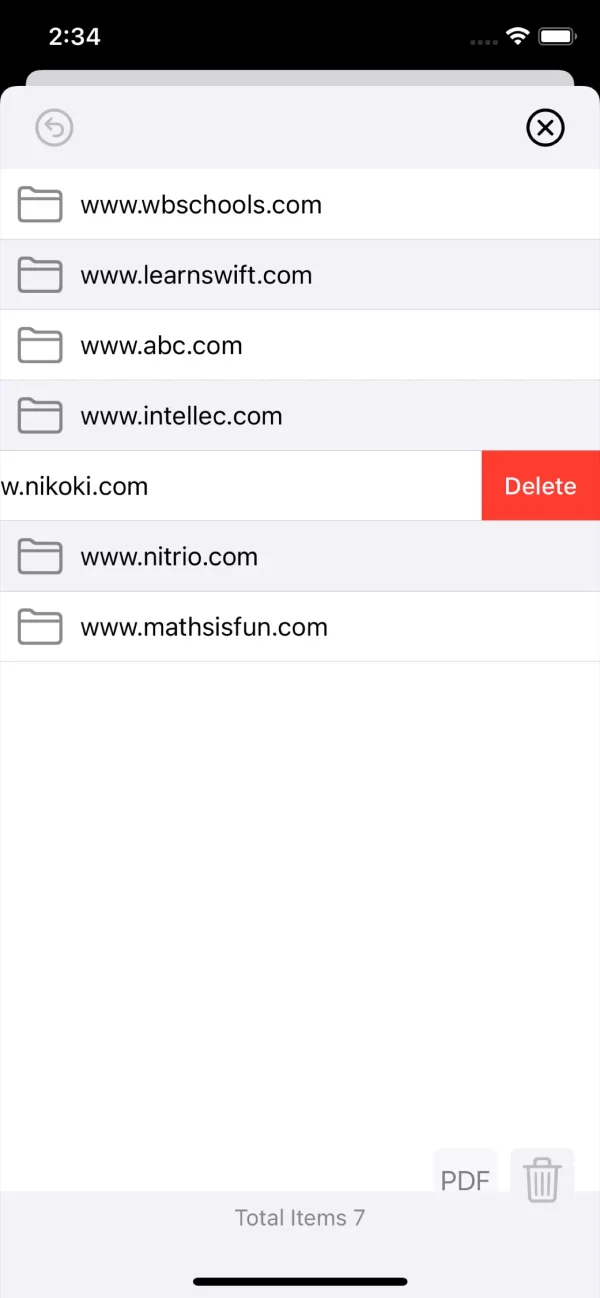
• All crawled web pages are stored on your device for offline access.
• Each website’s pages are saved in its own domain folder for easy browsing.
• Option to copy the full list of URLs as text.
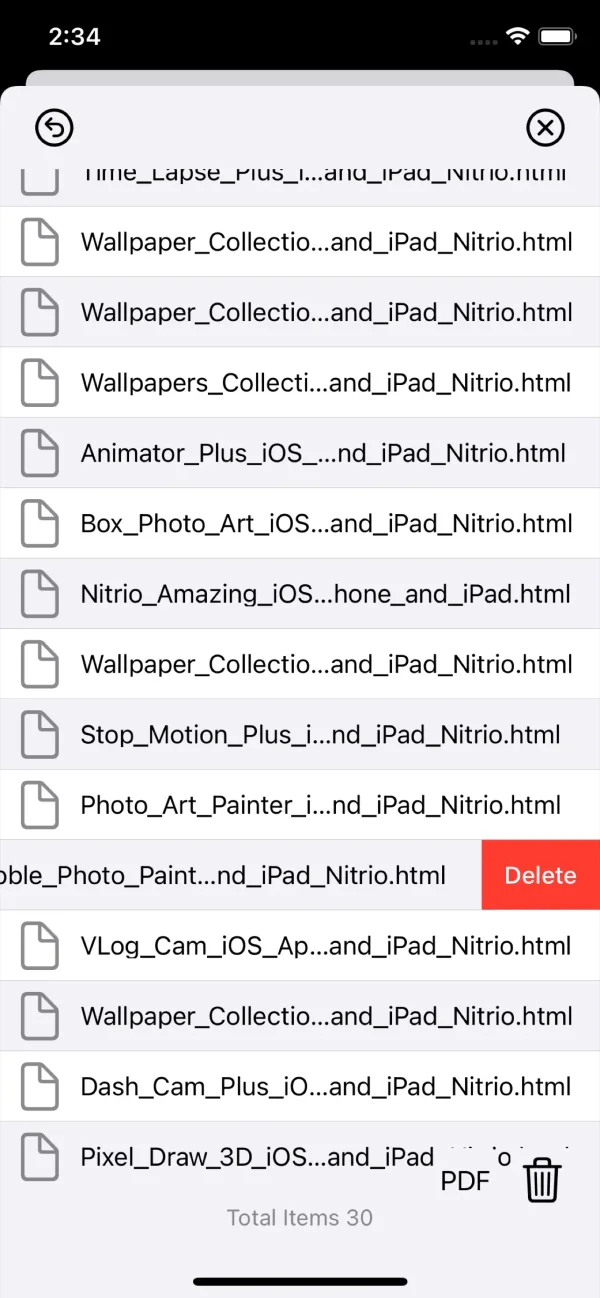
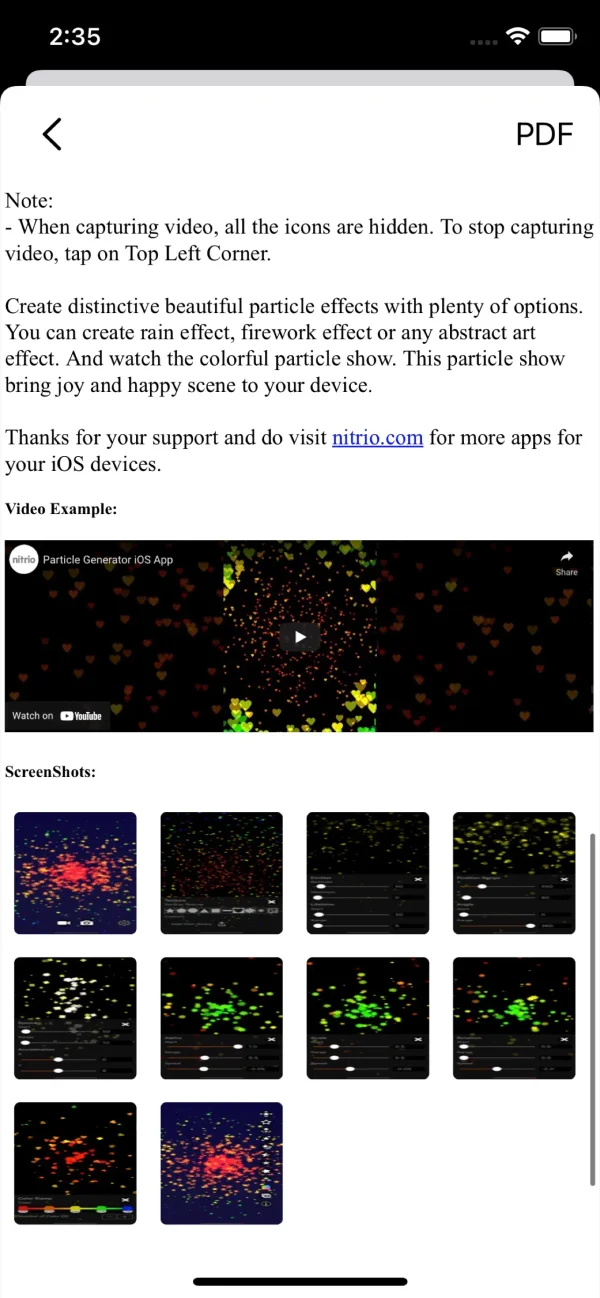
• Preview pages on your device or export any page to PDF for sharing.
• Export an entire domain folder to PDF.
• Delete any page or folder to free up storage space.
• All crawled pages can also be accessed through the Files app.
Settings:
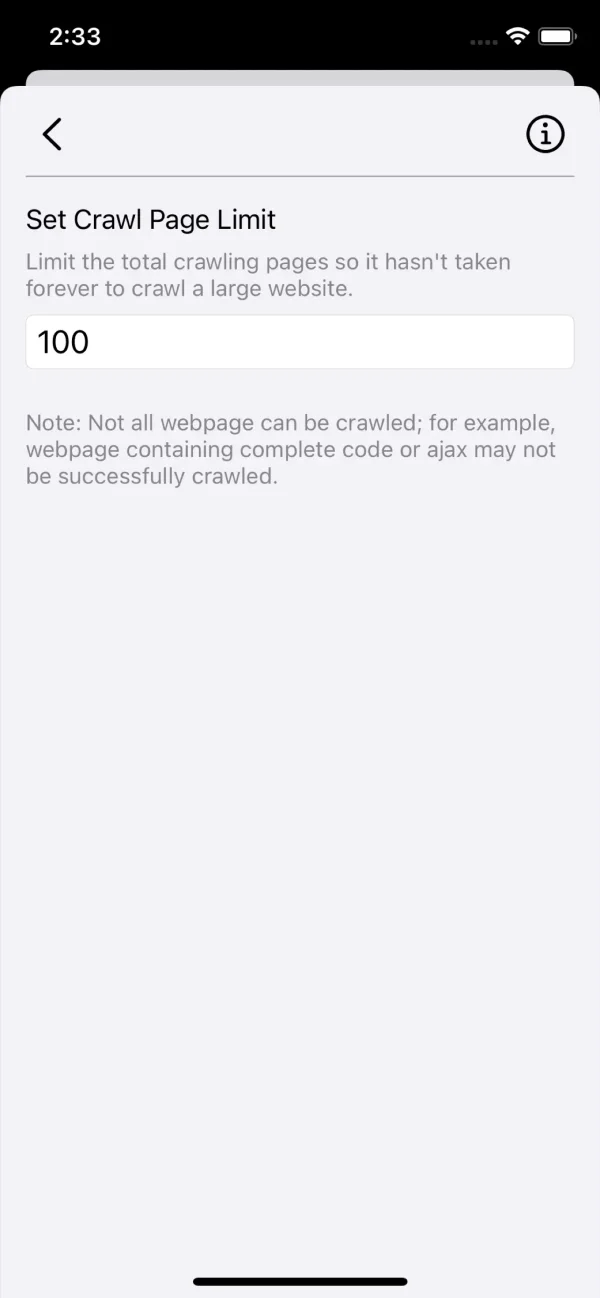
You can set a maximum number of pages to crawl so the process stops at your chosen limit. This prevents the app from endlessly crawling very large websites.
Quick Guide:
1. Enter a website URL.
2. Tap the Load button and wait for it to finish.
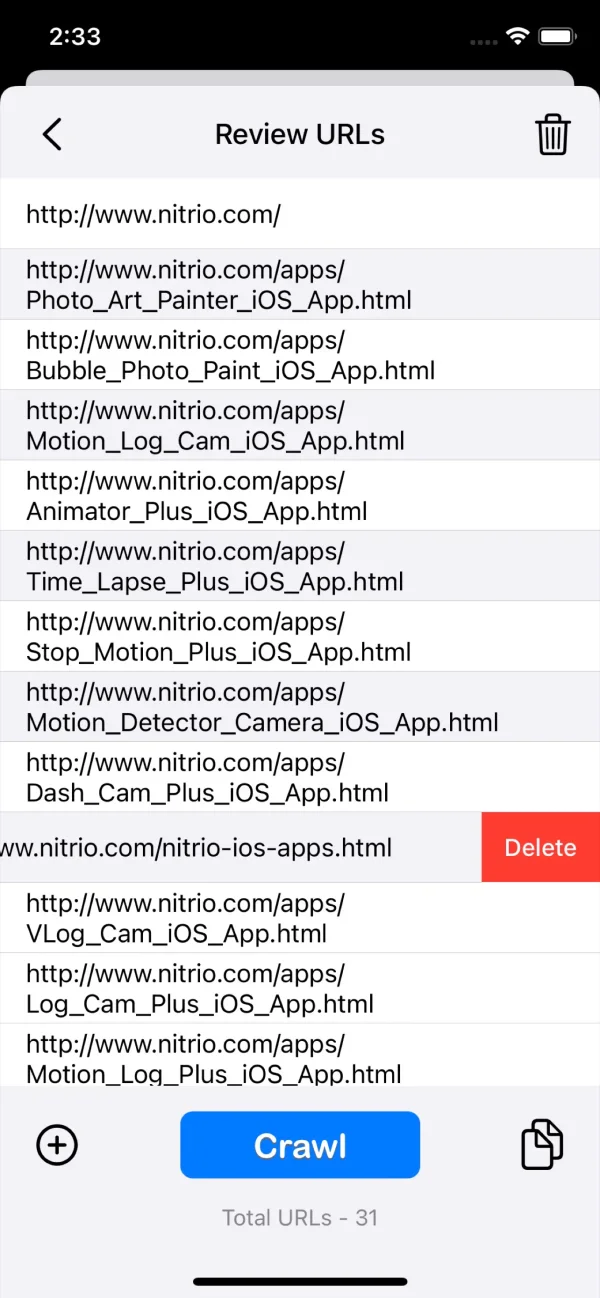
3. Review the URLs and remove any you don’t want.
4. Add additional URLs if needed.
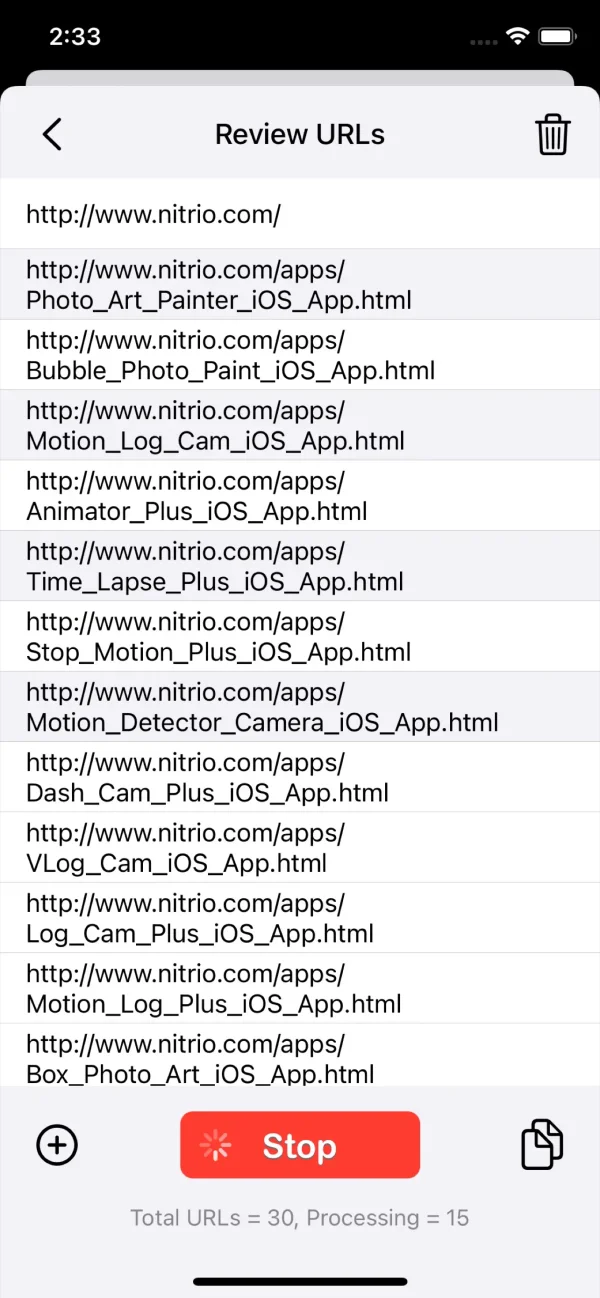
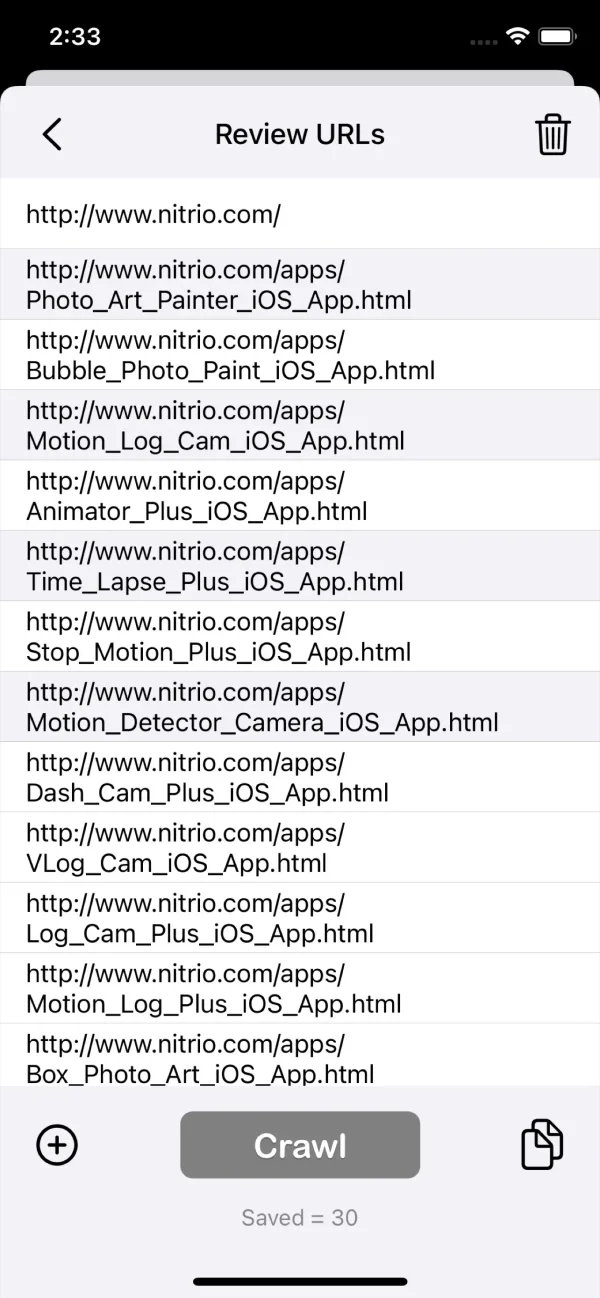
5. Tap Crawl to start capturing pages.
6. When finished, exit and go to the Library.
7. Tap the domain name to view all saved pages.
8. Convert any page to PDF.
Note: Not all webpages can be crawled. For example, pages that rely heavily on complex code or AJAX may not be captured successfully.
This is a convenience tool for creating an offline web reader on your device.
Thank you for your support! Visit nitrio.com for more apps for your iOS devices.
Novidades
Versão 1.1 · 06/10/2025
- Updated for the newest devices.
- Minor bugs fixed.
Privacidade do app
O que Heng Jia Liang declara na App Store sobre como este app lida com os dados.
-
Dados não coletados
O desenvolvedor não coleta nenhum dado deste app.
As práticas de privacidade podem variar, por exemplo, com base nos recursos que você usa ou na sua idade.
Informações
- Vendedor
- Heng Jia Liang
- Categoria
- Utilidades
- Versão
- 1.1
- Atualizado
- 06/10/2025
- Lançamento
- 08/08/2022
- Tamanho
- 9,7 MB
- Requer
- iOS 12.0 ou posterior
- Classificação etária
- 4+
- Preço
- R$ 24,90
- Idiomas
- Inglês
- Copyright
- © Heng Jia Liang