
Work Sheet – Time Tracker
Work Sheet – Time Tracker
Projetado para iPhone, iPad, iPod touch
Grátis
- Classificação etária12+
- CategoriaNegócios
- DesenvolvedorEthar Shrouf
- IdiomasInglês
- Tamanho36,1 MB
Leva à página oficial na App Store
O Download.org não hospeda nenhum arquivo de Work Sheet – Time Tracker. O botão abre a página do app na App Store, onde Ethar Shrouf o publica. Página verificada pela última vez em 23/11/2026.
Capturas de tela
Sobre
O desenvolvedor não forneceu este texto no seu idioma.
Take Control of Your Time — and Your Income.
Worklog is the all-in-one time tracker, freelancer toolkit, and finance dashboard for anyone paid by the hour, by the project, or by the invoice. Track sessions in one tap, manage clients and projects, send branded invoices, and watch your earnings grow — all from your phone, fully offline, in English or Arabic.
Smart Time Tracking
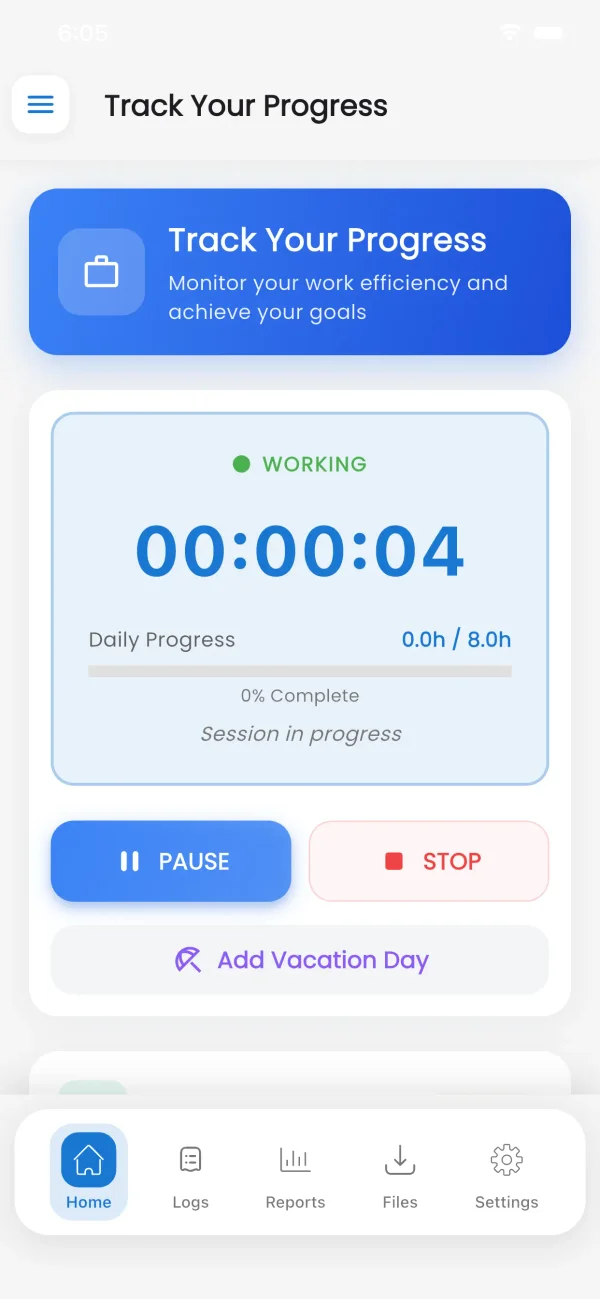
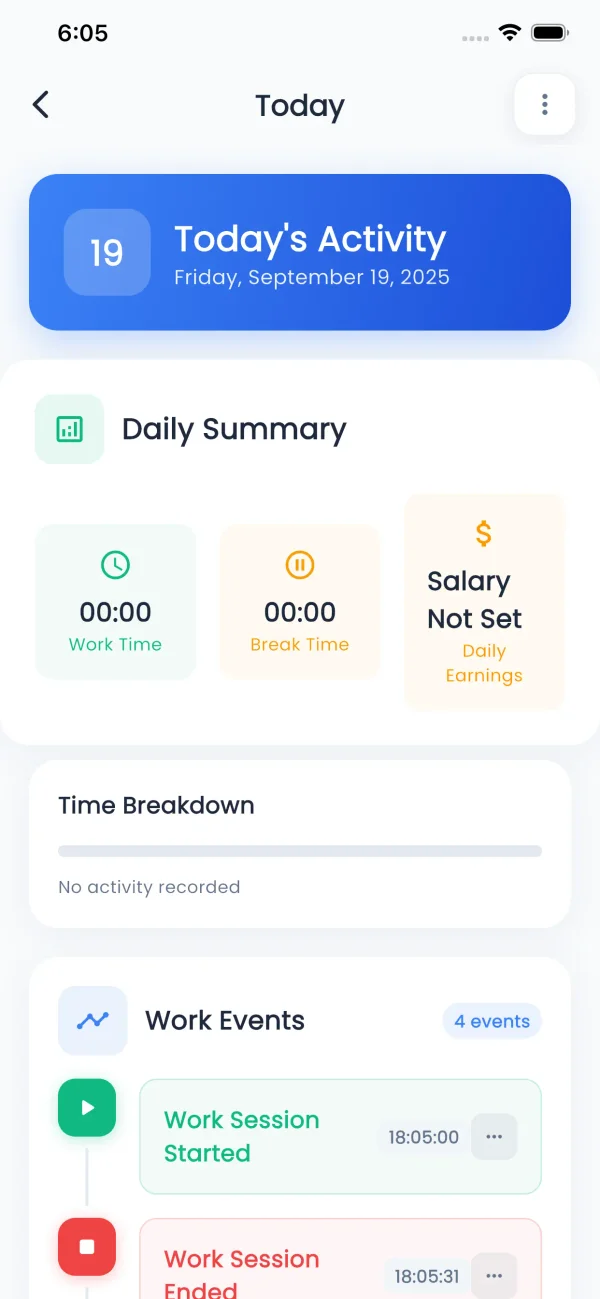
• One-tap punch in/out with live timer
• Edit, split, or backfill sessions anytime
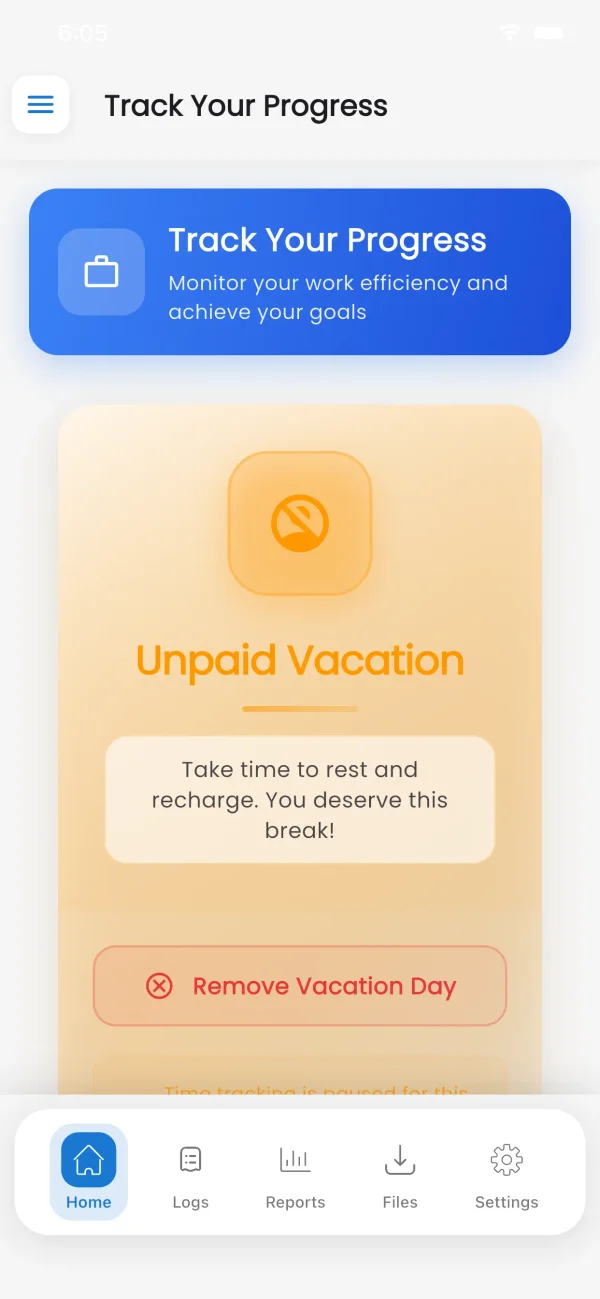
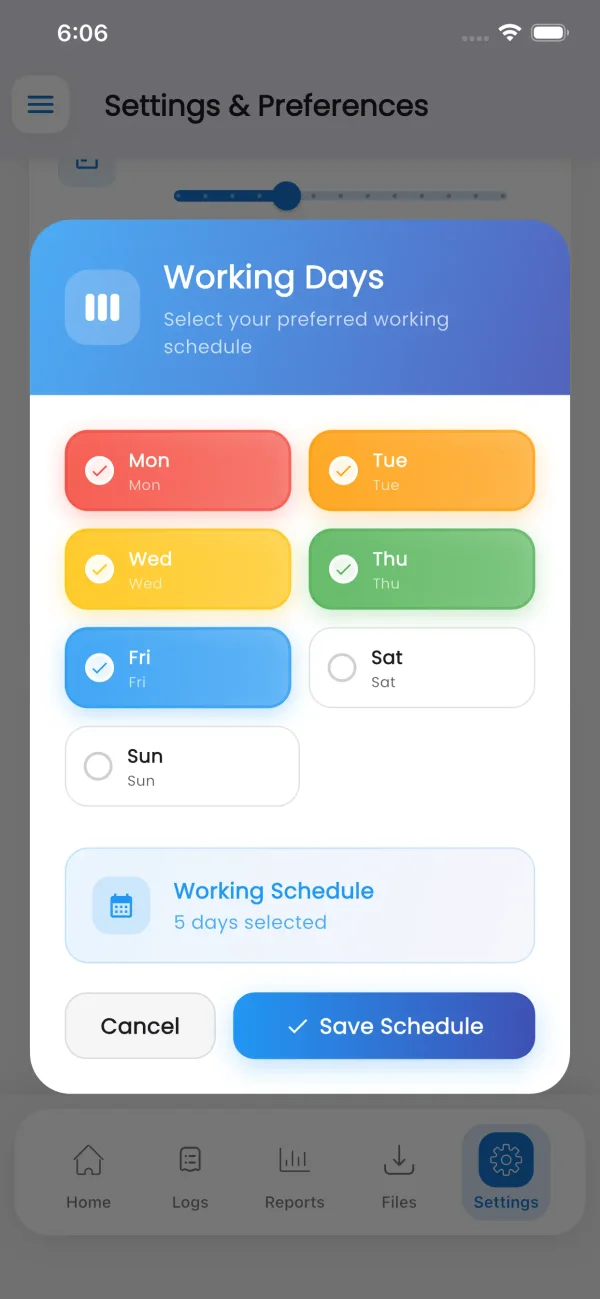
• Breaks, vacation days, and per-day schedules
• Overtime, rest day, and holiday multipliers — calculated automatically
Built for Freelancers
• Projects & Clients with billable/non-billable flags
• Beautiful invoices and quotes with your own logo & footer
• Expenses with photo receipts
• Multi-currency support with auto formatting
• Payments log and overdue invoice alerts
Insights That Actually Help
• Profit & loss dashboards by period
• Daily hours chart with target line
• Hours breakdown: regular / OT / rest day / RDOT / holiday
• Calendar view of all your sessions
• Powerful in-app search
Professional Reports & Exports
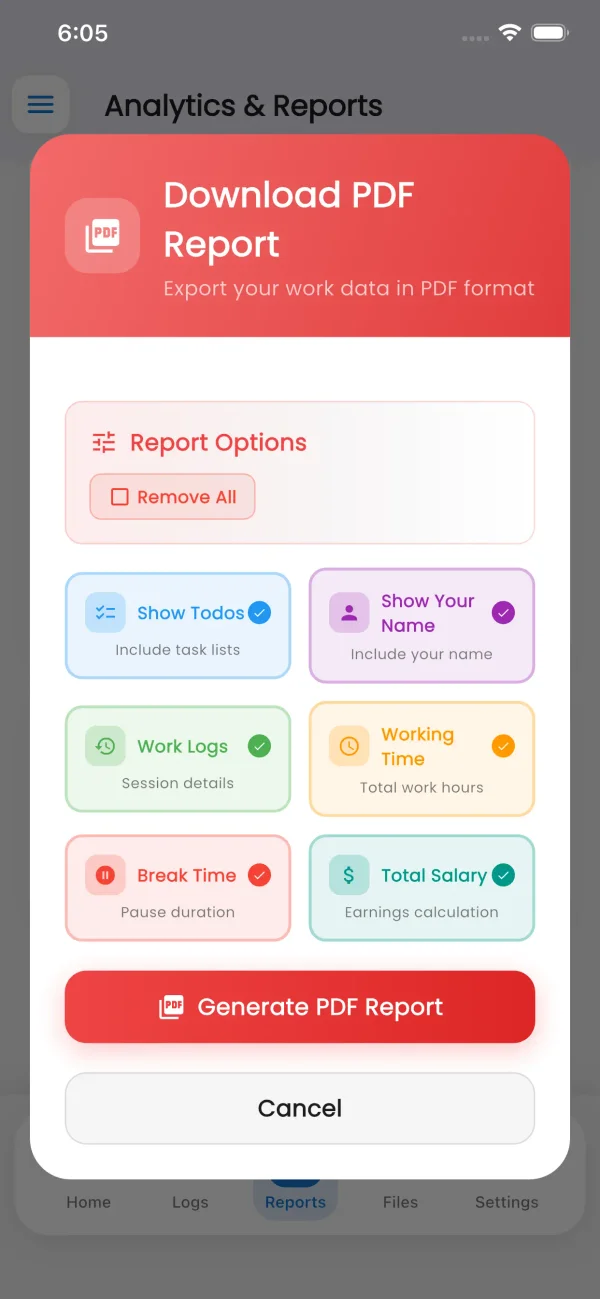
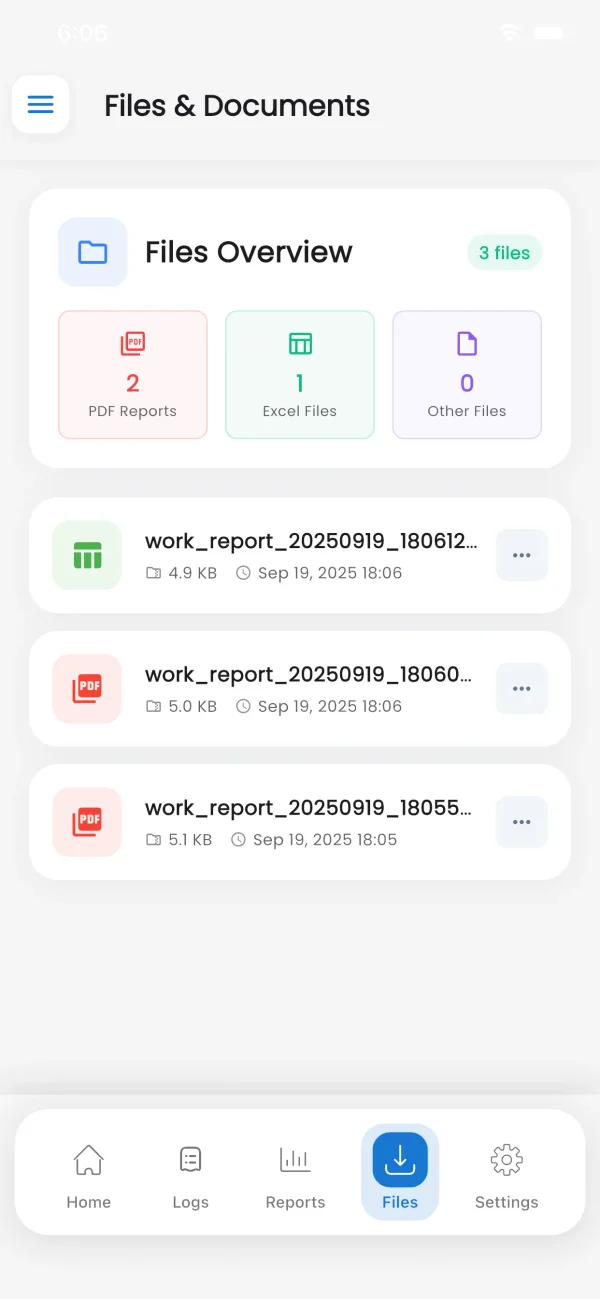
• PDF and Excel reports, beautifully designed
• Pick exactly what to include — sessions, KPI cards, charts, daily log
• Tax-ready exports for accountants
• Remembers your last export setup
Smart Reminders
• Daily start/end nudges that adapt to your schedule
• Invoice due-date alerts so you never chase money late
• Snooze any notification
Backup You Control
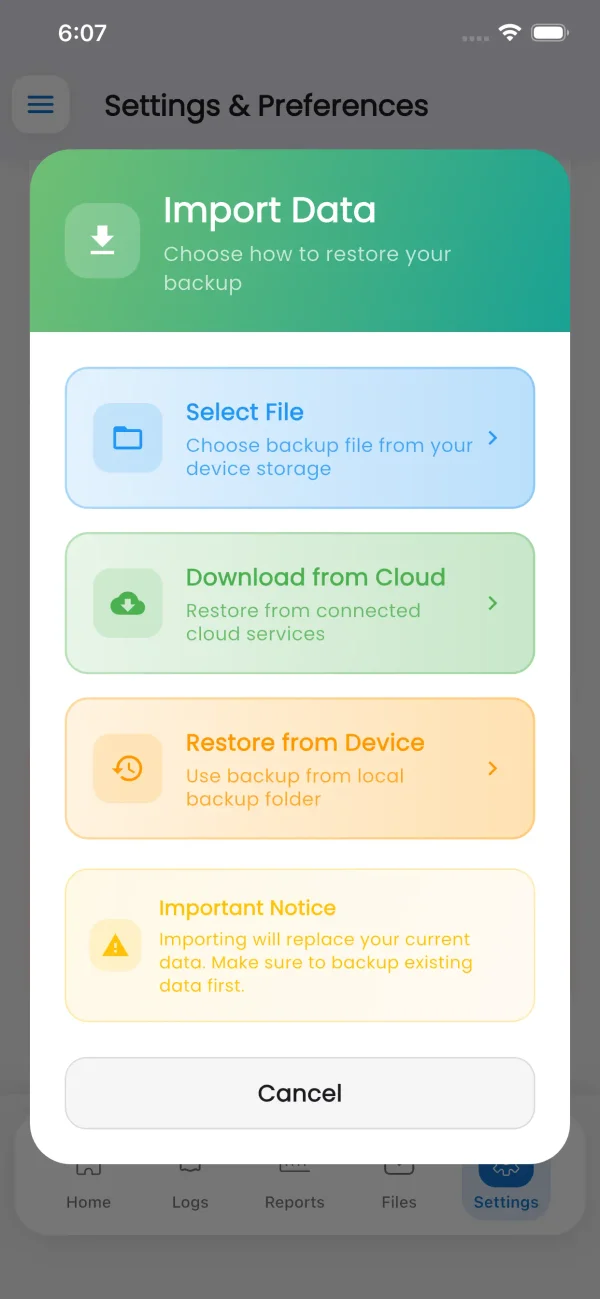
• Manual or automatic backup to Google Drive
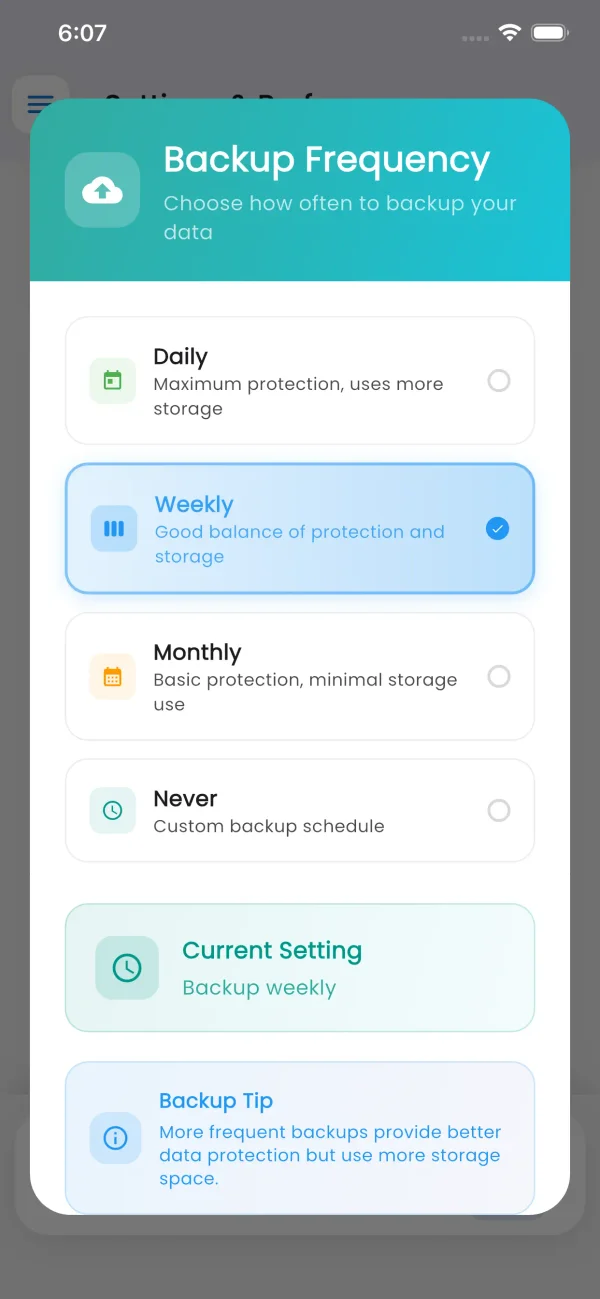
• Daily, weekly, or monthly schedule — Wi-Fi only if you choose
• Pick what to back up: work data, reports, settings, salary
• Local file export anytime
Bilingual & Customizable
• Full English & Arabic with RTL layout
• Light, dark, or auto theme
• Choose your date, time, and currency format
• Home screen widgets for instant tracking
• App shortcuts for common actions
Yours and Yours Alone
• Works fully offline — no account required
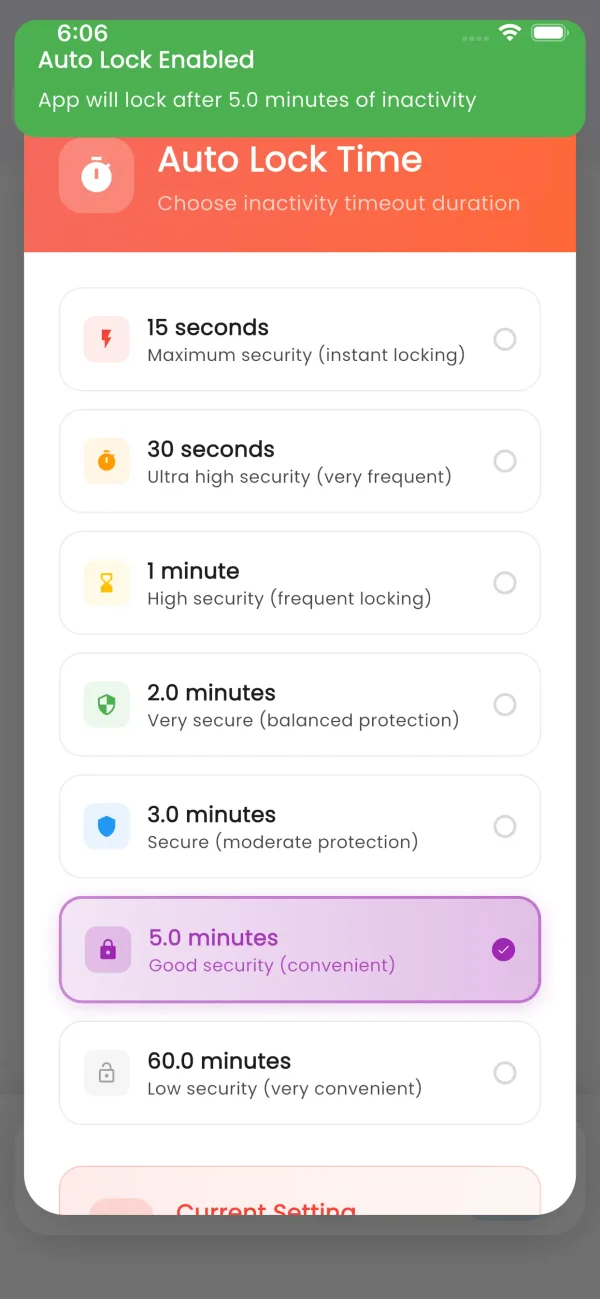
• Biometric or password lock for sensitive sections
• No ads, no tracking, no data sharing
• Your time and earnings stay on your device
Download Work Sheet and own your hours, your income, and your work life — wherever your day takes you.
Novidades
Versão 1.3.1 · 16/11/2026
Auto-backup to Google Drive
Silent backup runs on app open when due — never lose data again
Pick the cadence: Daily, Weekly, Monthly, or Never
Skips when there's nothing to do, so it's safe to leave on
Choose what to back up
New "What to back up" section in Cloud & Sync — four independent toggles:
Work sessions — your time-tracking entries
Reports & finances — payments, invoices, expenses, projects
App settings — preferences, theme, language
Salary & rates — pay rates and overtime multipliers
Each backup (manual or automatic) only includes the categories you enabled.
Cleaner PDF reports
PDF now uses a custom font for crisp, professional output
Arrows, dashes, and check-marks render correctly across all devices
Smarter export dialog
Remembers your last selection — the next export starts where you left off
New toggles to show or hide the Stats cards (Total / Net / Sessions / Earnings)
New toggle for the Daily hours chart
Lean by default: only the Daily log is on for first-time use
Applies to both PDF and Excel exports
Privacidade do app
O que Ethar Shrouf declara na App Store sobre como este app lida com os dados.
-
Dados não coletados
O desenvolvedor não coleta nenhum dado deste app.
As práticas de privacidade podem variar, por exemplo, com base nos recursos que você usa ou na sua idade.
Informações
- Vendedor
- Ethar Shrouf
- Categoria
- Negócios
- Versão
- 1.3.1
- Atualizado
- 16/11/2026
- Lançamento
- 22/09/2025
- Tamanho
- 36,1 MB
- Requer
- iOS 15.0 ou posterior
- Classificação etária
- 12+
- Preço
- Grátis
- Idiomas
- Inglês
- Copyright
- © All Right Reserved
Você também pode gostar
-
 TS PlusNegócios
-
 Purchaseorder_orderProdutividade
-
 AlgoDash:Dividend IntelligenceFinanças
-
 ShiftwakeProdutividade
-
 LeadFlow Pro AppNegócios
-
 TimeTracking - Track Work TimeProdutividade
-
 XL Delta: Excel Formula GuideFinanças
-
 Freelance: Rastreador e AgendaRastrear Tempo | Projetos
-
 Job Hour Sheet – Time TrackerNegócios
-
 iPOEntryNegócios