Clear Scan - PDF Scanner App
Indy Mobile AppReklam içerir · Uygulama içi satın alma
- PEGI 3Yaş sınırı
- İşKategori
- 16.11.2026Güncellendi
- ÜcretsizFiyat
com.indymobileapp.document.scanner için resmi Google Play sayfasına bağlanır. Son kontrol: 27.11.2026.
Ekran görüntüleri

Bu uygulama hakkında
Google tarafından otomatik çeviri. Orijinal dil: İngilizce (Birleşik Krallık).
yüksek kaliteli mobil kamerayı kullanarak PDF Belgelerini içine tarama görüntüleri
Ücretsiz PDF tarar : Artık mini cep tarayıcı içine akıllı telefon dönüştürmek ve en iyi şimdiye kadar tarayarak mobil uygulamasından Temizle Tarayıcı ile tek bir dokunuşla içinde cihazınızdaki kaliteli görüntü keyfini çıkarın. Temizle Tarayıcı hızlı bir şekilde ofis, görüntüler, faturaları, makbuzları, kitap, dergi, sınıf notları ve hiçbir zaman içerisinde cihazınızdaki orada olması gerekiyor şey belgelerin her türlü taramaya izin verir. Bu işlem, taranmış doküman paylaşmak, böylece en yüksek kalitede taranmış belgeyi almak ve PDF veya JPEG formatında içine hemen dönüştürmek için en hızlı yoludur, resim, kitap, faturaları, önemli notlar veya aklınıza gelebilecek kağıt her türlü .
“Temizle Tarayıcı” her insan için bir zorunluluk bir okul öğrencisi üniversite öğrencisi, iş kişi ya da başka bir insan olmak olduğunu. uygulaması kolay kişinin mevcut metinleri okumak için yapar yüksek kalitede fotoğraf ve belgeleri taramanızı sağlar. Uygulama otomatik olarak size de taramak istediğiniz belgenin bir kısmını kesebilirsiniz birlikte daha kaliteli taramak istediğiniz dosyanın köşesini algılar. Bu gerçekten harika bir özelliktir ve kullanıcıya seçim özgürlüğü verir. Bunun dışında, uygulama, parlaklığını ayarlayarak gölgeleri kaldırarak ve daha iyi ve kaliteli bir sonuç için görüntü çektirmek gibi sağlayan birçok otomobil düzeltici özellikleri vardır.
Temizle Tarayıcı ile belgenizi taramak için daha hızlı işlem hızı alın ve mektuplara hemen dosya paylaşabilir, Dropbox, onedrive, SkyDrive, Google Drive, Evernote ve diğer tarama sevincini zevk. Temizle Tarayıcı kullanıcı JPEG formatında veya PDF formatına taranan dokümanı dönüştürmek için izin verir. Hatta Cloud Print üzerinde taranan belge veya görüntüyü yazdırabilirsiniz. Bu uygulama aynı zamanda, hatta çeşitli çoklu filtreleri ile birlikte görüntüleri kaydettikten sonra çeşitli meslek düzenleme özellikleri sunar. Ayrıca, uygun bir ad kullanarak görüntüyü kaydetmek ve daha kolay kullanım dosyası, belge, resim veya başka tür taranmış notları bulmalarını kolaylaştırıyor taranmış dosyaları yeniden sıralayabilirsiniz. Belirli bir belgeyi veya daha hızlı işlem hızı ile tüm bir klasörü e-posta seçebilirsiniz.
***********************
APP ÖZELLİKLERİ
***********************
✓ Otomatik belge kenar algılama ve perspektif bir düzeltme
✓ Aşırı Hızlı İşleme
✓ Birden filtre seçenekleri ile profesyonel kalitede sonuçlar: fotoğrafın, belge berrak, renk veya siyah beyaz
✓ Esnek düzenleme, sonra dosyayı düzenlemek mümkün kaydetmek
✓ Klasörler ve alt klasörler kolayca belgeler daha iyi organize etmek amacıyla, dosya ve klasörleri yönetebilir.
✓ Belge adlandırma, uygulaması ve arama dünyası depolama
✓ ekleme veya bir sayfayı veya bütün dosyayı silme
ekleme veya silme sonra ✓ Sayfa yeniden sıralama
✓ Set sayfa boyutları PDF (Letter, Legal, A4 ve daha fazlası) için
✓ E-posta belirli sayfaları veya tüm belge
Cloud Print aracılığıyla ✓ Baskı PDF dosyası
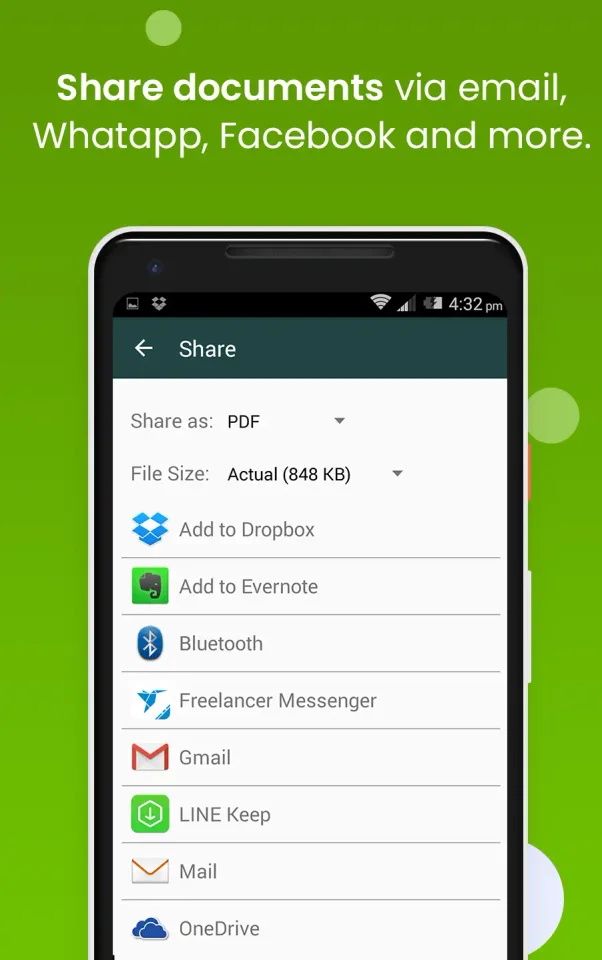
✓ vb Dropbox, onedrive, SkyDrive, Google Drive, Evernote gibi diğer uygulamalarda açın PDF'leri veya JPEG bulutların göndermek
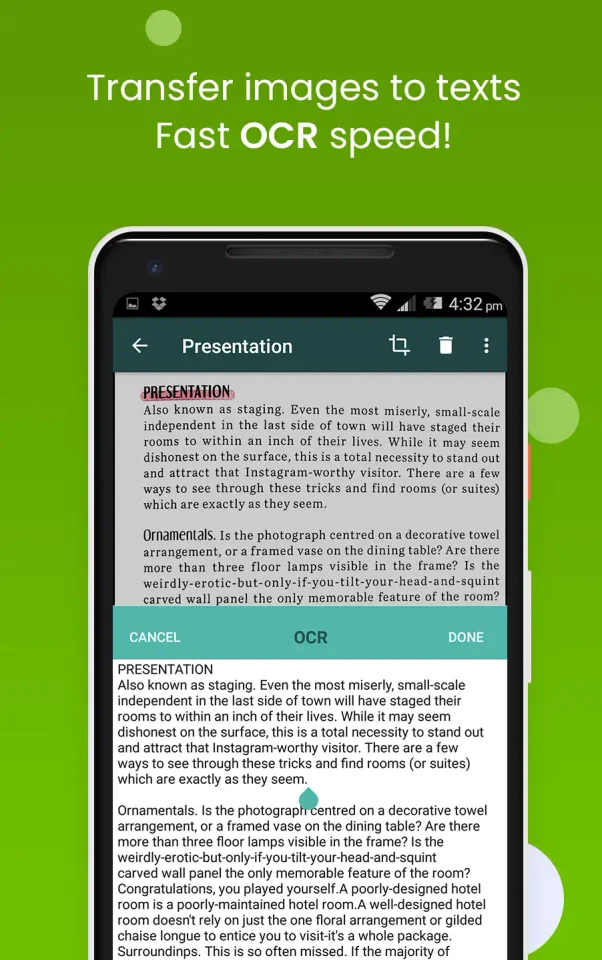
✓ görüntüden OCR arayabilmenize metinlere görüntü aktarmak, düzenlemek veya hisse Özü Metinleri
✓ Yedekleme ve geri yükleme "yedek dosyası" oluşturmak ve kaybetmek veya değiştirmek cihaz elle örtmek verileri geri yüklemek için izin
✓ küçük uygulama boyutu.
Temizle Tarayıcı hem zaman ve para çok büyük bir miktar tasarruf sorunsuz çalışması ile en iyi tarama uygulaması. Yani akıllı telefonlar artık bu şaşırtıcı ücretsiz mini cep tarayıcısı uygulaması olsun ve dünyanın herhangi bir yerinden yapılan tarama almak ve herhangi bir yerde herhangi bir kişiye taranmış bir resim göndermek.
************************
MERHABA DE
************************
Sürekli yapmaya çalışıyoruz “Temizle Tarayıcı: Ücretsiz PDF tarar” uygulaması daha iyi ve daha kullanışlı senin için. Biz gidiş almak için sürekli desteğe ihtiyacı var. herhangi sorgular / önerileri / sorunları için ya da sadece merhaba demek istiyorsanız bize e-posta çekinmeyin. Biz sizden duymak isteriz. Eğer “Temizle Tarayıcı: Ücretsiz PDF Taramalar” herhangi bir özellik keyif varsa app, çalma mağaza bizi değerlendirin unutmayın.
Orijinal metni göster
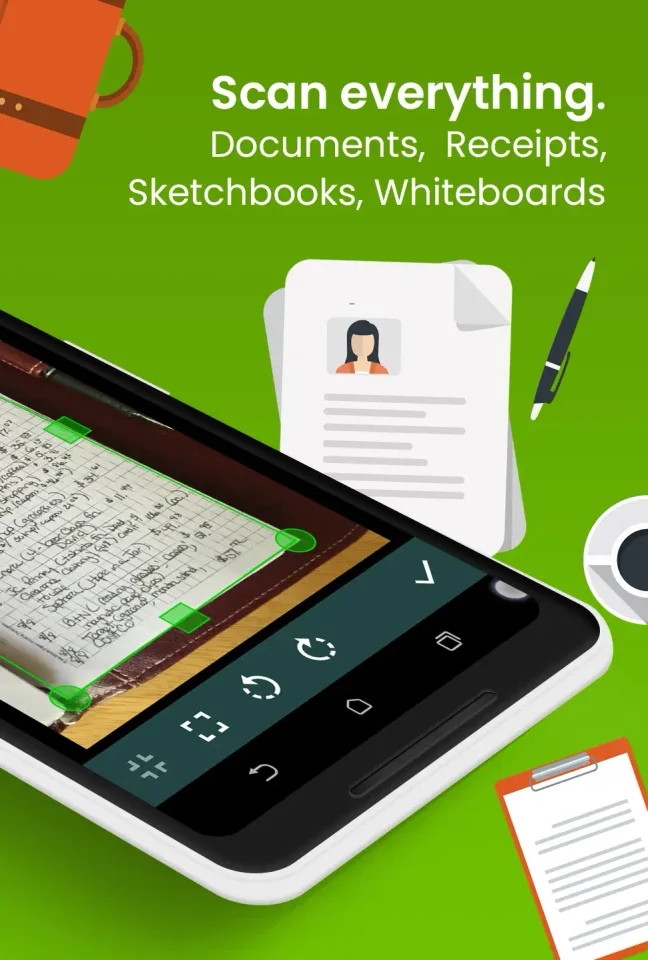
Now convert your smart phone into a mini pocket scanner and enjoy the high quality image in your device within just one touch with the best ever scanning mobile app Clear Scanner: Free PDF Scans. Clear Scanner lets you quickly scan any kind of documents in your office, images, bills, receipts, books, magazines, class notes and anything that needs to be there in your device within no time. This is the fastest means to get the scanned document in the highest quality and convert it immediately into PDF or JPEG format so that you can share the scanned document, image, books, bills, important notes or any kind of paper that you can think of.
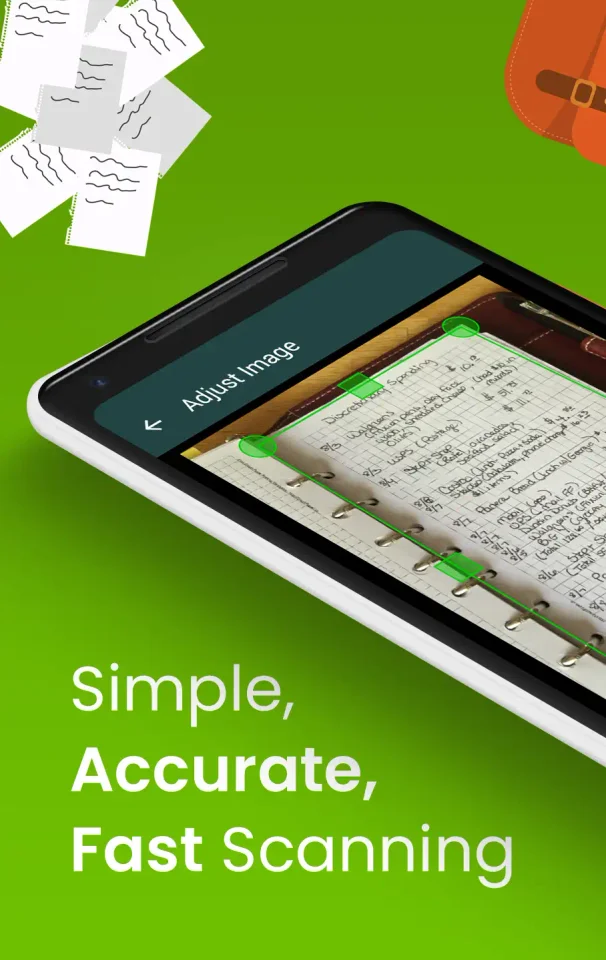
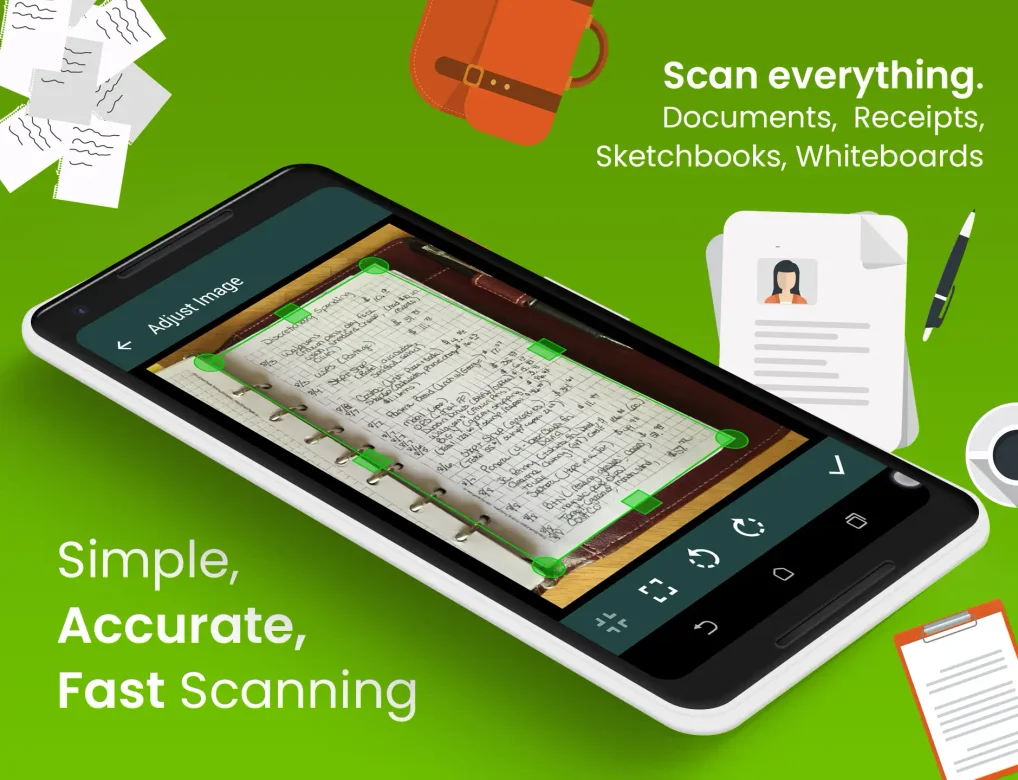
“Clear Scanner” is a must for every person be it a school student, college student, business person or any other person. The app lets you scan your photographs and documents in high quality which makes it easy for the person to read the texts present. The app automatically detects the corner of the file that you want to scan for better quality along with you can also crop the part of the document that you want to scan. This is really cool feature and gives the liberty of choice to the user. Apart from this, there are many auto correcting features that the app provides like adjusting the brightness, removing shadows and straightening the image for the better and good quality result.
Get the faster processing speed for scanning your document with Clear Scanner and share the files immediately over mail, Dropbox, OneDrive, SkyDrive, Google Drive, Evernote and other to enjoy the joy of scanning. Clear Scanner allows the user to convert the scanned document to JPEG format or PDF format. You can even print the scanned document or image over Cloud Print. The app also offers various professional editing features even after saving the images along with various multiple filters. You can also save the image using an appropriate name and reorder the scanned files that makes it easier for the user to find the file, document, image, or other scanned notes. You can choose to email a specific document or an entire folder with faster processing speed.
***********************
APP FEATURES
***********************
✓ Automatic document edge detection and perspective correction
✓ Extremely Fast Processing
✓ Professional quality results with multiple filter options: photo, document, clear, colour or black & white
✓ Flexible editing, able to edit file after save
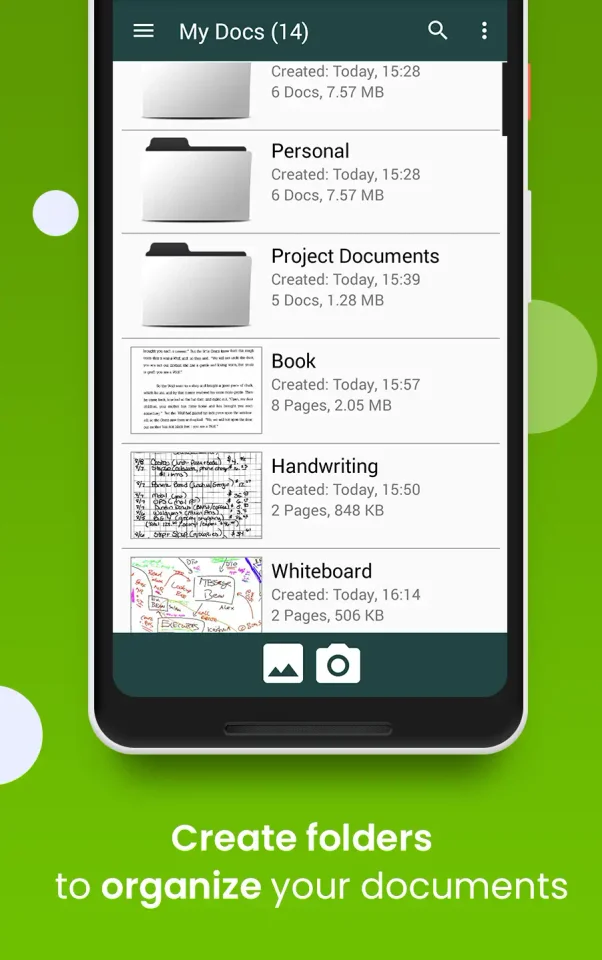
✓ Folders and subfolders, You can easily manage your files and folders, in order to organise your documents better.
✓ Document naming, storage inside the app and search
✓ Adding or Deleting one page or the whole document
✓ Page reordering after adding or deleting
✓ Set page sizes for PDF (Letter, Legal, A4, and more)
✓ Email specific pages or whole document
✓ Print PDF file via Cloud Print
✓ Open PDFs or JPEGs in other apps such as Dropbox, OneDrive, SkyDrive, Google Drive, Evernote, etc. to send to clouds
✓ Extract Texts from image OCR ,transfer images to texts so you can search, edit or share
✓ Backup & Restore, allow you to create "backup file" and restore your data manually incase you lose or change device
✓ Tiny app size.
Clear Scanner is the best scanning app with hassle free work that saves a huge amount of both time and money. So get this amazing free mini pocket scanner app now in your smartphones and get the scanning done from any part of the world and send the scanned image to any person at any location.
************************
SAY HELLO
************************
We are constantly working hard on making the “Clear Scanner: Free PDF Scans” app better and more useful for you. We need your constant support to get going. Please feel free to email us for any queries/suggestions/problems or if you just want to say hello. We would love to hear from you. If you have enjoyed any feature of the “Clear Scanner: Free PDF Scans” app, do not forget to rate us on play store.
Veri güvenliği
Bu uygulamanın topladığı ve paylaştığı veriler hakkında Indy Mobile App tarafından Google Play üzerinde yapılan beyan.
- Üçüncü taraflarla veri paylaşımı yokGeliştiricilerin, veri paylaşımını nasıl beyan ettikleri hakkında daha fazla bilgi edinin
- Bu uygulamanın toplayabileceği veri türleriKonum, Uygulama etkinliği ve 2 veri türü daha
- Veriler, aktarım sırasında şifreleniyor
- Veriler silinemiyor
Yenilikler
Sürüm 10.2.56 · 16.11.2026
- Added a camera level to help align your device when scanning.
- Added a Highlighter tool in Markup.
- Improved PDF import and document rendering.
- Faster, easier document scrolling.
- UI, performance, and stability improvements.
We'll continue adding new features to make ClearScanner even better.
Geliştirici iletişim bilgileri
- Web sitesiindymobileapp.com
- E-postaclearscanner@gmail.com
- Gizlilik politikasıindymobileapp.web.app
- Adres190/1 Moo 3 SAN KAMPHAENG 50130 Thailand
Bilgiler
- Sunan
- Indy Mobile App
- Kategori
- İş
- Sürüm
- 10.2.56
- Güncellendi
- 16.11.2026
- Yayın tarihi
- 15.06.2016
- Gereksinim
- Android 7.0 veya sonrası
- Yaş sınırı
- PEGI 3
- Fiyat
- Ücretsiz
- Uygulama içi satın alma
- Öğe başına ₺39,00-₺799,00
- Paket adı
- com.indymobileapp.document.scanner