D360 Watch Face
Yosash- PEGI 3Yaş sınırı
- Otomobil ve AraçlarKategori
- 19.11.2026Güncellendi
- ₺91,99Fiyat
com.watchfacestudio.d360 için resmi Google Play sayfasına bağlanır. Son kontrol: 22.11.2026.
Ekran görüntüleri


Bu uygulama hakkında
Google tarafından otomatik çeviri. Orijinal dil: İngilizce (Amerika Birleşik Devletleri).
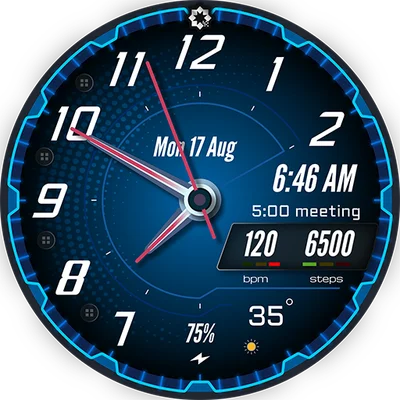
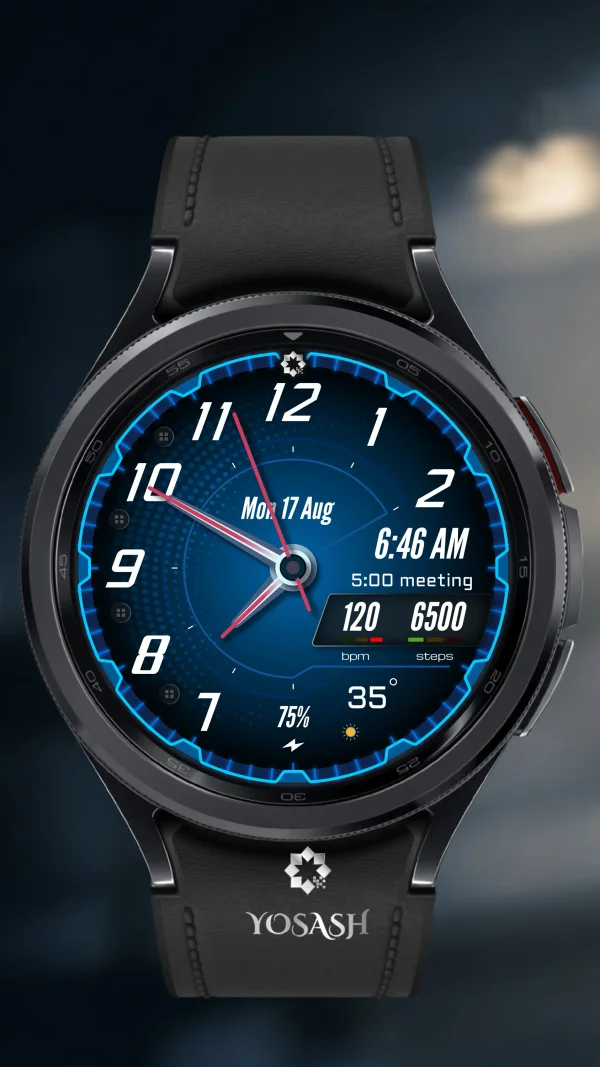
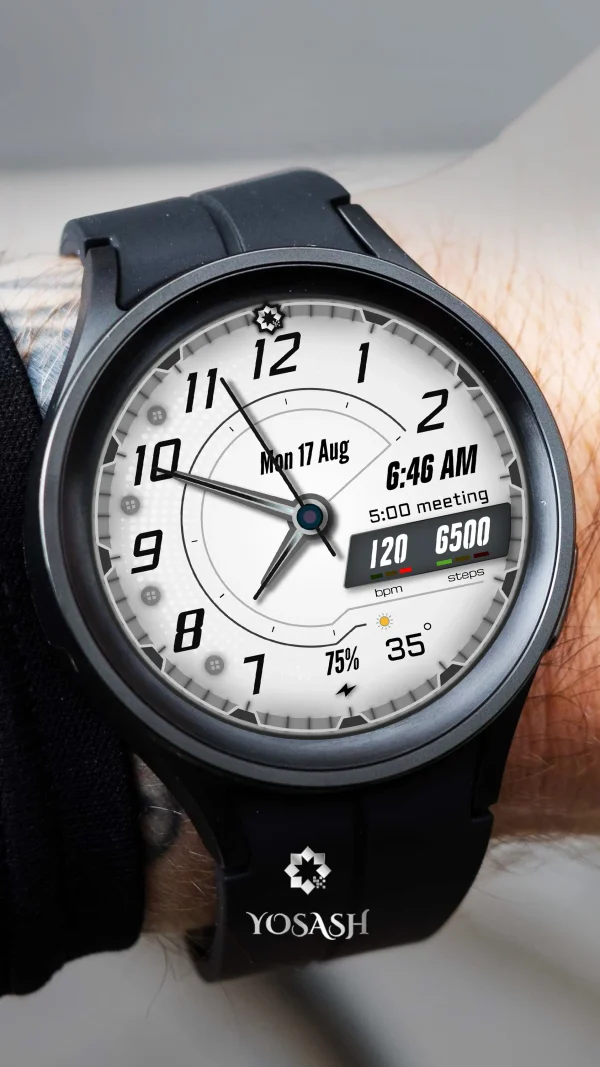
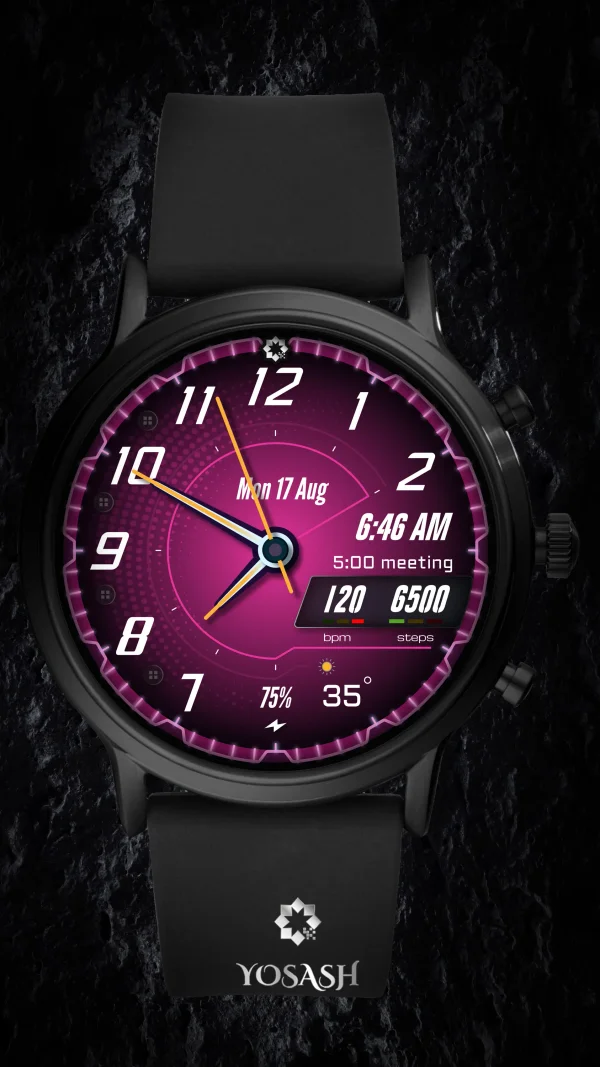
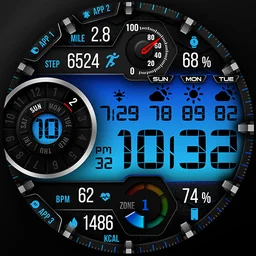
D360, aşınmaya dayanıklı işletim sistemi saatleri için analog bir saat yüzüdür.
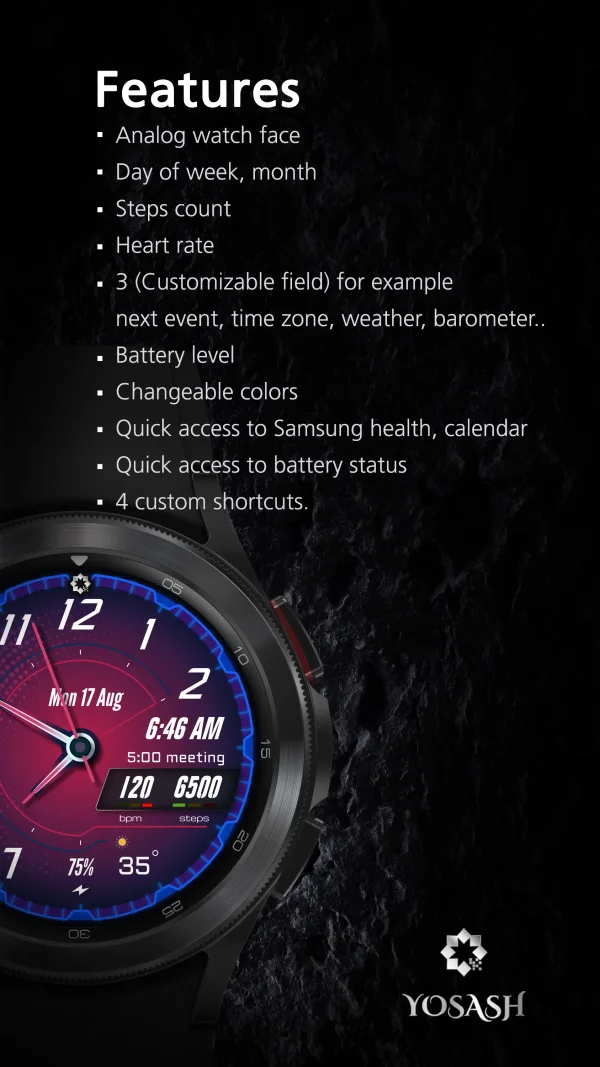
Saat yüzü özellikleri:
- Analog saat yüzü
- Adım sayımı
- Haftanın günü, ay
- Kalp atış hızı
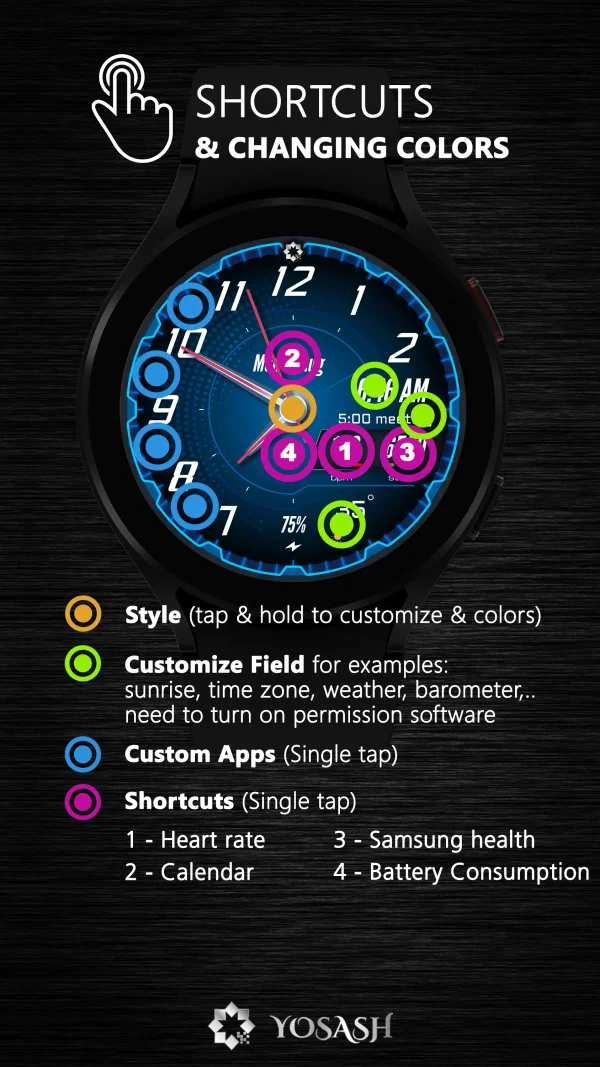
- 3 (özelleştirilebilir alan) örneğin:
gün doğumu, bir sonraki havalandırma, saat dilimi, hava durumu, barometre, ..
- Pil seviyesi
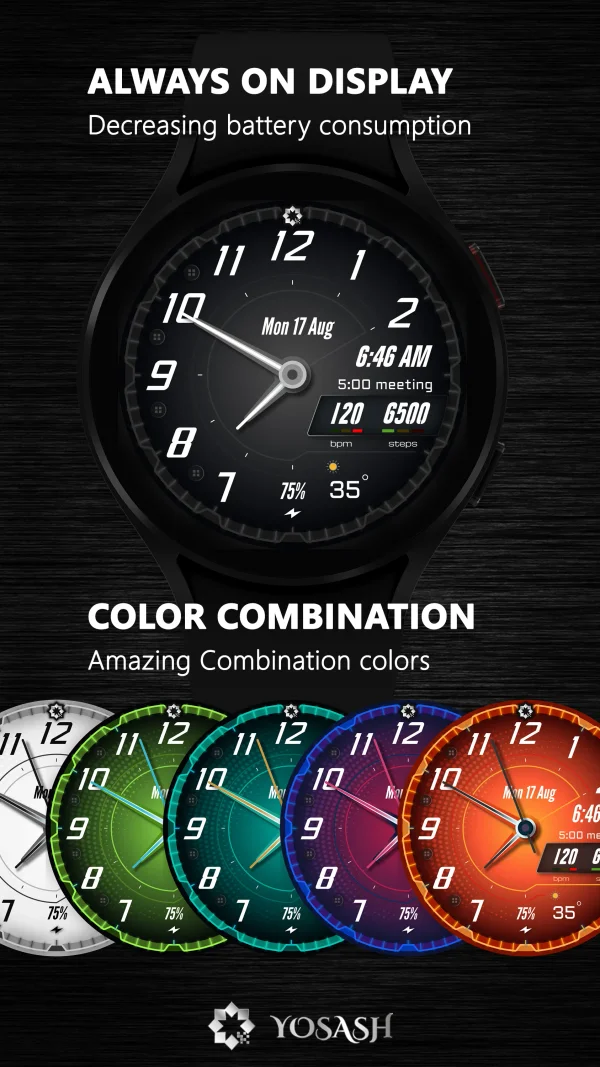
- Değiştirilebilir renkler (renkleri özelleştirmek ve değiştirmek için dokunun ve basılı tutun) "Arka Plan Rengi 2"ye değiştirdiğinizde ve "Arka Plan Rengi 1"e dönmeniz gerektiğinde, ilk seçenekte arka plan rengini 2 yapın.
- Samsung sağlığına, takvimine, pil tüketimine hızlı erişim.
- 4 özel kısayola hızlı erişim
-------------------------------------------------- ----------------
Saat yüzü özelleştirmesi
- Saat yüzünde herhangi bir yere dokunup basılı tutun
- özelleştirmeyi bulana kadar kaydırma
- Hangi komplikasyonu özelleştirmek istediğinizi seçin
- Hava durumu, barometre gibi göstermek istediğiniz komplikasyonu menüden seçin.
-------------------------------------------------- ----------------
Kurulum talimatları:
1. Saatinizin Bluetooth aracılığıyla cep telefonunuza bağlı olduğundan emin olun.
2. Saat yüzünü yükleyin ve fiyatın yanındaki oktan saatinizi seçtiğinizden emin olun.
3. Saat yüzünü web tarayıcınız aracılığıyla Play Store'u açarak da yükleyebilirsiniz.
4. Saatinizdeki oyun mağazasını açarak saat yüzünü doğrudan saatiniz üzerinden yükleyebilir ve saat yüzünü arayıp kurabilirsiniz.
Resmi Samsung Kurulum kılavuzu
https://www.youtube.com/watch?v=vMM4Q2-rqoM
Lütfen saat yüzü geliştiricisinin Play Store'daki kurulum süreci üzerinde hiçbir kontrolü olmadığını unutmayın. Bir saat yüzü için 2 kez ücret ödemezsiniz.
Yardıma ihtiyacınız olursa lütfen yosash.group@gmail.com ile iletişime geçin.
-------------------------------------------------- ----------------
Desteklenen cihazlar:
API Seviyesi 30+ olan tüm Wear OS cihazları: Samsung Galaxy Watch 6, Samsung Galaxy Watch 5, Samsung Galaxy Watch 4, Mobvoi TicWatch Pro 5, Google Pixel Watch, Fossil Gen 6, Hublot Big Bang e Gen 3, TAG Heuer Connected Calibre E4 42 mm, Montblanc Zirvesi, TAG Heuer Bağlantılı Kalibre E4 45 mm,
Not:
- Bu saat yüzü kare cihazları desteklemiyor.
-------------------------------------------------- ----------------
Yeni saat yüzleri için bizi takip edin:
Facebook:
https://www.facebook.com/yosash.watch
Instagram'da:
https://www.instagram.com/yosash.watch/
Telgraf:
https://t.me/yosash_watch
Web sitesi:
https://yosash.watch/
Destek:
yosash.group@gmail.com
Orijinal metni göster
Watch face features:
- Analog watch face
- Steps count
- Day of week, month
- Heart rate
- 3 (customizable field) for example:
sunrise, next vent, time zone, weather, barometer, ..
- Battery level
- Changeable colors (tap & hold to customize & change colors) When you change to "Background Color 2" and need to return to "Background Color 1" make background color 2 on the first option.
- Quick access to Samsung health, calendar, battery consumption.
- Quick access to 4 custom shortcuts
------------------------------------------------------------------
Watch face customization
- Tap and hold on any place on the watch face
- swiping till find customize
- Choose which complication do you want to customize
- Select from the menu the complication that you want to show like weather, barometer, ..
------------------------------------------------------------------
Installation instructions:
1. Make sure that your watch is connected to your mobile via Bluetooth
2. Install the watch face and make sure that you selected your watch from the arrow beside the price
3. You can also install the watch face by opening play store through your web browser.
4. You can install the watch face through your watch directly by opening the play store on the watch and search for the watch face and install it.
Official Samsung Installation guide
https://www.youtube.com/watch?v=vMM4Q2-rqoM
Please consider that the watch face developer has no control of the installation process on play store. You will not charge for a watch face 2 times.
If you need any assistance, please contact to yosash.group@gmail.com
------------------------------------------------------------------
Supported devices:
all Wear OS devices with API Level 30+ like: Samsung Galaxy Watch 6, Samsung Galaxy Watch 5, Samsung Galaxy Watch 4, Mobvoi TicWatch Pro 5, Google Pixel Watch, Fossil Gen 6, Hublot Big Bang e Gen 3, TAG Heuer Connected Calibre E4 42mm, Montblanc Summit, TAG Heuer Connected Calibre E4 45mm,
Note:
- This watch face doesn't support square devices.
------------------------------------------------------------------
Follow us for new watch faces:
Facebook:
https://www.facebook.com/yosash.watch
Instagram:
https://www.instagram.com/yosash.watch/
Telegram:
https://t.me/yosash_watch
Website:
https://yosash.watch/
Support:
yosash.group@gmail.com
Veri güvenliği
Bu uygulamanın topladığı ve paylaştığı veriler hakkında Yosash tarafından Google Play üzerinde yapılan beyan.
- Üçüncü taraflarla veri paylaşımı yokGeliştiricilerin, veri paylaşımını nasıl beyan ettikleri hakkında daha fazla bilgi edinin
- Veri toplanamadıGeliştiricilerin, veri toplamayı nasıl beyan ettikleri hakkında daha fazla bilgi edinin
Yenilikler
19.11.2026
This update is optimized for Wear OS devices running Android 14 / API level 34 or higher.
Geliştirici iletişim bilgileri
- Web sitesiyosash.watch
- E-postayosash.group@gmail.com
- Gizlilik politikasıdocs.google.com
- Adres519 Eskan el Shabab 100 el Shorouk City Cairo القاهرة 11837 Egypt
Bilgiler
- Sunan
- Yosash
- Kategori
- Otomobil ve Araçlar
- Güncellendi
- 19.11.2026
- Yayın tarihi
- 31.10.2023
- Yaş sınırı
- PEGI 3
- Fiyat
- ₺91,99
- Paket adı
- com.watchfacestudio.d360
Benzer uygulamalar
-
 NTV506 - Aircraf Pro Watchface
Kişiselleştirme
-
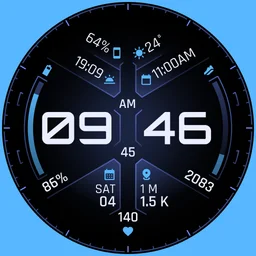 TKS 17 Surge Watch Face
Kişiselleştirme
-
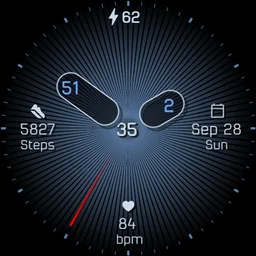 Analog watchface A7
Kişiselleştirme
-
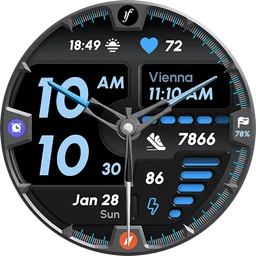 UrbanSync Watch Face
Kişiselleştirme
-
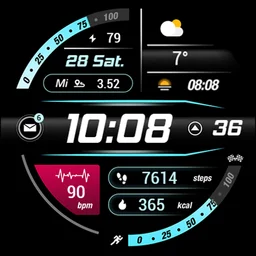 Informative Km & Mile - RE06
Kişiselleştirme
-
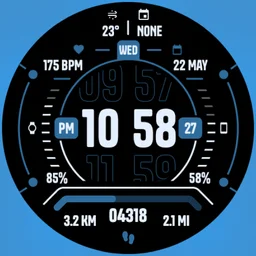 TKS 04 Dash Watch Face
Kişiselleştirme
-
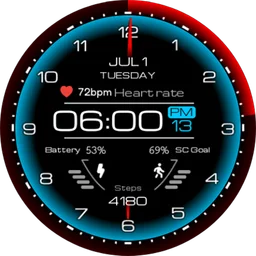 Futuristic Watch Face
Kişiselleştirme
-
 TMF Racing MS
Kişiselleştirme
-
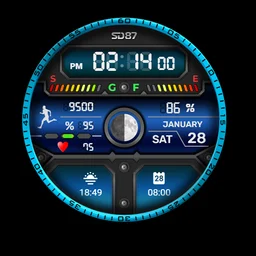 SD87
Kişiselleştirme
-
 DM176 Striking Digital Modern
Kişiselleştirme
-
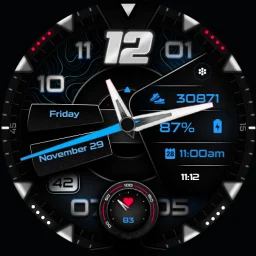 STRANGE - Dual Watch Face
Kişiselleştirme
-
 PER12 Digital Watch Face
Kişiselleştirme