- Yaş sınırı4+
- KategoriYaşam Tarzı
- GeliştiriciJUNJI IKEDA
- DillerJaponca
- Boyut18,3 MB
360inAR şu anda App Store üzerinde mevcut olmayabilir
Son kontrolümüzde mağaza sayfasına ulaşılamadı. Bağlantı yine de resmi App Store sayfasına gider.
Ekran görüntüleri
Hakkında
Geliştirici bu metni dilinizde sunmamış.
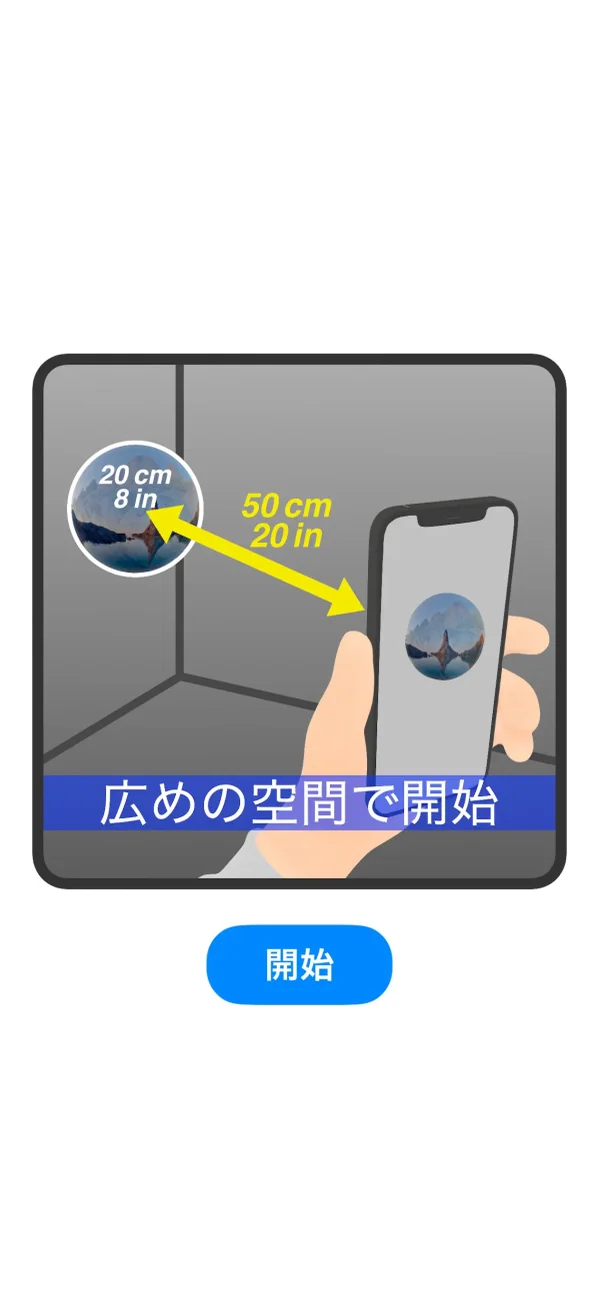
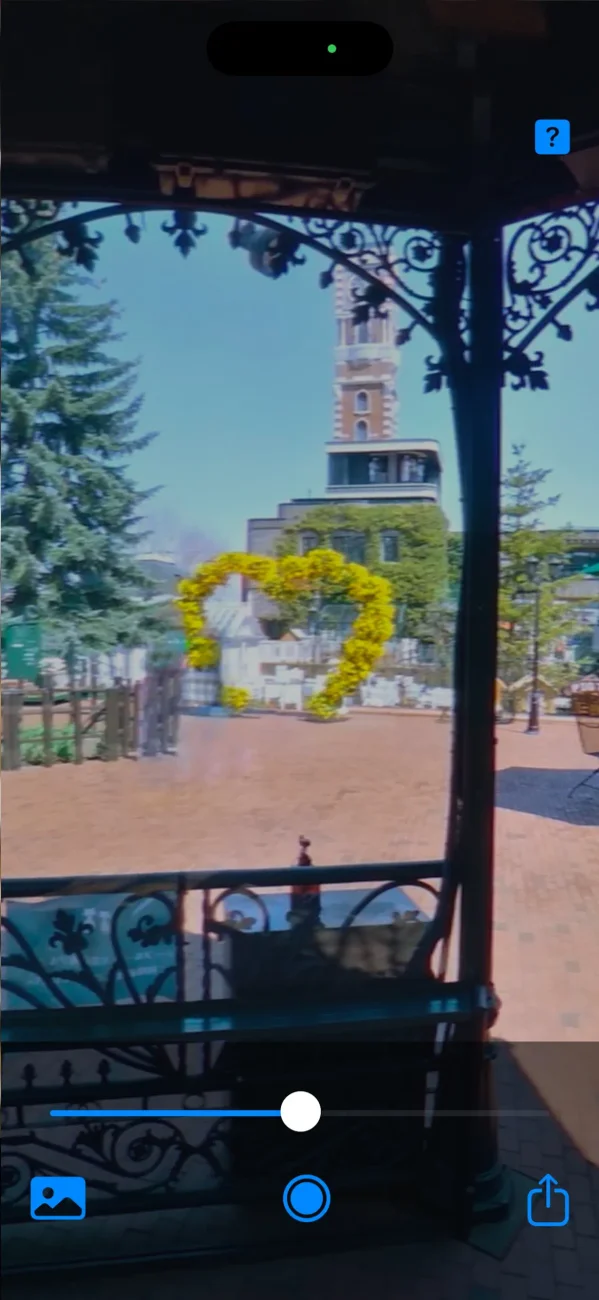
360inAR turns photos from your album into a semi-transparent AR sphere that appears in front of your iPhone or iPad. From the outside, the sphere is translucent—but when you scale it up and step inside, you can view the panorama without transparency, as if you’re surrounded by the image.
For the best first experience, start in a relatively spacious area and walk while holding your device.
What’s New
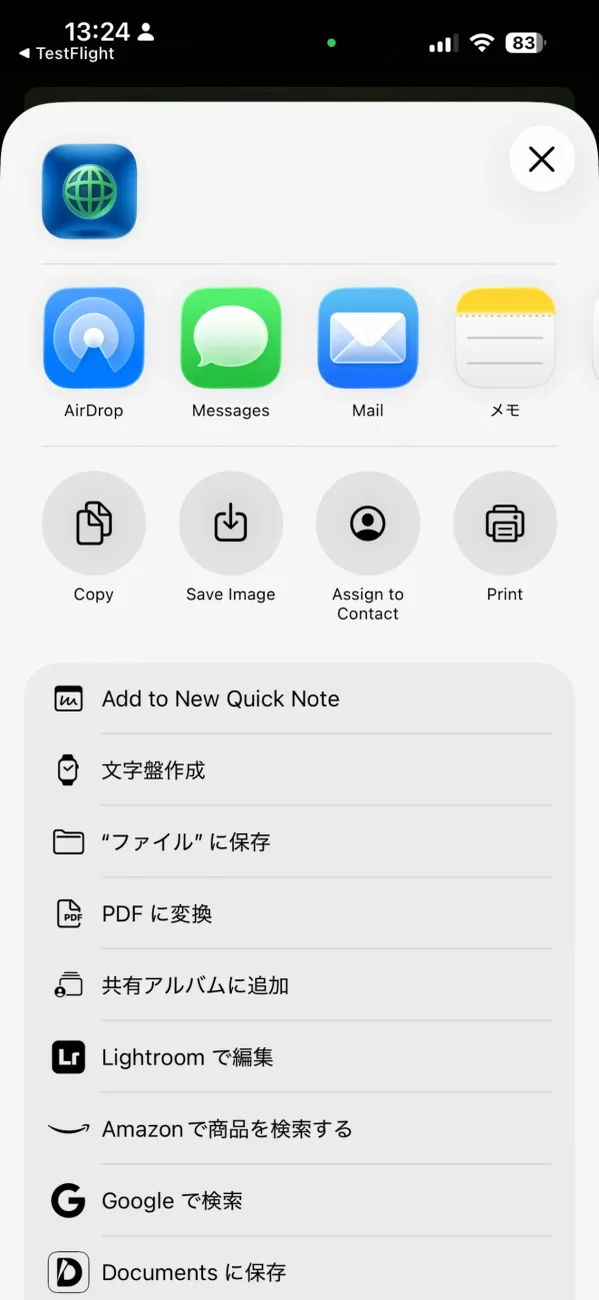
You can now export your AR sphere as a USDZ file. Save your creation and share it as an AR-ready object using the system share sheet.
You can also choose the sphere texture format (JPG or PNG) and select the sphere size (20 cm or 3.6 m diameter).
Placement & Fine Tuning
After the sphere appears, you can fine-tune its position for a comfortable AR experience. Because AR takes a bit of practice to understand the relationship between scale and distance, fine adjustments are designed to work near the initial placement.
To place the sphere somewhere else, move to the desired location and triple-tap to reset the position.
How to Use
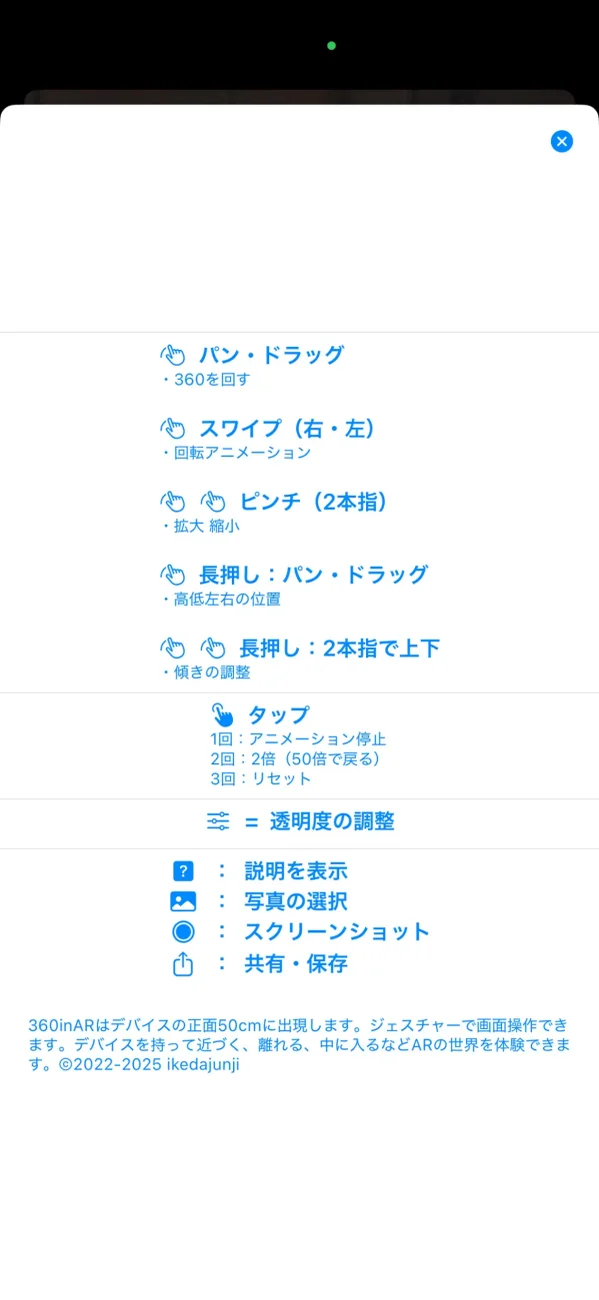
Gesture Controls
•Pan (drag): Rotate the AR sphere
•Pinch: Resize
•Single tap: Stop rotation
•Double tap: Double the size each time (resets after exceeding 50×)
•Triple tap: Reset position
•Long press: Fine-tune height and horizontal position
Buttons
•Top right: Instructions
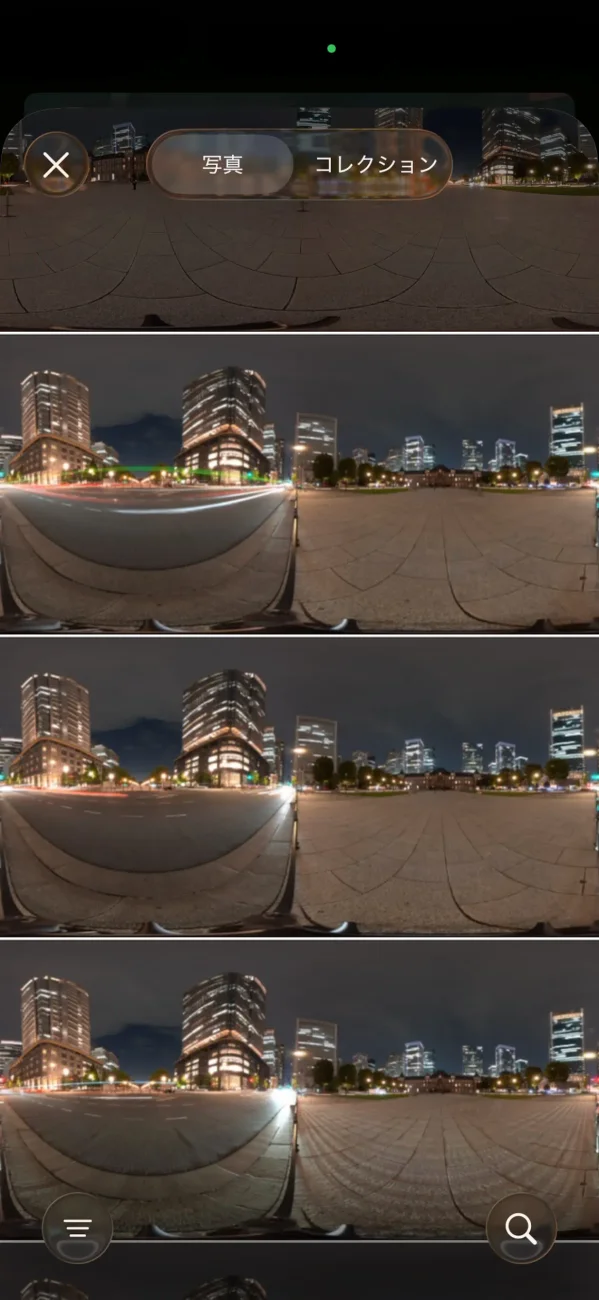
•Bottom left: Select photo
•Bottom center: Screenshot
•Bottom right: Share (Export USDZ / Save / Share)
AR Specifications
•No need to scan floors or walls
•The AR sphere appears based on your iPhone/iPad position
AR Behavior in This Version
•The AR sphere appears slightly below center so it sits near the middle of the display when you hold your iPhone/iPad naturally. If you hold the device at an upward •angle, the sphere may look cropped at the bottom of the screen. In that case, the sphere is positioned below your current view.
Yenilikler
Sürüm 4.1 · 13.01.2026
Added an AR toggle (On/Off).
Pause AR for editing and preview, then jump back into AR when you’re ready.
Uygulama gizliliği
Bu uygulamanın verileri nasıl işlediği hakkında JUNJI IKEDA tarafından App Store üzerinde yapılan beyan.
-
Veri toplanmıyor
Geliştirici bu uygulamadan hiçbir veri toplamıyor.
Gizlilik uygulamaları, örneğin kullandığınız özelliklere veya yaşınıza göre değişiklik gösterebilir.
Bilgiler
- Satıcı
- JUNJI IKEDA
- Kategori
- Yaşam Tarzı
- Sürüm
- 4.1
- Güncellendi
- 13.01.2026
- Yayın tarihi
- 19.09.2022
- Boyut
- 18,3 MB
- Gereksinim
- iOS 16.5 veya sonrası
- Yaş sınırı
- 4+
- Diller
- Japonca
- Telif hakkı
- © 2022-2025 ikedajunji