ARSound3D
Spatial media and speech in AR
iPhone, iPad için tasarlandı
Ücretsiz · Uygulama içi satın alma
- Yaş sınırı4+
- KategoriEğlence
- GeliştiriciKengo Matsumoto
- DillerJaponca+ 1 dil daha
- Boyut94,4 MB
Resmi App Store sayfasına bağlanır
Download.org, ARSound3D için hiçbir dosya barındırmaz. Düğme, uygulamanın App Store üzerindeki sayfasını açar; uygulamayı orada Kengo Matsumoto yayınlar. Sayfanın son kontrolü: 25.11.2026.
Ekran görüntüleri

Hakkında
Geliştirici bu metni dilinizde sunmamış.
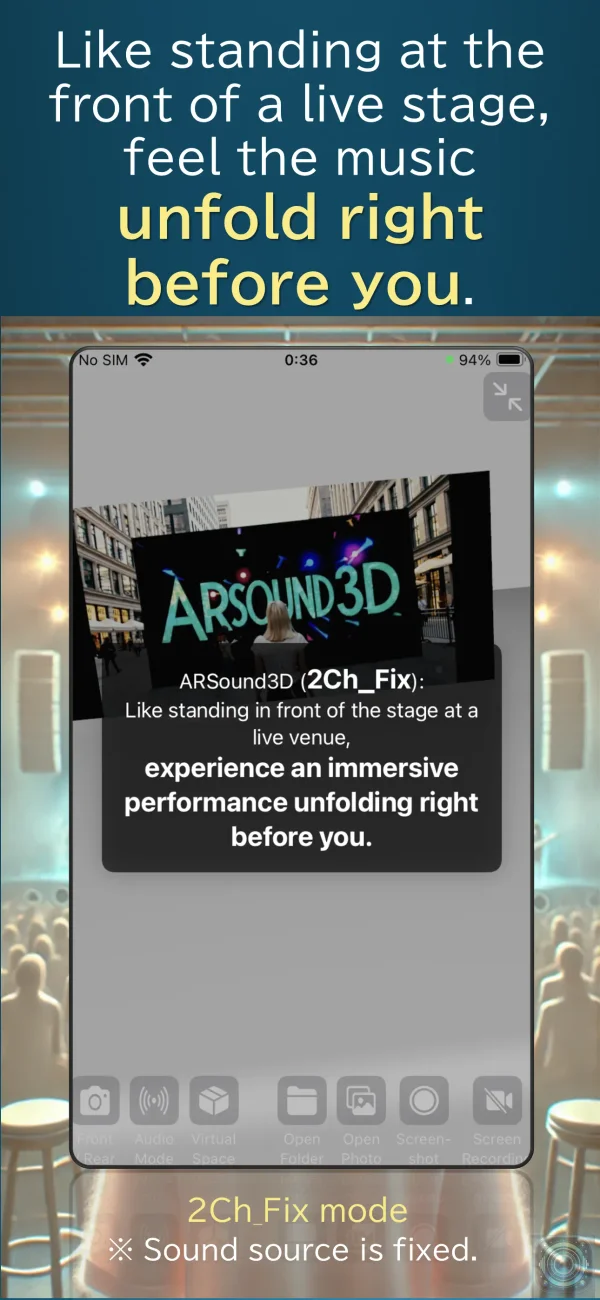
ARSound3D is a spatial media player for your own music, videos, photos, and text. Place your media in your surroundings with AR or build a virtual space of your own. With spatial audio, sound comes from where you place it.
Make the space yours
• Apply frames to photos, videos, and subtitle cards individually or all at once. Customize the floor, walls, ceiling, and lighting in virtual spaces.
• Watch videos in full screen or switch between the front and rear cameras for different AR views.
• Save and restore up to three AR Workspaces for free. Each workspace lets you return to a saved layout.
• Record your screen or take screenshots to share your creations.
Listen with spatial audio
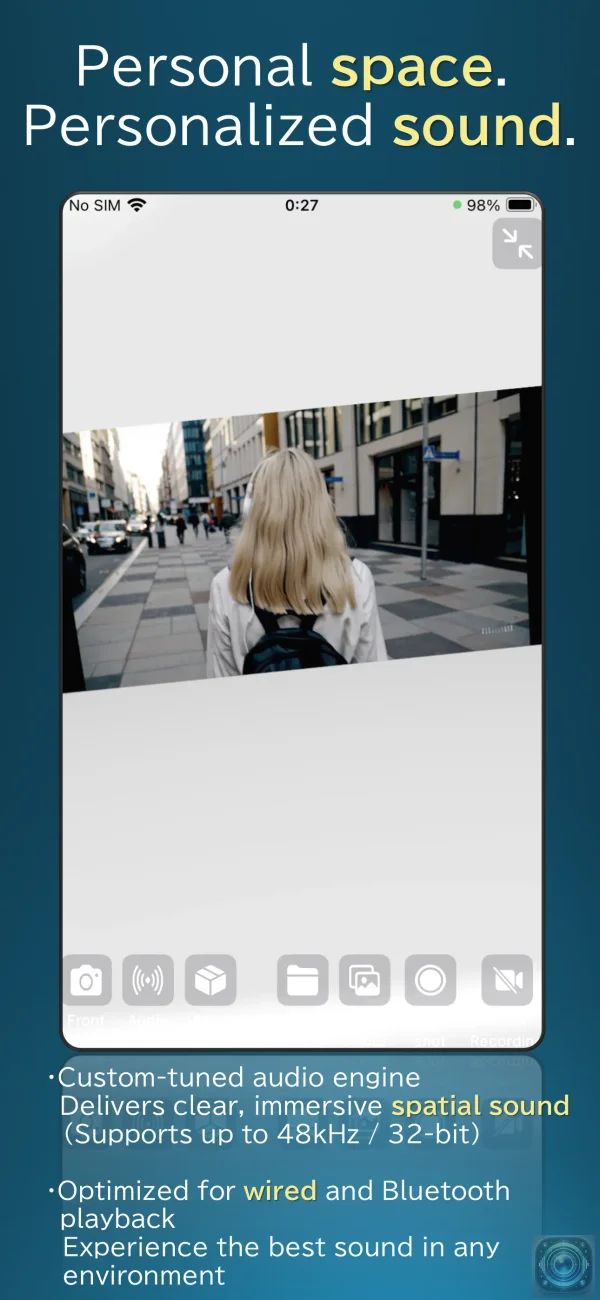
• The tuned playback engine supports audio up to 48 kHz and 32-bit.
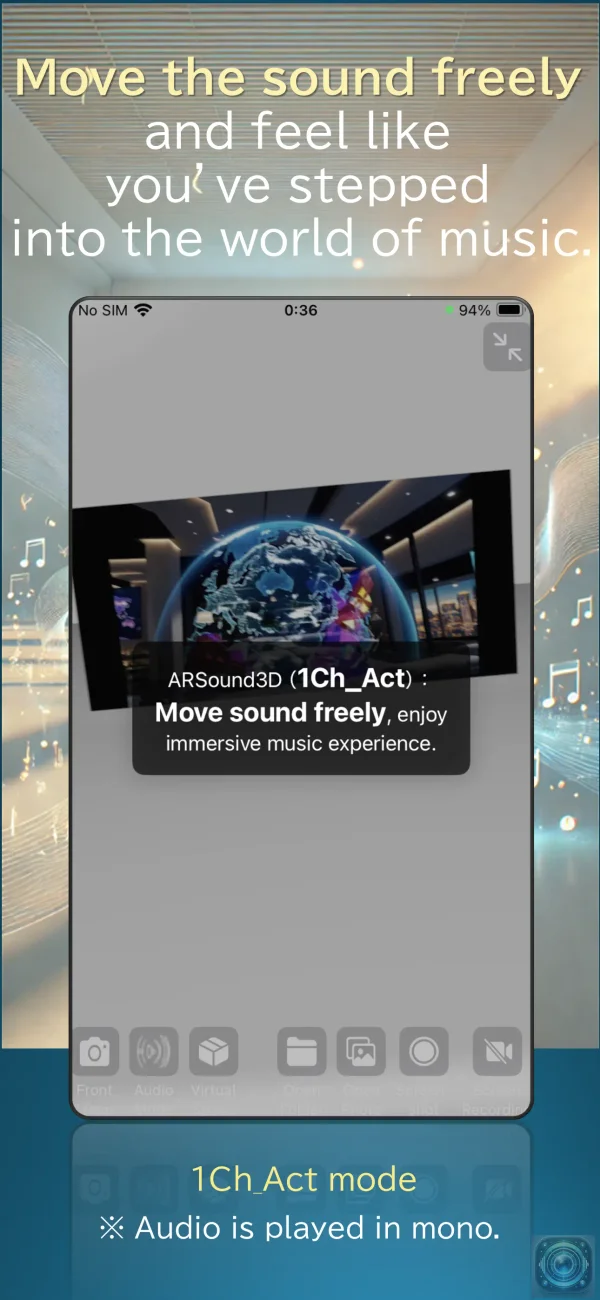
• 1Ch mixes audio to mono and plays it from one location. 2Ch places the left and right stereo channels at separate locations. In either mode, you can choose fixed or movable sound source positions.
• Stereo playback quality has been improved. With camera tracking on in 2Ch, the sound source positions stay where they were just before you left the AR screen, even when the next track starts in the background.
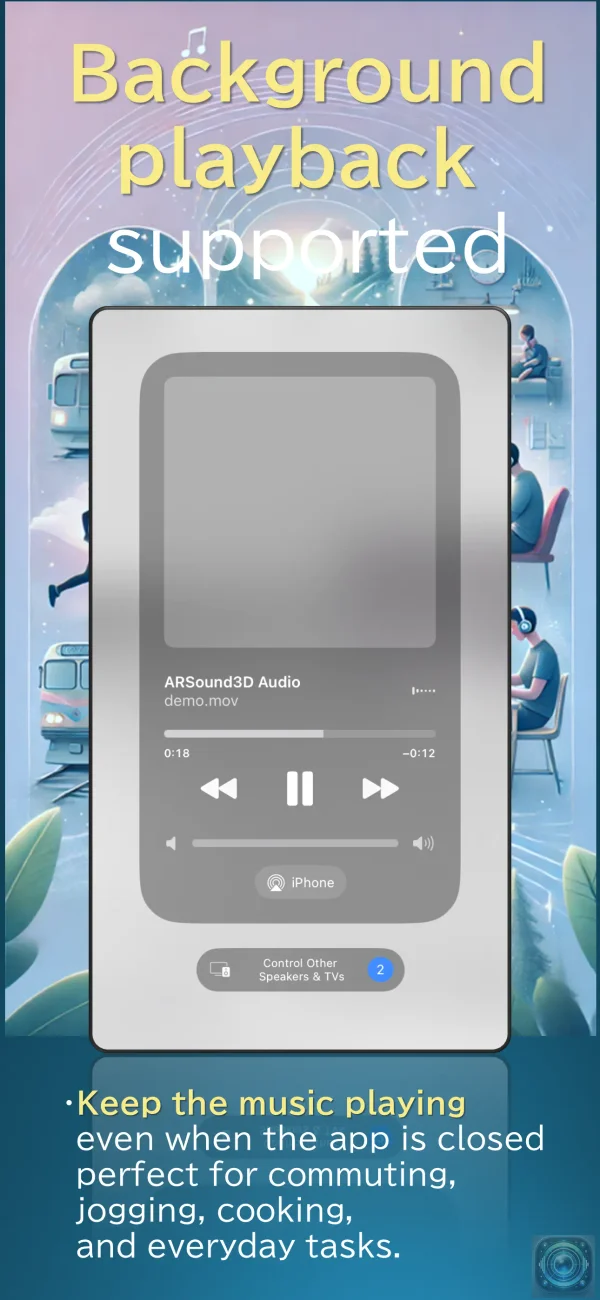
• Keep listening while using other apps. Control playback and skip tracks from your iPhone, the Lock Screen, or Apple Watch. Apple Watch also supports repeat controls. To adjust sound source positions, open the AR screen on your iPhone, including when adjusting them from Apple Watch.
• Wired headphones are recommended for a strong sense of depth. The app also supports Bluetooth headphones.
Add text and scan codes
• Type text or use the camera to recognize it. Copy recognized text or have it read aloud with Apple's built-in text-to-speech. Choose whether speech comes from the front, right, left, or behind you.
• Scan JAN/EAN, QR codes, book codes, Code 39, Code 128, Data Matrix, PDF417, and some GS1 codes. View and copy the results as text. Scan accuracy depends on your device, print quality, and capture conditions.
Free features and in-app purchases
Earn playback points by watching ads, or purchase ad removal separately. The AR Feature Pack removes ads and playback point limits for music and videos and lets you save and restore unlimited AR Workspaces.
The pack also includes Dynamic Now Playing Artwork. It creates a thumbnail from the video you're playing and shows it in Now Playing on the Lock Screen and in Control Center. Your AR layout and spatial audio are unaffected.
Workspaces are stored on your device and do not automatically sync between iPhone and iPad. Restore Purchases restores access to purchased features. It does not transfer workspace data.
Displays and accessibility
The AR view and controls adapt to the size of the inner and outer displays on iPhone Duo. ARSound3D supports VoiceOver and English and includes in-app guides and tips.
Requirements
Use music, video, and image files stored on your device. Web streaming is not supported. ARSound3D supports devices with an A14 Bionic chip or later or an M-series chip.
Examples include iPhone 12 or later, iPhone SE (3rd generation), iPad Air (4th generation or later), iPad (10th generation or later), iPad mini (6th generation or later), and iPad Pro with an M1 chip or later (2021 models or later).
Yenilikler
Sürüm 2.22 · 24.11.2026
v2.22 — Added App Store preview videos
v2.21 — Changed the default audio mode to 2Ch
v2.2 — Save a space of your own with AR Workspaces
Save and restore AR Workspaces with music, videos, photos, and subtitle cards. Apply media frames to photos, videos, and subtitle cards all at once or individually. Customize virtual spaces and play videos in full screen. The app now supports both displays on iPhone Duo.
We improved stereo playback quality. In 1Ch and 2Ch, you can choose fixed or movable sound source positions. With camera tracking on in 2Ch, the next track in the background plays from the same positions as when you left the AR screen. Open the AR screen on your iPhone to adjust those positions, including when adjusting them from Apple Watch.
The new AR Feature Pack removes ads and playback point limits for videos and music. It also includes Dynamic Now Playing Artwork, which automatically creates a thumbnail from the current video and displays it in Now Playing on your iPhone Lock Screen and in Control Center.
Save and restore up to three AR Workspaces for free, or an unlimited number with the AR Feature Pack. Workspaces are stored on your device and do not sync automatically between devices. Restoring a purchase only restores access to the pack. It does not transfer workspace data.
v2.0.1 — Stability and usability
Fixed minor issues and improved performance.
v2.0.0 — Text-to-speech, text recognition, and code scanning
Use Apple's built-in text-to-speech to read aloud text you type or scan with the camera. Play speech from the front, right, left, or behind you.
Scan JAN/EAN, QR codes, book codes, Code 39, Code 128, Data Matrix, PDF417, and some GS1 codes. View or copy the results as text. Scan accuracy depends on the device, print quality, and capture conditions.
Improved the interface and stability, and added an in-app purchase to remove ads.
v1.0.6 — Improved playback and Apple Watch controls
Simplified playback, stop, repeat, and track skipping across Apple Watch, the Lock Screen, and the app. Improved stability when watching ads.
v1.0.5 — More reliable repeat and external controls
Improved external playback controls and made repeat modes (Off, All, One) and playback status clearer across the app, Lock Screen, and Apple Watch.
v1.0.4 — Apple Watch support
Added Apple Watch support for viewing and controlling playback. Added or improved previous track, next track, and repeat-one controls. Improved usability and stability.
v1.0.3 — VoiceOver support
Added VoiceOver support and accessibility labels so buttons can be identified by spoken feedback.
v1.0.2 — English language support
ARSound3D is now available in English. Add English in Settings > General > Language & Region, then select it in Settings > Apps > ARSound3D > Language.
v1.0.1 — Bluetooth audio
Improved Bluetooth audio quality and latency.
v1.0.0 — Initial release
AR and spatial audio
Uygulama gizliliği
Bu uygulamanın verileri nasıl işlediği hakkında Kengo Matsumoto tarafından App Store üzerinde yapılan beyan.
-
Sizinle ilişkilendirilmeyen veriler
Toplanabilir ancak kimliğinizle ilişkilendirilmez.
- Tanımlayıcılar
Gizlilik uygulamaları, örneğin kullandığınız özelliklere veya yaşınıza göre değişiklik gösterebilir.
Bilgiler
- Satıcı
- Kengo Matsumoto
- Kategori
- Eğlence
- Sürüm
- 2.22
- Güncellendi
- 24.11.2026
- Yayın tarihi
- 10.04.2025
- Boyut
- 94,4 MB
- Gereksinim
- iOS 18.2 veya sonrası
- Yaş sınırı
- 4+
- Fiyat
- Ücretsiz
- Uygulama içi satın alma
- Evet
- Diller
- Japonca, İngilizce
- Telif hakkı
- © 2026 Kengo Matsumoto