ArtDeck: Art Reference Board
Moodboard, value & color study
iPhone, iPad, Mac için tasarlandı
Ücretsiz · Uygulama içi satın alma
- Yaş sınırı4+
- KategoriGrafik ve Tasarım
- GeliştiriciAlexandre Alves
- Dillerİngilizce+ 12 dil daha
- Boyut84,1 MB
Resmi App Store sayfasına bağlanır
Download.org, ArtDeck: Art Reference Board için hiçbir dosya barındırmaz. Düğme, uygulamanın App Store üzerindeki sayfasını açar; uygulamayı orada Alexandre Alves yayınlar. Sayfanın son kontrolü: 28.11.2026.
Ekran görüntüleri
Hakkında
Geliştirici bu metni dilinizde sunmamış.
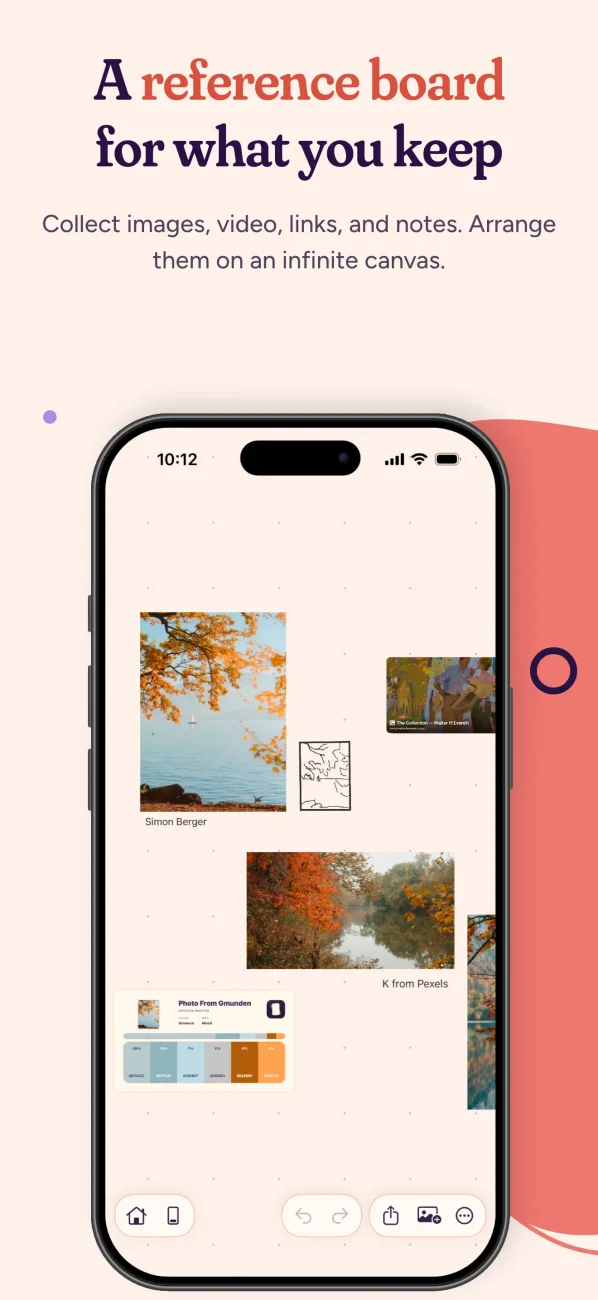
ArtDeck is a reference board for iPad, iPhone, and Mac. Collect images, videos, links, and notes, then arrange and zoom them on an infinite canvas.
Make a moodboard or open the built-in tools when you want to analyze value, color, composition, or motion. You can also keep references next to Procreate on iPad or your creative apps on Mac. iCloud sync is optional.
CAPTURE NOW, USE IT ANYWHERE
Spot a texture or a color combination while you're out, take a photo inside ArtDeck, and drop it on a board. With iCloud sync on, it's on your Mac and iPad too, next to your design, 3D, or drawing tools.
COLLECT
• Shoot photos and video on iPhone and iPad; on Mac, take the photo with the webcam or your iPhone
• Import from Photos or Files
• Scan a document on iPhone or iPad, or use Continuity Camera on Mac
• Save any link as a card, or paste a link to an image, video, or PDF to import it
• Drag and drop, paste, or use the Share menu from any other app
• Opens all common image formats, plus WebP, AVIF, JXL, HDR, EXR, and SVG. Video, GIFs, and PDFs up to 300 pages
• HDR images and video at full brightness on capable screens, for the whole app or per board
STUDY WHAT YOU COLLECT
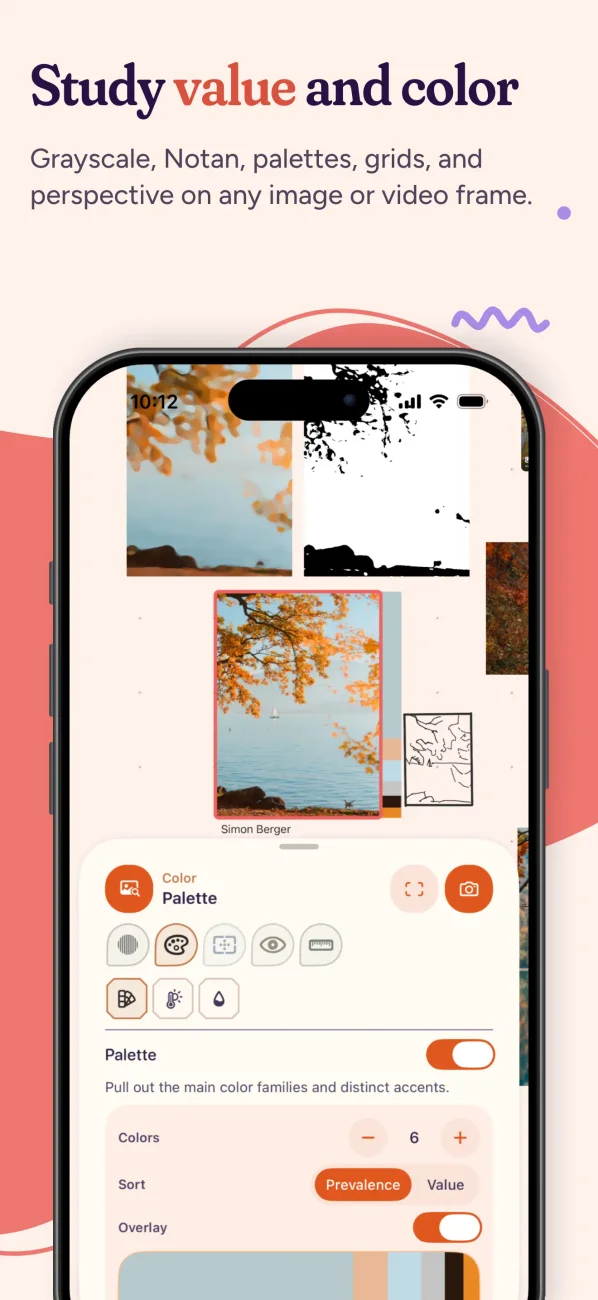
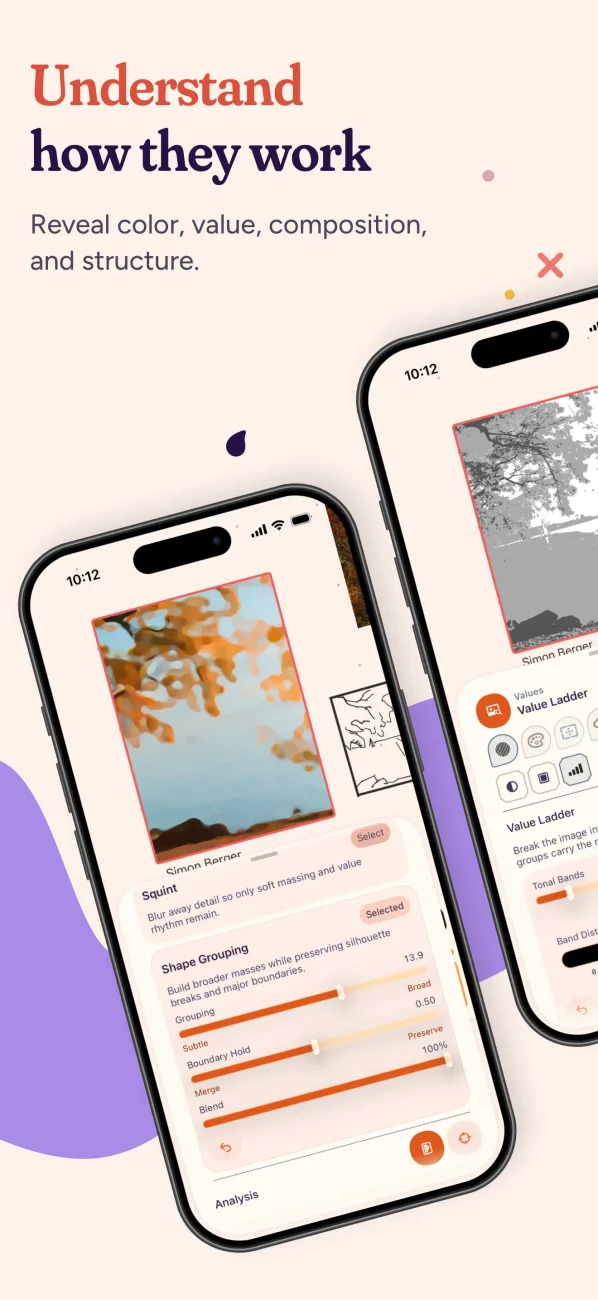
Study any image or video frame through the ToolBox's five lenses, without touching the original:
• Values: grayscale, a value ladder, and Notan to read your darks and lights
• Color: pull a palette from any image, or see its temperature and saturation zones
• Composition: overlay grids, test new framings, or check the symmetry
• Read: simplify to the big shapes, find where detail piles up, follow the edge hierarchy
• Measure: drop plumb lines, read an angle off a snapping guide, and compare two lengths
The Analysis panel shows value range, a histogram, hue, saturation, and color distribution.
Export a study, or keep a copy on your board.
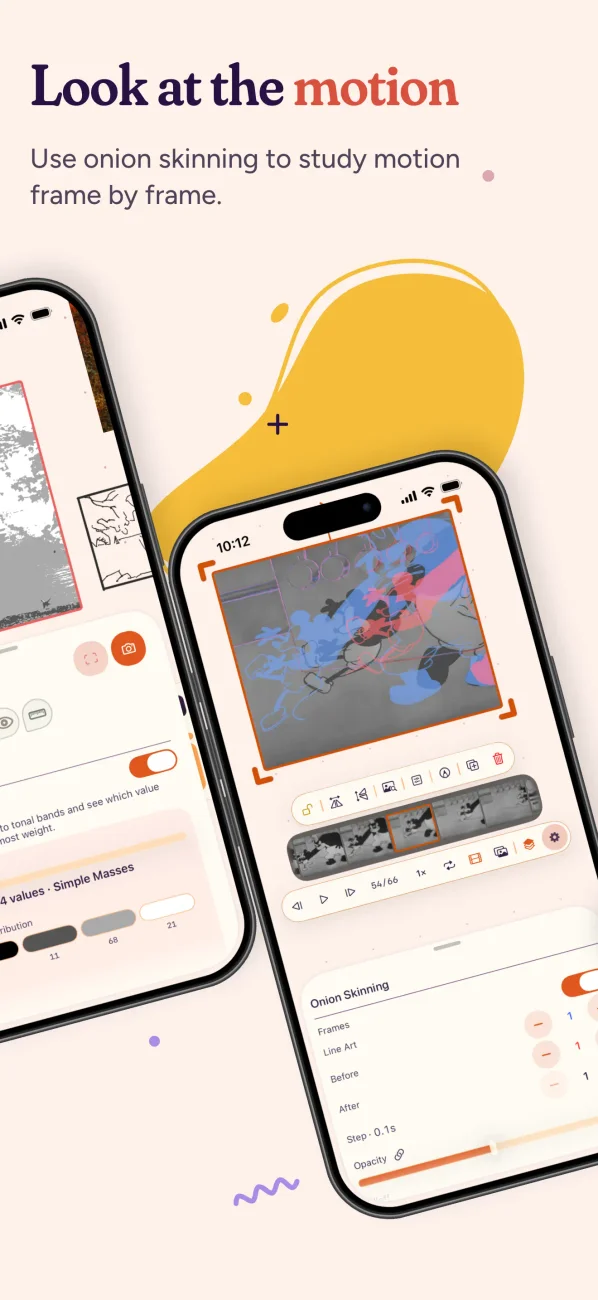
Step through GIFs and video frame by frame, with onion skin and a GIF filmstrip
ANNOTATE AND DRAW
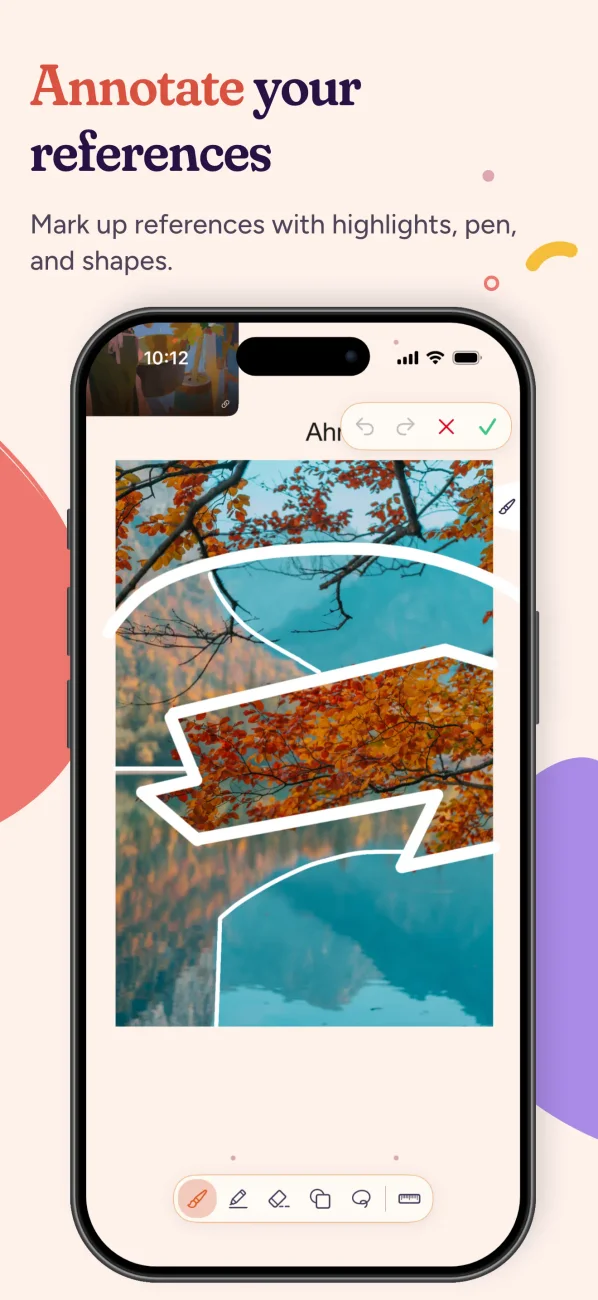
• Mark up an image, or draw directly: pen, highlighter, and shapes
• Draw a stroke, then hold at the end to straighten it
ARRANGE
• An infinite canvas to drag, scale, rotate, and zoom
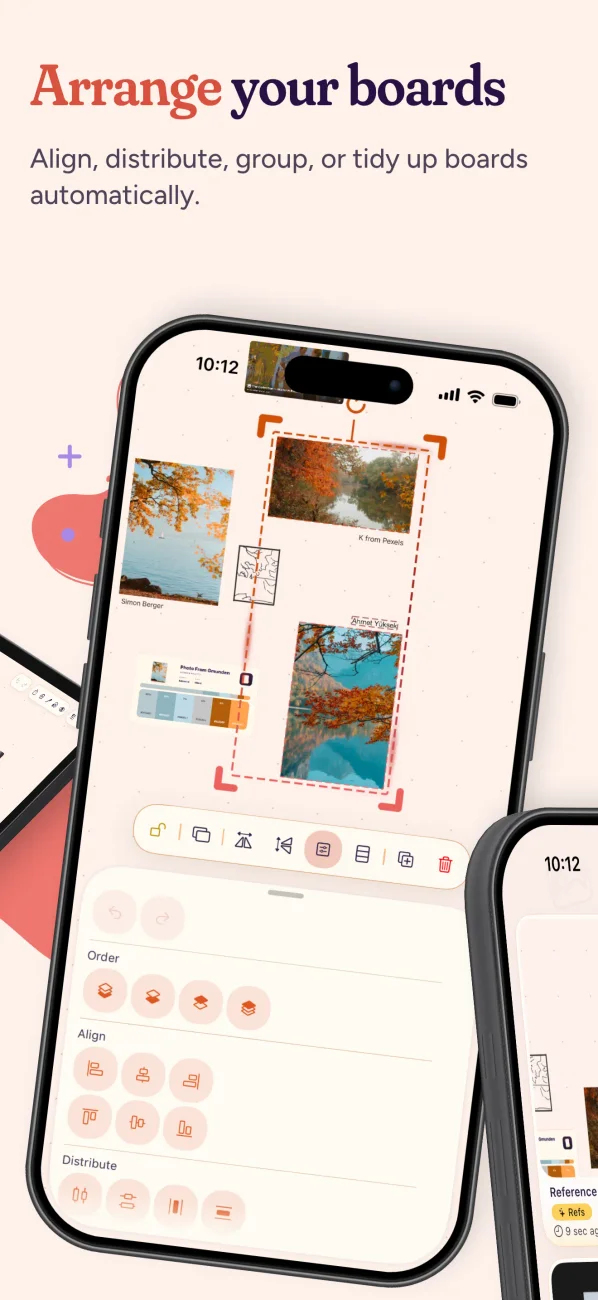
• Snap to objects and grid; align, distribute, and tidy up
• Group and nest, reorder, lock, with undo and redo
YOUR BOARDS, EVERYWHERE
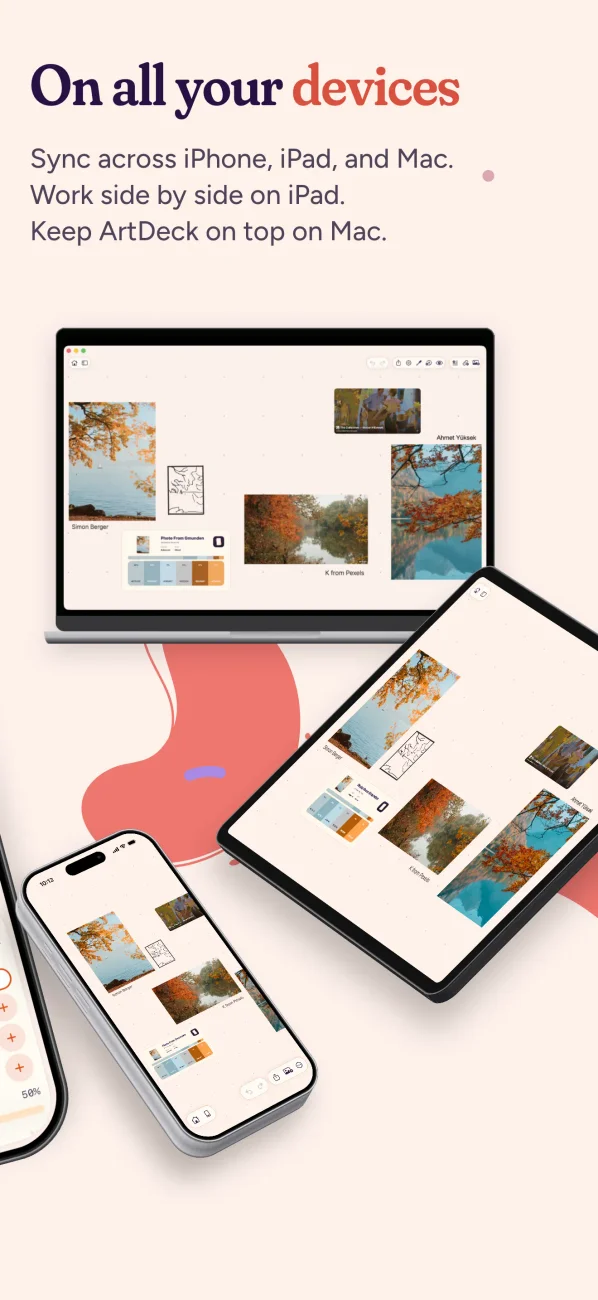
• The same boards on iPhone, iPad, and Mac, synced through your iCloud
• Works fully offline: sync catches up when you're back online
• Choose which boards sync
• Split View and Stage Manager on iPad
• Keep your window on top of the others on Mac
YOUR GALLERY
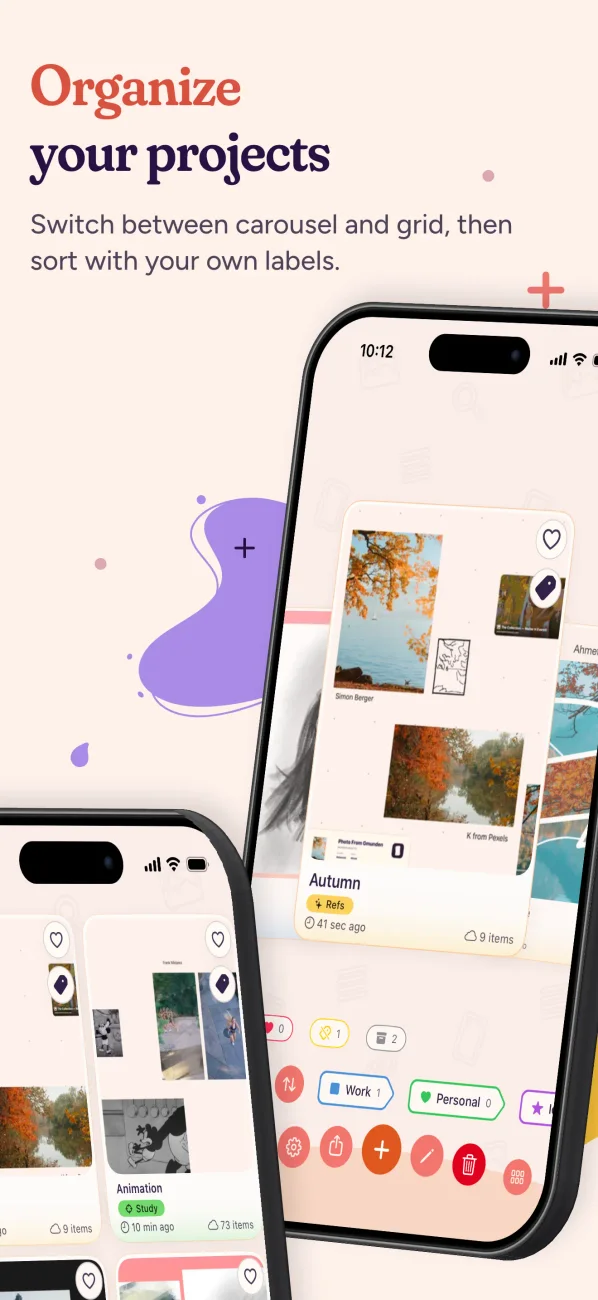
• Carousel and grid views of every board
• Labels and multi-label filtering
• Favorite, archive, rename, or duplicate any board
THEMES
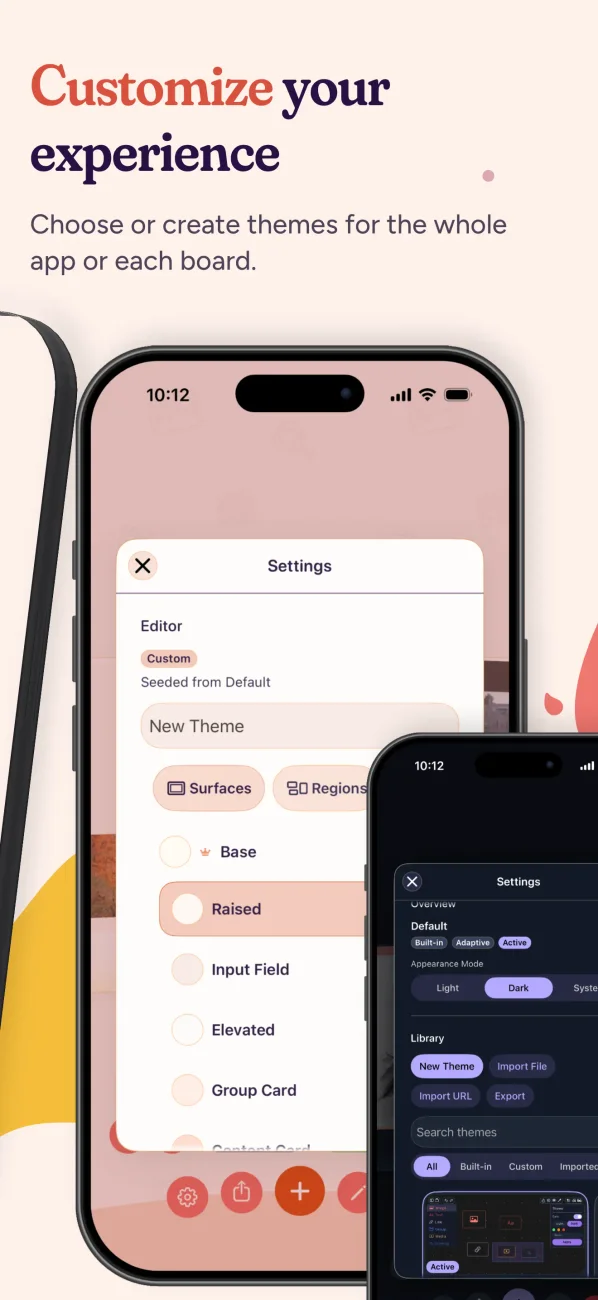
• Dark, light, and high-contrast themes
• Set one theme for the whole app, or one per board
• An editor to fine-tune the colors and create your own themes
• Import and export themes by file or link
ACCESSIBILITY
• VoiceOver support across the app, including items on the canvas
• Respects Dynamic Type and Reduce Motion
• A theme editor that checks color contrast and flags colors that are hard to tell apart
EXPORT AND HAND OFF
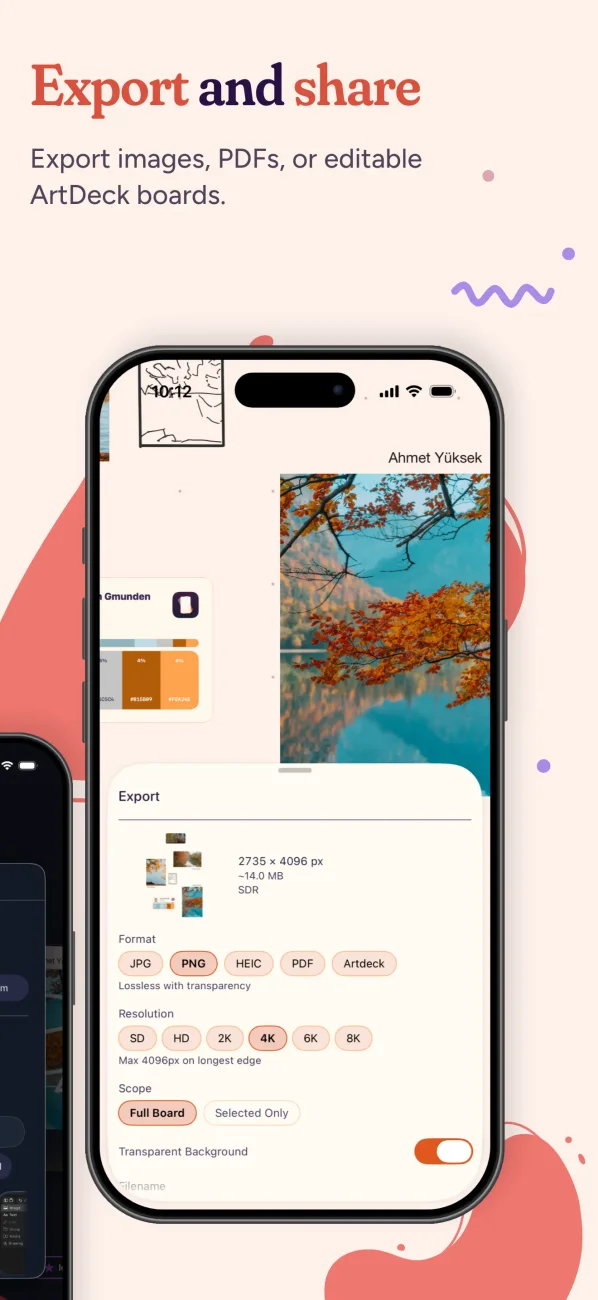
• Export a whole board or just a selection
• PNG, JPEG, HEIC, or PDF, up to 8K, with a transparent background where the format allows
• Save a whole board as one .artdeck file to back up or hand off
ArtDeck is made by one person. If something is missing or broken, write to me: support@getartdeck.com
TRY IT FREE, KEEP IT FOR LIFE
Start with a free, individual 7-Day Trial. It does not renew. Lifetime Access is a one-time in-app purchase, not a subscription. No separate ArtDeck account is required.
Keep what catches your eye.
Yenilikler
Sürüm 1.2.2 · 27.11.2026
Hold Command and drag to select items anywhere on a board.
Improves iCloud syncing between devices.
Fixes an issue with starting the free trial.
Fixes an issue on Mac when using multiple displays.
Additional stability and performance improvements.
Uygulama gizliliği
Bu uygulamanın verileri nasıl işlediği hakkında Alexandre Alves tarafından App Store üzerinde yapılan beyan.
-
Veri toplanmıyor
Geliştirici bu uygulamadan hiçbir veri toplamıyor.
Gizlilik uygulamaları, örneğin kullandığınız özelliklere veya yaşınıza göre değişiklik gösterebilir.
Bilgiler
- Satıcı
- Alexandre Alves
- Kategori
- Grafik ve Tasarım
- Sürüm
- 1.2.2
- Güncellendi
- 27.11.2026
- Yayın tarihi
- 03.08.2026
- Boyut
- 84,1 MB
- Gereksinim
- iOS 18.0 veya sonrası
- Yaş sınırı
- 4+
- Fiyat
- Ücretsiz
- Uygulama içi satın alma
- Evet
- Diller
- İngilizce, Arapça, Fransızca, Almanca, İtalyanca, Japonca, Korece, Lehçe, Portekizce, Basitleştirilmiş Çince, İspanyolca, Geleneksel Çince + 1 dil daha
- Telif hakkı
- © 2026 Alexandre Alves
Bunları da beğenebilirsiniz
- Proref: Art Reference BoardsGrafik ve Tasarım
-
 Reference Board: Mood BoardGrafik ve Tasarım
-
 DarkRef - Art Reference BoardGrafik ve Tasarım
-
 Refbox MobileGrafik ve Tasarım
-
 Art Reference: Easel AssistantGrafik ve Tasarım
-
 FrameGlimpse: Video to PhotoGrafik ve Tasarım
-
 ImgRefReferans pano, OCR tarayıcı
-
 Charactool: Customizable PoserGrafik ve Tasarım
-
 Hive - Image OrganizerGrafik ve Tasarım
-
 TourBox ConsoleGrafik ve Tasarım