Authenticator App - 2FA
2fa, Two Factor Authentication
iPhone, iPad için tasarlandı
Ücretsiz · Uygulama içi satın alma
- Yaş sınırı4+
- KategoriÜretkenlik
- GeliştiriciFire Technologies Hong Kong Limited
- Dillerİngilizce+ 8 dil daha
- Boyut231,2 MB
Resmi App Store sayfasına bağlanır
Download.org, Authenticator App - 2FA için hiçbir dosya barındırmaz. Düğme, uygulamanın App Store üzerindeki sayfasını açar; uygulamayı orada Fire Technologies Hong Kong Limited yayınlar. Sayfanın son kontrolü: 15.11.2026.
Ekran görüntüleri
Hakkında
Geliştirici bu metni dilinizde sunmamış.
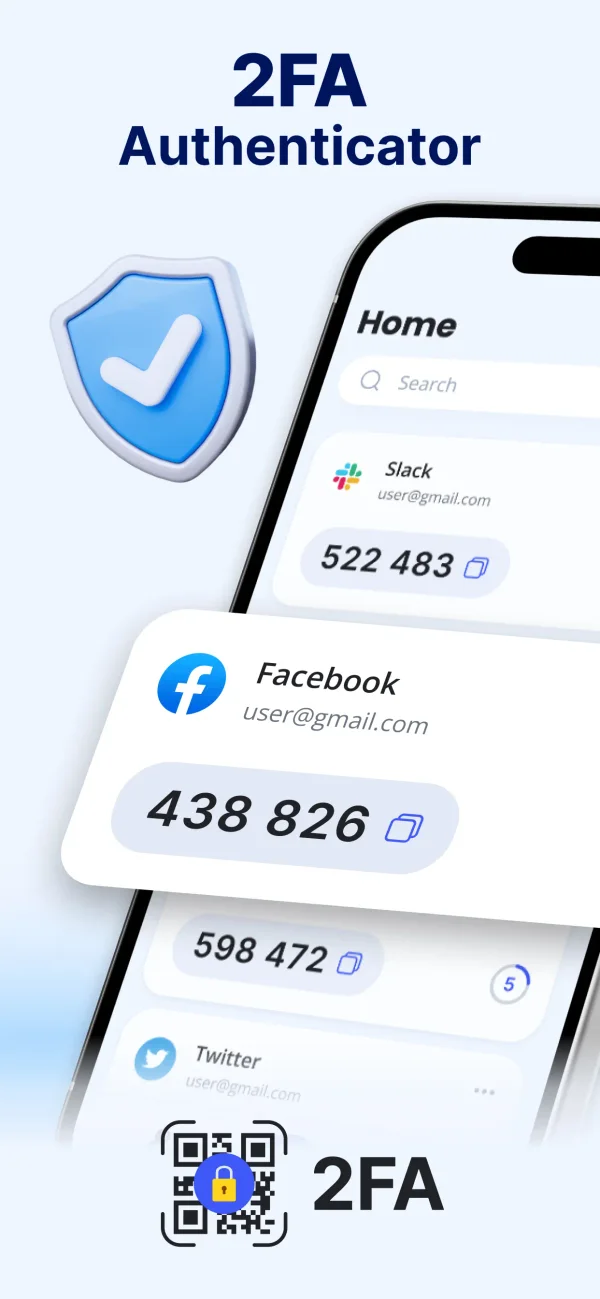
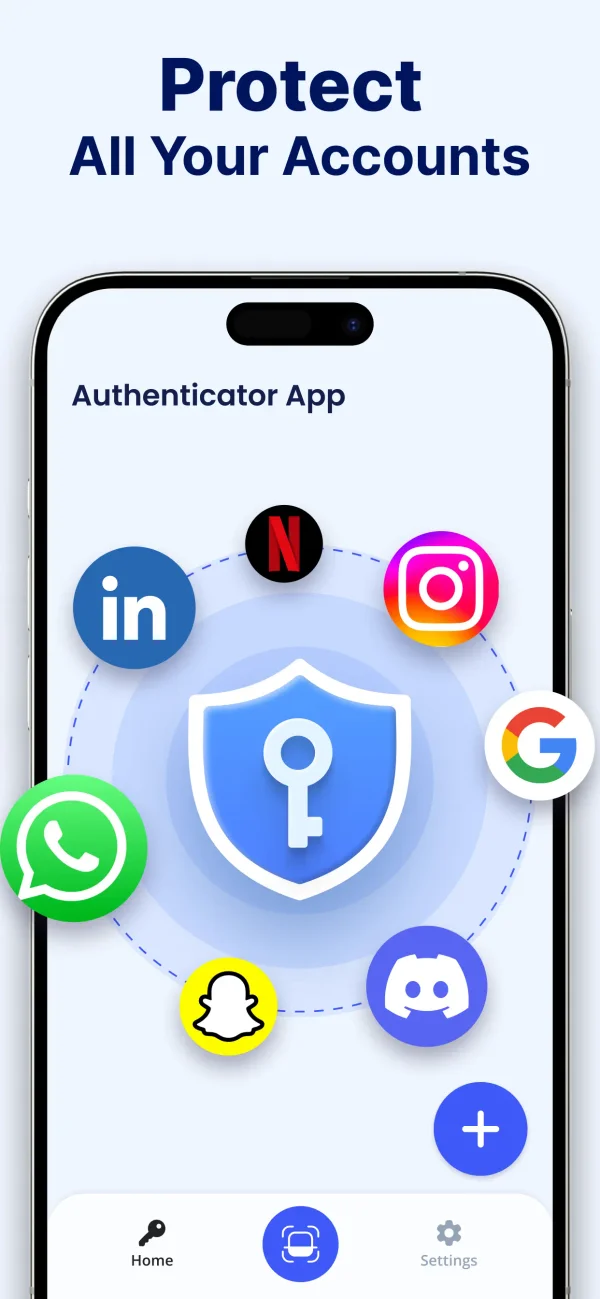
Your device can create secure 2FA (two-factor authentication) tokens for your internet accounts using the Authenticator app. The Authenticator app is a straightforward and free tool for Authenticator that creates time-based one-time passwords (TOTP). The Authenticator app adds an extra layer of security to your account, assisting you in preventing hackers from accessing it. You may save all of your keys in the cloud and access them whenever you need to with the 2FA Backup solution. Installing the Authenticator app on your new device will grant you access to your Keys in the event that you lose or damage your phone. You have the option of manually entering your secret key or scanning a QR Code for convenience.
FEATURES:
- Secure your Accounts
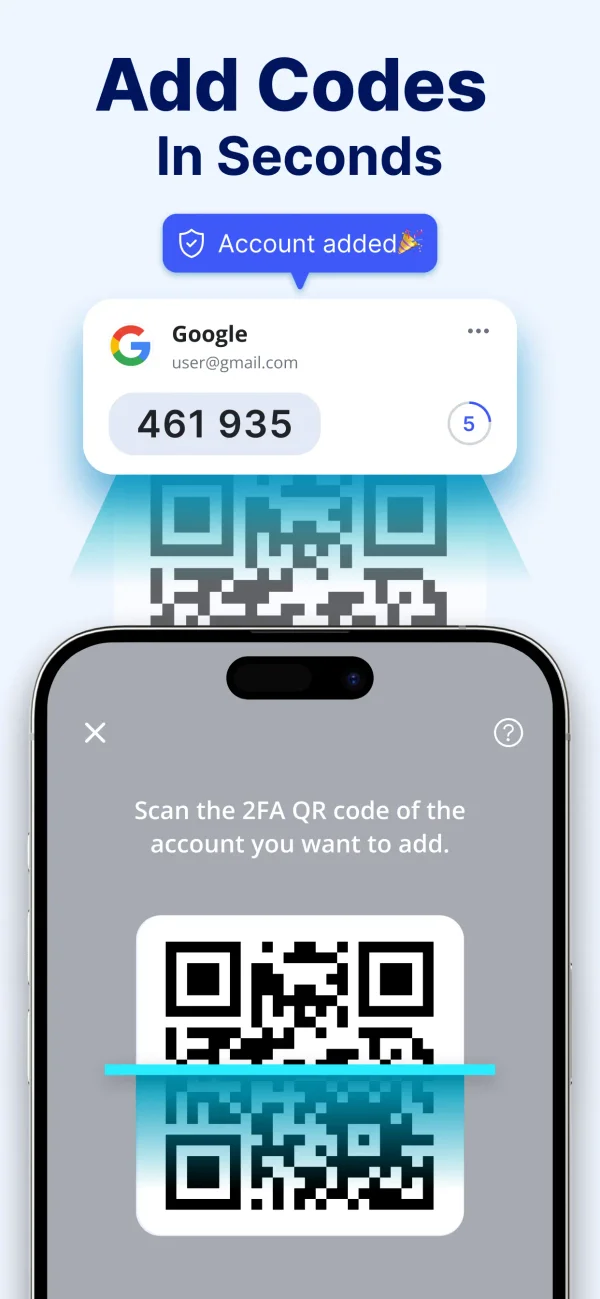
Scan QR code or enter manually to add accounts.
- Protect your passwords
Manage & Storage your account passwords.
- Offline
Authenticator generates secure codes even offline, this will allow you to authenticate securely even when your device is in airplane mode.
- Encrypted Backup:
Backup & Sync your 2FA accounts with iCloud.
With a PREMIUM subscription get Full Features of the Authenticator app:
- Secure & Private:
To make sure that only you have access to your data, all information stored in Authenticator is always encrypted, even when it is kept on iCloud.
- Encrypted Backup:
If you lose your device or decide to switch to a new one, you can always create a safely encrypted backup in Authenticator.
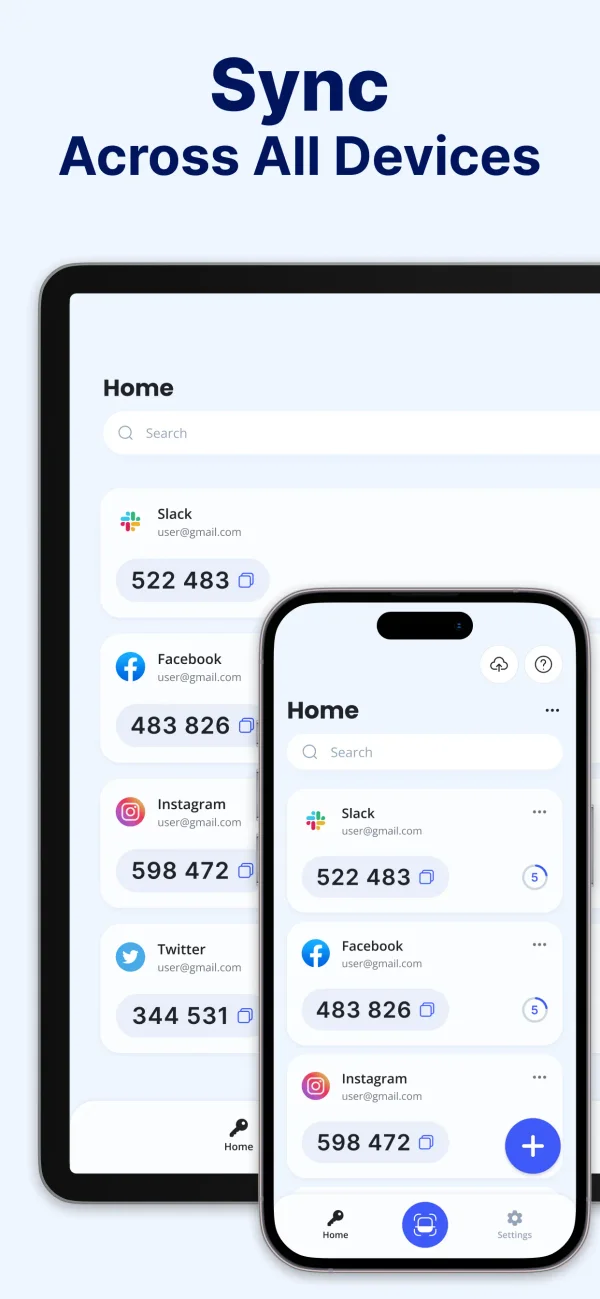
- Across All Devices Synchronization:
With Authenticator, all of your tokens will sync automatically across all Apple devices.
- Faster access with Apple Watch or Touch ID:
For easier access, use Apple Watch or Touch ID to unlock Authenticator.
- A two-factor authentication system:
By requiring both a standard password and a Time-based One-time Password, 2FA increases the security of the account twofold (TOTP). On the user's device, the Authenticator App creates a TOTP.
- Backup -2FAS
We're working on a remote backup service feature that will let you store service keys in a safe Authenticator Backup based on the cloud and retrieve them in the event that your phone is lost. You will be able to create codes using this capability on many devices (cross-device sharing).
- Use Touch ID or Face ID to authorize
Create one-time tokens needed to log in to your online accounts by using Touch ID or Face ID to verify your identity with the application.
- Sync across devices
Once set up with an online account, the application functions well on a variety of mobile devices and enables simultaneous logins from several devices.
- No password was saved.
The program creates Time-based One-time Passwords (TOTP), which are then kept locally on the user's phone without access to the internet. With this technique, login security is significantly increased.
- All Popular Accounts:
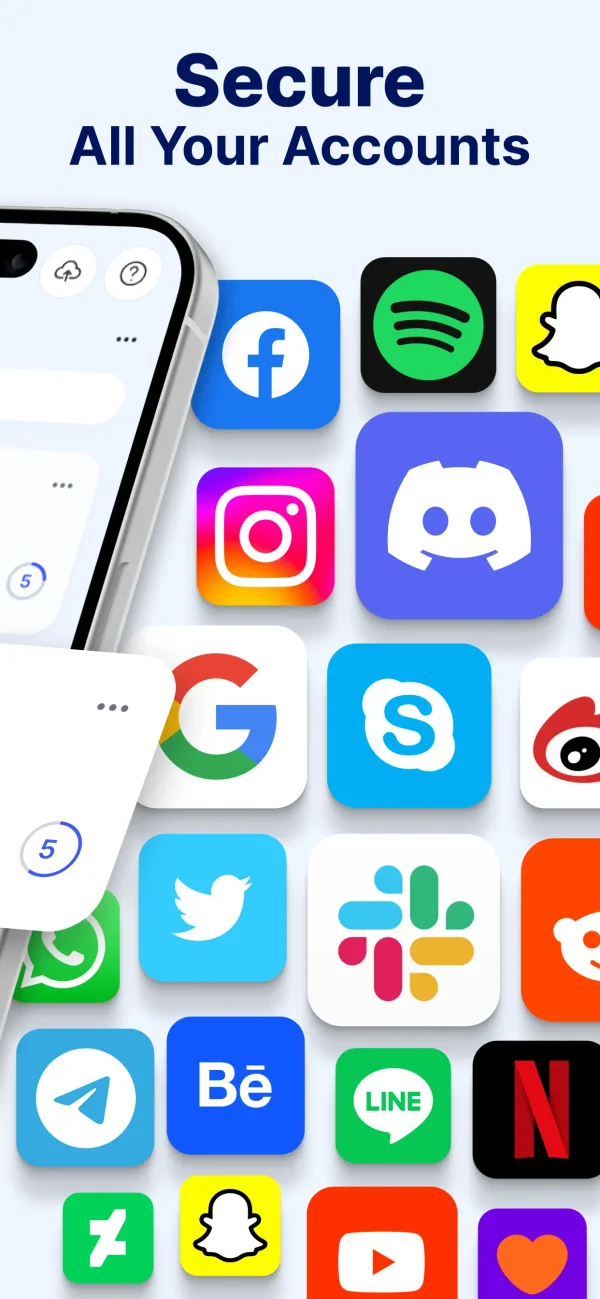
In addition to thousands of other service providers, we support the most well-known ones including Facebook, Coinbase, Amazon, Gmail, Instagram, and Roblox. We also accept tokens with 8 digits.
"Authenticator App helps you to secure all your online accounts.
Payment will be charged to iTunes Account at confirmation of purchase. Subscription automatically renews unless auto-renew is turned off at least 24-hours before the end of the current period. Account will be charged for renewal within 24-hours prior to the end of the current period. You can turn off auto-renew up to 24 hours before your next subscription payment is due via your App Store settings page. Subscriptions may be managed by the user and auto-renewal may be turned off by going to the user's Account Settings after purchase.
Term of Service: https://sites.google.com/view/terms-of-service-authenticator
Privacy Policy: https://sites.google.com/view/privacy-policy-authenticator/home
Yenilikler
Sürüm 1.3.1 · 13.01.2026
Dear Users:
We fixed several bugs and usability improvements.
Thank you for keeping Authenticator App - 2FA to date.
We're frequently updating the app in order to give you the best experience.
Uygulama gizliliği
Bu uygulamanın verileri nasıl işlediği hakkında Fire Technologies Hong Kong Limited tarafından App Store üzerinde yapılan beyan.
-
Sizi izlemek için kullanılan veriler
Başka şirketlere ait uygulamalarda ve web sitelerinde sizi izlemek için kullanılabilir.
- Diğer veriler
-
Sizinle ilişkilendirilmeyen veriler
Toplanabilir ancak kimliğinizle ilişkilendirilmez.
- Diğer veriler
Gizlilik uygulamaları, örneğin kullandığınız özelliklere veya yaşınıza göre değişiklik gösterebilir.
Bilgiler
- Satıcı
- Fire Technologies Hong Kong Limited
- Kategori
- Üretkenlik
- Sürüm
- 1.3.1
- Güncellendi
- 13.01.2026
- Yayın tarihi
- 14.02.2023
- Boyut
- 231,2 MB
- Gereksinim
- iOS 16.0 veya sonrası
- Yaş sınırı
- 4+
- Fiyat
- Ücretsiz
- Uygulama içi satın alma
- Evet
- Diller
- İngilizce, Arapça, Fransızca, Endonezce, Japonca, Korece, Basitleştirilmiş Çince, Tayca, Vietnamese
- Telif hakkı
- © @Tran Minh
Bunları da beğenebilirsiniz
-
 2FA Authenticator (2FAS)#1 Rated 2FA Authenticator
-
 Authenticator ™ - DoğrulamaŞifre Yöneticisi & 2FA
-
 My Authenticator appÜretkenlik
-
 Authenticator +Kimlik Doğrulama MFA OTP
-
 Authenticator °Üretkenlik
-
 Authenticator App: SentinelÜretkenlik
-
 SyncDeskÜretkenlik
-
 Authenticator AppÜretkenlik
-
 Auth: Authenticator AppÜretkenlik
-
 Authenticator App ©Üretkenlik