
Calendar Widget
On Home Screen & Today View
iPhone, iPad, iPod touch için tasarlandı
₺49,99
- Yaş sınırı4+
- KategoriÜretkenlik
- GeliştiriciFrancis Bonnin
- Dillerİngilizce+ 7 dil daha
- Boyut13,0 MB
Resmi App Store sayfasına bağlanır
Download.org, Calendar Widget için hiçbir dosya barındırmaz. Düğme, uygulamanın App Store üzerindeki sayfasını açar; uygulamayı orada Francis Bonnin yayınlar. Sayfanın son kontrolü: 12.11.2026.
Ekran görüntüleri


Hakkında
Geliştirici bu metni dilinizde sunmamış.
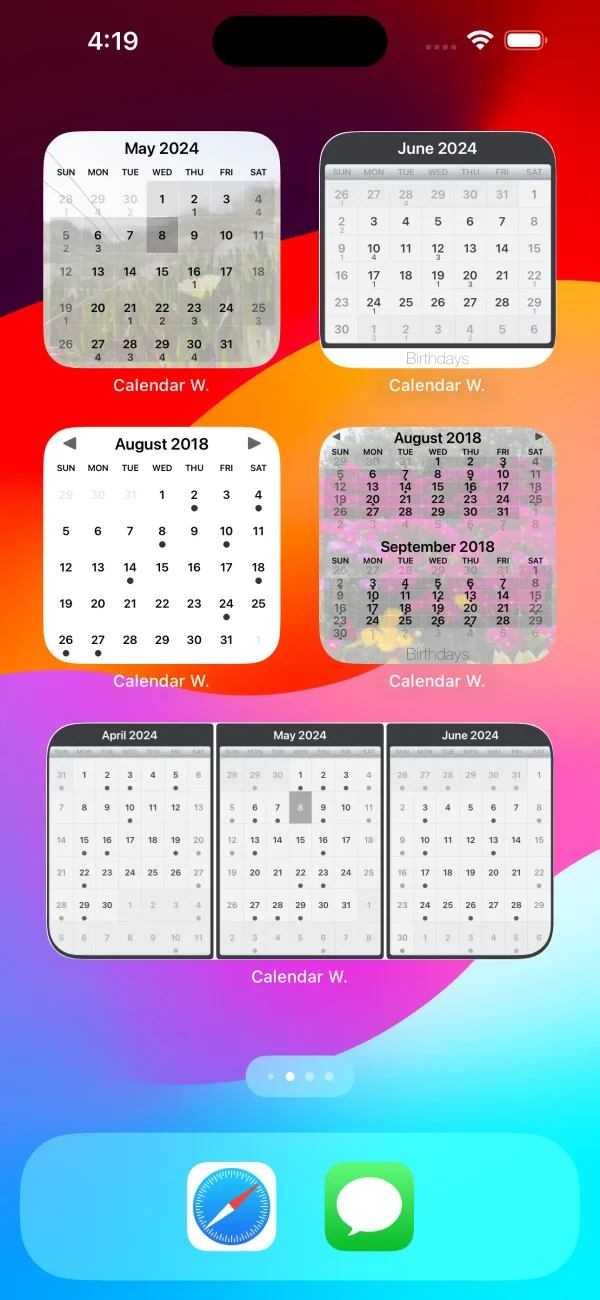
Thanks to this application (and the other Widget apps from PacoLabs), you can now customize the Home screen and the Today view of your device, by adding custom widgets for some specific purposes.
From anywhere in your device, you'll have access to your own information and actions.
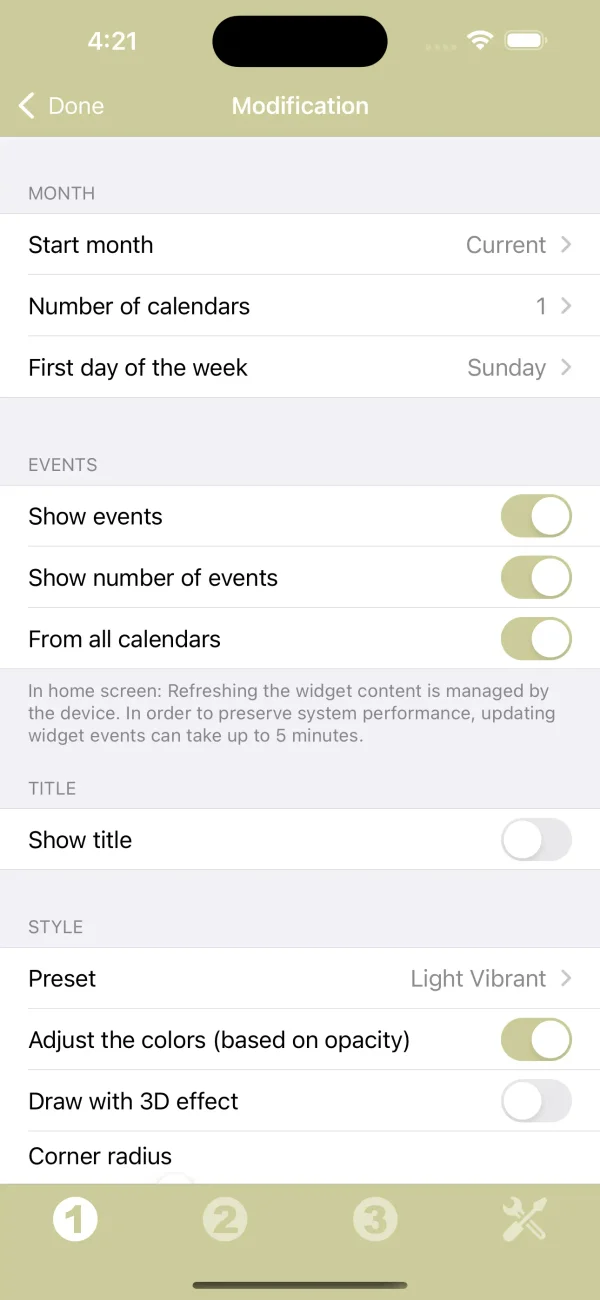
Each Calendar widget allows to view one or more calendars.
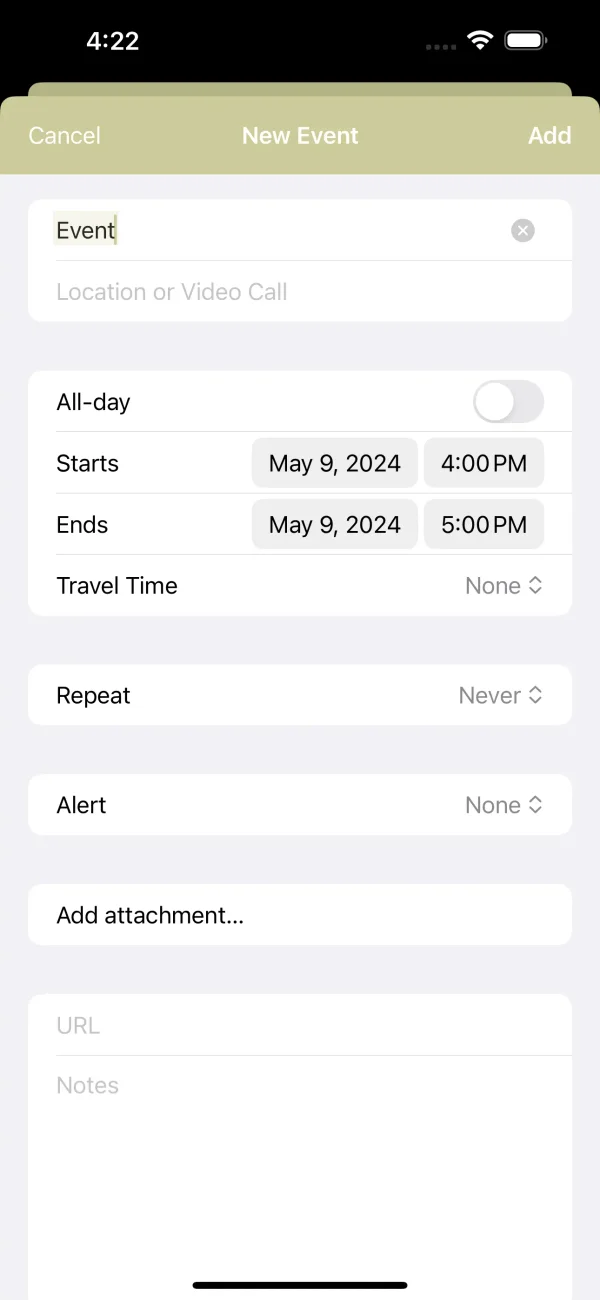
Now you can quickly have an overview of the full month, view your busy days and even create or update some events.
Those calendars can display the current or some specific months.
The displayed months can be manually changed while viewing the widget.
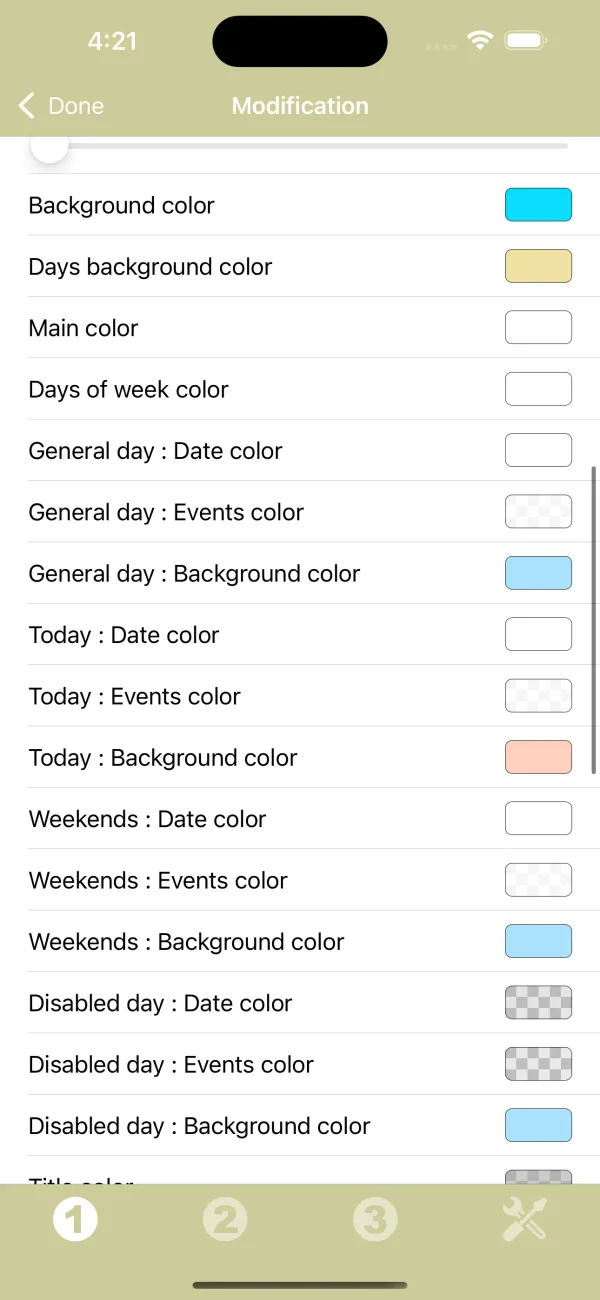
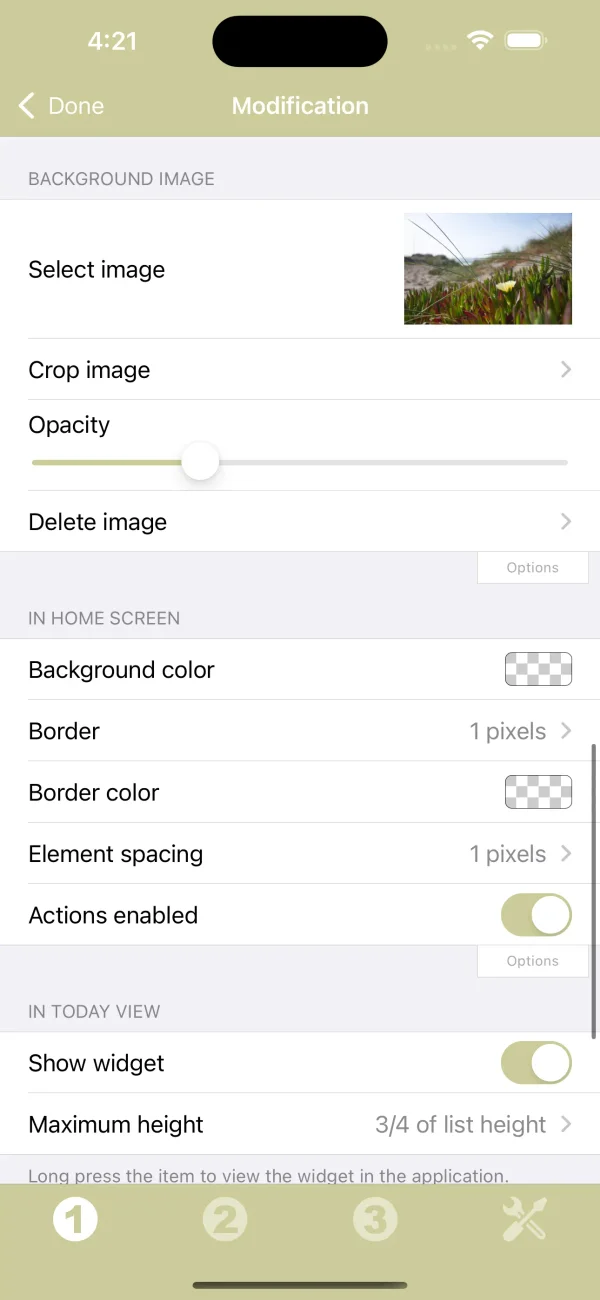
The look can be customized.
The events from the system calendar application can be viewed and edited.
It is also possible to add some new events.
Those Widgets are compatible with the new iOS 14 Home Screen Widgets.
The application is really easy to use and is adapted to the fresh look of your device.
Dark mode of iOS13 is supported.
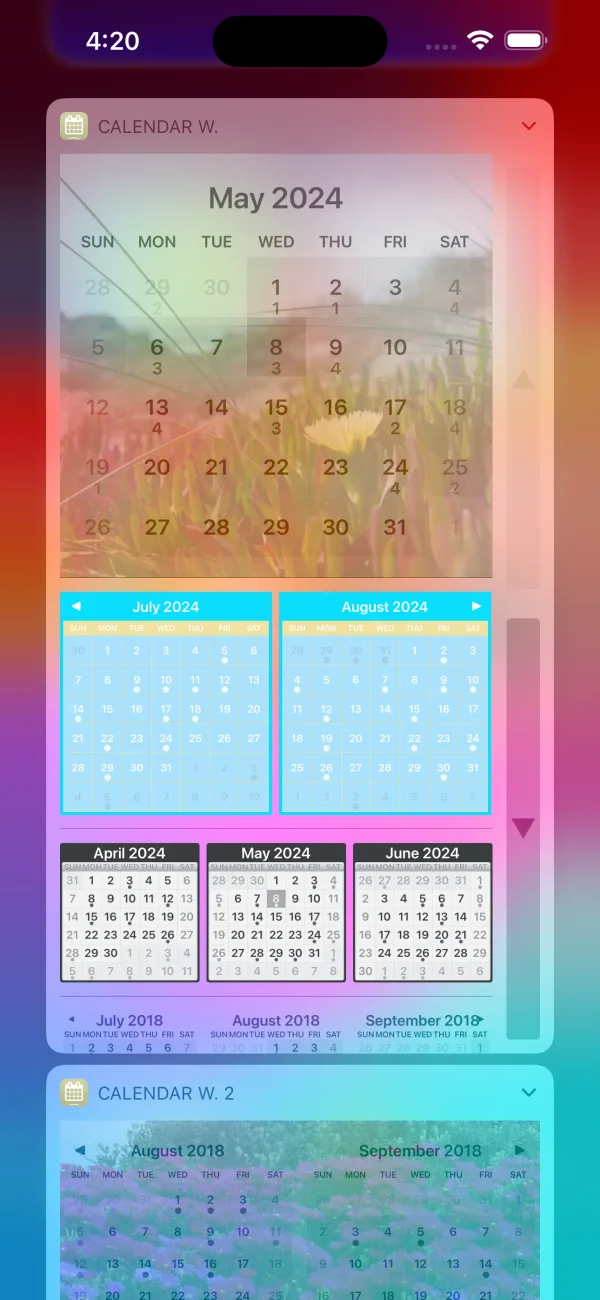
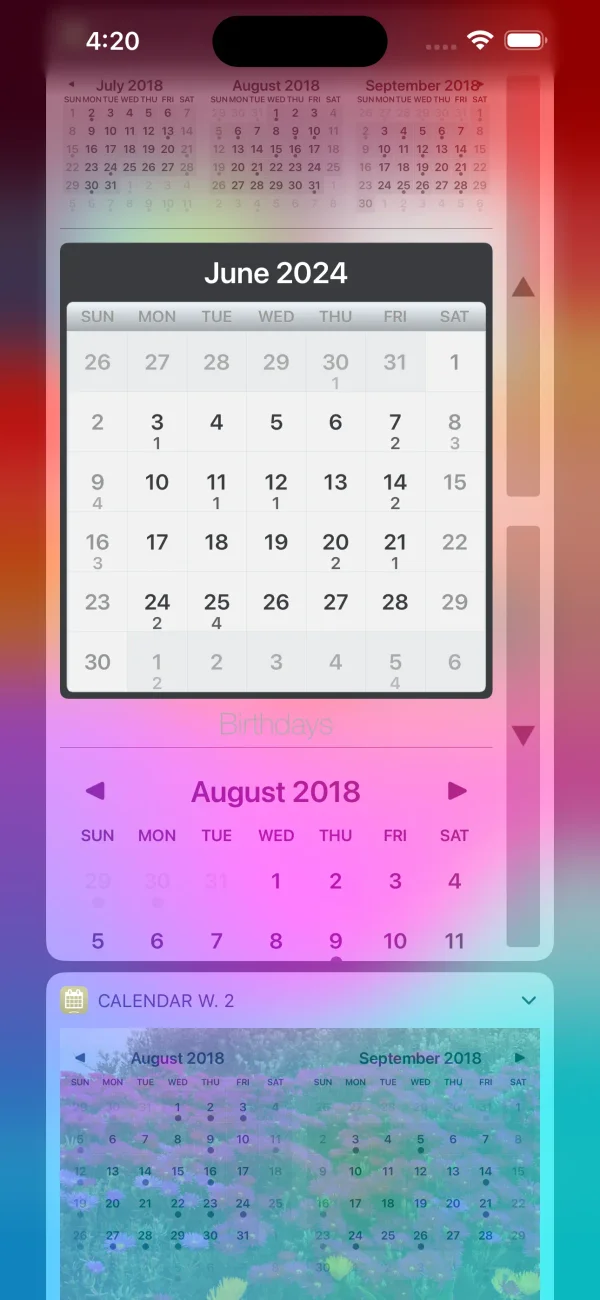
In Today view:
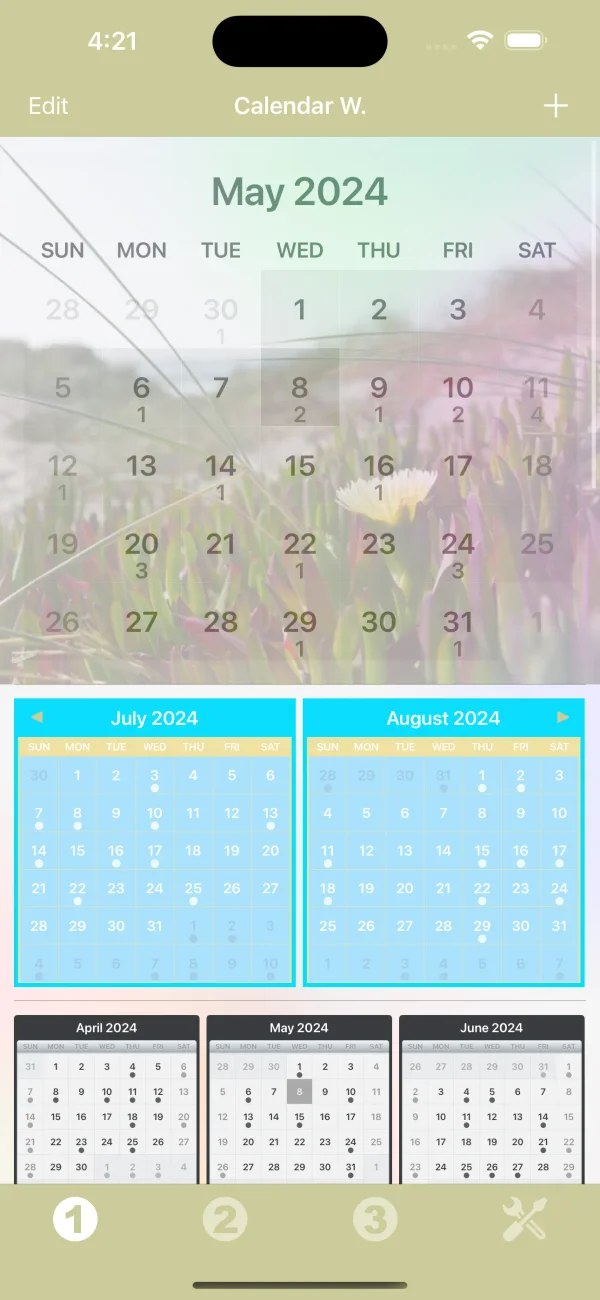
You can add as many widgets as you want and they will be displayed in up to 3 different lists. Those same lists will be available in the Today view and in the application (although it is possible, if you want, to hide some widgets in the Today view).
To avoid overloading the Today view, when too many widgets are displayed, an intuitive control will allow you to navigate from one widget to another.
Even if the main purpose of the app is to view the widgets in the Today view, it can also be very handy to view them directly in the application (a long press on a widget in the Today view will open it directly in the main application).
Yenilikler
Sürüm 6.2 · 02.07.2025
* Ability to select the system font in the font picker.
* Minor fixes and improvements.
Uygulama gizliliği
Bu uygulamanın verileri nasıl işlediği hakkında Francis Bonnin tarafından App Store üzerinde yapılan beyan.
-
Veri toplanmıyor
Geliştirici bu uygulamadan hiçbir veri toplamıyor.
Gizlilik uygulamaları, örneğin kullandığınız özelliklere veya yaşınıza göre değişiklik gösterebilir.
Bilgiler
- Satıcı
- Francis Bonnin
- Kategori
- Üretkenlik
- Sürüm
- 6.2
- Güncellendi
- 02.07.2025
- Yayın tarihi
- 31.10.2014
- Boyut
- 13,0 MB
- Gereksinim
- iOS 12.0 veya sonrası
- Yaş sınırı
- 4+
- Fiyat
- ₺49,99
- Diller
- İngilizce, Fransızca, Almanca, İtalyanca, Japonca, Rusça, Basitleştirilmiş Çince, İspanyolca
- Telif hakkı
- © PacoLabs
Bunları da beğenebilirsiniz
-
 MyDayWidget - Calendar WidgetsÜretkenlik
-
 FirstSeed CalendarÜretkenlik
-
 Calendar Widget - Schedule AppÜretkenlik
-
 Ermine - Calendar & WidgetsÜretkenlik
-
 sCalendar - Seamless CalendarÜretkenlik
-
 Calendar Widget & PlannerÜretkenlik
-
 WidgetCal-Calendar WidgetÜretkenlik
-
 Week Calendar - Planlayıcıajanda Görevler ve uyarılar
-
 Simple Calendar・Schedule appÜretkenlik
-
 Across: Calendar, Your WayÜretkenlik