
- Yaş sınırı4+
- Kategoriİş
- GeliştiriciObjectif Lune
- Dillerİngilizce+ 11 dil daha
- Boyut19,8 MB
Resmi App Store sayfasına bağlanır
Download.org, Capture OnTheGo için hiçbir dosya barındırmaz. Düğme, uygulamanın App Store üzerindeki sayfasını açar; uygulamayı orada Objectif Lune yayınlar. Sayfanın son kontrolü: 17.11.2026.
Ekran görüntüleri
Hakkında
Geliştirici bu metni dilinizde sunmamış.
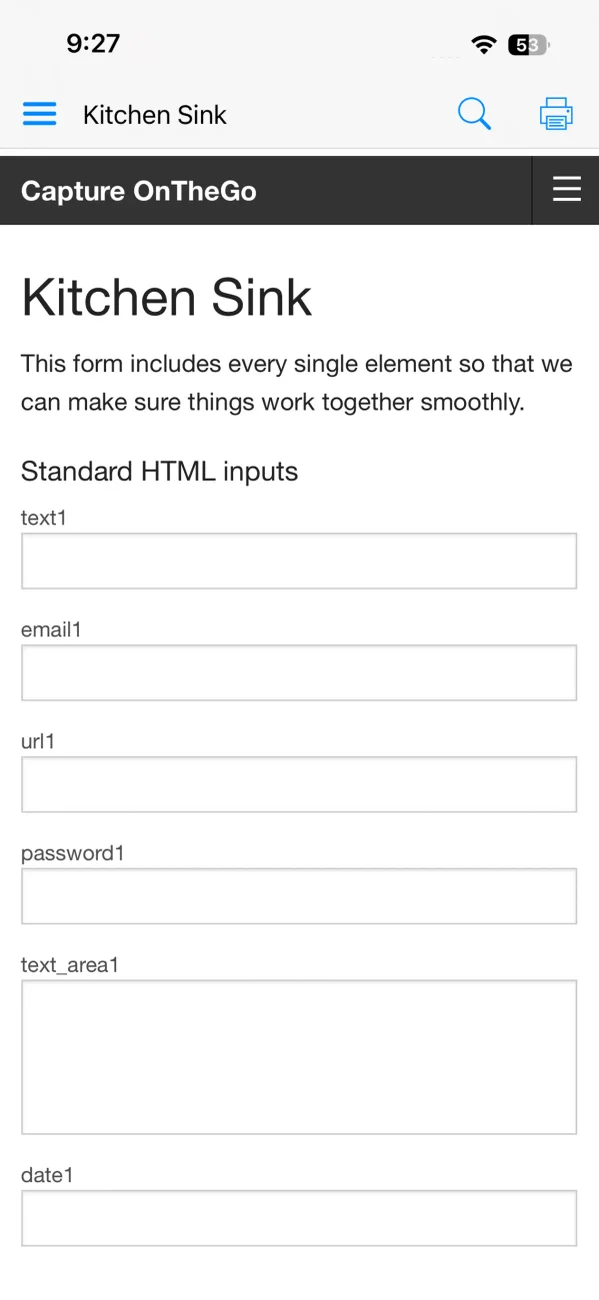
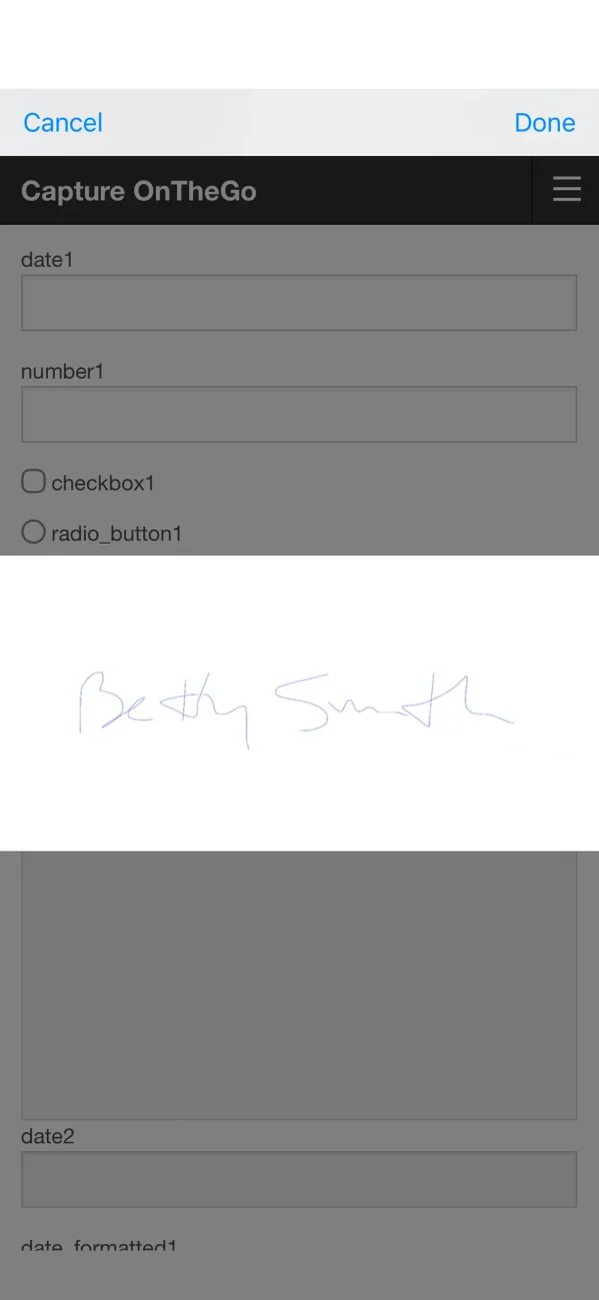
The Capture OnTheGo mobile app works alongside PlanetPress Connect to provide you with a better tool to manage your remote transactions. Take your paper business processes like purchase orders, technical service calls, inspections, etc. and accelerate them to digital speed. Using interactive HTML forms that are transferred to your device, you can access, edit and share documents from anywhere. Add data like handwriting, photos, geo-location coordinates (GPS), and signatures, then submit your completed forms back to the office to trigger document workflows and automated processing.
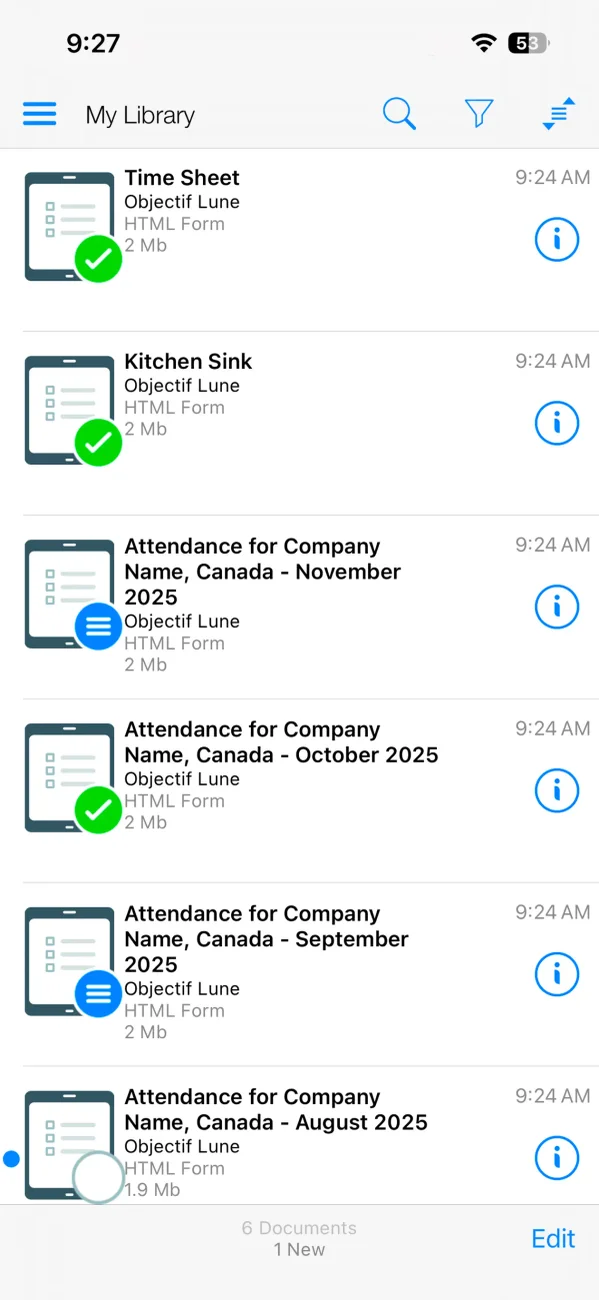
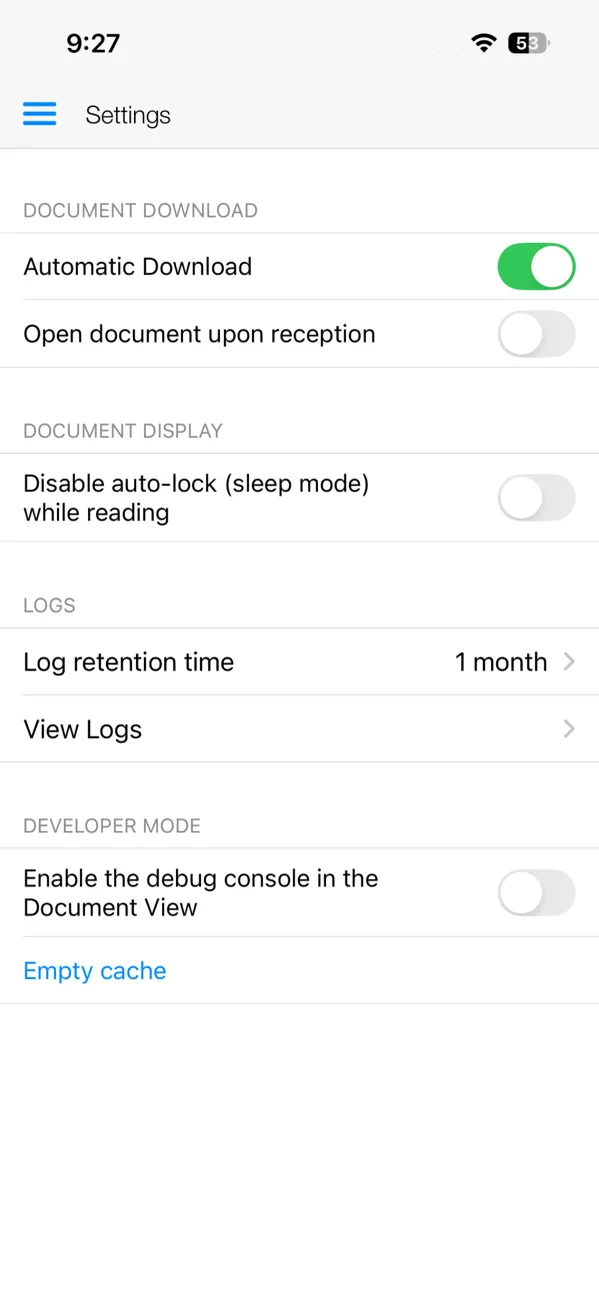
The app can be used without internet connection in the offline mode, making it convenient when on the road. Download documents onto your device and use them when you’re not connected. All transmitted data is stored in a queue and is sent automatically when connection is re-established. Document icons show one of five document statuses: New Form, In Use, Awaiting Connection, Completed Transmission, or Transmission Error.
Capture OnTheGo also enables you to download PDF documents, such as user guides, technical specifications, marketing presentations, transactional documents, etc. In reading mode, sophisticated tools allow you to browse, take notes, email and print.
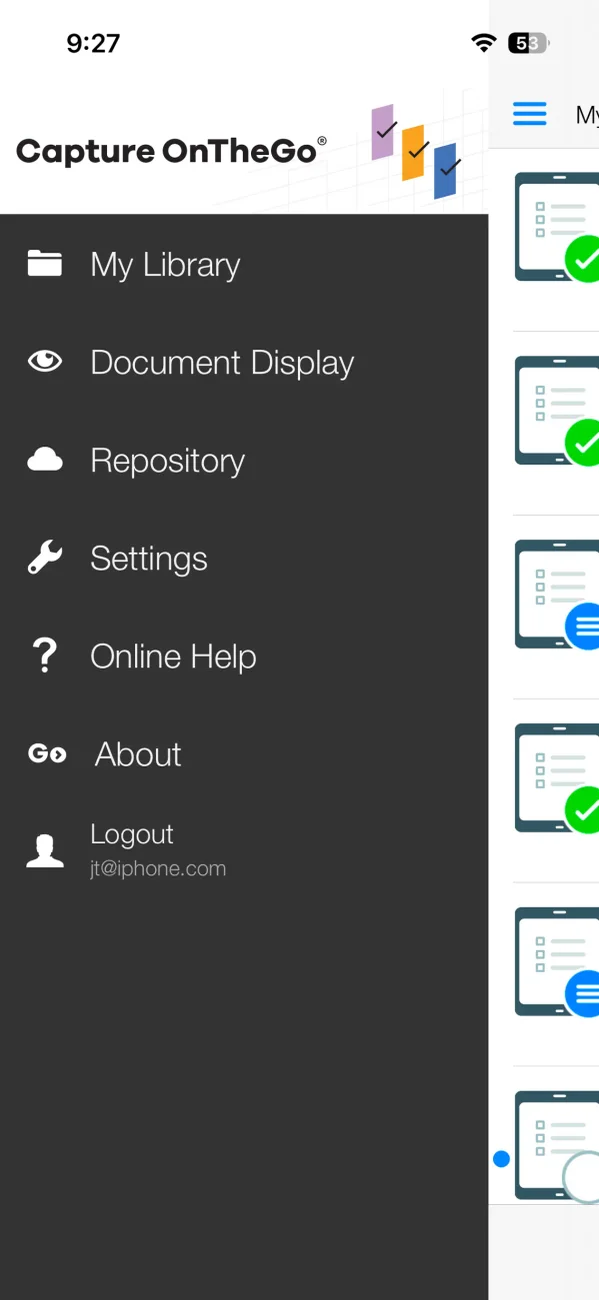
Documents to which you have access are displayed in the Repository tab, and can be sorted by date, title or author. For quicker access, use the search tool or find them in a category tree. Downloaded documents are stored in your library tab for re-use and can be used for an indefinite period or for a predetermined number of days before being automatically deleted, enabling sound management of used memory on your device.
Yenilikler
Sürüm 2026.1 · 28.01.2026
New branding
Stability improvements
Uygulama gizliliği
Bu uygulamanın verileri nasıl işlediği hakkında Objectif Lune tarafından App Store üzerinde yapılan beyan.
-
Sizinle ilişkilendirilen veriler
Toplanabilir ve kimliğinizle ilişkilendirilebilir.
- Tanımlayıcılar
-
Sizinle ilişkilendirilmeyen veriler
Toplanabilir ancak kimliğinizle ilişkilendirilmez.
- Konum
- Tanımlayıcılar
- Kullanım verileri
- Tanılama
Gizlilik uygulamaları, örneğin kullandığınız özelliklere veya yaşınıza göre değişiklik gösterebilir.
Bilgiler
- Satıcı
- Objectif Lune Inc.
- Kategori
- İş
- Sürüm
- 2026.1
- Güncellendi
- 28.01.2026
- Yayın tarihi
- 28.07.2014
- Boyut
- 19,8 MB
- Gereksinim
- iOS 11.0 veya sonrası
- Yaş sınırı
- 4+
- Fiyat
- Ücretsiz
- Diller
- İngilizce, Danca, Hollandaca, Fransızca, Almanca, İtalyanca, Japonca, Portekizce, Basitleştirilmiş Çince, İspanyolca, Tayca, Geleneksel Çince
- Telif hakkı
- © Copyright 2014-2026 Upland Software / Objectif Lune