Crayon Maestro
draw,paint,create art,sketches
iPhone, iPad, Mac, iPod touch için tasarlandı
Ücretsiz · Uygulama içi satın alma
- Yaş sınırı4+
- KategoriGrafik ve Tasarım
- GeliştiriciNorbyte
- Dillerİngilizce
- Boyut22,1 MB
Resmi App Store sayfasına bağlanır
Download.org, Crayon Maestro için hiçbir dosya barındırmaz. Düğme, uygulamanın App Store üzerindeki sayfasını açar; uygulamayı orada Norbyte yayınlar. Sayfanın son kontrolü: 14.11.2026.
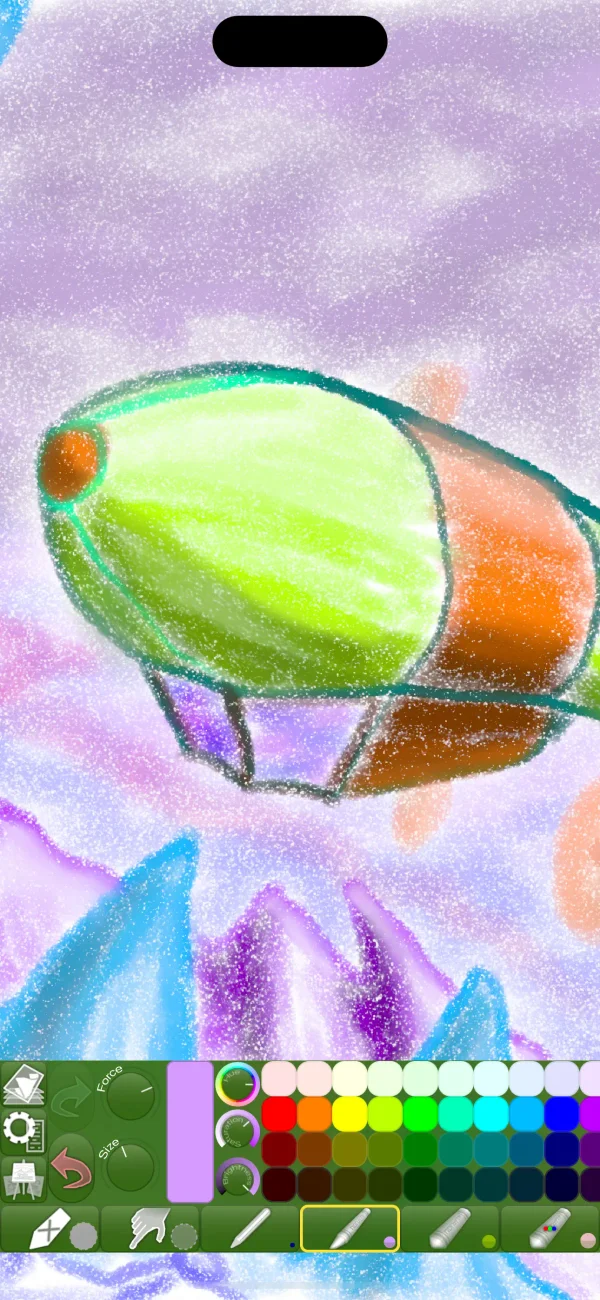
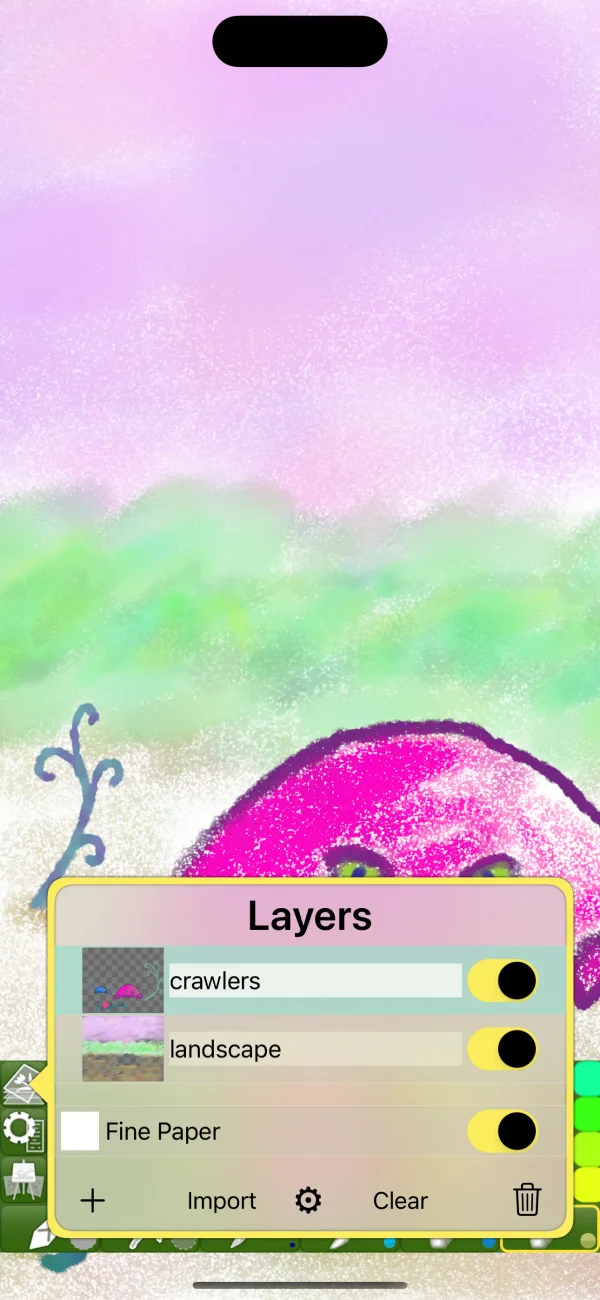
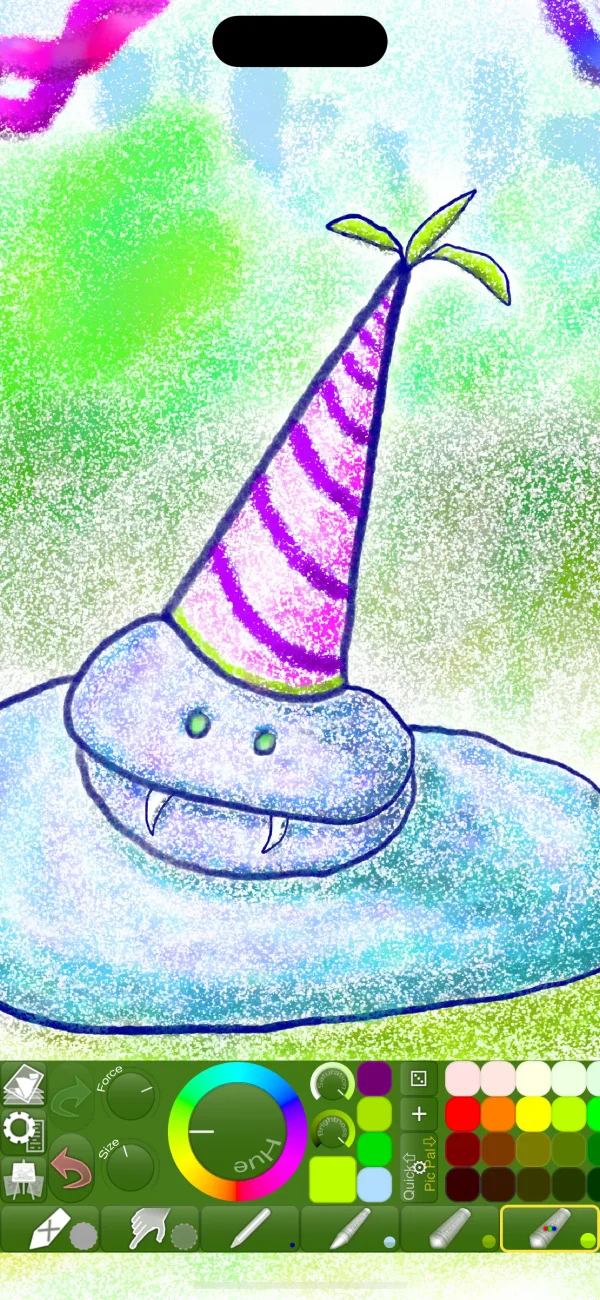
Ekran görüntüleri

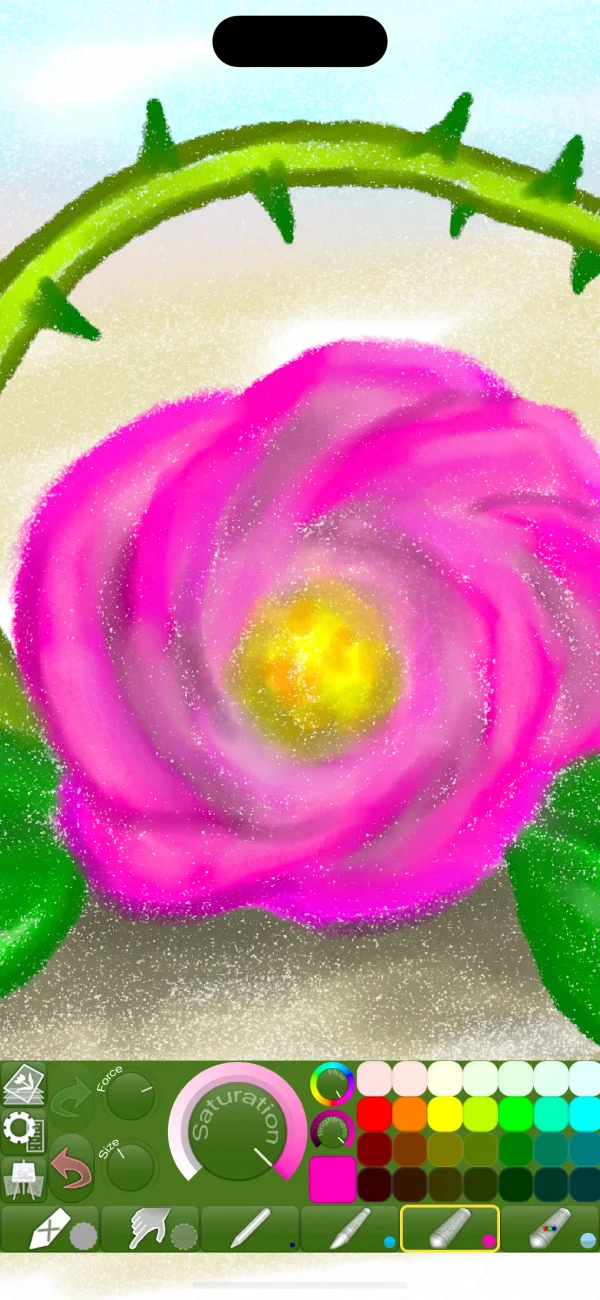
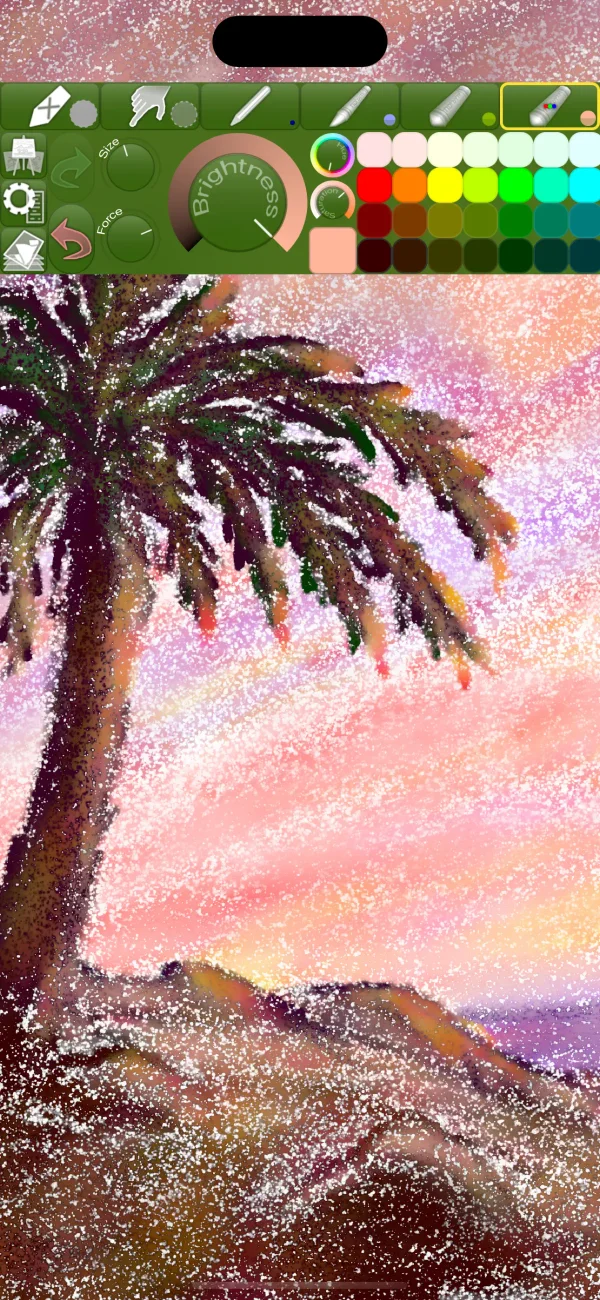

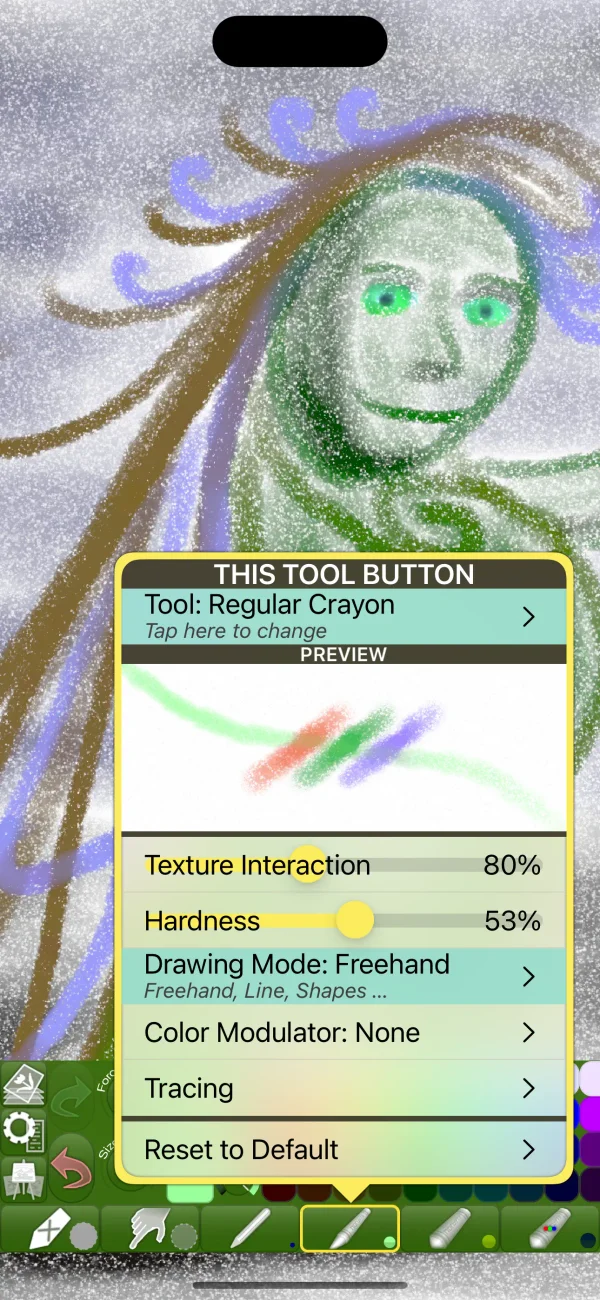
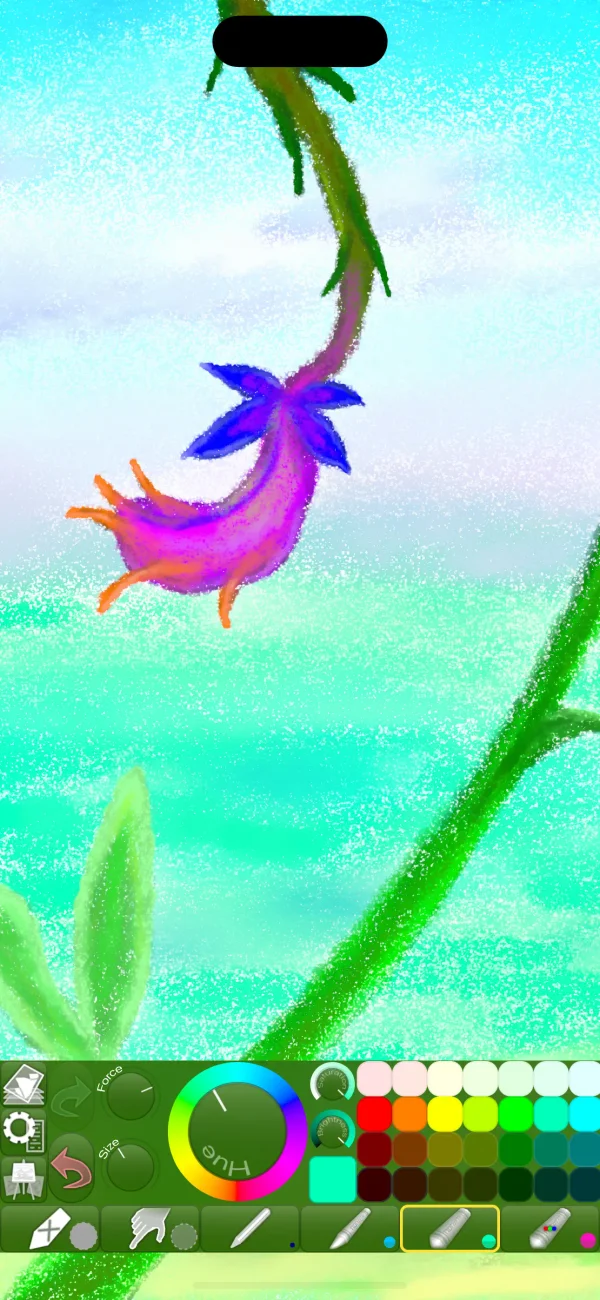
Hakkında
Geliştirici bu metni dilinizde sunmamış.
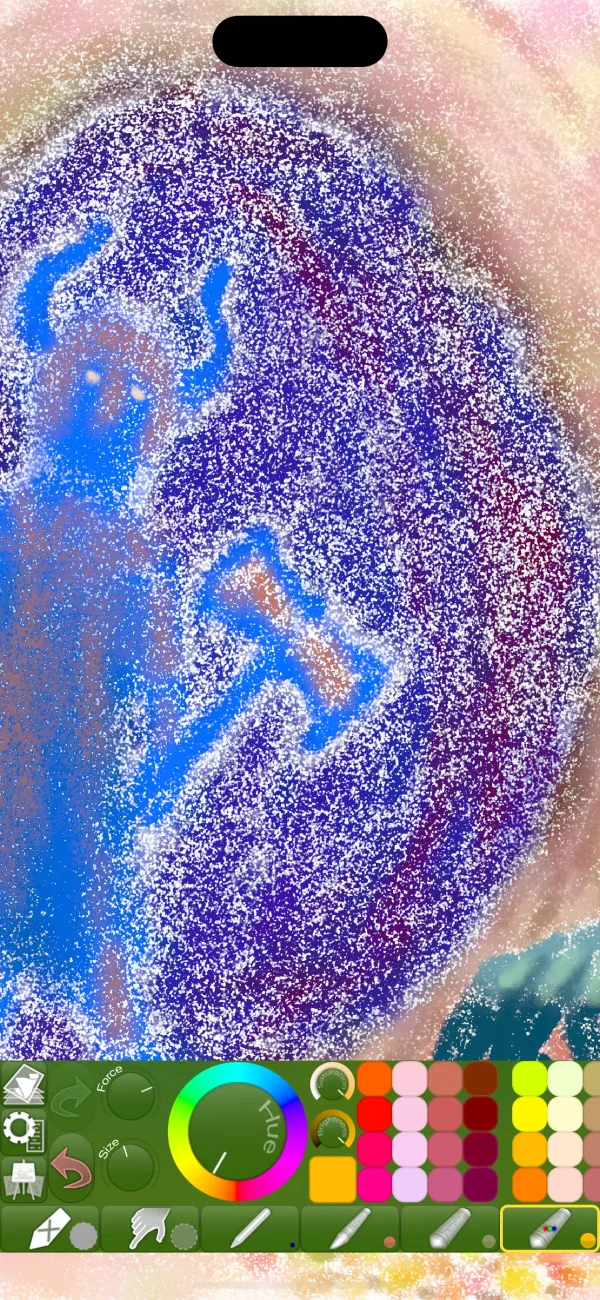
This full-fledged wax crayon simulator lets you create art, whether a complete drawing or just a sketch, with a striking resemblance to its real life counterpart.
• FINGERTIP = STROKE SIZE •
When you draw, the app measures how much of your finger is touching the screen and changes the stroke size accordingly.
Apply just the corner of your fingertip for a thin line, or the whole fingerprint area for a broad stroke.
A 2nd tool assigned to your finger will still use this feature, so don’t ignore it just because you have an Apple Pencil!
• PARAMETERS CAN BE CHANGED LIVE •
Use any buttons or controls to change/adjust color, size, force, simultaneously while drawing.
• APPLE PENCIL •
Full support for Apple Pencil and Apple Pencil 2.
In addition, you can assign a second drawing tool, such as Eraser, to the finger.
• EASY AND QUICK TO USE COLOR PALETTE •
Changing the color is only a tap away.
The colors in the palette can be rearranged, adjusted, added and removed.
• UNIVERSAL PURCHASE •
If you choose to buy the Pro upgrade, this one-time in-app purchase will unlock all Pro features in the app on all available platforms (iPad-iPhone-Mac)!
• METAL •
The engine is based on Metal, with 128-bit color and floating-point arithmetic.
• SWIFT •
The app was developed entirely using Swift (earlier versions used C++).
• FULL SCREEN DRAWING • SEAMLESS PATTERN EDITING MODE •
• DARK MODE • LANDSCAPE • PORTRAIT • WIDE COLOR •
• MULTIPLE LAYERS • PHOTO TRACING MODE (Pro feature) •
Yenilikler
Sürüm 6.2.1 · 11.12.2023
[NEW] Added some selection options (like “Select All”) in Work in Progress (Gallery). Long-press the Multi-Select button or tap “Selected…” next to the buttons.
[NEW] Added “Reset to Default” button to the Scrollable Palette Area menu (to open that menu, scroll the palette to its beginning and tap the largest of the three buttons that appear).
[IMPROVED] Adjusted the spacing between the thumbnails in Work in Progress (Gallery).
[FIXED] Dismissing some types of alerts by tapping outside would sometimes block the drawing tools (for both touch and Apple Pencil).
[FIXED] A minor, rare user interface graphics glitch.
[FIXED] Pasting multiple files in Work in Progress (Gallery) did not always select all the imported pics.
[IMPROVED] (for devices with attached hardware keyboard) Minor changes/additions to the keyboard shortcuts in Work in Progress (Gallery), and the shortcuts for Copy, Paste, Duplicate now work with layers if the Layers stack is open.
[FIXED] Some issues when tapping to add to the selection while dragging the thumbnails in Work in Progress (Gallery).
[FIXED] Rotating the device could, in some very rare circumstances, cause the app to crash.
[IMPROVED] Tapping or long-pressing a dial could result in an unintentional adjustment (especially if using Apple Pencil).
[FIXED] Copy Layer was not always working properly.
[FIXED] Some minor multi-select issues in Work in Progress (Gallery).
[FIXED] A couple of drag & drop issues.
[FIXED] A very improbable crash bug.
[IMPROVED] A few minor things.
Uygulama gizliliği
Bu uygulamanın verileri nasıl işlediği hakkında Norbyte tarafından App Store üzerinde yapılan beyan.
-
Veri toplanmıyor
Geliştirici bu uygulamadan hiçbir veri toplamıyor.
Gizlilik uygulamaları, örneğin kullandığınız özelliklere veya yaşınıza göre değişiklik gösterebilir.
Bilgiler
- Satıcı
- Norbyte
- Kategori
- Grafik ve Tasarım
- Sürüm
- 6.2.1
- Güncellendi
- 11.12.2023
- Yayın tarihi
- 20.10.2011
- Boyut
- 22,1 MB
- Gereksinim
- iOS 12.0 veya sonrası
- Yaş sınırı
- 4+
- Fiyat
- Ücretsiz
- Uygulama içi satın alma
- Evet
- Diller
- İngilizce
- Telif hakkı
- © 2011-2023 Norbyte
Bunları da beğenebilirsiniz
-
 Oilbook - Liquid PaintingGrafik ve Tasarım
-
 CraZeAppGrafik ve Tasarım
-
 Chalk Kid - chalk drawing kidGrafik ve Tasarım
-
 AbstractorGrafik ve Tasarım
-
 Pofi Brush - Sketch · PaintGrafik ve Tasarım
-
 Exsto: Concept Art SketchingGrafik ve Tasarım
-
 FocalPaintGrafik ve Tasarım
-
 Calligraphy Calm - Ink BrushGrafik ve Tasarım
-
 MetaBrushGrafik ve Tasarım
-
 Sketch Tree - Art Drawing PadGrafik ve Tasarım