Device Tracker: Find & Detect
Locate My AirPods & Devices
iPhone, iPad için tasarlandı
Ücretsiz · Uygulama içi satın alma
- Yaş sınırı4+
- KategoriYardımcılar
- GeliştiriciSandya Leelarathne
- Dillerİngilizce+ 18 dil daha
- Boyut26,4 MB
Resmi App Store sayfasına bağlanır
Download.org, Device Tracker: Find & Detect için hiçbir dosya barındırmaz. Düğme, uygulamanın App Store üzerindeki sayfasını açar; uygulamayı orada Sandya Leelarathne yayınlar. Sayfanın son kontrolü: 22.11.2026.
Ekran görüntüleri
Hakkında
Geliştirici bu metni dilinizde sunmamış.
Lost your AirPods? Device Tracker finds them by following their Bluetooth signal. Watch the signal get stronger as you get closer, until you're right next to them.
It works with AirPods, Apple Watch, headphones, earbuds, speakers, fitness trackers and most other Bluetooth devices, as long as they're switched on and nearby.
How It Works
1. Open Device Tracker and allow Bluetooth
2. Choose the device you're looking for
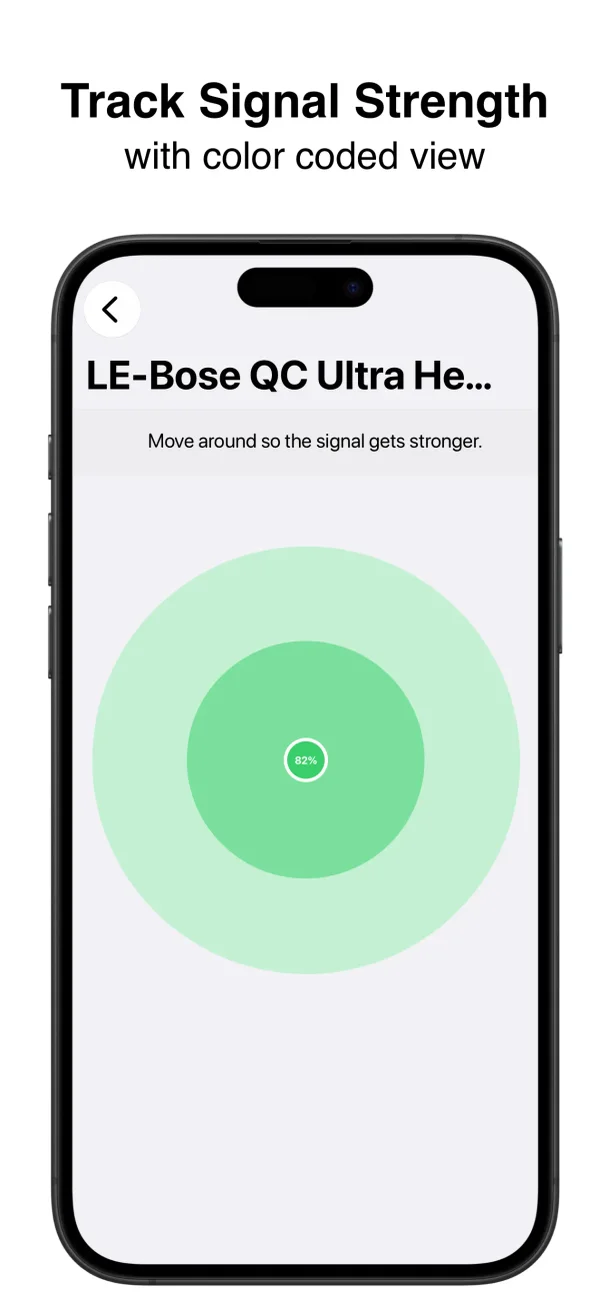
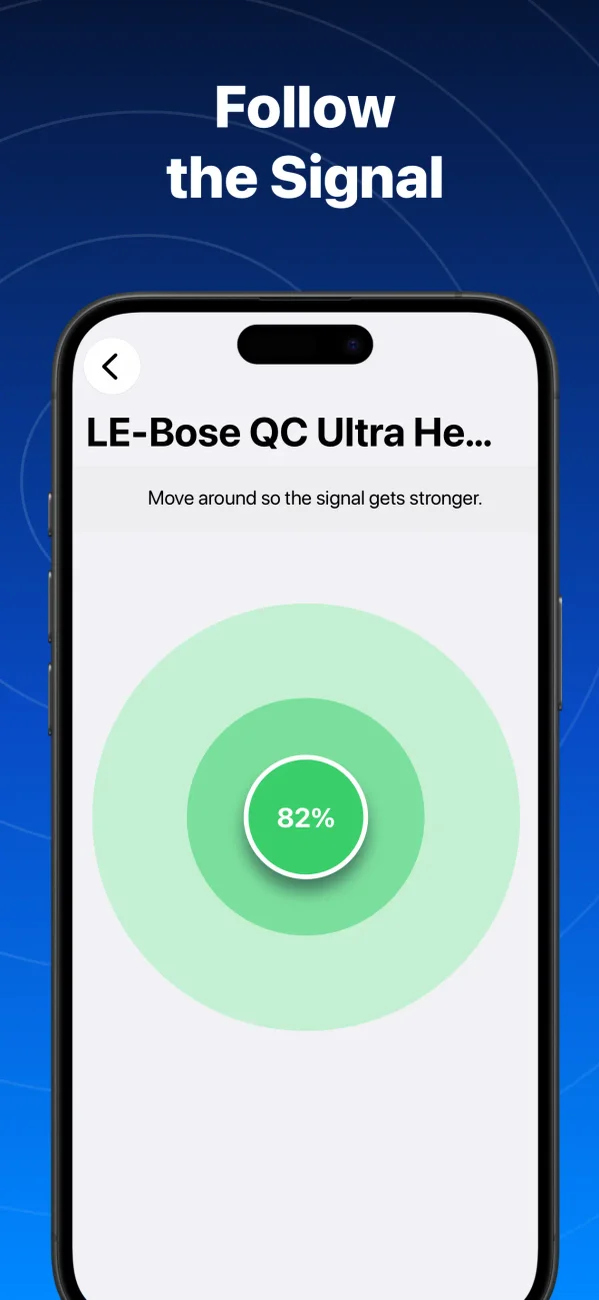
3. Walk around and follow the radar: more bars means closer
4. Turn on vibration and sound to feel and hear when you're getting closer
Features
• Live radar: see whether a device is very close, near, far or very far, with its signal strength updated in real time
• Lock Screen and Dynamic Island: keep following the device with your iPhone locked
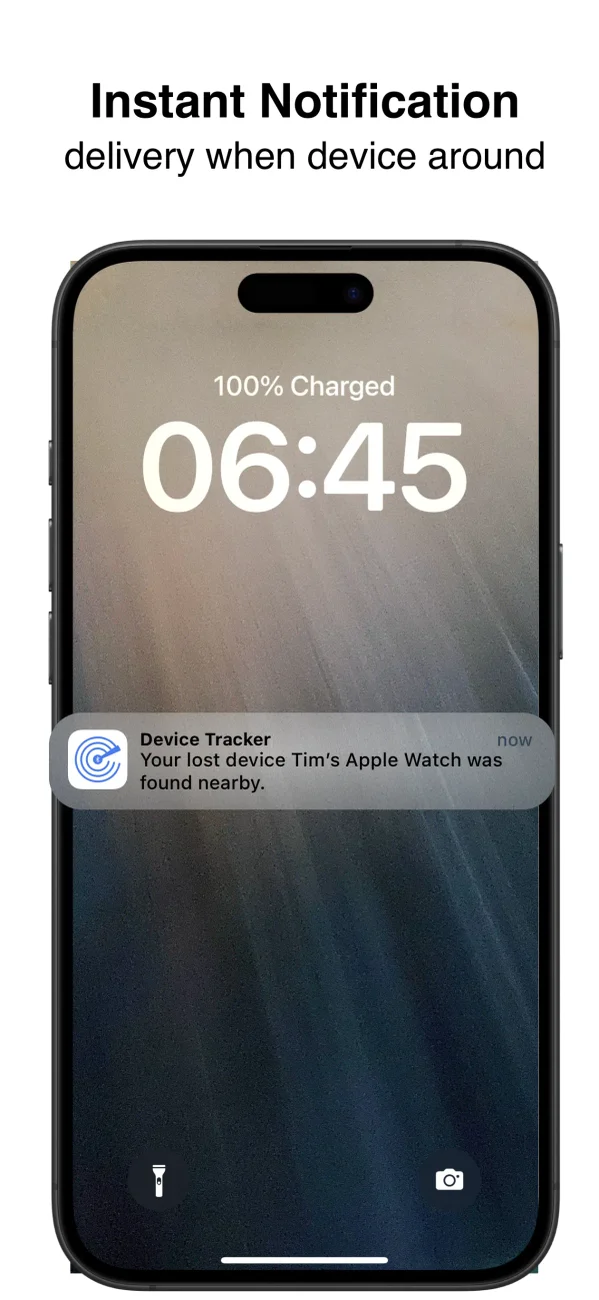
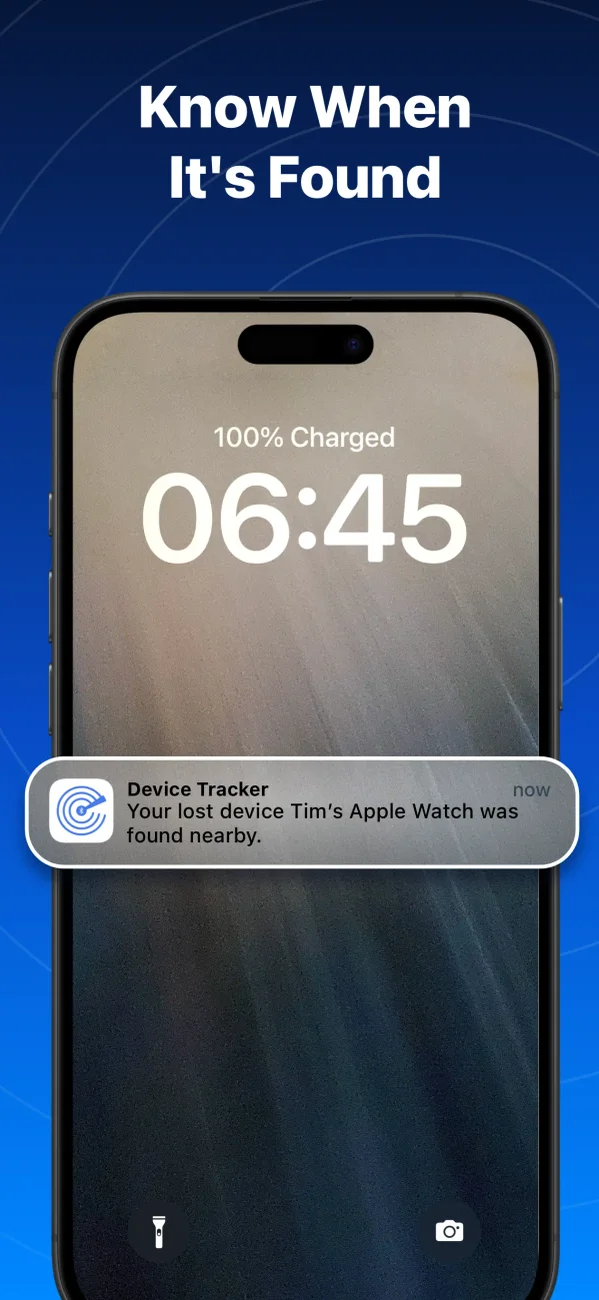
• Notify when found: get a notification when a missing device comes back into range
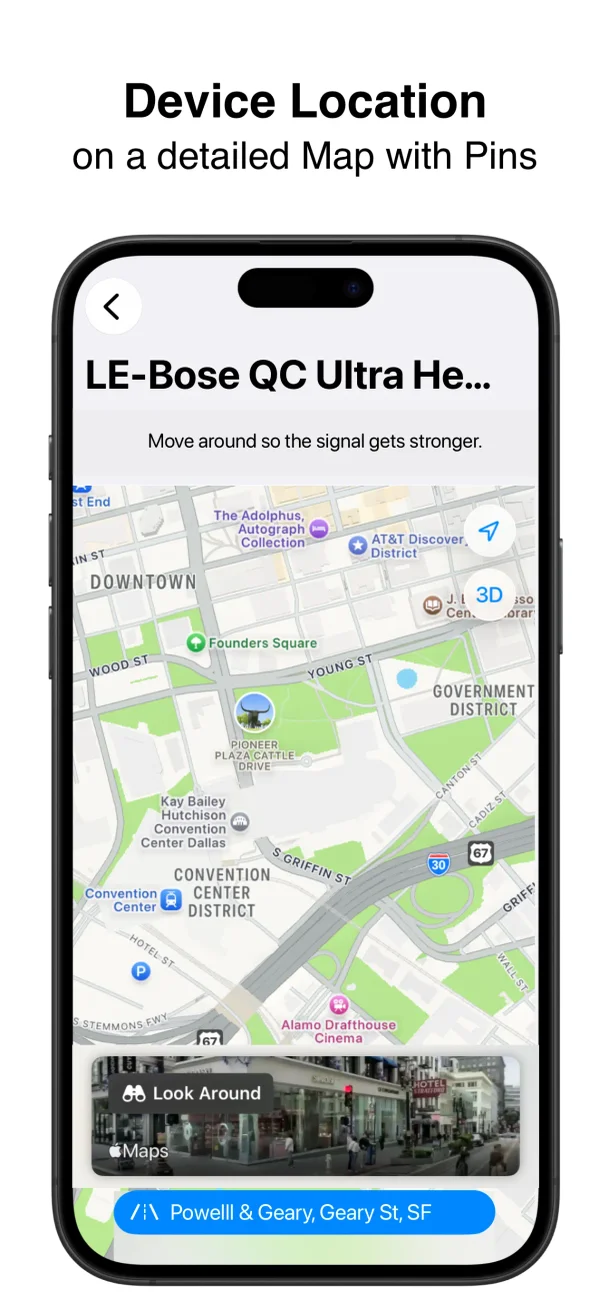
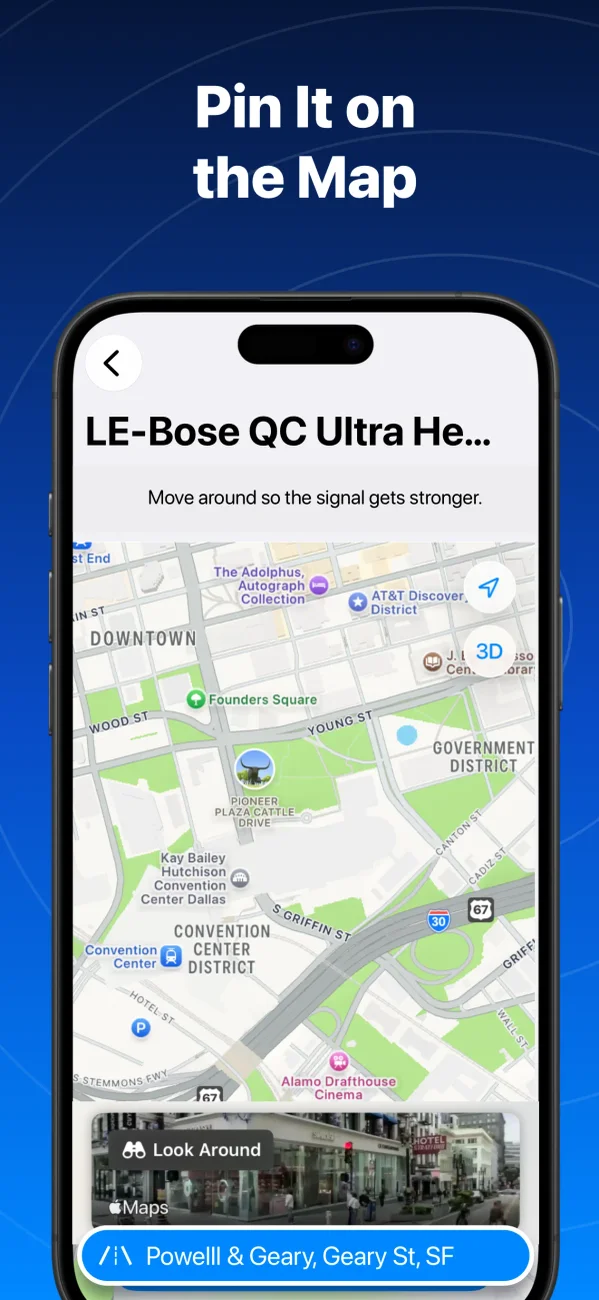
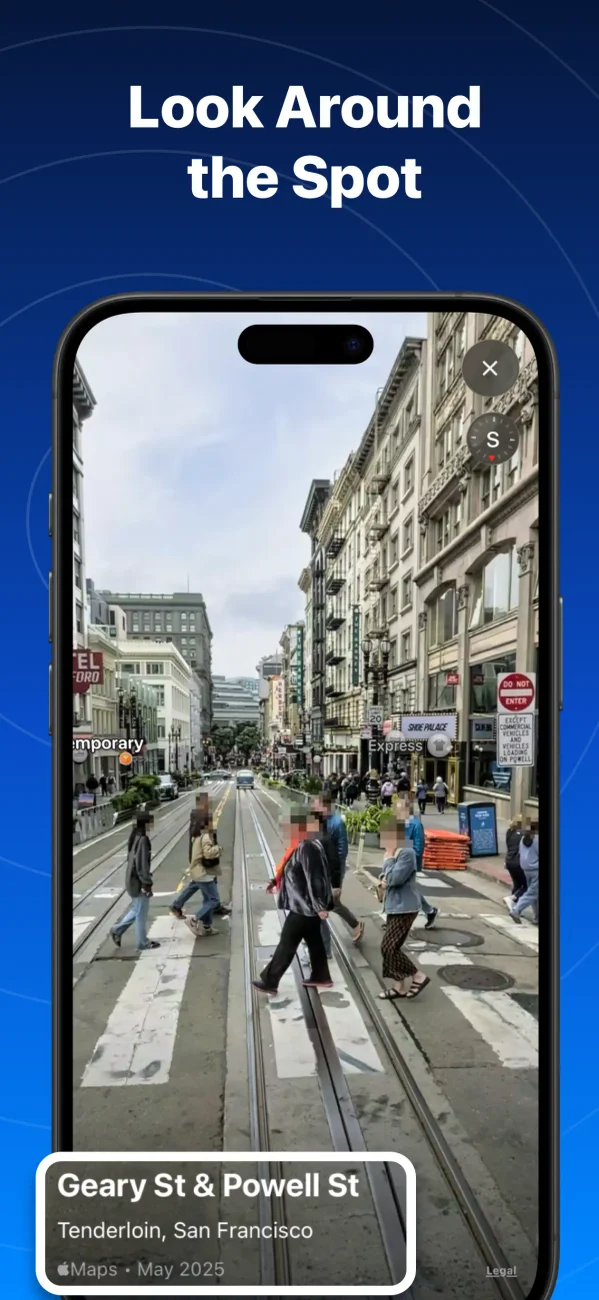
• Last-seen places: see on a map where each device was last seen, with its sighting history
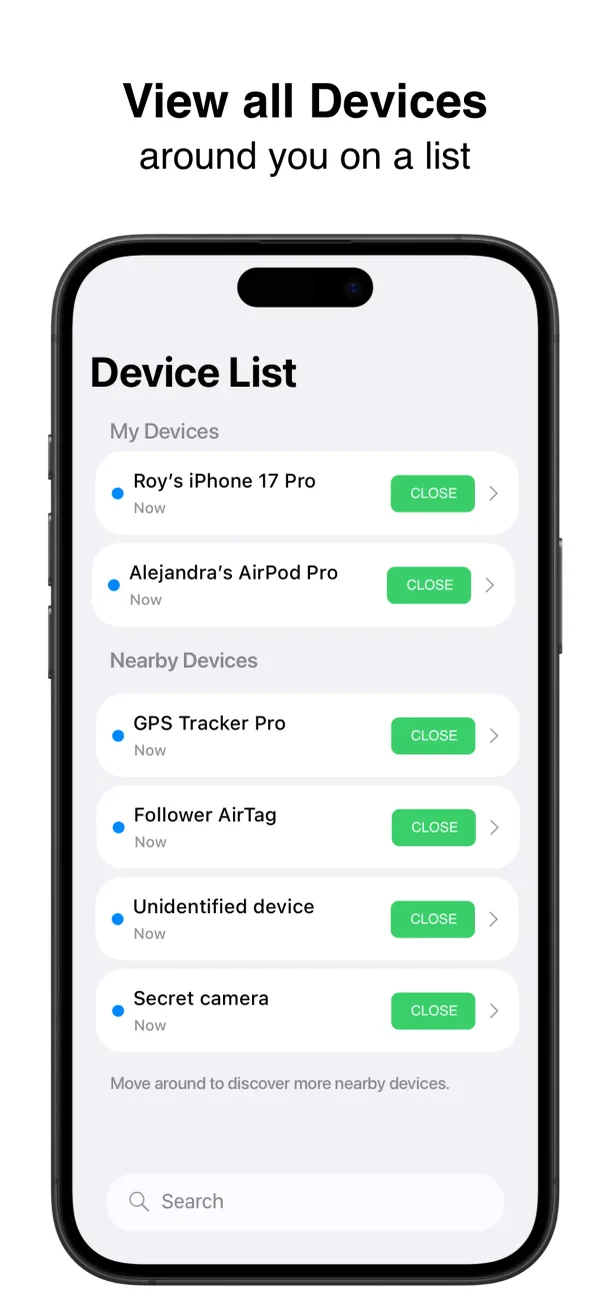
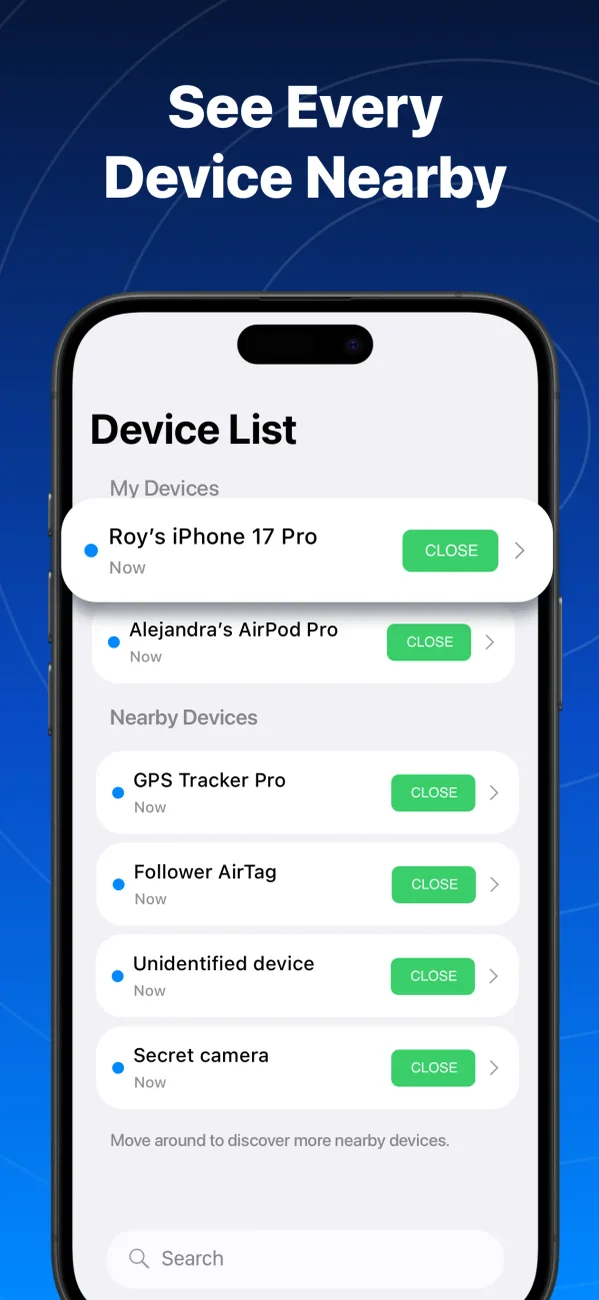
• Nearby: a radar of all the Bluetooth devices around you
• Unidentified devices: also show nearby devices that don't broadcast a name, such as some trackers and tags
• Find after the app is closed: keep checking for a lost device in the background
• Widget: see when your favourite devices were last seen, on your Home Screen or Lock Screen
• Siri: say "Find my AirPods with Device Tracker", or ask when a device was last seen
• Rename devices, mark favourites, and use VoiceOver and Larger Text
Find Devices Such As
• AirPods, AirPods Pro and AirPods Max
• Apple Watch and Apple Pencil
• Beats, Galaxy Buds and other earbuds and headphones
• Bluetooth speakers and fitness trackers
• iPhone and iPad
• Most Bluetooth Low Energy (BLE) devices
Tips for Finding Faster
• Take AirPods out of their case: they stop broadcasting when it's closed
• Move slowly and pause for a moment, so the signal can settle
• Walls, furniture and people weaken the signal, so check nearby rooms too
Good to Know
Device Tracker finds devices by their Bluetooth signal, so a device must be switched on, have some charge and be within Bluetooth range: usually about 10–30 metres (30–100 feet) indoors. It can't find devices that are switched off or out of range, and it doesn't use Apple's Find My network.
Device Tracker Pro
Scanning for devices around you is free. Pro unlocks the radar for finding each device, the Nearby radar, the Lock Screen and Dynamic Island view, Notify when found, last-seen places and history, unidentified devices, and finding after the app is closed.
• Payment is charged to your Apple ID account upon purchase confirmation
• Subscriptions automatically renew unless canceled at least 24 hours before the current billing period ends
• Manage subscriptions and disable auto-renewal in Apple ID Account Settings
• Any unused portion of a free trial will be forfeited when a subscription is purchased
Need Help?
Questions or feedback? Contact us at sandya.leelarathne@gmail.com. We're happy to help.
Privacy Policy: https://paddyviewfoundry.com/devicetracker/privacy
Terms of Use: https://paddyviewfoundry.com/devicetracker/terms
Yenilikler
Sürüm 2026.11.11 · 12.11.2026
• New “My Devices” widget: see when your favourite devices were last seen, right from your Home Screen or Lock Screen.
• Siri and Shortcuts: say “Find my AirPods with Device Tracker”, or ask “When did Device Tracker last see my keys?”
• Lock Screen and Dynamic Island: keep following a device while your iPhone is locked.
• Rename devices: give any device a name you'll recognise, like “Mum's AirPods”. Tap the pencil button on the device's screen.
• Better accessibility: VoiceOver reads out the signal strength and tells you when you're getting closer, and text follows your Larger Text setting.
• Real names: devices that first appear as “Unknown” now show their name as soon as they broadcast it.
• More accurate last-seen places on the map.
• “Notify when found” now only turns on when you switch it on, and turns off if notifications are off for the app.
• The Unidentified Devices setting is now remembered after you close the app.
• Clearer location permission messages and other small fixes.
Uygulama gizliliği
Bu uygulamanın verileri nasıl işlediği hakkında Sandya Leelarathne tarafından App Store üzerinde yapılan beyan.
-
Sizinle ilişkilendirilmeyen veriler
Toplanabilir ancak kimliğinizle ilişkilendirilmez.
- Satın alımlar
Gizlilik uygulamaları, örneğin kullandığınız özelliklere veya yaşınıza göre değişiklik gösterebilir.
Bilgiler
- Satıcı
- Sandya Leelarathne
- Kategori
- Yardımcılar
- Sürüm
- 2026.11.11
- Güncellendi
- 12.11.2026
- Yayın tarihi
- 16.01.2021
- Boyut
- 26,4 MB
- Gereksinim
- iOS 17.0 veya sonrası
- Yaş sınırı
- 4+
- Fiyat
- Ücretsiz
- Uygulama içi satın alma
- Evet
- Diller
- İngilizce, Arapça, Çekçe, Hollandaca, Fransızca, Almanca, Yunanca, İtalyanca, Japonca, Korece, Portekizce, Romence + 7 dil daha
- Telif hakkı
- © 2021 - 2026 PaddyView foundry
Bunları da beğenebilirsiniz
-
 Find My Bluetooth Device - AirYardımcılar
-
 TrackerScan - Takip tespitiGizli Takip Aygıtlarını Bulun
-
 Find Lost Device Cell TrackerYardımcılar
-
 AirTracker - Find My TrackerYardımcılar
-
 Hidden Camera Scanner DetectorYardımcılar
-
 SpyTracker: Wireless DetectorYardımcılar
-
 Find Lost BLE Device TrackerYardımcılar
-
 Find My Lost Bluetooth DeviceYardımcılar
-
 Bluetooth Finder: Cihazımı BulKayıp Cihazı Bulma ve Kulaklık
-
 Tracker Detect - TrackerSonarYardımcılar