Digital Attendance System
Digital Attendance System
iPhone, iPad, iPod touch için tasarlandı
Ücretsiz
- Yaş sınırı4+
- Kategoriİş
- GeliştiriciAdnan manzon
- Dillerİngilizce
- Boyut32,1 MB
Resmi App Store sayfasına bağlanır
Download.org, Digital Attendance System için hiçbir dosya barındırmaz. Düğme, uygulamanın App Store üzerindeki sayfasını açar; uygulamayı orada Adnan manzon yayınlar. Sayfanın son kontrolü: 12.11.2026.
Ekran görüntüleri

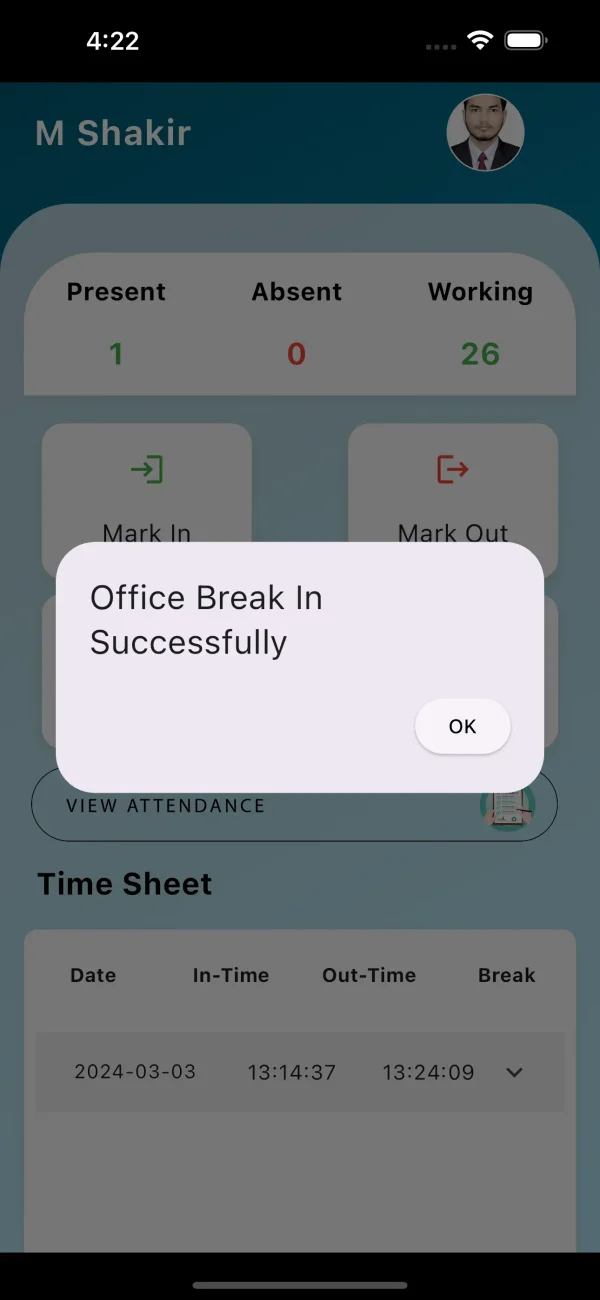
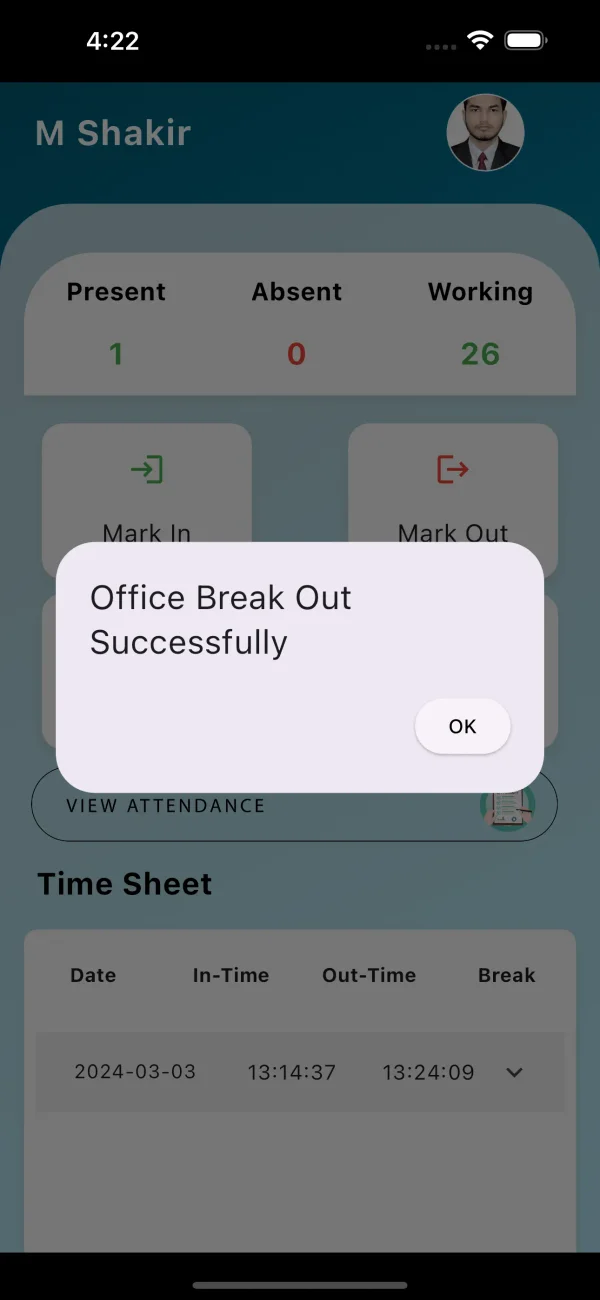
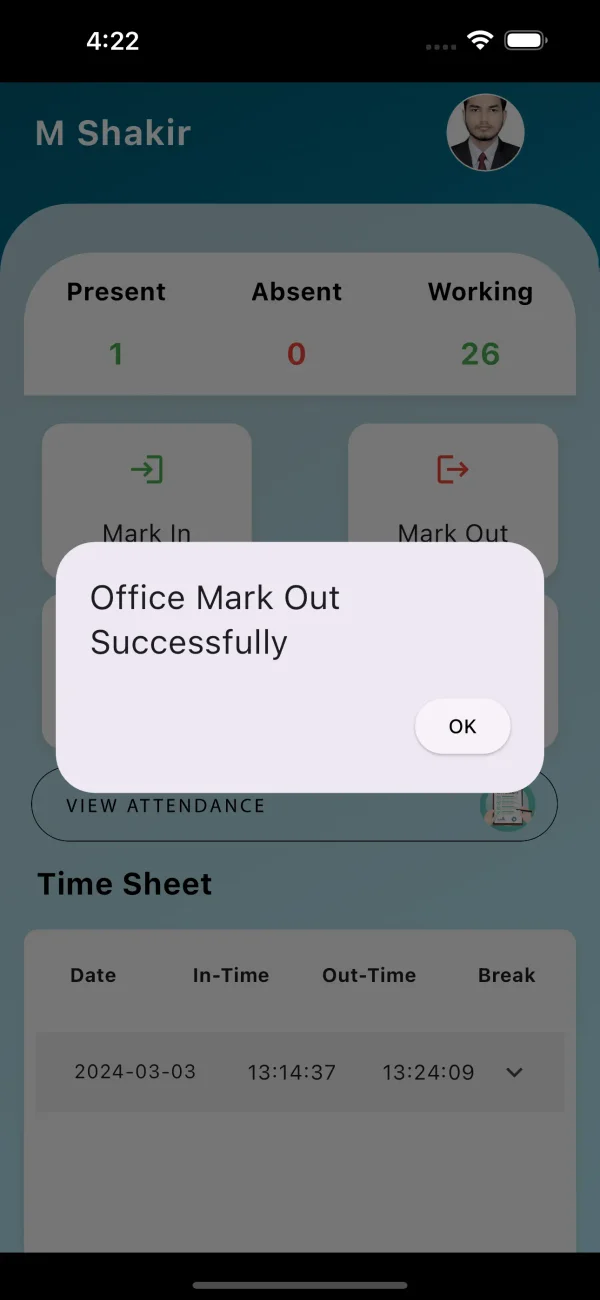
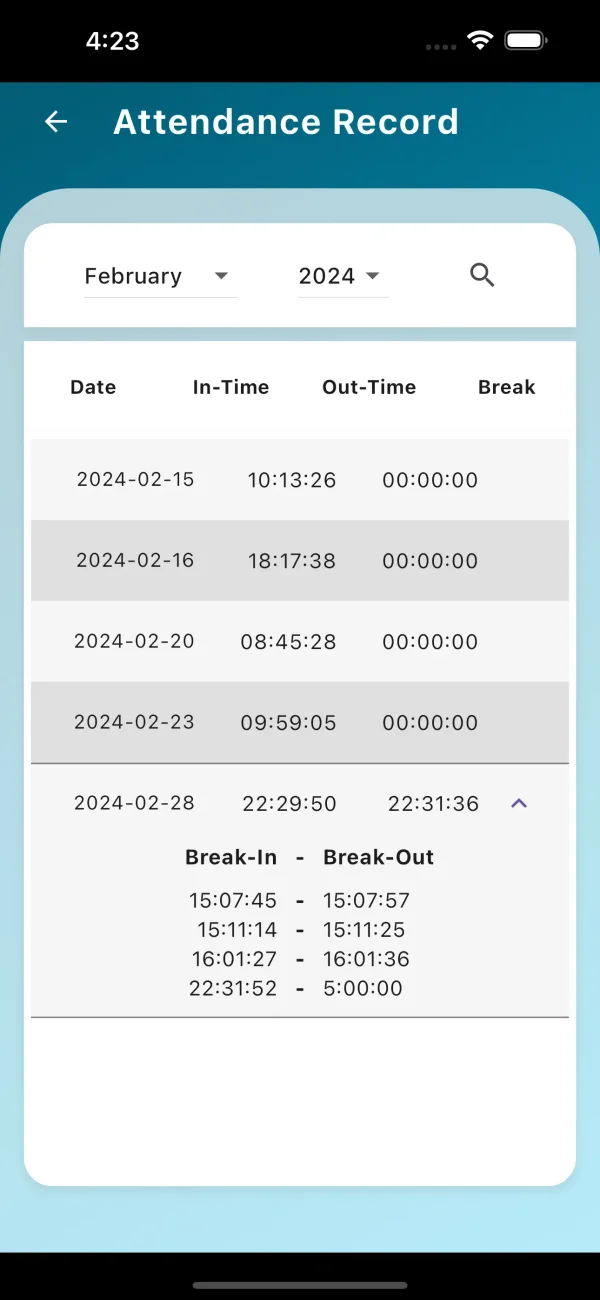
Hakkında
Geliştirici bu metni dilinizde sunmamış.
User Login:
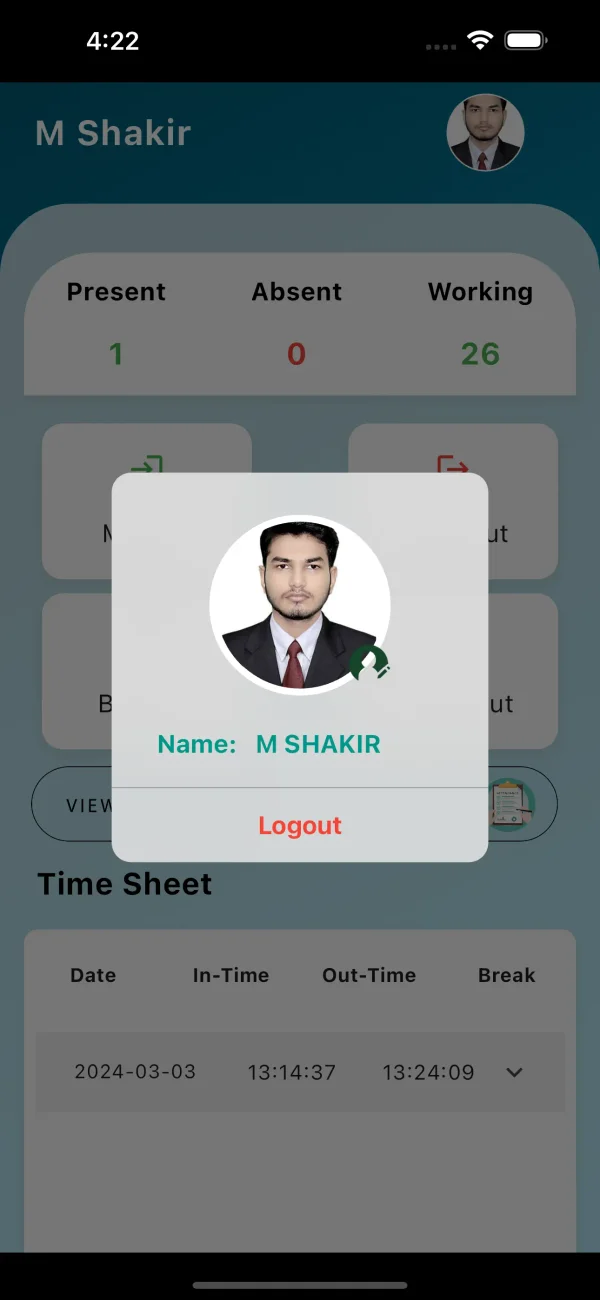
Users log in to the attendance system using their credentials (username and password). Upon successful authentication, users gain access to the attendance features.
Mark In Attendance:
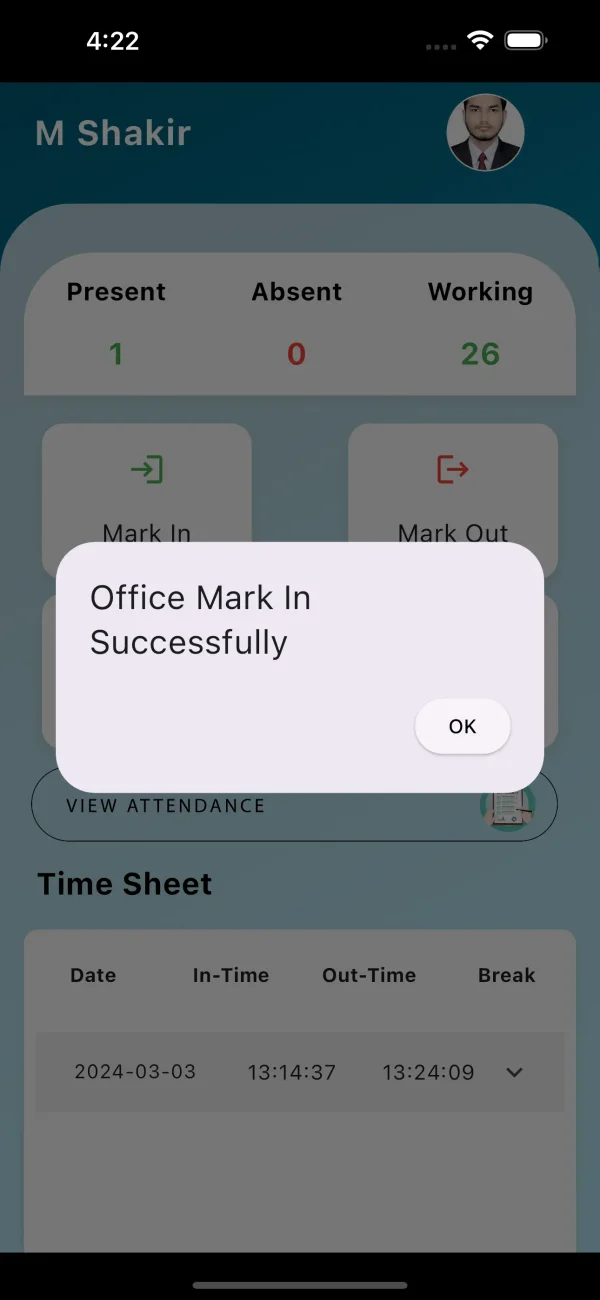
After logging in, users can mark their attendance as "in" to indicate their arrival. This action records the time at which the user started their workday.
Break In Attendance:
Users can optionally mark their attendance as "break in" when they take a break from work. This feature allows users to track their break times accurately.
Break Out Attendance:
When users return from their break, they can mark their attendance as "break out" to end their break period. This helps in distinguishing between working hours and break times.
Mark Out Attendance:
At the end of their workday, users mark their attendance as "out" to indicate their departure. This action records the time at which the user finished their workday.
Mark In/Out Attendance By QR Code (optional):
Alternatively, users can use QR codes to mark their attendance. They scan a designated QR code upon arrival or departure to record their attendance status. This method offers a convenient and contactless way to track attendance.
View Monthly Attendance Records:
Users can access a dedicated section within the app to view their monthly attendance records. Upon navigating to this section, users are presented with a calendar or a dropdown menu to select the desired month. After selecting the month, the app displays a summary of attendance records for that particular month. The summary includes details such as the total number of working days in the month, the total number of days the user was present (marked in), the total number of days the user took breaks (break in/out), and the total number of days the user was absent (marked out). Additionally, users can drill down into specific days to view detailed timestamps of each attendance event, including mark in time, break in/out times (if applicable), and mark out time. Users have the option to export or print the monthly attendance report for their records or further analysis. This feature provides users with a comprehensive overview of their attendance history, empowering them to track their work habits and productivity over time.
Yenilikler
Sürüm 1.0.3 · 24.05.2024
Some Functionality Modification
Uygulama gizliliği
Bu uygulamanın verileri nasıl işlediği hakkında Adnan manzon tarafından App Store üzerinde yapılan beyan.
-
Veri toplanmıyor
Geliştirici bu uygulamadan hiçbir veri toplamıyor.
Gizlilik uygulamaları, örneğin kullandığınız özelliklere veya yaşınıza göre değişiklik gösterebilir.
Bilgiler
- Satıcı
- Adnan manzon
- Kategori
- İş
- Sürüm
- 1.0.3
- Güncellendi
- 24.05.2024
- Yayın tarihi
- 04.03.2024
- Boyut
- 32,1 MB
- Gereksinim
- iOS 12.0 veya sonrası
- Yaş sınırı
- 4+
- Fiyat
- Ücretsiz
- Diller
- İngilizce
- Telif hakkı
- © adnanmanzoordigitalattendancesystem20244