Do Scan: PDF Scanner & OCR
Sign, Edit & Convert Documents
iPhone, iPad için tasarlandı
₺799,99
- Yaş sınırı4+
- KategoriÜretkenlik
- GeliştiriciAmmar Ahmad
- Dillerİngilizce+ 8 dil daha
- Boyut42,8 MB
Resmi App Store sayfasına bağlanır
Download.org, Do Scan: PDF Scanner & OCR için hiçbir dosya barındırmaz. Düğme, uygulamanın App Store üzerindeki sayfasını açar; uygulamayı orada Ammar Ahmad yayınlar. Sayfanın son kontrolü: 26.11.2026.
Ekran görüntüleri


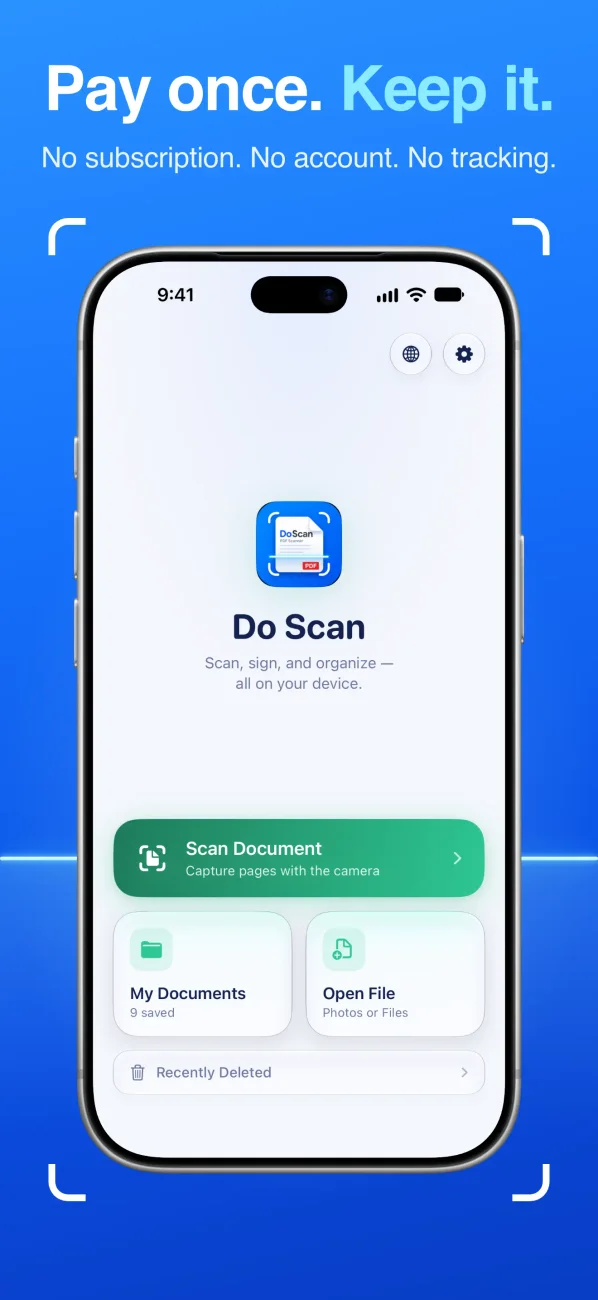
Hakkında
Geliştirici bu metni dilinizde sunmamış.
New: edit the text in your PDFs. Tap a line and retype it, and Do Scan matches the font so the change blends right in, even on a scanned page.
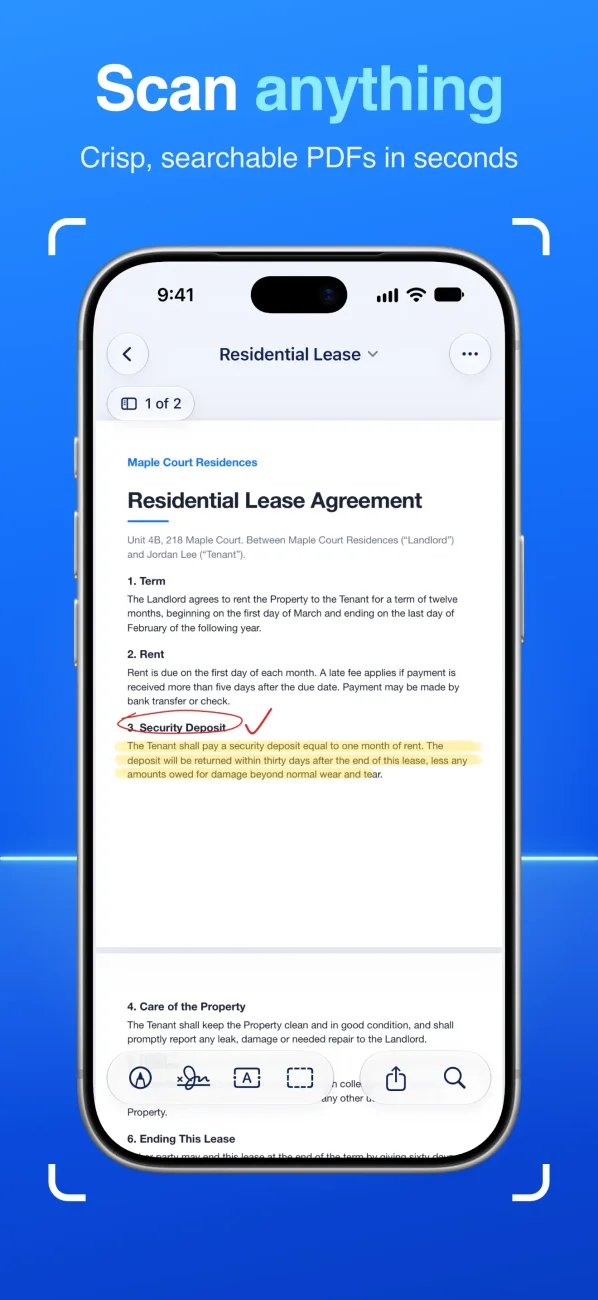
Turn paper into crisp, searchable PDFs in seconds, then sign, fill, redact, merge and convert them, all on your iPhone or iPad. No account. No subscription. No tracking.
Point your camera at a contract, a receipt, a form or a page from your favorite book. Do Scan finds the edges, straightens the page and reads the text, so you can find any document later by a word inside it. Something private on the page? Redact it, and it's really gone.
EDIT TEXT
• Tap any line in a PDF and retype it, right on the page
• Works on scans too: new letters take on the look of the scanned ink and paper
• Do Scan matches the font, size and color of the line you edit
• Tap an empty spot to add new text
• 27 popular document fonts come with the app, so edits match more files
• Best with Latin-script text for now
SCAN
• Automatic edge detection and perspective correction
• Scan a whole stack of pages in one go
• Color, Grayscale and Black & White filters you can change anytime
• Smart titles suggested from the first page
OCR AND SEARCH
• Text recognition on every page, with automatic language detection
• Searchable PDFs: select, copy and find text
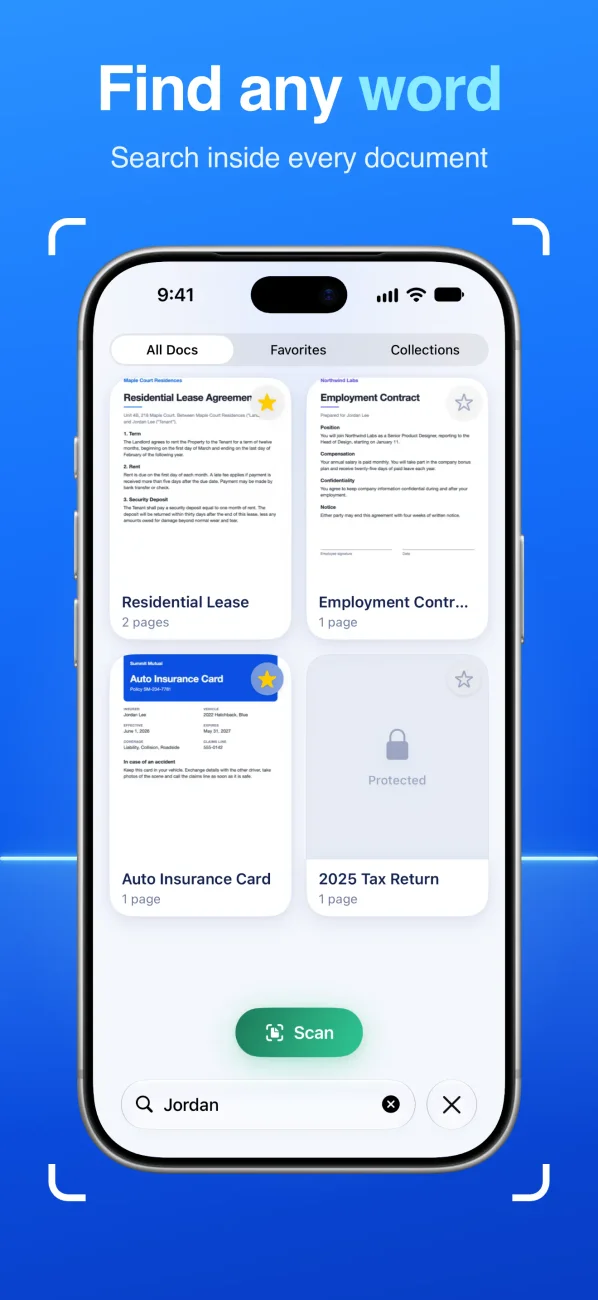
• Search your whole library by the words inside your documents
SIRI, SPOTLIGHT AND SHORTCUTS
• Ask Siri to open or search your documents
• Find documents in Spotlight by name, or by the text inside them
• Use Do Scan actions in Shortcuts
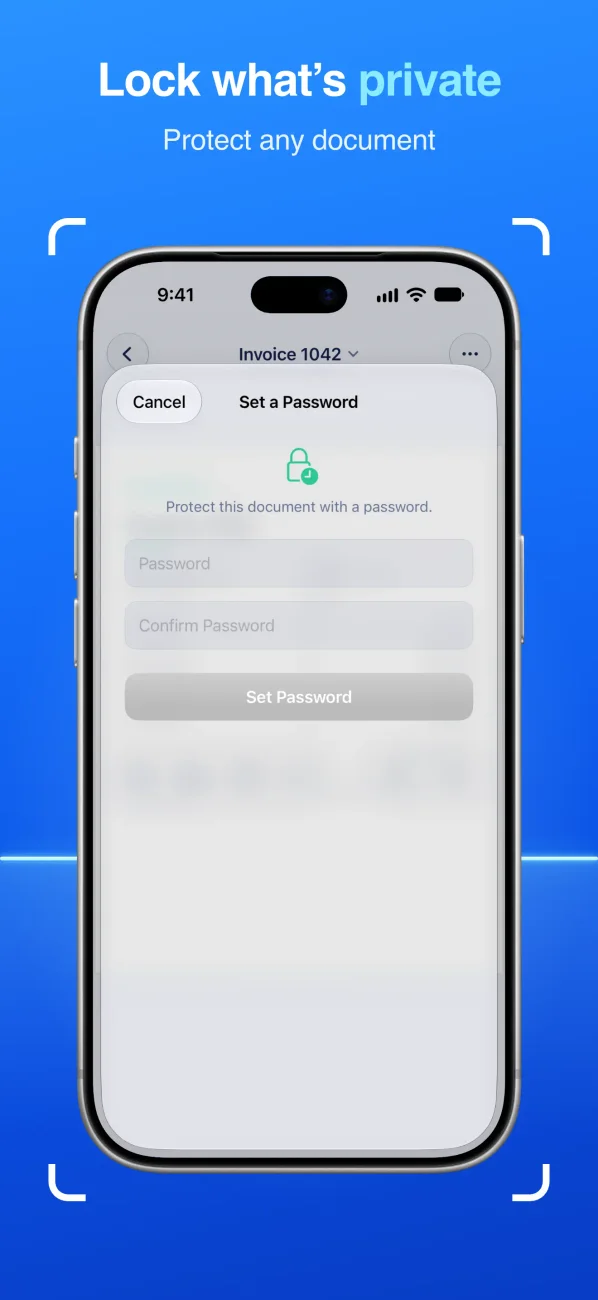
• Off until you turn it on, and you choose what's indexed. Locked PDFs are never indexed
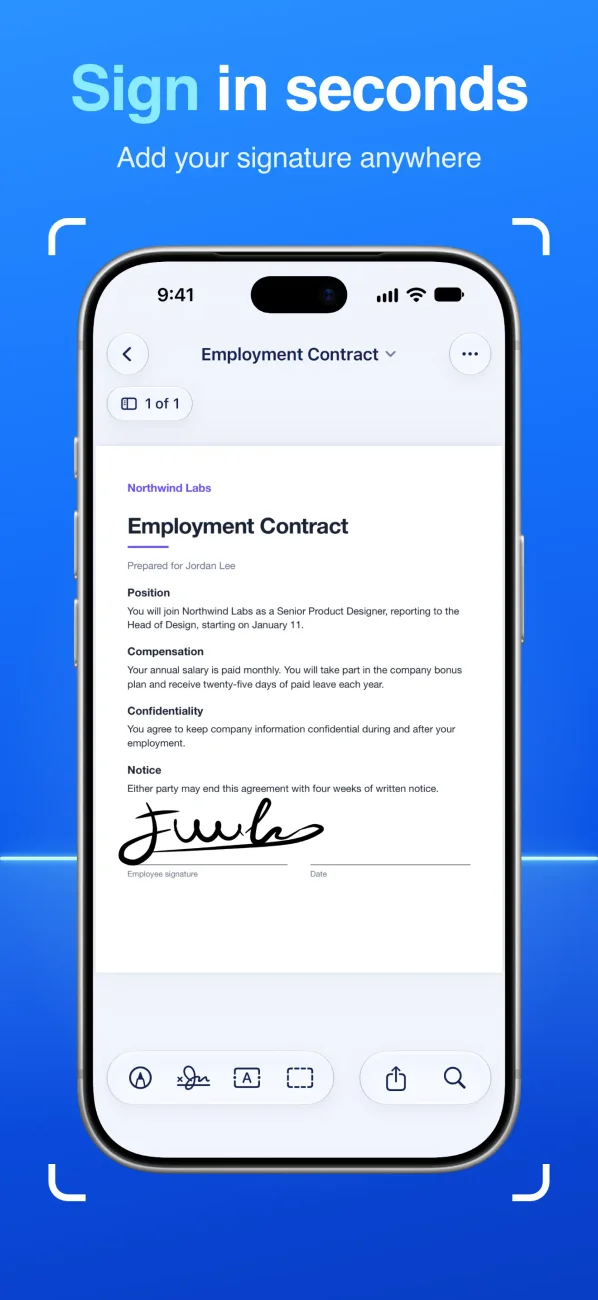
SIGN AND MARK UP
• Save your signature and place it on any page, then move, resize and rotate it with your fingers
• Sign in black, blue, red or white
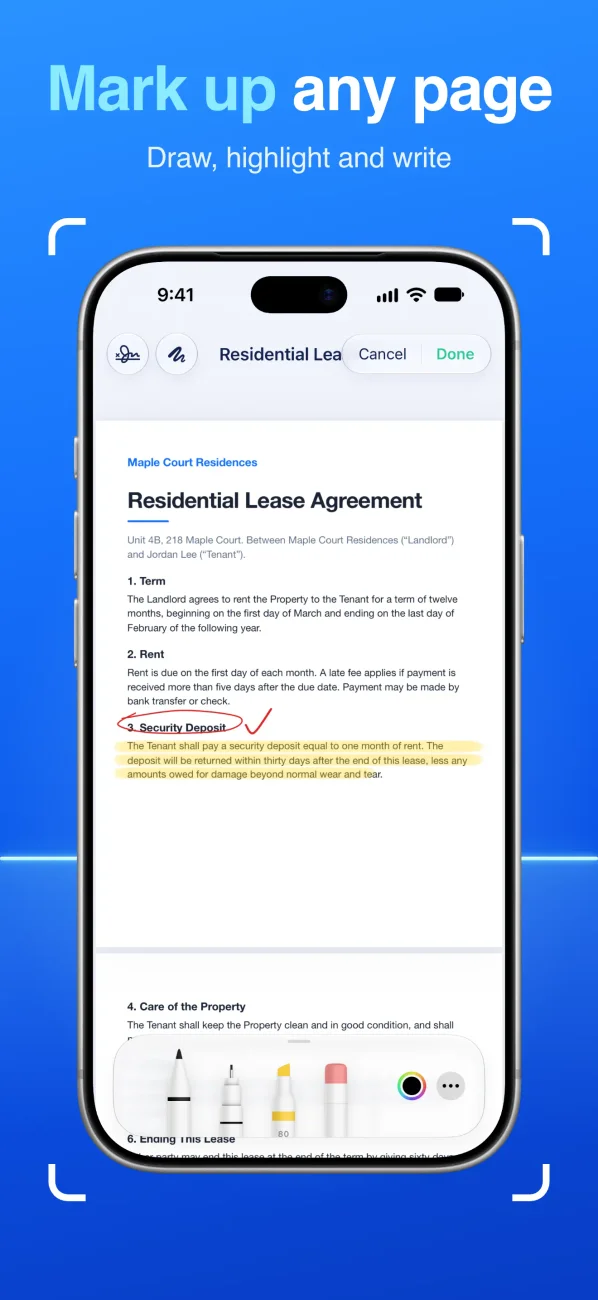
• Highlight, draw and write with Apple Pencil or your finger
• Add typed text boxes
• Fill in PDF forms
REDACT FOR REAL
• Black out account numbers, addresses, names, anything you'd rather not share
• Drag a box over it and it's removed from the PDF, not just hidden under a black bar
• Nothing left to copy, search or uncover: the text and image underneath are deleted
• Pages keep their size and layout, and everything else stays sharp and searchable
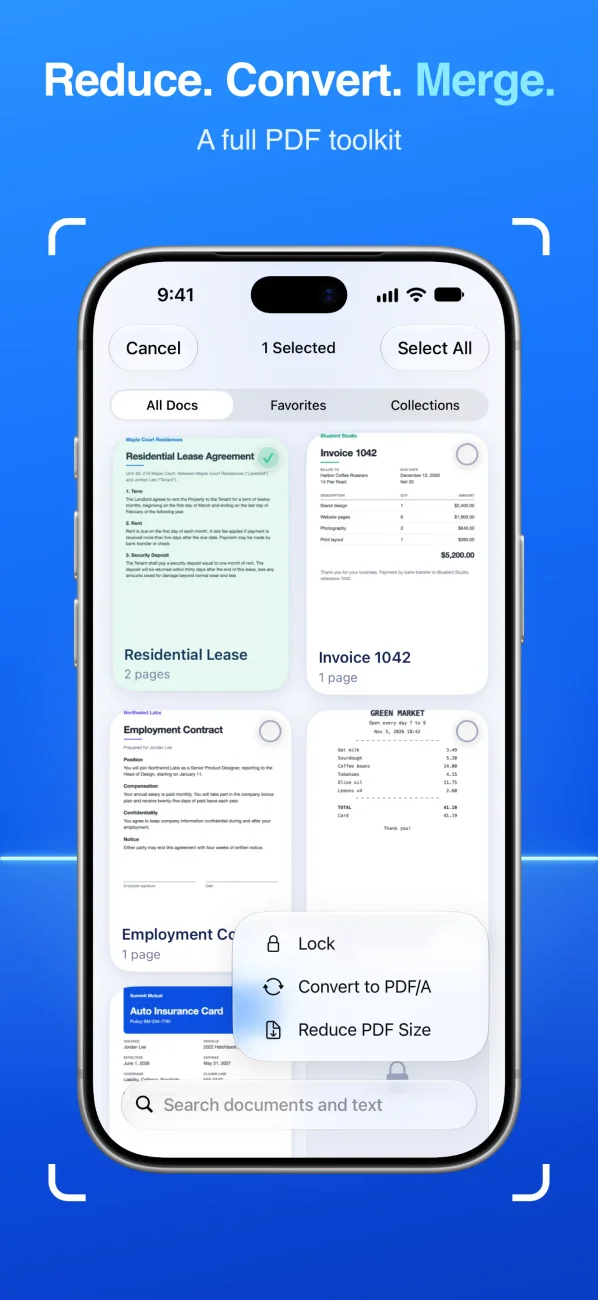
PDF TOOLS
• Merge documents into one PDF
• Reorder, rotate, crop and delete pages
• Reduce file size for email
• Lock PDFs with a password
• Convert to PDF/A for archiving
• Export pages as JPEG or PNG
CONVERT TO PDF
• Word (.doc, .docx)
• PowerPoint (.ppt, .pptx)
• Photos: pick several, then merge them or keep them separate
• RTF, TXT and HTML
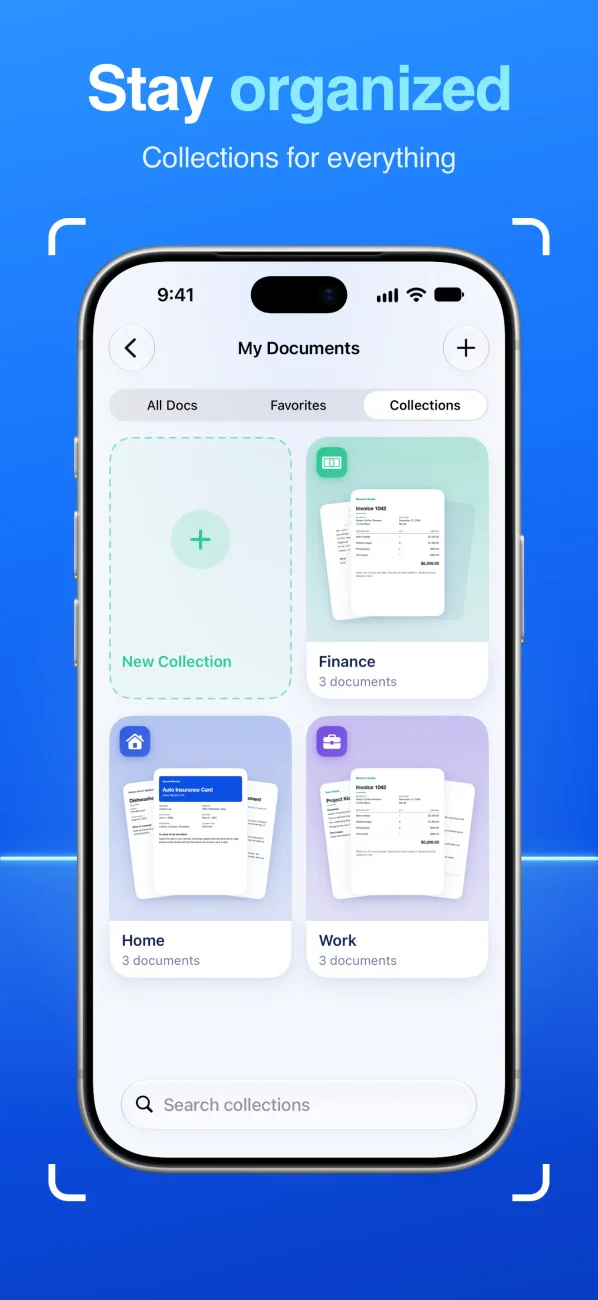
STAY ORGANIZED
• One + button in your library to scan, add photos or open files
• Collections, like photo albums: one document can be in several
• Favorites for what you use most
• Recently Deleted keeps documents for 30 days
• Built for iPad, with a sidebar and Apple Pencil support
• Ready for iPhone Duo, closed or unfolded
• Light and Dark Mode, adjustable interface size
PRIVATE BY DESIGN
No login, no analytics and no tracking. Do Scan has no server of its own. If you turn on Siri & Spotlight, iOS can use your indexed documents to answer Siri, and Siri may use Apple's Private Cloud Compute.
Built entirely on Apple's frameworks, with no third-party code.
Available in English, Spanish, French, German, Italian, Russian, Chinese, Arabic and Japanese.
Yenilikler
Sürüm 3.2 · 25.11.2026
• Improved PDF editing: your changes blend in better on photographed and tightly set pages
• Edit Text opens faster
• Forms: words next to dotted lines keep their size
• New: Duplicate a document
• Better Spotlight and Siri results
• Bug fixes
Uygulama gizliliği
Bu uygulamanın verileri nasıl işlediği hakkında Ammar Ahmad tarafından App Store üzerinde yapılan beyan.
-
Veri toplanmıyor
Geliştirici bu uygulamadan hiçbir veri toplamıyor.
Gizlilik uygulamaları, örneğin kullandığınız özelliklere veya yaşınıza göre değişiklik gösterebilir.
Bilgiler
- Satıcı
- Ammar Ahmad
- Kategori
- Üretkenlik
- Sürüm
- 3.2
- Güncellendi
- 25.11.2026
- Yayın tarihi
- 01.07.2026
- Boyut
- 42,8 MB
- Gereksinim
- iOS 16.0 veya sonrası
- Yaş sınırı
- 4+
- Fiyat
- ₺799,99
- Diller
- İngilizce, Arapça, Fransızca, Almanca, İtalyanca, Japonca, Rusça, Basitleştirilmiş Çince, İspanyolca
- Telif hakkı
- © 2026 Ammar Ahmad
Bunları da beğenebilirsiniz
-
 Pixel Buddy: Always-On AIÜretkenlik
-
 My Speech İyi bir not için!Yeniden icat ses notları
-
 iSlash.ioÜretkenlik
-
 TriofoxÜretkenlik
-
 Belge Tarayıcı: ScanivaAboneliksiz, fotoğrafı PDF yap
-
 ScanLens: PDF Document ScannerÜretkenlik
-
 DVD Collection: Movie MinerÜretkenlik
-
 Datto WorkplaceÜretkenlik
-
 ÜberblickÜretkenlik
-
 BigPaper -Mind Map, PDF MarkupÜretkenlik