
- Yaş sınırı4+
- KategoriYardımcılar
- GeliştiriciEagle Ai System Inc.
- Dillerİngilizce
- Boyut109,5 MB
EagleAI Field şu anda App Store üzerinde mevcut olmayabilir
Son kontrolümüzde mağaza sayfasına ulaşılamadı. Bağlantı yine de resmi App Store sayfasına gider.
Ekran görüntüleri
Hakkında
Geliştirici bu metni dilinizde sunmamış.
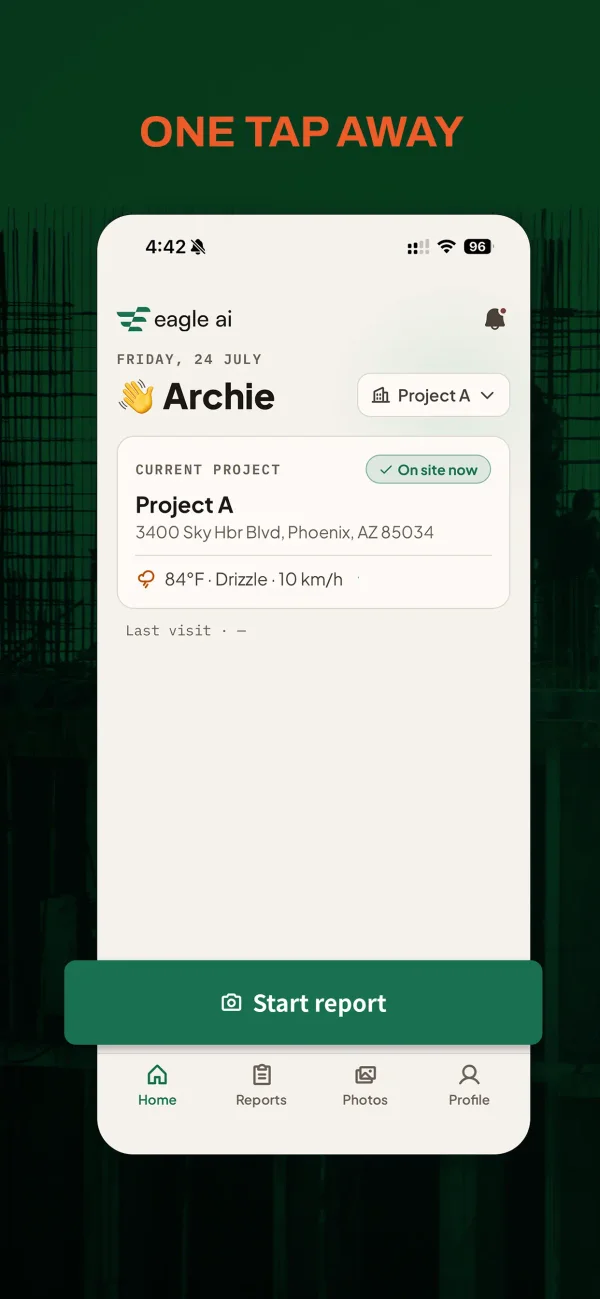
EagleAI Field is a field documentation tool built for construction site walks. Site supervisors, architects, engineers, and owners can complete their records on-site without returning to the office to write reports.
[Record While You Walk]
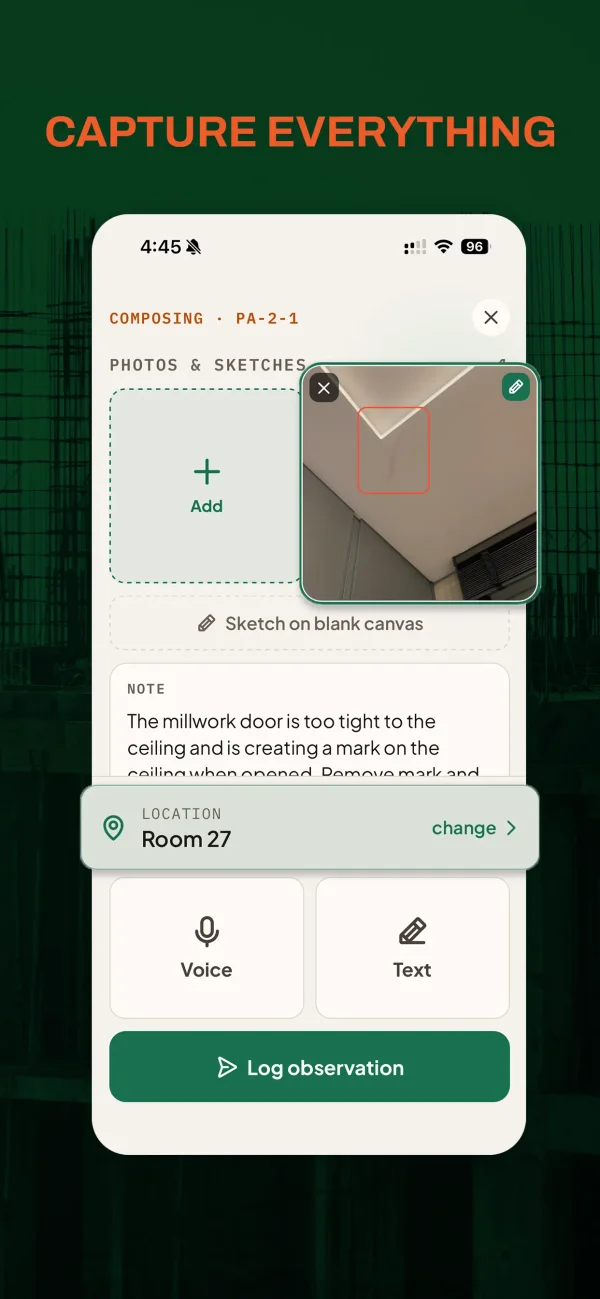
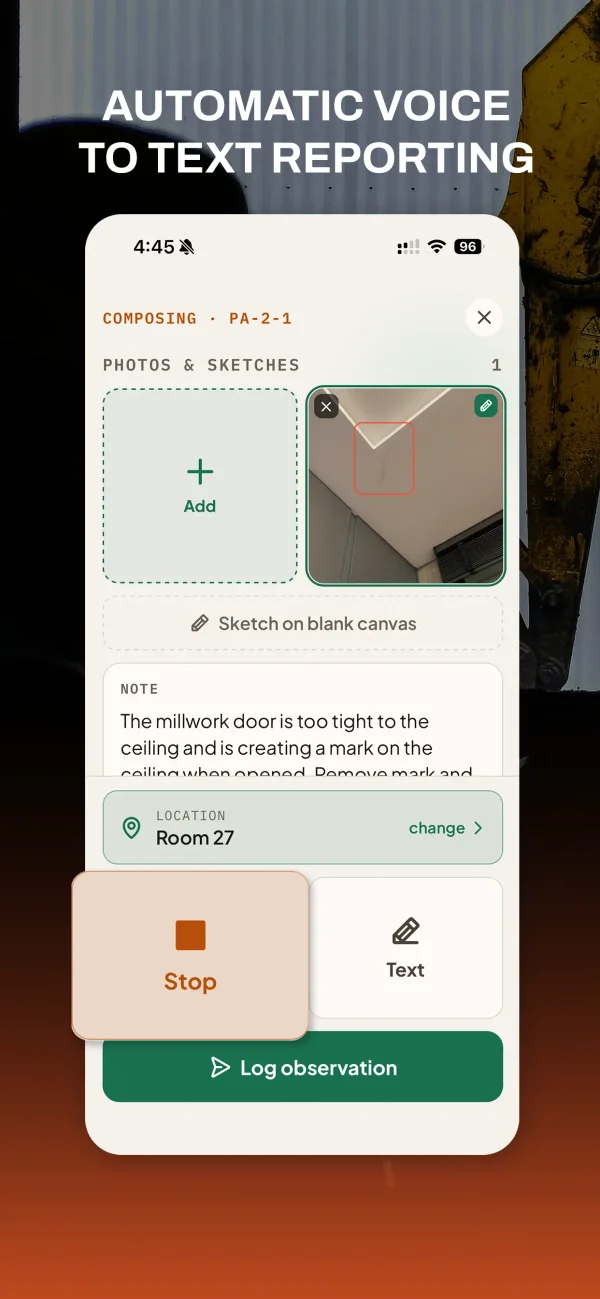
Capture photos of defects or observations during your site walk, tagging each item with building, floor, and unit information. When typing isn't convenient, use voice-to-text to dictate notes hands-free — recording never stops.
[One-Tap Report Generation]
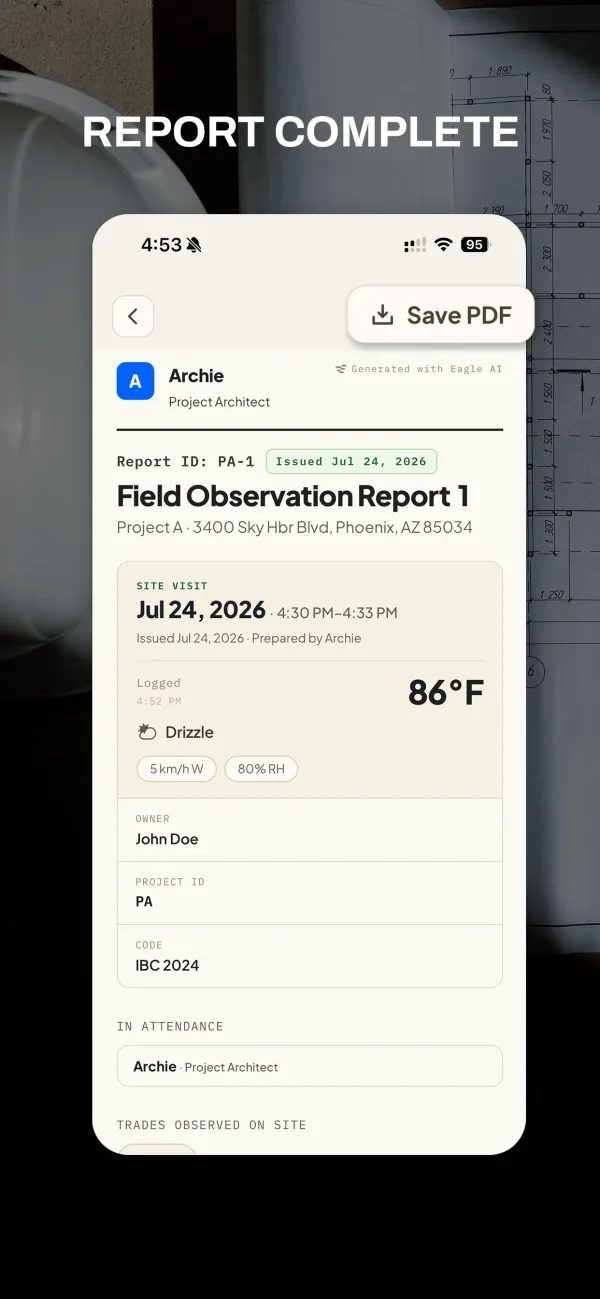
After the walk, select the observations to include in the report, add an attendee list, and generate a formal field report. Export and share as PDF instantly.
[Personal Profile Setup]
Set your display name and role on first login. Your identity is automatically attached to every record you create.
[Permissions]
- Camera — to photograph field observations during a site walk
- Photo Library — to attach existing photos to an observation
- Microphone / Speech Recognition — for on-device voice-to-text note-taking
- Location (When In Use) — to confirm on-site presence for field reports
Built for the construction site. Every walk, clearly documented.
Yenilikler
Sürüm 1.1.0 · 27.11.2026
What's New
• Floor plans and drawings
Upload a floor plan for each floor and add sections, details and other drawings. Everyone on the project can view and manage them.
• Bulk upload
Pick several images or PDFs at once. PDFs are split into pages, and each sheet's floor and title are read from its title block for you to confirm.
• Plan pins and reference details
Pin an observation on its floor plan, or link a drawing and circle the spot with a red revision cloud. Both print on the report.
• Action items
Assign action items from an observation or from Review. The report ends with an action items table.
• Editable visit and report dates
Set the site visit date and time and the report date in Review. The cover and closing print them as set.
• Distribution list
People marked "Receives the report" are listed on the report.
• More accurate English dictation
English voice input now runs on a speech model built into the app: more accurate in site noise, and it works offline.
Improvements
- Weather now reflects the site's location at the time of the visit
- New Project Manager role; choose Other to enter your own title
- Tighter PDF layout and shorter photo numbers
- Camera roll photos print the time they were taken
- Logos print square and transparent; a rejected upload is announced
- Image links are refreshed before printing, so PDFs no longer show blank images
- A heads-up before issuing a report with more than 100 action items
Uygulama gizliliği
Bu uygulamanın verileri nasıl işlediği hakkında Eagle Ai System Inc. tarafından App Store üzerinde yapılan beyan.
-
Veri toplanmıyor
Geliştirici bu uygulamadan hiçbir veri toplamıyor.
Gizlilik uygulamaları, örneğin kullandığınız özelliklere veya yaşınıza göre değişiklik gösterebilir.
Bilgiler
- Satıcı
- Eagle Ai System Inc.
- Kategori
- Yardımcılar
- Sürüm
- 1.1.0
- Güncellendi
- 27.11.2026
- Yayın tarihi
- 20.07.2026
- Boyut
- 109,5 MB
- Gereksinim
- iOS 16.4 veya sonrası
- Yaş sınırı
- 4+
- Diller
- İngilizce
- Telif hakkı
- © 2026 Eagle-AI