Electrical Troubleshooting MS
Are you a good troubleshooter?
iPhone, iPad, iPod touch için tasarlandı
Ücretsiz
- Yaş sınırı4+
- KategoriEğitim
- GeliştiriciDavid White
- Dillerİngilizce
- Boyut22,3 MB
Resmi App Store sayfasına bağlanır
Download.org, Electrical Troubleshooting MS için hiçbir dosya barındırmaz. Düğme, uygulamanın App Store üzerindeki sayfasını açar; uygulamayı orada David White yayınlar. Sayfanın son kontrolü: 20.11.2026.
Ekran görüntüleri
Hakkında
Geliştirici bu metni dilinizde sunmamış.
Totally FREE!
No ads or pop-ups!
How this App Works:
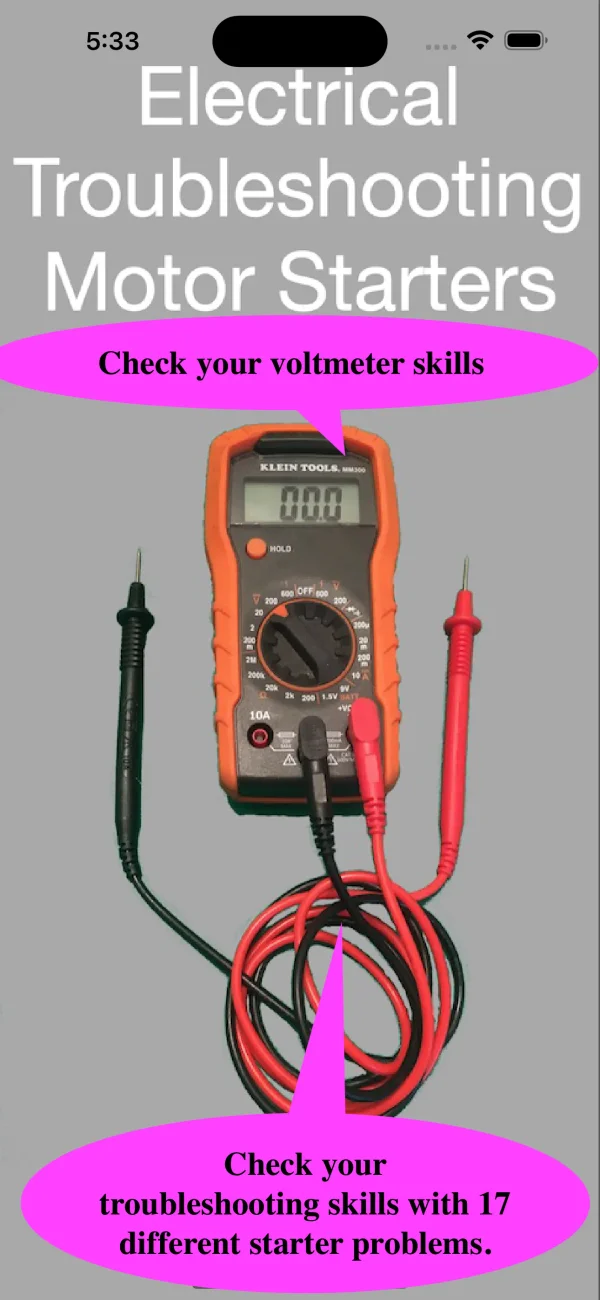
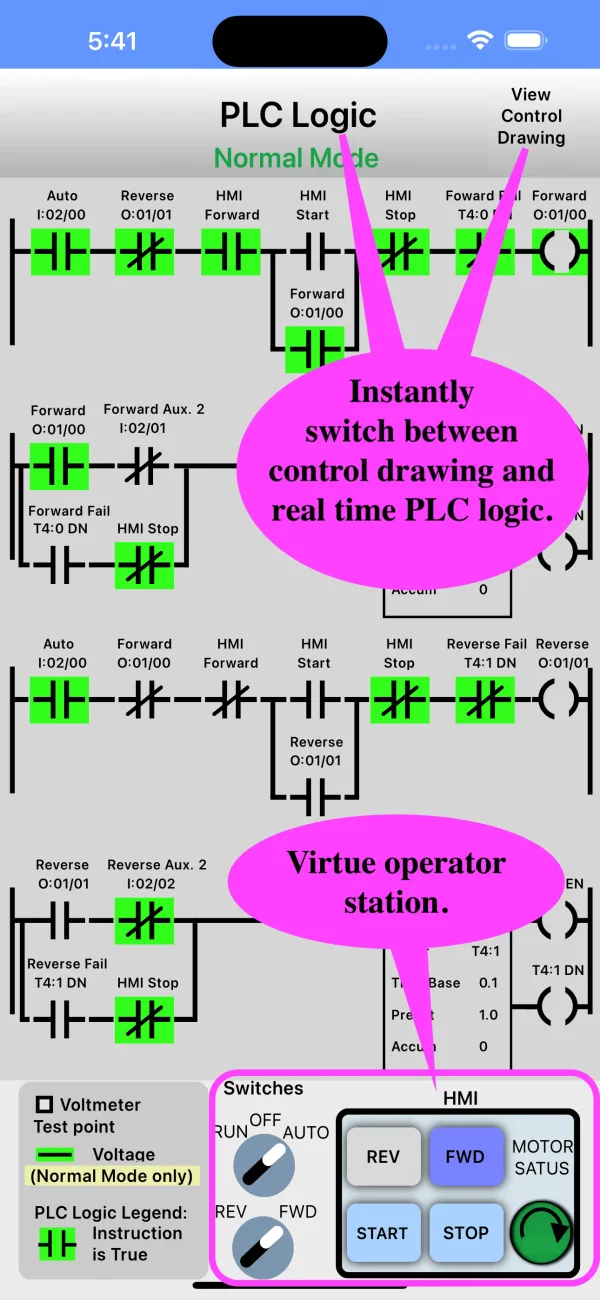
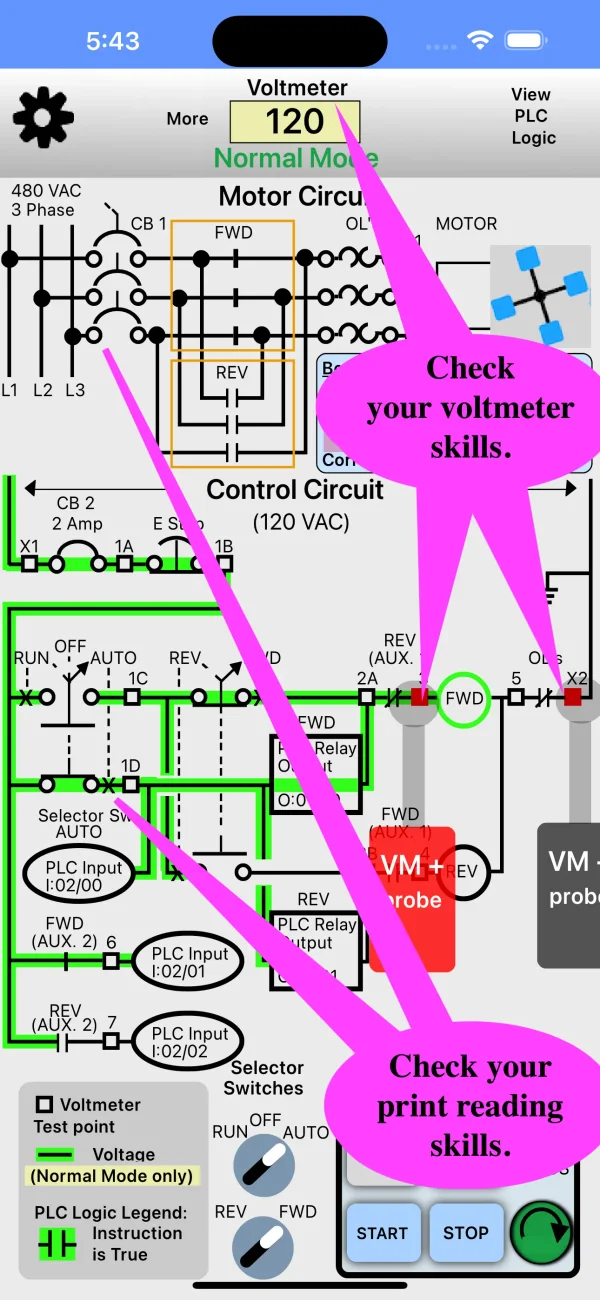
This app has 17 different electrical problems that are randomly selected to provide a fun and challenging learning experience. It is certain to help you become more proficient in troubleshooting with a voltmeter. The motor starter is animated so that you can SEE the different contact configurations between forward and reverse. Another unique feature of this app is the ability to instantly switch back and forth between the control schematic and the real time PLC logic. There is also a "Troubleshooting Assistant" to help test the control circuit and find the problems.
The app is initially in normal mode. This allows you to experience:
- How a reversing starter works.
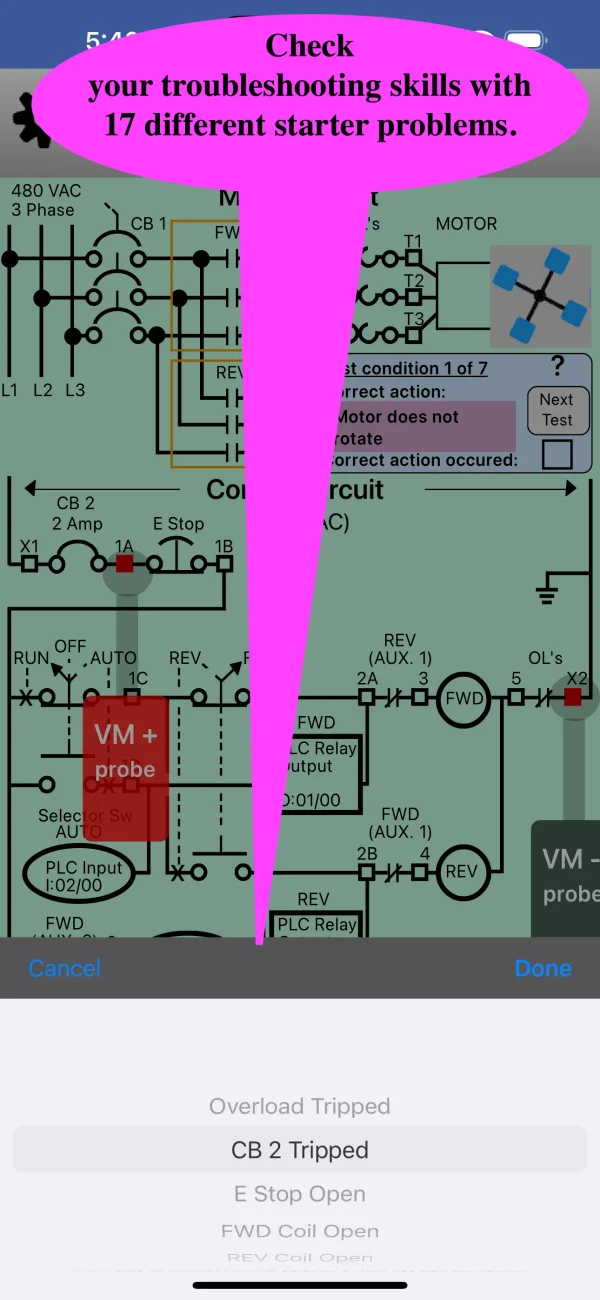
- How to use the virtual voltmeter probes to measure voltages at various test points (small black squares, which turn red when the voltmeter makes contact with them) in the control circuit.
- Analyze the PLC logic, when the starter is in various control modes Run (FWD & Rev), Off and Auto (FWD & REV).
The HMI only has control in Auto. The selector switches work as indicated by control circuit.
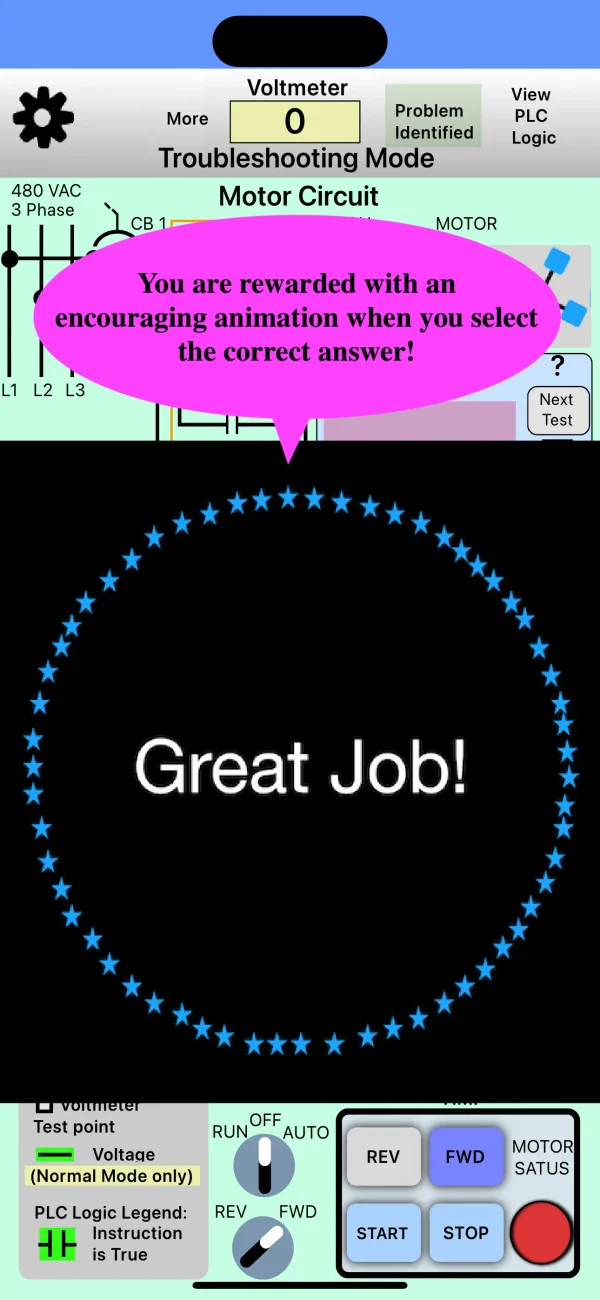
After the you understand how the motor starter works in the various control modes, you can check your troubleshooting skills by going to "Settings" (touch the 'More' button (at the top of the app) and then the gear icon) and selecting troubleshooting mode. Touch the "Arrow Back" icon to return to the control schematic. You will notice that the screen background has turned a light green, indicating that it is in troubleshooting mode and has a problem that needs to be found. Use the "Troubleshooting assistant" at the top, right side of the control schematic to help set the operator switches for testing. Use the voltmeter probes and PLC logic screen to identify the problem. Once you believe that you have identified the problem, touch "Problem Identified" button at the top of the app. A list of possible problems will appear. If you cannot determine the problem, at the bottom of the list, there is an item to provide the answer. If you desire to put the control system back in to normal (Non Troubleshooting Mode - No electrical problems) to learn more about how it is suppose to work, go to the settings section and unselect "Troubleshooting Mode".
It is truly a great learning tool for anybody that wants to be able to fully utilize a voltmeter to troubleshoot a control circuit.
Yenilikler
Sürüm 3.8 · 01.09.2026
Support iOS 26.
Uygulama gizliliği
Bu uygulamanın verileri nasıl işlediği hakkında David White tarafından App Store üzerinde yapılan beyan.
-
Veri toplanmıyor
Geliştirici bu uygulamadan hiçbir veri toplamıyor.
Gizlilik uygulamaları, örneğin kullandığınız özelliklere veya yaşınıza göre değişiklik gösterebilir.
Bilgiler
- Satıcı
- David White
- Kategori
- Eğitim
- Sürüm
- 3.8
- Güncellendi
- 01.09.2026
- Yayın tarihi
- 13.04.2021
- Boyut
- 22,3 MB
- Gereksinim
- iOS 13.0 veya sonrası
- Yaş sınırı
- 4+
- Fiyat
- Ücretsiz
- Diller
- İngilizce
- Telif hakkı
- © David R White
Bunları da beğenebilirsiniz
-
 Electrical Wiring SimulatorEğitim
-
 PLC AI: Siemens & Rockwell PLCTia Portal & RsLogix Simulator
-
 Elektrikçi El KitabıElektrik mühendisliği özeti
-
 HVAC Know It AllEğitim
-
 EE ToolKitEğitim
-
 ElectroSim: Electrical WiringEğitim
-
 HVAC SchoolEğitim
-
 NEC Electrical Exam by DakotaEğitim
-
 Interplay LearningEğitim
-
 P-T CalculatorReferans