Electronics Circuit Simulator
Build and Simulate Electronics
iPhone, iPad için tasarlandı
Ücretsiz · Uygulama içi satın alma
- Yaş sınırı4+
- KategoriEğitim
- GeliştiriciYuhsiu Lai
- Dillerİngilizce
- Boyut5,2 MB
Resmi App Store sayfasına bağlanır
Download.org, Electronics Circuit Simulator için hiçbir dosya barındırmaz. Düğme, uygulamanın App Store üzerindeki sayfasını açar; uygulamayı orada Yuhsiu Lai yayınlar. Sayfanın son kontrolü: 18.11.2026.
Ekran görüntüleri


Hakkında
Geliştirici bu metni dilinizde sunmamış.
Build circuits. Explore electronics. Learn by experimenting.
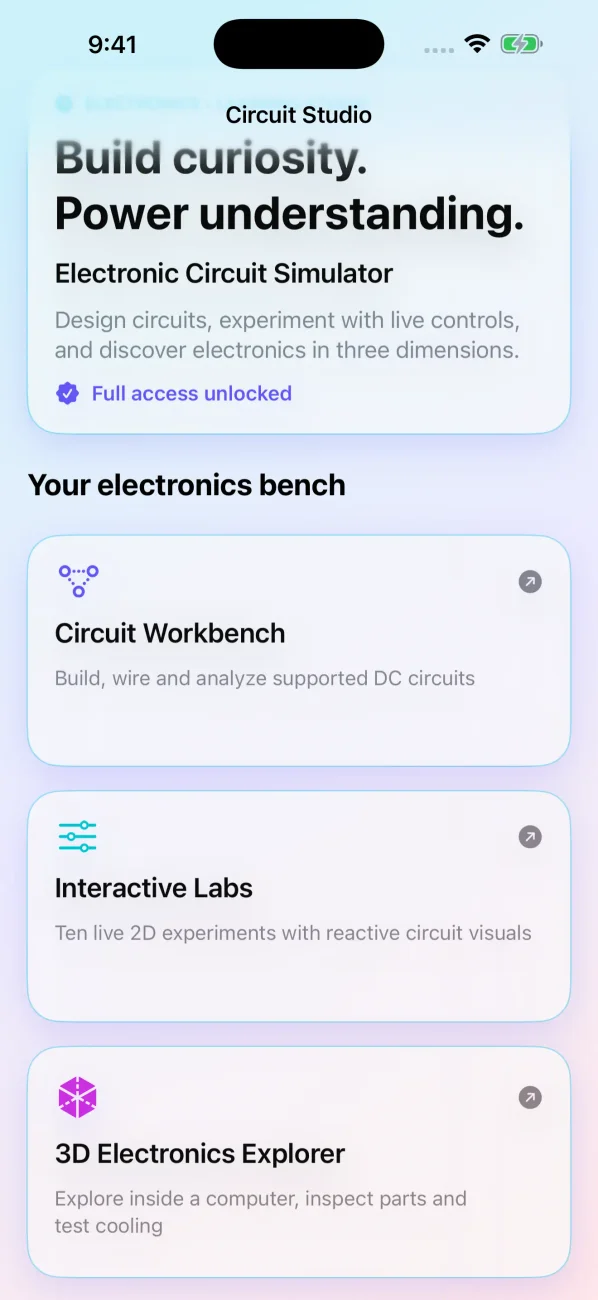
Electronics Circuit Simulator combines a schematic workbench, visual experiments, interactive calculators, a 3D computer explorer and structured learning resources for students, hobbyists and educators.
BUILD AND STUDY CIRCUITS
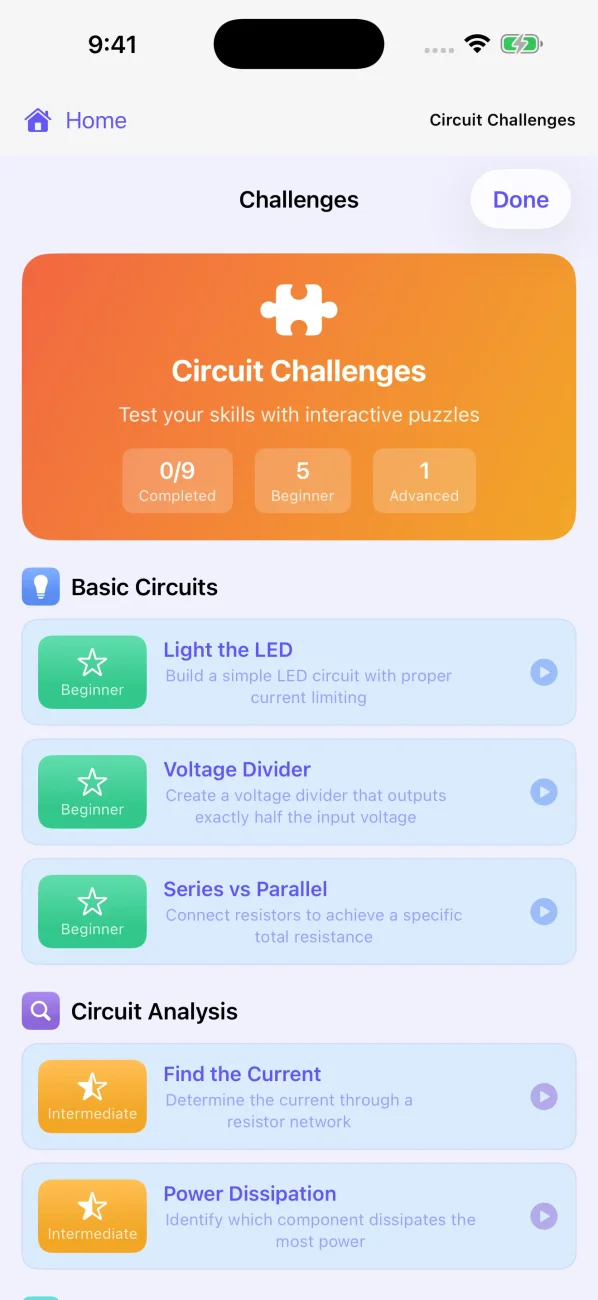
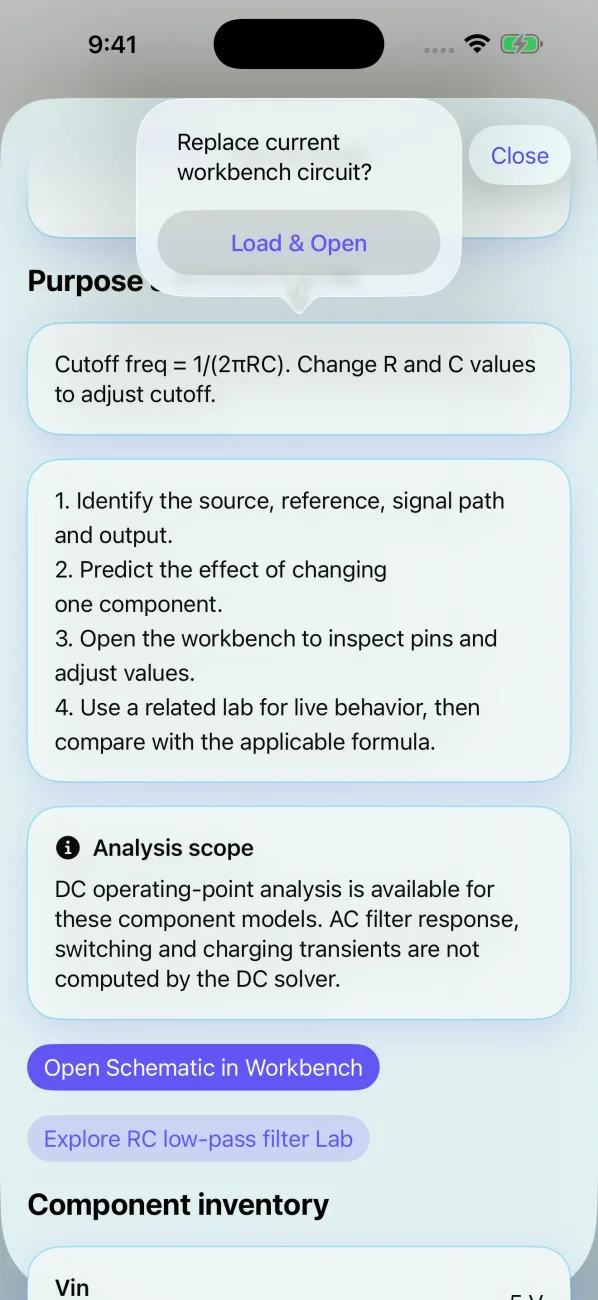
Place components on a grid, connect pins, rotate parts and adjust values. Run supported DC operating-point analysis, inspect calculated node voltages, branch currents and component power, and save your designs locally. Starter circuits and challenge objectives help turn theory into practice.
TEN VISUAL INTERACTIVE LABS
Change sliders and switches and observe reactive 2D circuit diagrams and live results:
• Voltage dividers
• RC capacitor charging
• Logic gates and truth tables
• Ohm’s law and resistor power
• Parallel resistor branches
• LED current limiting
• RC low-pass filtering
• Full-wave rectification
• Op-amp gain and clipping
• PWM switching
TWENTY-EIGHT INTERACTIVE CALCULATORS
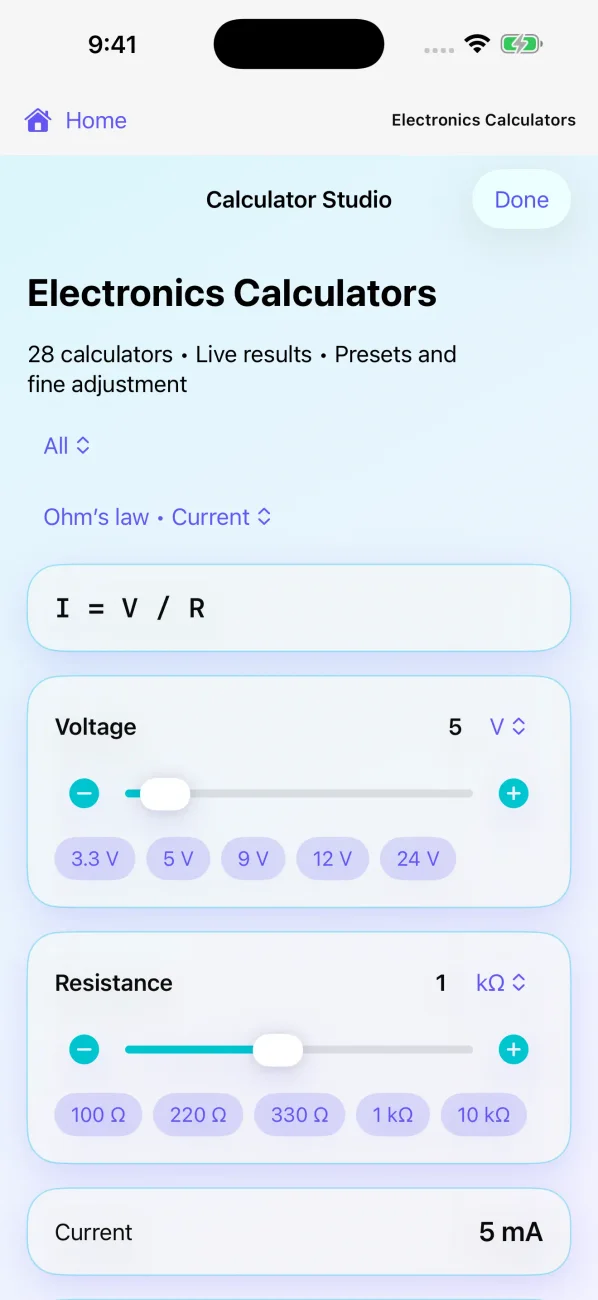
Explore circuit relationships using sliders, common-value presets, unit menus and fine-adjustment buttons. Topics include Ohm’s law, loaded dividers, resistor and capacitor networks, RC/RL timing, reactance, resonance, LED resistors, amplifier gain, 555 timers, stored energy, ideal buck conversion, ADC resolution, sampling, decibels, tolerance and regulator heat. Formulas and explanations accompany the results.
EXPLORE INSIDE A COMPUTER
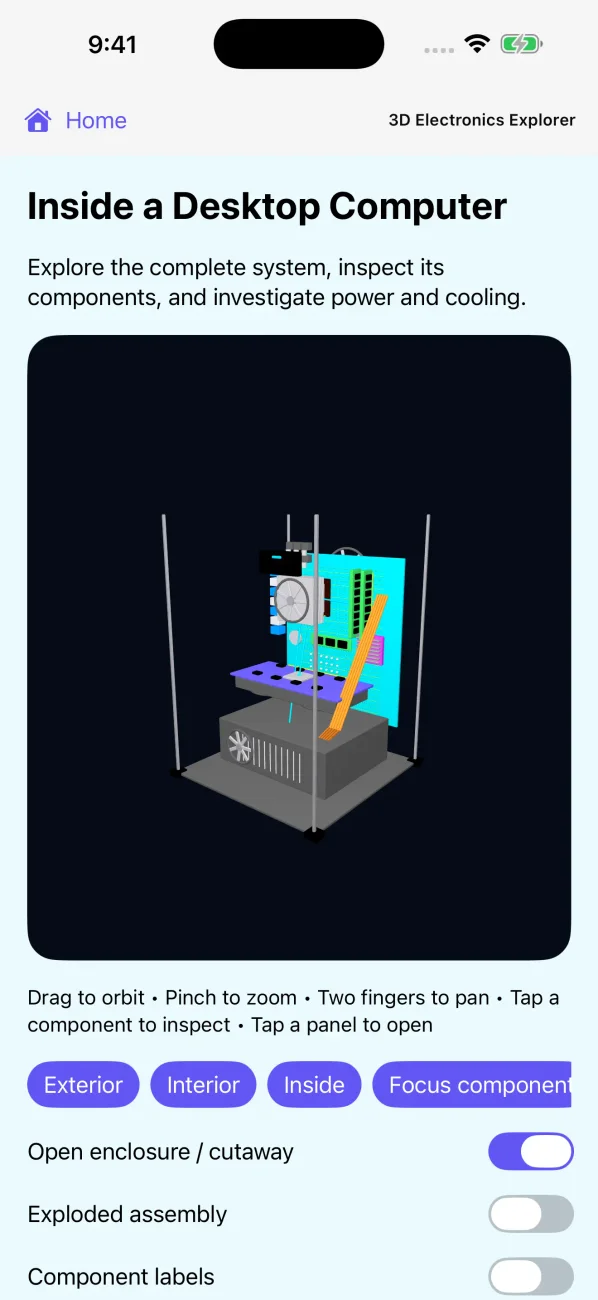
Navigate a detailed generic desktop-computer model. Orbit, zoom, pan, open the enclosure and separate assemblies. Tap components to read their names, roles and descriptions. Investigate the motherboard, CPU, cooling, RAM, graphics card, SSD, power supply, regulators, interfaces and connections. Adjust workload and cooling to compare illustrative power and thermal estimates.
WAVEFORM AND MODULATION STUDIO
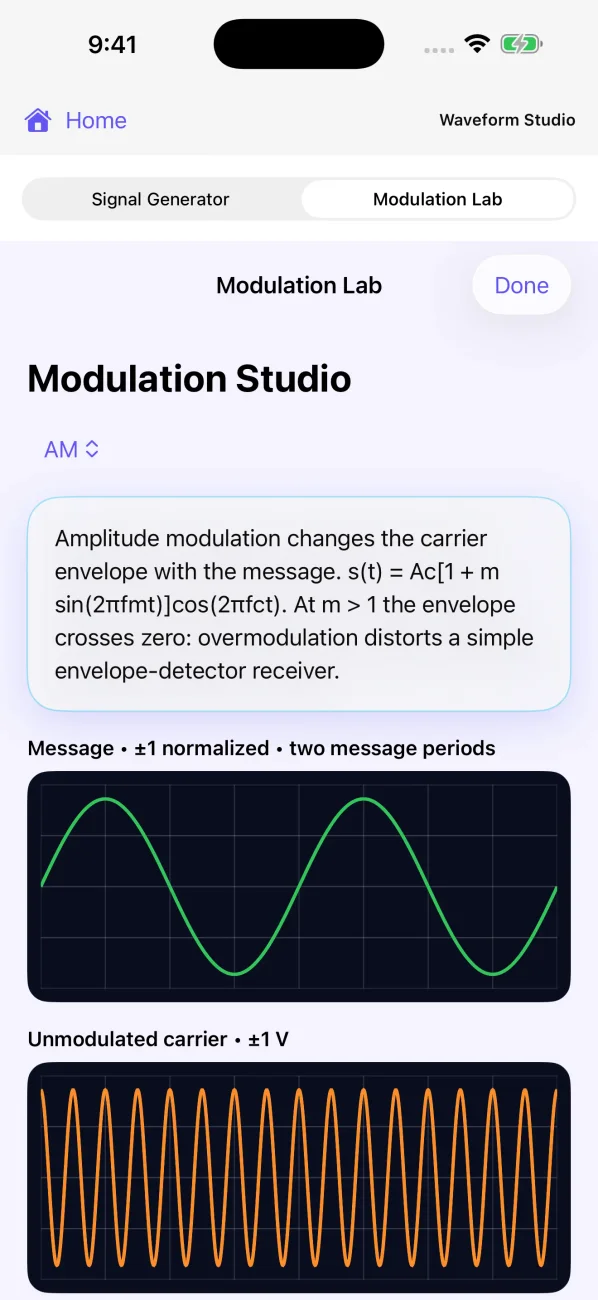
Generate and compare two signal channels. Explore AM, FM, ASK, FSK, BPSK and QPSK through message/data, carrier and output plots. Edit digital patterns, step through symbols and inspect BPSK/QPSK constellations.
LEARN WITH CONTEXT
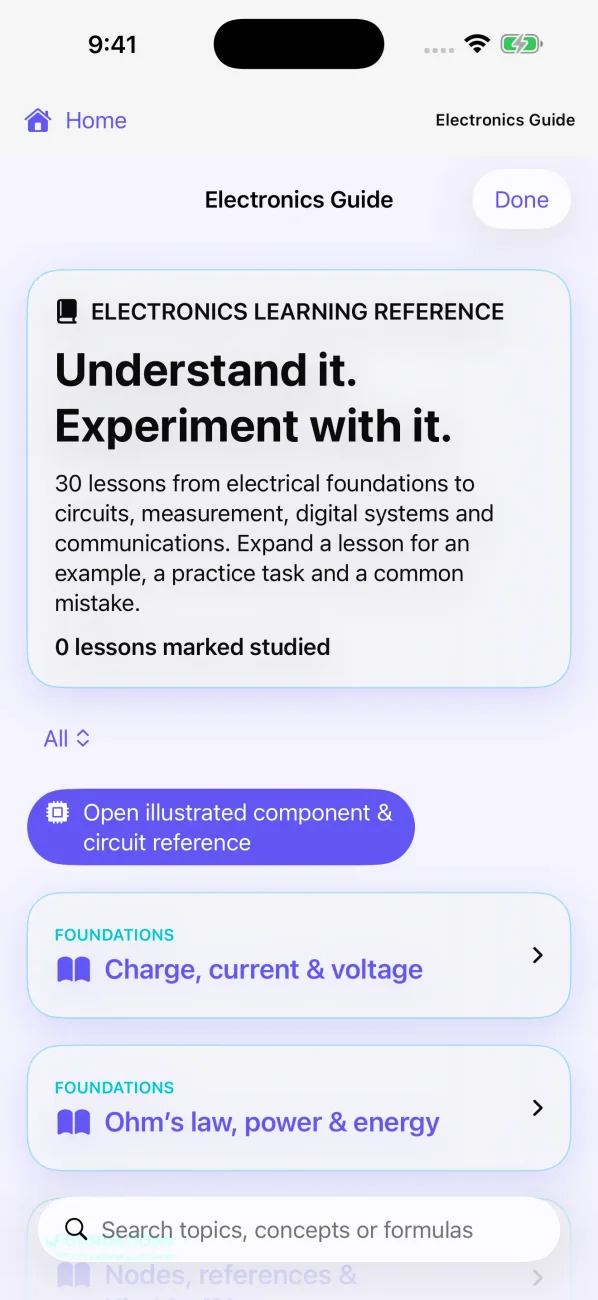
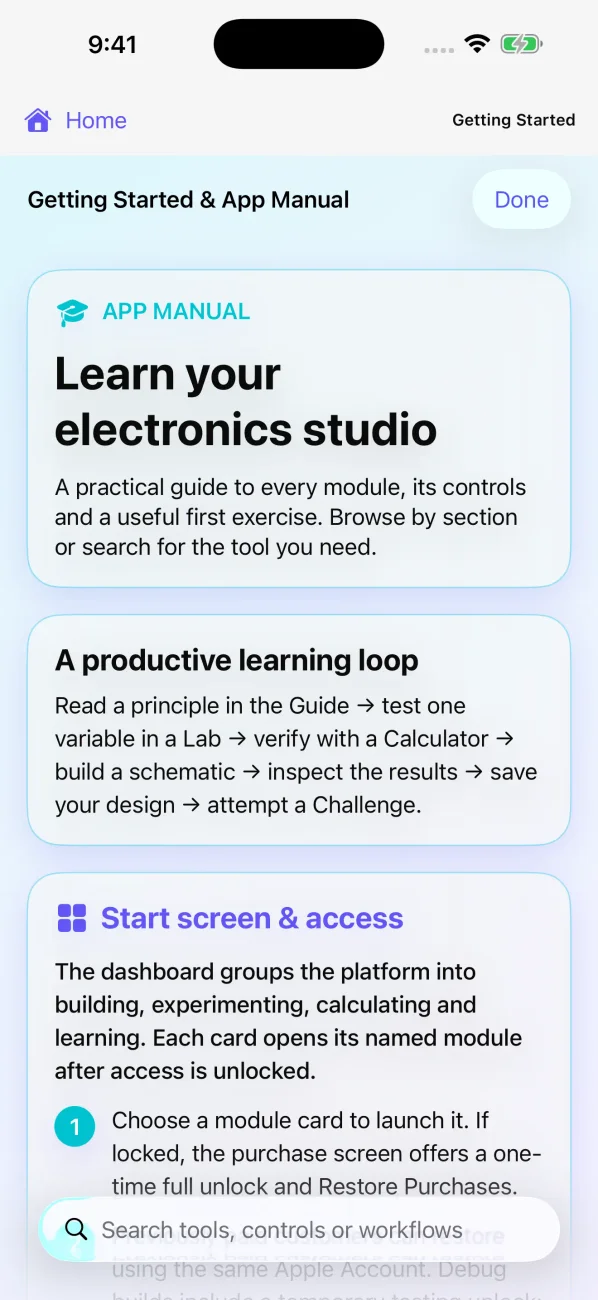
Search 30 electronics lessons covering fundamentals, passive components, semiconductors, analog and digital systems, power, measurement, communications and practical design. Worked examples, common misconceptions, linked labs and a comprehensive app manual support self-directed learning.
ACCESS
Download free and view the dashboard. One non-consumable in-app purchase unlocks the tools and learning modules. No subscription or app account is required. Previous paid customers can restore eligible access using the same Apple Account.
EDUCATIONAL MODEL SCOPE
The schematic solver supports a defined subset of DC operating-point models. It does not provide general SPICE transient, AC or digital analysis. Some reference components are for schematic study. The waveform tools and labs operate independently of the workbench and state their ideal assumptions. The 3D system and power/thermal estimates are illustrative, not validated hardware predictions.
Educational simulations only. The app does not connect to or control physical equipment and is not a safety-rated, commissioning or certification system. Simulation results do not establish safe hardware design. Any third-party names or marks, where referenced, belong to their respective owners and do not imply affiliation or endorsement.
Yenilikler
Sürüm 3.0 · 17.11.2026
Version 3.0 transforms the app into a richer electronics learning studio.
• New dashboard with clearer navigation and vibrant, readable layouts.
• Ten interactive labs with reactive 2D circuit visuals and live results.
• Twenty-eight calculators with sliders, presets, unit menus and fine-adjustment controls.
• Detailed 3D desktop-computer explorer with component inspection, cutaway and exploded views, orbit/pan/zoom, and educational power and cooling experiments.
• New modulation tools for AM, FM, ASK, FSK, BPSK and QPSK, with message/carrier/output plots and phase constellations.
• Searchable electronics guide with 30 lessons, worked examples and linked experiments.
• Comprehensive module-by-module app manual.
• Improved challenge workflows, repaired starter circuits, working load-to-workbench navigation, automatic schematic fitting and clearer solver feedback.
• Free download with a one-time full-access purchase. Previous paid customers can restore eligible access using the same Apple Account.
Uygulama gizliliği
Bu uygulamanın verileri nasıl işlediği hakkında Yuhsiu Lai tarafından App Store üzerinde yapılan beyan.
-
Veri toplanmıyor
Geliştirici bu uygulamadan hiçbir veri toplamıyor.
Gizlilik uygulamaları, örneğin kullandığınız özelliklere veya yaşınıza göre değişiklik gösterebilir.
Bilgiler
- Satıcı
- Yuhsiu Lai
- Kategori
- Eğitim
- Sürüm
- 3.0
- Güncellendi
- 17.11.2026
- Yayın tarihi
- 15.04.2026
- Boyut
- 5,2 MB
- Gereksinim
- iOS 17.0 veya sonrası
- Yaş sınırı
- 4+
- Fiyat
- Ücretsiz
- Uygulama içi satın alma
- Evet
- Diller
- İngilizce
- Telif hakkı
- © 2026 iTech Tools