Index Card Creator - Crammer
Make flashcards, active recall
iPhone, iPad, Mac, iPod touch için tasarlandı
Ücretsiz · Uygulama içi satın alma
- Yaş sınırı4+
- KategoriEğitim
- GeliştiriciPranoy Chowdhury
- Dillerİngilizce
- Boyut8,7 MB
Resmi App Store sayfasına bağlanır
Download.org, Index Card Creator - Crammer için hiçbir dosya barındırmaz. Düğme, uygulamanın App Store üzerindeki sayfasını açar; uygulamayı orada Pranoy Chowdhury yayınlar. Sayfanın son kontrolü: 23.11.2026.
Ekran görüntüleri
Hakkında
Geliştirici bu metni dilinizde sunmamış.
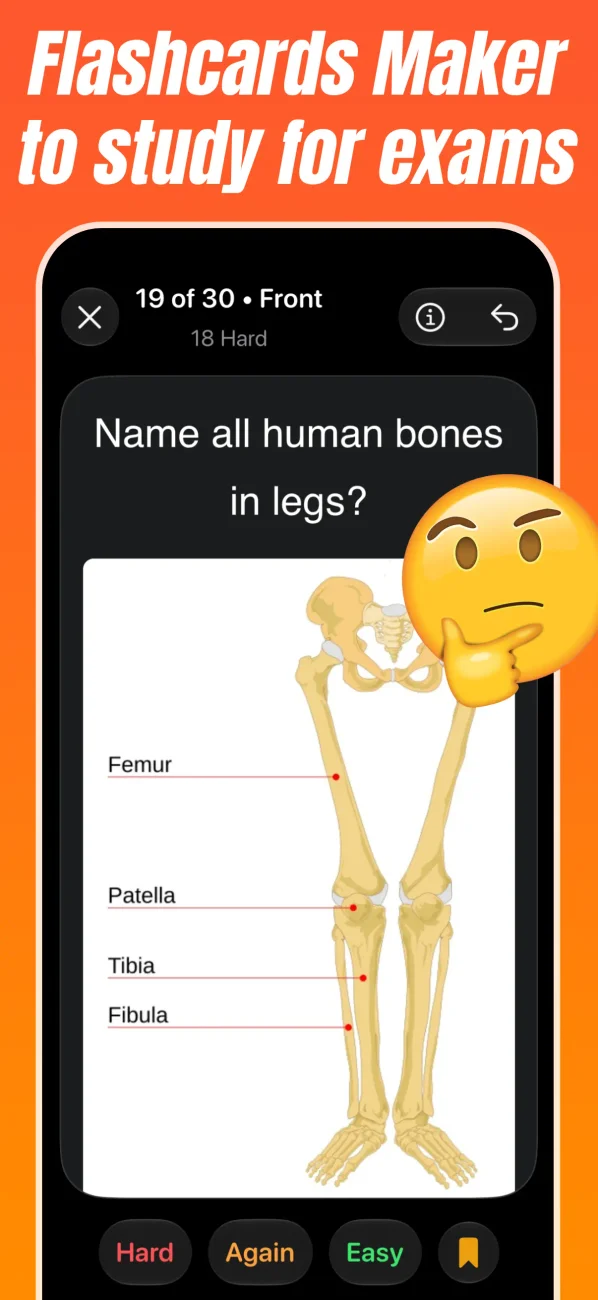
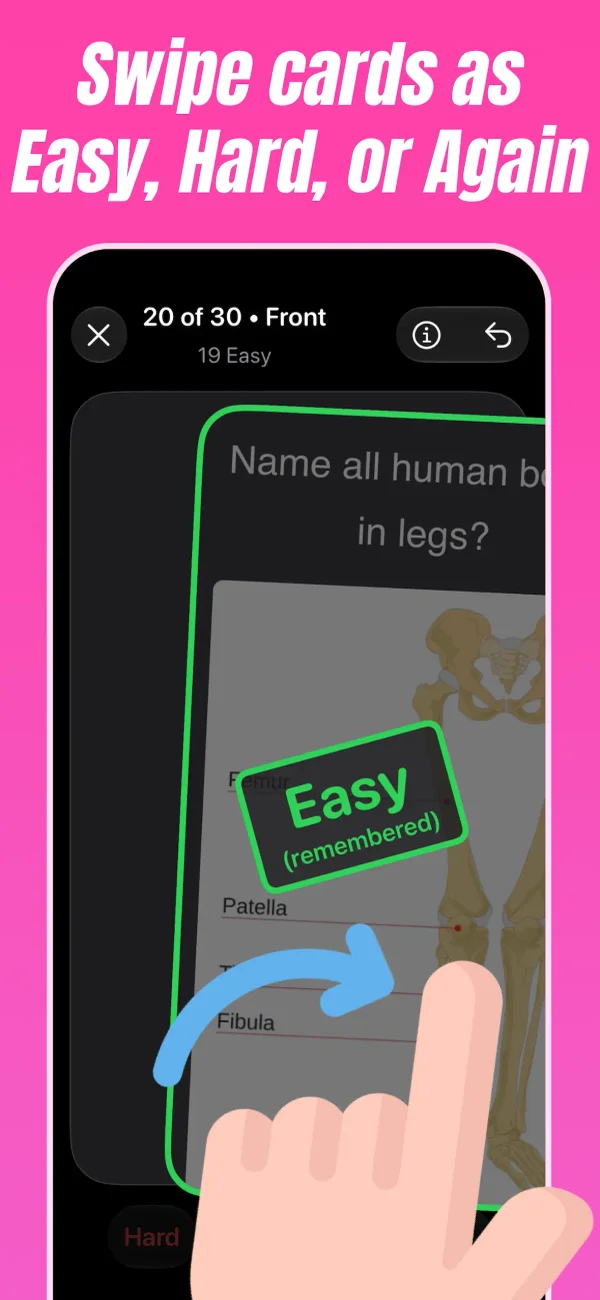
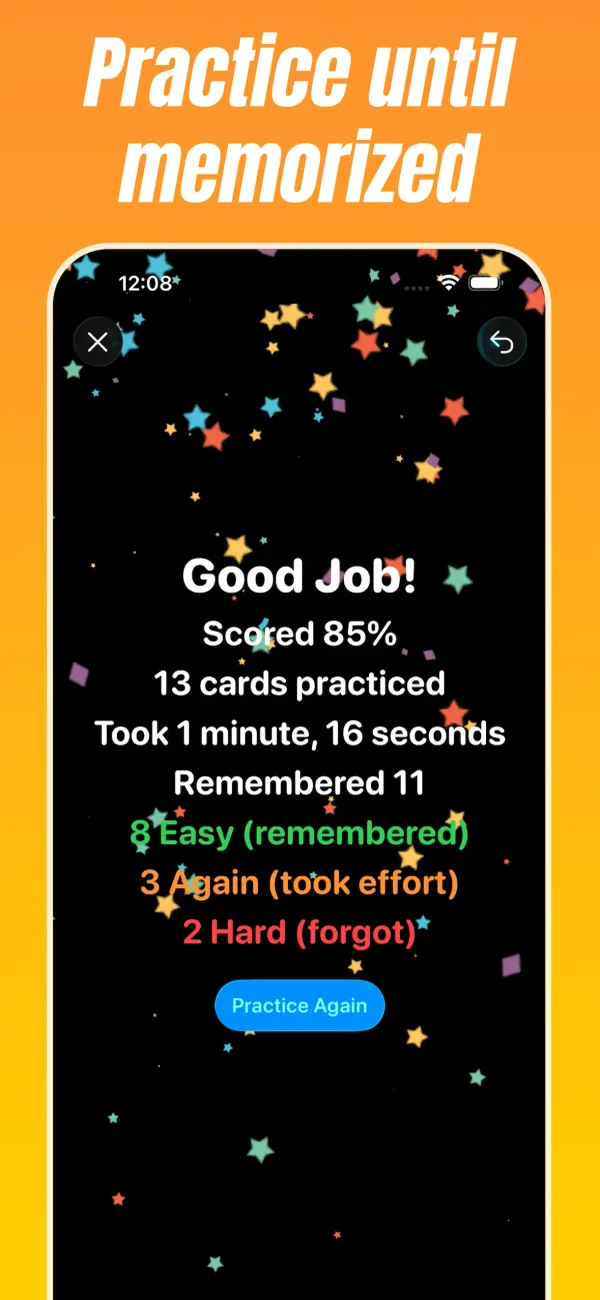
Crammer is an easy to use flashcards maker. It lets you create and study flashcards, decks and folders for every subject. It's the most efficient way to memorize your study material before quizzes and exams. It drastically improves your learning speed. It uses an advanced spaced repetition and smart active recall algorithm to ensure that you review flashcards right before you may forget them. After reviewing a flashcard, you tap it to reveal the answer on the back of the card. You swipe right if you easily remembered it, left if you forgot it, or down if it took some effort and would like to review again. Crammer's algorithm will show you harder cards first and more often to help you really optimize your memory and prevent you from forgetting your study materials. Practice it a few times before your quizzes and exams to remember the study material.
Crammer is available on iPhone, Duo, iPad, and Mac.
Here's how to use Crammer in your studies:
- Create flashcards by either manually typing the Front and Back of the card or importing multiple cards in a long text (Front & Back separated by 3 hyphens --- and each card separated by 3 equal signs ===).
The Front can have your question and the Back can have the answer.
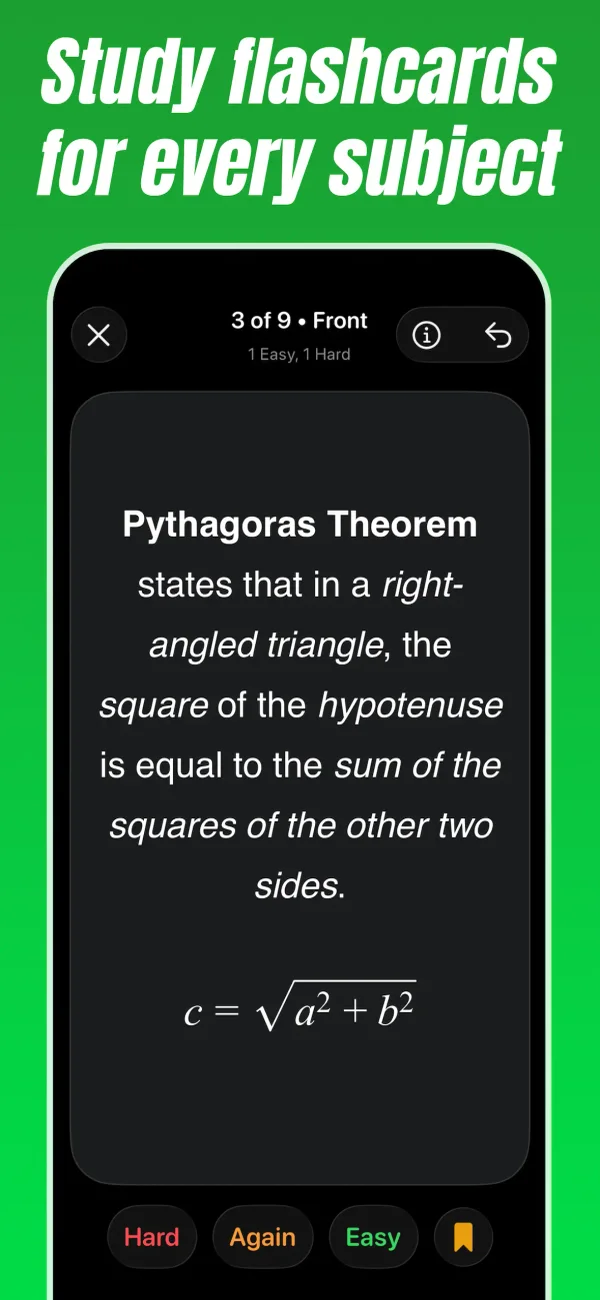
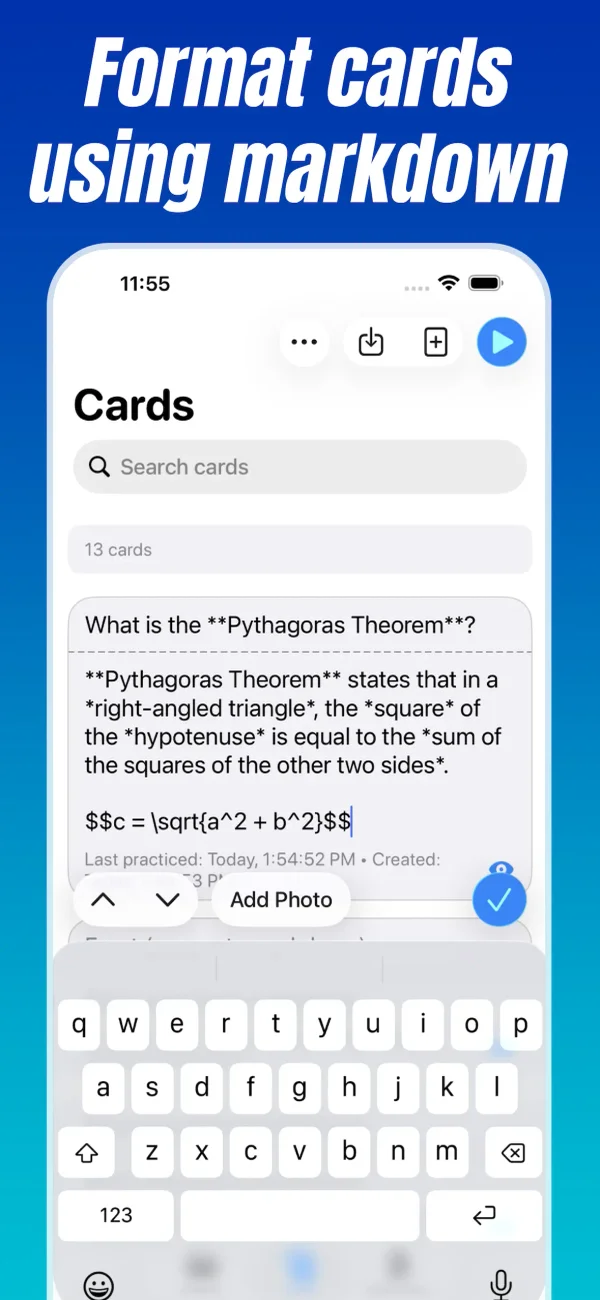
The Front & Back text supports Markdown and also LaTeX for Math formulas. So you can format text such as bold, italics, text color, text highlight, headings, links, images etc. You can also include diagrams (photos) in it.
To use coloured text, use curly bracket format:
{red}coloured text{}
or
{#FF0000}coloured text{}
To highlight text, use square bracket format:
[red]highlighted text[]
or
[#FF0000]highlighted text[]
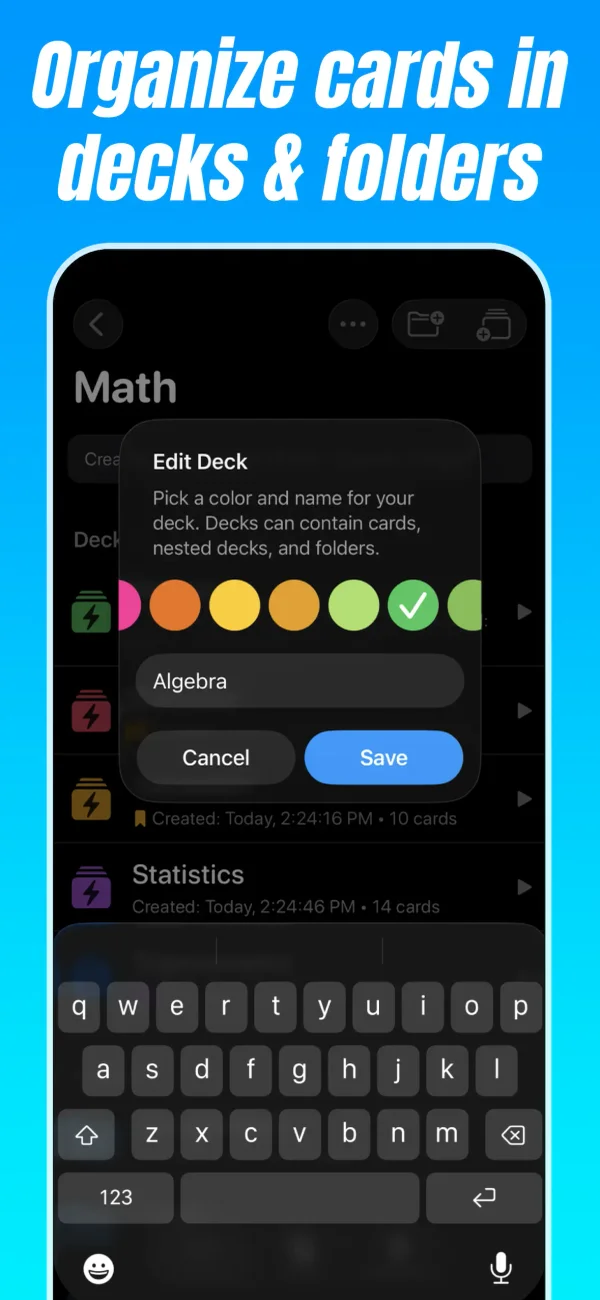
- Organize your flashcards into decks and folders for each subject as needed. Cards can belong to multiple decks at the same time. Decks and folders can also have subdecks and subfolders.
- Practice decks or just bookmarked cards.
- After reviewing the question on the front of the card, tap the card to flip it and reveal the answer on the back. Swipe RIGHT if the card was easy, LEFT if it you forgot it, or DOWN if you remembered but took some effort and would like to review again.
- Once the whole deck is practiced, Crammer tells you how long you took to practice, and how many cards were hard.
- Once you have reviewed a deck, you can instantly practice again with just a single tap.
- Crammer notifies you if there's some card which you are constantly failing as it might be poorly designed. You can edit it to improve it. Make sure to swipe and reset its practice history after such fixes.
- Swipe/Right Click on Mac to Bookmark important cards, decks, and folders for easy access.
- Swipe/Right Click on Mac to Archive cards, decks, and folders which you no longer need.
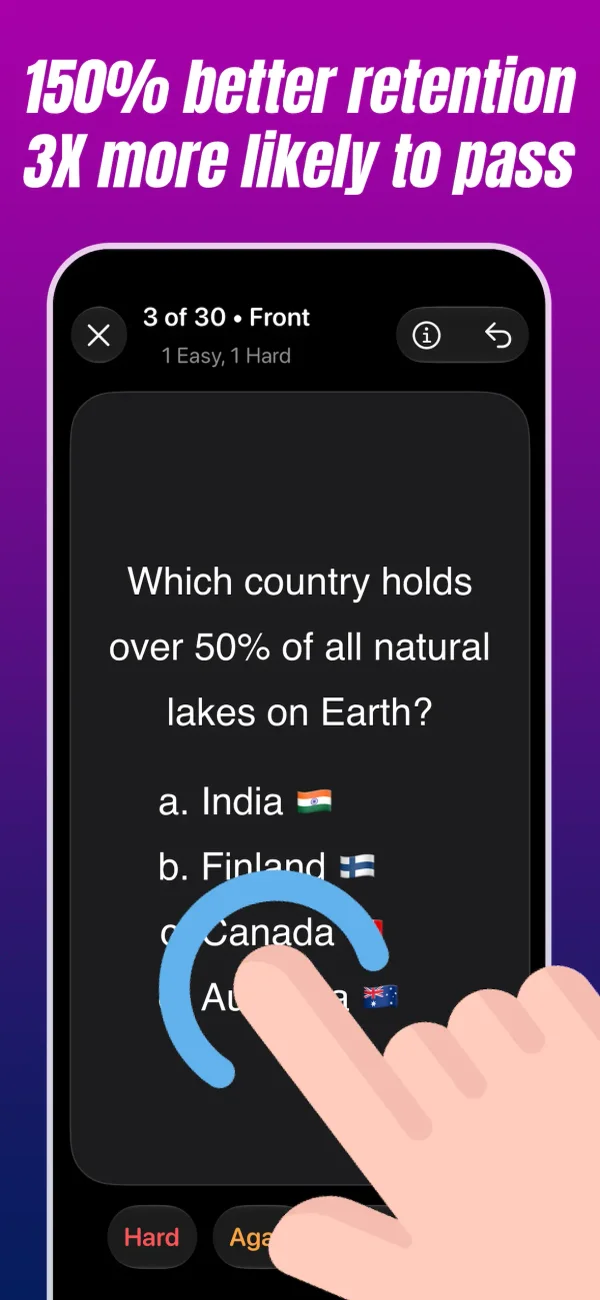
- Supports multiple choice questions (e.g. a, b, c, d). Use "1." before each option in markdown and it will automatically be rendered as a list of options. A setting lets you switch between numerical or alphabetical options.
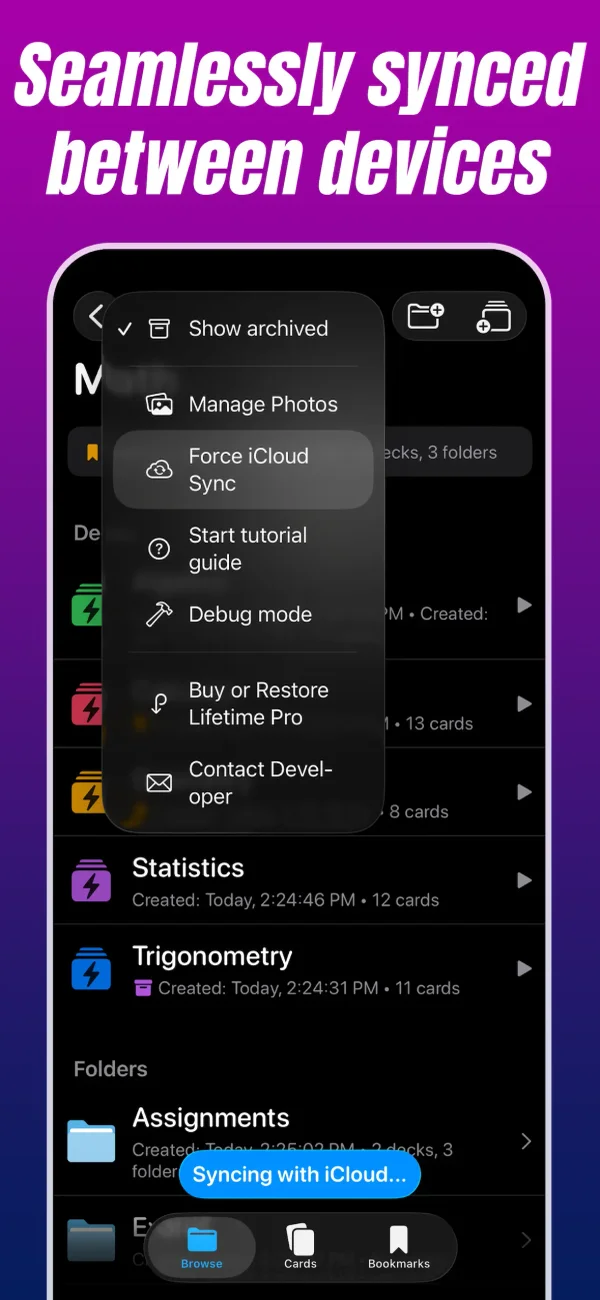
- All your decks, folders, and flashcards are seamlessly auto-synced across all your devices using iCloud. So you can create them on iPad/Mac and access them on iPhone.
Supported keyboard shortcuts on Mac:
- Enter or Spacebar to flip card
- Left, Down and Right arrow keys for Hard, Again, and Easy ratings
- Command + Z to undo a rating and go back to previous card
- When editing a card, right click text to add photo
- There are ongoing costs of developing and maintaining the app. I don't use intrusive ads, trackers, subscriptions, or other nonsense. So, the app comes with a trial version during which you can try all features. A one-time-only purchase gives you lifetime access to unlimited flashcard practices, all features, and lifetime updates. It also supports a small indie developer, helps me continue to develop it, and keeps the app ad-free. No subscriptions. It's a small and fair amount which helps cover development costs of future updates.
Send me feedback at:
pran@pranapps.com
Yenilikler
Sürüm 39 · 22.11.2026
- Updated the accent color in app.
Please support me by leaving a review on the App Store.
Send me feedback at:
pran@pranapps.com
Uygulama gizliliği
Bu uygulamanın verileri nasıl işlediği hakkında Pranoy Chowdhury tarafından App Store üzerinde yapılan beyan.
-
Veri toplanmıyor
Geliştirici bu uygulamadan hiçbir veri toplamıyor.
Gizlilik uygulamaları, örneğin kullandığınız özelliklere veya yaşınıza göre değişiklik gösterebilir.
Bilgiler
- Satıcı
- Pranoy Chowdhury
- Kategori
- Eğitim
- Sürüm
- 39
- Güncellendi
- 22.11.2026
- Yayın tarihi
- 22.06.2026
- Boyut
- 8,7 MB
- Gereksinim
- iOS 15 veya sonrası
- Yaş sınırı
- 4+
- Fiyat
- Ücretsiz
- Uygulama içi satın alma
- Evet
- Diller
- İngilizce
- Telif hakkı
- © Pranoy Chowdhury
Bunları da beğenebilirsiniz
-
 PhysicsBench: Circuit PuzzleEğitim
-
 LearnNestEğitim
-
 Math Dash: Çocuk DostuÇarpım tablosu ve matematik
-
 ChemBench: Denklem DengelemeMol kütlesi, pH ve gazlar
-
 Bugs and Insects with GrandmaEğitim
-
 VocaTok - English VocabularyEğitim
-
 Sudoku Proof: Günlük MantıkÇevrimdışı çöz, nedenini öğren
-
 TrumpIntelWatchReferans
-
 AddiesArtWorkEğitim
-
 MetaPodcast: AI Podcast PlayerEğitim