
G Authenticator App: 2FA & MFA
OTP Codes & QR Scanner
iPhone için tasarlandı
Ücretsiz · Uygulama içi satın alma
- Yaş sınırı4+
- KategoriYardımcılar
- GeliştiriciCalify-AI
- Dillerİngilizce
- Boyut7,6 MB
Resmi App Store sayfasına bağlanır
Download.org, G Authenticator App: 2FA & MFA için hiçbir dosya barındırmaz. Düğme, uygulamanın App Store üzerindeki sayfasını açar; uygulamayı orada Calify-AI yayınlar. Sayfanın son kontrolü: 12.11.2026.
Ekran görüntüleri
Hakkında
Geliştirici bu metni dilinizde sunmamış.
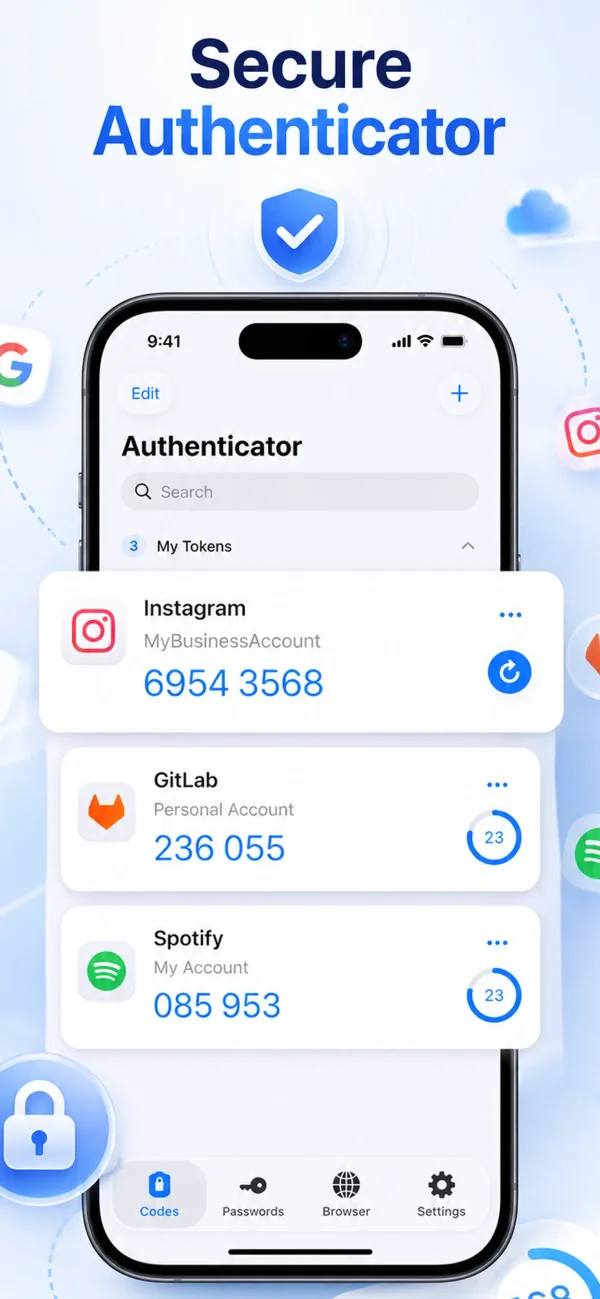
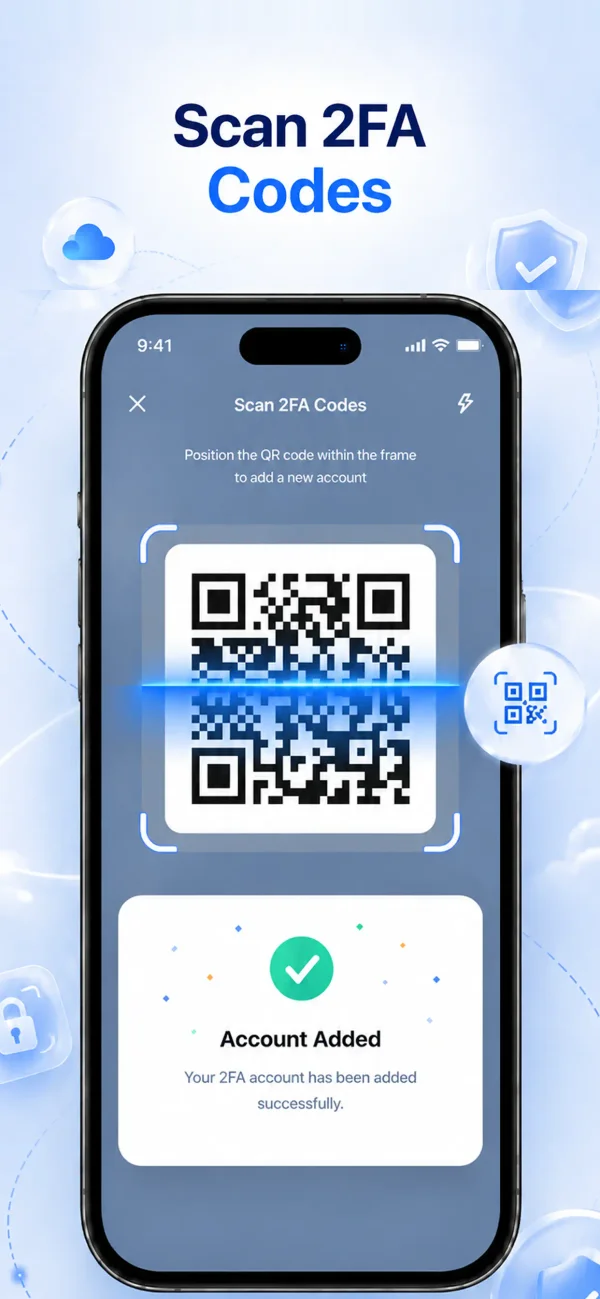
Need a faster way to manage 2FA codes without switching between messages? Set up your accounts with QR scanning, generate MFA, OTP, and TOTP verification codes, and keep your authentication codes organized in one place.
Scan, save, and access your verification codes whenever you need them.
2FA & MFA Codes for Secure Sign-Ins
Add an extra verification step to accounts that support two-factor or multi-factor authentication.
Once an account is added, the app generates the current verification code directly on your device. When a service asks for a 2FA or MFA code, open the app, find the account, and enter the current code.
No need to wait for an SMS when authenticator-based verification is supported.
Fast Setup with QR Scanner
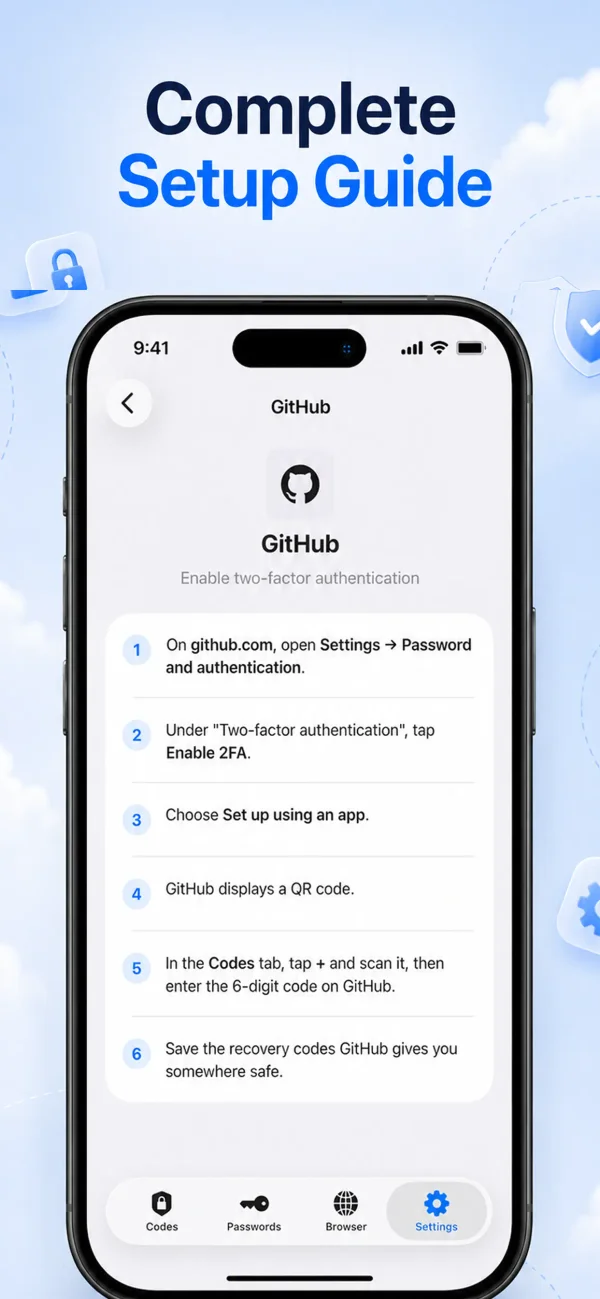
Adding an account is simple. Open the built-in QR scanner and scan the authentication QR code provided by the service.
OTP & TOTP Code Generator
Generate OTP and TOTP verification codes for compatible services. Codes refresh automatically at regular intervals, giving you the current code whenever authentication is required.
Use the authenticator with supported email accounts, work tools, shopping services, social platforms, payment services, and more.
Manage Multiple Accounts
Keep authentication codes for multiple accounts organized in one place.
Add accounts, rename entries, update details, and remove codes you no longer need. Whether you use the app for personal accounts, work accounts, or both, your verification codes remain easy to find.
Offline Authentication Codes
Access your saved authentication codes even without an internet connection.
Codes are generated directly on your device, making them available when your connection is weak, you are traveling, or SMS verification is not available.
App Lock for Extra Privacy
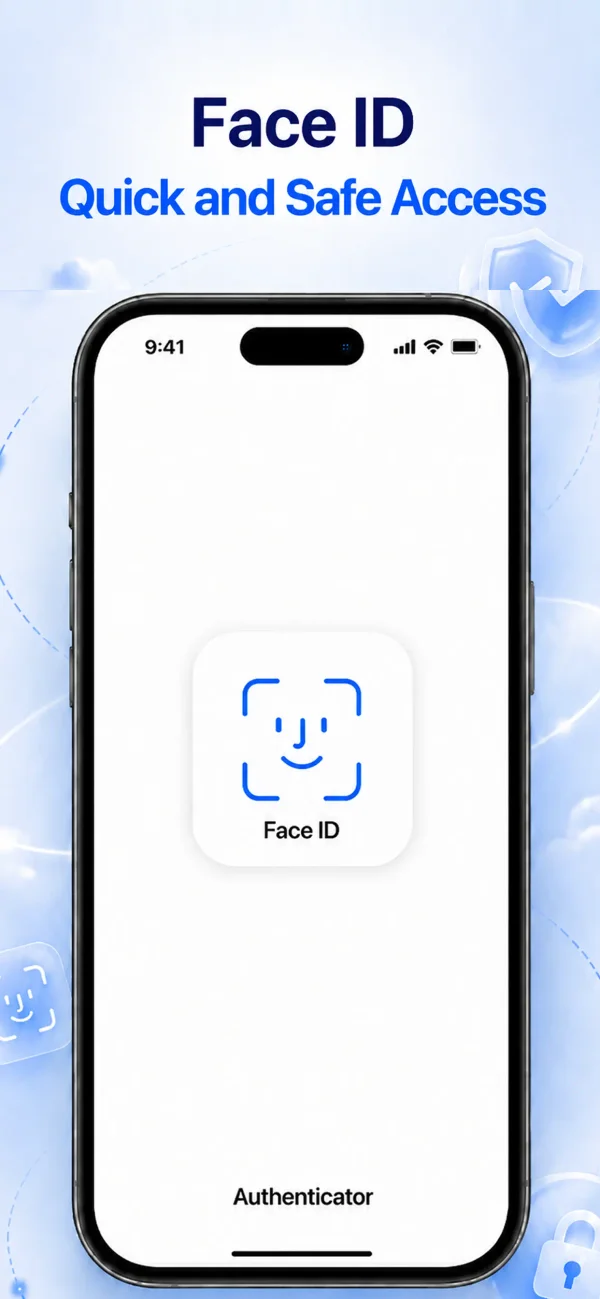
Protect access to your authentication codes with Face ID, Touch ID, or a PIN.
Auto-lock can automatically secure the app when you are no longer using it, helping keep your 2FA codes, MFA codes, and account information private.
Password Storage & Private Browsing
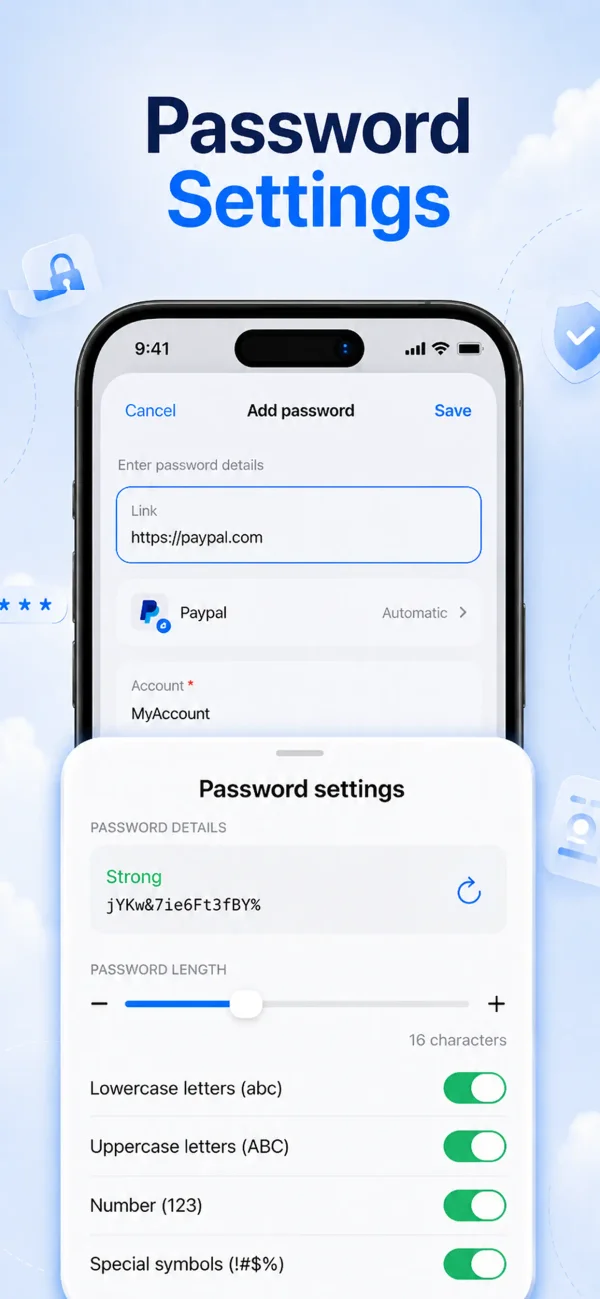
Keep login credentials organized with built-in password storage. Save account details and quickly copy them when needed.
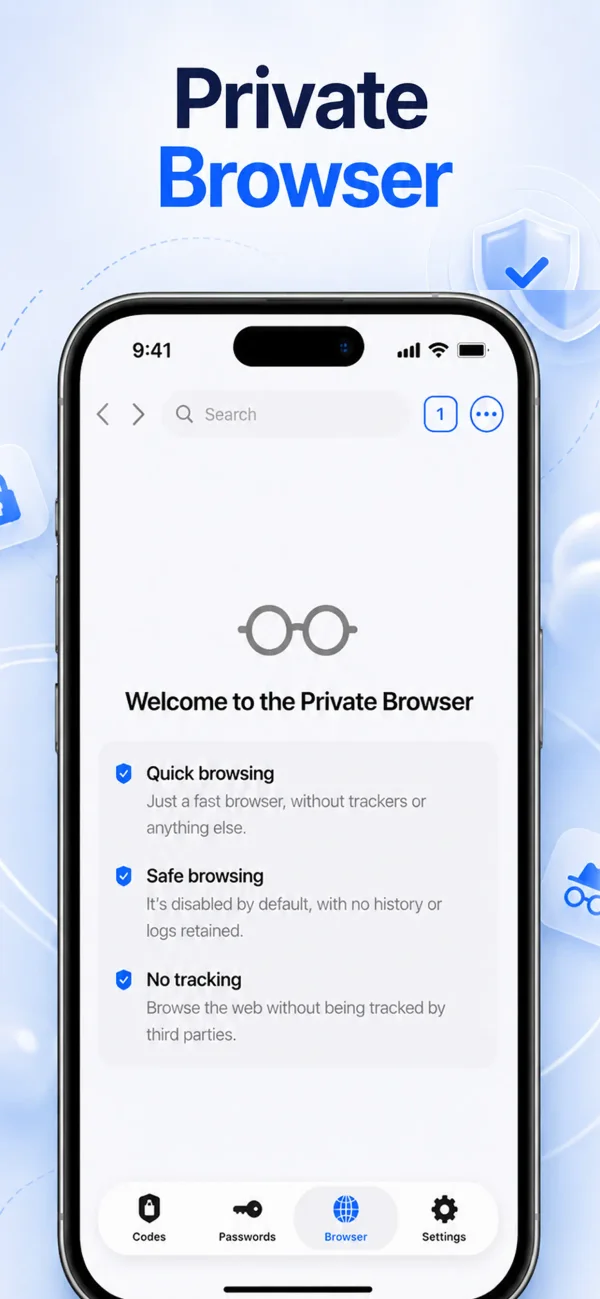
The app also includes a private browser for opening websites and login pages without storing browsing history, cookies, or logs inside the app.
Main Features
• 2FA and MFA authenticator codes
• OTP and TOTP verification codes
• QR scanner for fast setup
• Manual secret key entry
• Offline authentication codes
• Multiple account management
• Face ID, Touch ID, PIN, and auto-lock
• Password storage
• Private browser
Make Two-Step Verification Easier
When a service supports two-factor authentication, this app helps keep your temporary login codes ready on your device.
Open the saved account, enter the current code, and continue signing in without waiting for a text message.
Download the app to generate 2FA and MFA verification codes, scan authentication QR codes, manage OTP and TOTP accounts, and keep your login tools together in one convenient place.
Premium Subscription
Unlock full access to Premium features.
Payment is charged to your Apple ID at confirmation of purchase. The subscription renews automatically unless canceled at least 24 hours before the end of the current period. Your account will be charged for renewal within 24 hours before the current period ends.
Manage or cancel your subscription in your Apple ID Account Settings. If a free trial is offered, any unused portion may be forfeited when you purchase Premium.
To restore a previous purchase, tap “Restore Purchase” in the app settings.
Prices may vary by region. Taxes may apply.
Support: [support@calify-ai.com](mailto:support@calify-ai.com)
Terms of Use:
[https://www.calify-ai.com/terms-of-use-authenticator](https://www.calify-ai.com/terms-of-use-authenticator)
Privacy Policy:
[https://www.calify-ai.com/privacy-policy-authenticator](https://www.calify-ai.com/privacy-policy-authenticator)
Yenilikler
Sürüm 1.0.1 · 17.08.2026
Bug fixes and improvements
Uygulama gizliliği
Bu uygulamanın verileri nasıl işlediği hakkında Calify-AI tarafından App Store üzerinde yapılan beyan.
-
Sizi izlemek için kullanılan veriler
Başka şirketlere ait uygulamalarda ve web sitelerinde sizi izlemek için kullanılabilir.
- Kullanım verileri
-
Sizinle ilişkilendirilen veriler
Toplanabilir ve kimliğinizle ilişkilendirilebilir.
- Kullanım verileri
Gizlilik uygulamaları, örneğin kullandığınız özelliklere veya yaşınıza göre değişiklik gösterebilir.
Bilgiler
- Satıcı
- Calify LTD
- Kategori
- Yardımcılar
- Sürüm
- 1.0.1
- Güncellendi
- 17.08.2026
- Yayın tarihi
- 09.07.2026
- Boyut
- 7,6 MB
- Gereksinim
- iOS 17.2 veya sonrası
- Yaş sınırı
- 4+
- Fiyat
- Ücretsiz
- Uygulama içi satın alma
- Evet
- Diller
- İngilizce
- Telif hakkı
- © Calify LTD
Bunları da beğenebilirsiniz
-
 Authenticator App "Yardımcılar
-
 Kimlik Doğrulama₊ - 2FA OTPMFA,Kimlik Doğrulama,2FA
-
 Authenticator+ 2FA AppYardımcılar
-
 Authenticator App • 2FA, MFAYardımcılar
-
 Authenticator 2FA, MFA, OTPGüvenli Giriş ve TOTP Kodları
-
 VPN Super: Hızlı ve GüvenliAnonim Proxy ve IP Gizleme
-
 WhaleVPN 2026Yardımcılar
-
 Authenticator App | 2FA AuthGüvenli iki adımlı giriş
-
 Authenticator App†Yardımcılar
-
 Ping VPNYardımcılar