GraphNCalc83
Graphing calculator
iPhone, iPad, iPod touch için tasarlandı
₺699,99
- Yaş sınırı4+
- KategoriEğitim
- GeliştiriciErnest Brock
- Dillerİngilizce+ 1 dil daha
- Boyut9,7 MB
Resmi App Store sayfasına bağlanır
Download.org, GraphNCalc83 için hiçbir dosya barındırmaz. Düğme, uygulamanın App Store üzerindeki sayfasını açar; uygulamayı orada Ernest Brock yayınlar. Sayfanın son kontrolü: 20.11.2026.
Ekran görüntüleri

Hakkında
Geliştirici bu metni dilinizde sunmamış.
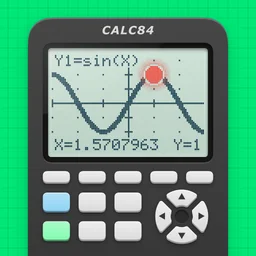
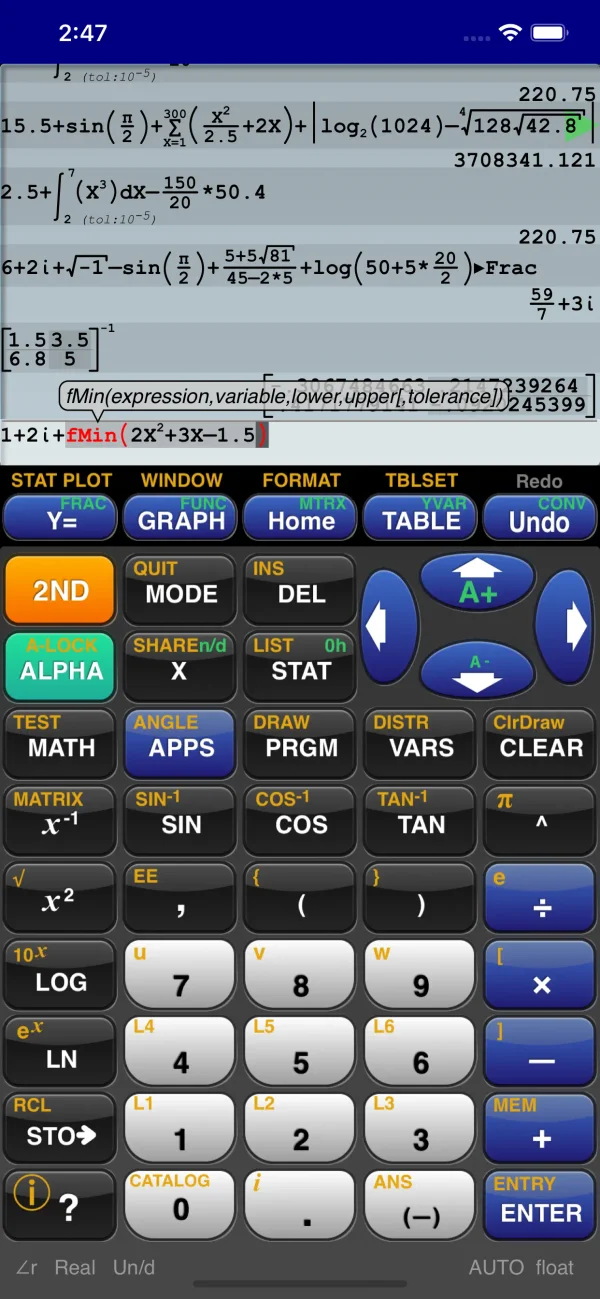
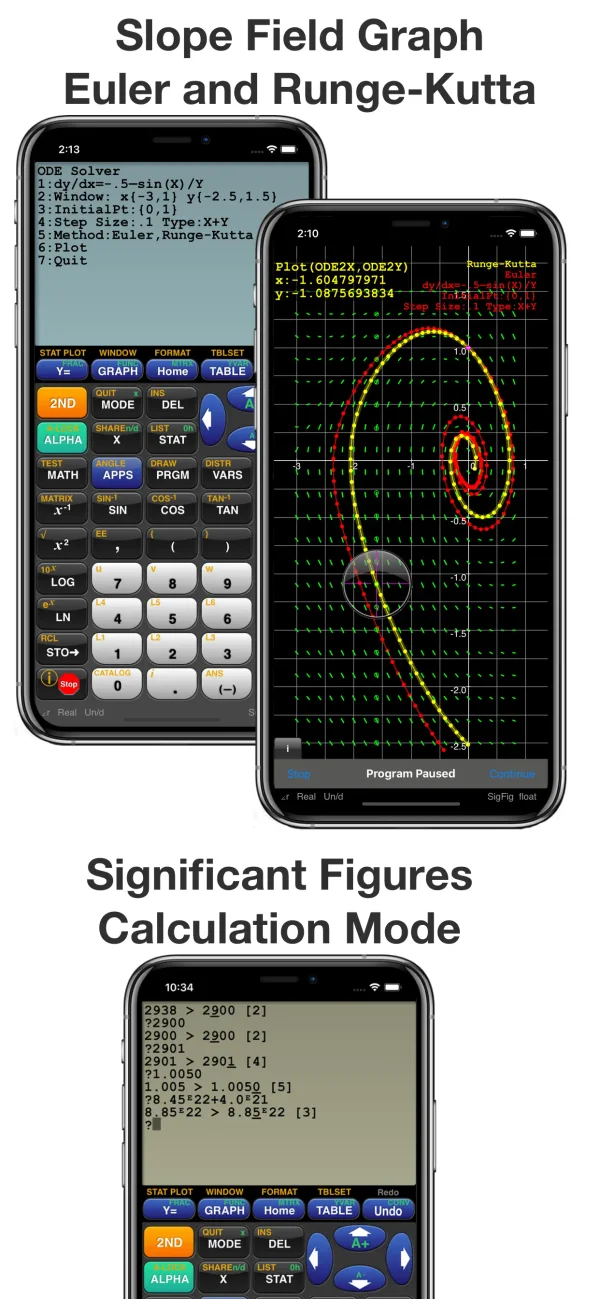
GraphNCalc83 uses touch, color and blazing speed to handle your math problems. The familiar calculator keyboard, arrow keys and functions are enhanced with full touch input for all graphs, editors and menus. Enter calculations in natural textbook format. Enter fractions and view result as fractions. Trace graphs with your finger. Zoom in and out with a pinch. Explore regressions with a tap on the screen. Scroll through the list, matrix and calculation history with a swipe. Tap the ? key for help. Written using the latest 64 bit math libraries, GraphNCalc83 harnesses the amazing computing resources of the iPhone and iPad to provide a colorful, fast and fluid experience. Graphs scroll, glide and zoom smoothly. Matrix, statistics and BASIC programs run 500x times faster than traditional calculators.
GraphNCalc83 includes:
Algebraic entry: Enter problems using full algebraic textbook notation. The command line editor includes interactive parenthesis matching and high lighting, undo and redo, bubble function help and a 200 level calculation history and recall stack. Generate a PDF report of calculations for mailing or printing using the SEND function.
Math functions: Trigonometry, logarithms, function minimum, maximum, numeric integration and derivatives, general solver, real and imaginary numbers, combination, permutation, random number generation, normal, T, chi squared, Fisher, poisson and geometric distributions, binary shift and rotate, test and logic operations, list operations including sort, std. deviation, sum, sequence, matrix determinant, transpose, sum, ref, rref, addition, multiplication.
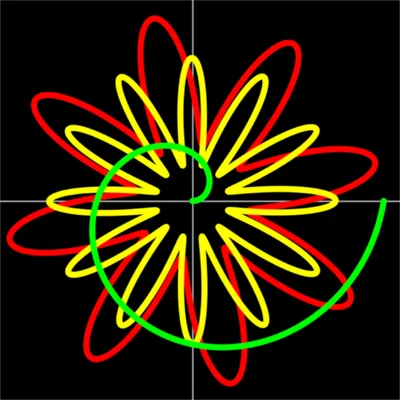
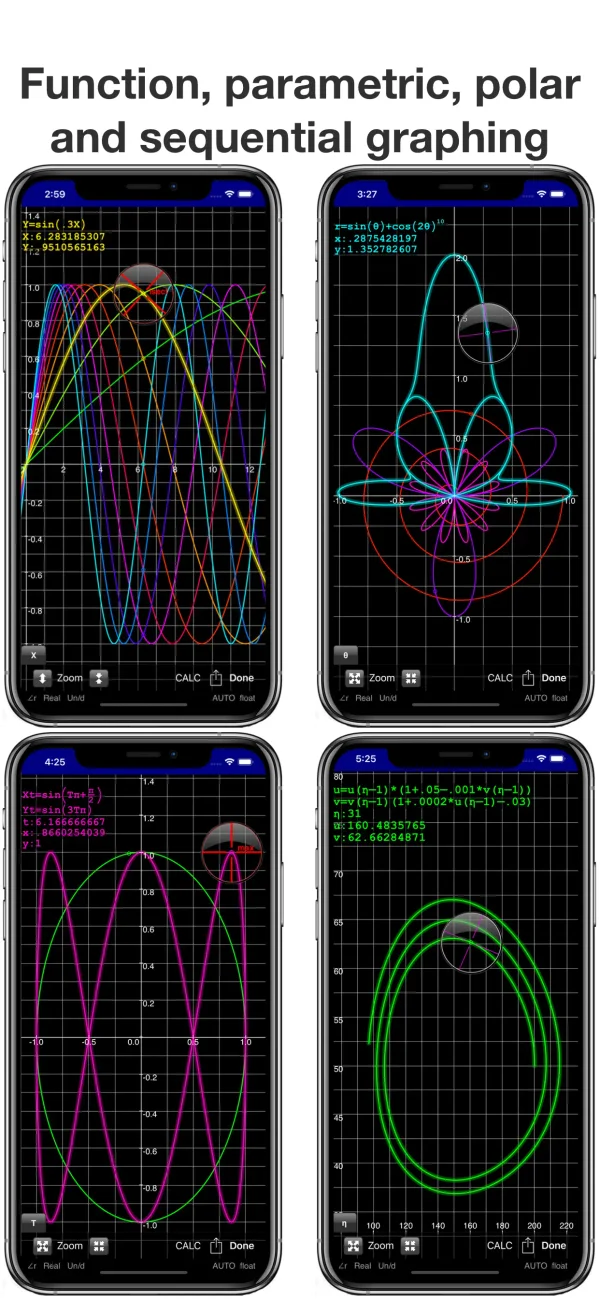
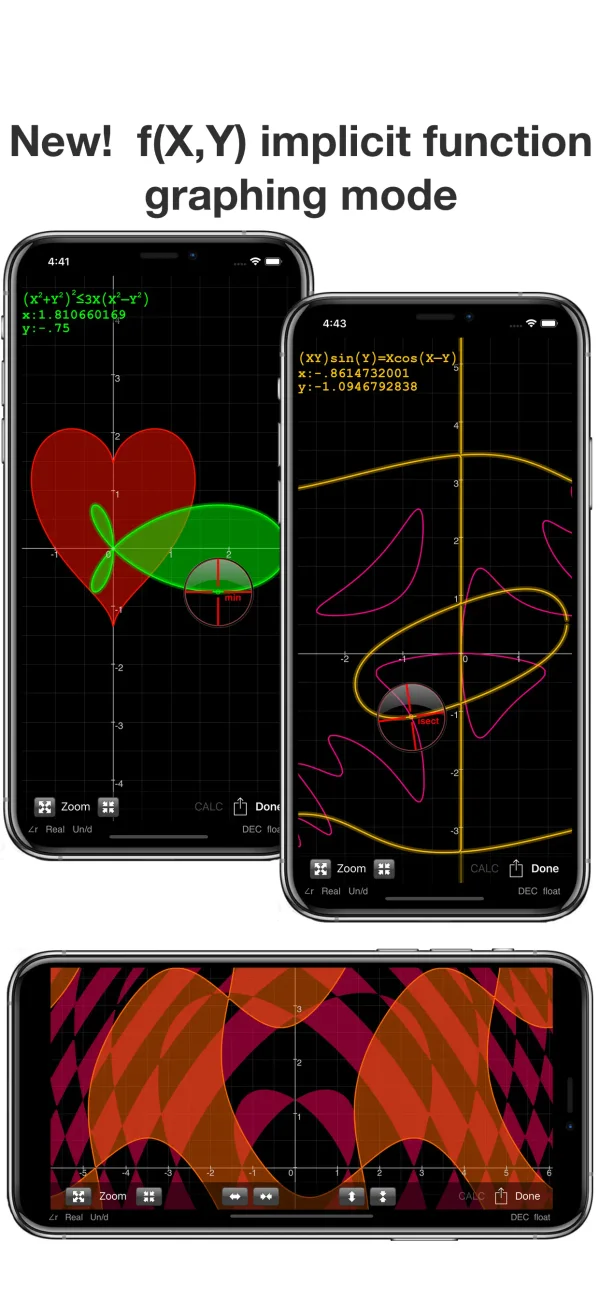
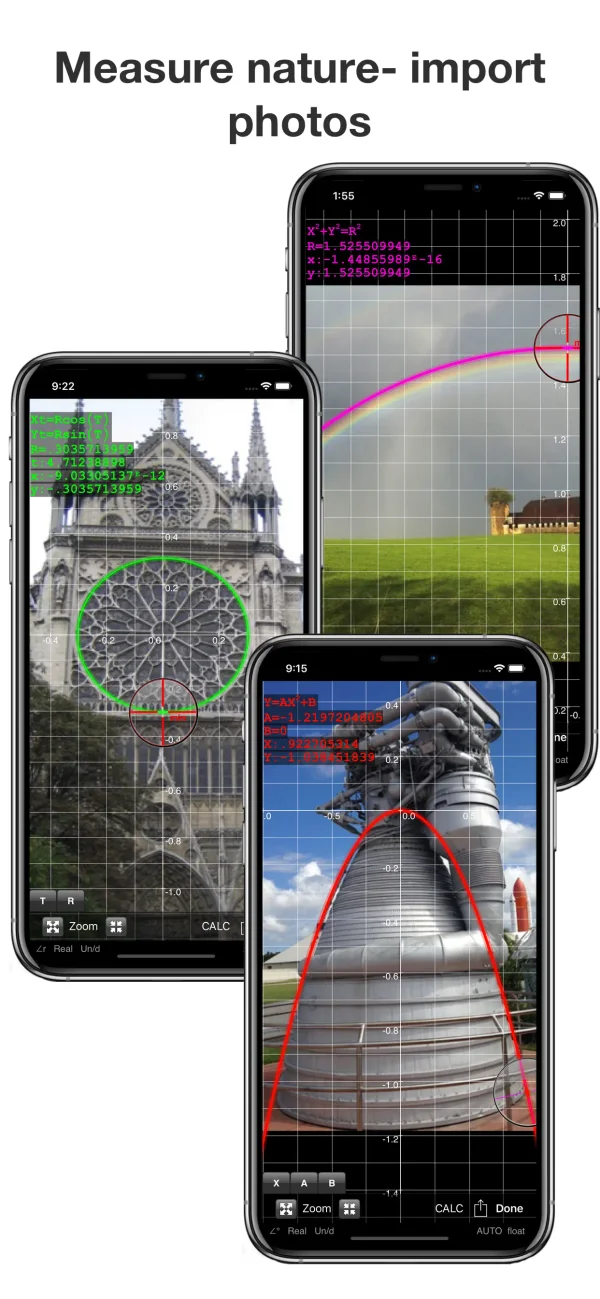
Graph functions, parametric, f(x,y) and polar equations and statistics plots: Full color graphs with touch to trace, pinch zoom, function minimum, maximum, intersections, asymptotes and numeric integration. Output graphs in high resolution PDF format for mailing or printing. Interactively explore function behavior using variables tied to slider bars.
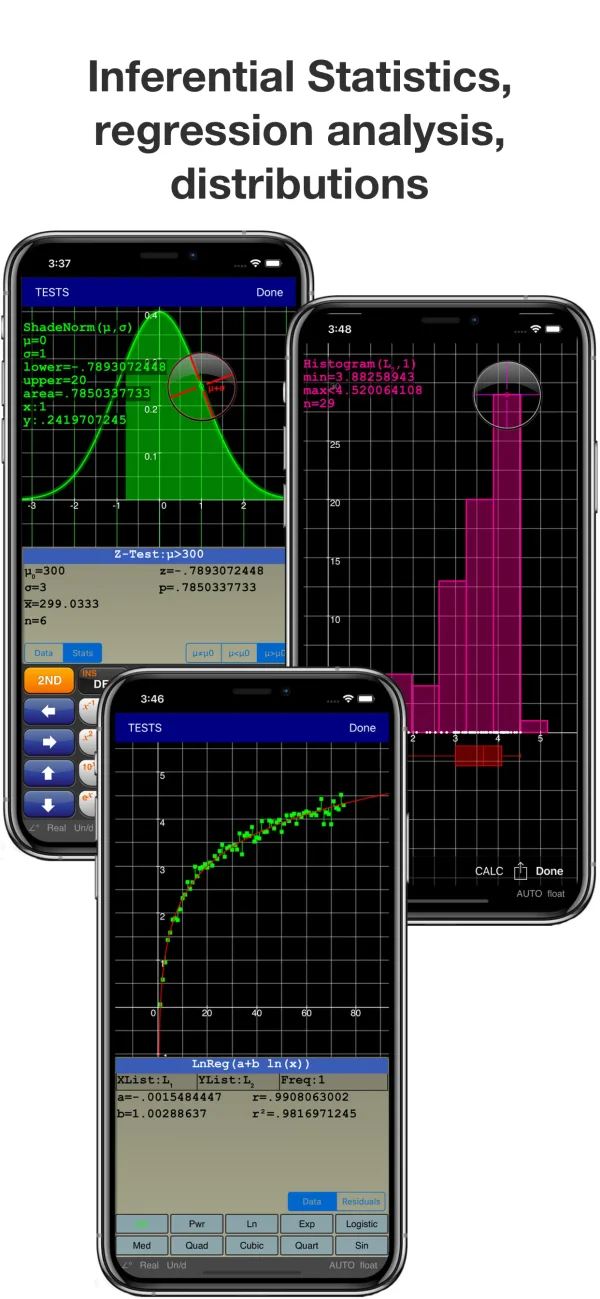
Statistics, Inferential Statistics and Distributions: A set of inferential statistics worksheets and graphs of distributions are included. The regression analysis screen allows you to quickly compute, view and analyze a data set using a variety of curve fitting methods.
Table: Analyze functions using the table viewer. Use the split screen mode to simultaneously view a graph and table.
Matrix and Lists: Matrix and list editors and a full set of matrix and list operations are built in.
Unit Converter and Constants: Convert between a wide variety of scientific, engineering and common units. A large set of physical constants are also included.
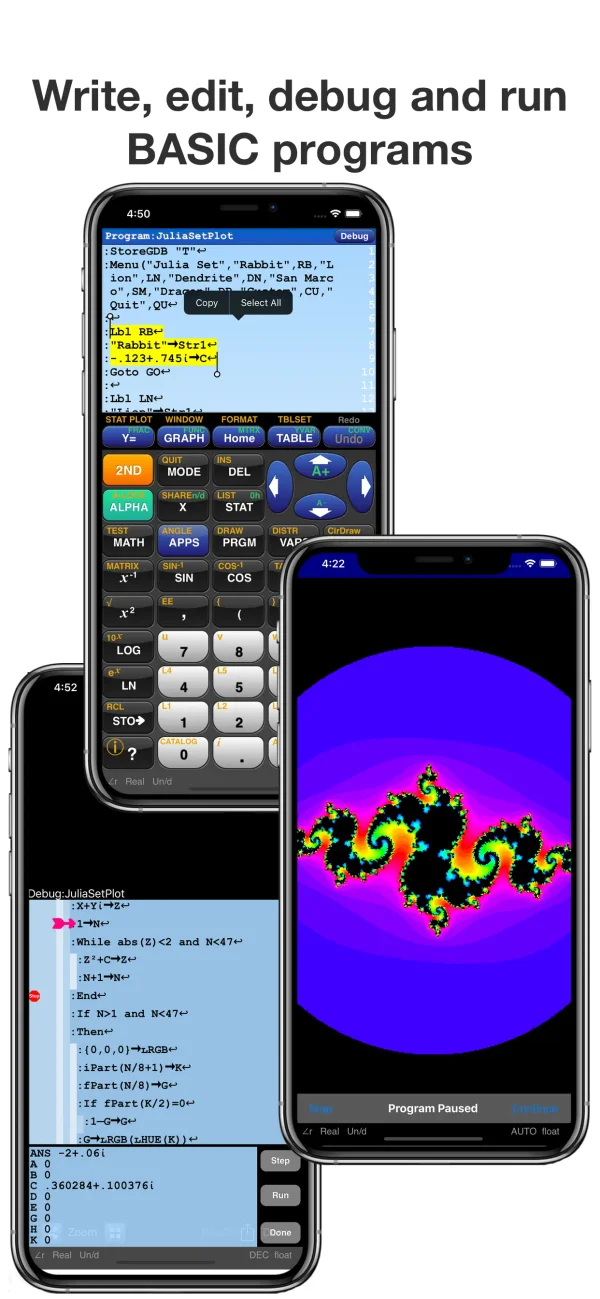
BASIC programming: Create, edit, debug and run BASIC programs. Programs run more than 500 times faster than traditional calculators. Import and execute .83p and .8xp files.
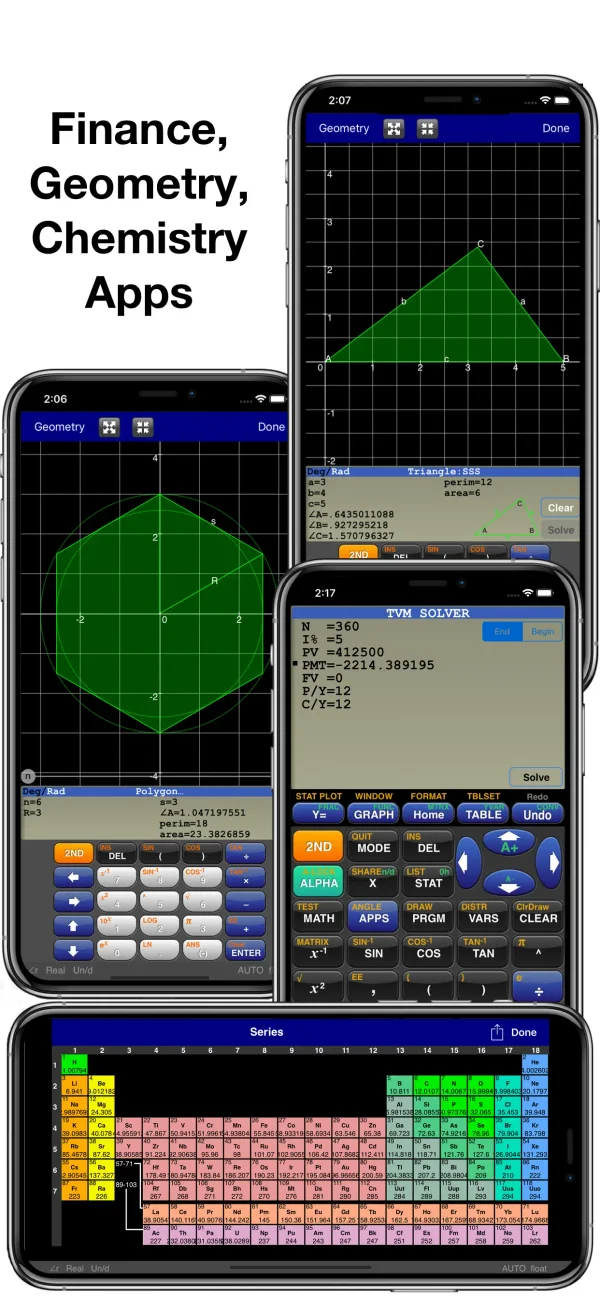
Chemistry: The calculator includes a full featured periodic table, a mass calculator and a data base of element properties. The touch interface allows you to view and interact with the periodic table to view by series, state, melting point, boiling point, electronegativity, electron affinity, valence, ionization, radius, hardness, modulus, density, conductivity, heat and year discovered.
Geometry: The geometry application computes perimeter and area for a variety of 2d geometric figures including squares, rectangles, parallelograms, triangles, polygons, circles, arcs and ellipses. A full triangle solver and interactive unit circle grapher are built in. Solve line intersections, project a point to a line and find a circle given 3 points.
Finance: Compute time value of money problems including annuities, lump sums and uneven cash flow analysis with IRR and NPV
Built-in user guide: A user guide is included and is a touch away using the ? key or ⓘ on any menu. All functions have a full manual page with description of arguments and examples of use. Pop up bubble help displays function arguments during problem entry and program editing.
Yenilikler
Sürüm 3.4 · 22.11.2025
•Update for iOS26
•Fixed bugs in BASIC debugger
•Long tap history to copy to paste buffer
Uygulama gizliliği
Bu uygulamanın verileri nasıl işlediği hakkında Ernest Brock tarafından App Store üzerinde yapılan beyan.
-
Veri toplanmıyor
Geliştirici bu uygulamadan hiçbir veri toplamıyor.
Gizlilik uygulamaları, örneğin kullandığınız özelliklere veya yaşınıza göre değişiklik gösterebilir.
Bilgiler
- Satıcı
- Ernest Brock
- Kategori
- Eğitim
- Sürüm
- 3.4
- Güncellendi
- 22.11.2025
- Yayın tarihi
- 18.05.2014
- Boyut
- 9,7 MB
- Gereksinim
- iOS 15.6 veya sonrası
- Yaş sınırı
- 4+
- Fiyat
- ₺699,99
- Diller
- İngilizce, İspanyolca
- Telif hakkı
- © Ernest Brock 2013-2025