Handy Angle
Professional Angle Measurement
iPhone, iPad için tasarlandı
Ücretsiz · Uygulama içi satın alma
- Yaş sınırı4+
- KategoriYardımcılar
- GeliştiriciSTRENGCON LLC
- Dillerİngilizce
- Boyut4,7 MB
Resmi App Store sayfasına bağlanır
Download.org, Handy Angle için hiçbir dosya barındırmaz. Düğme, uygulamanın App Store üzerindeki sayfasını açar; uygulamayı orada STRENGCON LLC yayınlar. Sayfanın son kontrolü: 18.11.2026.
Ekran görüntüleri

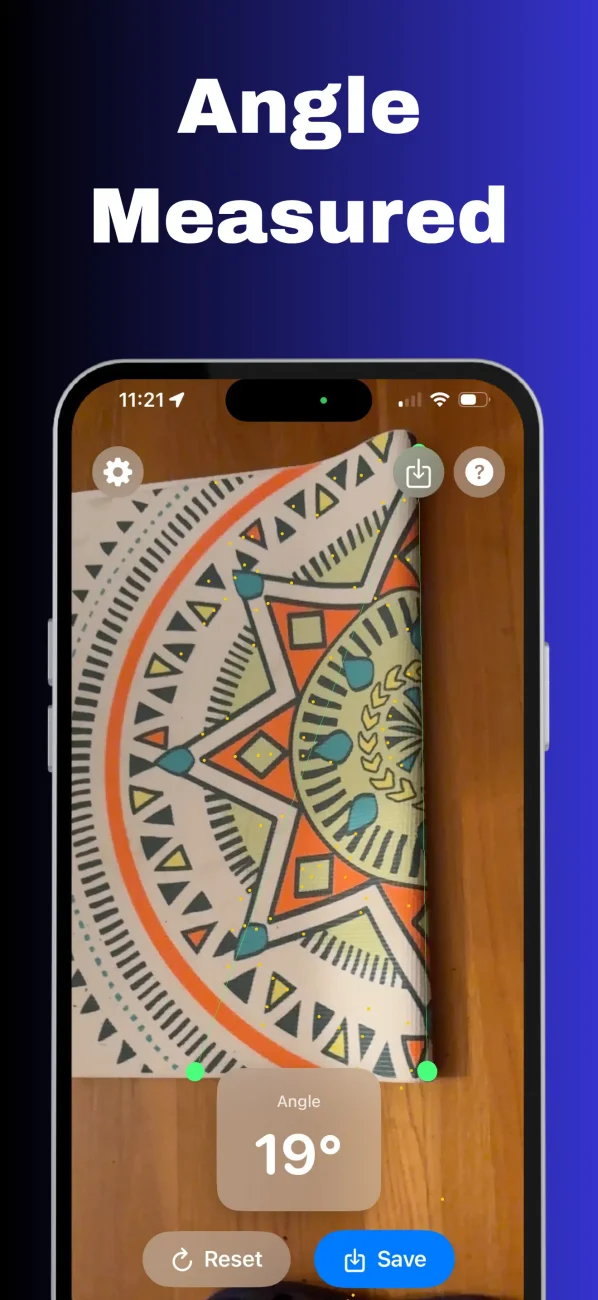
Hakkında
Geliştirici bu metni dilinizde sunmamış.
HandyAngleMeter is a powerful angle measurement tool that uses your device's camera and advanced AR technology to measure angles with precision and ease.
KEY FEATURES:
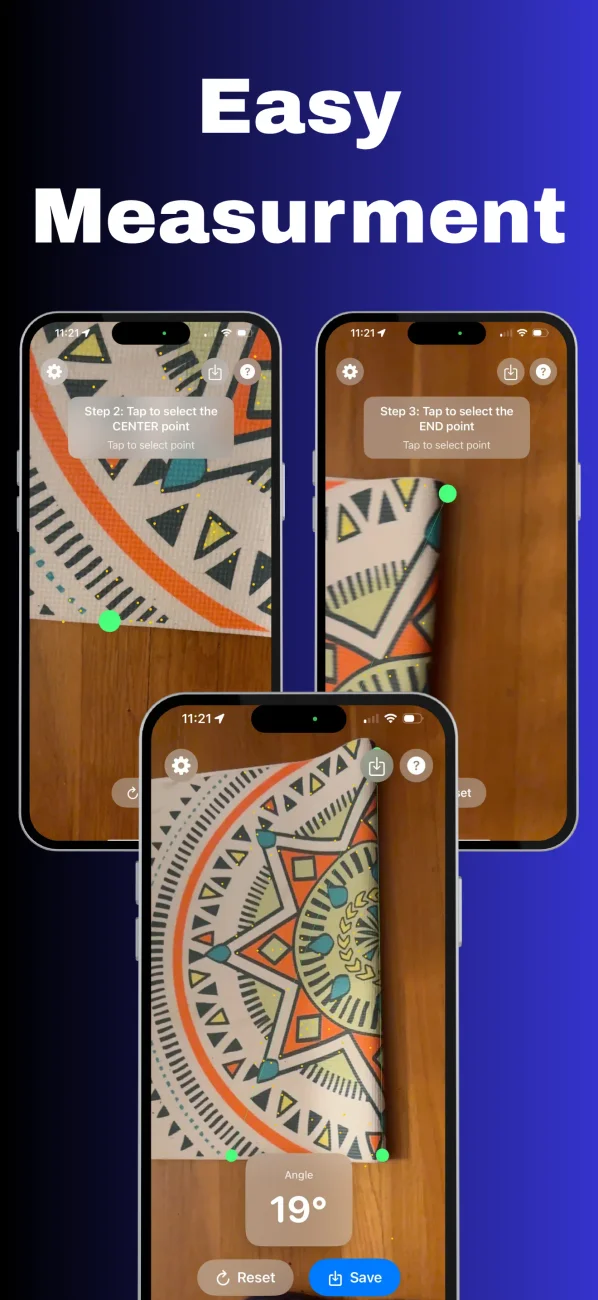
• Simple 3-step measurement process
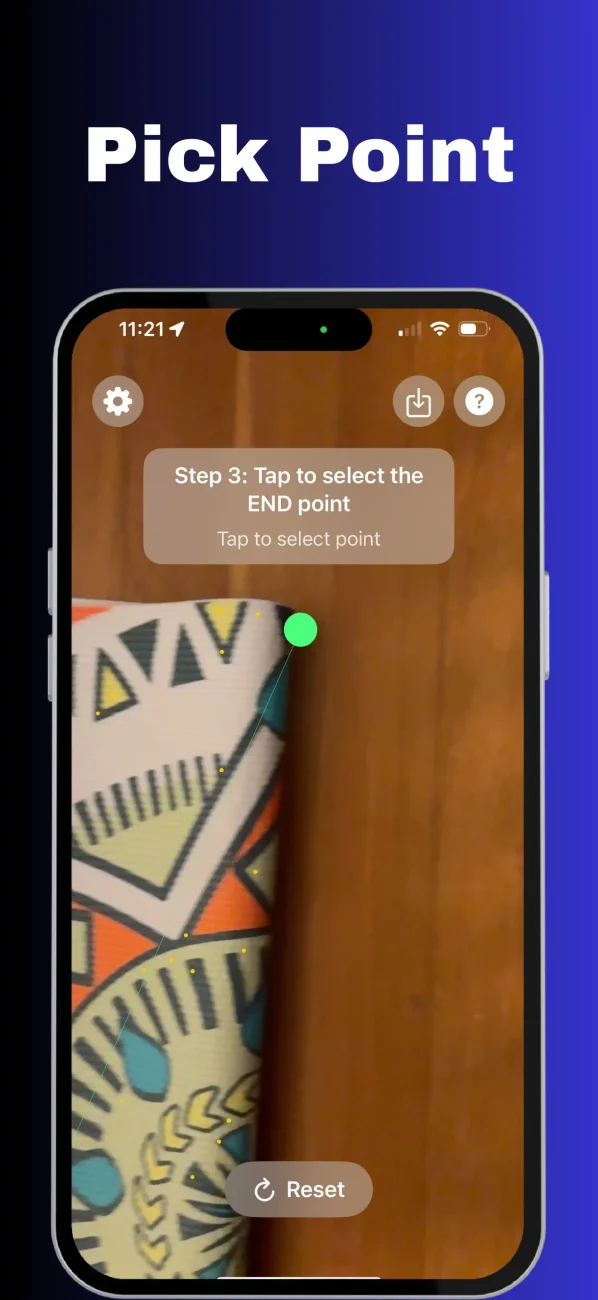
• AR-powered point selection with visual guidance
• Real-time angle calculation and display
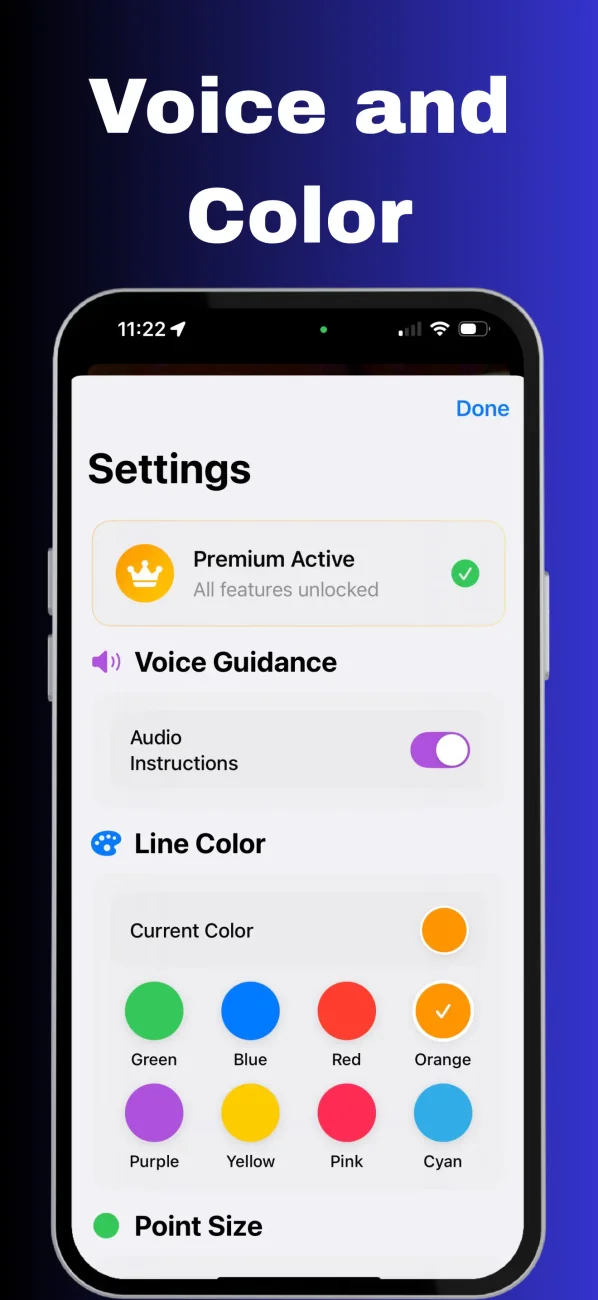
• Voice guidance
• Unlimited measurements for all users
• Professional-grade accuracy
PREMIUM FEATURES:
• Ad-free experience
• Customizable line and point colors
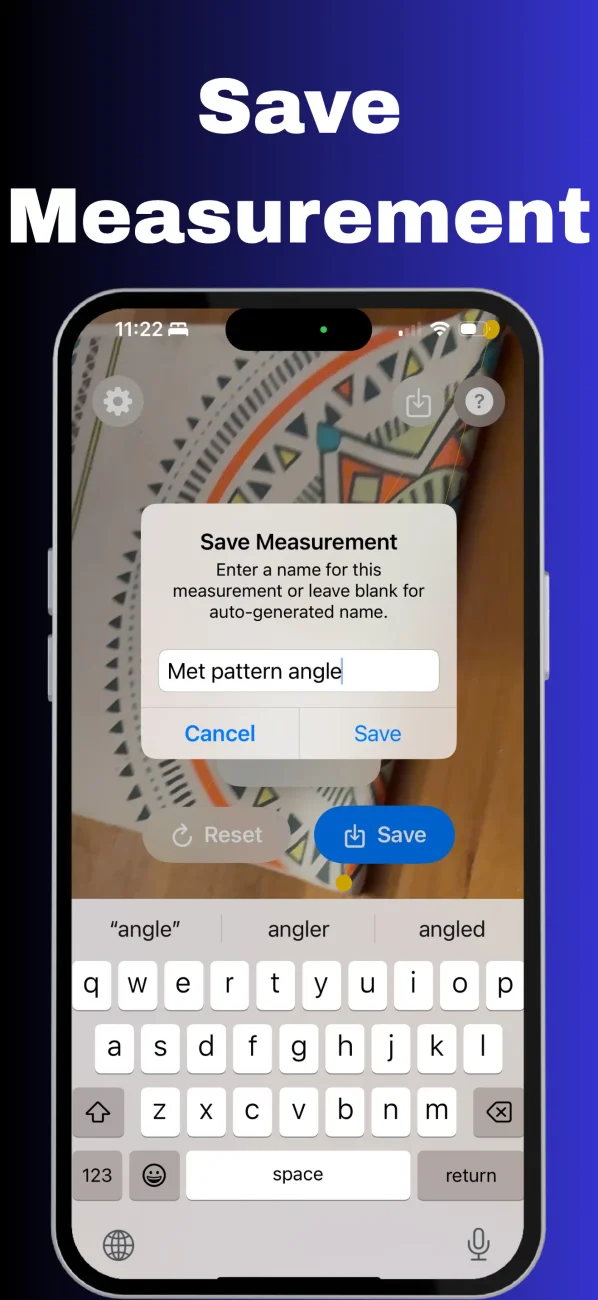
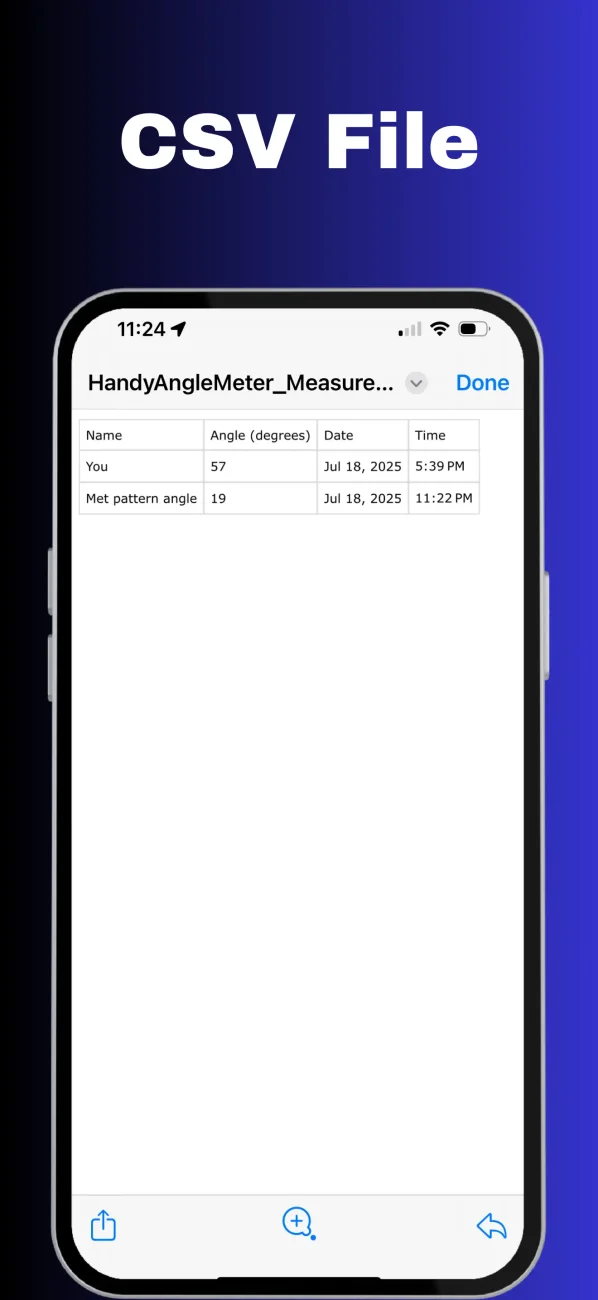
• Save and share measurements as CSV files
• Advanced settings and customization
PERFECT FOR:
• Construction and carpentry work
• Engineering and design projects
• DIY home improvement projects
• Educational purposes
• Professional measurements
EASY TO USE:
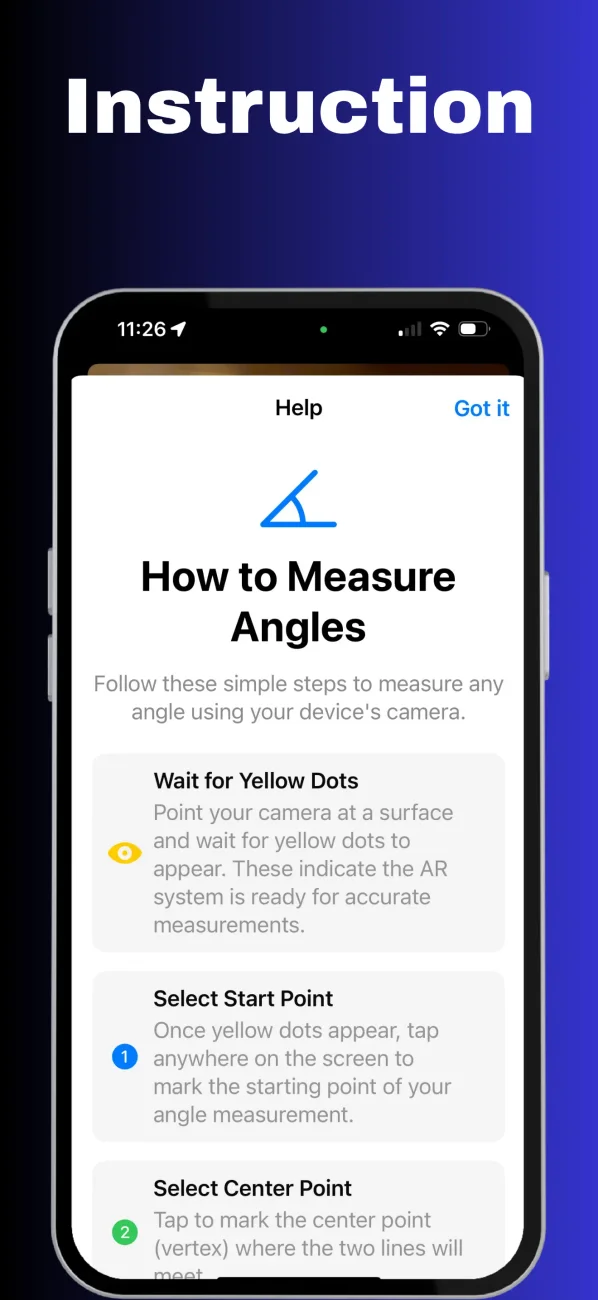
1. Point your camera at the surface
2. Wait for yellow dots to appear
3. Tap three points: start, center, and end
4. Get instant angle measurement
The app provides clear visual feedback with colored lines and points, making it easy to see exactly what you're measuring. Voice guidance helps you focus on your work while the app guides you through each step.
Premium users can save their measurements and export them as CSV files for record keeping and analysis. Customize the appearance with different colors to match your preferences and work environment.
Download HandyAngleMeter today and experience the most accurate and user-friendly angle measurement tool available.
Terms of Use (EULA): https://www.apple.com/legal/internet-services/itunes/dev/stdeula/
Yenilikler
Sürüm 3.0 · 28.07.2025
NEW FEATURES:
• Completely redesigned user interface for better usability
• Save and share measurement results as CSV files
• Enhanced instructions and onboarding experience
• Improved premium features and subscription options
• Better visual feedback and user guidance
• Optimized performance and stability
UI IMPROVEMENTS:
• Modern card-based design throughout the app
• Improved settings view with better organization
• Enhanced saved measurements view with professional layout
• Better visual hierarchy and spacing
• More intuitive navigation and controls
MEASUREMENT FEATURES:
• Save individual measurements with custom names
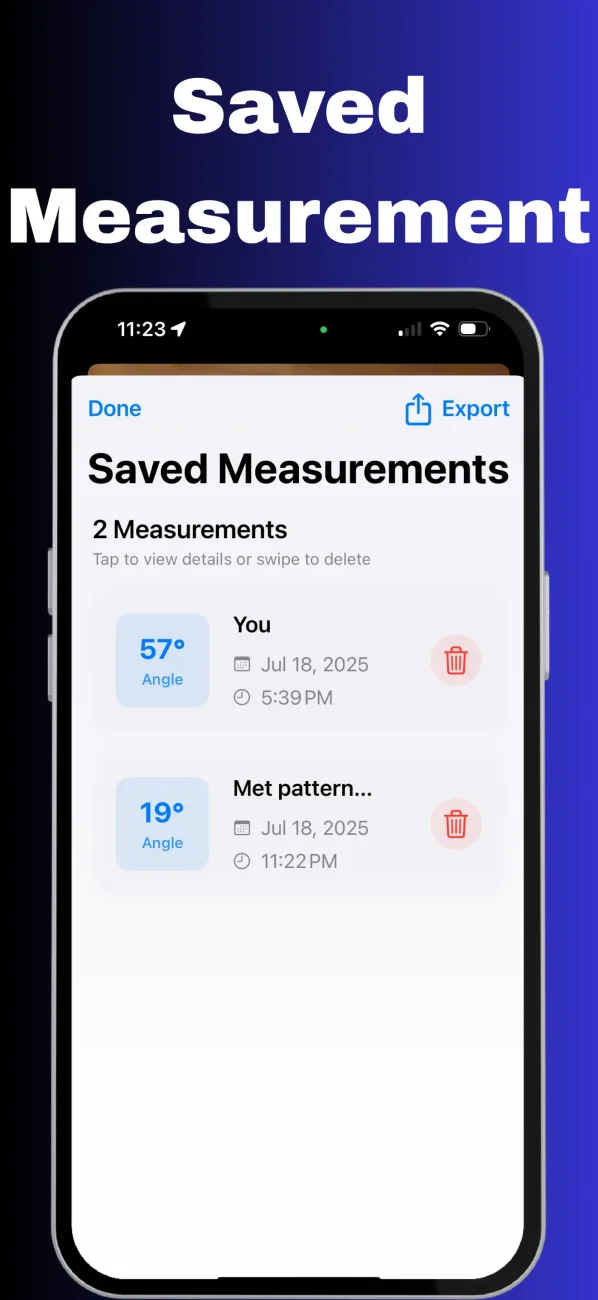
• Export all saved measurements as CSV files
• Share measurement data via email, AirDrop, or other apps
• Access saved measurements from settings menu
INSTRUCTIONS & SUPPORT:
• Comprehensive help section with step-by-step guidance
• Enhanced onboarding for first-time users
• Better instructions about AR point selection
• Improved voice guidance and audio feedback
• More detailed premium feature explanations
This update brings a complete redesign focused on user experience, making angle measurement more accessible and professional than ever before.
Uygulama gizliliği
Bu uygulamanın verileri nasıl işlediği hakkında STRENGCON LLC tarafından App Store üzerinde yapılan beyan.
-
Veri toplanmıyor
Geliştirici bu uygulamadan hiçbir veri toplamıyor.
Gizlilik uygulamaları, örneğin kullandığınız özelliklere veya yaşınıza göre değişiklik gösterebilir.
Bilgiler
- Satıcı
- STRENGCON LLC
- Kategori
- Yardımcılar
- Sürüm
- 3.0
- Güncellendi
- 28.07.2025
- Yayın tarihi
- 14.06.2020
- Boyut
- 4,7 MB
- Gereksinim
- iOS 18.2 veya sonrası
- Yaş sınırı
- 4+
- Fiyat
- Ücretsiz
- Uygulama içi satın alma
- Evet
- Diller
- İngilizce
- Telif hakkı
- © Xuejun Li
Bunları da beğenebilirsiniz
-
 Protractor Angle Finder CameraYardımcılar
-
 AngleARYardımcılar
-
 Angle Level - Precise MeasureYardımcılar
-
 Angle MeterYardımcılar
-
 Protractor Edge-angle measureThe most precise protractor
-
 Protractor Edge - ClinometerYardımcılar
-
 Multi Angle MeterYardımcılar
-
 Angle Meter 360Rahat iletki
-
 Açıölçer Açı ölçümüYardımcılar
-
 Protractor - Measure AnglesYardımcılar