ID Side
To set my Privacy right(s)
iPhone, iPad, iPod touch için tasarlandı
Ücretsiz
- Yaş sınırı17+
- KategoriYardımcılar
- GeliştiriciID Side
- Dillerİngilizce+ 1 dil daha
- Boyut20,1 MB
Resmi App Store sayfasına bağlanır
Download.org, ID Side için hiçbir dosya barındırmaz. Düğme, uygulamanın App Store üzerindeki sayfasını açar; uygulamayı orada ID Side yayınlar. Sayfanın son kontrolü: 17.11.2026.
Ekran görüntüleri
Hakkında
Geliştirici bu metni dilinizde sunmamış.
How does it work?
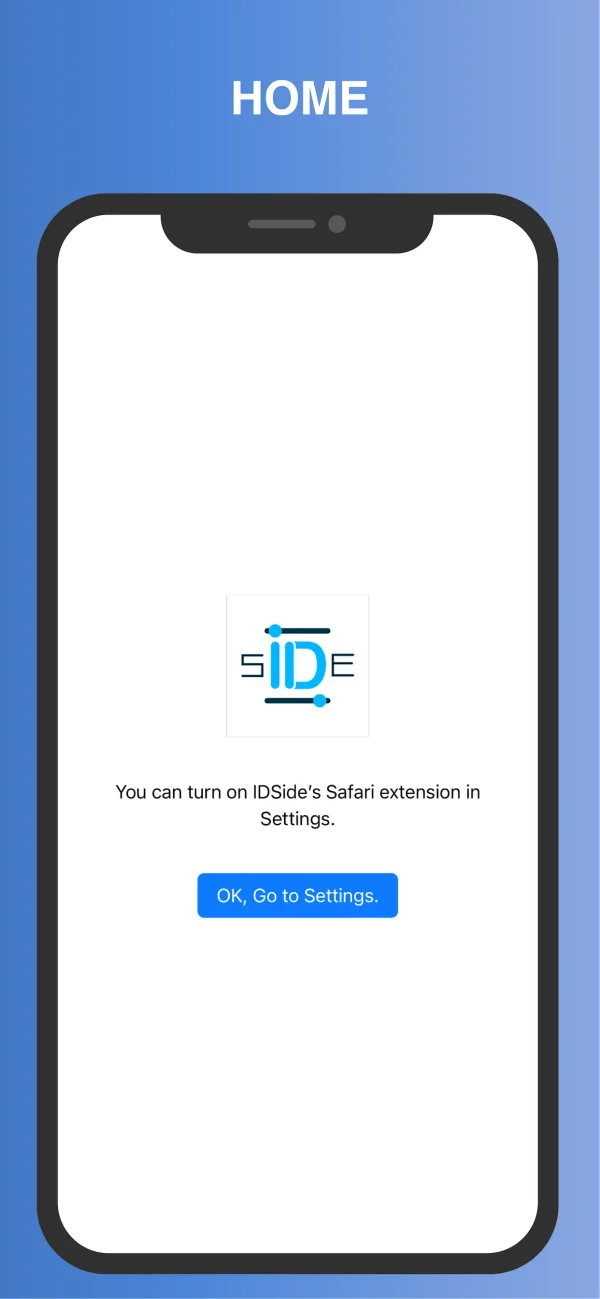
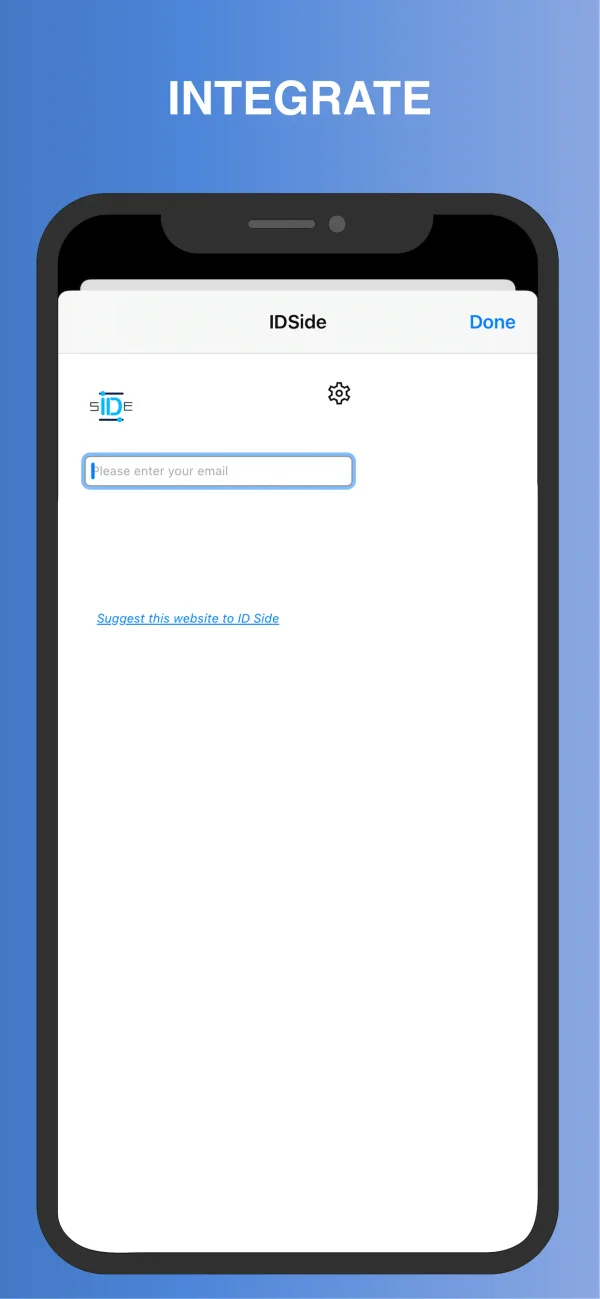
Following installation, an ID side icon is pinned on the left side of your Computer's search bar, at the top of the screen. When clicking on the plugin icon, a login page pops up in which you need to enter the email address and username you signed-up with on ID side.
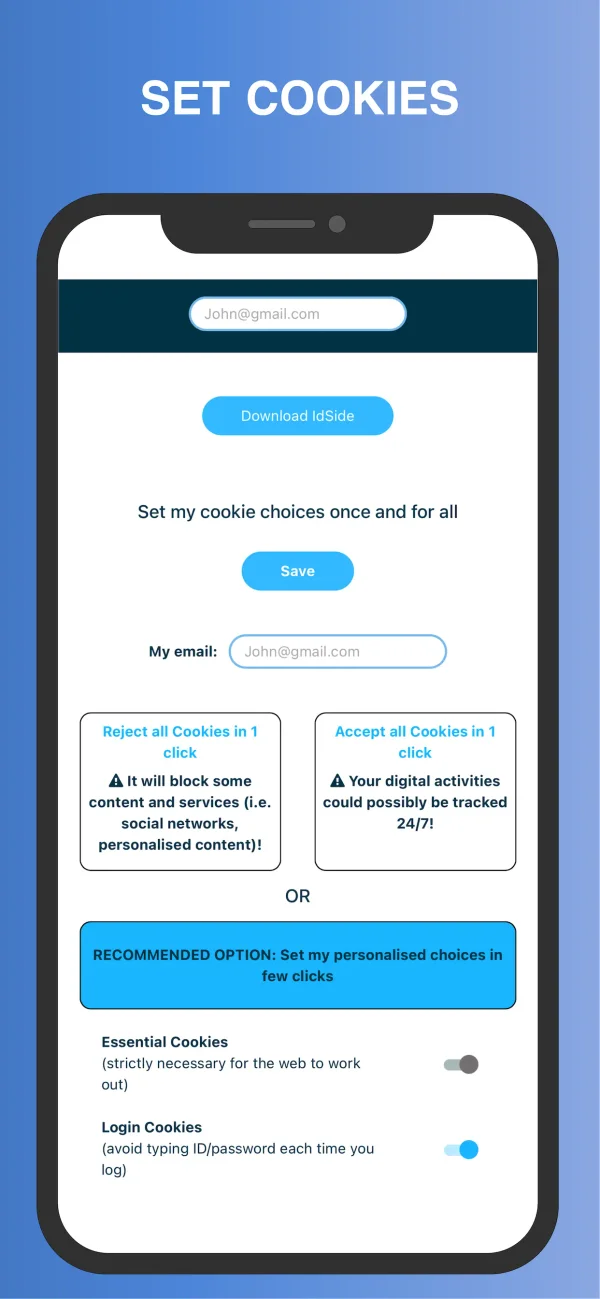
From then on, your key Privacy Choices, online tracking & ad targeting preferences (listed here-below) will be seamlessly & automatically shared on any website you browse (more precisely, on the cookie of the website domain you visit).
Which core Privacy Choices will it share?
Every website you visit will now have direct access, in a machine-readable format, to the following Privacy Choices:
Whether you accept commercial tracking online (that is to say whether you say “yes” to cookies tracking your interests online to target you with personalised ads).
Whether you accept analytics (non-commercial and audience cookies).
Your personalised ads preferences.
Which channels you are OK receiving personalised ads on: a platform under your control (such as ID side), any website, text messages on your phone or through emails.
Your targeting preferences: do you want to be targeted only for discounts? What are the Companies you like? Do you want to be the one flagging your intents to buy on ID side (self-targeting)? Do you want to be targeted only when you ask for it (self-targeting)?
Whether you want your data to be (re-)used for good.
How to use it?
To know if a website commits to take your Privacy Choices into account, just look at ID side’s icon on the left of the search bar.
When this “thick icon” appears within the ID side’s plugin, it means that the website you are visiting commits to comply with your Privacy Choices and that no additional setting is required for your Choices to be respected. Could you add a screenshot of the Inside plugin with the thick instead of this thick icon? Thanks
If the plugin icon remains unchanged (no “thick icon” appears), it means that your Privacy Preferences have been inserted within the website’s cookie and remain fully available but that we have no indication that your Choices have been taken into account.
Want to change your Choices?
Just change it in your Dashboard and it will automatically load into the plugin.
What is it for, in the end?
Installing ID side’s extension will allow you to automatically share your key Privacy Choices, online tracking & ad targeting preferences on each website you browse. And say goodbye to cookie banners! It will also give you the opportunity to get special offers and individual discounts with the Companies you trust.
Need additional IT insights?
Just read the following section!
Yenilikler
Sürüm 2.2.0 · 17.05.2024
Update instruction
Uygulama gizliliği
Bu uygulamanın verileri nasıl işlediği hakkında ID Side tarafından App Store üzerinde yapılan beyan.
-
Sizinle ilişkilendirilmeyen veriler
Toplanabilir ancak kimliğinizle ilişkilendirilmez.
- İletişim bilgileri
- Kullanıcı içeriği
- Tarama geçmişi
- Tanımlayıcılar
- Kullanım verileri
- Tanılama
- Diğer veriler
Gizlilik uygulamaları, örneğin kullandığınız özelliklere veya yaşınıza göre değişiklik gösterebilir.
Bilgiler
- Satıcı
- ID SIDE
- Kategori
- Yardımcılar
- Sürüm
- 2.2.0
- Güncellendi
- 17.05.2024
- Yayın tarihi
- 20.03.2020
- Boyut
- 20,1 MB
- Gereksinim
- iOS 15.0 veya sonrası
- Yaş sınırı
- 17+
- Fiyat
- Ücretsiz
- Diller
- İngilizce, Fransızca
- Telif hakkı
- Copyright © 2020 ID side