iPodcasts
Programmable Podcast Player
iPhone, iPad, iPod touch için tasarlandı
Ücretsiz · Uygulama içi satın alma
- Yaş sınırı12+
- KategoriYaşam Tarzı
- GeliştiriciKatsuhiko Noda
- Dillerİngilizce
- Boyut10,3 MB
Resmi App Store sayfasına bağlanır
Download.org, iPodcasts için hiçbir dosya barındırmaz. Düğme, uygulamanın App Store üzerindeki sayfasını açar; uygulamayı orada Katsuhiko Noda yayınlar. Sayfanın son kontrolü: 12.11.2026.
Ekran görüntüleri

Hakkında
Geliştirici bu metni dilinizde sunmamış.
iPodcasts is a programmable Podcast player. This app provides flexible rule based smart playlist and alarm function. You can listen to fresh Podcast episodes according to the rules you defined in a playlist configuration on time you specified.
Playlist
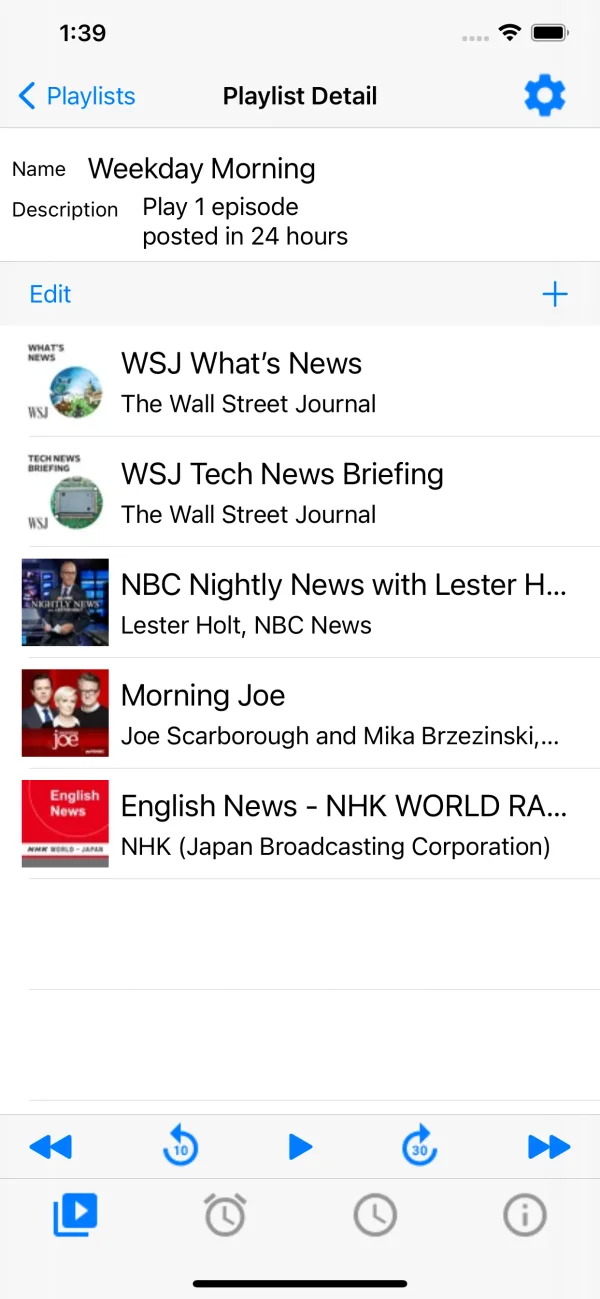
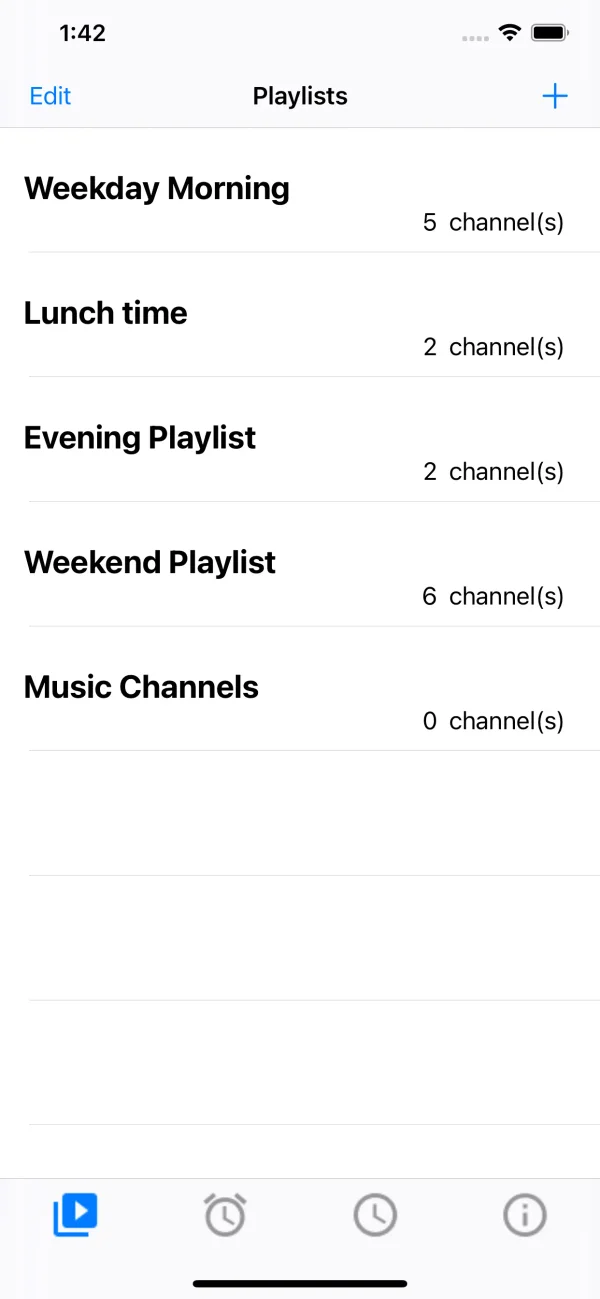
You can create a list of Podcast channels you want to listen to sequentially in the order you define. iPodcast’s playlist provides the following features.
- Unlimited number of channels can be added to a single playlist.
- Channels registered in the playlist will be played sequentially in the order they appear in the playlist, regardless of the episode's posted time (regardless new and old).
- Channels added to the playlist can be deleted or re-ordered any time.
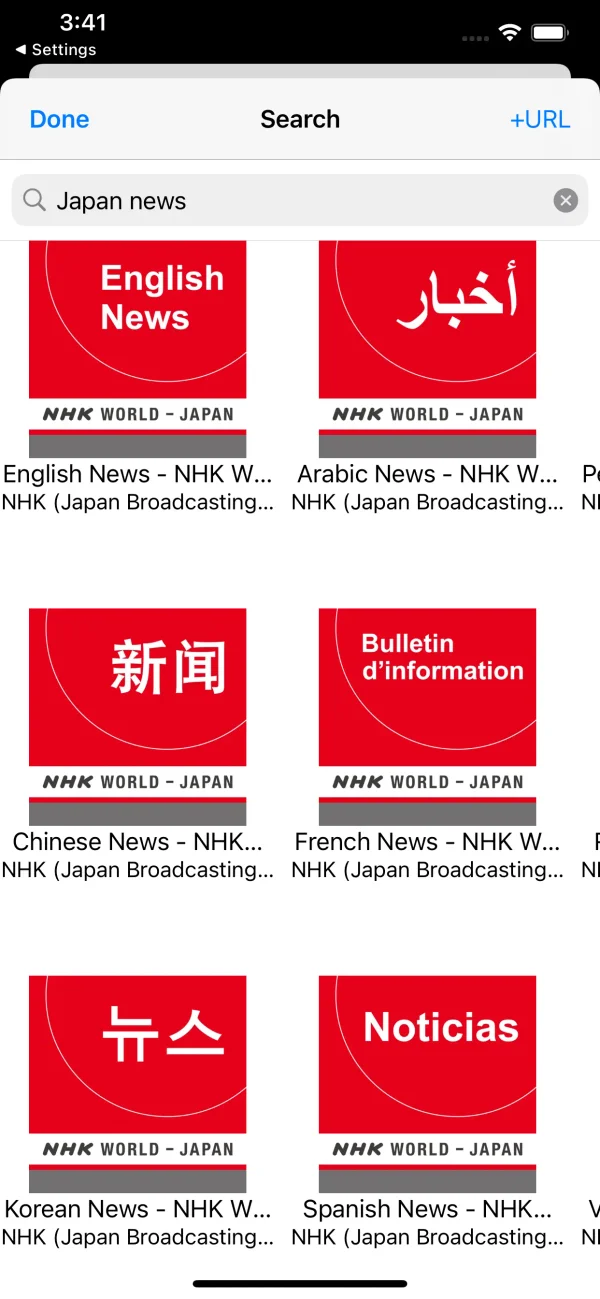
- When you add a podcast channel to a playlist, you can use any keywords to search your favorite channel.
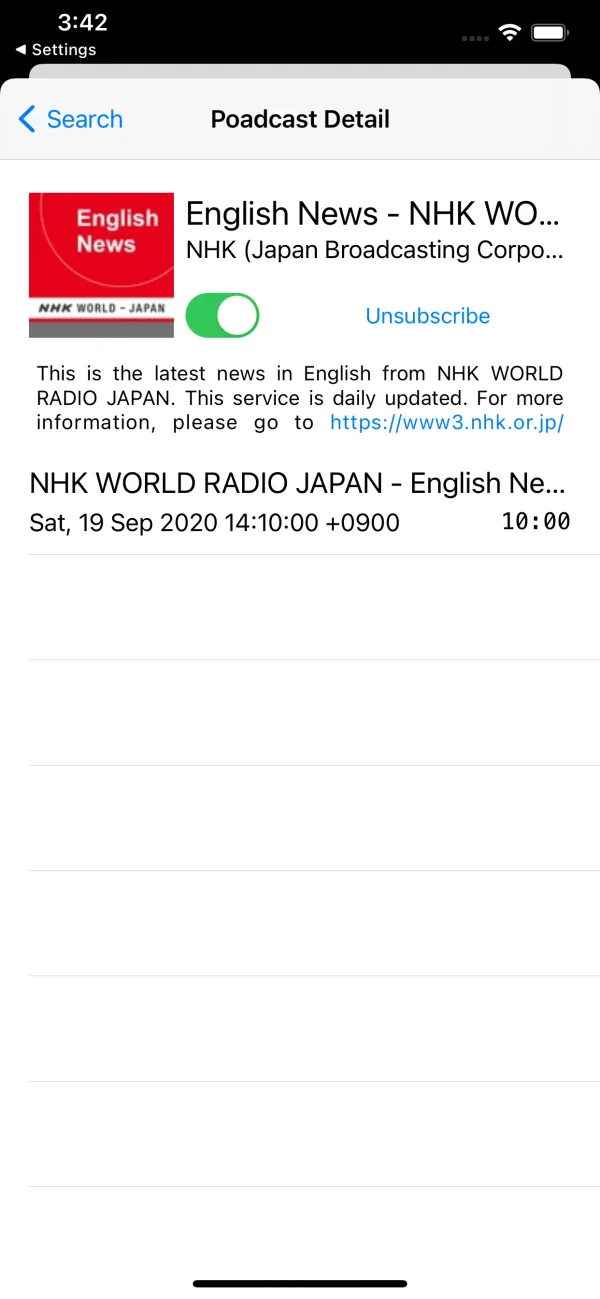
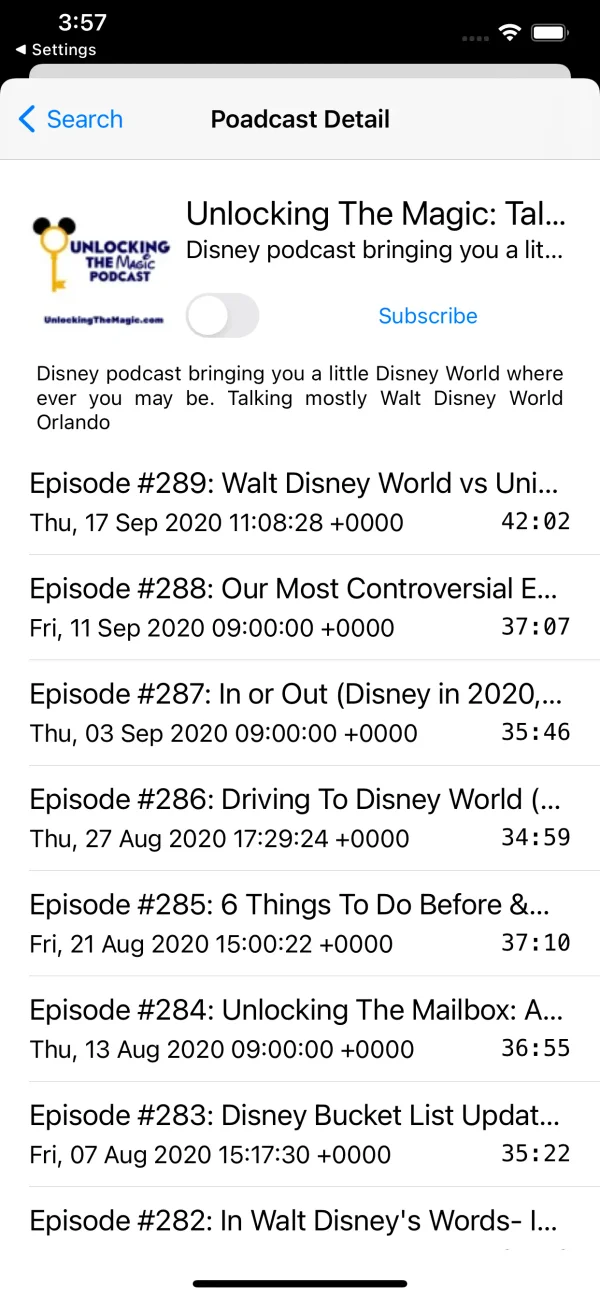
- Before adding a channel to the playlist, you can audition the currently available episodes of the search result channels.
- To add a podcast channel to a playlist, you can directly enter any RSS feed URL not registered in iTunes store.
- When you start playing, always the latest fresh episodes will be downloaded because the iPodcast does not cache any episodes.
- Because the iPodcast does not cache any episode, there is no waste of device storage.
- If you purchased the “multiple playlist enabler” In-App-Purchase option, you can create and play multiple playlists.
Playlist Configuration
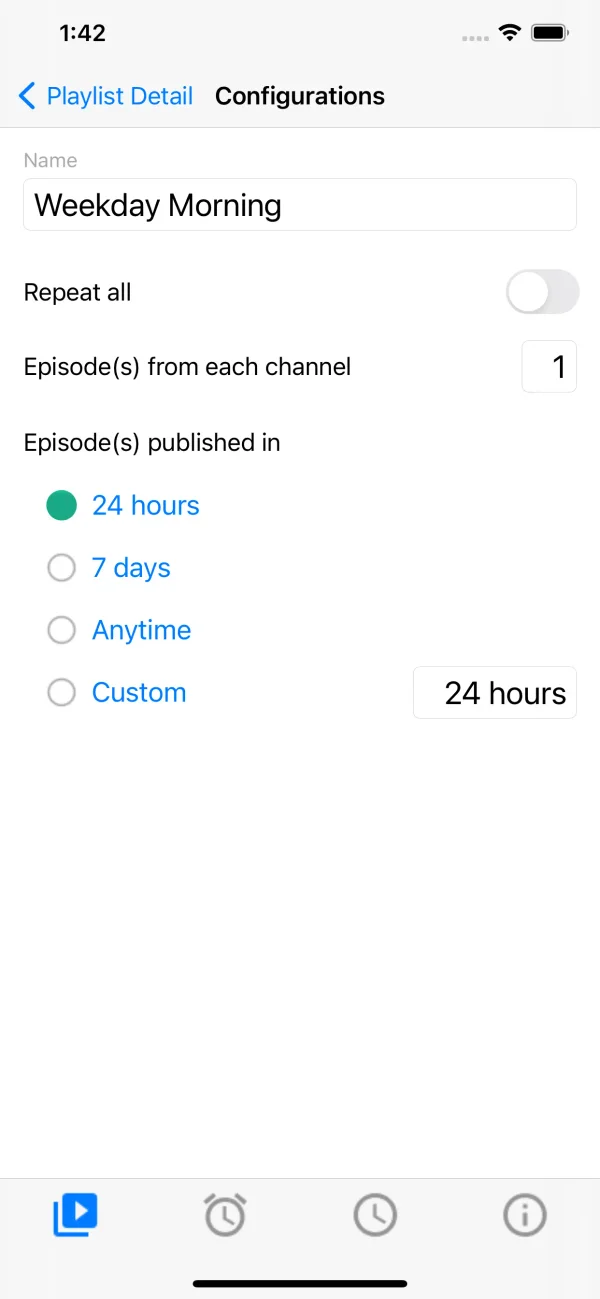
In the iPodcast’s playlist configuration, you can define rules on how to choose episode(s) available in each channel.
- When you start playing, iPodcast extracts episodes published in 24 hours, 7 days or time frame you defined from each channel registered in the playlist.
- You can define the number of episodes to play from each channel.
- If you purchased the “multiple playlist enabler” In-App-Purchase option, you can define custom time-frame.
- If you purchased the “multiple playlist enabler” In-App-Purchase option, you can enable the “repeat all” option. The “repeat all” option enables iPodcast to continue playing with re-starting to play from the first after all episodes in the playlist were played.
Alarm
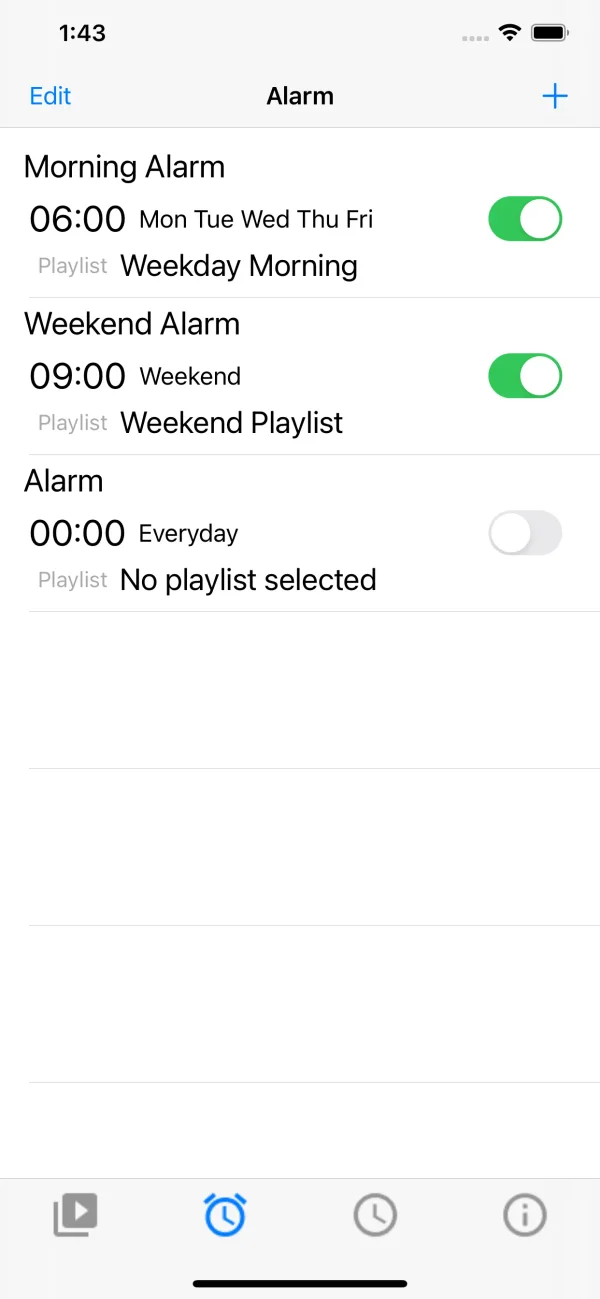
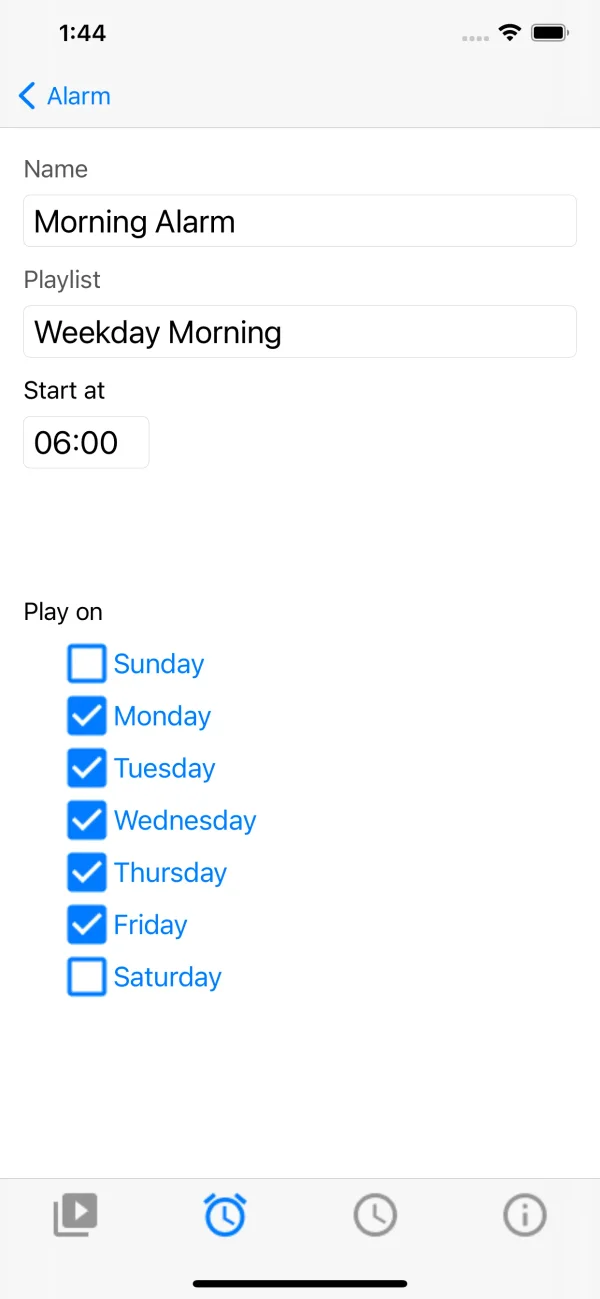
The alarm function of iPodcast allows you to automatically play playlists on a specific day-time.
While the iPodcast is up and active as a front app on your iOS device, the playlist assigned to the alarm will start playing automatically at the time specified by the alarm.
If the iPodcast is running in the background or not up, the playlist assigned to the alarm will not start automatically, but iPodcast will send a notification with its unique alarm sound at the time specified by the alarm.
Clock
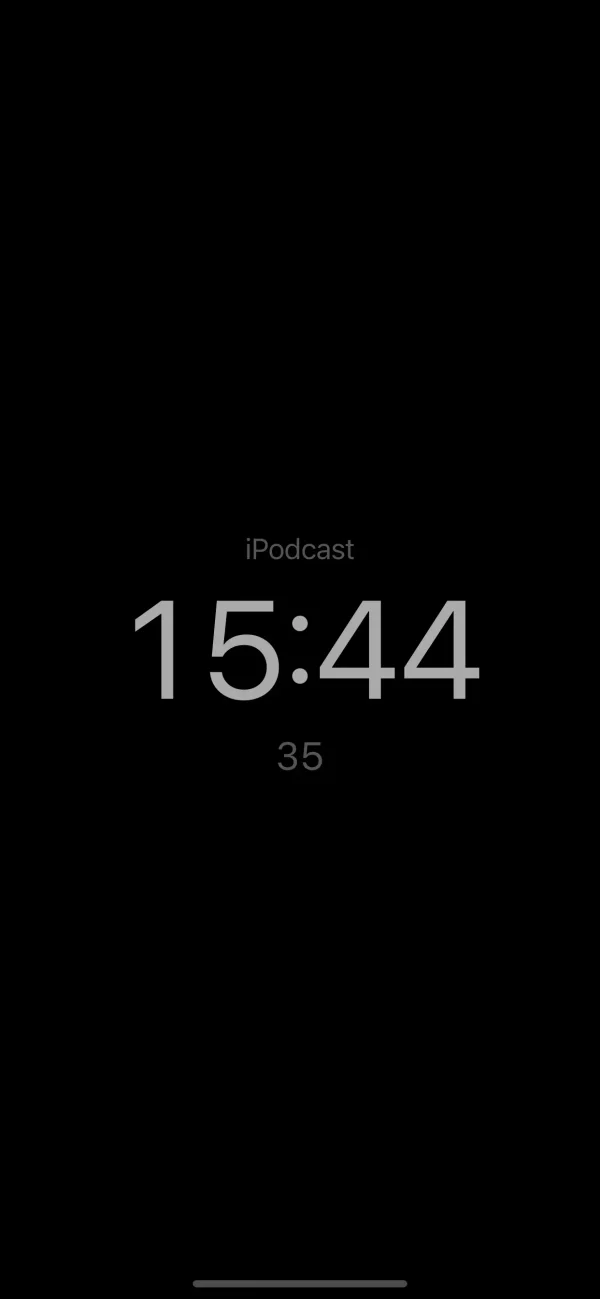
The clock screen of the iPodcast prevents your device from getting auto-locked. It is used to keep the iPodcast active and allows the playlist you created to start playing automatically at the time specified by the alarm.
While this clock screen is being presented, your device will be prevented from getting auto-locked and iPodcast will start playing the playlist automatically at the time specified by the iPadcast's alarm. It’s strongly recommended to connect your device to the battery charger while the iPodcast's clock is active.
In App Purchase
Multiple Playlist Enabler
This In-App Purchase option enables following features.
- You can create unlimited number of playlists.
- You can enable the “repeat all” option in the playlist configuration.
- You can define a custom time frame in the playlist configuration.
Yenilikler
Sürüm 1.3.0 · 02.09.2024
This version includes several bug fixes and the following new features:
- Filtering episodes by title for each channel
- Export/import/merge playlists
Uygulama gizliliği
Bu uygulamanın verileri nasıl işlediği hakkında Katsuhiko Noda tarafından App Store üzerinde yapılan beyan.
-
Veri toplanmıyor
Geliştirici bu uygulamadan hiçbir veri toplamıyor.
Gizlilik uygulamaları, örneğin kullandığınız özelliklere veya yaşınıza göre değişiklik gösterebilir.
Bilgiler
- Satıcı
- Katsuhiko Noda
- Kategori
- Yaşam Tarzı
- Sürüm
- 1.3.0
- Güncellendi
- 02.09.2024
- Yayın tarihi
- 23.09.2020
- Boyut
- 10,3 MB
- Gereksinim
- iOS 9.3 veya sonrası
- Yaş sınırı
- 12+
- Fiyat
- Ücretsiz
- Uygulama içi satın alma
- Evet
- Diller
- İngilizce
- Telif hakkı
- © Katsuhiko Noda