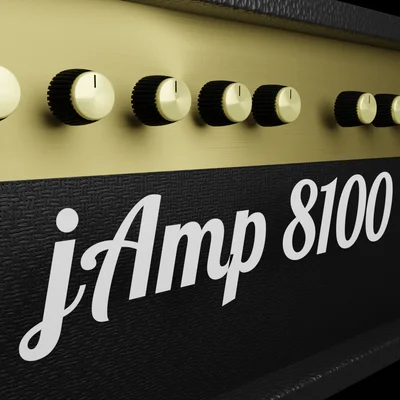
jAmp 8100
Solid State Amplifier Plugin
iPhone, iPad, Mac, iPod touch için tasarlandı
Ücretsiz · Uygulama içi satın alma
- Yaş sınırı4+
- KategoriMüzik
- GeliştiriciJan Maes
- Dillerİngilizce
- Boyut33,7 MB
Resmi App Store sayfasına bağlanır
Download.org, jAmp 8100 için hiçbir dosya barındırmaz. Düğme, uygulamanın App Store üzerindeki sayfasını açar; uygulamayı orada Jan Maes yayınlar. Sayfanın son kontrolü: 15.11.2026.
Ekran görüntüleri
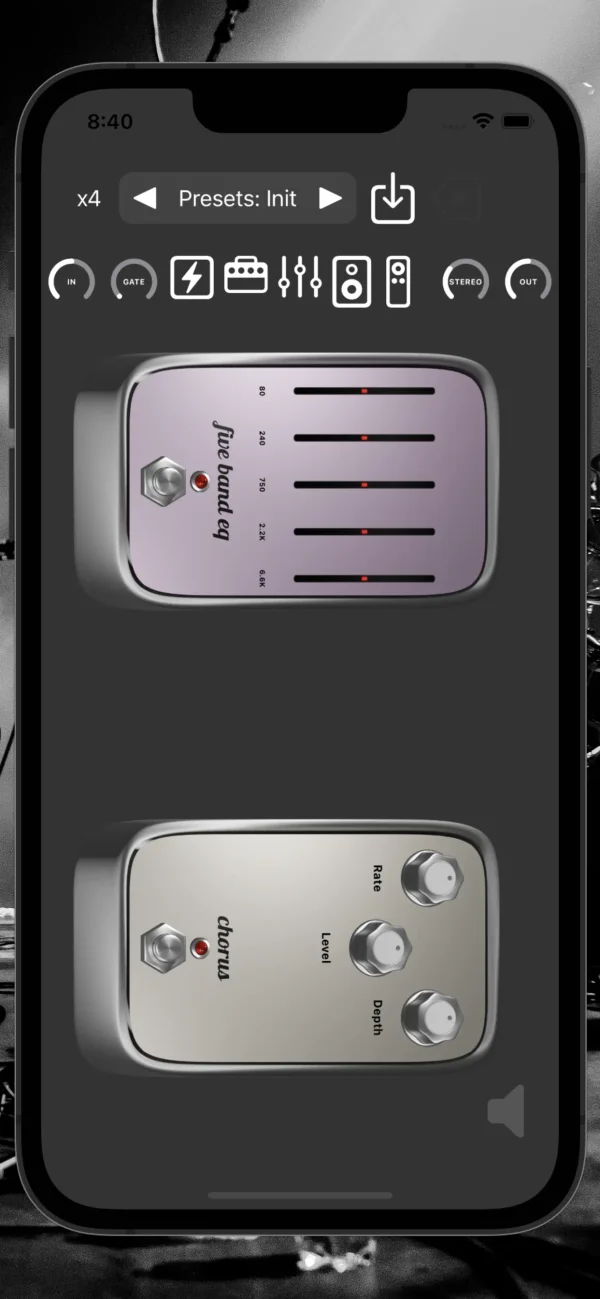


Hakkında
Geliştirici bu metni dilinizde sunmamış.
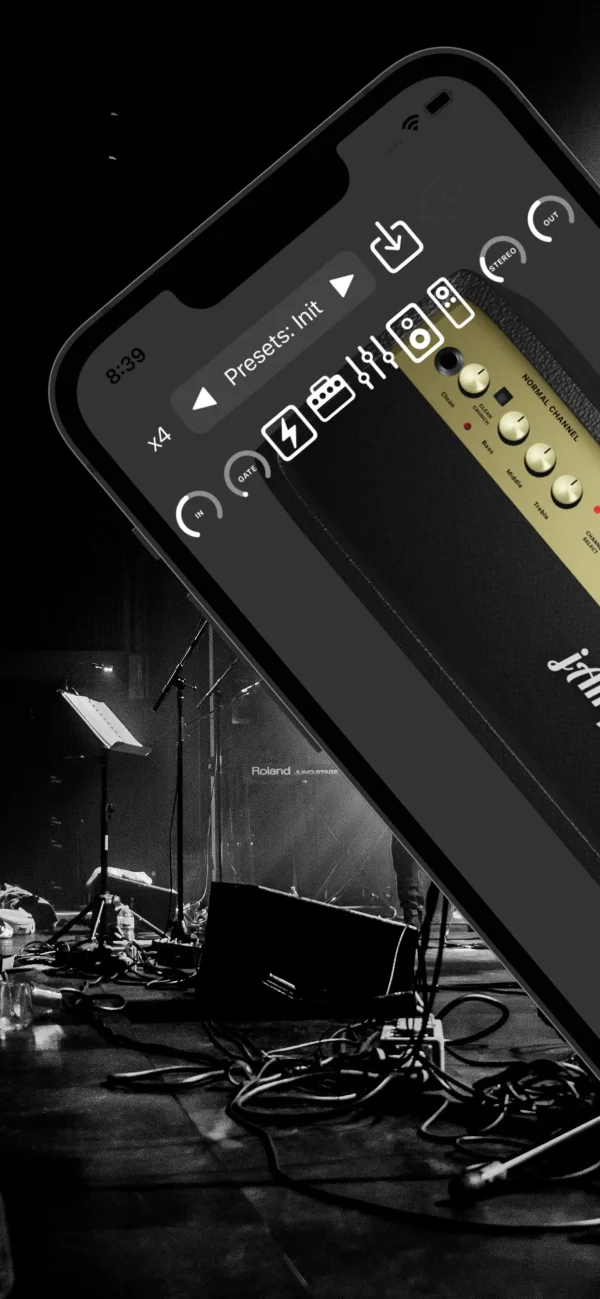
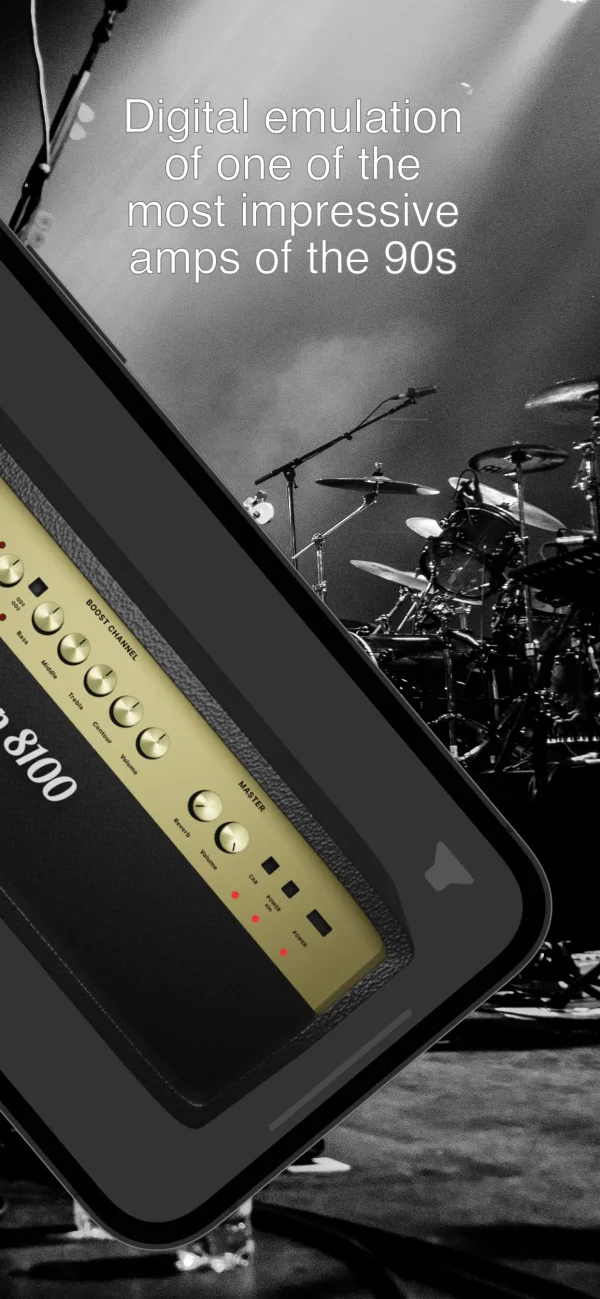
jAmp 8100 represents a digital emulation of the Marshall Valvestate 8100 amplifier, which stood out as one of the most impressive-sounding amplifiers of the 90s. Numerous metal bands showcased this amplifier in their albums, with particularly notable appearances in the works of bands such as Death, Prong, and Static-X.
Features:
- Standalone, or as a AUv3 plugin in GarageBand, Logic Pro, or other DAW.
- Marshall Valvestate 8100 emulation
- Noise gate
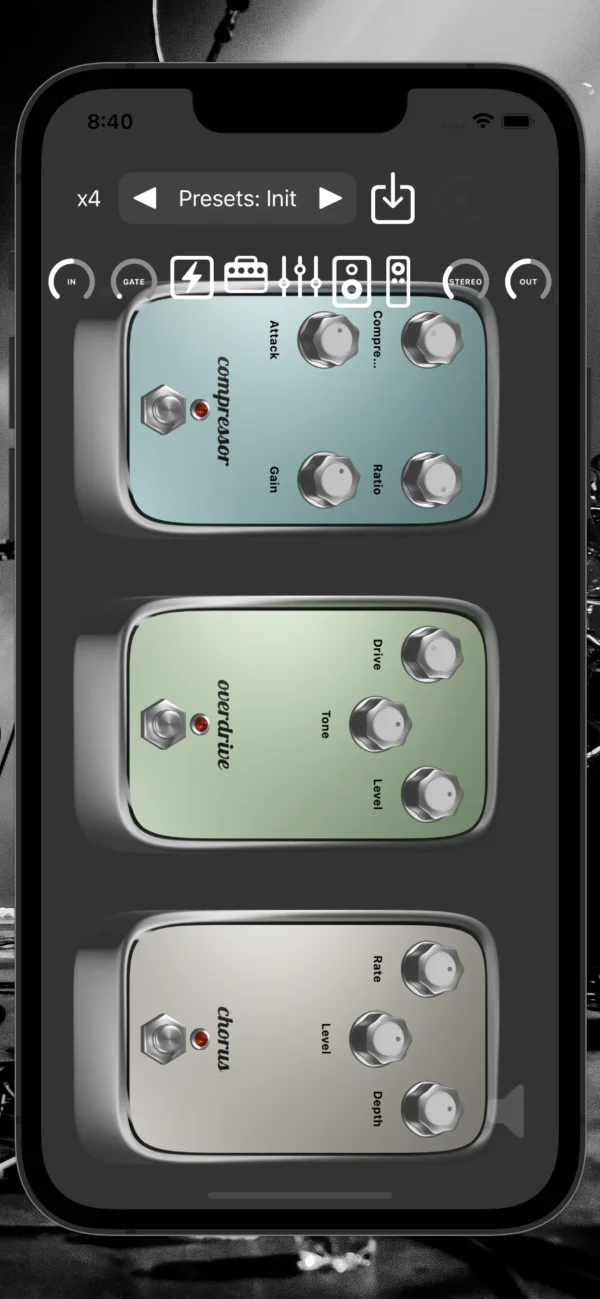
- Compressor
- Ibanez Tube Screamer emulation
- Pre amp chorus
- Five band post amp equalizer
- Post amp stereo chorus
- Impulse response (IR) loader
- MIDI controller support with MIDI learn
- Stereo effect
- Integrated IRs by forward-audio.com and Valhallir.at
The free version allows you to test jAmp 8100 completely, but every minute the amplifier will be silent for 3 seconds. To remove these limits there is a one time in-app purchase.
You need an audio interface to connect your instrument to your mobile device. Known audio interface brands are for instance Focusrite or iRig.
For iPad you might want to consider using a USB-C hub with power delivery to avoid draining your battery during your jam session, but this is optional.
For iPhone you will need to use an adapter that can
1. connect via lightning port to your iPhone
2. connect to your phone charger with USB
3. connect to your audio interface with USB
If you have a Focusrite Scarlett 2i2 or similar you can use the lighting to USB 3 camera adapter for this which is easily available in the market. Your iPhone cannot deliver enough power on its own to feed the audio interface, so this adapter with a connection to your phone charger is necessary.
If you don't have an audio interface, you can still use the AUv3 plugin in a DAW such as GarageBand or Logic Pro. Any (guitar) sound you have recorded can be fed through the jAmp 8100 audio unit to add solid state distortion or any of the other included effects.
Yenilikler
Sürüm 1.4 · 08.03.2024
- Fixing a crash that occurs on some devices when the Audio Unit is installed for the first time.
- Small bug fixes related to the cabinet loader.
Uygulama gizliliği
Bu uygulamanın verileri nasıl işlediği hakkında Jan Maes tarafından App Store üzerinde yapılan beyan.
-
Veri toplanmıyor
Geliştirici bu uygulamadan hiçbir veri toplamıyor.
Gizlilik uygulamaları, örneğin kullandığınız özelliklere veya yaşınıza göre değişiklik gösterebilir.
Bilgiler
- Satıcı
- Jan Maes
- Kategori
- Müzik
- Sürüm
- 1.4
- Güncellendi
- 08.03.2024
- Yayın tarihi
- 25.08.2023
- Boyut
- 33,7 MB
- Gereksinim
- iOS 14.0 veya sonrası
- Yaş sınırı
- 4+
- Fiyat
- Ücretsiz
- Uygulama içi satın alma
- Evet
- Diller
- İngilizce
- Telif hakkı
- © 2023 Jan Maes