
- Yaş sınırı4+
- KategoriÜretkenlik
- GeliştiriciSHU HAN CHEN
- Dillerİngilizce+ 4 dil daha
- Boyut8,1 MB
Resmi App Store sayfasına bağlanır
Download.org, KeyDBX için hiçbir dosya barındırmaz. Düğme, uygulamanın App Store üzerindeki sayfasını açar; uygulamayı orada SHU HAN CHEN yayınlar. Sayfanın son kontrolü: 23.11.2026.
Ekran görüntüleri

Hakkında
Geliştirici bu metni dilinizde sunmamış.
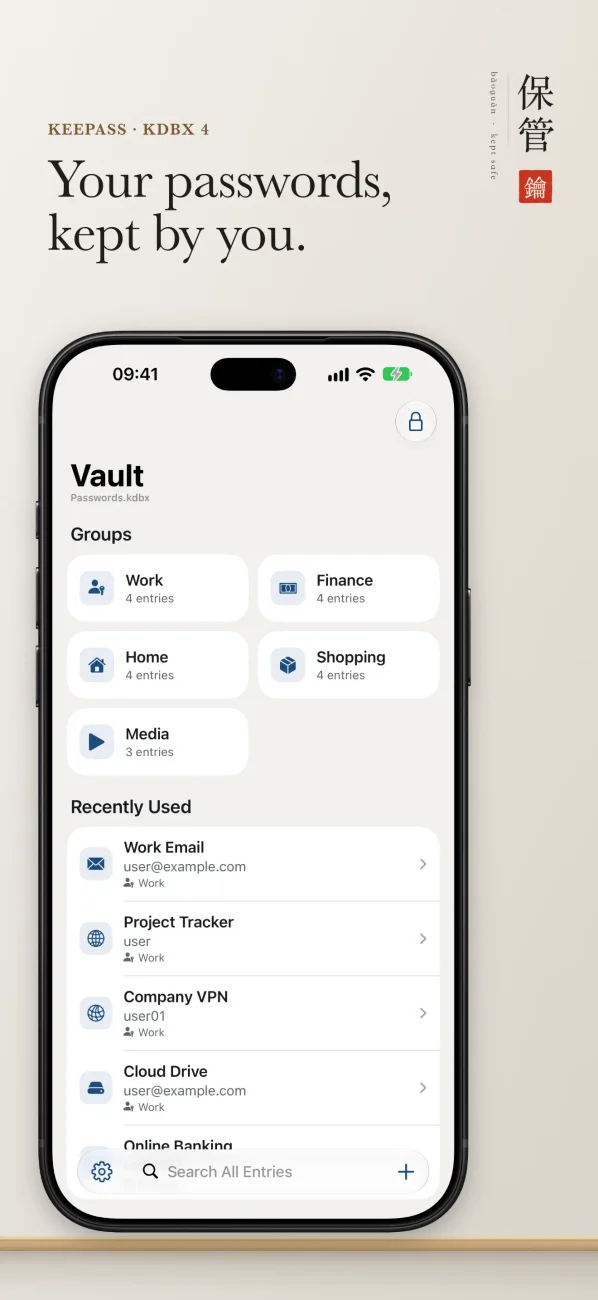
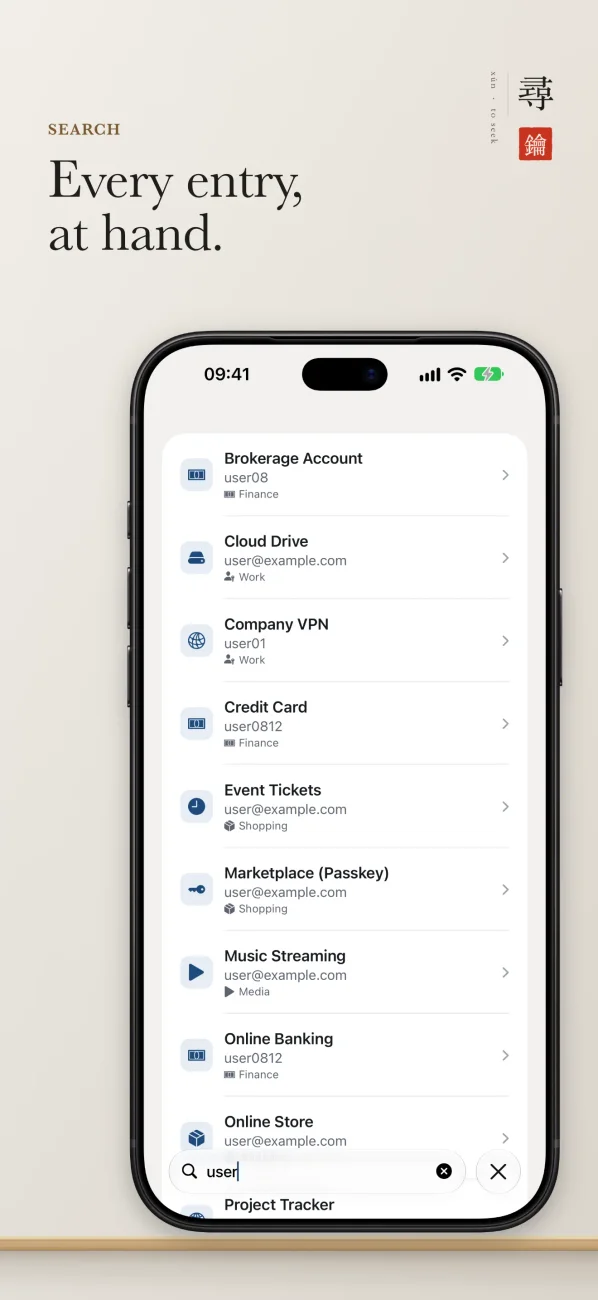
KeyDBX is a KeePass-compatible password manager for iPhone and iPad. Your database is decrypted only on your device. The developer runs no servers and never sees your data.
KEEPASS DATABASES
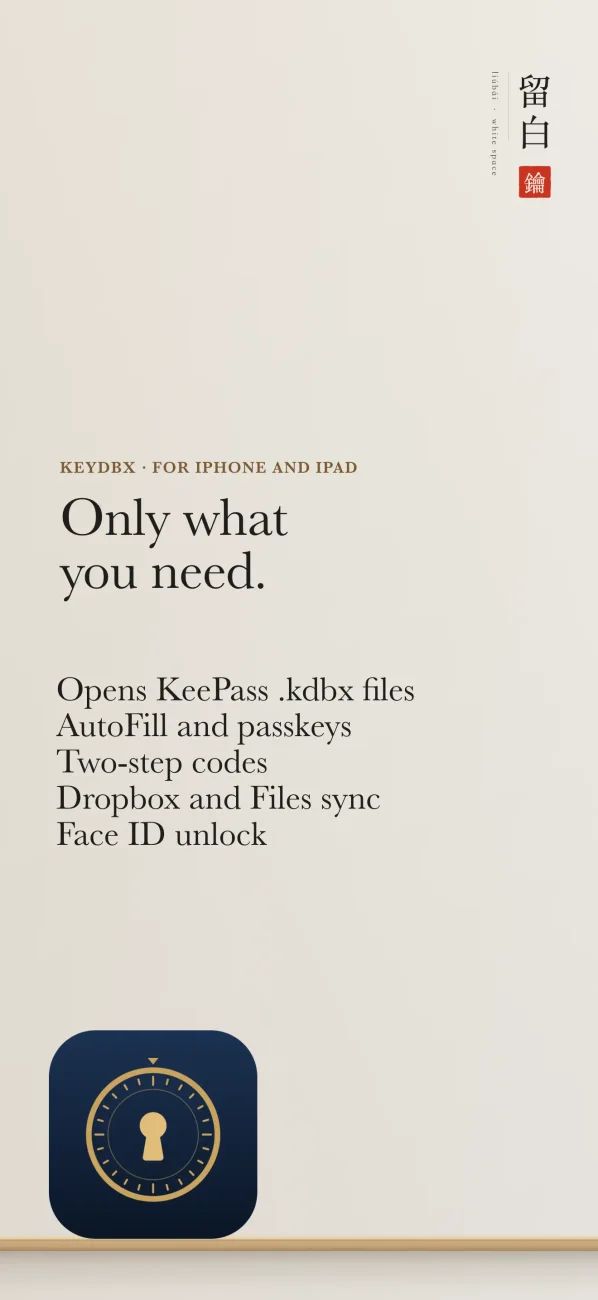
• Reads and writes KDBX 4.0 and 4.1 with a master password and key file.
• Saving changes only what you edited, so KeePass and KeePassXC keep opening the same file.
AUTOFILL
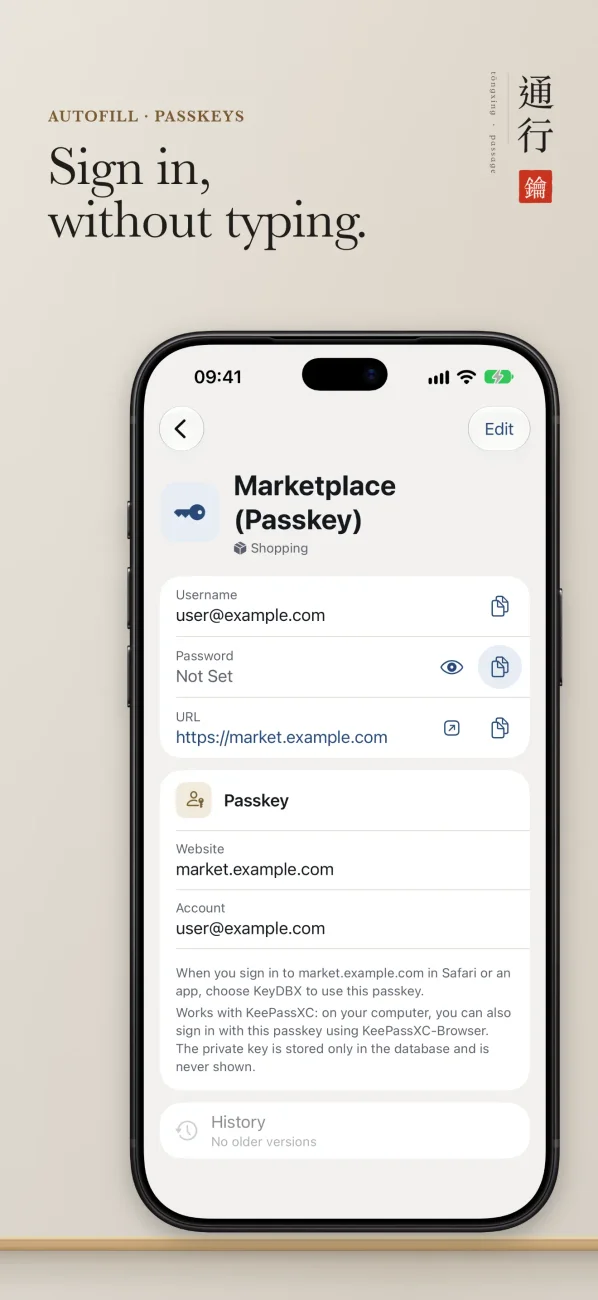
• Fills usernames, passwords, and two-step verification codes in Safari and other apps.
• When you create an account or change a password, you can save the new password to KeyDBX (iOS 26.2 or later).
PASSKEYS
• Creates and uses passkeys for websites.
• The storage format is compatible with KeePassXC 2.7.12 or later.
VERIFICATION CODES
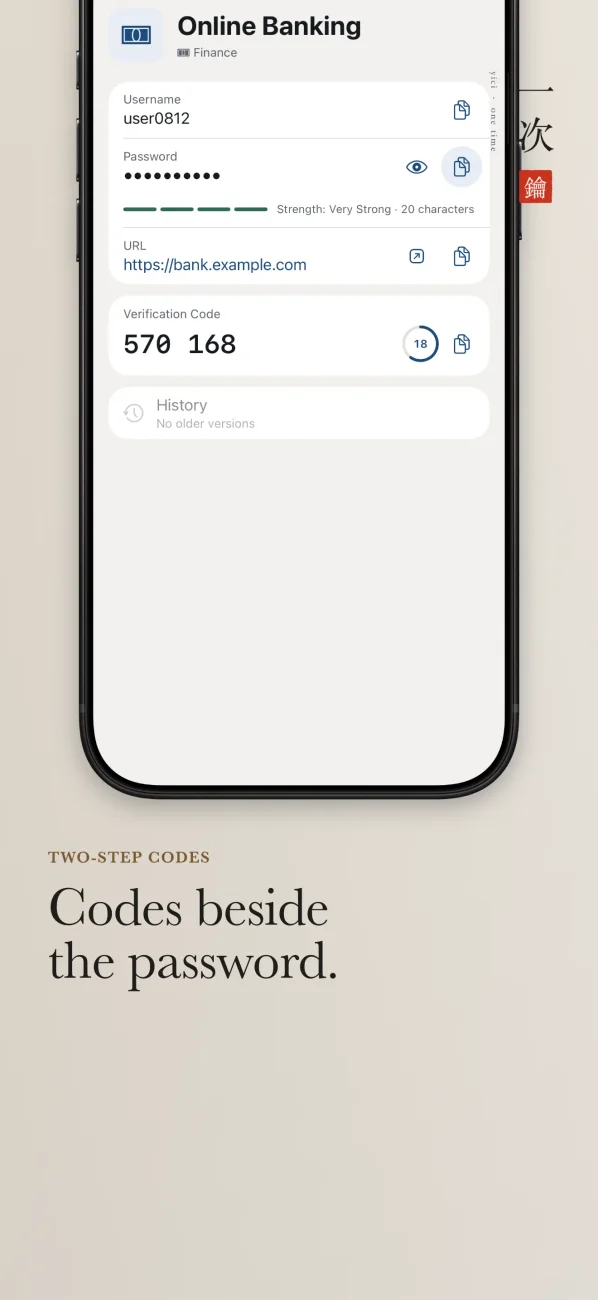
• Shows TOTP codes, including Steam codes.
• Set them up by scanning a QR code with the camera or from a photo, or by opening an otpauth:// link.
SYNC AND STORAGE
• Opens and saves databases on Dropbox directly, without the Dropbox app. When both sides change, Dropbox keeps a separate copy and no version is overwritten.
• Opens databases in the Files app, including iCloud Drive and other cloud storage.
• Unlocks and edits a Dropbox database without a network connection, and uploads the changes when you are back online.
SECURITY AND PRIVACY
• Unlocks the app and AutoFill with Face ID.
• Auto-lock, hidden content in the app switcher, and hidden passwords during screen recording.
• Copied passwords stay on this device and are cleared after 60 seconds.
• No analytics, advertising, tracking, or third-party SDKs. The app connects to the network only when you use Dropbox, and only to Dropbox.
MORE FEATURES
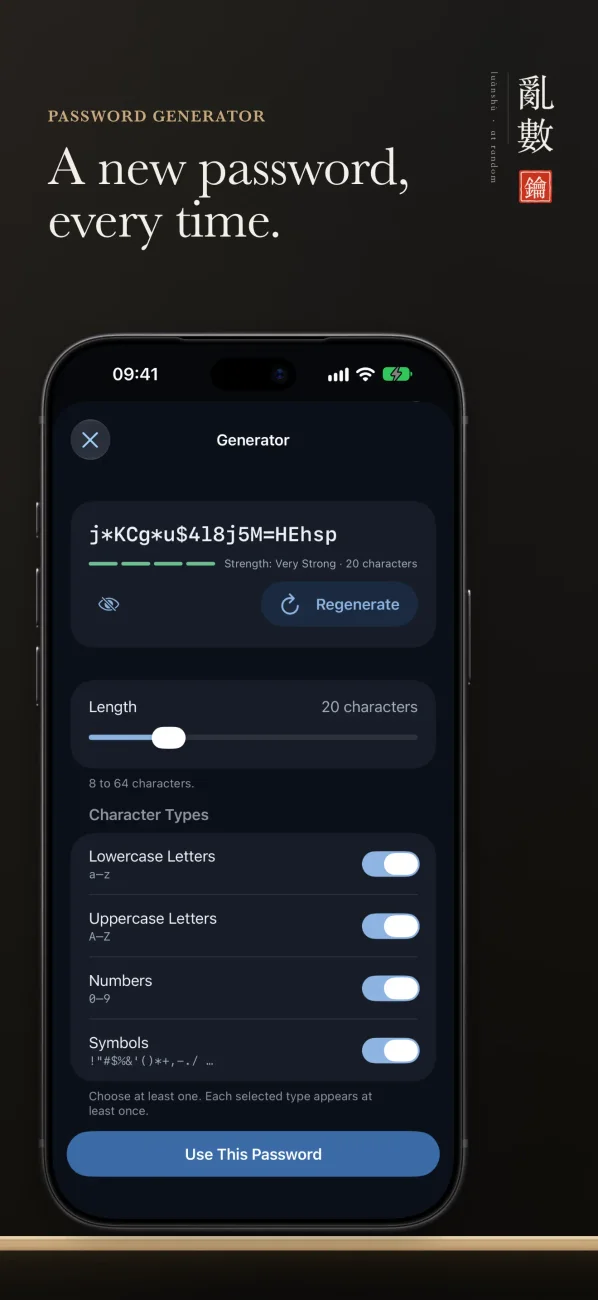
• Password generator with a strength indicator.
• Entry history: view, compare, and restore earlier versions.
• Import from and export to other password managers with Credential Exchange.
• Interface in English, Traditional Chinese, Simplified Chinese, Japanese, and Spanish (Spain and Latin America).
REQUIREMENTS
• iOS 26 or later. Saving new passwords requires iOS 26.2 or later.
• KeyDBX opens existing databases. Create a database with KeePass or KeePassXC on your computer first.
NOT SUPPORTED
• KDBX 3.1 and KeePass 1.x databases.
• YubiKey and HOTP.
• Direct connections to cloud services other than Dropbox. Open files in other cloud storage through the Files app.
KeePass, KeePassXC, and Dropbox are trademarks of their respective owners. KeyDBX is not affiliated with these owners.
Yenilikler
Sürüm 1.1 · 20.11.2026
KeyDBX now speaks three more languages!
• New Simplified Chinese, Japanese, and Spanish interfaces, with Spanish for both Spain and Latin America.
• Switch anytime in KeyDBX Settings > Language without changing your iPhone's language. AutoFill switches too.
• With System Default, dates and numbers now follow your iPhone's region.
Uygulama gizliliği
Bu uygulamanın verileri nasıl işlediği hakkında SHU HAN CHEN tarafından App Store üzerinde yapılan beyan.
-
Veri toplanmıyor
Geliştirici bu uygulamadan hiçbir veri toplamıyor.
Gizlilik uygulamaları, örneğin kullandığınız özelliklere veya yaşınıza göre değişiklik gösterebilir.
Bilgiler
- Satıcı
- SHU HAN CHEN
- Kategori
- Üretkenlik
- Sürüm
- 1.1
- Güncellendi
- 20.11.2026
- Yayın tarihi
- 31.10.2026
- Boyut
- 8,1 MB
- Gereksinim
- iOS 26.0 veya sonrası
- Yaş sınırı
- 4+
- Fiyat
- Ücretsiz
- Diller
- İngilizce, Japonca, Basitleştirilmiş Çince, İspanyolca, Geleneksel Çince
- Telif hakkı
- © 2026 Hank Chen
Bunları da beğenebilirsiniz
-
 OH HAI — Agent InboxÜretkenlik
-
 BTS ChatterÜretkenlik
-
 SkyAntÜretkenlik
-
 Atlas - Private AI ChatÜretkenlik
-
 PanicVault - Password ManagerÜretkenlik
-
 Sencha: LLM Chat ClientÜretkenlik
-
 Bramble: Password ManagerÜretkenlik
-
 ReminderStats: AlışkanlıklarGünlük rutin ve hatırlatıcı
-
 Strongbox ProÜretkenlik
-
 KeeForge: KeePass ManagerÜretkenlik