
KiCad Viewer
Your soldering companion
iPhone, iPad, iPod touch için tasarlandı
Ücretsiz · Uygulama içi satın alma
- Yaş sınırı4+
- KategoriÜretkenlik
- GeliştiriciMark Szente
- Dillerİngilizce
- Boyut49,7 MB
Resmi App Store sayfasına bağlanır
Download.org, KiCad Viewer için hiçbir dosya barındırmaz. Düğme, uygulamanın App Store üzerindeki sayfasını açar; uygulamayı orada Mark Szente yayınlar. Sayfanın son kontrolü: 24.11.2026.
Ekran görüntüleri



Hakkında
Geliştirici bu metni dilinizde sunmamış.
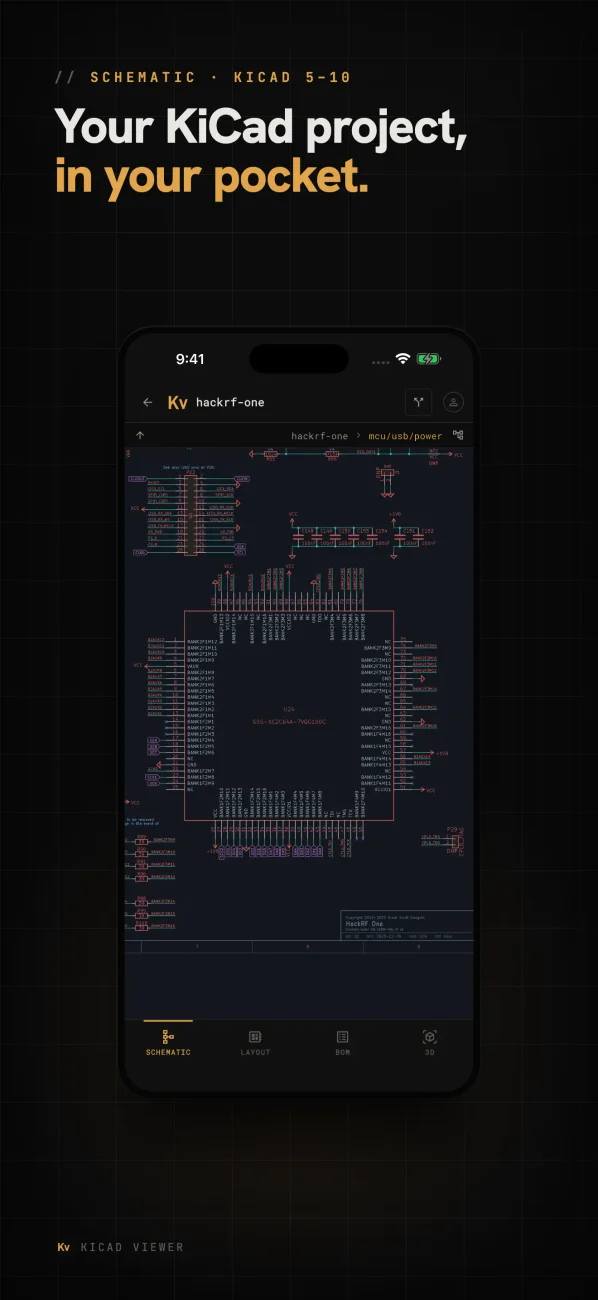
KiCad Viewer is a tool built for engineers hand-soldering their PCBs designed in KiCad. It lets you view the schematic, layout, 3D board and BOM list on your iPad or iPhone — keep your design on the bench right next to your iron, no laptop required. And when a pull request comes in, you can review what changed from the same place.
Open native KiCad files directly. No exporting, no converting — point it at your project, in Files, iCloud Drive or a network share, and it reads your .kicad_sch and .kicad_pcb files as-is.
Features:
- Interactive schematic — pinch to zoom and pan around the full drawing. Tap any component or net and it stays highlighted, so you never lose your place mid-solder.
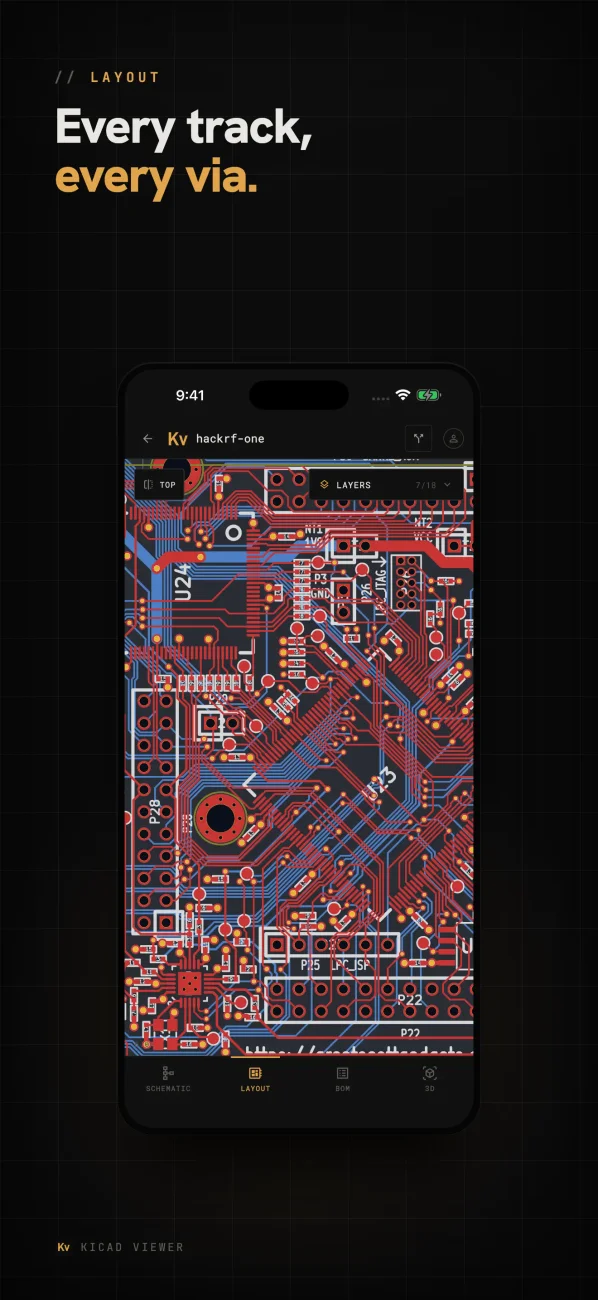
- Cross-probing — select a part on the schematic and watch it light up on the board (and vice versa). Instantly find where R47 actually lives on your layout.
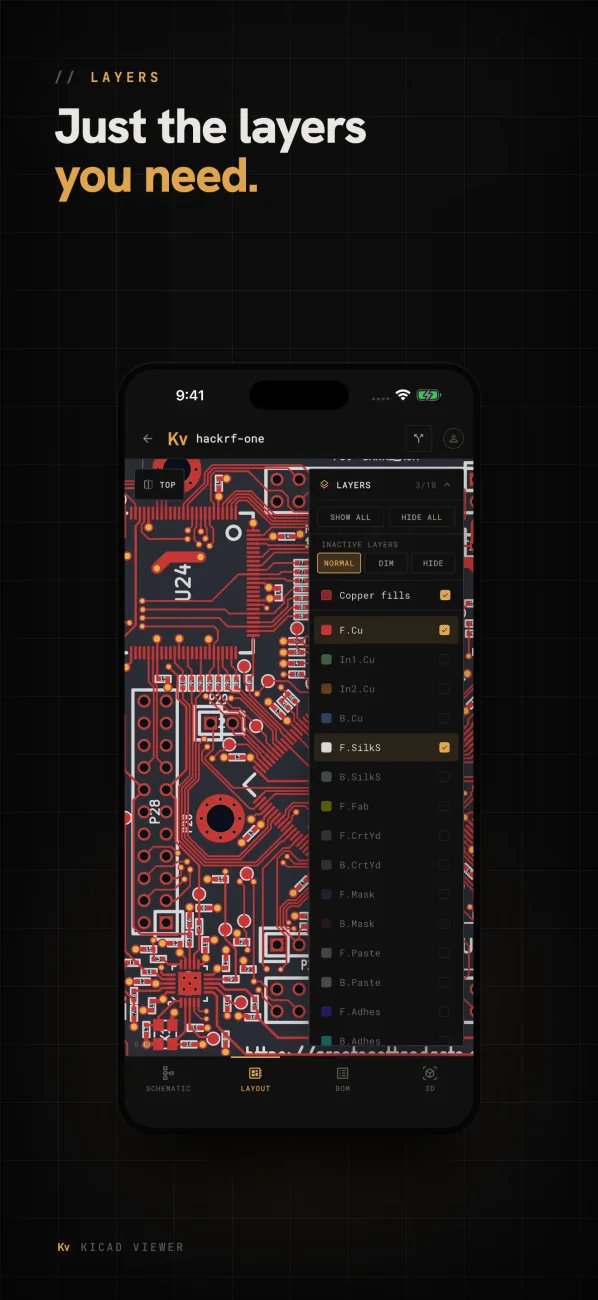
- PCB layout viewer — explore the board with smooth zoom and pan. Toggle copper, silkscreen, and other layers on and off, dim the ones you're not working on, or switch to KiCad's own colors.
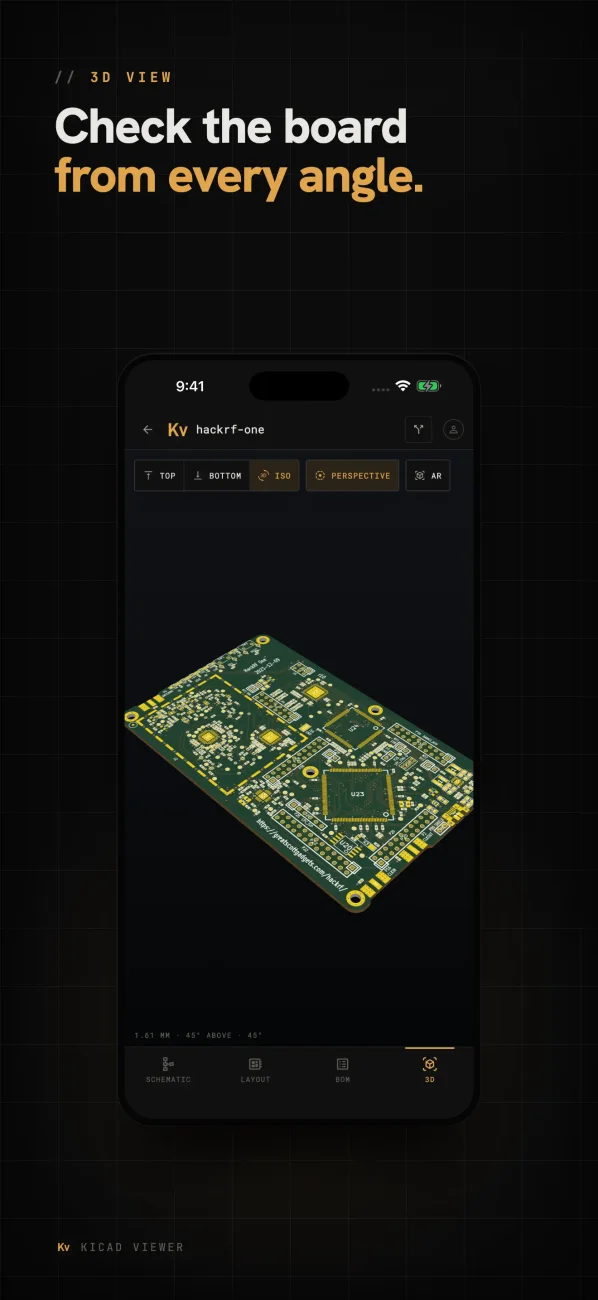
- 3D view — turn the board to any angle, in perspective or isometric, tap a part to find it on the schematic, or put it on your desk at real size in AR.
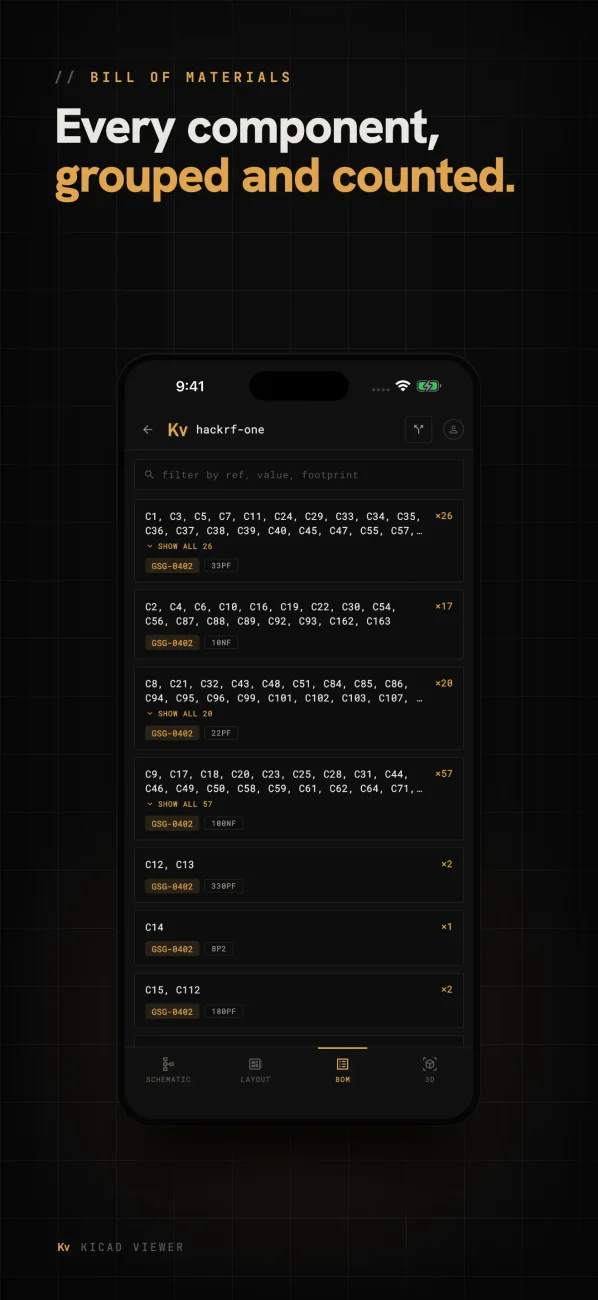
- BOM list — every part grouped by value and footprint, with quantities and reference designators, plus search to find that one cap fast.
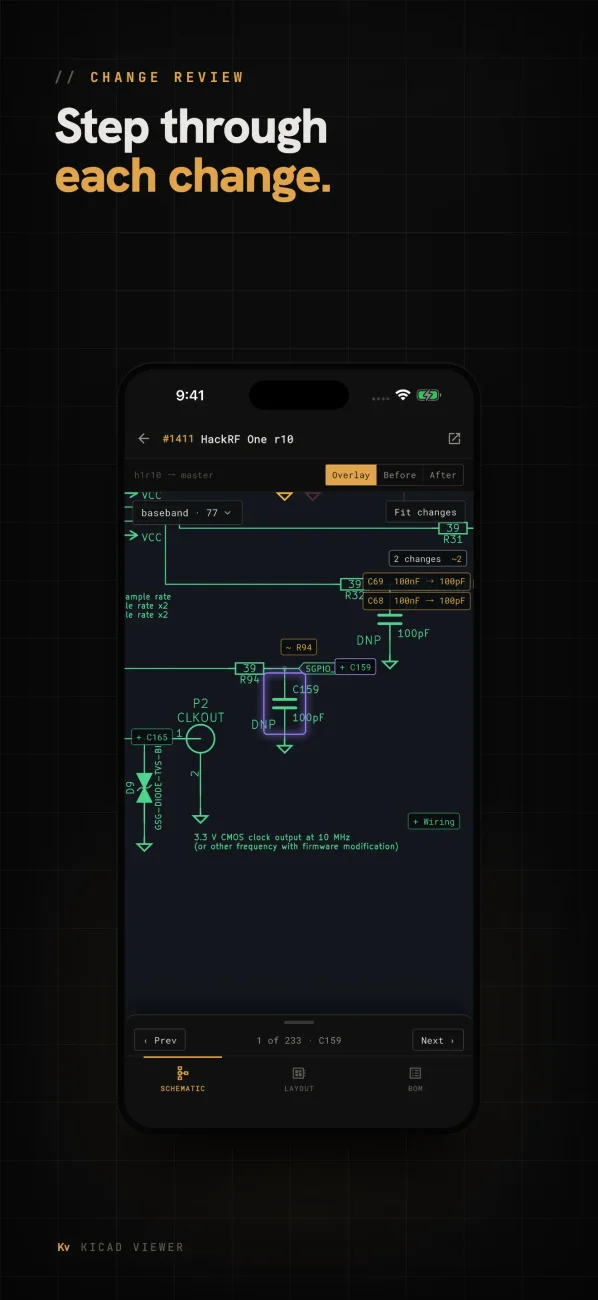
- Pull and merge request review — open a pull request from GitHub or Gitea, or a merge request from GitLab, and see every change on the schematic, board and BOM: parts added, removed or moved, traces rerouted, values edited. Flip between before, after and overlay, and step through the changes one by one. Paste a link to review a pull request without cloning the repo. A sample pull request is included, so you can try it right away.
- Log in and clone directly from GitHub, GitLab or Gitea — sign in once and pull your repositories straight onto your device, private repos included. Self-hosted GitLab, Gitea and Forgejo (Codeberg) work too. Pull new commits and switch branches from the app.
- Nested and hierarchical projects — opens multi-sheet schematics and projects buried in subfolders.
- Works offline — once a project is on your device, everything loads with no connection. Perfect for the workbench, the lab, or anywhere.
- Dark and Light modes — whichever you prefer.
- Legacy to modern — supports KiCad 5 through 10, so decade-old .sch schematics open right next to brand-new projects.
Designed from the ground up for touch, KiCad Viewer keeps your schematic, board, and parts list one tap away while your hands are busy.
Requires a one-time purchase or subscription. Free trial available.
Terms of use: https://www.apple.com/legal/internet-services/itunes/dev/stdeula/
Privacy policy: https://www.kicadviewer.com/privacy
KiCad Viewer is not affiliated with, or endorsed by, the KiCad project or its contributors. The app renders KiCad files with its own independent implementation, so some schematics or boards may not appear exactly as they would in KiCad. Please reach out to us if your design is not rendering correctly!
Yenilikler
Sürüm 1.13.6 · 23.11.2026
Fixes and improvements
Uygulama gizliliği
Bu uygulamanın verileri nasıl işlediği hakkında Mark Szente tarafından App Store üzerinde yapılan beyan.
-
Sizinle ilişkilendirilmeyen veriler
Toplanabilir ancak kimliğinizle ilişkilendirilmez.
- Tanımlayıcılar
- Kullanım verileri
- Tanılama
Gizlilik uygulamaları, örneğin kullandığınız özelliklere veya yaşınıza göre değişiklik gösterebilir.
Bilgiler
- Satıcı
- Mark Szente
- Kategori
- Üretkenlik
- Sürüm
- 1.13.6
- Güncellendi
- 23.11.2026
- Yayın tarihi
- 11.06.2026
- Boyut
- 49,7 MB
- Gereksinim
- iOS 15.0 veya sonrası
- Yaş sınırı
- 4+
- Fiyat
- Ücretsiz
- Uygulama içi satın alma
- Evet
- Diller
- İngilizce
- Telif hakkı
- © Mark Szente
Bunları da beğenebilirsiniz
-
 Electronics Engineer HelperCalculators and references
-
 Metaroom - 3D Room ScannerÜretkenlik
-
 3D Model Viewer - AR & PrintÜretkenlik
-
 Network Toolbox Net securityÜretkenlik
-
 BLE Scanner 4.0 – Bluetooth LEÜretkenlik
-
 ASUS GlideXÜretkenlik
-
 DWG FastView-CAD izleyiciAutoCAD ile uyumlu
-
 Google CloudÜretkenlik
-
 Spark Mail: AI Mail AsistanıGelen kutunu düzenle
-
 Stud Finder゜Üretkenlik