
Lean Browser
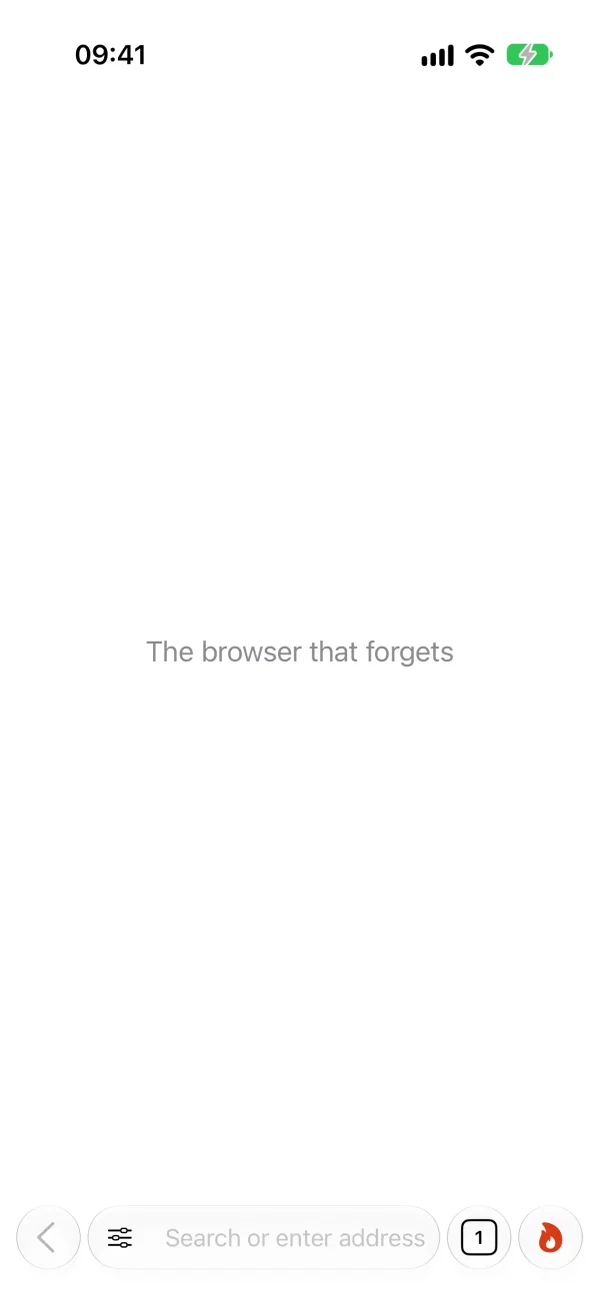
The browser that forgets
iPhone, iPad için tasarlandı
Ücretsiz
- Yaş sınırı17+
- KategoriYardımcılar
- GeliştiriciTran Cong Minh
- Dillerİngilizce+ 1 dil daha
- Boyut4,0 MB
Resmi App Store sayfasına bağlanır
Download.org, Lean Browser için hiçbir dosya barındırmaz. Düğme, uygulamanın App Store üzerindeki sayfasını açar; uygulamayı orada Tran Cong Minh yayınlar. Sayfanın son kontrolü: 18.11.2026.
Ekran görüntüleri

Hakkında
Geliştirici bu metni dilinizde sunmamış.
Lean Browser is the browser that forgets. Open a page, read, leave — and what you did is wiped: tabs, cookies, cache, history. No account, no AI, no suggestions, no data collected.
FORGETS, YOUR WAY
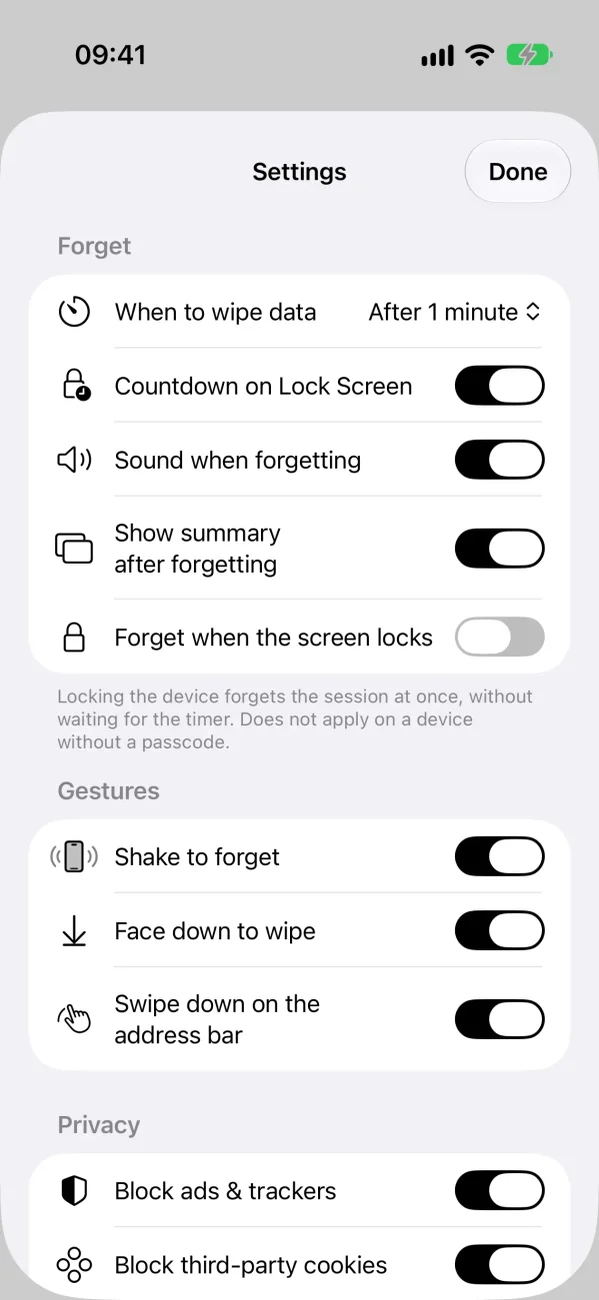
• Browsing data is kept only for the session and wiped on your schedule: right away, after 1 minute up to 1 day in the background, or when the app closes (except a file you choose to open in another app: stored briefly on the device, then deleted)
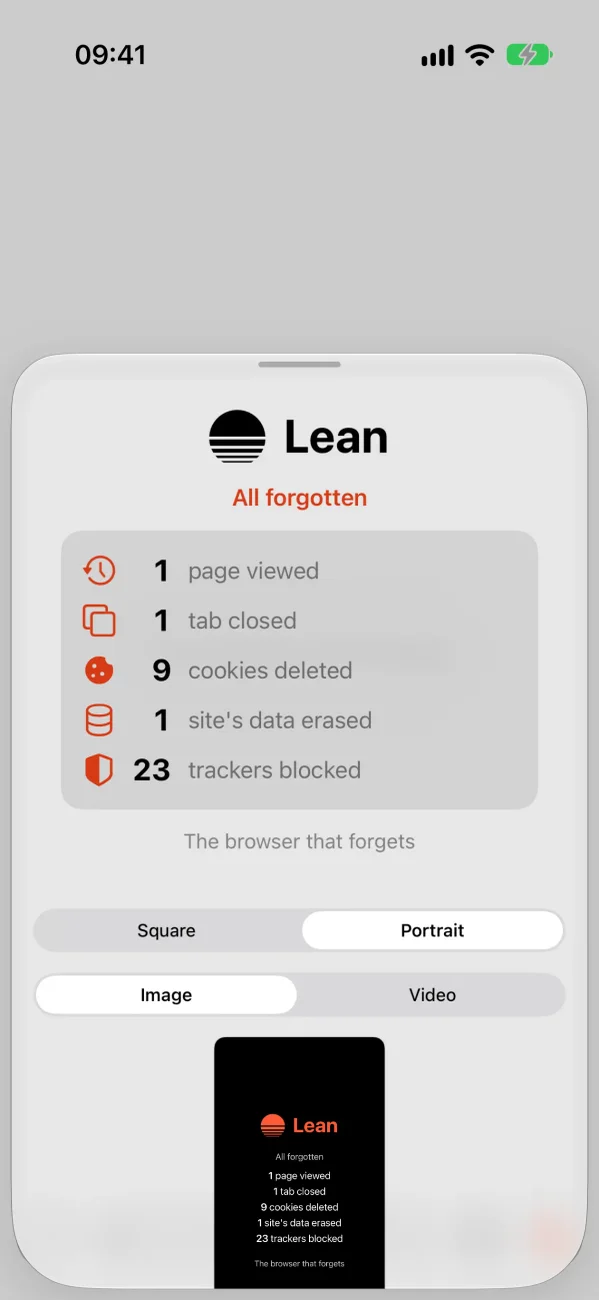
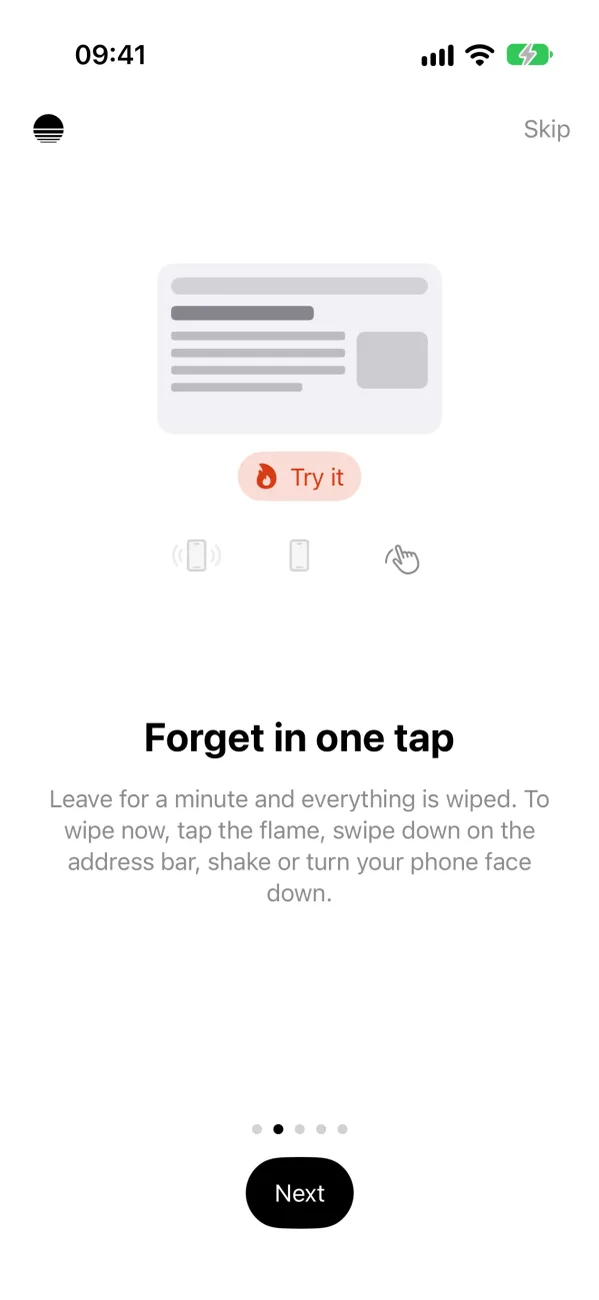
• Tap the flame to forget now: the page turns to dust, then an "All forgotten" card lists, with icons and counting numbers, pages viewed, tabs closed, cookies deleted, site data erased and trackers blocked (zero lines hidden). Share it as a square or portrait image or a short video: numbers only, never a site
• Panic gestures: shake the phone, put it face down, or swipe down on the address bar. Try them in the welcome tour (the swipe can be turned off)
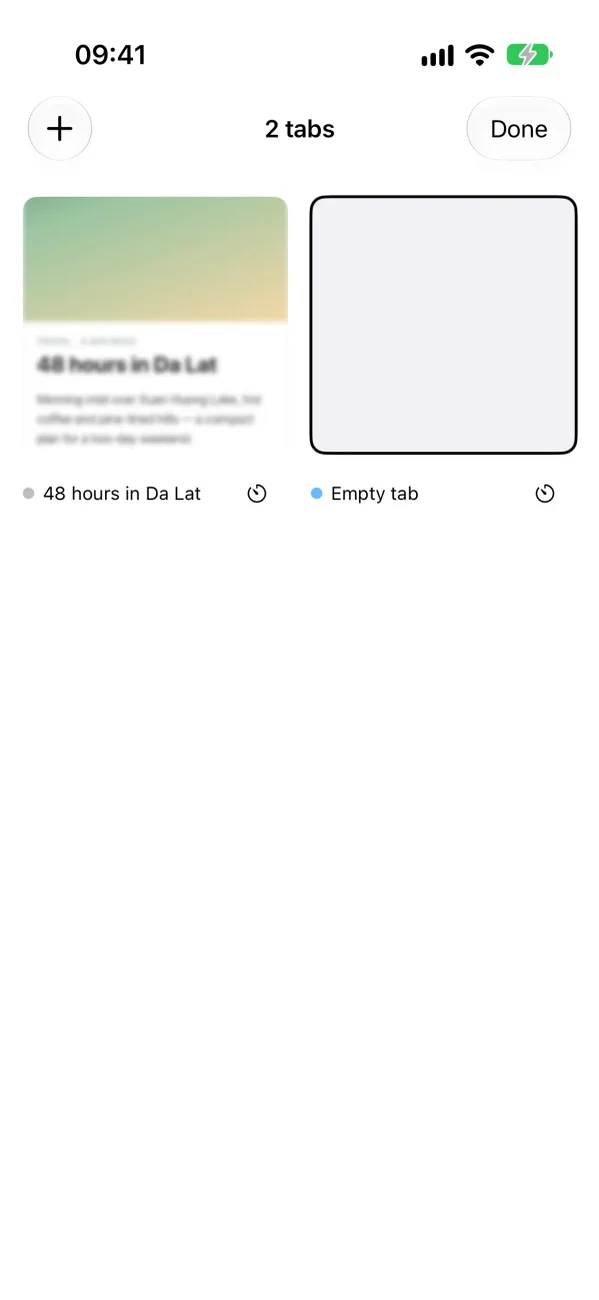
• Up to 5 tabs, each with its own separate storage, and self-destruct timers of 1, 5 or 15 minutes. Drag a tab to reorder it, swipe the address bar to slide to the next tab, touch and hold the tab count for New tab, Close tab and Forget now
• Lock Screen countdown before the wipe, Face ID lock when you come back. The unlock screen has Forget now: wipe the session without unlocking, without showing a single page
• Forget now without opening the app: from the Lock Screen countdown, Control Center, the Action button, Siri or a Home Screen widget
PRIVATE BY DEFAULT
• Ads and trackers blocked with a built-in list of about 55,000 domains (EasyList/EasyPrivacy). See the count and the blocked trackers for each page, or turn blocking off for one site that breaks
• Cookie banners of common consent platforms rejected for you, even when Reject is one screen deeper. Never accepted
• Third-party cookies and pop-ups blocked; tracking parameters (utm, fbclid…) removed from links, and tracking redirects (Google, Facebook, Reddit…) unwrapped so links open straight at the real page
• HTTPS first (or HTTPS-Only), Global Privacy Control signal
• Video autoplay blocked by default: videos start only when you tap play
• Plain explanations for refused certificates, no way around them
• Camera and microphone for video calls only when you say yes, per site, and never your location
• Asks before every download; warns about password requests, profiles and app installers
BROWSE WITHOUT THE NOISE
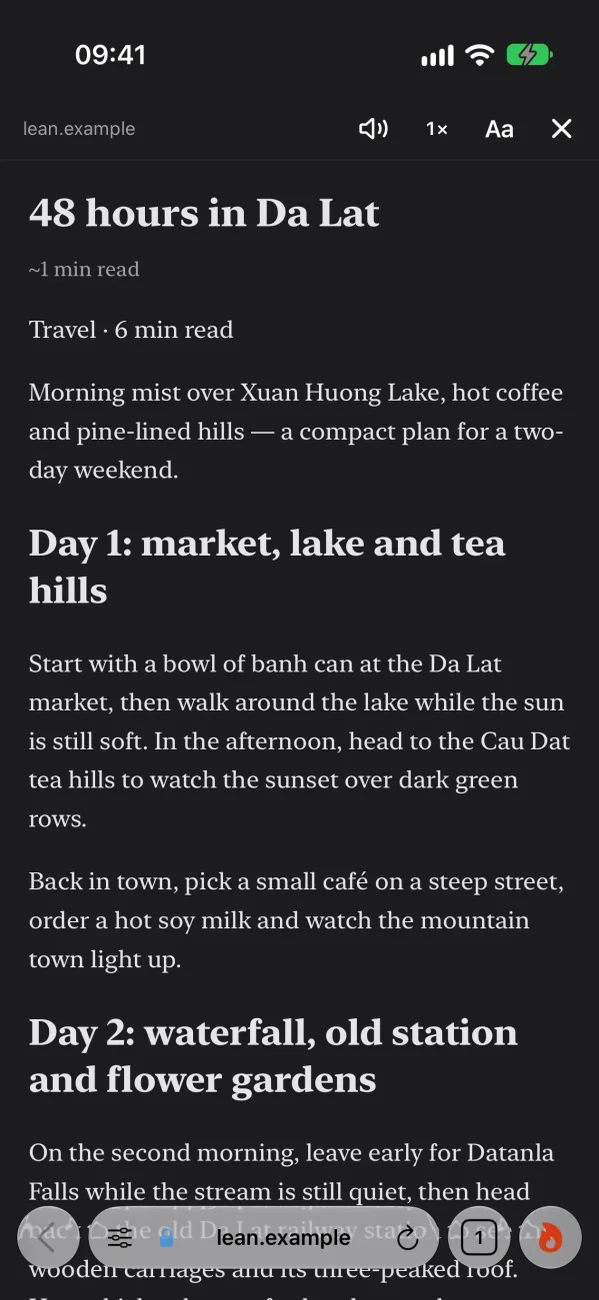
• Reader mode: pick a typeface and a light, sepia or dark background, see the estimated reading time, and have the article read aloud with a voice that matches its language, all on the device
• While reading aloud: choose the speed, skip a paragraph back or ahead; the paragraph being read is highlighted. Lock Screen and Control Center controls never show the title
• Print in reader mode: just the article, black on white
• Dark pages: show web pages dark for night reading (off by default)
• Scroll down and the bottom bar shrinks to a thin line; one tap brings it back
• Scan a QR code, or show the page's QR code
• Touch and hold an image to open it in a new tab, copy or share its link, or download it; a link, to open it in a background tab
• Select text and search it with the engine you chose: DuckDuckGo (default), Mojeek, Qwant, Ecosia and more
• "Search in Lean" from Siri, Shortcuts and Spotlight; share a link or any text to Lean from other apps
• Picture in Picture for web videos, Print, "Open URL in Lean" for Shortcuts and the Action button
• Address bar at the bottom, no suggestions, no autocorrect
• Quick panel: turn off JavaScript, images or video for every page, and a peek guard that blurs the page until you touch the screen
• "What I forgot today", a widget and Home Screen shortcuts for a fresh session
TRANSPARENT
No analytics, no account, no calls to any Lean server. Only your choices in Settings and a few small counters are saved on the device. Lean doesn't promise perfect safety — only trust the sites you trust. Vietnamese and English, with VoiceOver support.
Yenilikler
Sürüm 2.13 · 14.11.2026
New in Lean 2.13:
• Share your forget card straight to Instagram Stories with the new "Share to Stories" button
Uygulama gizliliği
Bu uygulamanın verileri nasıl işlediği hakkında Tran Cong Minh tarafından App Store üzerinde yapılan beyan.
-
Veri toplanmıyor
Geliştirici bu uygulamadan hiçbir veri toplamıyor.
Gizlilik uygulamaları, örneğin kullandığınız özelliklere veya yaşınıza göre değişiklik gösterebilir.
Bilgiler
- Satıcı
- Tran Cong Minh
- Kategori
- Yardımcılar
- Sürüm
- 2.13
- Güncellendi
- 14.11.2026
- Yayın tarihi
- 15.07.2019
- Boyut
- 4,0 MB
- Gereksinim
- iOS 17.0 veya sonrası
- Yaş sınırı
- 17+
- Fiyat
- Ücretsiz
- Diller
- İngilizce, Vietnamese
- Telif hakkı
- © 2026 Lean
Bunları da beğenebilirsiniz
-
 Nova Browser: One ExperienceYardımcılar
-
 Aetherium BrowserYardımcılar
-
 Sail BrowserYardımcılar
-
 DefaultAI: Default browserYardımcılar
-
 Brilliance Private BrowserYardımcılar
-
 OrbitX BrowserYardımcılar
-
 Flov BrowserYardımcılar
-
 TitleLess BrowserYardımcılar
-
 Gram: Reklamsız Gizli TarayıcıReklam Engelleyici & Dosyalar
-
 Wayline BrowserYardımcılar