Learn Linux Command & Prompt
Ubuntu, Kali Linux & Webssh
iPhone, iPad için tasarlandı
Ücretsiz · Uygulama içi satın alma
- Yaş sınırı4+
- KategoriEğitim
- GeliştiriciAPPS VED
- Dillerİngilizce
- Boyut114,0 MB
Resmi App Store sayfasına bağlanır
Download.org, Learn Linux Command & Prompt için hiçbir dosya barındırmaz. Düğme, uygulamanın App Store üzerindeki sayfasını açar; uygulamayı orada APPS VED yayınlar. Sayfanın son kontrolü: 12.11.2026.
Ekran görüntüleri




Hakkında
Geliştirici bu metni dilinizde sunmamış.
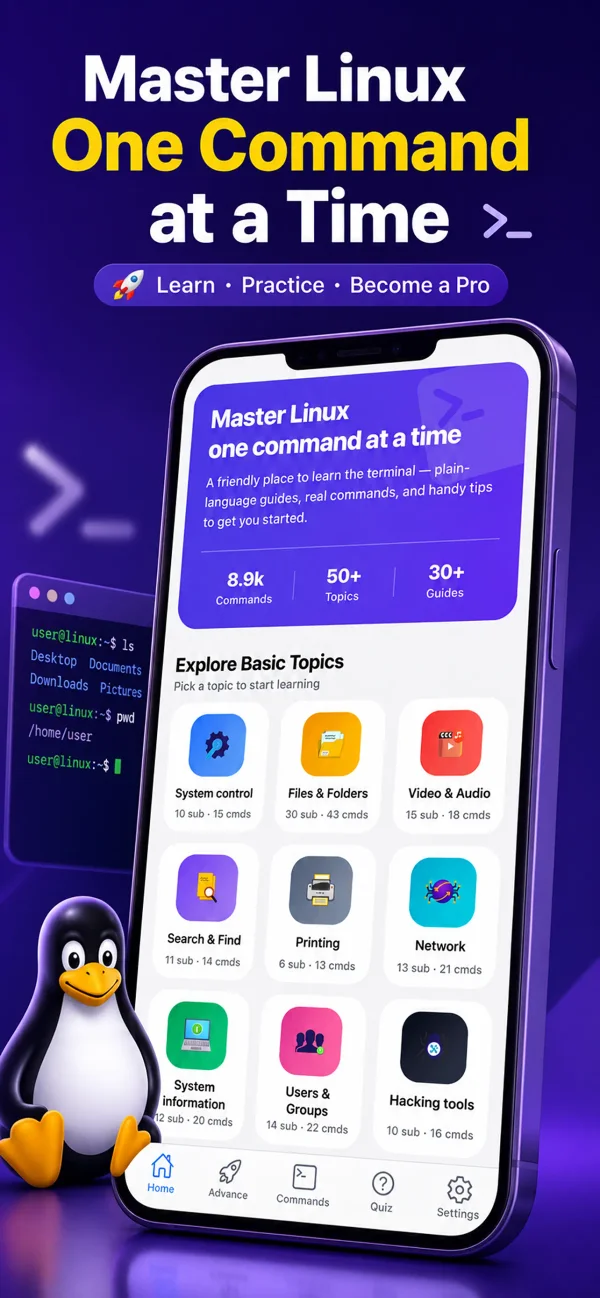
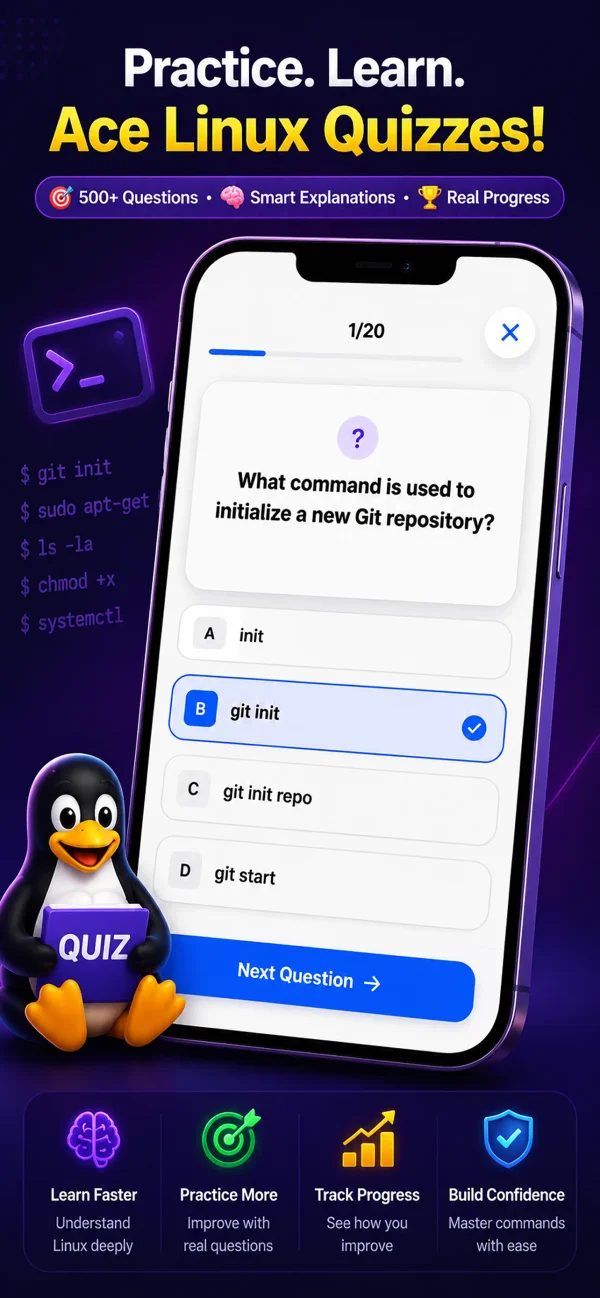
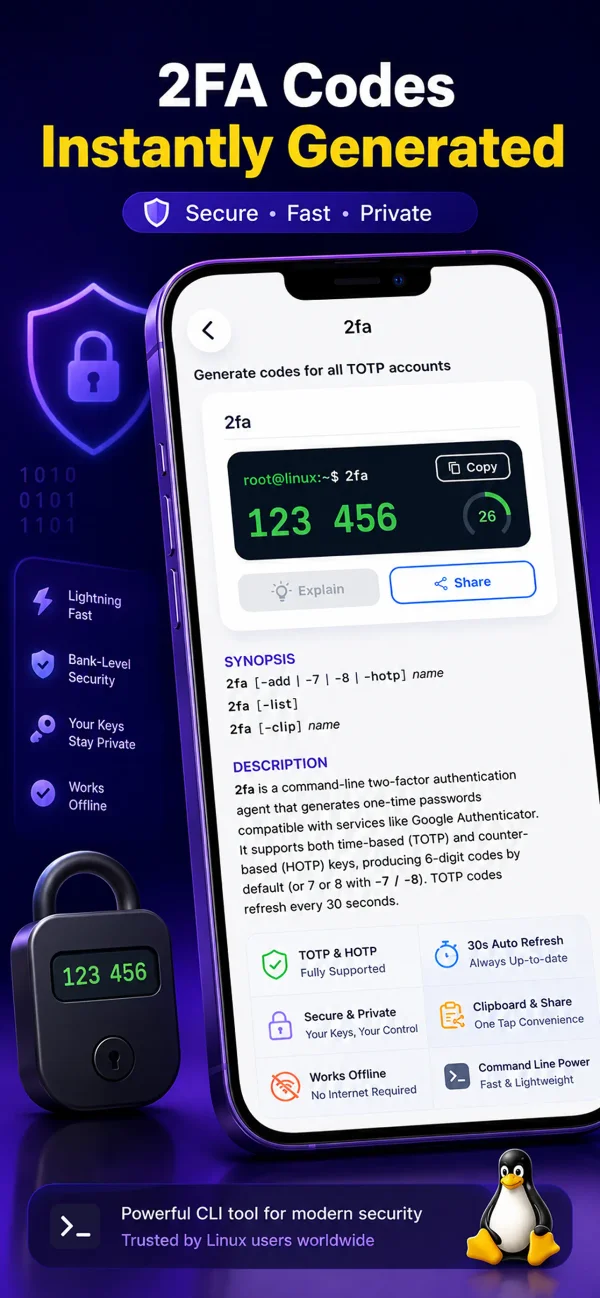
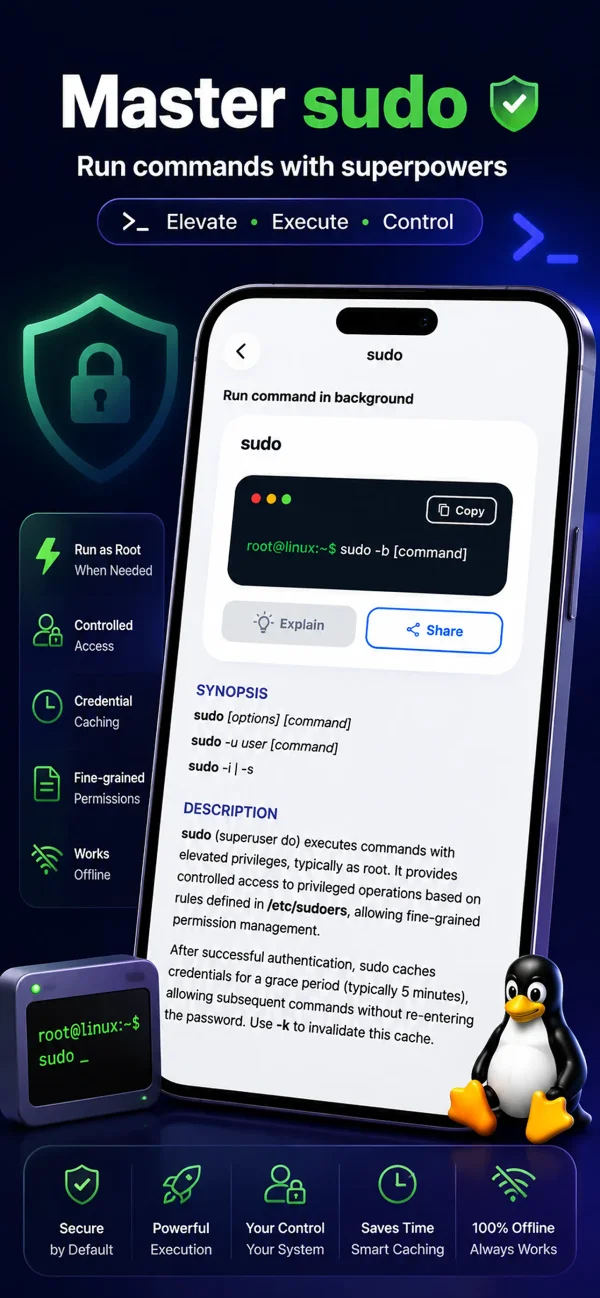
Learn Linux Command is a complete and practical guide designed to help you master the Linux command line with confidence. Whether you are a beginner just starting your journey or an experienced user who wants to sharpen your skills, this program provides everything you need to understand and use Linux commands effectively. It offers clear explanations, real world examples, and over one hundred quiz questions to help you practice and test your knowledge in a fun and engaging way.
The course is organized into categories that cover every important area of Linux usage. The system control section teaches you how to manage system processes, schedule tasks, and control services. You will learn essential commands for rebooting, shutting down, and monitoring system performance. These skills are vital for maintaining a stable and efficient Linux environment.
In the files and folders category, you will explore the commands that allow you to create, move, copy, rename, and delete files and directories. You will also learn how to manage permissions, view file contents, and organize data efficiently. This section helps you gain confidence in handling Linux file systems, which is one of the most important skills for any Linux user or administrator.
The video and audio section introduces you to tools and commands for handling multimedia content. You will learn how to play, convert, and edit media files directly from the terminal. This is especially useful for users who want to automate tasks or work on servers without a graphical interface.
The search and find section focuses on locating files, directories, and text within the system. Commands like grep, find, and locate are covered in detail, helping you to quickly find exactly what you need. This knowledge is essential for troubleshooting, managing large systems, and improving your productivity.
In the printing category, you will learn how to configure and manage printers, send documents to print, and monitor printing tasks. The network section teaches you how to connect to networks, test connectivity, configure interfaces, and transfer files securely. Networking is at the heart of Linux system administration, and this section will give you a solid foundation in managing network operations.
The system information section covers commands for checking hardware details, system uptime, disk usage, memory, and more. Understanding system info helps you monitor performance and troubleshoot effectively. The user and group management section guides you through creating, modifying, and deleting users and groups, as well as managing permissions and ownership.
The hacking tools category explores ethical hacking and cybersecurity commands. You will learn how professionals use Linux for penetration testing, vulnerability scanning, and network security analysis. This section emphasizes ethical and responsible use of these tools for learning and defense.
In the package manager category, you will study commands for installing, updating, and removing software packages using tools such as apt, yum, and dnf. You will also learn how to manage repositories and handle dependencies efficiently.
The SSH section introduces you to secure remote access and file transfer using Secure Shell. You will learn to connect to remote systems, execute commands securely, and configure key based authentication.
In the Git category, you will learn how to manage source code using version control. You will practice cloning repositories, committing changes, merging branches, and collaborating on projects.
Finally, the crypto currencies section introduces command line tools related to blockchain, wallet management, and cryptocurrency monitoring for users interested in technology and finance.
https://appsved.com/terms-of-use
https://appsved.com/privacy-policy
Yenilikler
Sürüm 2.1.0 · 19.08.2026
- Bug fixes
- UI/UX improvements
- Dark mode added
Uygulama gizliliği
Bu uygulamanın verileri nasıl işlediği hakkında APPS VED tarafından App Store üzerinde yapılan beyan.
-
Sizi izlemek için kullanılan veriler
Başka şirketlere ait uygulamalarda ve web sitelerinde sizi izlemek için kullanılabilir.
- Tanımlayıcılar
-
Sizinle ilişkilendirilmeyen veriler
Toplanabilir ancak kimliğinizle ilişkilendirilmez.
- Tanımlayıcılar
Gizlilik uygulamaları, örneğin kullandığınız özelliklere veya yaşınıza göre değişiklik gösterebilir.
Bilgiler
- Satıcı
- APPS VED
- Kategori
- Eğitim
- Sürüm
- 2.1.0
- Güncellendi
- 19.08.2026
- Yayın tarihi
- 11.11.2025
- Boyut
- 114,0 MB
- Gereksinim
- iOS 16.4 veya sonrası
- Yaş sınırı
- 4+
- Fiyat
- Ücretsiz
- Uygulama içi satın alma
- Evet
- Diller
- İngilizce
- Telif hakkı
- © appsved