
Lumo: Creator Agent
Creator workflows, anywhere
iPhone, iPad için tasarlandı
Ücretsiz
- Yaş sınırı4+
- KategoriÜretkenlik
- GeliştiriciShanghai TacticSpace Technology Co., Ltd.
- Dillerİngilizce+ 5 dil daha
- Boyut12,1 MB
Resmi App Store sayfasına bağlanır
Download.org, Lumo: Creator Agent için hiçbir dosya barındırmaz. Düğme, uygulamanın App Store üzerindeki sayfasını açar; uygulamayı orada Shanghai TacticSpace Technology Co., Ltd. yayınlar. Sayfanın son kontrolü: 20.11.2026.
Ekran görüntüleri
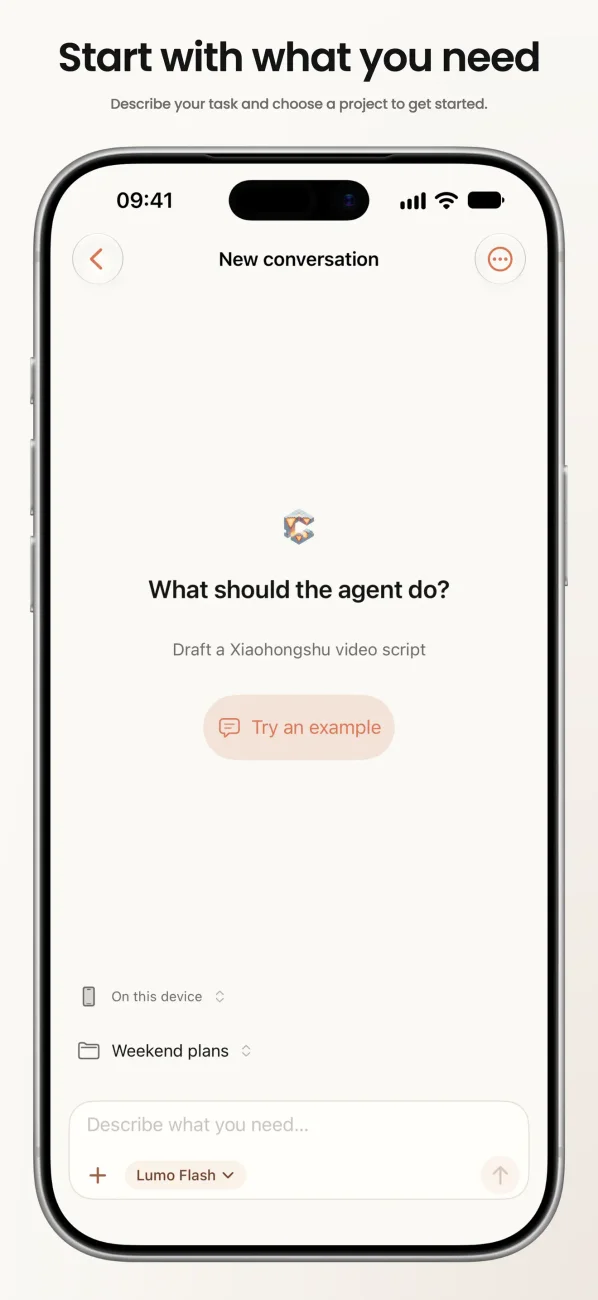
Hakkında
Geliştirici bu metni dilinizde sunmamış.
Lumo is an AI workspace for content creators. Turn an idea into a script, a content plan, and work you can review, copy, and share from your iPhone or iPad. Keep your instructions, conversations, and saved results together as you move from planning to creation.
DEVELOP IDEAS INTO CONTENT
Start with a brief, a photo, or a dictated instruction. Tell your AI agent about the audience, goal, and format, then work on topics, hooks, outlines, scripts, titles, and captions. Develop shot lists, clip plans, and product copy. Continue the conversation to refine the tone or adapt existing work for another format.
ORGANIZE YOUR CONTENT SCHEDULE
Create, edit, and remove schedule entries, and see what you have planned across projects. Preview an agent-generated content calendar before choosing Add to Schedule. When connected to your Mac, both devices work with the same schedule, so you can plan on your computer and make adjustments on your phone. Scheduling organizes your work; it does not automatically publish posts to social platforms.
STAY INVOLVED AS THE AGENT WORKS
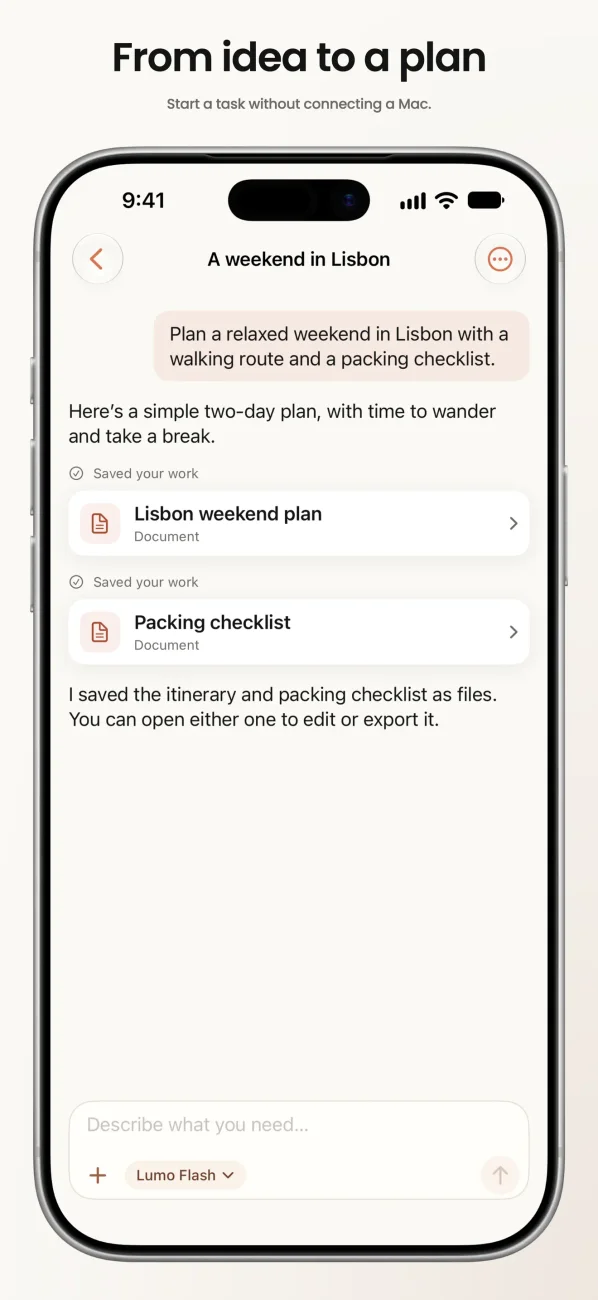
Follow progress and tool activity as a task runs. Answer follow-up questions and respond to action requests according to your selected permission mode. Add instructions or stop a task when you need to change direction. Return to previous conversations to continue work, and search message history to find earlier requirements and decisions.
REVIEW AND USE THE RESULTS
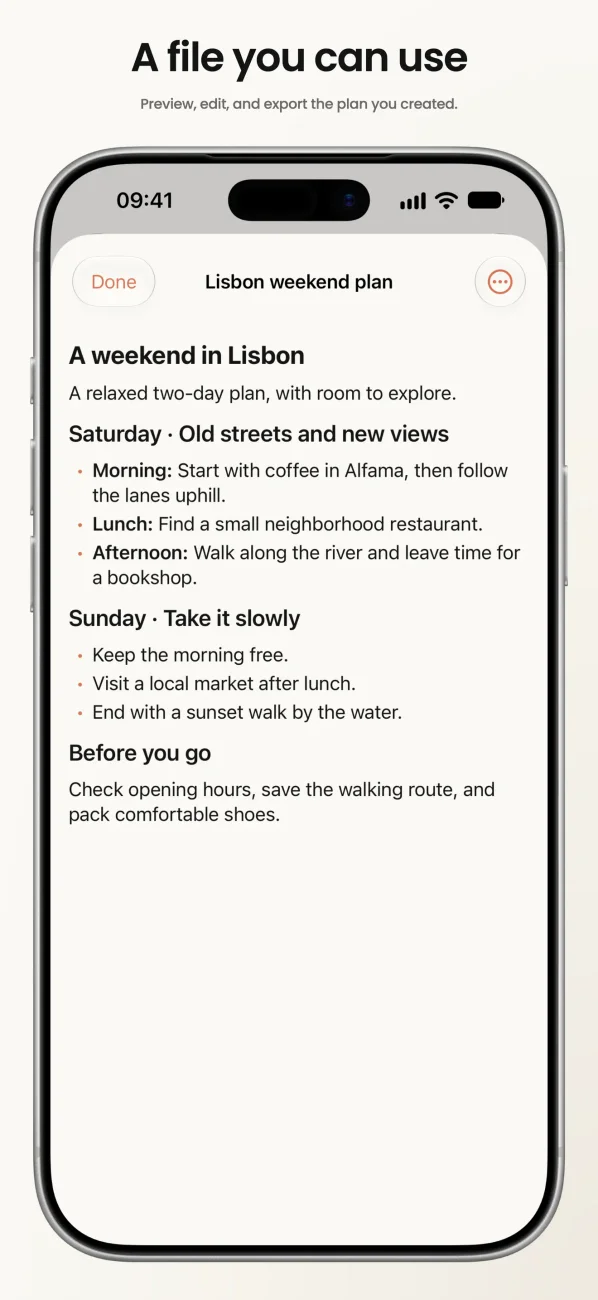
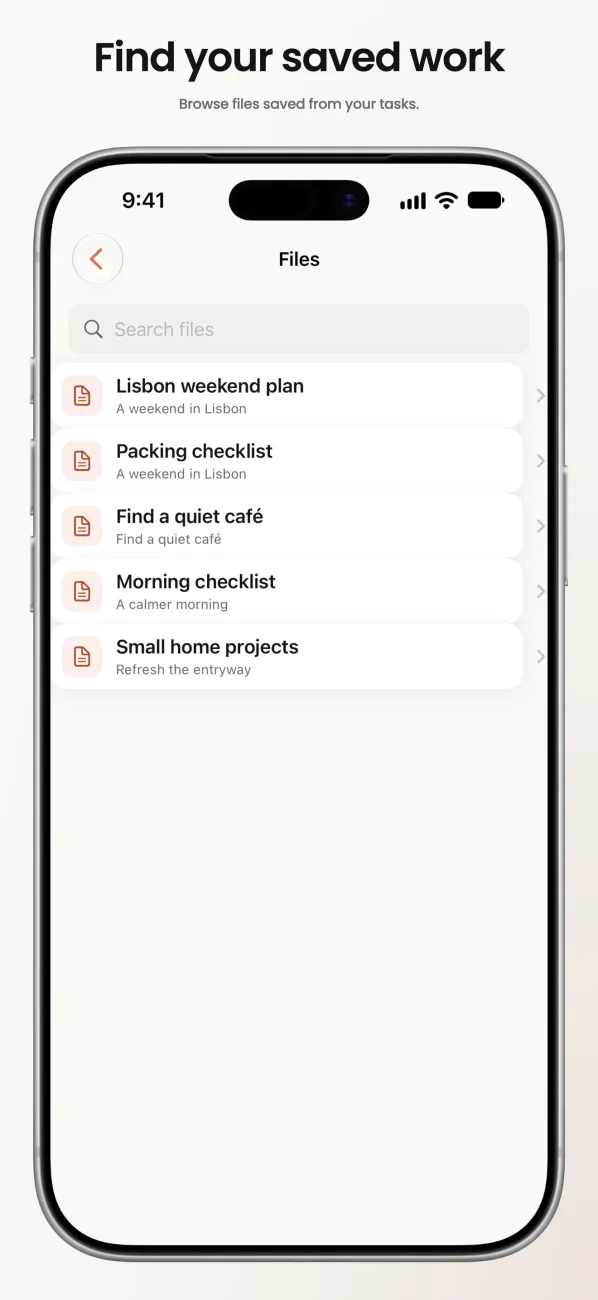
Open documents, images, content calendars, tables, diagrams, CSV data, and subtitle files directly in the app. Dedicated previews make writing, clip plans, and product information easier to inspect, with image comparisons available alongside other saved work. Browse artifacts across conversations, copy useful text, and share files through the system share sheet. Use available Skills to start tasks with structured inputs.
CONTINUE ON MOBILE, MAC, OR CLOUD
Use Lumo Cloud without connecting a Mac, or connect to Lumo for Mac to work with projects on your computer. While your Mac is online and mobile access is enabled, connect over the local network or a remote relay. Send a selected artifact to Lumo Cloud to continue working with it in a new cloud conversation.
Add photos or dictate instructions while you are away from your desk. Check results, answer a question, or approve the next step from your phone. Lumo supports English, Simplified Chinese, Japanese, Korean, Spanish, and Brazilian Portuguese, with a language choice in Settings or automatic selection based on your system language.
ACCOUNT AND PRIVACY
Lumo Cloud requires a Lumo account, and available features depend on your service plan. Connecting to a Mac requires Lumo to be running on that computer. The app explains when messages and attachments are processed by AI services, and provides AI data-sharing and privacy controls in Settings.
Support: https://getlumo.io/support
Privacy: https://getlumo.io/privacy
Contact: hi@getlumo.io
Terms of Use (EULA): https://www.apple.com/legal/internet-services/itunes/dev/stdeula/
Yenilikler
Sürüm 1.4.1 · 09.11.2026
Start AI tasks without connecting a Mac.
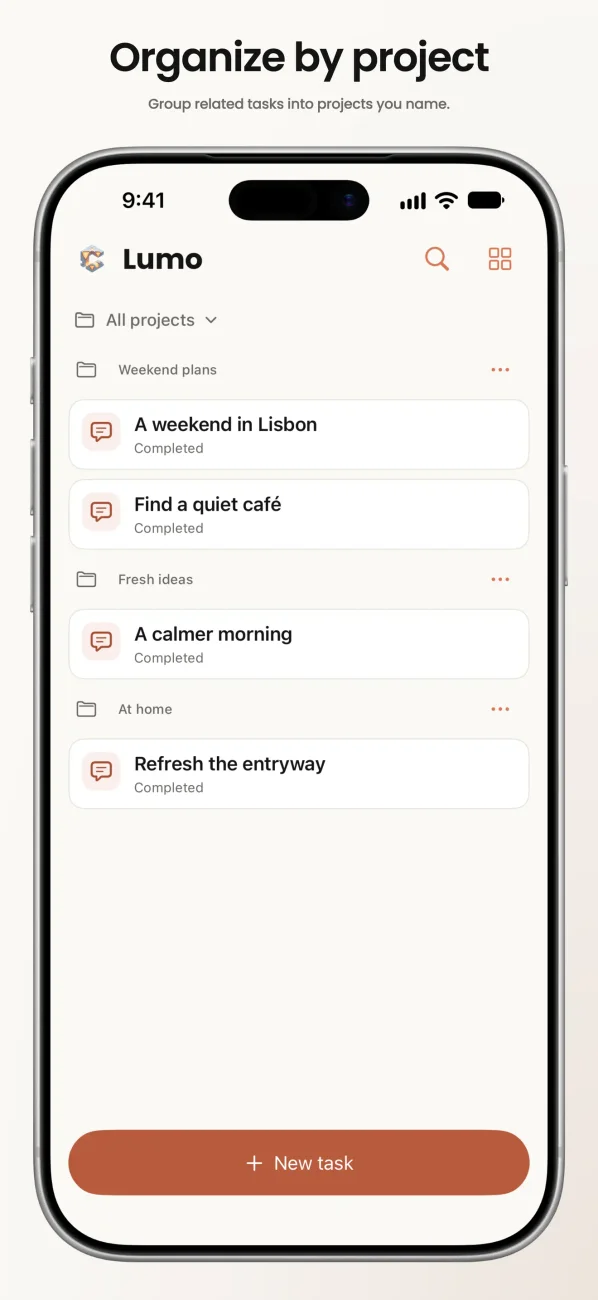
Organize conversations in projects and keep working with your saved files.
Improved search, typing, and interaction stability.
Uygulama gizliliği
Bu uygulamanın verileri nasıl işlediği hakkında Shanghai TacticSpace Technology Co., Ltd. tarafından App Store üzerinde yapılan beyan.
-
Sizinle ilişkilendirilen veriler
Toplanabilir ve kimliğinizle ilişkilendirilebilir.
- İletişim bilgileri
- Kullanıcı içeriği
- Tanımlayıcılar
- Kullanım verileri
- Tanılama
Gizlilik uygulamaları, örneğin kullandığınız özelliklere veya yaşınıza göre değişiklik gösterebilir.
Bilgiler
- Satıcı
- Shanghai TacticSpace Technology Co., Ltd.
- Kategori
- Üretkenlik
- Sürüm
- 1.4.1
- Güncellendi
- 09.11.2026
- Yayın tarihi
- 22.07.2026
- Boyut
- 12,1 MB
- Gereksinim
- iOS 17.0 veya sonrası
- Yaş sınırı
- 4+
- Fiyat
- Ücretsiz
- Diller
- İngilizce, Japonca, Korece, Portekizce, Basitleştirilmiş Çince, İspanyolca
- Telif hakkı
- © 2026 TacticSpace Tech
Bunları da beğenebilirsiniz
-
 LifeWidgetsÜretkenlik
-
 BoltCal: Fast Calendar EventsÜretkenlik
-
 MyFlopyÜretkenlik
-
 Penrose : Local AI AssistantÜretkenlik
-
 LinkClip - Save links easilyÜretkenlik
-
 AppKeeper Bookmark - App StoreÜretkenlik
-
 Aside - Save AnythingÜretkenlik
-
 Document Creator: Doc GenieÜretkenlik
-
 NoteChat: Analytics for NotionÜretkenlik
-
 Pulse Calendar: AjandaRandevular, hiçbiri unutulmaz