Luomo toolbox
AI Tools for the Blind
iPhone, iPad, iPod touch için tasarlandı
Ücretsiz · Uygulama içi satın alma
- Yaş sınırı12+
- KategoriYardımcılar
- Geliştirici程 周
- Dillerİngilizce+ 4 dil daha
- Boyut133,7 MB
Resmi App Store sayfasına bağlanır
Download.org, Luomo toolbox için hiçbir dosya barındırmaz. Düğme, uygulamanın App Store üzerindeki sayfasını açar; uygulamayı orada 程 周 yayınlar. Sayfanın son kontrolü: 24.11.2026.
Ekran görüntüleri

Hakkında
Geliştirici bu metni dilinizde sunmamış.
Independently developed by a blind programmer, specifically designed for blind and visually impaired users, committed to creating a convenient, fast, and accessible utility software!
• Traffic Light Recognition - Utilizing artificial intelligence technology to accurately identify pedestrian traffic lights, empowering barrier-free travel for the blind!
This feature is provided as a public service and is completely free!
• AI Video Description - Saw a short video from a friend but don't know what it's about? Let AI describe it for you and be your personal narrator!
• AI Smart Recognition - Using powerful artificial intelligence to help you describe images, find objects, distinguish colors, and locate icons, becoming your second pair of eyes!
• AI Music - Let AI sing for you, write songs, and create music exclusively for you.
• Music Vocal Separation - No more worries about finding backing tracks!
Vocals, accompaniment, piano, guitar, bass and other sounds can all be extracted from music.
Whether you want to sing but can't find backing tracks, or want to learn how instruments are played in songs, it's all possible!
• Music Pitch Adjustment - Struggling with backing tracks that are too high or too low to sing along?
Now you can easily raise or lower by any number of semitones with accessible controls for effortless pitch adjustment!
• AI Image Generation - No more worrying about finding images, just tell AI what image you want and it will draw it for you!
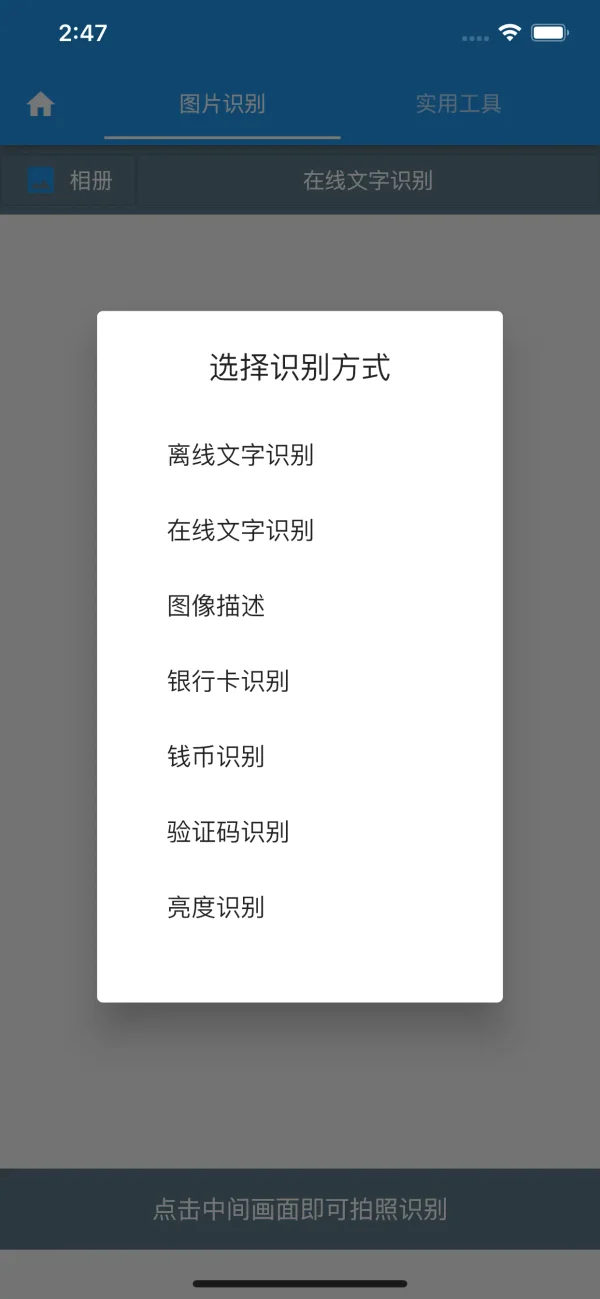
• Image Recognition - Whether taking photos or using images from your album, recognition is easy and fully compatible with VoiceOver.
• Auto Recognition - Don't want to tap the camera button repeatedly? Turn on auto recognition, just point the camera at the text you want to recognize, using iOS's own high-performance offline text recognition for instant response, recognize wherever you go!
• CAPTCHA Recognition - Encountered a graphical CAPTCHA with no one to help read it? Simply screenshot the entire interface, open the software, select CAPTCHA recognition, then roughly select the area where the CAPTCHA is located to identify the content. No more asking others to read CAPTCHAs!
• Brightness Detection - Don't know if the lights are on at home? Use brightness detection, point the camera at the light source to determine if it's bright or dark!
• Cloud Notes - Save text to the cloud with multi-platform synchronization, important information will never be lost!
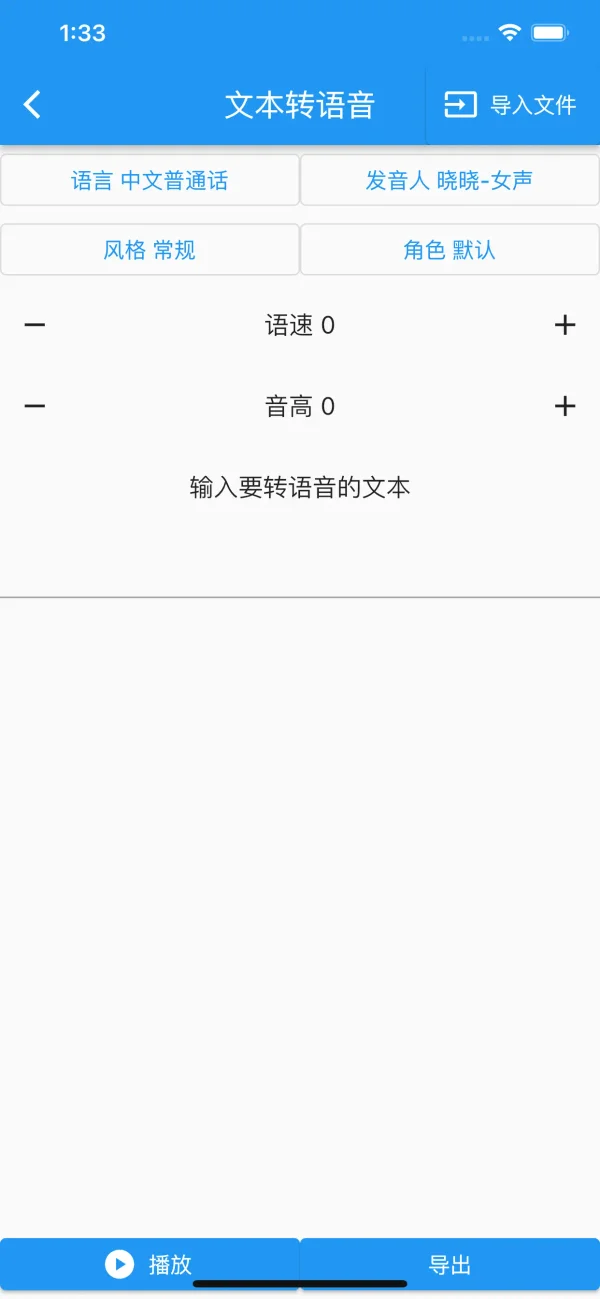
• Text to Speech - Don't like the voice on your reading device? Start using Microsoft's ultra-realistic TTS to convert text to speech, including dozens of voices like Xiaoxiao, Xiaoyi, Yunxi, supporting Chinese, English, Japanese and many other languages - there's always one that suits you!
• Speech to Text - Have classroom or meeting recordings you want to convert to text and organize into notes? Saw a foreign film but there are no Chinese subtitles? Use speech to text to easily convert audio and video speech into editable text. Operations are specially designed for visually impaired users, making editing and organizing convenient and fast, with support for exporting to txt, external subtitles, and more.
• Audio Video Conversion - Can use an image to convert audio to video and directly send to various short video platforms, or convert video to audio for easy listening.
• PDF Reading - Whether text-based or scanned PDFs, you can easily read them with VoiceOver, making reading PDFs as simple as reading plain text!
• Image Merging - Can merge multiple images vertically or horizontally into one image and share directly with friends.
• Image Scaling - Can enlarge or reduce image dimensions by aspect ratio, and rotate or flip left and right, convenient for scenarios requiring specific image sizes.
• QR Code Parsing and Generation - Can easily parse QR code content and input text to create corresponding QR codes.
Yenilikler
Sürüm 8.2 · 09.11.2026
1. Traffic light recognition now supports crosswalk recognition!
When a crosswalk is detected, its position is announced, e.g. "Left crosswalk".
When a traffic light is also detected, both are announced together, e.g. "Red, Crosswalk".
2. Recognition type can now be adjusted.
Options: Traffic lights and crosswalks, Crosswalks only, Traffic lights only.
Tap the recognition type button in the top right corner to switch, or swipe up and down to switch.
Useful in situations where you only need to recognize crosswalks or only traffic lights.
3. Added Crosswalk TTS interval in settings.
This option controls the interval of speech and vibration when only a crosswalk is detected.
If a traffic light is also detected, the traffic light's announcement interval takes priority.
4. Optimized power consumption of traffic light recognition.
Uygulama gizliliği
Bu uygulamanın verileri nasıl işlediği hakkında 程 周 tarafından App Store üzerinde yapılan beyan.
-
Sizinle ilişkilendirilen veriler
Toplanabilir ve kimliğinizle ilişkilendirilebilir.
- İletişim bilgileri
- Kullanıcı içeriği
- Tanımlayıcılar
- Kullanım verileri
-
Sizinle ilişkilendirilmeyen veriler
Toplanabilir ancak kimliğinizle ilişkilendirilmez.
- İletişim bilgileri
- Kullanıcı içeriği
- Arama geçmişi
- Tanılama
Gizlilik uygulamaları, örneğin kullandığınız özelliklere veya yaşınıza göre değişiklik gösterebilir.
Bilgiler
- Satıcı
- 程 周
- Kategori
- Yardımcılar
- Sürüm
- 8.2
- Güncellendi
- 09.11.2026
- Yayın tarihi
- 31.03.2022
- Boyut
- 133,7 MB
- Gereksinim
- iOS 13.0 veya sonrası
- Yaş sınırı
- 12+
- Fiyat
- Ücretsiz
- Uygulama içi satın alma
- Evet
- Diller
- İngilizce, İtalyanca, Lehçe, Basitleştirilmiş Çince, Geleneksel Çince
- Telif hakkı
- © 2022 周程