
Malcut - Auto Captions
Captions in 3s. No watermark.
iPhone için tasarlandı
Ücretsiz · Uygulama içi satın alma
- Yaş sınırı4+
- KategoriFotoğraf ve Video
- GeliştiriciSeyong Oh
- Dillerİngilizce+ 1 dil daha
- Boyut66,4 MB
Resmi App Store sayfasına bağlanır
Download.org, Malcut - Auto Captions için hiçbir dosya barındırmaz. Düğme, uygulamanın App Store üzerindeki sayfasını açar; uygulamayı orada Seyong Oh yayınlar. Sayfanın son kontrolü: 23.11.2026.
Ekran görüntüleri

Hakkında
Geliştirici bu metni dilinizde sunmamış.
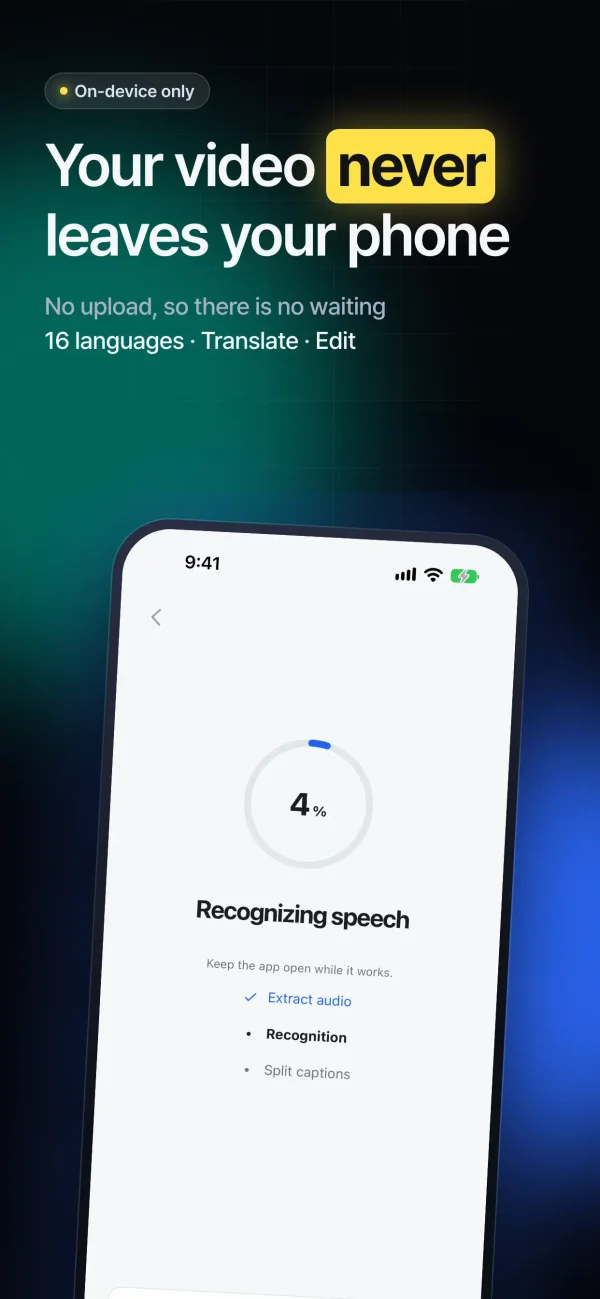
Free Auto Captions — now with fast online captions
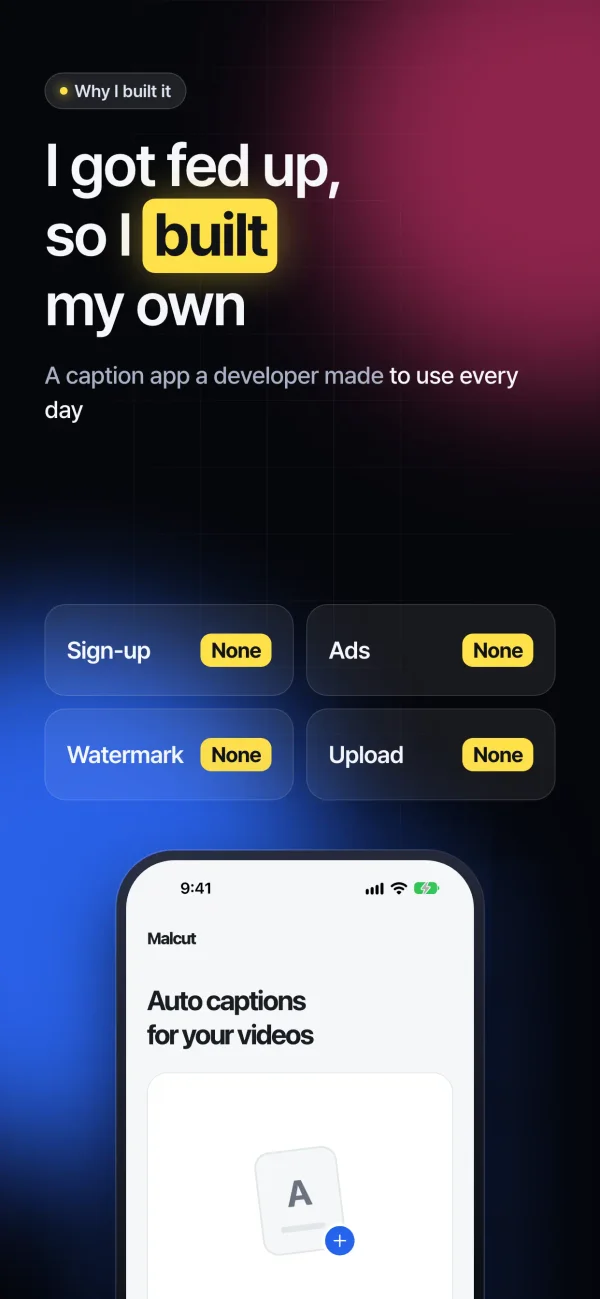
Every auto caption app I found was paid, so I built my own. Malcut is a free auto captions and subtitles maker: it turns the speech in your video into captions and saves the video with the captions burned in. No ads or watermarks.
Fast online captions
Your video’s speech is transcribed on our server, so it is fast even on a slow phone. On the server, a 3-minute video was transcribed in about 15 seconds; upload time depends on your connection. Only the selected clip’s audio is sent, and your video stays on your phone. Get 3 online captions per day for free. Malcut Pro removes the daily limit. Online captions work with one selected language.
Done in 3 seconds
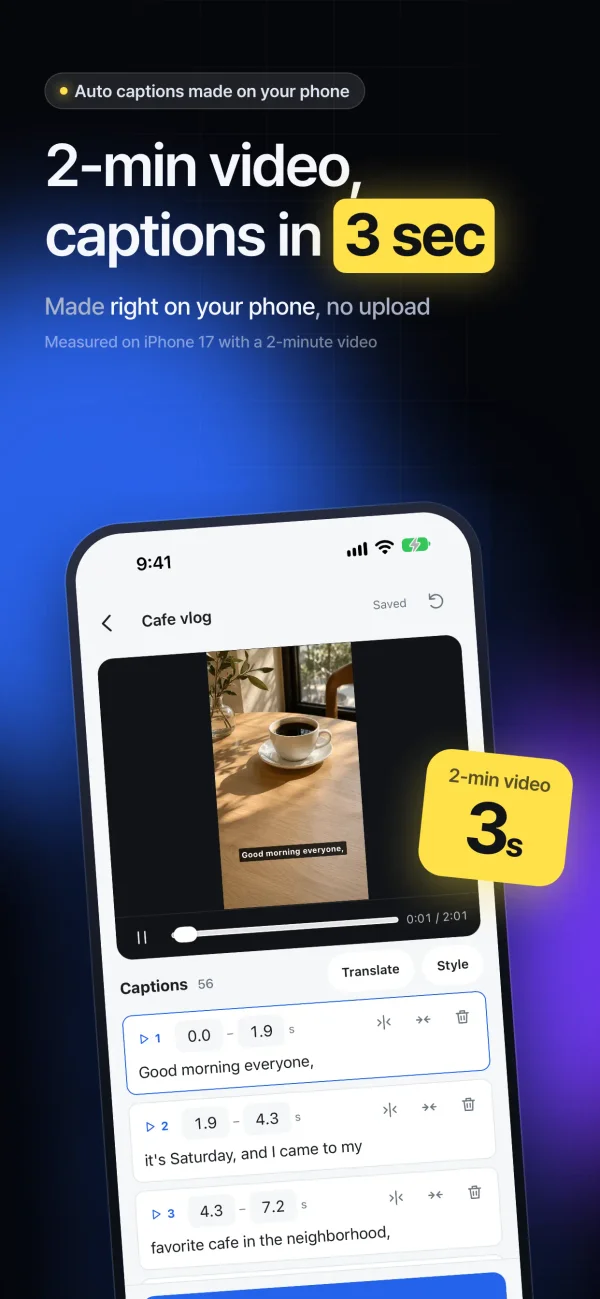
On an iPhone 17, captions for a 2-minute video were ready in 3 seconds. Your video is processed right on your phone instead of being uploaded, so there is no upload to wait for. Processing time depends on your device and video.
Offline captions
Create captions without an internet connection once the speech model is ready.
Free and unlimited on your device
Create on-device captions without linking an account. Your video, audio and captions stay on your device.
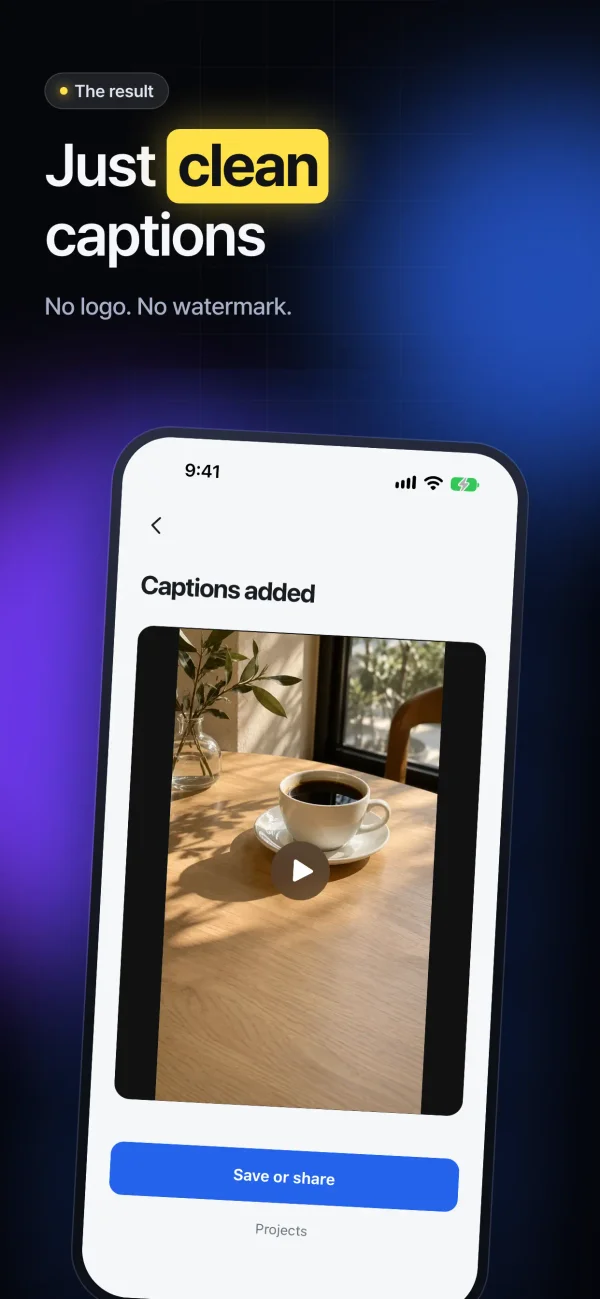
Just clean captions
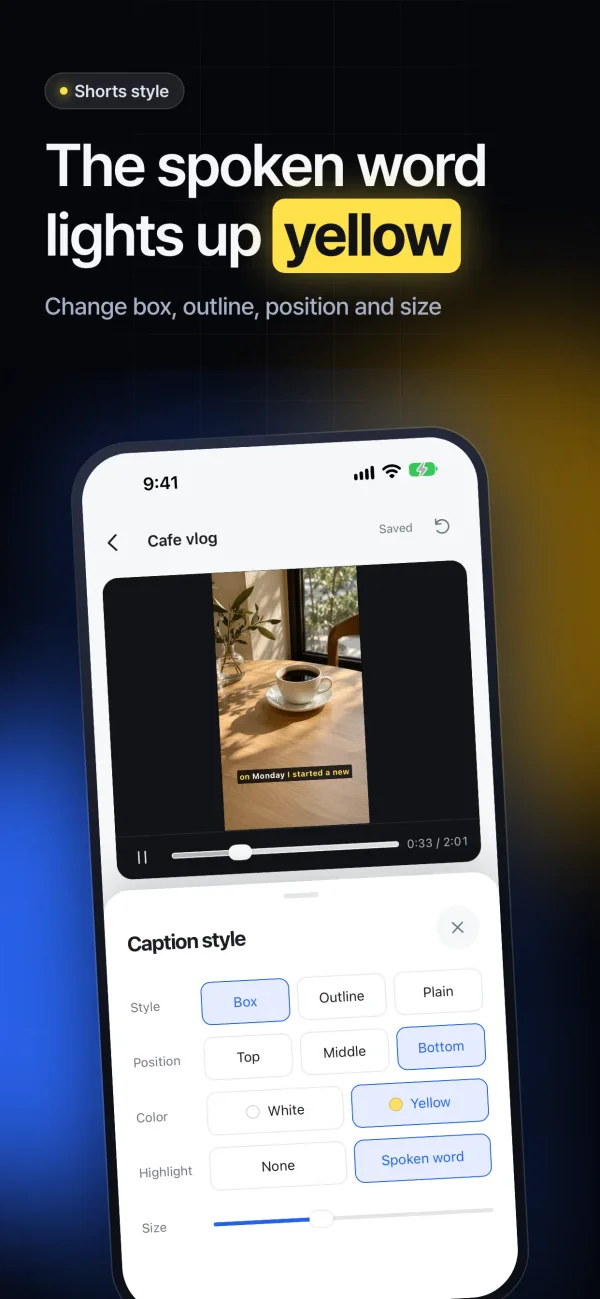
No logo and no watermark on your video. Switch between box, outline and plain styles, and change size, color and position.
Spoken word highlight
The word being spoken lights up in yellow. Great for Shorts and Reels.
Edit captions
Fix the text and timing. Split or merge captions, and undo a delete right away.
Mixed-language captions
Choose 2–3 of 17 languages, including English, Korean and Japanese. Whisper detects the language of each speech segment and keeps captions in the original language. You can add a translated line under each caption.
Choose a section of up to 5 minutes from a longer video. Supported iPhones use Apple speech recognition; otherwise a Whisper model is downloaded once. Your work is saved automatically.
On supported iPhones, choose Apple speech recognition or Whisper for multilingual captions. Short phrases and words mixed within a sentence may be misrecognized.
If processing is slow
A 3-minute video has been processed in around 10–30 seconds using Whisper Small on a recent flagship Galaxy. Lower-spec phones may take longer. Time also varies with video length, languages and model. Choose Settings → Whisper model → Base to reduce processing time and memory use compared with Small or Turbo; accuracy may differ. For a video in one language, select that language and set Speed to Fast.
Made for
YouTube Shorts, Instagram Reels, TikTok, vlogs, lectures and interviews. Add subtitles to any video, or share your captions as an SRT or text file.
Terms of Use (EULA)
https://www.apple.com/legal/internet-services/itunes/dev/stdeula/
Yenilikler
Sürüm 1.4.0 · 19.11.2026
• Reopen your two latest projects from Home.
• Choose fast online captions right from Home and the caption screen.
• Progress now runs in one smooth pass.
• Cleaner text sizes and spacing on every screen.
• The app now speaks 13 more languages, including Japanese, Chinese and Spanish.
Uygulama gizliliği
Bu uygulamanın verileri nasıl işlediği hakkında Seyong Oh tarafından App Store üzerinde yapılan beyan.
-
Sizinle ilişkilendirilen veriler
Toplanabilir ve kimliğinizle ilişkilendirilebilir.
- Satın alımlar
- Tanımlayıcılar
- Kullanım verileri
Gizlilik uygulamaları, örneğin kullandığınız özelliklere veya yaşınıza göre değişiklik gösterebilir.
Bilgiler
- Satıcı
- Seyong Oh
- Kategori
- Fotoğraf ve Video
- Sürüm
- 1.4.0
- Güncellendi
- 19.11.2026
- Yayın tarihi
- 13.10.2026
- Boyut
- 66,4 MB
- Gereksinim
- iOS 16.4 veya sonrası
- Yaş sınırı
- 4+
- Fiyat
- Ücretsiz
- Uygulama içi satın alma
- Evet
- Diller
- İngilizce, Korece
- Telif hakkı
- © 2026 주식회사 데브티
Bunları da beğenebilirsiniz
-
 VideoBlur: Blur Faces & LogosFotoğraf ve Video
-
 PicReady: Compress & ResizeFotoğraf ve Video
-
 RAW Camera: HiFi CamFotoğraf ve Video
-
 Xinghui星绘 AI | Video GeneratorFotoğraf ve Video
-
 PreReel: Ön Kayıt KamerasıBalıkçılık: vuruşu kaçırma
-
 VisionCut: Pro Video EditorFotoğraf ve Video
-
 Yerel Foto SıkıştırmaFotoğraflar yüklenmez
-
 Luxa RAW Pro CameraFotoğraf ve Video
-
 Lumora: Fotoğraf ve VideoHayatın da izlemeye değer
-
 TwinViewerFotoğraf ve Video