
Marked — Markdown Editor
Read and edit .md, calmly
iPhone, iPad için tasarlandı
Ücretsiz
- Yaş sınırı4+
- KategoriÜretkenlik
- GeliştiriciTreze
- Dillerİngilizce
- Boyut3,9 MB
Resmi App Store sayfasına bağlanır
Download.org, Marked — Markdown Editor için hiçbir dosya barındırmaz. Düğme, uygulamanın App Store üzerindeki sayfasını açar; uygulamayı orada Treze yayınlar. Sayfanın son kontrolü: 15.11.2026.
Ekran görüntüleri
Hakkında
Geliştirici bu metni dilinizde sunmamış.
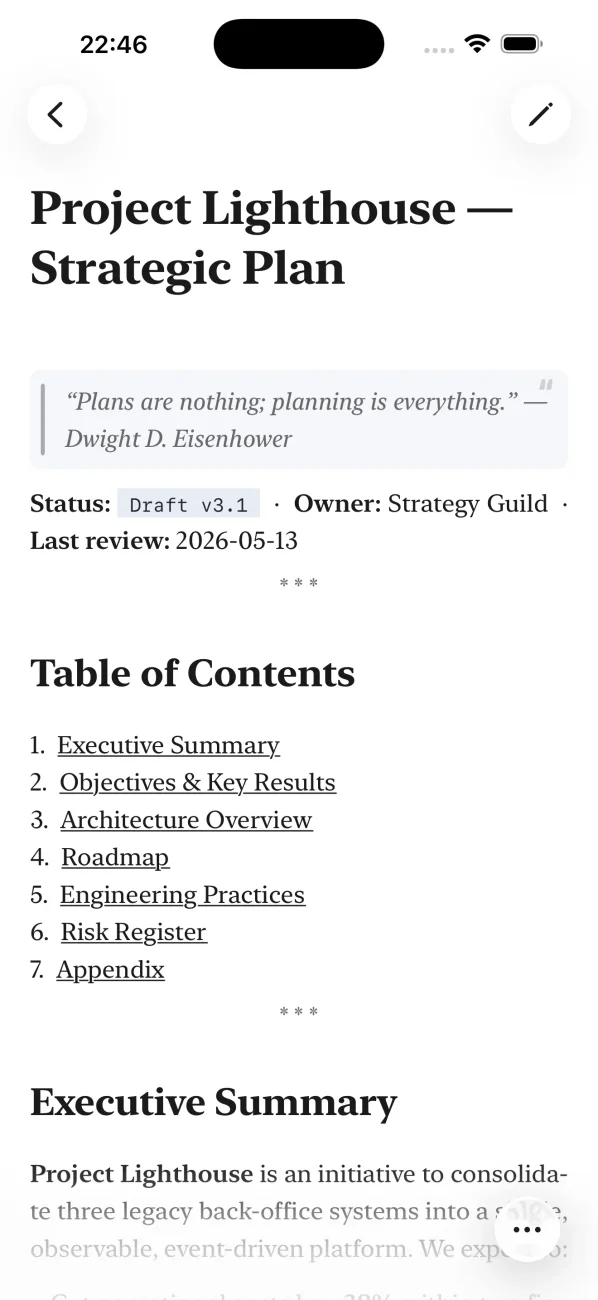
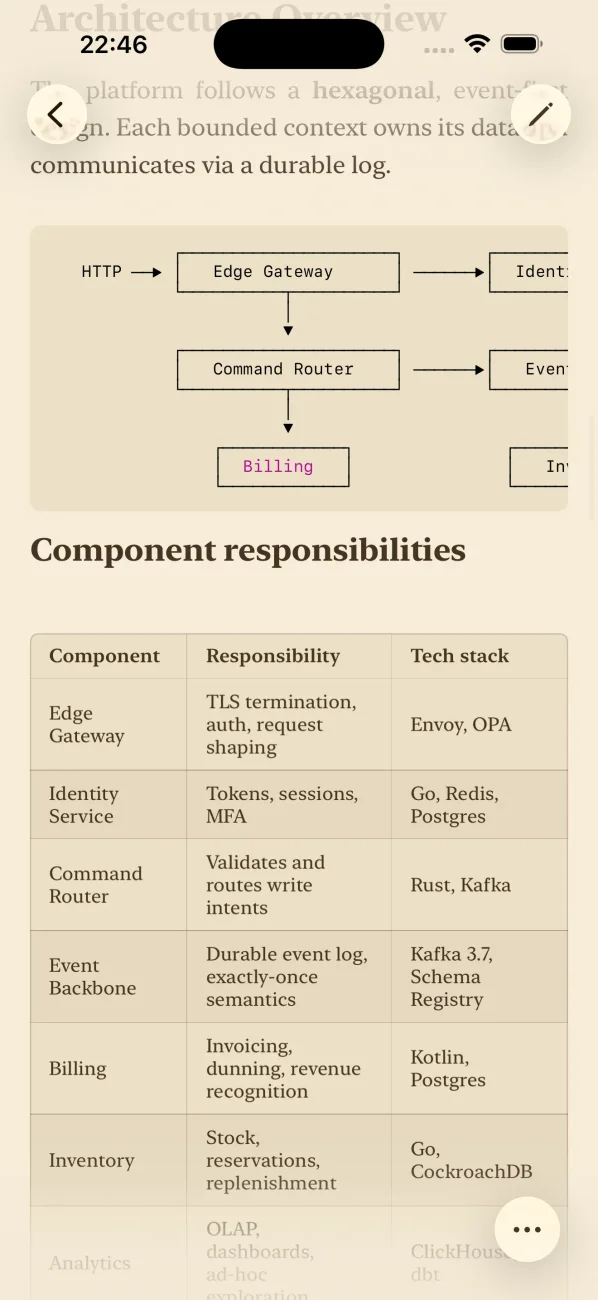
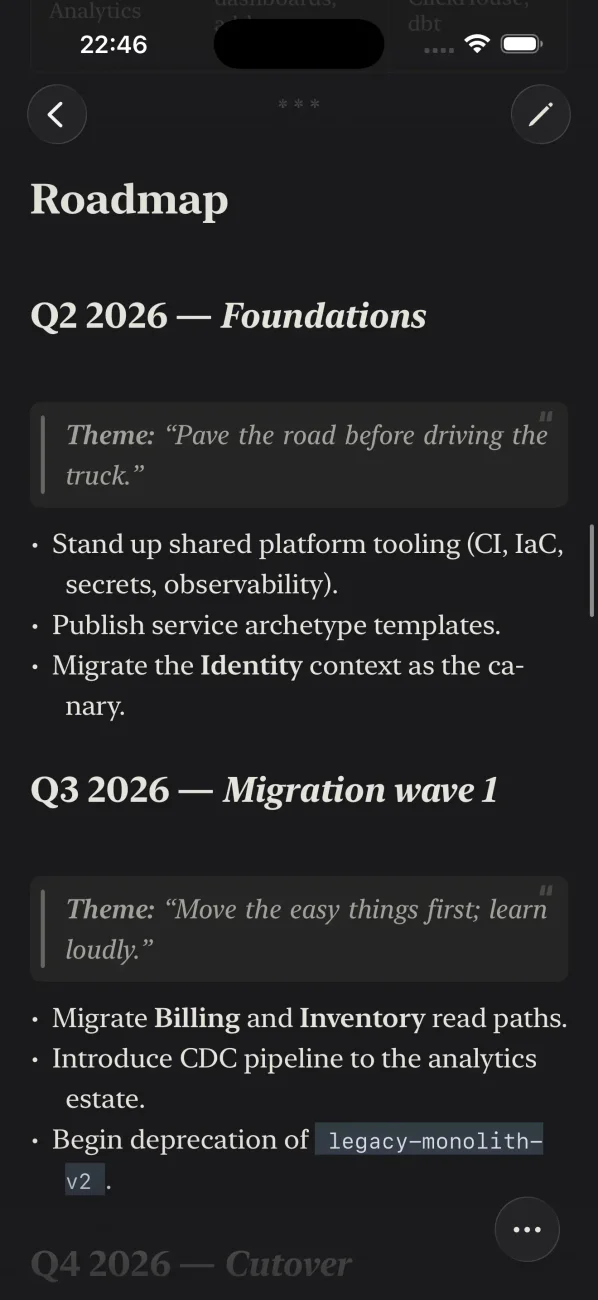
Marked is a Markdown reader and editor designed first as a reading app — think Apple Books for your .md files. Open any Markdown document from Files or iCloud Drive and read it with the calm of a book: classic typography, generous margins, justified text with automatic hyphenation, and Light, Sepia and Dark themes.
A READING-FIRST EXPERIENCE
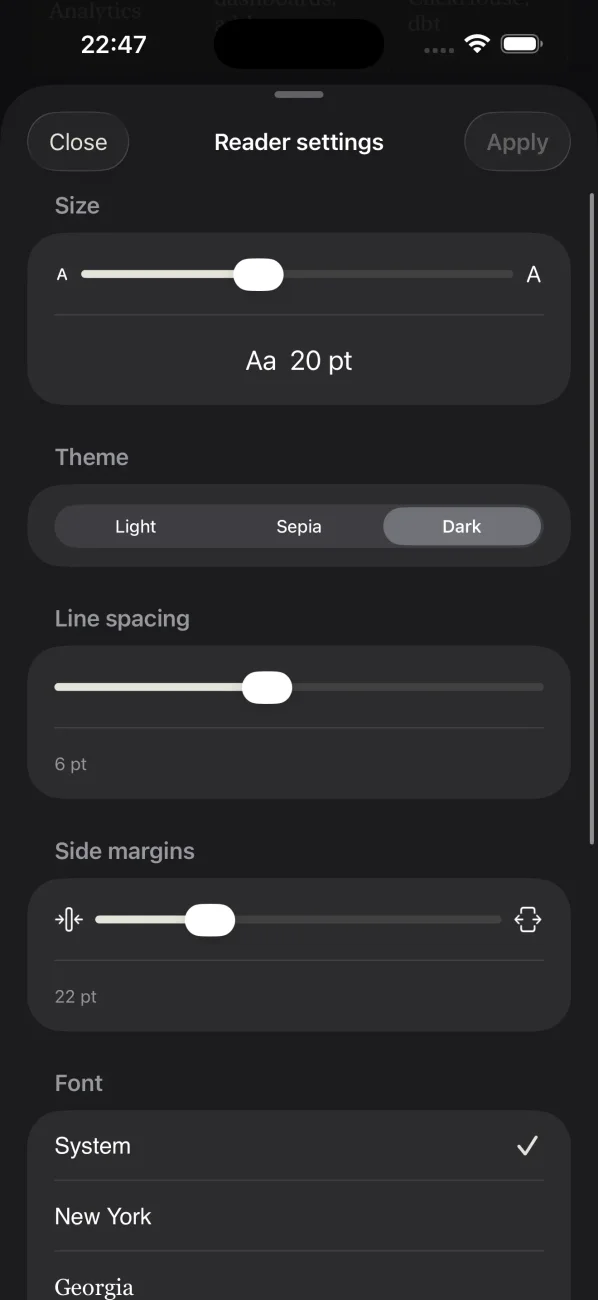
• Three reading themes: Light, Sepia and Dark.
• Nine curated typefaces: system serif, New York, Georgia, Palatino, Times New Roman, Helvetica Neue, Avenir Next, Iowan Old Style and Charter.
• Adjustable font size, line spacing and horizontal margins.
• Justified text with automatic hyphenation for a book-like rhythm.
• Native rendering of headings, lists, quotes, code blocks, links and tables.
• Styled blockquotes with accent bar, soft background tint and a decorative quote glyph.
• Wrap-first tables that fit cell text to the screen and only scroll horizontally when wrapping is not enough.
SYNTAX HIGHLIGHTING
• Fenced code blocks are highlighted with automatic language detection (highlight.js via HighlighterSwift).
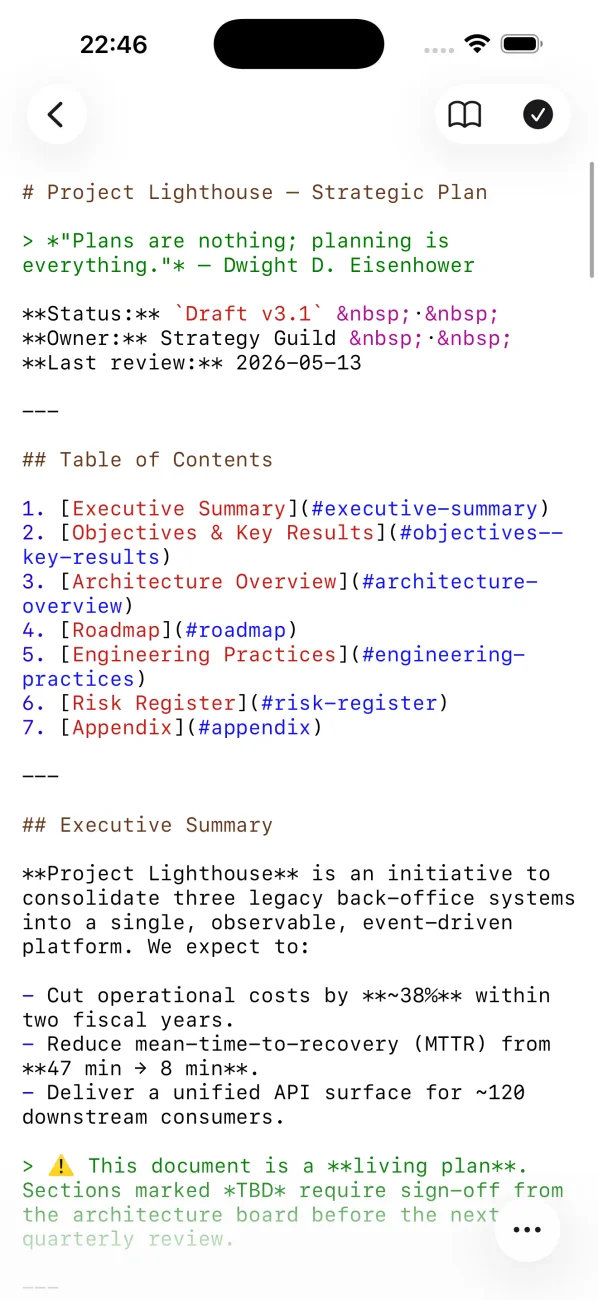
• The editor colours Markdown markup live — headings, emphasis, code spans, links and lists — without getting in the way of plain-text editing.
QUICK EDITING
• Built-in plain-text editor with in-place save to the original file.
• New documents open straight into the editor.
• Jump to any line directly from the table of contents or search results.
• Debounced highlighting keeps large files responsive while typing.
NAVIGATION
• Auto-generated table of contents from the document's headings.
• In-document search: per section in reader mode and per line in editor mode.
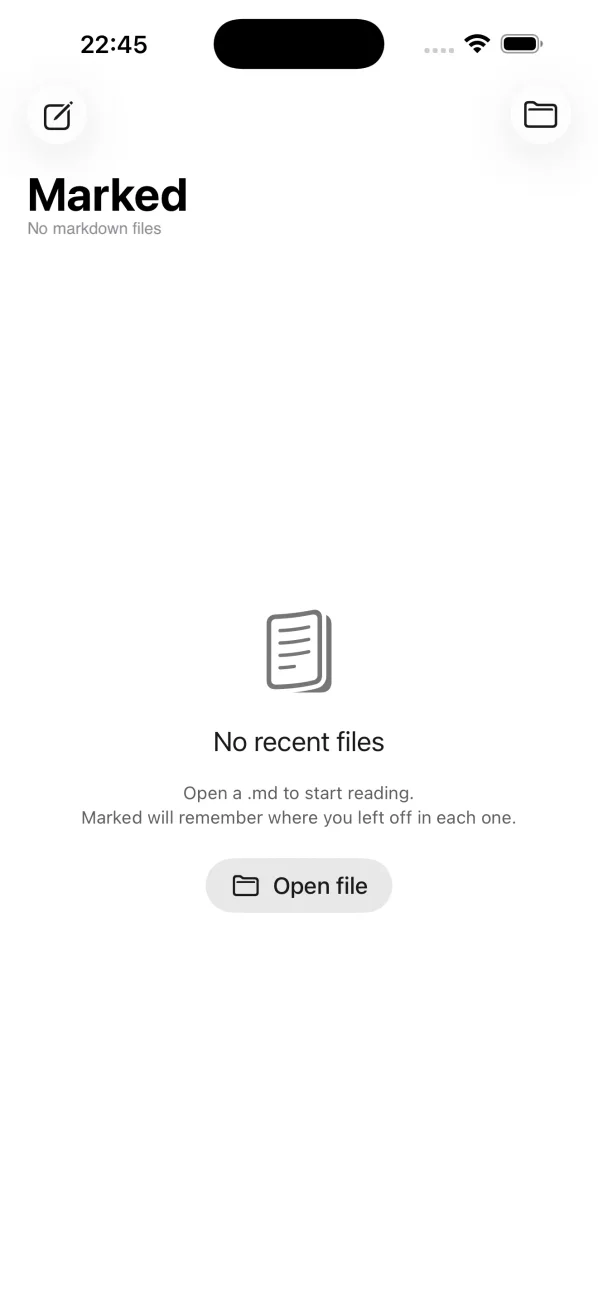
• Recent files list with per-document reading position and progress, Apple Notes–style file count under the title.
FAST AND SMOOTH
• Documents open asynchronously so the UI never blocks on large files.
• Theme and font changes reuse the parsed document and existing section views instead of rebuilding from scratch.
• Smart subview reuse keeps scrolling fluid in long documents.
WORKS WITH YOUR FILES
• Opens .md, .markdown, .mdown and .mkd files from Files, iCloud Drive and "Open with…".
• Create new Markdown documents from inside the app.
• Security-scoped bookmarks remember where each file lives, so recents keep working after relaunch.
PRIVACY BY DESIGN
• Everything runs on your device. Marked has no servers.
• No accounts, no telemetry, no advertising, no tracking.
• Your files stay exactly where you keep them — the app only opens them.
Ideal for reading notes, technical documentation, project READMEs, long-form articles or books written in Markdown — and for making quick edits without leaving the reading flow.
Uygulama gizliliği
Bu uygulamanın verileri nasıl işlediği hakkında Treze tarafından App Store üzerinde yapılan beyan.
-
Veri toplanmıyor
Geliştirici bu uygulamadan hiçbir veri toplamıyor.
Gizlilik uygulamaları, örneğin kullandığınız özelliklere veya yaşınıza göre değişiklik gösterebilir.
Bilgiler
- Satıcı
- TREZE MARKETING SOCIEDAD LIMITADA
- Kategori
- Üretkenlik
- Sürüm
- 1.3
- Güncellendi
- 14.05.2026
- Yayın tarihi
- 14.05.2026
- Boyut
- 3,9 MB
- Gereksinim
- iOS 26.0 veya sonrası
- Yaş sınırı
- 4+
- Fiyat
- Ücretsiz
- Diller
- İngilizce
- Telif hakkı
- © 2026 Jose Antonio Lopez <jalopezsuarez@gmail.com>
Bunları da beğenebilirsiniz
-
 Notelane - Markdown EditorÜretkenlik
-
 Markflow — Markdown ReaderÜretkenlik
-
 SoloMDYerel Markdown not editörü
-
 Dawn - MarkdownÜretkenlik
-
 Quick Markdown ViewerÜretkenlik
-
 md.tooÜretkenlik
-
 ZenNotes: Markdown NotesÜretkenlik
-
 Markdown Viewer MobileÜretkenlik
-
 Marklens: Markdown ReaderÜretkenlik
-
 PureMarkdownÜretkenlik