Memo Stacker - Notes & Diary
Timeline notes, auto folders
iPhone, iPad için tasarlandı
Ücretsiz · Uygulama içi satın alma
- Yaş sınırı4+
- KategoriYaşam Tarzı
- GeliştiriciTrivial Ventures
- DillerJaponca+ 1 dil daha
- Boyut90,3 MB
Resmi App Store sayfasına bağlanır
Download.org, Memo Stacker - Notes & Diary için hiçbir dosya barındırmaz. Düğme, uygulamanın App Store üzerindeki sayfasını açar; uygulamayı orada Trivial Ventures yayınlar. Sayfanın son kontrolü: 12.11.2026.
Ekran görüntüleri
Hakkında
Geliştirici bu metni dilinizde sunmamış.
Stack your everyday life.
A memo app for building up your thoughts like blocks.
Memo Stacker is a memo app that makes “writing” and “looking back” as simple as possible. Ideas that come to you in the moment, diary entries, ToDos, life logs. Stack every kind of record like blocks and visualize your everyday life.
“What was I thinking back then?”
With Memo Stacker, you never have to wonder.
By using iCloud Drive, which iOS users can use for free, Memo Stacker is designed so your data is not locked inside the app. If you use the same iCloud account, your data will not be lost when you change devices, and your important notes will remain even if you delete the app. Of course, your notes belong only to your account, so no one else, including the developer, can see them.
Write: Start typing as soon as you open the app. Timestamps are added automatically.
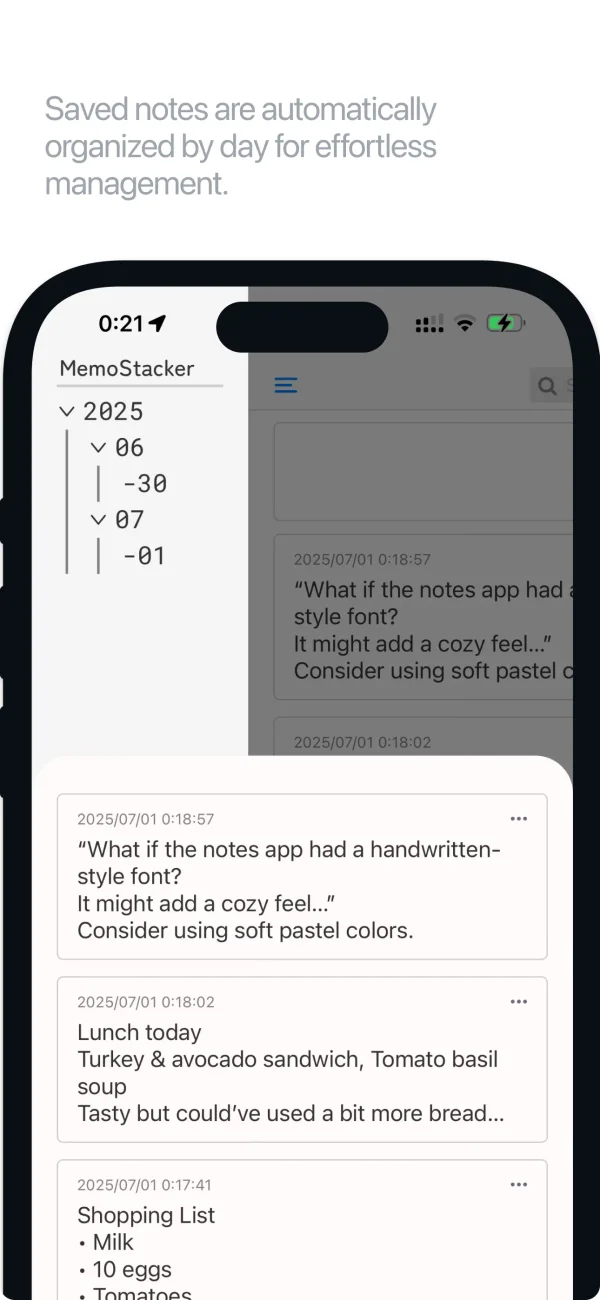
Stack: Notes are stacked chronologically and automatically organized by date.
View: Browse your past records beautifully in a refined timeline format.
■ Timeline Format With No Organizing Needed
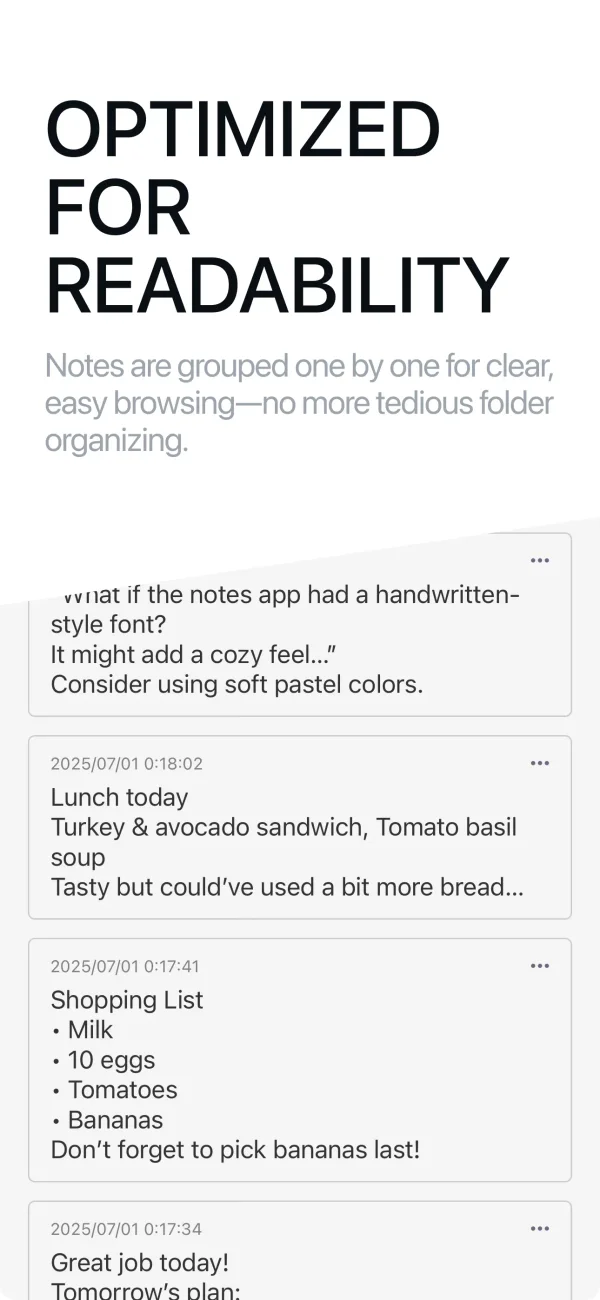
Open the home screen and all your notes are arranged chronologically. No more creating folders or managing file names. Just swipe to instantly revisit your past self.
■ Automatically Organized Timeline View
Notes are automatically organized by date. With intuitive navigation by year, month, and day, you can find records from years ago in an instant.
■ Stats That Reveal Your Habits
See how much you have written through a heatmap. The joy of continuing to write helps support your habit.
■ Customization That Feels Like You
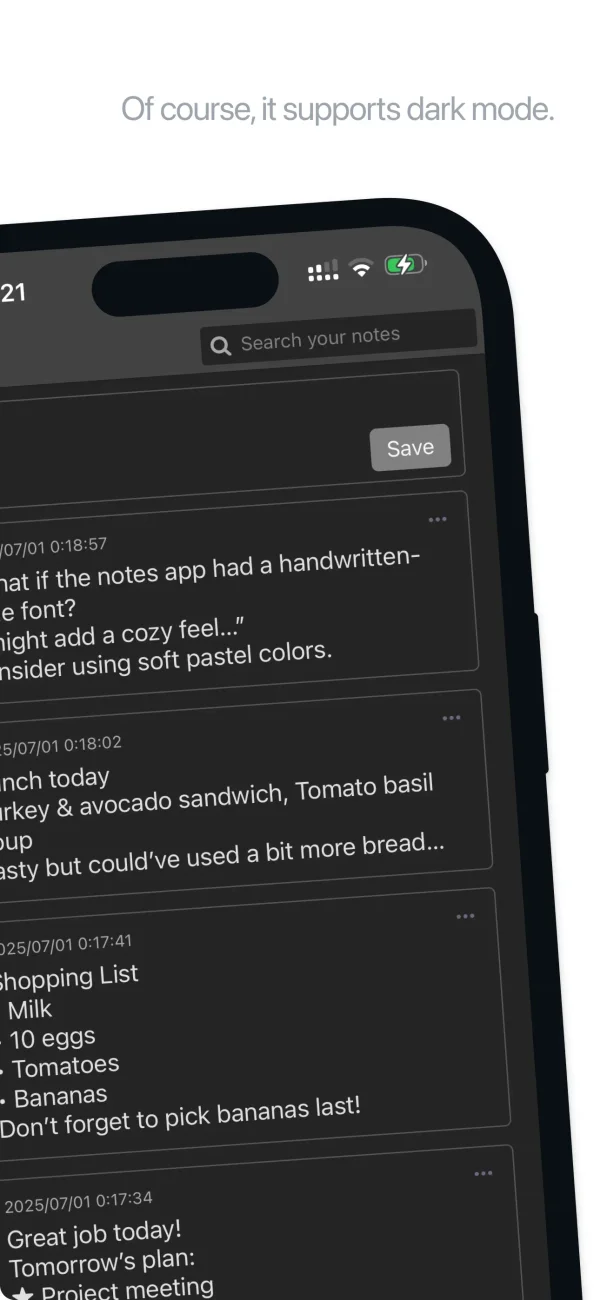
Includes beautiful modern fonts and an eye-friendly dark mode. Because it is something you use every day, Memo Stacker is designed with care for both writing comfort and appearance.
Even when using Local Mode without iCloud Drive:
■ Privacy and Backup You Can Trust
Notes are stored only on your device with a local-first design. When changing devices, you can easily migrate your data to the cloud using your Google account.
When using Memo Stacker on a MacBook, the optimized iPad version is available.
Yenilikler
Sürüm 2.1.5 · 08.06.2026
- Adjusted behavior when automatic keyboard display is enabled
- Added iCloud Drive mode
- Added explanations for each mode to the FAQ
- Made various minor bug fixes and improvements
Uygulama gizliliği
Bu uygulamanın verileri nasıl işlediği hakkında Trivial Ventures tarafından App Store üzerinde yapılan beyan.
-
Sizi izlemek için kullanılan veriler
Başka şirketlere ait uygulamalarda ve web sitelerinde sizi izlemek için kullanılabilir.
- Konum
- Tanımlayıcılar
- Kullanım verileri
-
Sizinle ilişkilendirilen veriler
Toplanabilir ve kimliğinizle ilişkilendirilebilir.
- Konum
- Kullanıcı içeriği
- Tanımlayıcılar
- Kullanım verileri
-
Sizinle ilişkilendirilmeyen veriler
Toplanabilir ancak kimliğinizle ilişkilendirilmez.
- Tanılama
Gizlilik uygulamaları, örneğin kullandığınız özelliklere veya yaşınıza göre değişiklik gösterebilir.
Bilgiler
- Satıcı
- Trivial Ventures
- Kategori
- Yaşam Tarzı
- Sürüm
- 2.1.5
- Güncellendi
- 08.06.2026
- Yayın tarihi
- 02.12.2024
- Boyut
- 90,3 MB
- Gereksinim
- iOS 16.4 veya sonrası
- Yaş sınırı
- 4+
- Fiyat
- Ücretsiz
- Uygulama içi satın alma
- Evet
- Diller
- Japonca, İngilizce
- Telif hakkı
- © 2024 RS